WAN 2.6 zoom transitions AI Generator
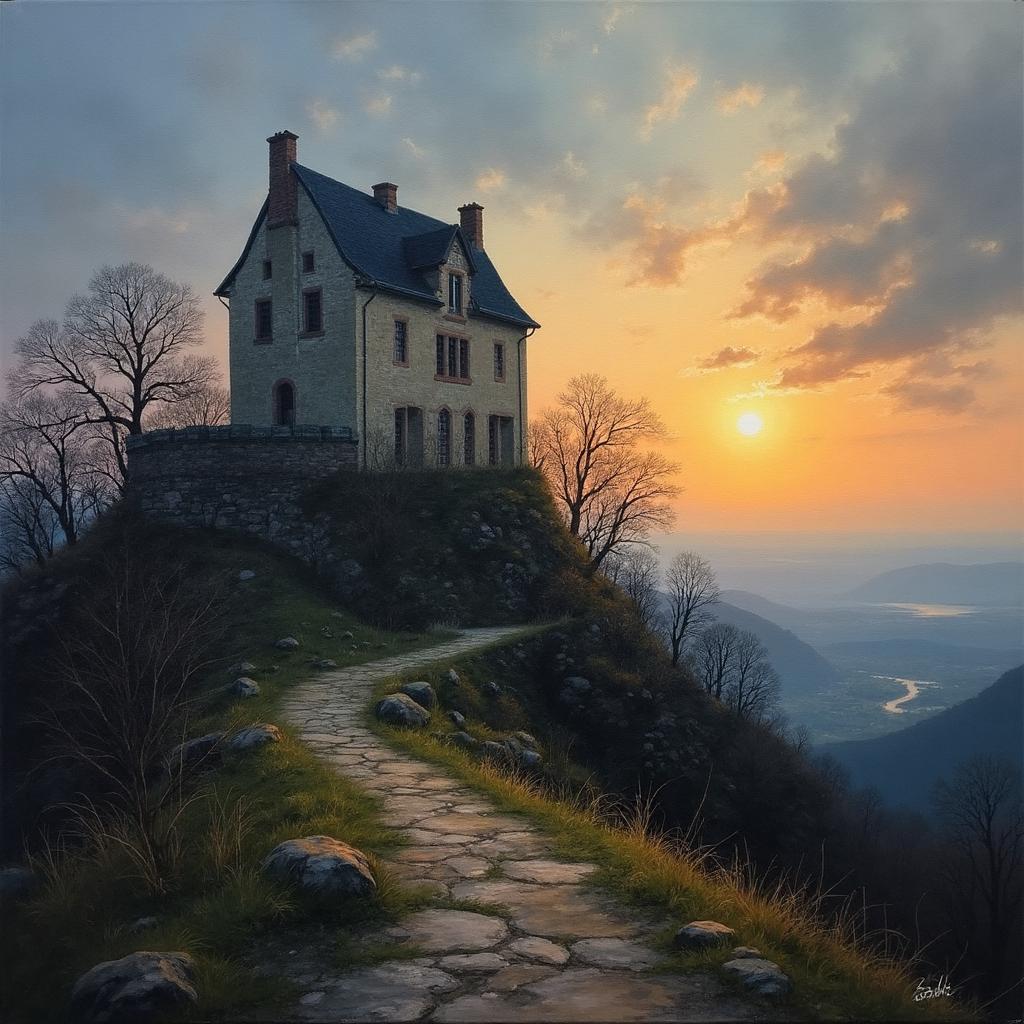
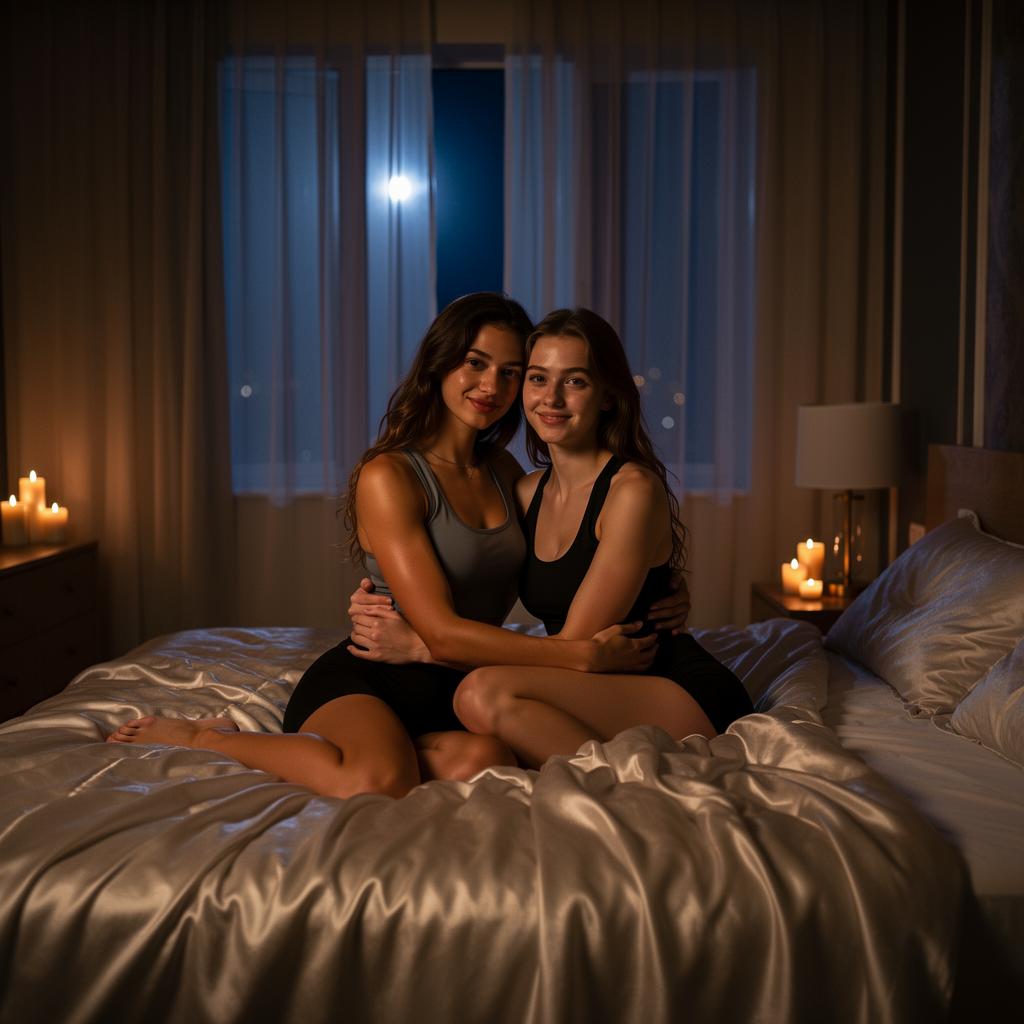
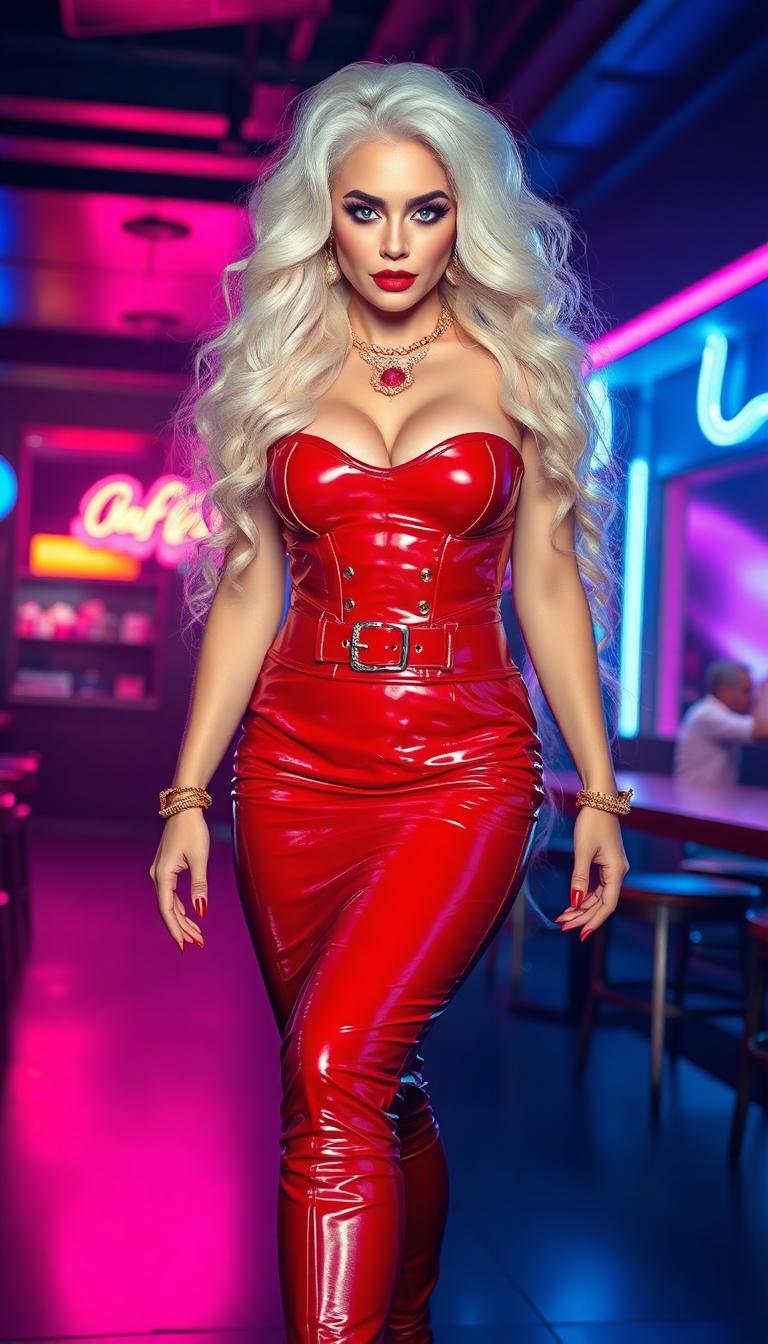
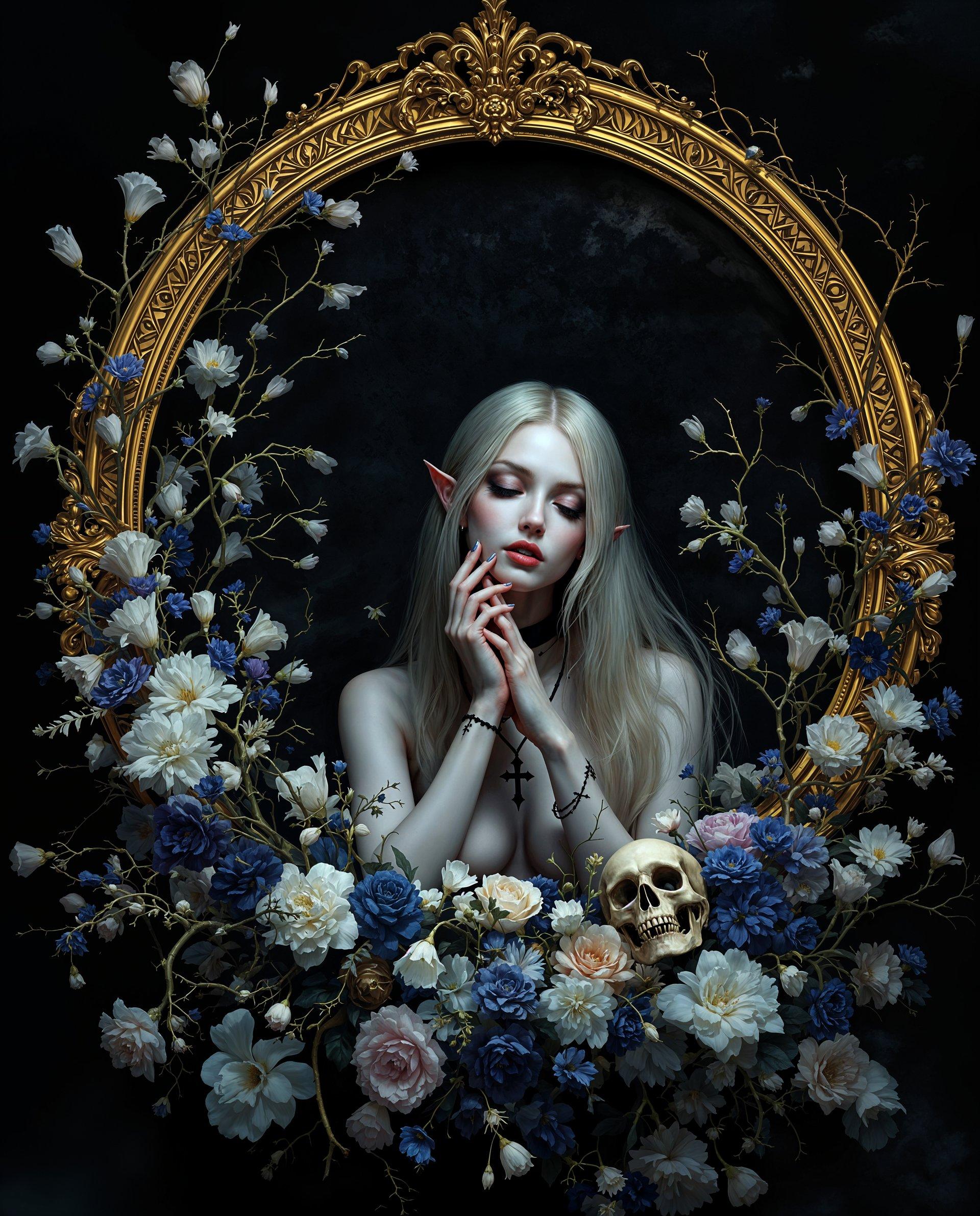
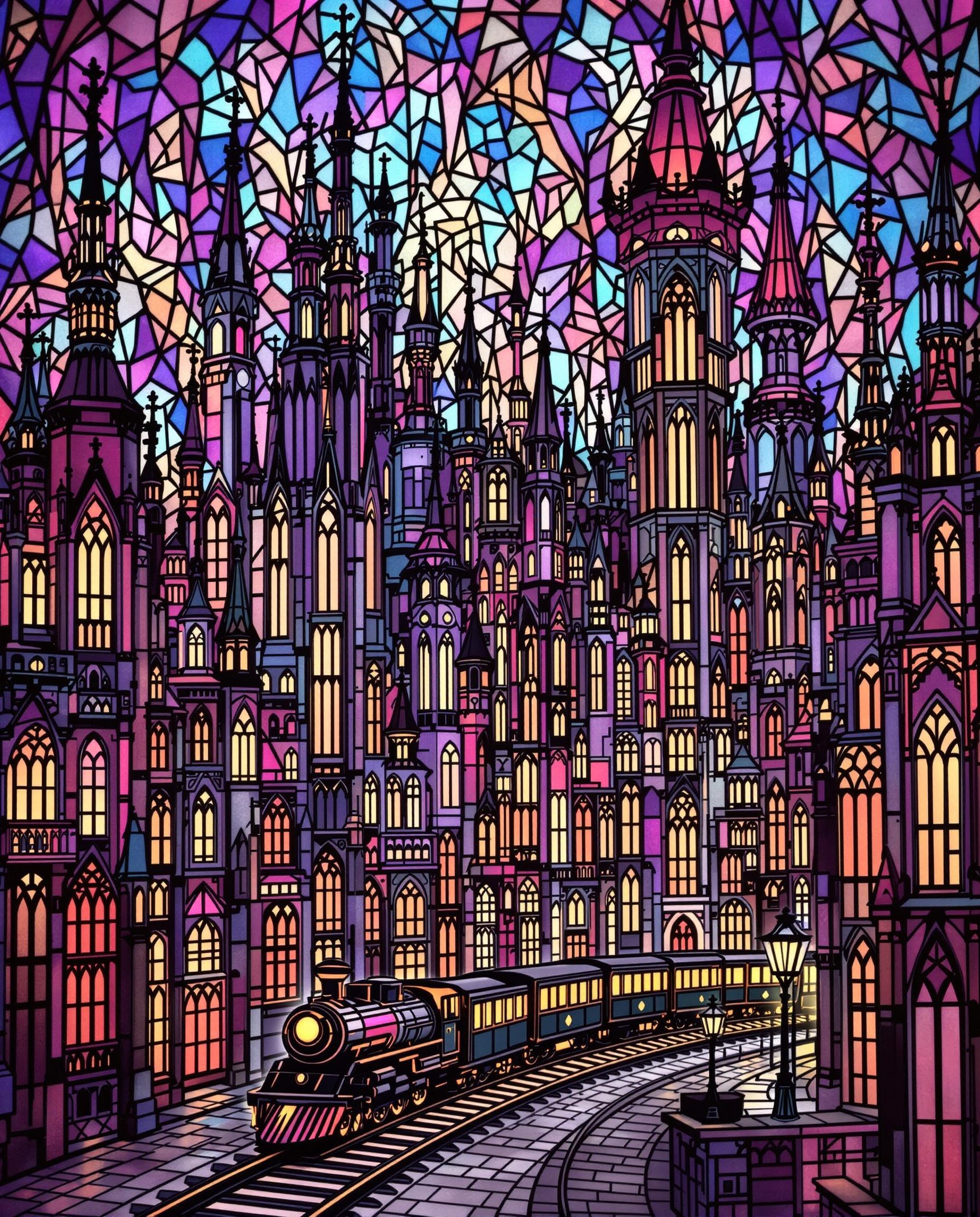
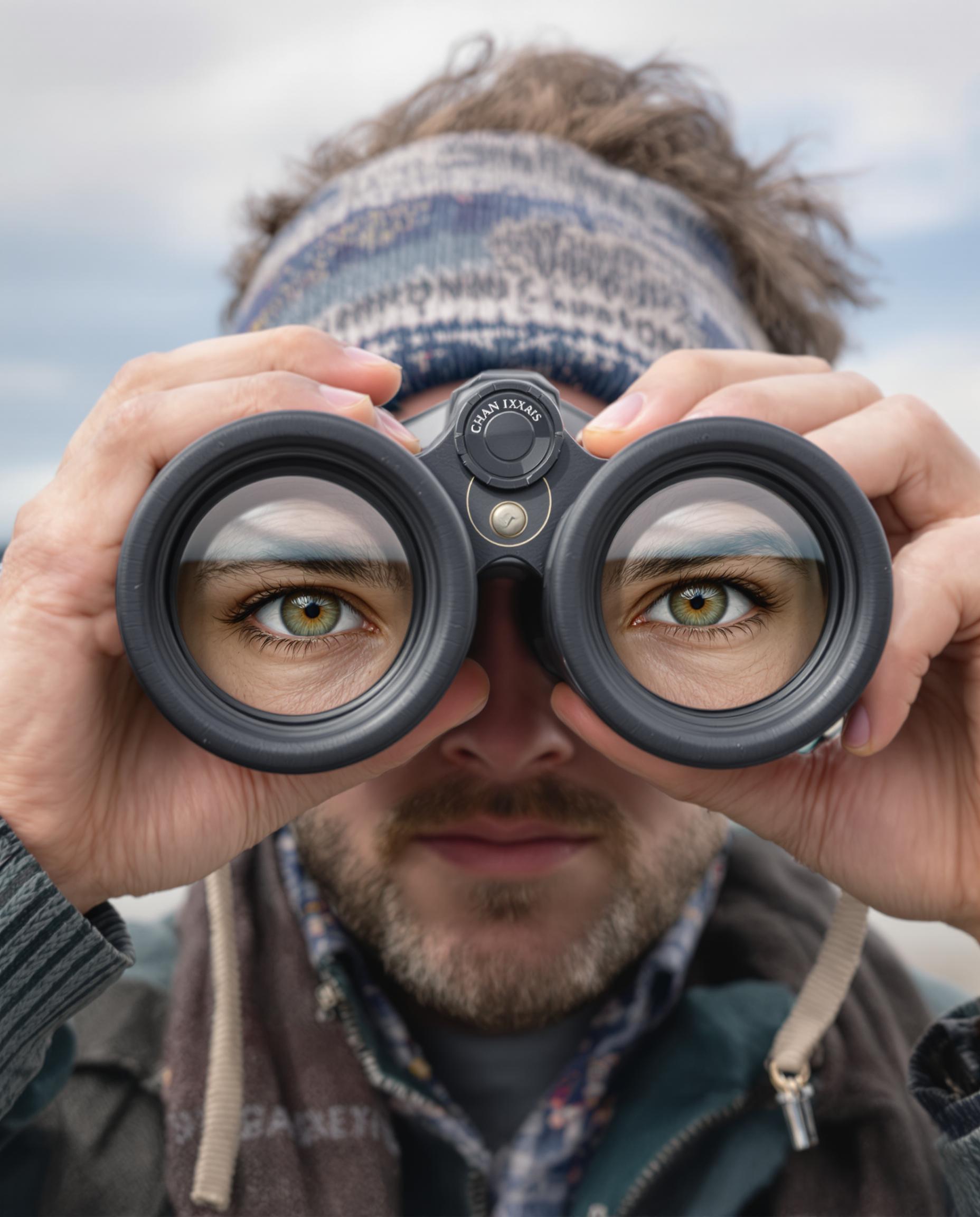
Imagine crafting breathtaking images that mimic smooth, cinematic zoom transitions – pulling viewers from vast landscapes into intricate details with effortless depth and motion illusion. With PixelDojo's WAN 2.6 zoom transitions, you achieve exactly that: visuals that hook audiences instantly, skyrocket social media engagement, and elevate your marketing without needing video editing skills. Perfect for TikTok Reels, Instagram Stories, or ad banners, these AI-generated images deliver professional zoom effects in seconds, turning static visuals into dynamic storytelling powerhouses. Unlock the future of captivating content creation right now.
Join 50,000+ creators | 4.9/5 stars from 12K+ reviews | 'Transformed my content game' – Top YouTubers | Trusted by marketers worldwide
Why Choose Pixel Dojo for WAN 2.6 zoom transitions
Professional-quality results with cutting-edge AI technology
Captivate Audiences Instantly
Draw viewers in with hypnotic zoom effects that simulate seamless transitions from wide shots to hyper-detailed close-ups, boosting dwell time and shares on platforms like Instagram and TikTok.
Save Hours on Complex Edits
Skip manual layering and keyframing – generate ready-to-use zoom transition images that look handcrafted by pros, freeing you to focus on your creative vision.
Achieve Viral-Quality Results
Produce high-resolution images with perfect depth gradients and surreal details, ideal for ads, thumbnails, or social posts that convert viewers into followers and customers.
How It Works
Creating WAN 2.6 zoom transitions images on PixelDojo is simple and powerful – select WAN Image, craft your prompt, and watch AI deliver stunning results tailored to your needs.
Step 1: Choose Your Tool
Head to PixelDojo's Create Images section and select WAN Image – the powerhouse for zoom transition effects. It's optimized for generating layered depth and motion-blur illusions perfect for transitions.
Step 2: Enter Your Prompt
Describe your vision like 'smooth zoom transition from forest panorama to dewdrop on leaf, cinematic lighting, ultra-realistic' – WAN Image handles the intricate gradients and focal shifts automatically.
Step 3: Customize & Download
Refine with PixelDojo's Edit Images tools like Magic Lighting or Creative Upscaler for enhanced depth. Preview, adjust aspect ratios for social, then download in high-res for immediate use.


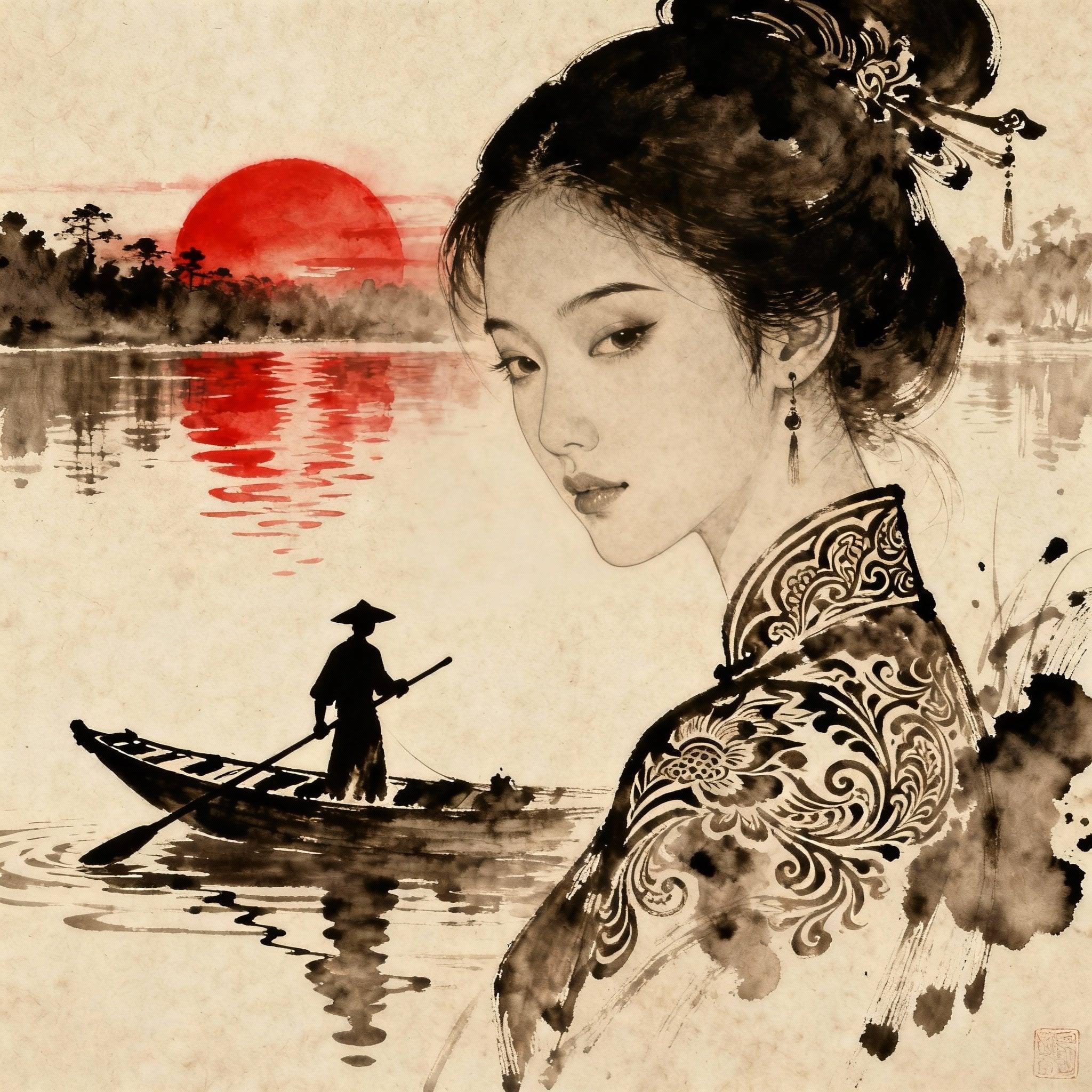
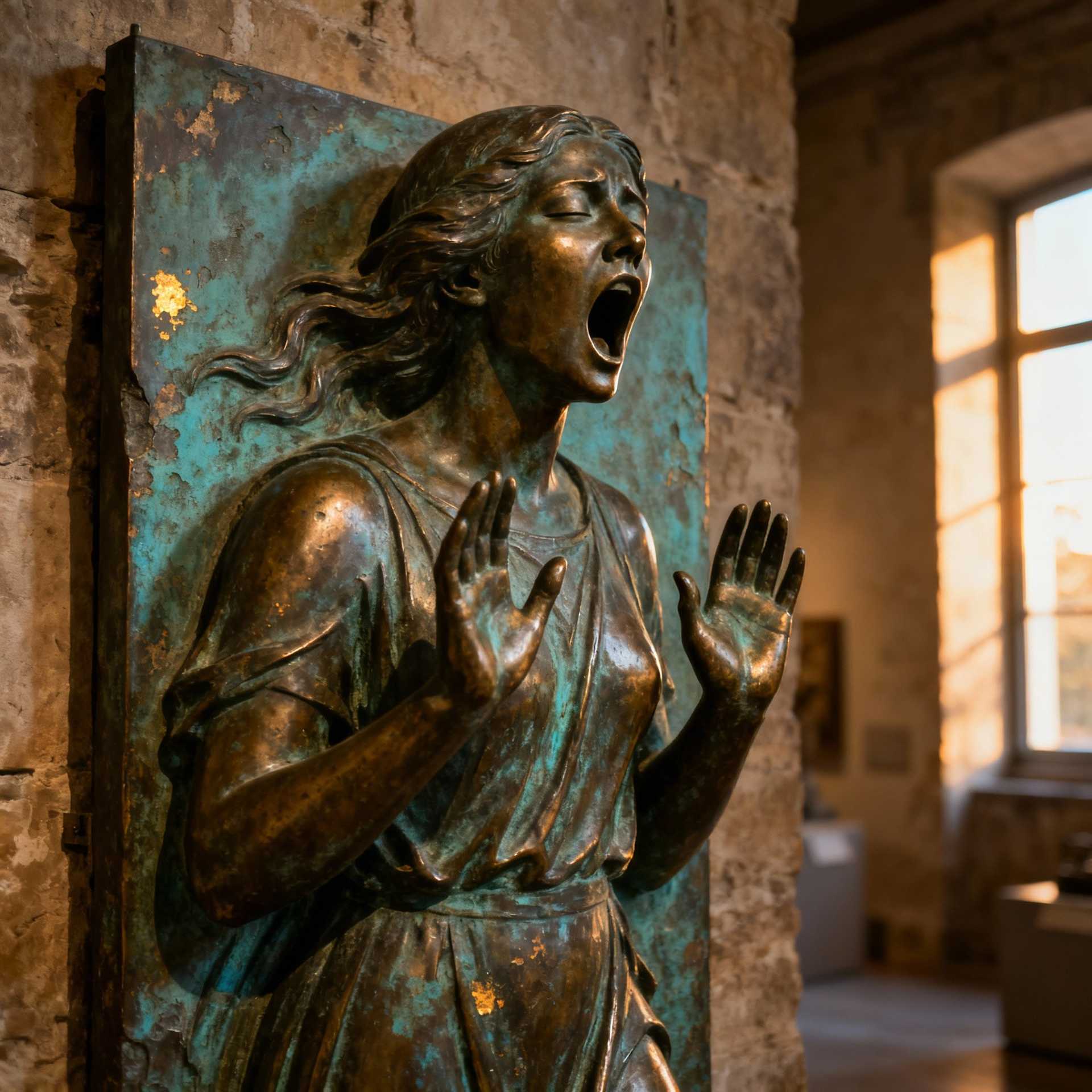
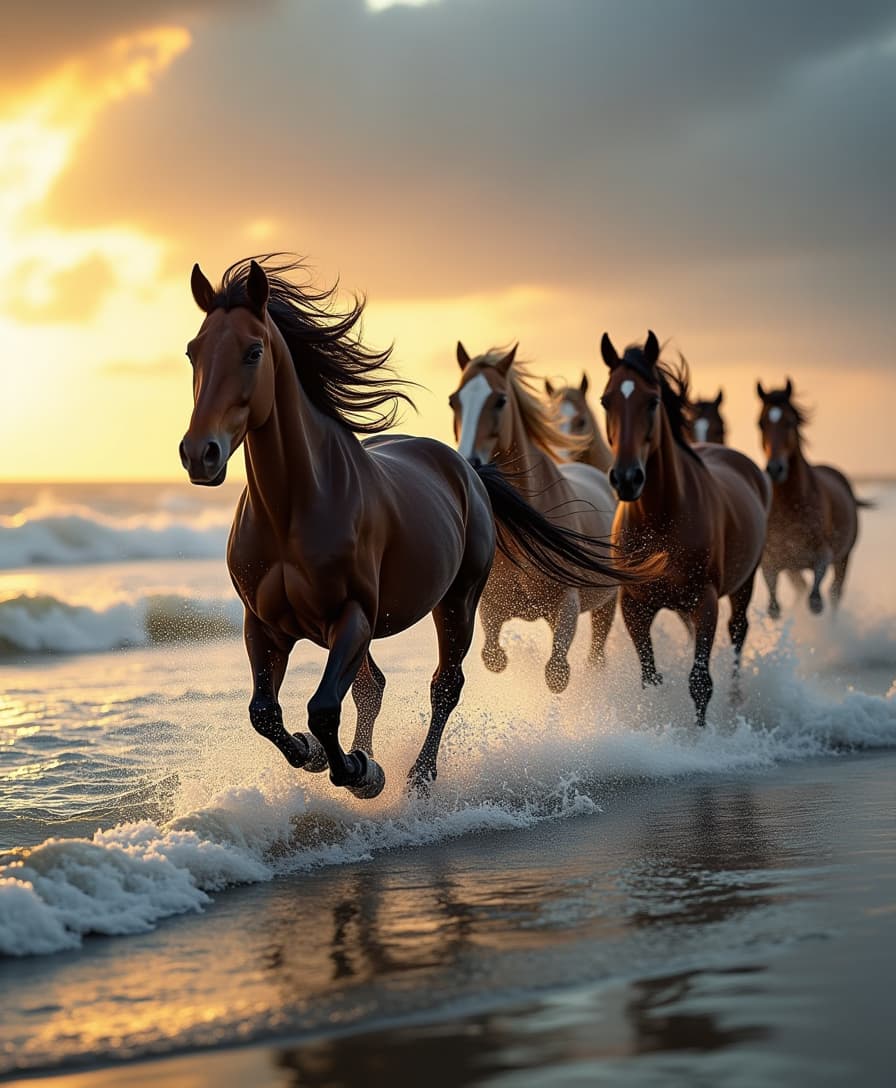
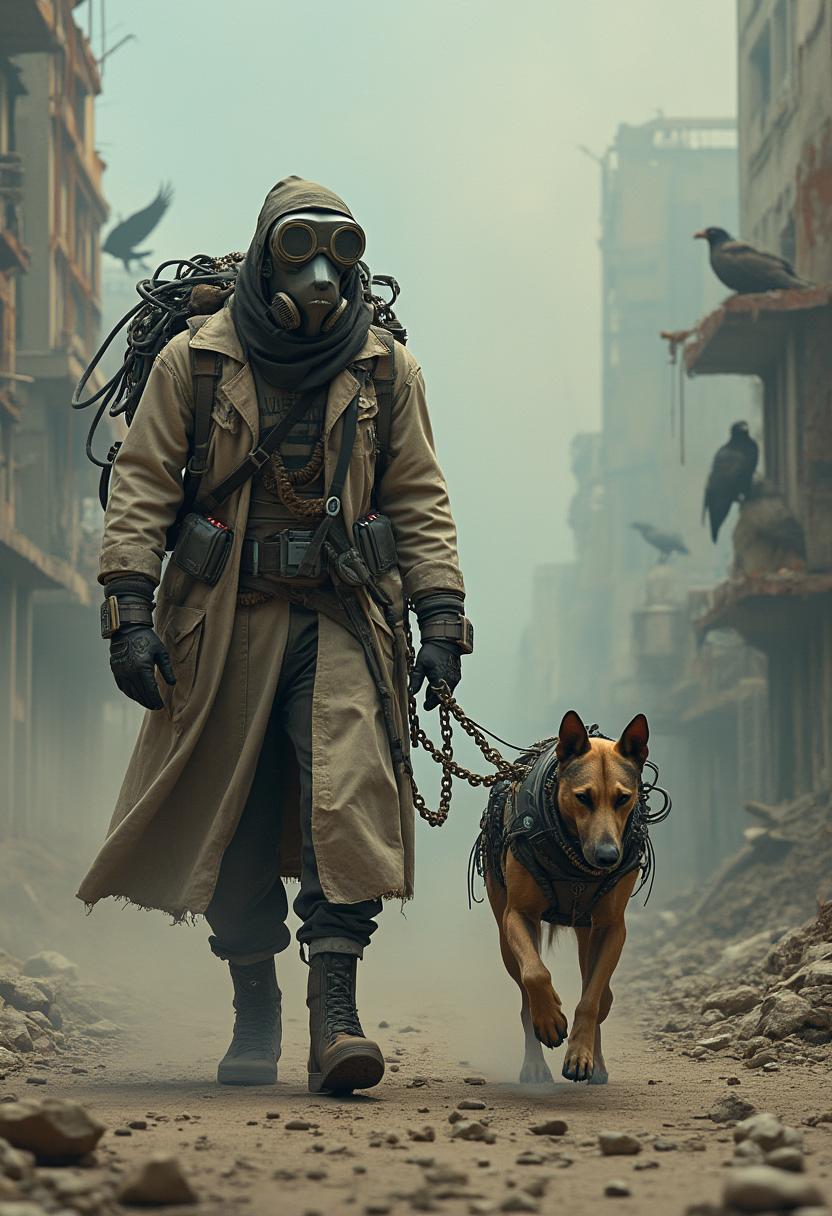

The Pixel Dojo Advantage
Why PixelDojo outperforms other options for WAN 2.6 zoom transition image generation
| Others | Pixel Dojo |
|---|---|
| Traditional zoom creation | No need for Photoshop layers or After Effects timelines – get instant, flawless zoom illusions that would take pros days to build. |
| Generic AI tools | WAN Image delivers specialized zoom depth and motion fidelity unmatched elsewhere, with seamless integration to editors like Inpainting for perfect tweaks. |
| Manual photo editing | Eliminate trial-and-error blending – AI crafts photorealistic transitions from your prompt alone, saving 90% of your time. |
Loved by Creators
See what our community says about WAN 2.6 zoom transitions
"PixelDojo's WAN 2.6 zoom transitions turned my static thumbnails into viral magnets – engagement doubled overnight!"
Sarah Kline
Social Media Marketer
"Finally, zoom effects that look cinematic without video skills. WAN Image on PixelDojo is a game-changer for my Reels."
Mike Rivera
Content Creator
Common Questions
Everything you need to know about WAN 2.6 zoom transitions AI generation
How do I generate WAN 2.6 zoom transition images with AI on PixelDojo?
Simply select WAN Image from Create Images, input a descriptive prompt like 'epic zoom from mountain range to wildflower close-up,' and generate. Use Edit tools like Style Transfer for refinements. Results are ready in seconds, optimized for social media aspect ratios.
What makes WAN 2.6 zoom transitions ideal for social media content?
These images create an illusion of motion that stops scrolls – perfect for Instagram Stories or TikTok previews. PixelDojo's WAN Image ensures smooth gradients and hyper-real details, driving higher views and interactions compared to flat images.
Can I customize WAN 2.6 zoom transition images after generation?
Yes! Post-generation, apply PixelDojo's Image to Image, Magic Lighting, or Background Remover to tweak angles, lighting, or elements. Combine with Creative Upscaler for 4K exports ready for any platform.
Are WAN 2.6 zoom transition AI images high-resolution and commercial-ready?
Absolutely – PixelDojo outputs up to 8K resolution with WAN Image. They're watermark-free on paid plans, fully licensed for commercial use in ads, prints, or videos, empowering your business growth.
What's the best prompt technique for WAN 2.6 zoom transitions image generation?
Start with 'smooth zoom transition from [wide scene] to [close detail],' add styles like 'cinematic, photorealistic, depth of field.' Experiment with PixelDojo's ImagineArt 1.5 for variations, then refine in WAN Image for precision.
How does PixelDojo's WAN 2.6 compare to other AI for zoom effects?
PixelDojo excels with specialized depth rendering in WAN Image, outperforming generics in transition smoothness. Access 40+ tools like Flux.1 Studio for hybrids, all in one dashboard – no switching apps.