WAN 2.7 first frame image to video AI Generator
Transform your static images into dynamic, engaging videos effortlessly with PixelDojo's WAN 2.7. Whether you're a content creator, marketer, or hobbyist, our AI-powered tool enables you to produce professional-quality videos from a single image, enhancing your storytelling and audience engagement.

Join over 500,000 satisfied users who have created more than 10 million videos with PixelDojo's cutting-edge AI tools.
Why Choose Pixel Dojo for WAN 2.7 first frame image to video
Professional-quality results with cutting-edge AI technology
Effortless Video Creation
Convert images into videos without any technical expertise, saving time and resources.
Professional Quality Output
Generate high-definition videos with smooth transitions and consistent motion dynamics.
Enhanced Creative Control
Define the starting and ending frames to guide the video's narrative flow precisely.
How It Works
Creating videos from images with WAN 2.7 is a straightforward process. Follow these steps to bring your images to life:
Step 1: Upload Your Image
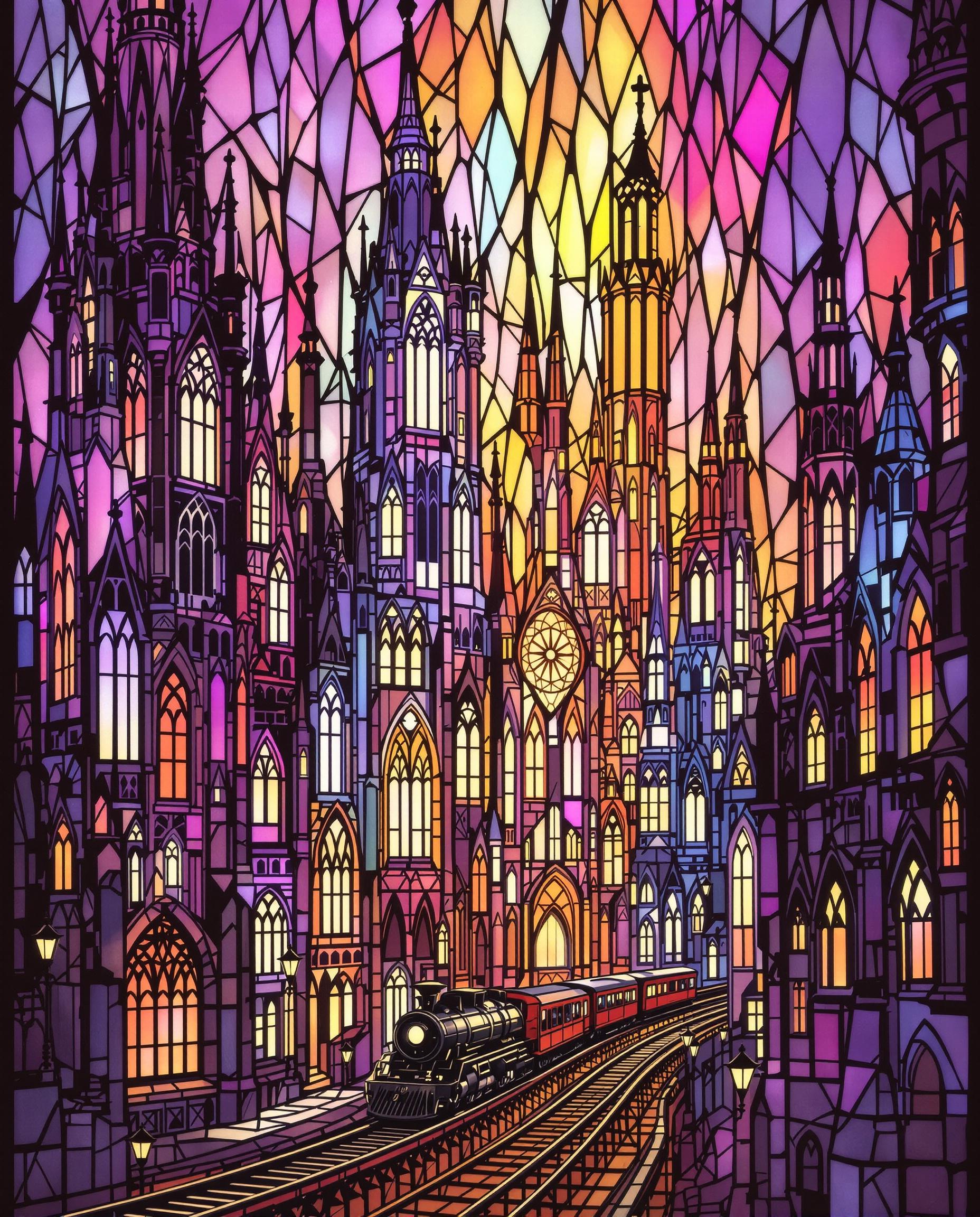
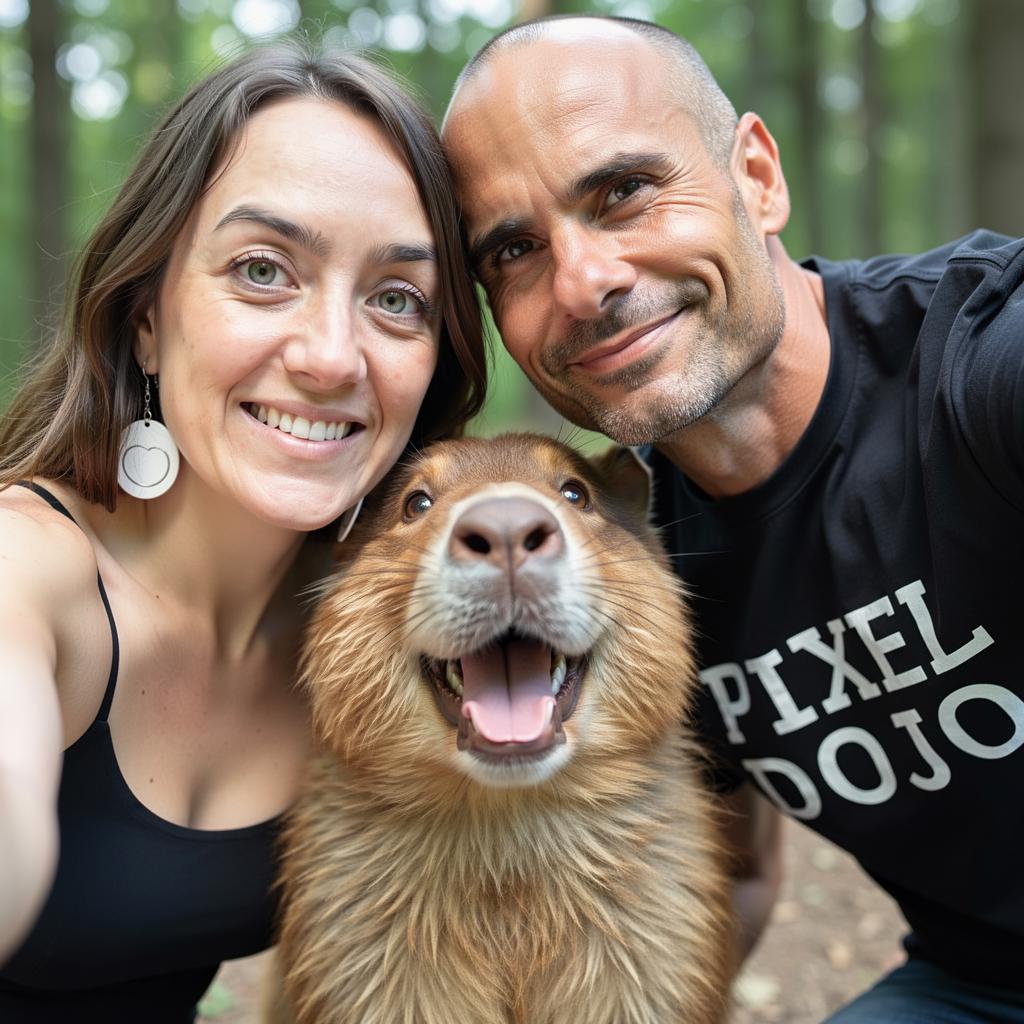
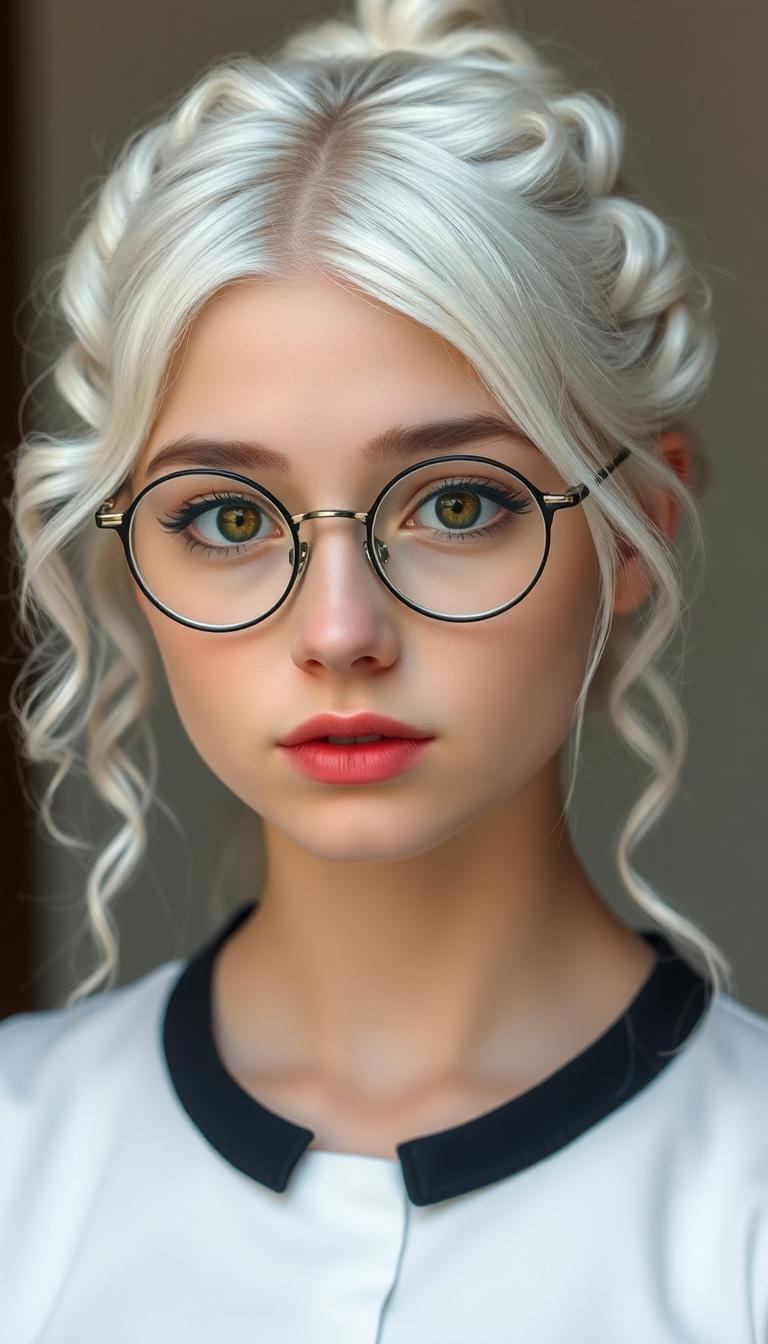
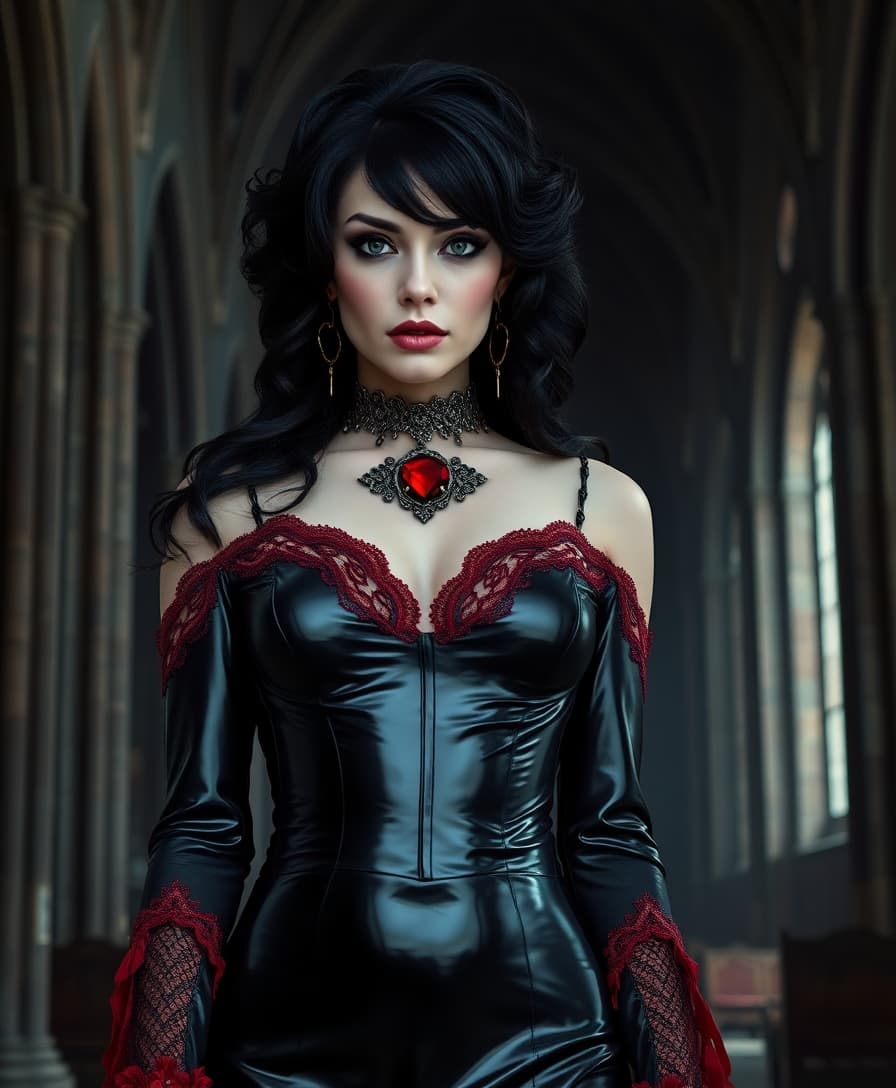
Select and upload the image you wish to transform into a video. Ensure the image is in PNG or JPG format with a resolution of at least 720p for optimal results.
Step 2: Set First and Last Frames
Define the initial and final frames of your video to control the motion and narrative flow. This step allows for precise storytelling and seamless transitions.
Step 3: Generate and Download
Click 'Generate' to let WAN 2.7 process your inputs and create the video. Once generated, preview the result and download the high-definition video file.



The Pixel Dojo Advantage
Why PixelDojo's WAN 2.7 Outperforms Other Image-to-Video Solutions
| Others | Pixel Dojo |
|---|---|
| Traditional Video Editing Software | Eliminates the need for complex software and technical skills, making video creation accessible to everyone. |
| Generic AI Tools | Offers precise control over video parameters like first and last frames, ensuring tailored outputs. |
| Manual Animation Techniques | Significantly reduces the time and effort required to animate images, delivering results in minutes. |
Loved by Creators
See what our community says about WAN 2.7 first frame image to video
"PixelDojo's WAN 2.7 transformed my static product images into engaging videos effortlessly. My social media engagement has skyrocketed!"
Jane Doe
E-commerce Entrepreneur
"As a content creator, I can now produce dynamic videos from my illustrations without any animation skills. PixelDojo is a game-changer!"
John Smith
Digital Artist
Common Questions
Everything you need to know about WAN 2.7 first frame image to video AI generation
How does WAN 2.7 convert images into videos?
WAN 2.7 utilizes advanced AI algorithms to analyze your uploaded image and generate a video by simulating motion and transitions based on the defined first and last frames.
What image formats are supported by WAN 2.7?
WAN 2.7 supports PNG and JPG image formats. For optimal results, ensure your images have a resolution of at least 720p.
Can I control the duration of the generated video?
Yes, WAN 2.7 allows you to set the duration of your video, ranging from 2 to 15 seconds, providing flexibility to suit your project's needs.
Is there a limit to the number of videos I can create?
PixelDojo offers various subscription plans to cater to different usage levels. Depending on your plan, you can create multiple videos. Check our pricing page for more details.
Do I need any prior experience in video editing to use WAN 2.7?
No, WAN 2.7 is designed to be user-friendly and requires no prior video editing experience. The intuitive interface guides you through each step of the process.
Can I use the generated videos for commercial purposes?
Yes, videos created with WAN 2.7 can be used for commercial purposes. However, please review our terms of service for specific licensing details.