Yearbook pictures AI Generator
Ever wished to revisit the charm of your school days? With PixelDojo's advanced AI tools, you can effortlessly transform your modern selfies into nostalgic yearbook photos. Capture the essence of the '80s and '90s and share timeless memories with friends and family.
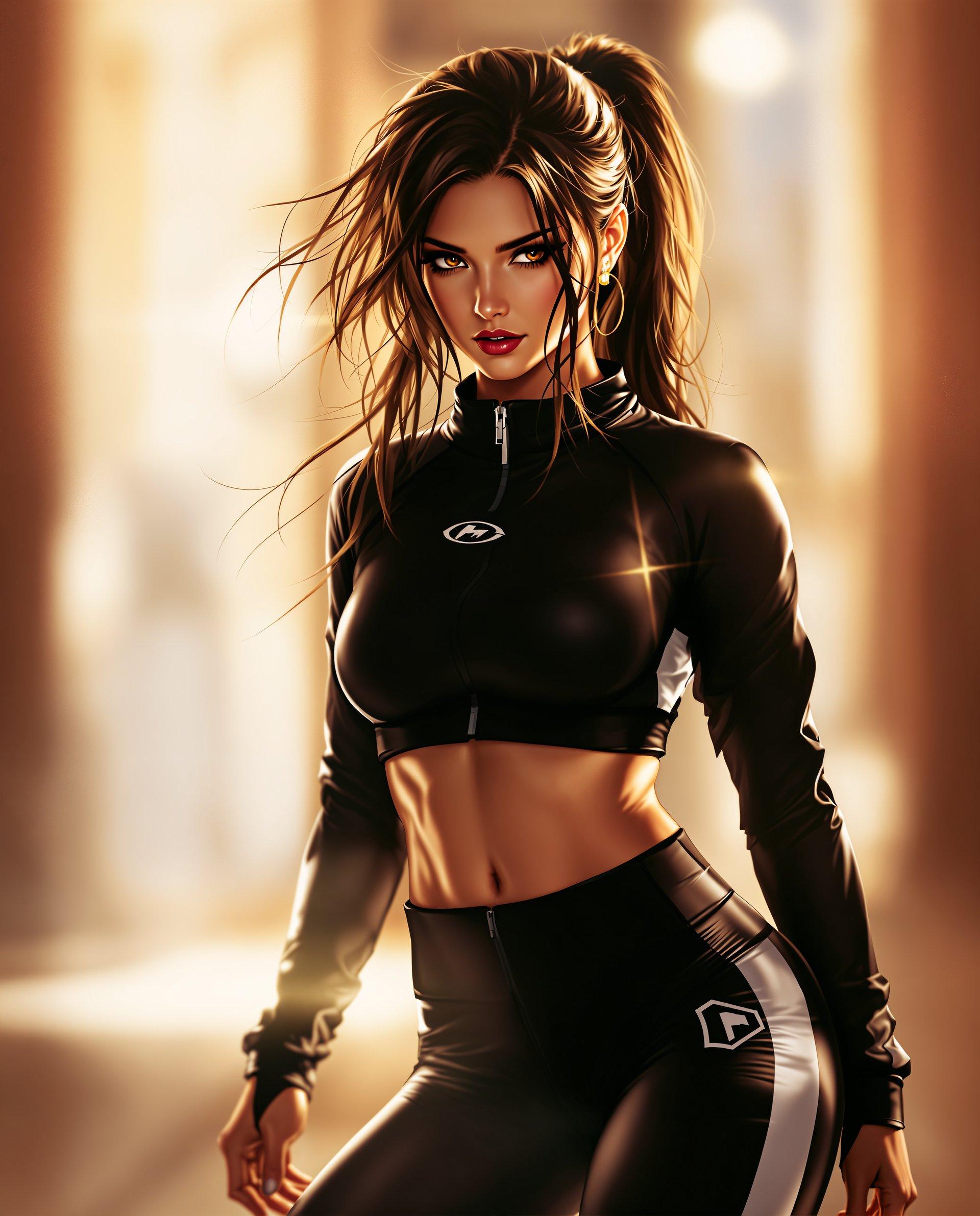
Join over 10,000 satisfied users who have created their own AI-generated yearbook photos with PixelDojo's cutting-edge technology.
Why Choose Pixel Dojo for Yearbook pictures
Professional-quality results with cutting-edge AI technology
Effortless Transformation
Convert your current photos into vintage yearbook images in just a few clicks.
Diverse Styles
Choose from a variety of classic yearbook styles to match your desired era.
High-Quality Results
Generate high-resolution images suitable for printing and sharing.
How It Works
Creating your own AI-generated yearbook photo is simple with PixelDojo. Follow these steps:
Step 1: Choose Your Tool
Navigate to PixelDojo's 'Create' section and select the 'Flux Creator' tool.
Step 2: Upload Your Photo
Click on 'Upload' to add a clear, front-facing photo of yourself.
Step 3: Select Yearbook Style
Choose the 'Yearbook' style from the available options to apply the vintage effect.



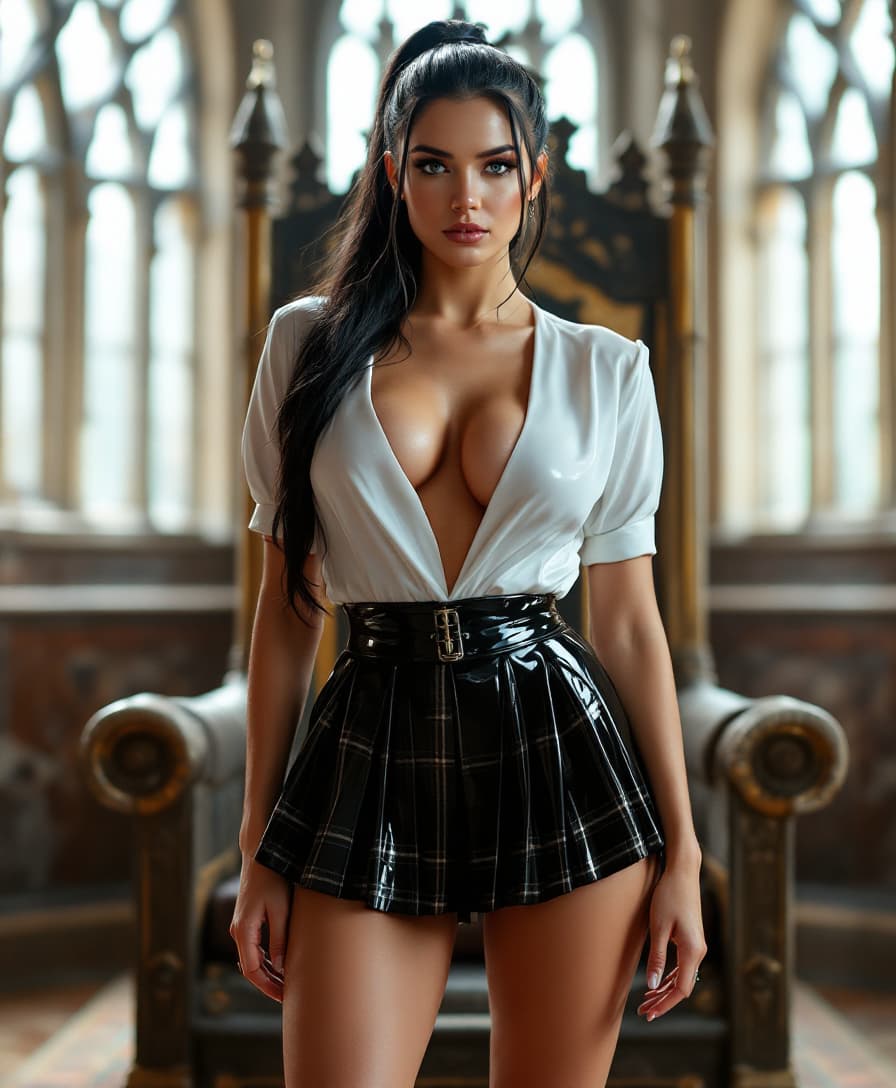
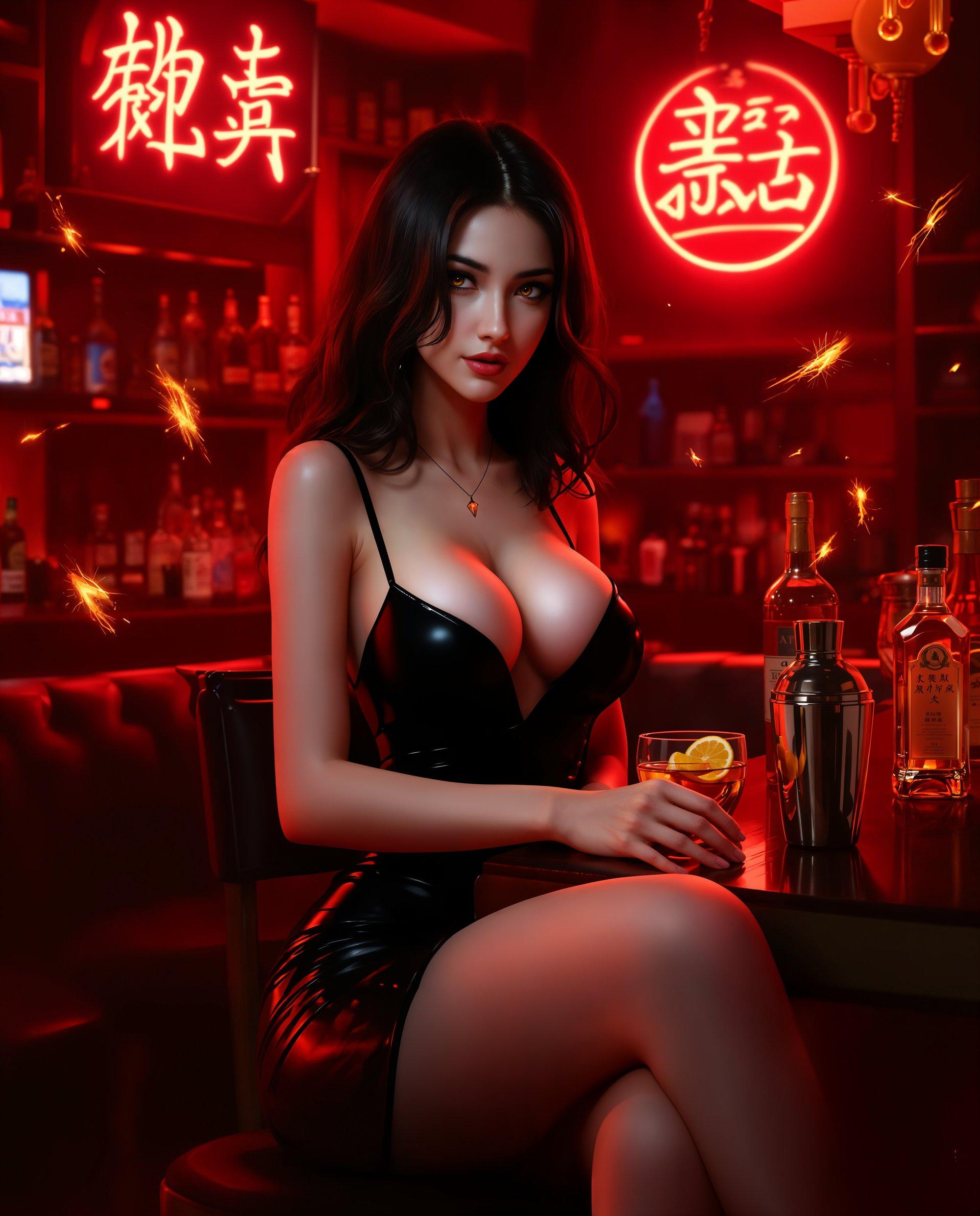
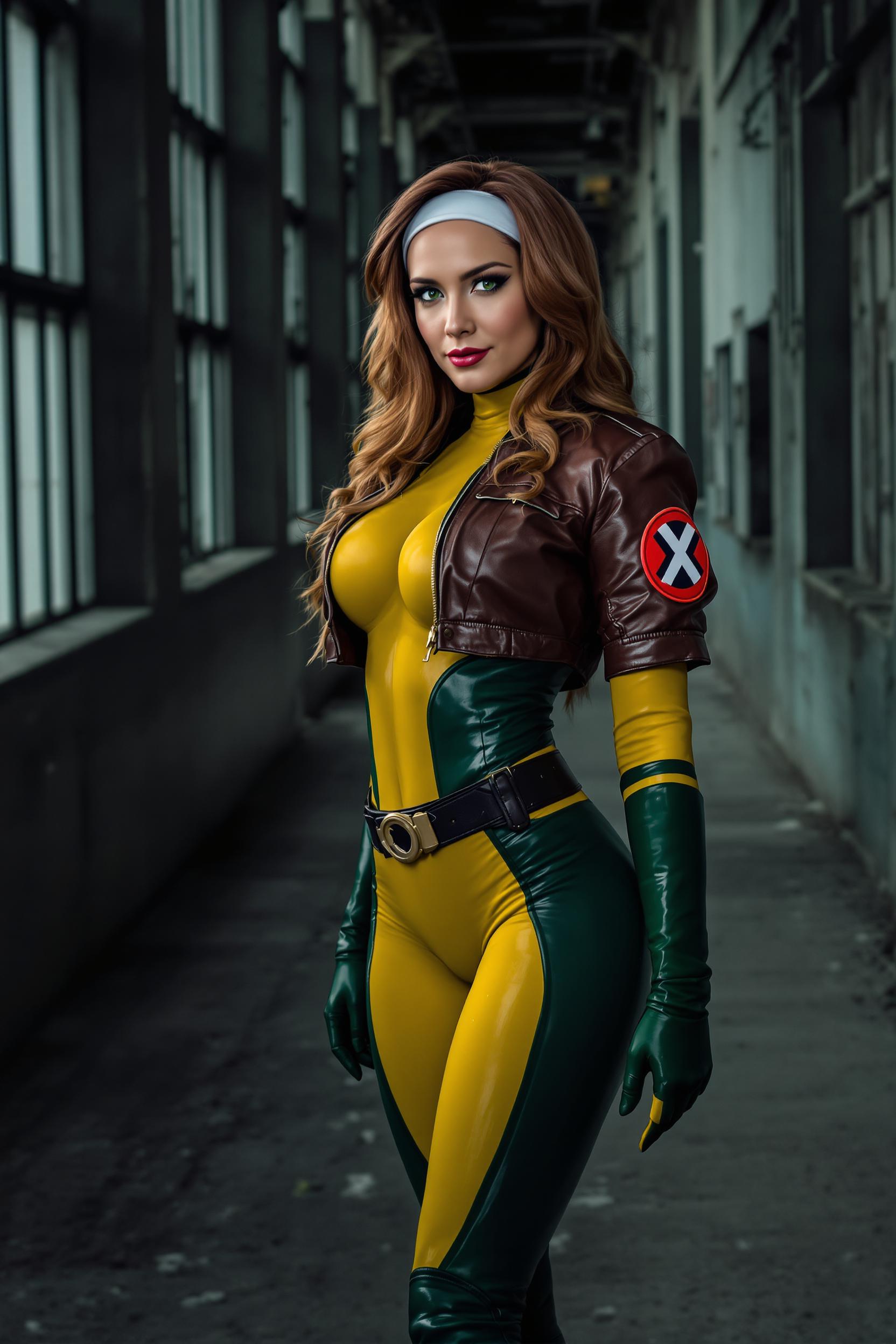
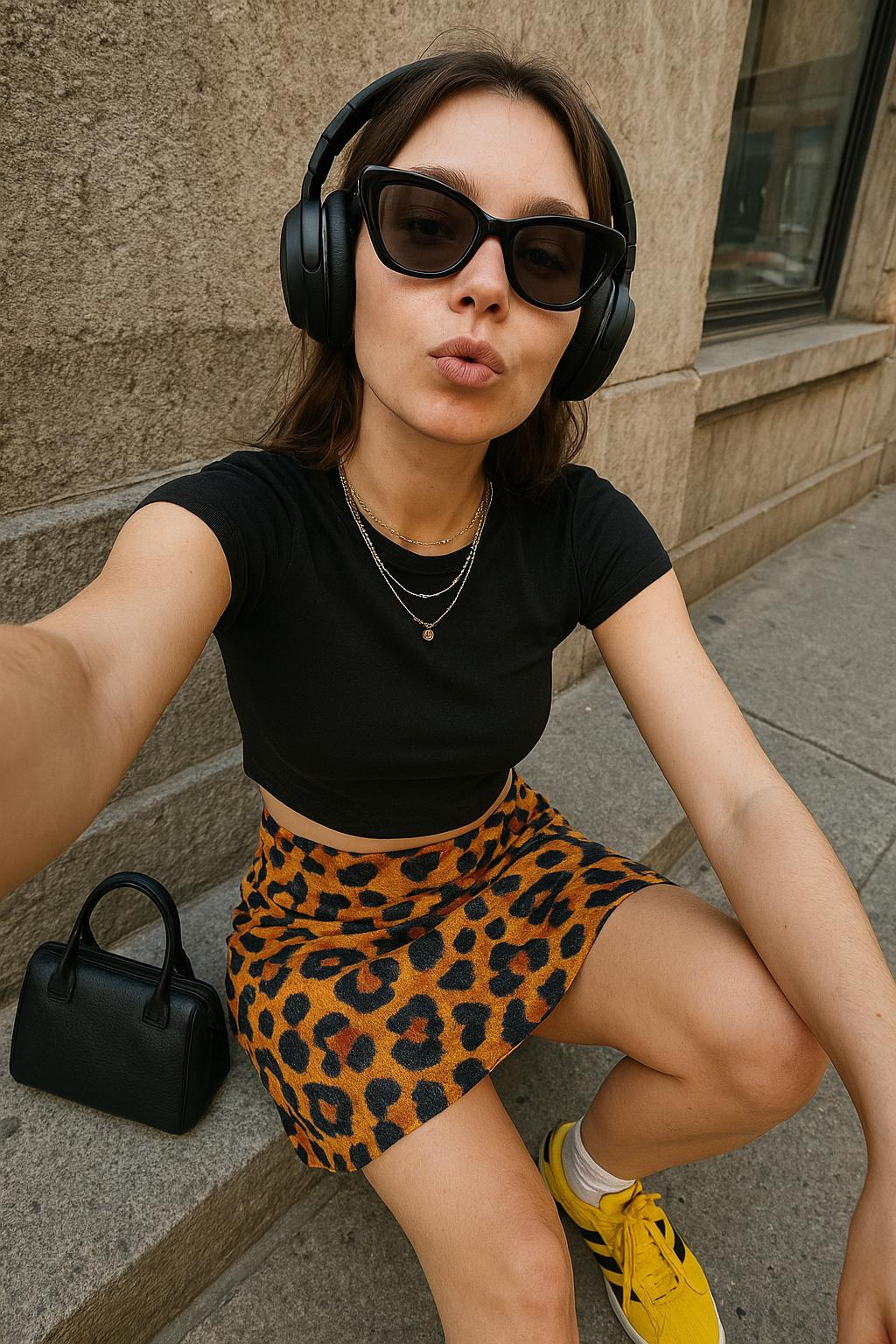


The Pixel Dojo Advantage
Why PixelDojo is the Best Choice for AI-Generated Yearbook Photos
| Others | Pixel Dojo |
|---|---|
| Traditional Photo Editing | No need for manual editing skills; our AI handles the transformation seamlessly. |
| Generic AI Tools | Specialized 'Yearbook' style ensures authentic vintage aesthetics. |
| Manual Photo Shoots | Save time and money by generating yearbook photos without the need for new photoshoots. |
Loved by Creators
See what our community says about Yearbook pictures
"PixelDojo made it so easy to create a nostalgic yearbook photo. The results were amazing!"
Jane Doe
Photographer
"I loved how authentic my AI-generated yearbook photo looked. It brought back so many memories!"
John Smith
Graphic Designer
Common Questions
Everything you need to know about Yearbook pictures AI generation
How do I create AI-generated yearbook photos with PixelDojo?
Simply upload a clear, front-facing photo to our 'Flux Creator' tool, select the 'Yearbook' style, and let our AI do the rest.
Can I customize the yearbook styles?
Yes, PixelDojo offers a variety of yearbook styles from different eras to match your preference.
Is there a cost to use PixelDojo's AI tools?
PixelDojo offers both free and premium plans. You can start with our free tools and upgrade anytime.
How long does it take to generate a yearbook photo?
Our AI processes images quickly, typically delivering results within a few minutes.
Can I use the generated photos for commercial purposes?
Yes, the images you create with PixelDojo can be used for both personal and commercial projects.
Do I need any technical skills to use PixelDojo?
Not at all! Our platform is user-friendly and designed for everyone, regardless of technical expertise.