膚質、髮絲、布料、光線
真實自然的人像
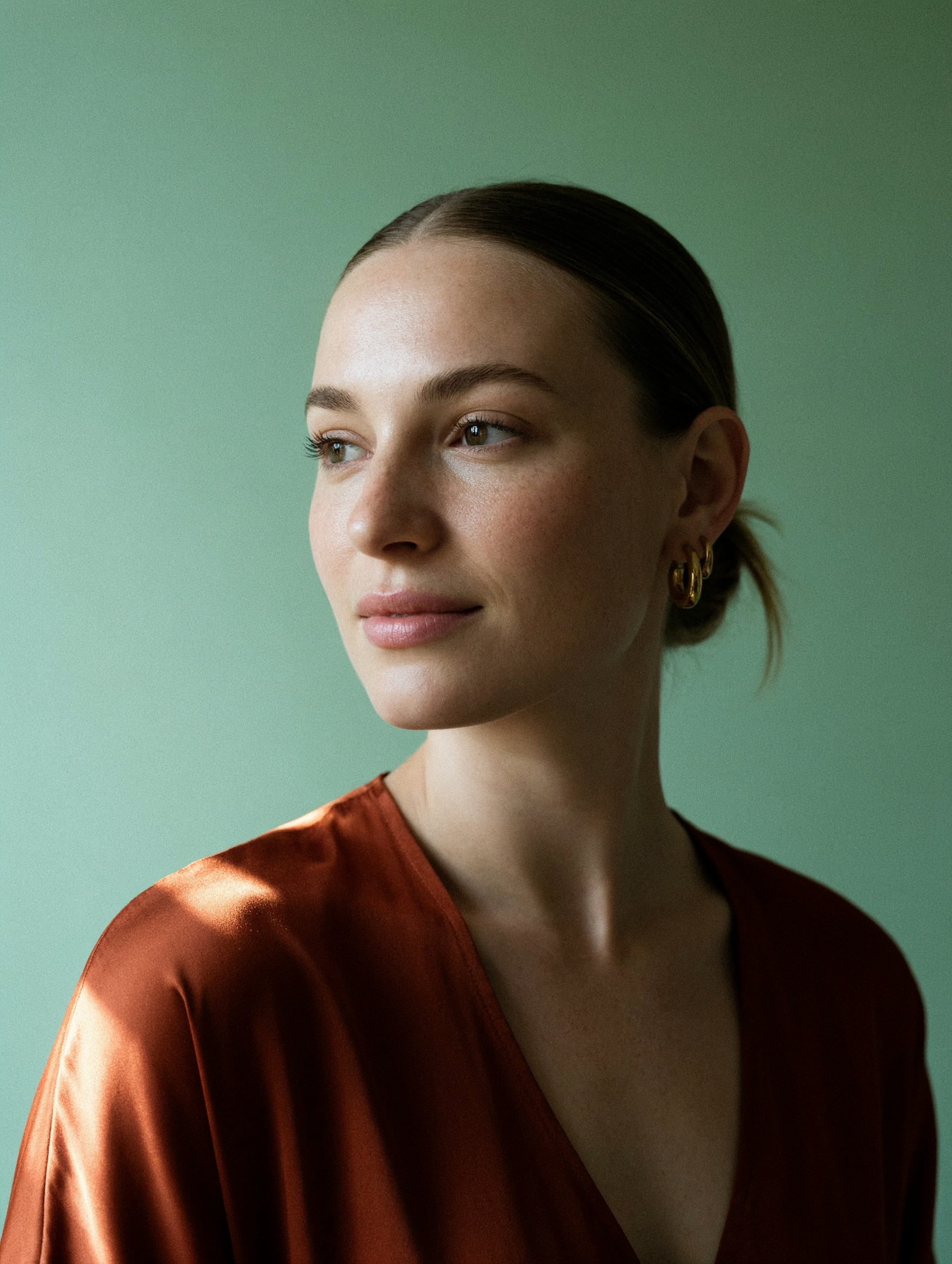
用直白的文字描述鏡頭、光線與臉部。肌膚保有紋理,絲綢留住光澤。
Ideogram 4.6 提示詞教學
這份 Ideogram 4.6 提示詞教學,帶你打造精緻人像、商品照、插畫與海報,最高支援原生 4K。輸入十六進位色碼就能精準呈現品牌色,也能生成透明背景圖片、編輯現有照片。開啟 Precise Edit,只改指定細節,其餘保持原樣。Medium 品質的 2K 圖片每張 2 點。本教學收錄實用提示詞,並附上每組提示詞的實際生成圖片。
Ideogram 4.6 是 Ideogram 最新的模型,以設計為核心。同一套提示詞寫法,就能駕馭照片、手繪插畫、圖示組、包裝與海報,一個工具就能包辦整個品牌的視覺。
依照任務選品質。Draft 適合快速試想法,Low、Medium、High 則逐級增加細節與點數用量。多數作品選 2K,需要印刷尺寸時選 4K。
上傳照片,同一個工具就能直接編輯。Precise Edit 更進一步,只改你指定的地方,取景與版面配置都維持原樣。
本頁所有圖片,都是在 Pixel Dojo 使用旁邊列出的提示詞與設定,一次生成。
2K · 4K
原生尺寸
2 點
一張 Medium 品質 2K 圖片
14
從正方形到橫幅的多種比例
用直白的文字描述鏡頭、光線與臉部。肌膚保有紋理,絲綢留住光澤。
指定媒材與配色,風格就能到位。同一個模型,既能畫出繪本裡的山谷,也能做出印刷風格海報。
製作印刷品或大型顯示畫面時,在 Resolution 選單選擇 4K。Draft 品質僅支援 2K。
上傳照片、開啟 Precise Edit,再說明要改什麼。生成結果會維持原照片尺寸。
每張範例都附上生成該圖片的完整提示詞,一鍵就能複製。
High · 2K · 直式 3:4 · 3 點
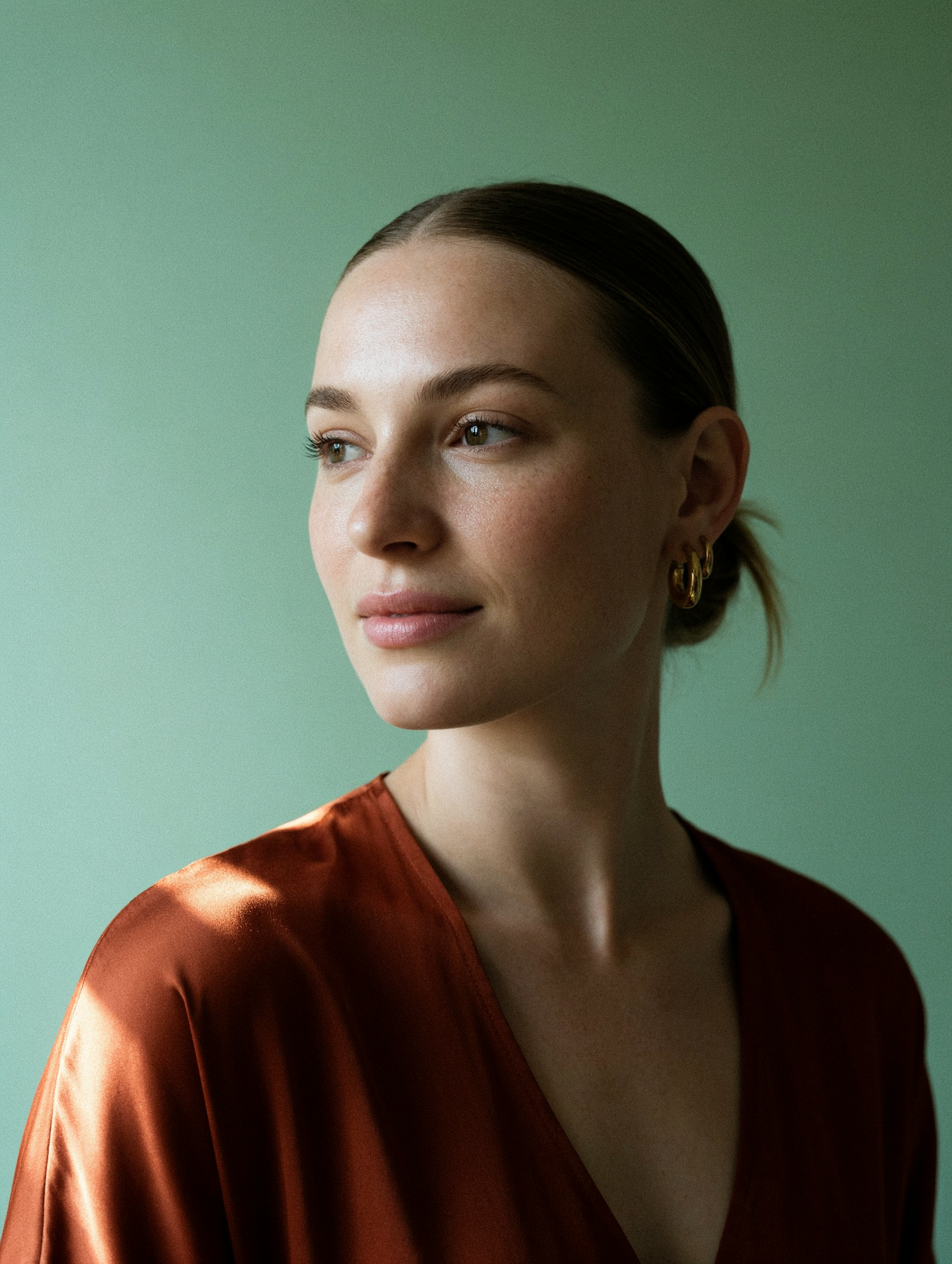
Editorial magazine portrait, medium close up at eye level. A striking woman in her late twenties with a sleek low bun, gold hoop earrings and a rust silk shirt looks just past the lens with a calm half smile, against a seamless sage green paper backdrop. Soft window light from the left with a gentle falloff, 85mm lens, shallow depth of field, fine film grain, natural skin texture.
先寫拍攝類型,再描述臉部與服裝,接著指定一種背景與一道光源。最後用鏡頭與底片顆粒定調。
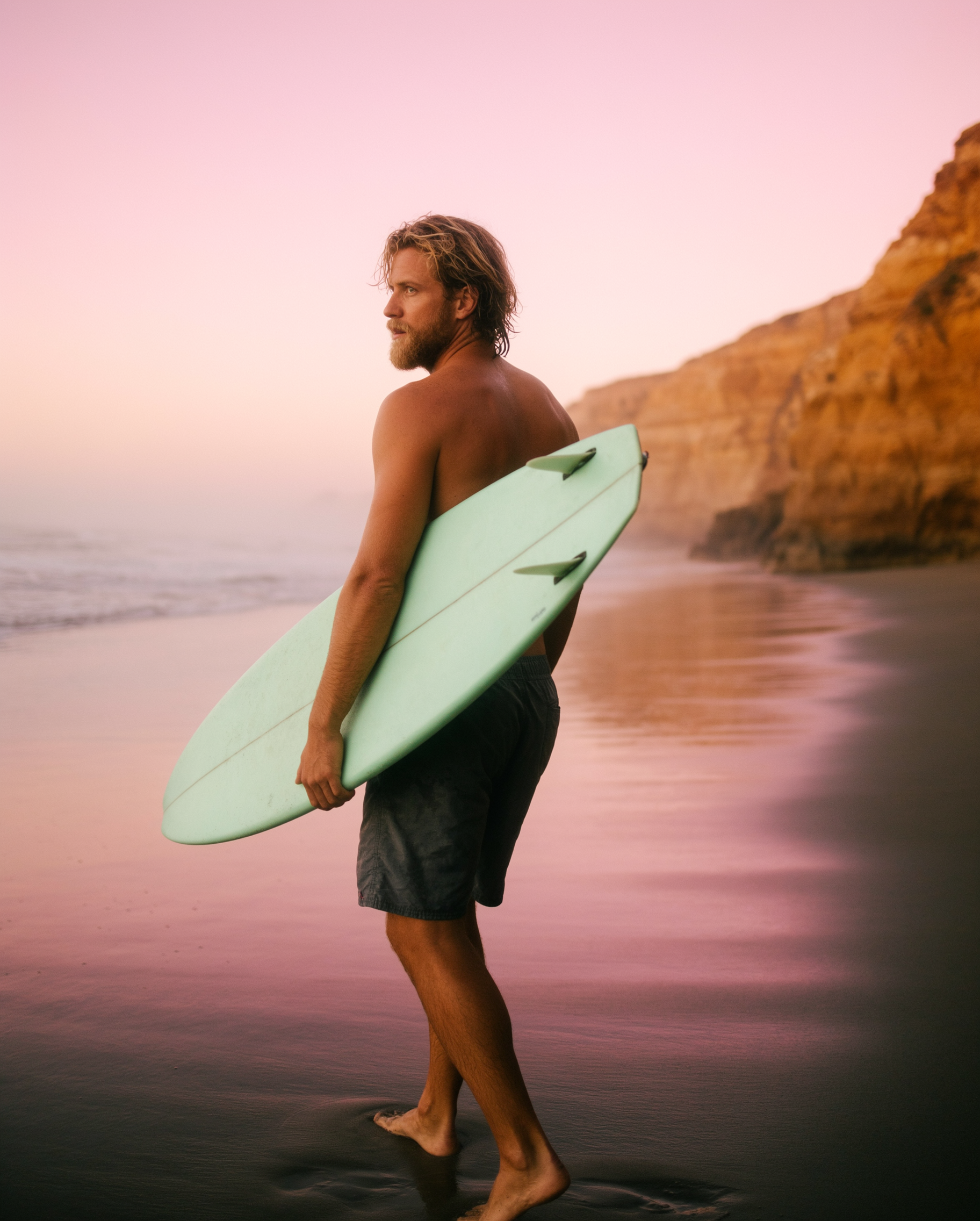
Medium · 2K · 直式 4:5 · Magic Prompt Off · 2 點
A 35mm film photograph of a handsome surfer in his early thirties with a sun bleached beard, carrying a pale green longboard under his arm along wet sand on the Algarve coast at dawn. He glances back over his shoulder toward the waves. Ochre cliffs, mist on the water, soft pink sky, Kodak Portra colors, slight halation on the highlights, candid framing.
指定底片種類與拍攝地點。這張將 Magic Prompt 設為 Off,讓畫面完全依照提示詞生成。
Medium · 2K · 直式 4:5 · Magic Prompt Off · 2 點
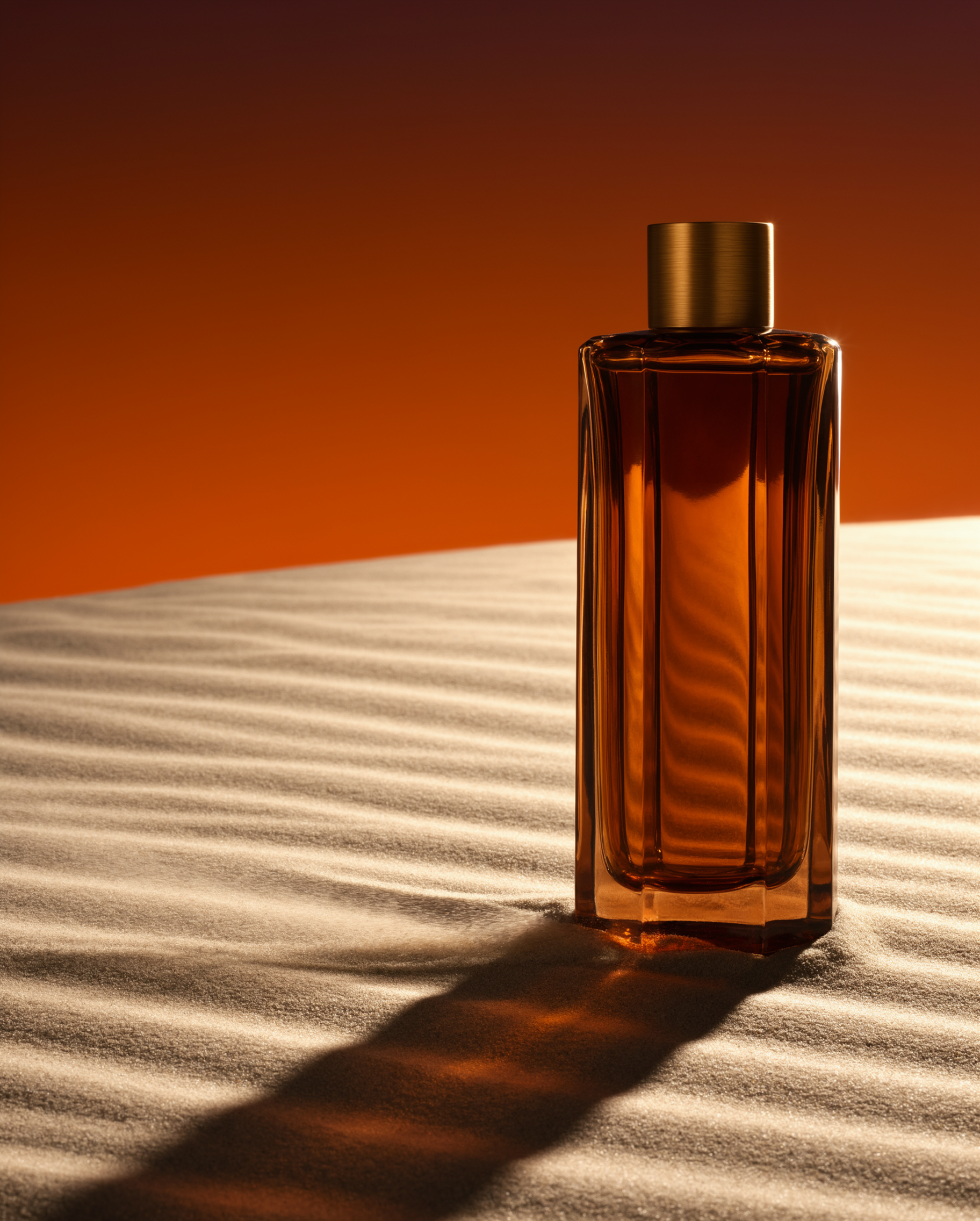
A luxury product photograph of a faceted smoky amber glass perfume bottle with a brushed brass cap standing on a rippled sand dune at sunset. A thin ribbon of sand blows past the bottle. Hard warm side light, a long sharp shadow, crisp reflections in the glass, deep orange sky gradient. No text, no logo.
寫出瓶身與瓶蓋的材質、擺放的檯面,以及光線方向。加一道長陰影,不用加價就有戲。
Medium · 2K · 橫式 3:2 · Magic Prompt Off · 2 點
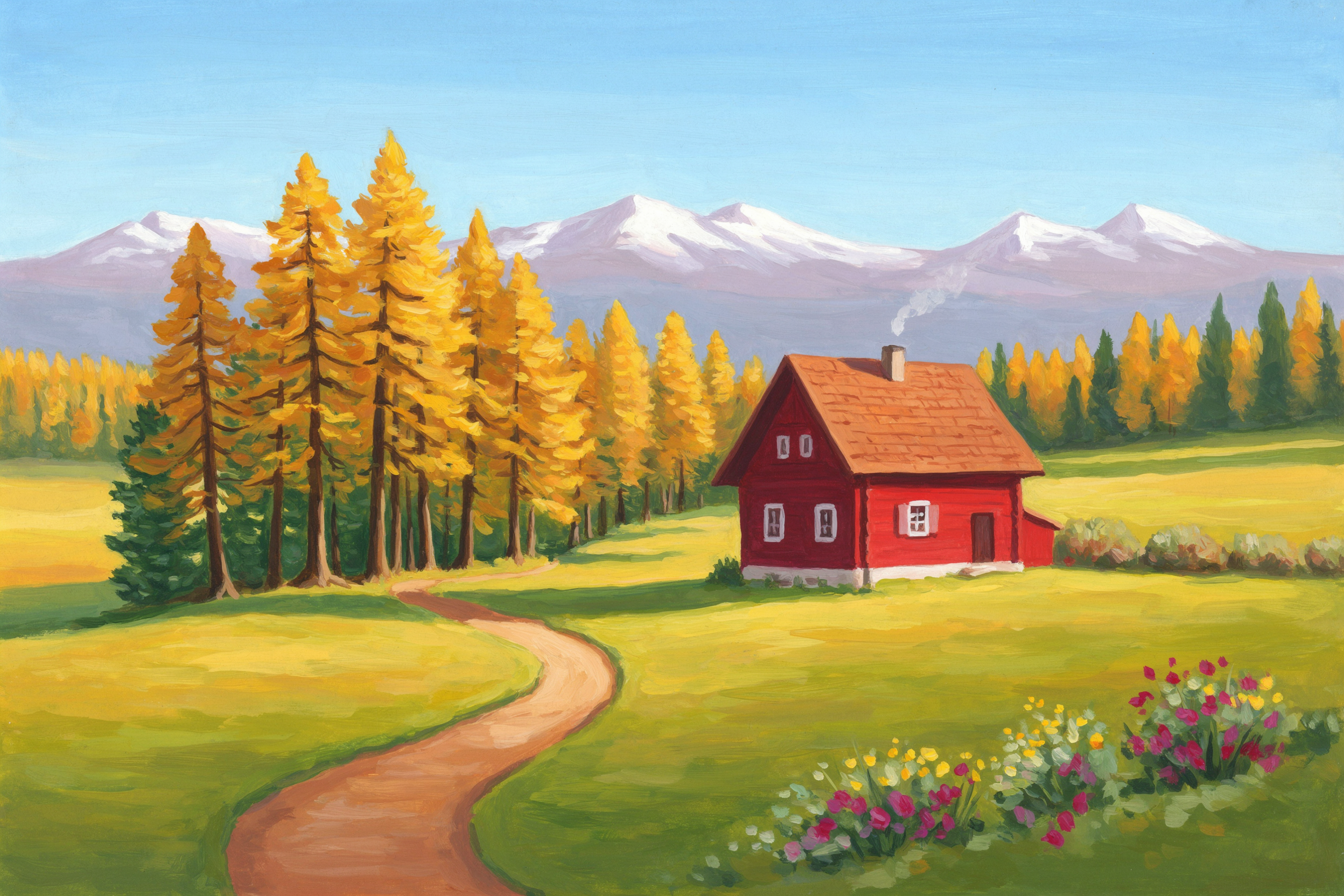
A gouache painting of an alpine valley in early autumn: a red wooden chalet, larch trees turning gold, a winding path and snowy peaks under a clear sky. Visible brush strokes, chalky matte colors, storybook illustration quality, gentle morning light.
先指定顏料媒材,再從前景一路列出到天空的景物。用「粉質霧面」、「清晰可見的筆觸」這類描述,定出畫面質感。
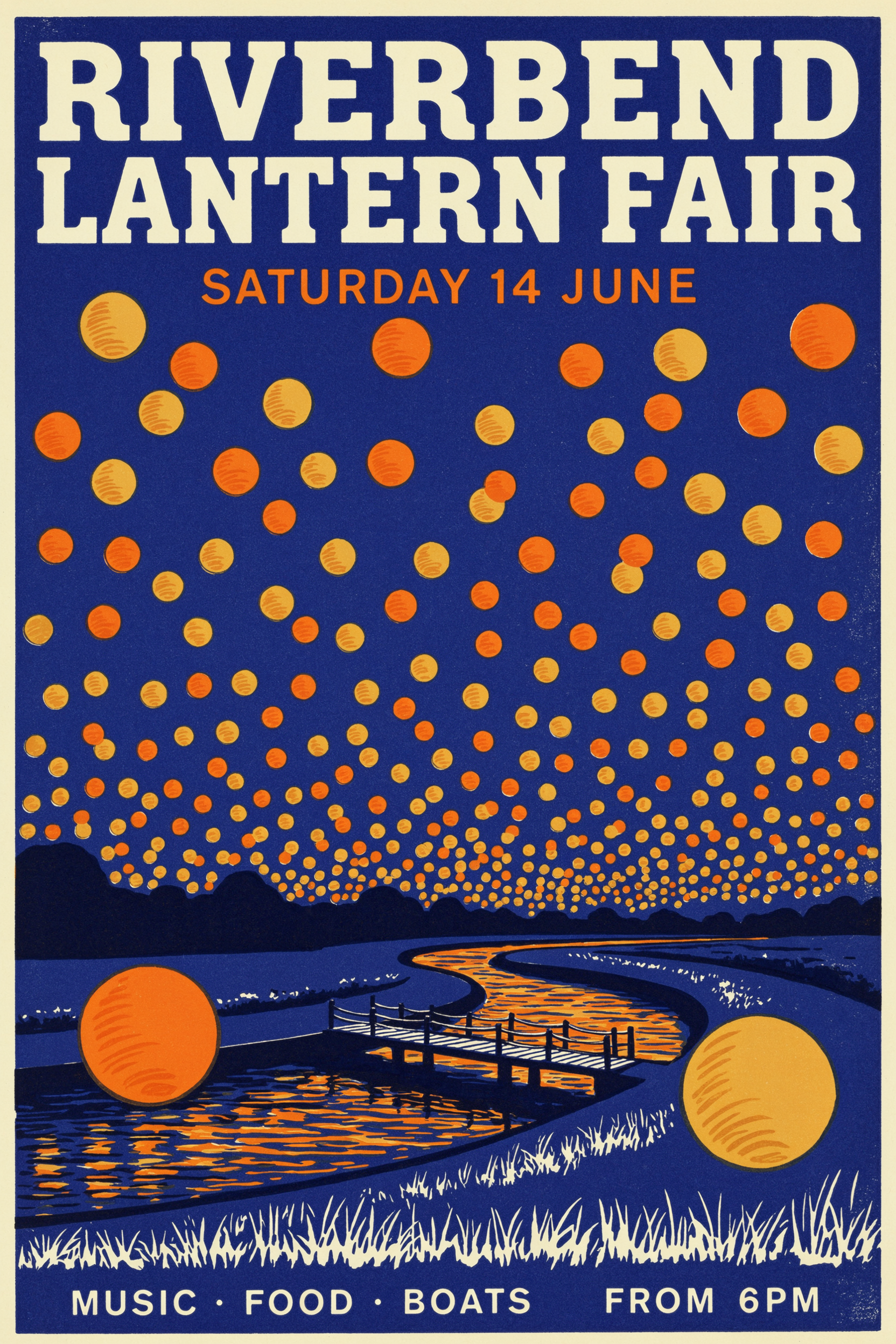
High · 2K · 直式 2:3 · 3 點
Event poster in a mid century screen print style: hundreds of paper lanterns float above a curving river at dusk past a small wooden footbridge, deep indigo sky, warm orange and gold lantern light, bold block headline at the top reading "RIVERBEND LANTERN FAIR", below it the line "SATURDAY 14 JUNE", and at the bottom "MUSIC FOOD BOATS FROM 6PM", generous margins, limited palette of indigo, tangerine, gold and cream, paper grain texture
配色最多四種,並描述印刷風格。版面由上往下寫:主標、日期、圖像、頁尾。
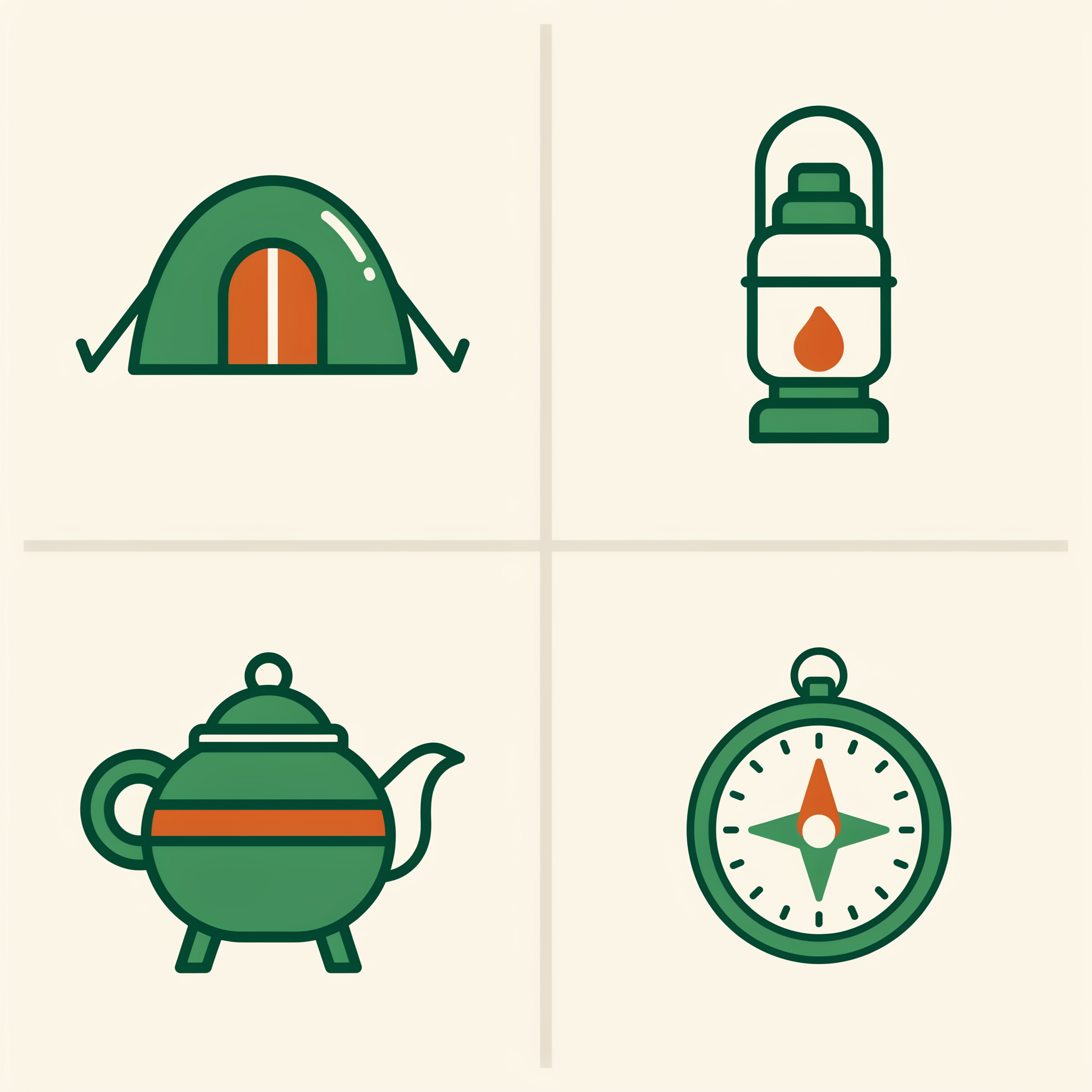
High · 2K · 正方形 1:1 · 3 點
Flat vector icon set for a camping gear shop, four icons in a two by two grid on a cream background: a dome tent, a hanging lantern, an enamel kettle and a compass. Thick rounded dark green outlines, flat fills in forest green, burnt orange and cream, consistent line weight and corner radius across all four, simple and friendly, no text
每個圖示各列一次,再描述共用風格:線條粗細、邊角造型與填色。整組圖示就靠這些細節維持一致。
先用 Draft 試想法,每張 0.25 點。挑出最好的版本,再改用 Medium;細節是重點時,就用 High。
生成照片時,先寫拍攝類型與鏡頭,再依序描述主體、一個動作、光線與質感。
設計作品先說明「網版印刷」、「不透明水彩」或「平面向量」,再指定三到四種顏色。品牌色必須精準時,就加上完整的十六進位色碼。
Auto 會替簡短提示詞補上細節。提示詞已經完整、希望模型照著做時,就設為 Off。
在 Shape 選單選擇比例,從 Square 到 Tall banner 都有。沒有特別偏好時,用 Auto 就很合適。
上傳照片、開啟 Precise Edit,指定唯一要改的地方。再說明哪些必須保持原樣,例如臉部與取景。
製作貼紙、標誌與去背圖時,開啟 No background,並在提示詞加上「透明背景」。Precise Edit 不提供這個選項。
| 設定 | 數值 | 說明 |
|---|---|---|
| 品質 | Draft · Low · Medium · High | 預設為「中等」。「草稿」生成最快,僅支援 2K。 |
| 解析度 | 2K · 4K | 2K 最高為 2048 × 2048,4K 最高為 4096 × 4096。在「精準編輯」中,此選單名稱為「最大尺寸」。 |
| 圖片比例 | Auto · 1:1 · 16:9 · 9:16 · 4:3 · 3:4 · 3:2 · 2:3 · 5:4 · 4:5 · 2:1 · 1:2 · 3:1 · 1:3 | 「精準編輯」不提供此選項,會保留第一張照片的尺寸。 |
| 文字生圖點數,2K / 4K | Draft 0.25 · Low 1 / 2 · Medium 2 / 3.5 · High 3 / 5.5 | 以每張計費。「草稿」每張 0.25 點數,僅支援 2K。 |
| 照片編輯點數(編輯或精準編輯),2K / 4K | Draft 0.25 · Low 1 / 2 · Medium 2 / 5.5 · High 6 / 16 | 以每張計費。 |
| 每次生成張數 | 1 to 4 | 每張圖片依各自價格計費。 |
| 編輯用照片 | Up to 5 | 第 1 張照片是編輯對象,其餘照片作為參考。「精準編輯」最多可加入 4 張參考照片,使用遮罩時則為 3 張。 |
| 魔法提示詞 | Auto · On · Off | 僅限文字生圖。關閉後,會完全依照你輸入的提示詞生成。 |
| 無背景 | On · Off | 輸出透明背景的 PNG 圖片。 |
Ideogram 4.6 是 Ideogram 最新的圖像模型,可生成照片、插畫、標誌、圖示與海報,最高支援原生 4K。也能編輯現有照片,搭配 Precise Edit,只改指定細節,其餘維持原樣。
文字生圖時,Medium 品質的 2K 圖片每張 2 點。Draft 為 0.25 點,Low 為 1 點,High 為 3 點。4K 則是 Low 2 點、Medium 3.5 點、High 5.5 點。使用照片時,Medium 在 2K 為 2 點、4K 為 5.5 點;High 在 2K 為 6 點、4K 為 16 點。
需要多元設計風格、原生 4K、精準品牌色與 Precise Edit,就選 Ideogram 4.6。想用最低點數快速生圖,或使用最多 10 張參考圖片編輯,就選 Seedream 5.5,文字生成 2K 圖片每張只要 1 點。比較頁面提供並排成果,直接看差異。
Ideogram 4.6 是較新的版本,最高支援原生 4K,也能生成透明背景圖片。比較頁面展示了兩個版本使用相同提示詞的生成結果。
上傳照片、開啟 Precise Edit,再描述一項修改。它只會改你指定的地方,取景、版面配置與其他細節都完整保留。生成結果會維持第一張照片的原始尺寸。
Draft 是速度最快的品質等級,每張圖片只需 0.25 點,僅支援 2K。先用最低點數測試想法,定案後再切換 Medium 或 High 生成最終作品。
可以。開啟「無背景」,就能取得主體以外全透明的 PNG 圖片。文字生圖和照片編輯都能用,但「精準編輯」不支援。