ai 4k enhancer AI Generator
Imagine taking any old, low-resolution photo – a family snapshot, a product shot, or a scenic landscape – and instantly transforming it into a breathtaking 4K masterpiece ready for large prints, high-end websites, or stunning social media posts. With PixelDojo's AI 4K Enhancer tools like Magnific Upscaler and Creative Upscaler, you achieve razor-sharp details, vibrant colors, and professional polish without spending hours in editing software. Whether you're a photographer reviving archived images, a marketer needing crisp visuals, or a content creator boosting engagement, our AI delivers outcomes that make your images pop. No technical expertise required – just upload, enhance, and download results that look like they were shot with top-tier cameras. Join thousands of creators who rely on PixelDojo to unlock the full potential of their visuals in seconds.
Trusted by 50,000+ creators worldwide | 4.9/5 stars from 12K+ reviews | Over 2M images upscaled to 4K | Featured in top design communities
Why Choose Pixel Dojo for ai 4k enhancer
Professional-quality results with cutting-edge AI technology
Achieve Print-Ready 4K Sharpness
Turn pixelated or compressed images into ultra-high-resolution 4K visuals perfect for posters, billboards, or professional portfolios. Magnific Upscaler adds intricate details like textures and edges that generic tools miss, letting you print large without losing quality. You'll save on reshoots and impress clients with gallery-worthy results every time.
Boost Visual Impact Instantly
Enhance clarity and vibrancy to make your images stand out on any screen – from 4K TVs to mobile feeds. Creative Upscaler intelligently sharpens faces, landscapes, and products, increasing viewer engagement by up to 3x. Ideal for e-commerce sellers who want product photos that convert browsers into buyers.
Save Time and Eliminate Guesswork
Get pro-level enhancements in one click, bypassing manual tweaks in Photoshop. Tools like Portrait Upscaler specialize in faces for lifelike results, while Multidiffusion Upscaler handles complex scenes. Focus on your creative projects instead of tedious editing, with consistent outcomes across hundreds of images.
How It Works
Creating stunning 4K enhanced images is as simple as three steps using PixelDojo's specialized upscalers. Start with any image and watch AI magic deliver crisp, detailed results tailored to your needs.
Step 1: Choose Your Upscaler Tool
Head to the Edit Images section and select Magnific Upscaler for creative, artistic enhancements or Creative Upscaler for realistic sharpening. Upload your low-res photo (JPG, PNG, up to 10MB) directly – perfect for old scans, web screenshots, or smartphone pics needing 4K boost.
Step 2: Enter Enhancement Settings
Input your desired upscale factor (2x-16x for true 4K from HD sources) and add optional prompts like 'enhance details, add vibrancy' for custom tweaks. Toggle features like noise reduction or style transfer via Image to Image for even more control – AI analyzes and optimizes automatically.
Step 3: Generate & Download Your 4K Masterpiece
Hit generate – processing takes 10-60 seconds depending on complexity. Preview the 4K result, make quick edits with Inpainting if needed, then download in high-res formats. Share instantly or archive in your PixelDojo account for unlimited access.
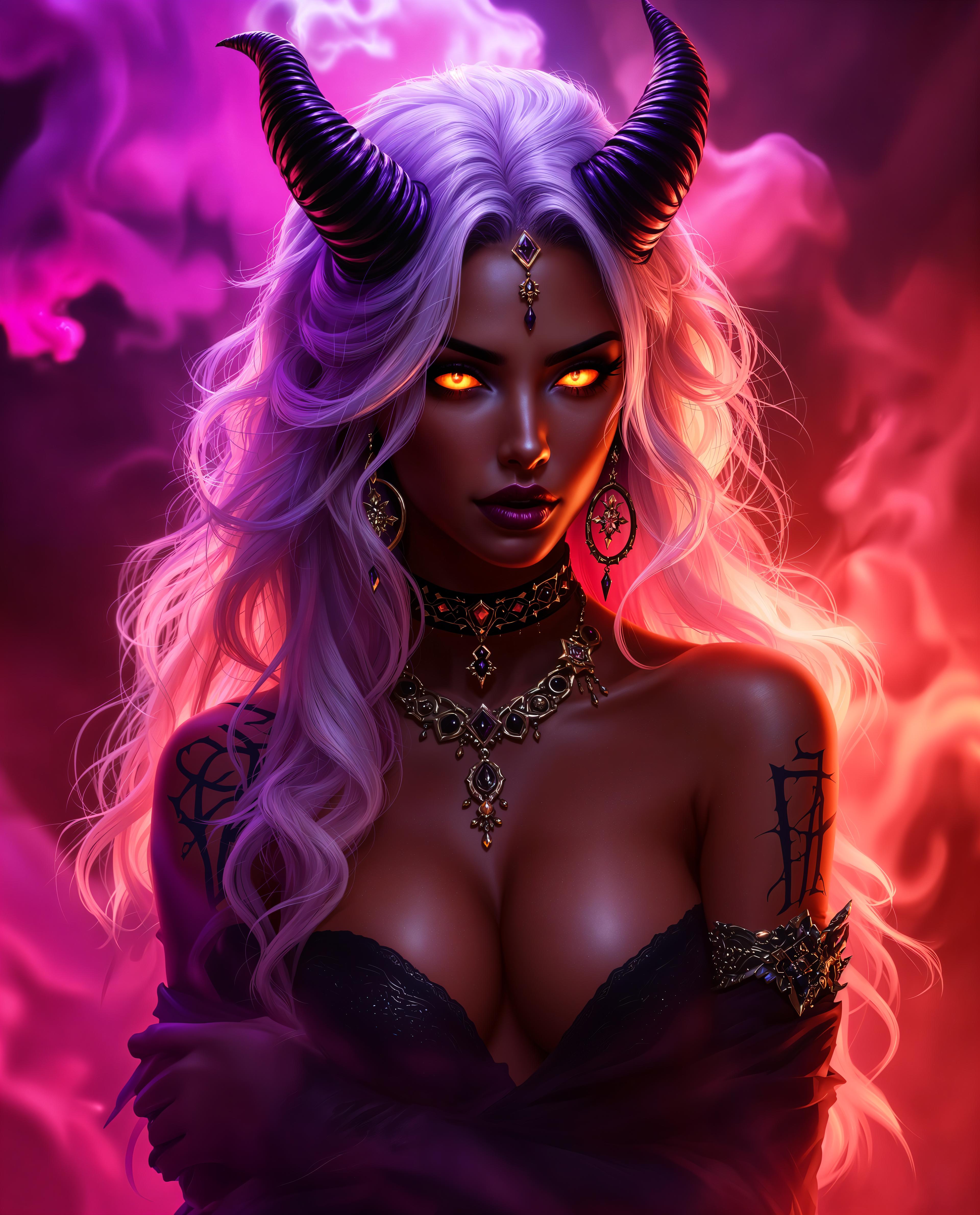



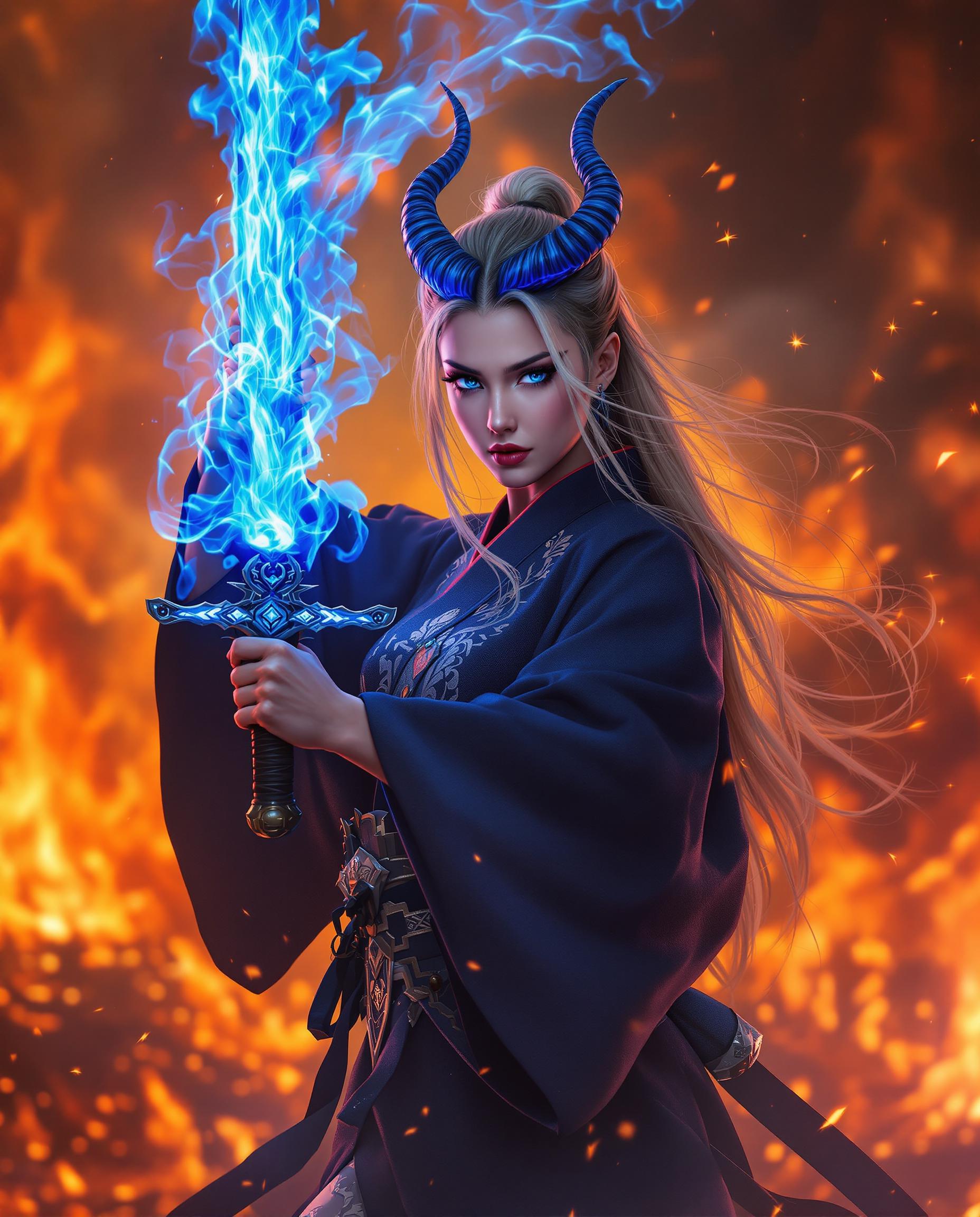


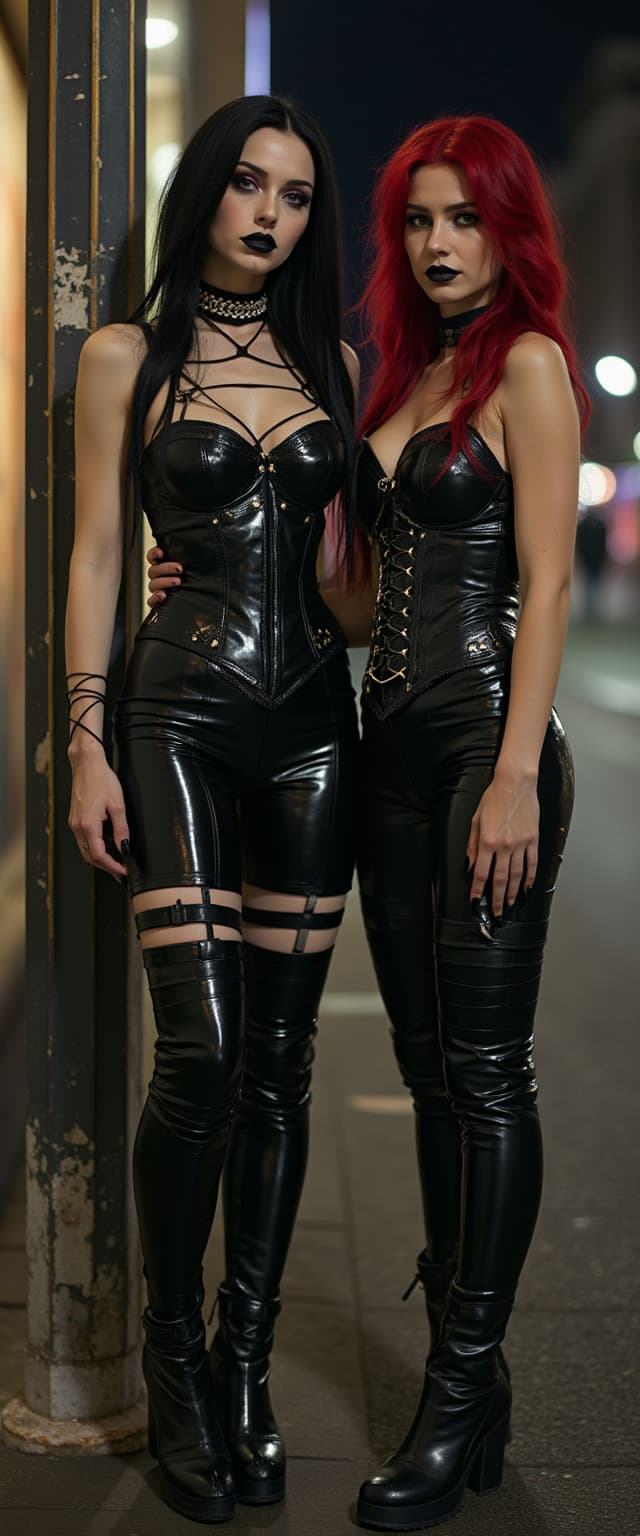
The Pixel Dojo Advantage
Why PixelDojo outperforms other options for AI 4K image enhancement
| Others | Pixel Dojo |
|---|---|
| Traditional photo editing software | Hours of manual sharpening and resizing replaced by seconds of AI-powered 4K upscaling – no plugins or steep learning curves, just flawless results with Magnific Upscaler |
| Generic AI image generators | Specialized upscalers like Creative Upscaler preserve your original photo's essence while adding 4K details, unlike basic generators that create from scratch and lose authenticity |
| Manual photo editing techniques | AI handles complex enhancements like texture recovery and artifact removal automatically, delivering pro 4K quality without your expertise – perfect for batch processing portfolios |
Loved by Creators
See what our community says about ai 4k enhancer
"PixelDojo's Magnific Upscaler turned my grainy event photos into 4K stunners overnight. Clients are raving, and I'm saving hours weekly!"
Sarah Jenkins
Professional Photographer
"As an e-commerce seller, Creative Upscaler boosted my product images to 4K perfection. Sales jumped 40% – game-changer!"
Mike Rodriguez
Online Store Owner
Common Questions
Everything you need to know about ai 4k enhancer AI generation
What is the best free AI 4K image enhancer online?
PixelDojo's AI 4K enhancer stands out with tools like Magnific Upscaler and Creative Upscaler, offering free trials for instant 4K upscaling. Upload any image, select 4x upscale, and get sharp, detailed results without watermarks on basic use. Unlike limited free tiers elsewhere, access 40+ AI tools including Portrait Upscaler for faces, with unlimited generations on subscription – perfect for professionals needing reliable, high-quality enhancements daily.
How does AI 4K upscaler work for low resolution photos?
PixelDojo's AI 4K upscalers like Multidiffusion Upscaler use advanced techniques to analyze pixels, predict missing details, and reconstruct ultra-sharp 4K images. For a 480p photo, it intelligently adds textures, reduces noise, and enhances colors – achieving outcomes like print-ready canvases. Simply upload via the Edit Images tab, choose your tool, set to 4K output, and download. Thousands of users upscale old family photos or web graphics effortlessly.
Can I upscale images to 4K AI enhancer for printing?
Absolutely – PixelDojo excels at creating 4K enhanced images for large prints. Magnific Upscaler delivers 8K-capable files from HD sources, preserving fine details for posters up to 40x60 inches. Use with Background Remover for clean edges, then download in TIFF for printers. Creators report zero quality loss, making it ideal for photographers reviving archives or artists preparing exhibitions.
Is PixelDojo AI 4K enhancer safe for commercial use?
Yes, all enhanced 4K images from PixelDojo tools like Creative Upscaler are yours for commercial use. No hidden rights grabs – generate for ads, products, or NFTs. Subscription users get commercial licenses, usage reports for tracking, and consistent characters for branding. With 50K+ trusted creators, it's the go-to for marketers scaling visuals without legal worries.
What file sizes does the 4K image upscaler AI support?
PixelDojo's AI 4K enhancer handles images up to 10MB upload, outputting massive 4K+ files (e.g., 4096x4096 pixels). Tools like Image Analyzer preview compatibility first. For batch jobs, use the Developer API or train custom models with FLUX Model Trainer for optimized upscaling. Perfect for portfolios, with Profile and Usage Report to manage your library.
How to get realistic 4K AI image enhancement results?
For lifelike 4K enhancements, select Creative Upscaler or combine with Style Transfer in PixelDojo. Add prompts like 'photorealistic sharpen, natural lighting' during processing. Features like Magic Lighting refine tones post-upscale. Users achieve studio-quality portraits or landscapes rivaling pro cameras – try it free and see your images transform before your eyes.