ai effects AI Generator
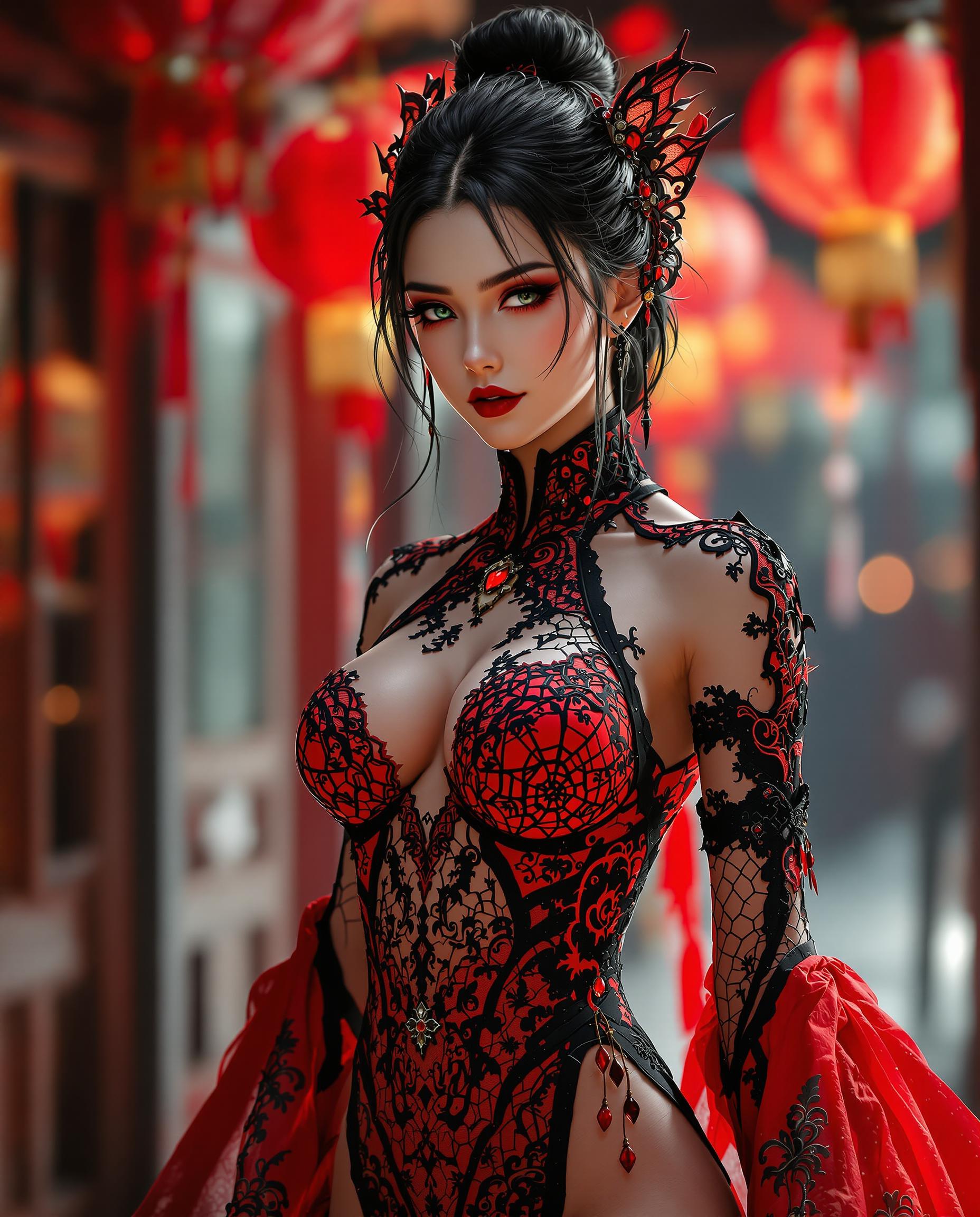
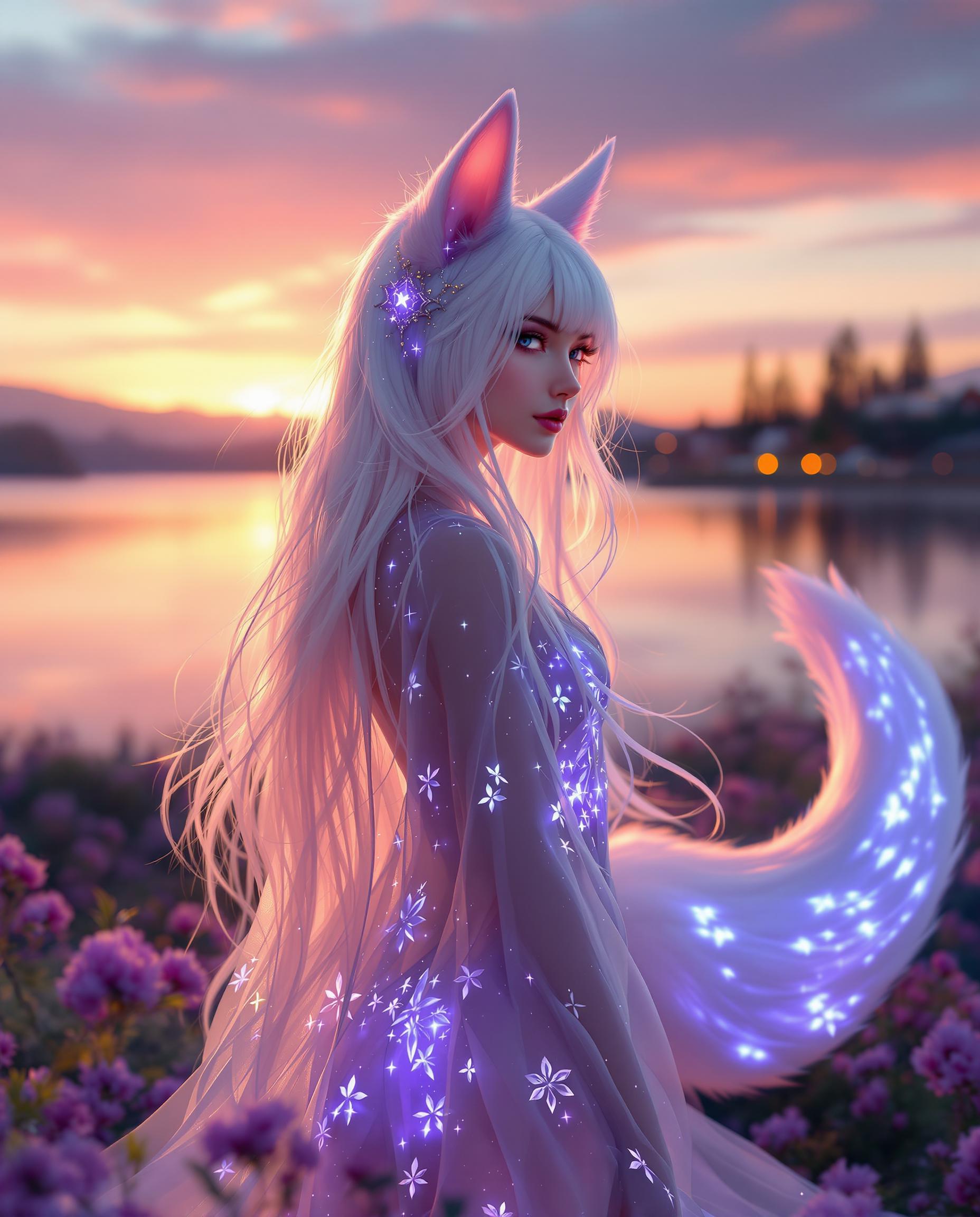
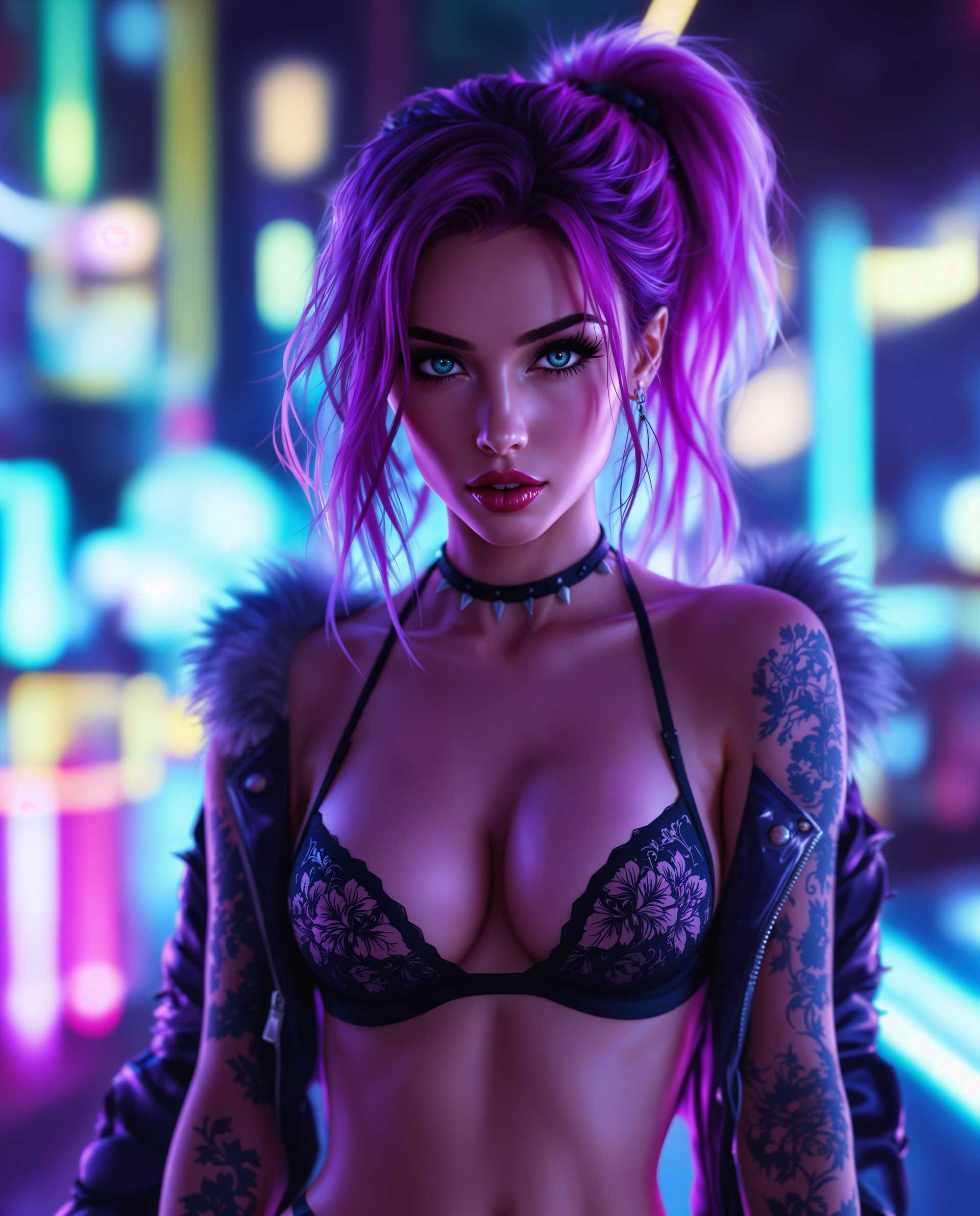
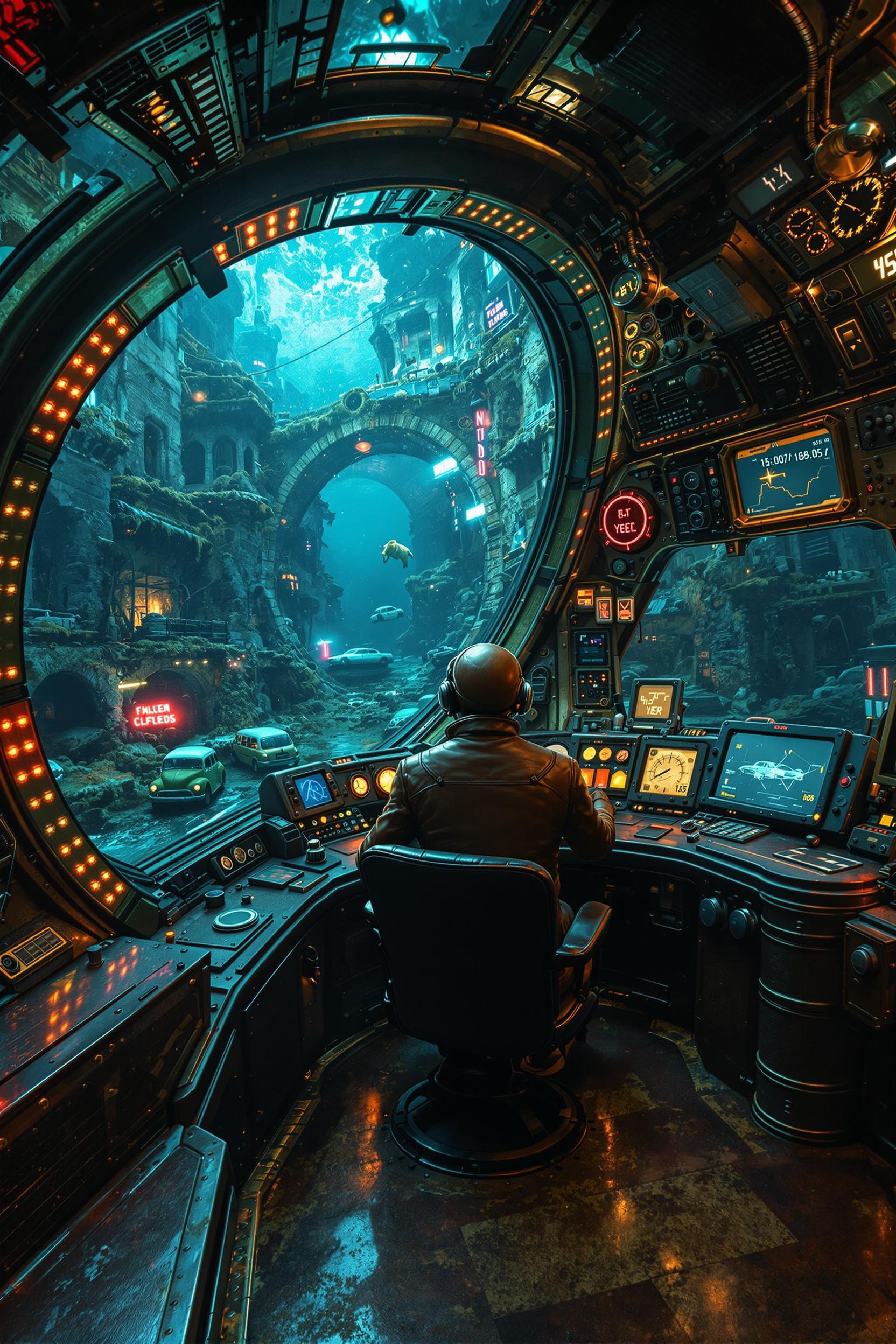
Unlock the full potential of your creative projects with PixelDojo's AI effects. Our advanced tools empower you to effortlessly enhance images and videos, adding depth, style, and professionalism to your visuals. Whether you're a designer, marketer, or content creator, PixelDojo provides the resources to bring your ideas to life with precision and ease.
Join over 10,000 satisfied creators who have transformed their visuals using PixelDojo's AI effects. Rated 4.8/5 based on 2,000+ reviews.
Why Choose Pixel Dojo for ai effects
Professional-quality results with cutting-edge AI technology
Effortless Image Enhancement
Apply sophisticated effects to your images with just a few clicks, saving time and effort.
Professional Video Editing
Elevate your video content with AI-driven enhancements that add polish and appeal.
Creative Freedom
Experiment with a wide range of effects to find the perfect look for your project.
How It Works
Creating stunning AI effects with PixelDojo is simple and intuitive. Follow these steps to enhance your visuals:
Step 1: Select Your Tool
Choose from our suite of AI tools tailored for image and video enhancement, such as Magic Lighting for images or Video Reframe for videos.
Step 2: Upload Your Media
Upload the image or video you wish to enhance. Our platform supports various file formats for your convenience.
Step 3: Apply Effects and Customize
Select the desired effect and adjust parameters to achieve the perfect look. Preview changes in real-time to ensure satisfaction.









The Pixel Dojo Advantage
Why PixelDojo outperforms other options for AI effects:
| Others | Pixel Dojo |
|---|---|
| Traditional Editing Software | Automates complex editing tasks, reducing time and effort compared to manual methods. |
| Generic AI Tools | Offers a specialized suite of tools designed specifically for image and video enhancement, ensuring superior results. |
| Manual Photo Editing | Provides intuitive interfaces and real-time previews, making professional-quality enhancements accessible to all skill levels. |
Loved by Creators
See what our community says about ai effects
"PixelDojo's AI effects have revolutionized my design workflow. The Magic Lighting tool adds a professional touch to my images effortlessly."
Alex Johnson
Graphic Designer
"As a content creator, PixelDojo's Video Reframe has been a game-changer. It allows me to adapt my videos for different platforms seamlessly."
Maria Lopez
Content Creator
Common Questions
Everything you need to know about ai effects AI generation
How can I apply AI effects to my images using PixelDojo?
Simply select the desired tool, upload your image, apply the effect, customize as needed, and download the enhanced image. Our intuitive interface guides you through each step.
Are PixelDojo's AI effects suitable for professional use?
Absolutely. Our tools are designed to meet professional standards, providing high-quality enhancements suitable for commercial projects.
Can I preview the effects before finalizing my edits?
Yes, PixelDojo offers real-time previews, allowing you to see the changes and make adjustments before finalizing your edits.
Is there a limit to the number of images or videos I can enhance?
PixelDojo offers various subscription plans to suit different needs, including options with unlimited enhancements. Choose the plan that best fits your requirements.
Do I need prior editing experience to use PixelDojo's AI effects?
No, our tools are user-friendly and designed for all skill levels. Whether you're a beginner or a seasoned professional, you can achieve stunning results with ease.
What file formats are supported for upload?
PixelDojo supports a wide range of image and video file formats, including JPEG, PNG, MP4, and more, ensuring compatibility with your media.