AI face swap video generator AI Generator
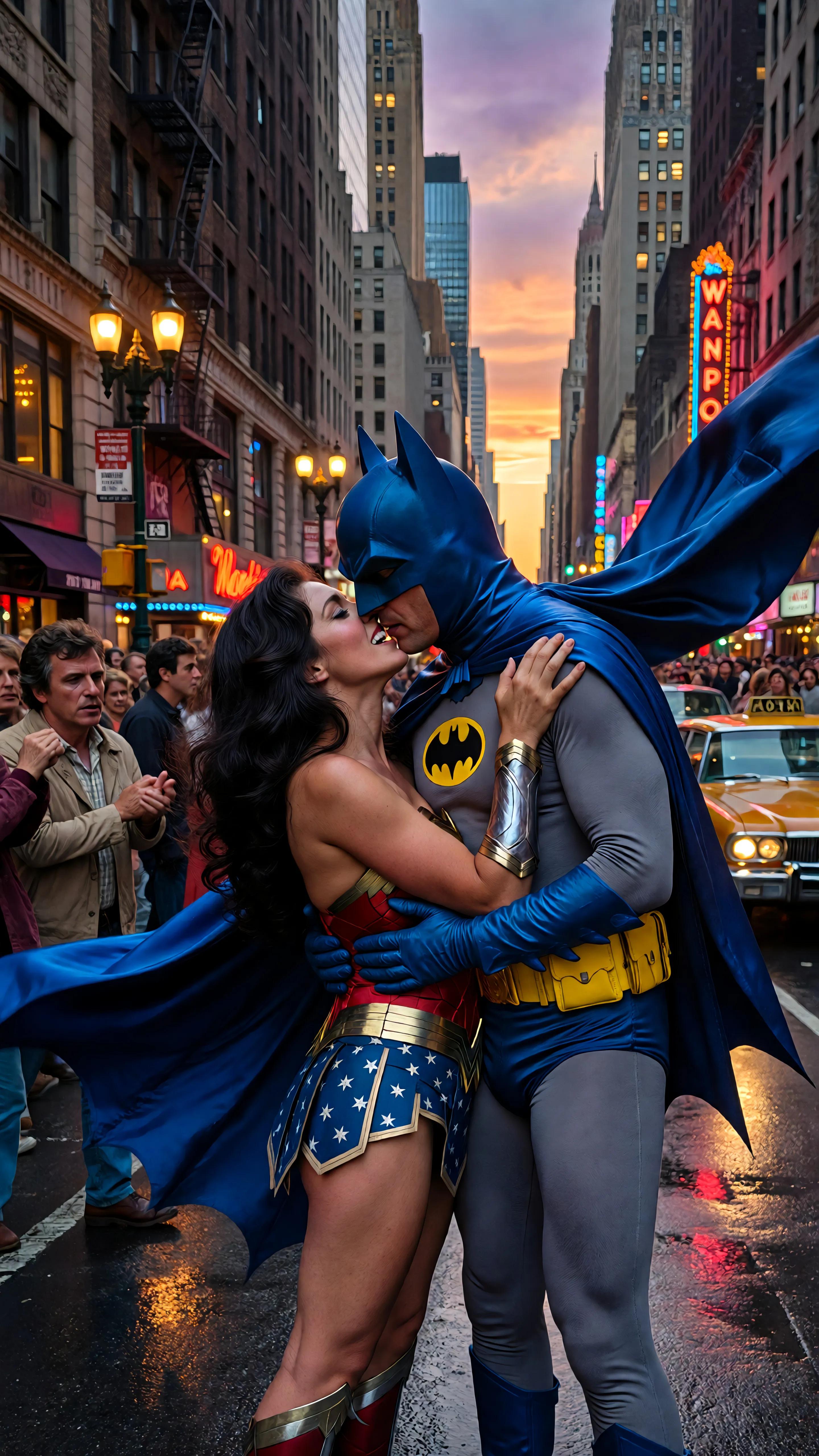
Imagine effortlessly swapping faces in your videos to create engaging, humorous, or thought-provoking content. With PixelDojo's AI face swap video generator, you can bring your creative visions to life without the need for complex software or technical expertise. Whether you're a content creator aiming to captivate your audience or an individual looking to add a fun twist to your videos, PixelDojo provides the tools to make it happen.
Join over 10,000 satisfied users who have transformed their videos using PixelDojo's AI face swap technology. Rated 4.8/5 based on 2,000+ reviews.
Why Choose Pixel Dojo for AI face swap video generator
Professional-quality results with cutting-edge AI technology
Effortless Creativity
Easily swap faces in your videos to produce unique and engaging content that stands out.
Time-Saving Automation
Leverage AI to automate the face swapping process, saving hours of manual editing.
Professional Quality
Achieve seamless and realistic face swaps that maintain the original video's quality.
How It Works
Creating face swap videos with PixelDojo is simple and straightforward. Follow these steps to get started:
Step 1: Select Your Video
Choose the video you want to edit. Ensure it's clear and well-lit for optimal results.
Step 2: Upload Target Face
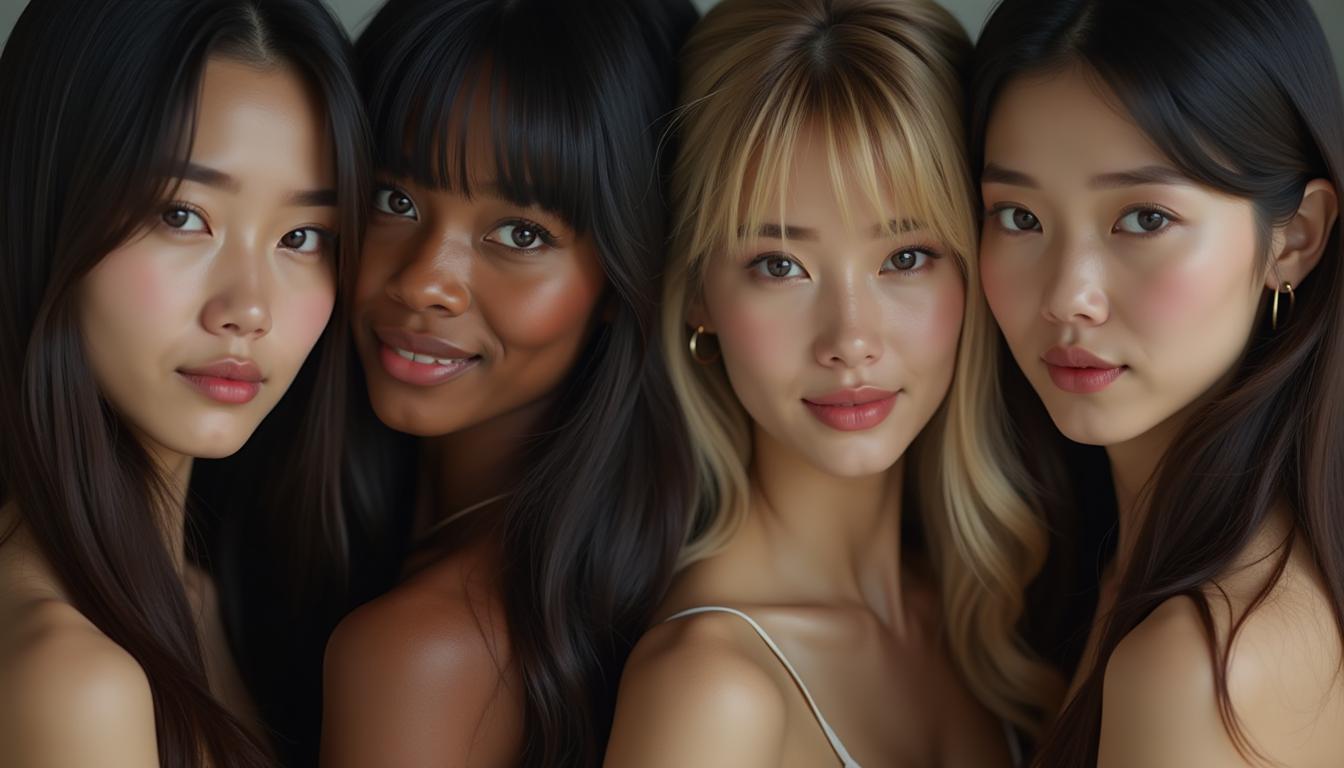
Upload a photo of the face you want to swap into the video. The AI will analyze and prepare it for integration.
Step 3: Generate and Download
Click 'Generate' to let the AI process the face swap. Once complete, download your new video.








The Pixel Dojo Advantage
Why PixelDojo outperforms other options for AI face swap video generation
| Others | Pixel Dojo |
|---|---|
| Traditional Video Editing Software | No need for complex software or technical skills; our AI handles the process seamlessly. |
| Generic AI Tools | Specifically designed for face swapping, ensuring higher accuracy and better results. |
| Manual Face Swapping | Automated process saves time and effort compared to manual editing techniques. |
Loved by Creators
See what our community says about AI face swap video generator
"PixelDojo's face swap tool allowed me to create hilarious videos that my audience loved. It's incredibly easy to use!"
Alex Johnson
Content Creator
"I was amazed at how realistic the face swaps turned out. PixelDojo has truly revolutionized my video editing process."
Maria Lopez
Video Editor
Common Questions
Everything you need to know about AI face swap video generator AI generation
How does PixelDojo's AI face swap video generator work?
PixelDojo uses advanced AI algorithms to analyze and map facial features, allowing for seamless face swaps in videos. Simply upload your video and the target face, and the AI handles the rest.
Is there a limit to the length of videos I can process?
PixelDojo supports videos of various lengths. However, longer videos may require more processing time. For optimal performance, we recommend keeping videos under 10 minutes.
Can I use PixelDojo's face swap tool for commercial projects?
Yes, PixelDojo's tools are suitable for both personal and commercial use. Ensure you have the necessary rights and permissions for the content you create.
Do I need any prior video editing experience to use PixelDojo?
No prior experience is necessary. PixelDojo's intuitive interface and automated processes make it accessible for users of all skill levels.
How long does it take to process a face swap video?
Processing times vary depending on the video's length and complexity. On average, a 1-minute video takes approximately 5 minutes to process.
Is my data secure when using PixelDojo's services?
Yes, PixelDojo prioritizes user privacy and data security. Uploaded files are encrypted and automatically deleted after processing.