ai faceswap AI Generator
Imagine transforming any photo by swapping faces in seconds—no Photoshop, no messy cutting, no technical headaches. With PixelDojo’s AI Face Swap tools, you can create laughs, launch viral content, design unique marketing visuals, or even bring historical figures into modern scenes. Our powerful tools let you produce authentic, high-impact face swaps—realistic and polished—so your content stands out, connects deeply, and gets shared.
Trusted by over 10,000 creators. 500,000+ face-swapped images generated. Rated 4.8/5 for ease of use and photo realism. Over 40 premium tools & cancel anytime are part of your risk-free trial.
Why Choose Pixel Dojo for ai faceswap
Professional-quality results with cutting-edge AI technology
Make content pop on social media
Swap faces effortlessly to create hilarious memes, entertaining GIFs, or branded content that breaks through the feed.
Elevate marketing campaigns
Use face swaps to personalize ads—put your product in hands of ideal customers, or show real transformations that build trust.
Save hours of editing time
Forget masking, layers or complex retouches. With auto face swap, you can get professional results in under a minute.
How It Works
Here’s exactly how to create authentic face swap images using PixelDojo—no experience needed.
Step 1: Choose Your Tool
Go to the ‘Characters & Faces’ section and pick the Face Swap tool. If you want consistent faces across multiple images, use “Consistent Characters.”
Step 2: Upload Your Images
Upload a background image and a high-quality front-facing face image. Make sure lighting is even, face isn’t blocked. This improves realism.
Step 3: Generate & Download
Click ‘Generate’ to let the AI process the face swap. Preview, tweak alignment, and then instantly download your new image—ready to share or use commercially.

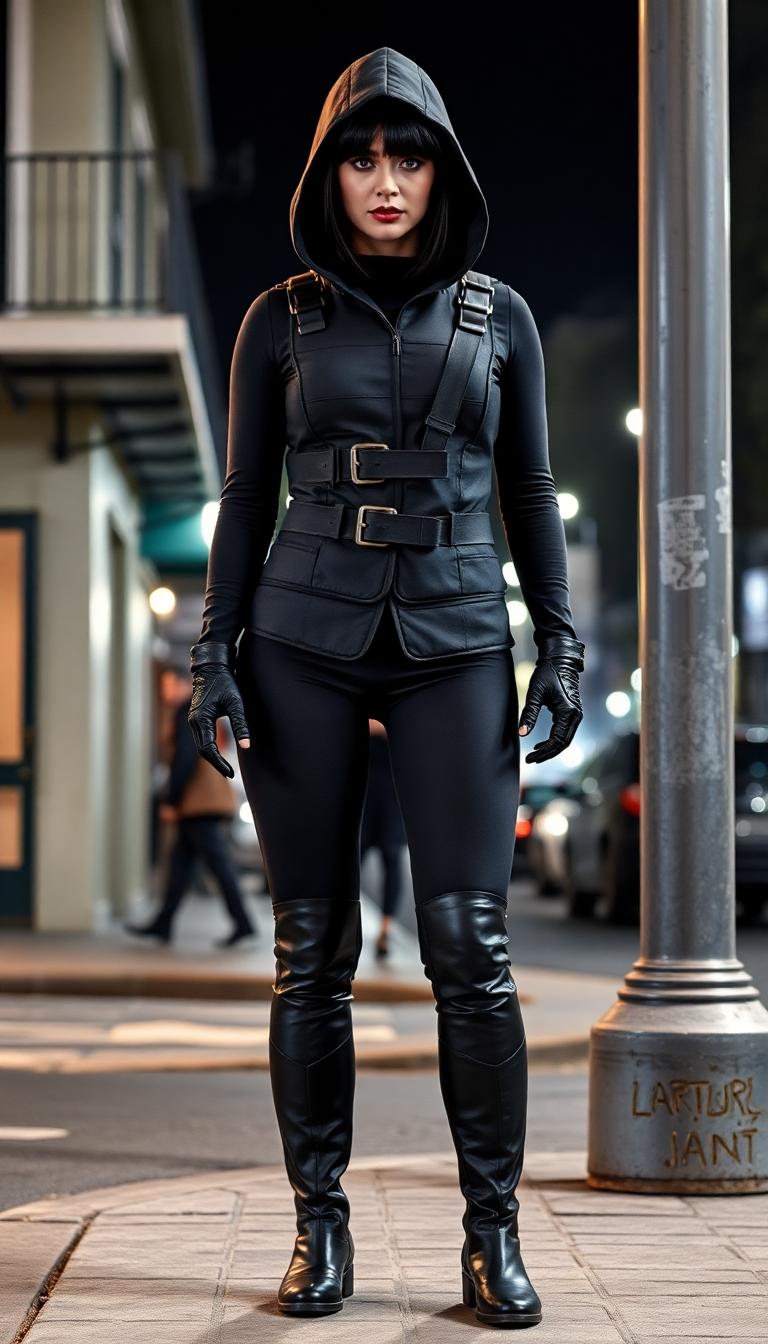
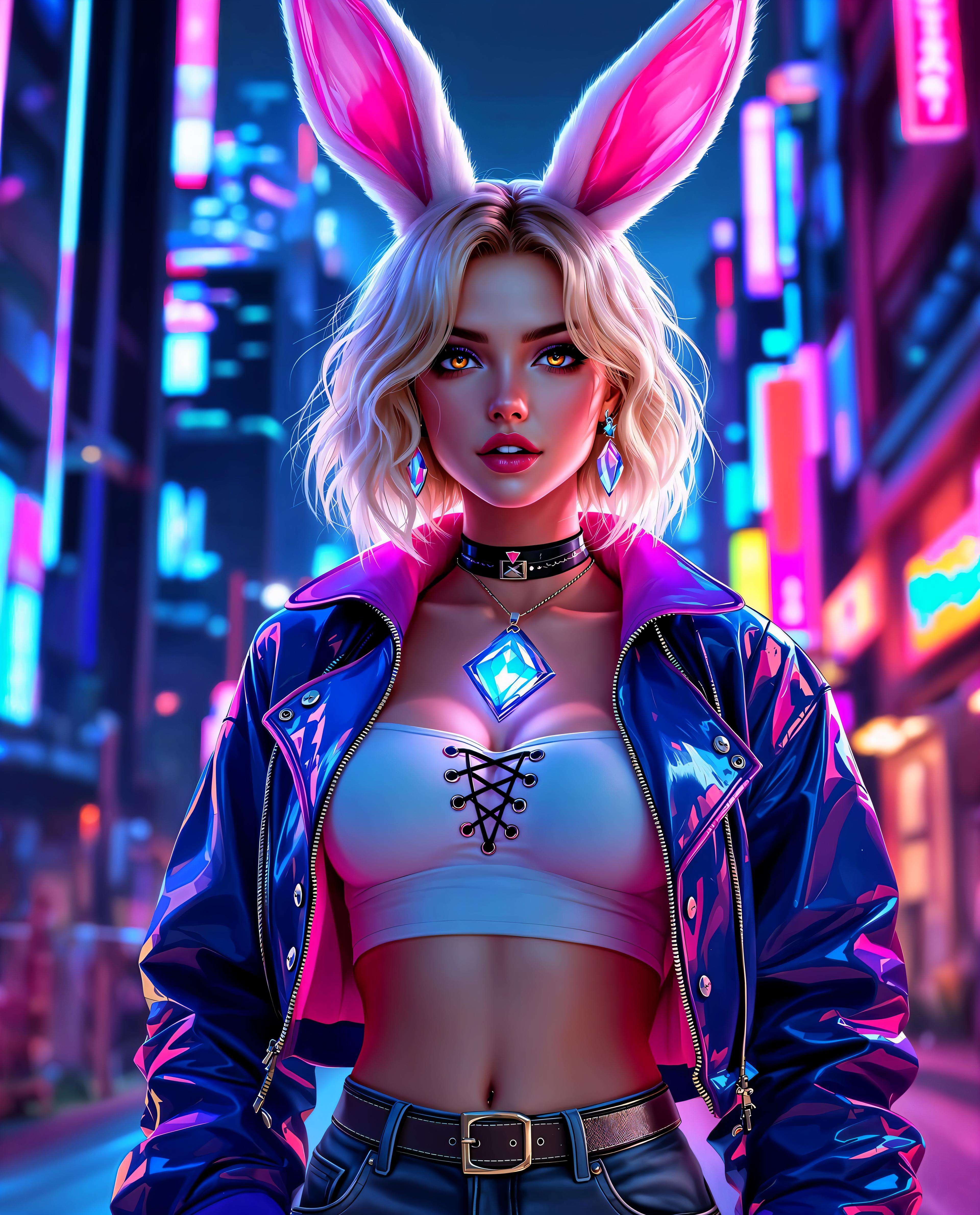
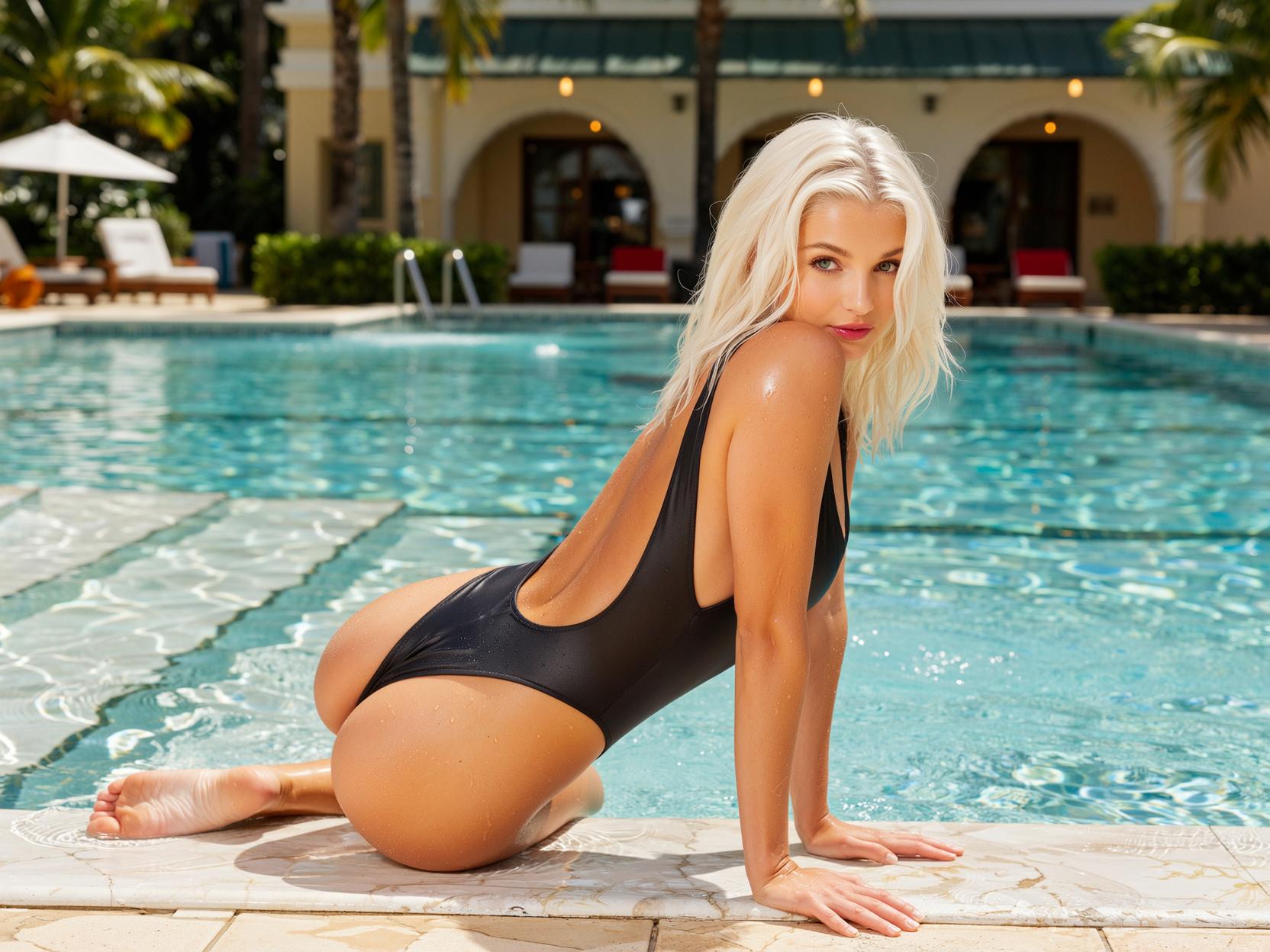

The Pixel Dojo Advantage
Why PixelDojo outperforms other options for AI face swap image generation
| Others | Pixel Dojo |
|---|---|
| Traditional Photo Editing | You get realistic swaps without hours of Photoshop—no manual masking or blending needed. |
| Generic AI Tools | Our tools are fine-tuned for faces—preserving identity, expressions, realism, lighting. |
| Manual Face Swapping | Automatic alignment, color matching, and finish you expect—saving time and headaches. |
Loved by Creators
See what our community says about ai faceswap
"I used PixelDojo’s face swap tool for my influencer campaign—engagement tripled and feedback was through the roof!"
Alex Johnson
Marketing Director
"As a content creator, I love how PixelDojo lets me try bold ideas without sweating the edits. The results always feel real."
Emily Chen
Content Creator
Common Questions
Everything you need to know about ai faceswap AI generation
Is face swapping legal with PixelDojo tools?
Yes—PixelDojo tools are legal to use. But how you use face swap matters. You must have permission from anyone whose face you take, especially for public sharing or commercial use. Laws about misuse, likeness, privacy, or copyright still apply. PixelDojo requires that you own rights to the images you upload or get consent. It's your responsibility to follow ethical and legal guidelines when swapping faces. Resources show that consent is key to avoid legal or ethical problems. ([sites.google.com](https://sites.google.com/view/ai-face-swap-legality-what-you/?utm_source=openai))
Do PixelDojo face swaps look realistic enough for professional use?
Absolutely. PixelDojo preserves facial identity, expression, and lighting so the swapped face matches the background. Users report near-perfect results for portraits, ads, thumbnails—as long as input images are high-quality and lighting is consistent. The tools are built for professional-caliber output without studio costs. ([pixeldojo.ai](https://pixeldojo.ai/faceswap?utm_source=openai))
Can I use face-swapped images from PixelDojo commercially?
Yes. You can use generated face swap images for personal or commercial projects. Just make sure you have the rights to both images (face and background) and any likeness is used with permission. This protects you from copyright or publicity claims. PixelDojo supports commercial use under its terms when upload rights are cleared. ([pixeldojo.ai](https://pixeldojo.ai/faceswap-ai?utm_source=openai))
Will face swaps be noticeable or deepfake-like in the wrong way?
With good inputs, the results are seamless. However, risks come when faces are low resolution, angles misaligned, or lighting mismatched. To avoid artifacts, use clear, front-facing images and try multiple angles. PixelDojo’s interface lets you preview and adjust until it looks natural. ([pixeldojo.ai](https://pixeldojo.ai/faceswap-video?utm_source=openai))
Is using PixelDojo’s face swap safe for my personal data and images?
Yes. PixelDojo uses secure processing for all uploads. Your images are not shared or stored beyond what’s necessary unless you opt in. Privacy and ethical use are central. PixelDojo also emphasizes respect for likeness, consent, and compliant use. ([pixeldojo.ai](https://pixeldojo.ai/faceswap?utm_source=openai))
Can I swap faces in videos or is it just images?
Yes, PixelDojo supports face swapping in video via our Face Swap Video tools. You can upload video files like MP4, MOV, AVI, add the face image, run the tool, preview, and export high-quality video face swaps. It’s perfect for reels, stories, or marketing clips. ([pixeldojo.ai](https://pixeldojo.ai/faceswap-video?utm_source=openai))