ai image changer AI Generator
Imagine effortlessly transforming your photos to match your creative vision, all without the need for complex software or technical expertise. With PixelDojo's AI Image Changer, you can achieve professional-quality edits in seconds. Whether you're looking to enhance image quality, remove unwanted objects, or apply artistic styles, our suite of AI-powered tools makes it simple and intuitive.
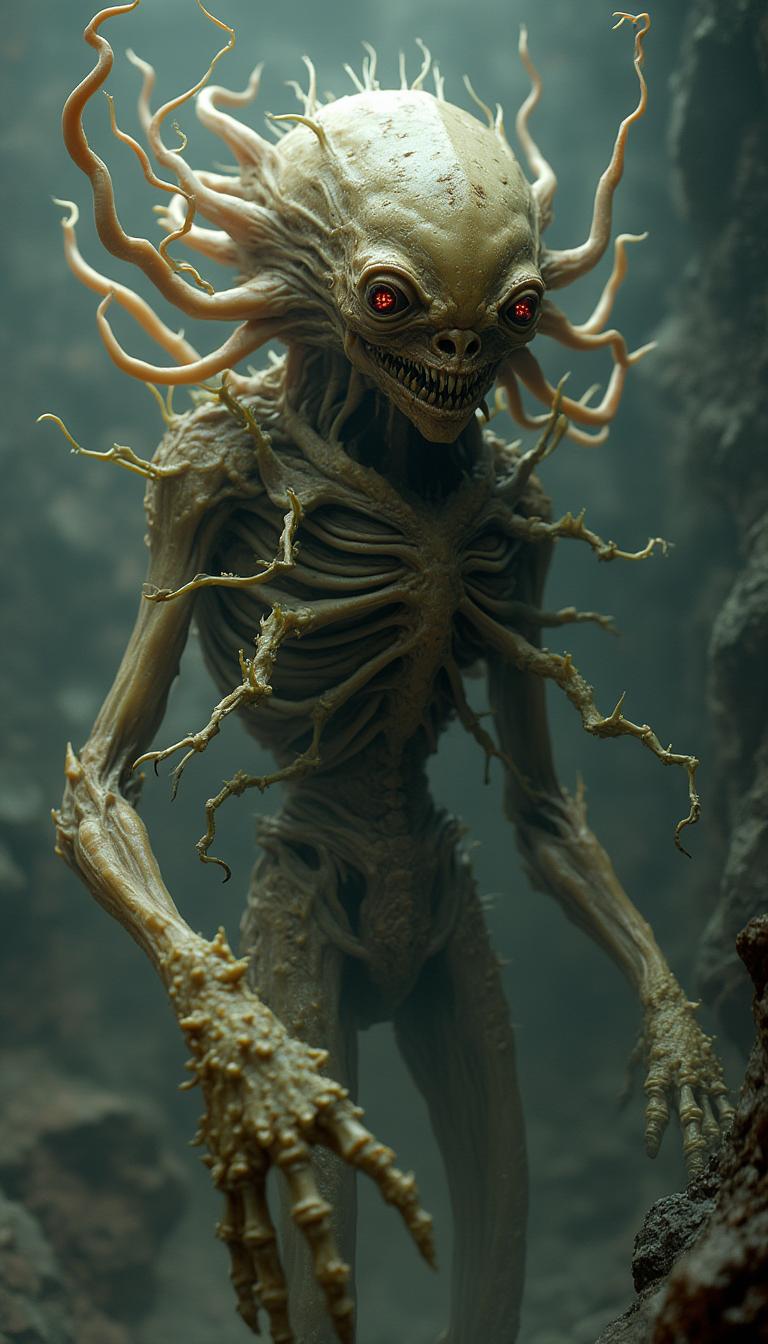
Join over 100,000 satisfied users who have transformed their photos with PixelDojo's AI Image Changer. Rated 4.8/5 based on thousands of reviews.
Why Choose Pixel Dojo for ai image changer
Professional-quality results with cutting-edge AI technology
Instant Photo Enhancements
Elevate your images with AI-driven enhancements that adjust brightness, contrast, and sharpness automatically.
Effortless Object Removal
Remove unwanted elements from your photos seamlessly, leaving no traces behind.
Creative Style Transformations
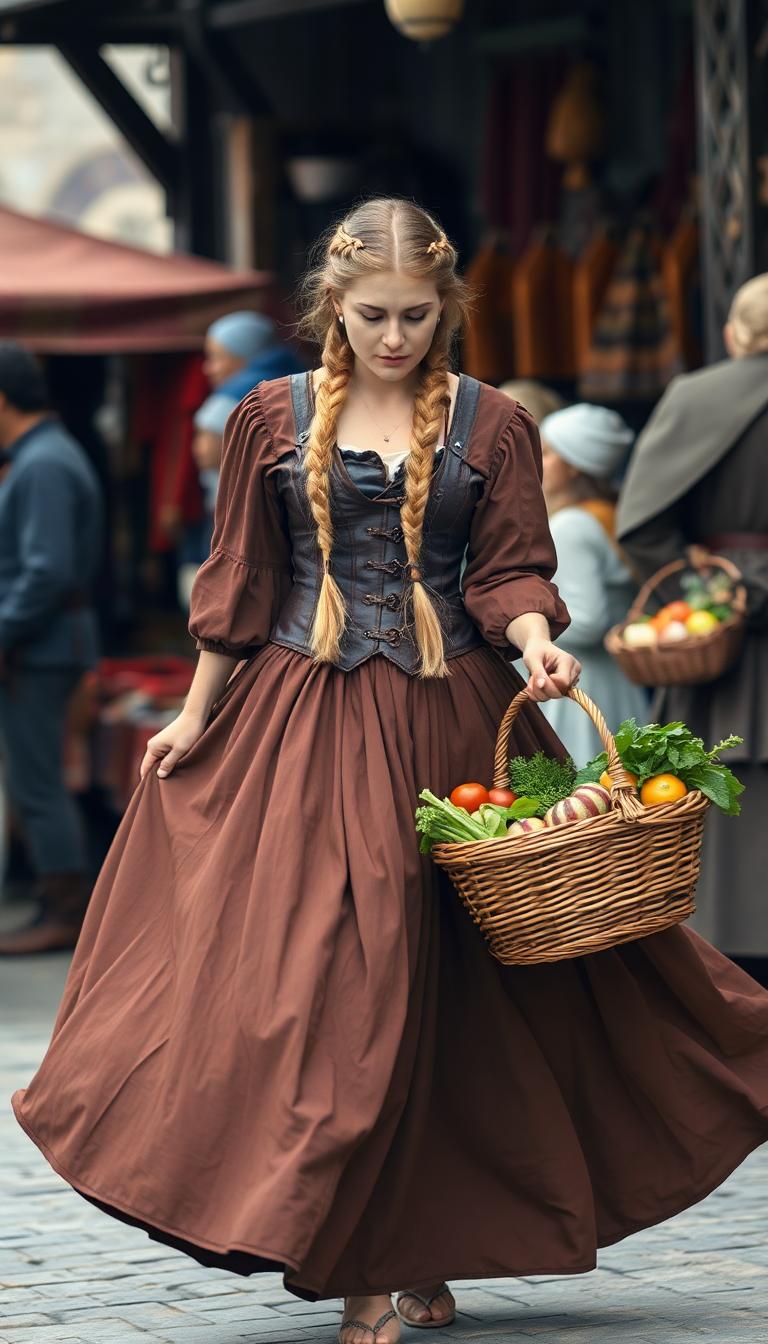
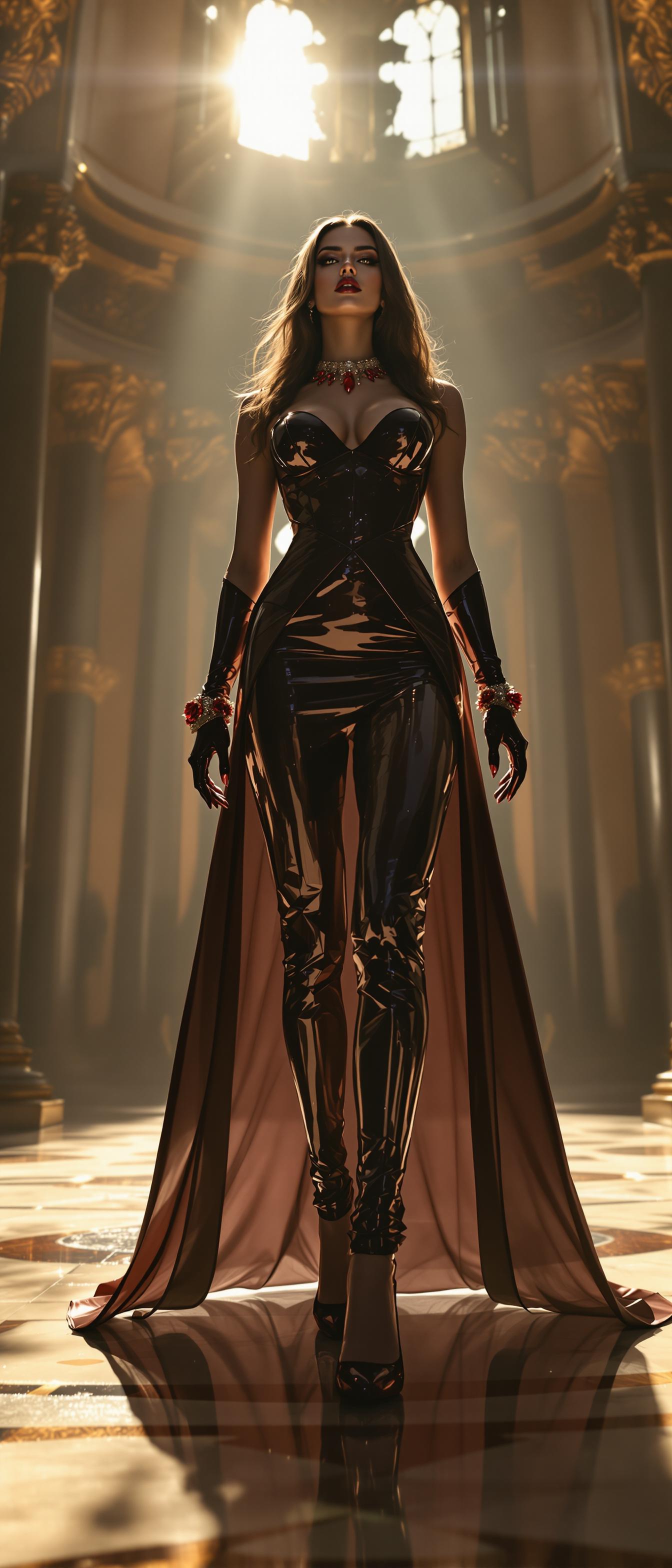
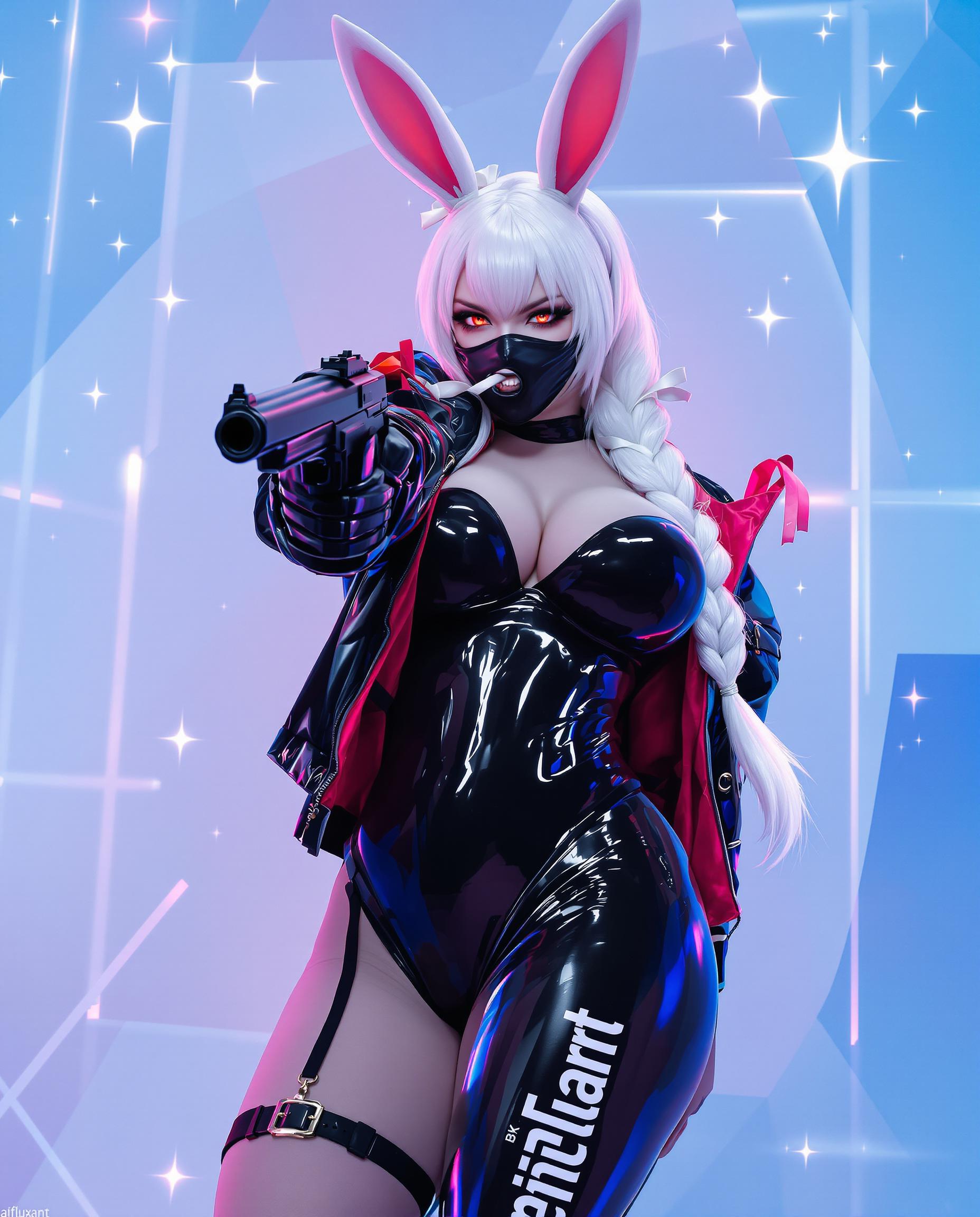
Apply various artistic styles to your images, transforming them into unique pieces of art.
How It Works
Transforming your photos with PixelDojo's AI Image Changer is a straightforward process. Follow these simple steps to achieve stunning results:
Step 1: Choose Your Tool
Select the appropriate AI tool for your desired edit, such as the Background Remover for eliminating backgrounds or the Style Transfer for applying artistic effects.
Step 2: Upload Your Image
Upload the photo you wish to edit. Our platform supports various image formats for your convenience.
Step 3: Apply Edits & Download
Use the selected tool to make your desired changes. Once satisfied, download the edited image to your device.
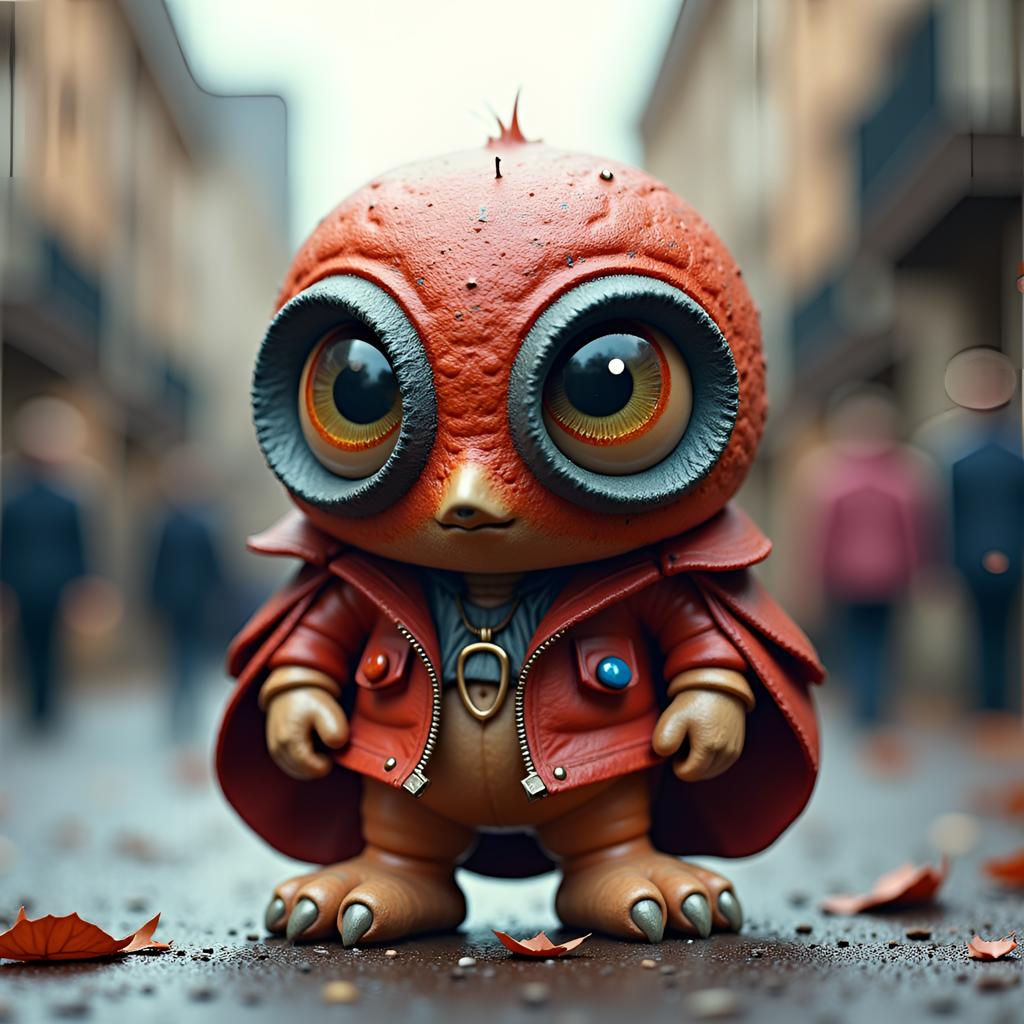

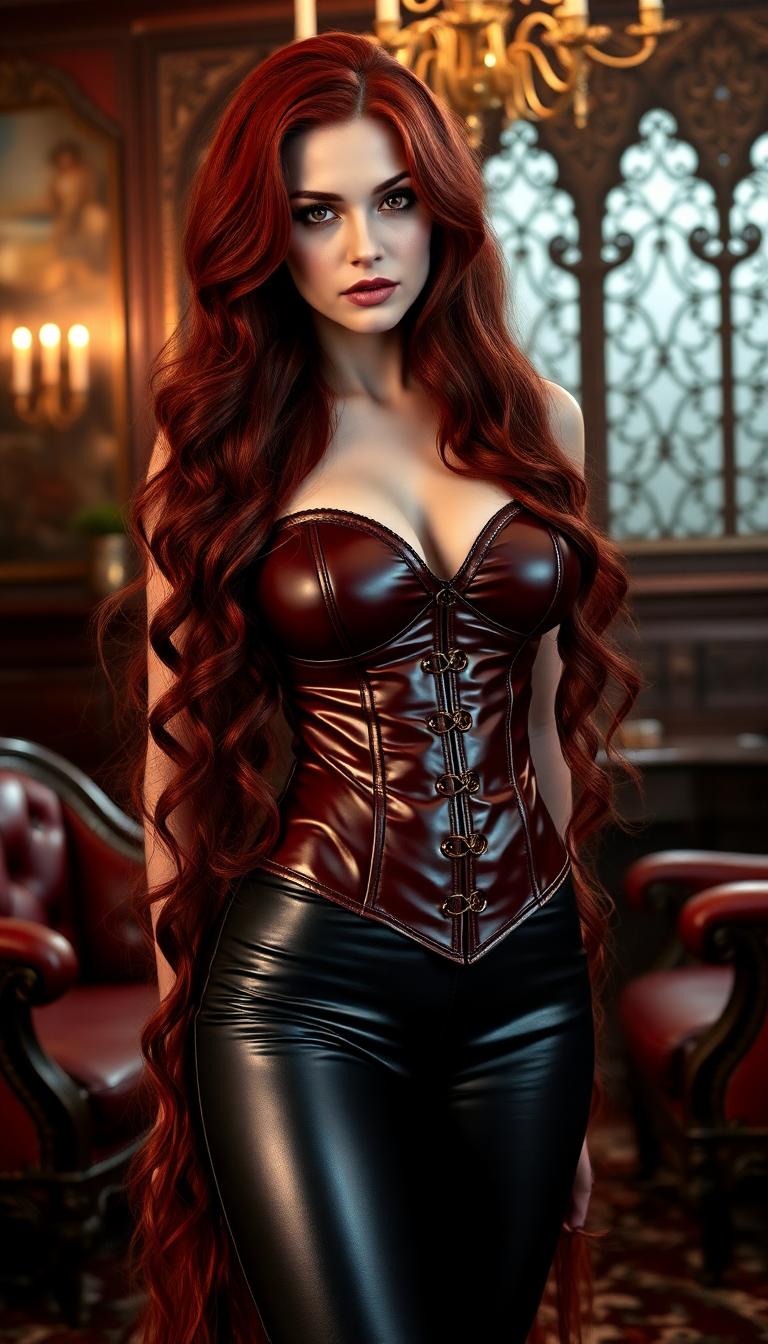
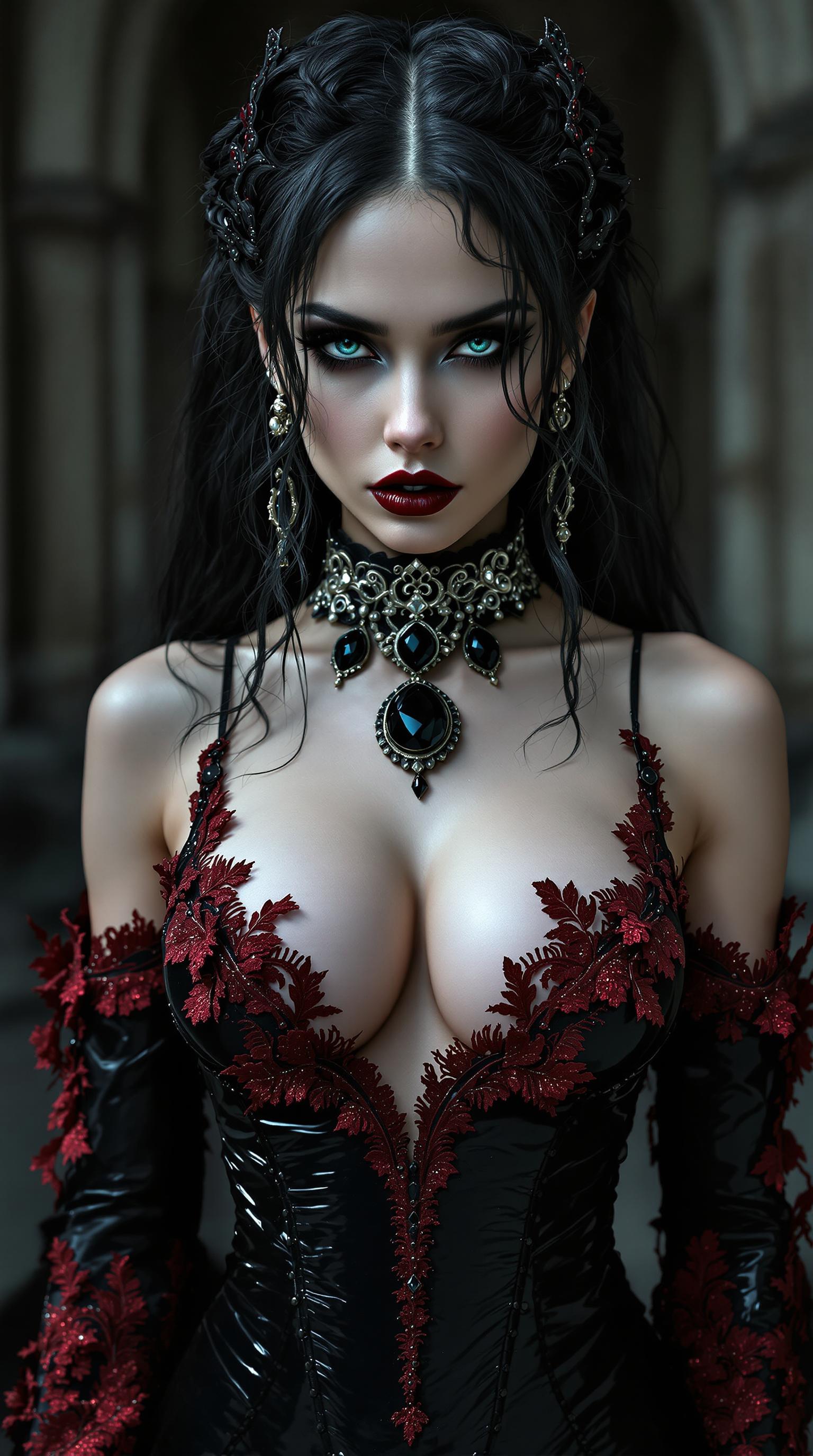
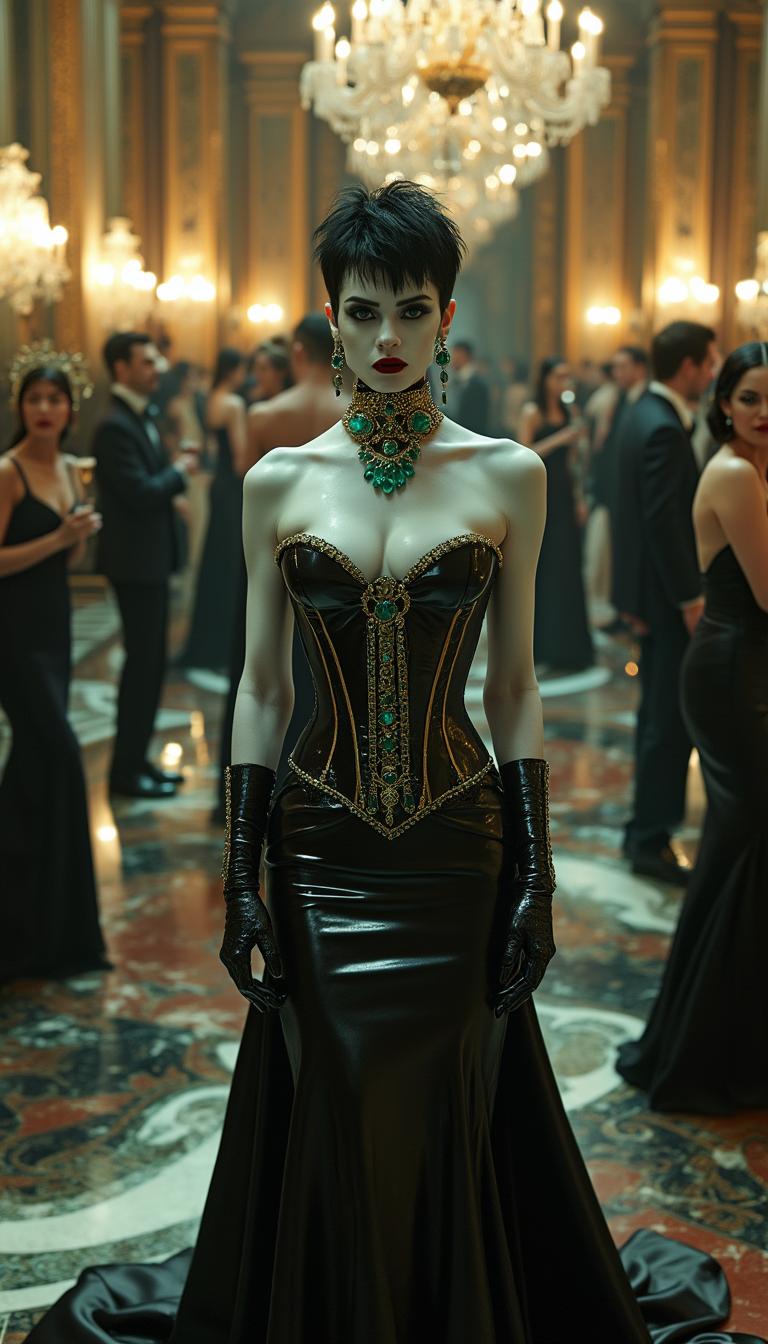


The Pixel Dojo Advantage
Why PixelDojo's AI Image Changer Stands Out
| Others | Pixel Dojo |
|---|---|
| Traditional Photo Editing Software | No need for extensive training or technical skills; achieve professional edits instantly. |
| Generic AI Tools | A comprehensive suite of specialized tools tailored for various editing needs. |
| Manual Editing Methods | Save time and effort with automated processes that deliver consistent, high-quality results. |
Loved by Creators
See what our community says about ai image changer
"PixelDojo's AI Image Changer has revolutionized my workflow. I can now edit photos in minutes without compromising quality."
Alex Johnson
Professional Photographer
"As a content creator, PixelDojo's tools have been invaluable. The ease of use and quality of edits are unmatched."
Samantha Lee
Social Media Influencer
Common Questions
Everything you need to know about ai image changer AI generation
How does PixelDojo's AI Image Changer enhance photo quality?
Our AI Image Enhancer automatically adjusts brightness, contrast, and sharpness to improve overall image quality, delivering professional-grade results effortlessly.
Can I remove objects from my photos using PixelDojo?
Yes, our Inpainting tool allows you to seamlessly remove unwanted objects from your images, filling in the background naturally.
Is it possible to change the style of my photos with PixelDojo?
Absolutely. Our Style Transfer tool enables you to apply various artistic styles to your images, transforming them into unique artworks.
Do I need any technical skills to use PixelDojo's AI tools?
No technical skills are required. Our platform is designed to be user-friendly, allowing anyone to achieve professional-quality edits with ease.
What image formats does PixelDojo support?
PixelDojo supports a wide range of image formats, including JPEG, PNG, and TIFF, ensuring compatibility with your files.
Can I try PixelDojo's AI Image Changer for free?
Yes, we offer a free trial that allows you to explore our tools and experience the benefits firsthand before committing to a subscription.