AI image fusion Qwen Edit AI Generator
Unlock the full potential of your creativity by seamlessly blending multiple images into cohesive, captivating compositions. With PixelDojo's advanced AI image fusion tool, Qwen Edit, you can effortlessly combine photos to create stunning visuals that tell a compelling story. Whether you're a digital artist, marketer, or content creator, our platform empowers you to achieve professional-quality results without the steep learning curve.
Join over 10,000 creators who have transformed their projects using PixelDojo's AI tools. Rated 4.8/5 based on 2,500+ reviews.
Why Choose Pixel Dojo for AI image fusion Qwen Edit
Professional-quality results with cutting-edge AI technology
Effortless Multi-Image Blending
Combine multiple images seamlessly to create cohesive and visually appealing compositions.
Time-Saving Automation
Automate complex editing tasks, reducing hours of manual work to mere minutes.
Professional-Quality Results
Achieve high-resolution, photorealistic outputs suitable for commercial use.
How It Works
Creating stunning multi-image fusions with PixelDojo is simple and intuitive. Follow these steps to bring your vision to life:
Step 1: Choose Your Tool
Select the 'Qwen Edit' tool from PixelDojo's suite to begin your fusion project.
Step 2: Upload Your Images
Upload the images you wish to combine. Ensure they are in JPG, PNG, or WEBP format and do not exceed 20MB each.
Step 3: Enter Your Prompt
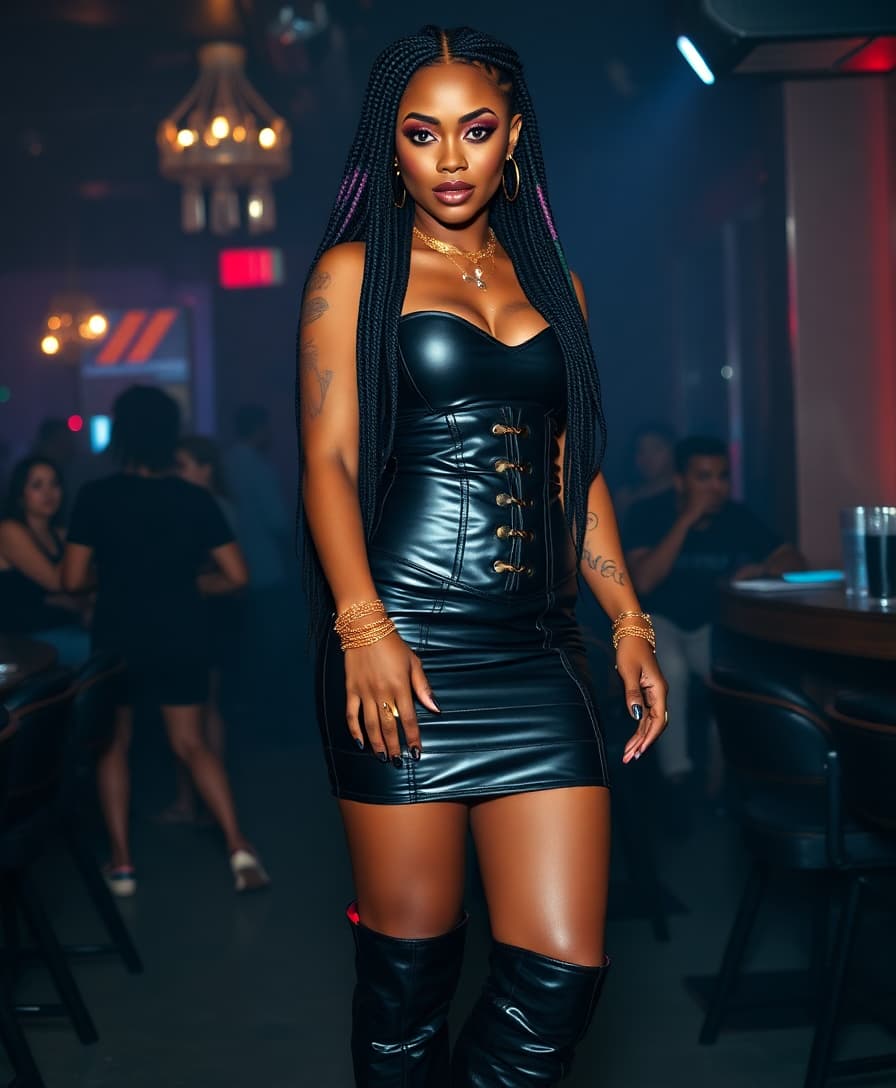
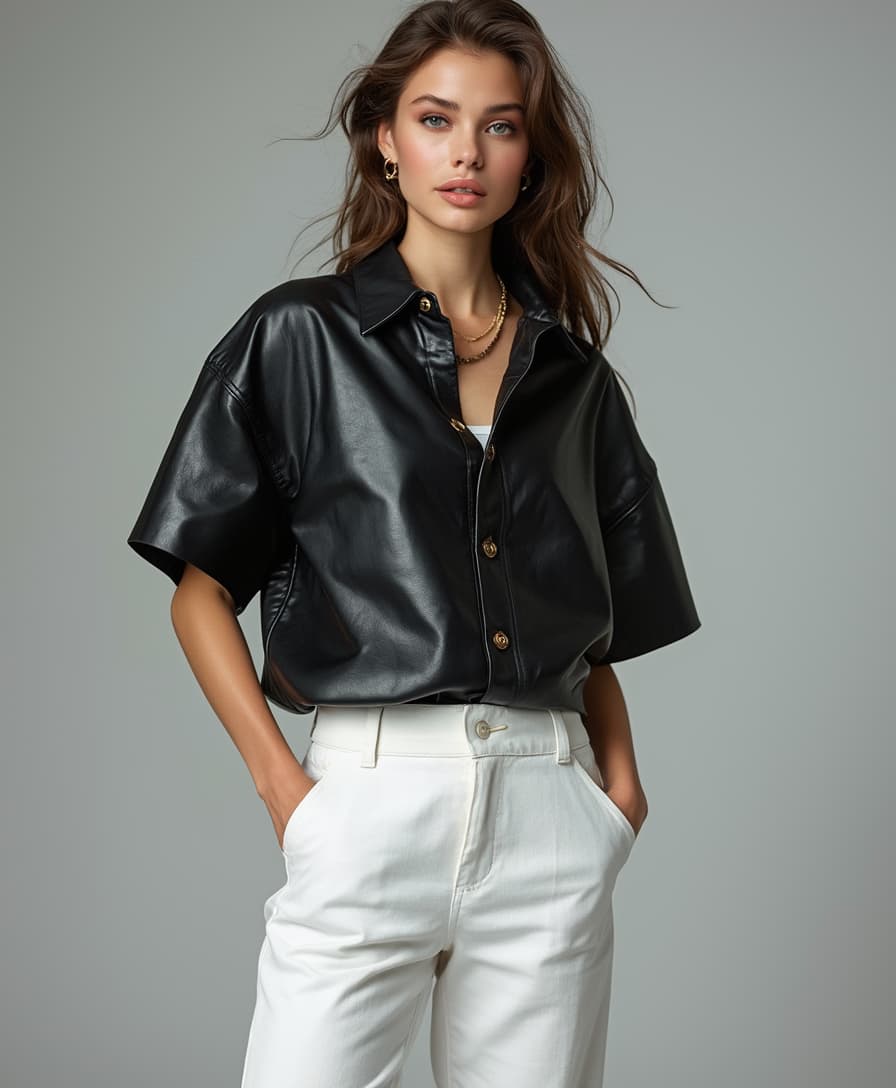
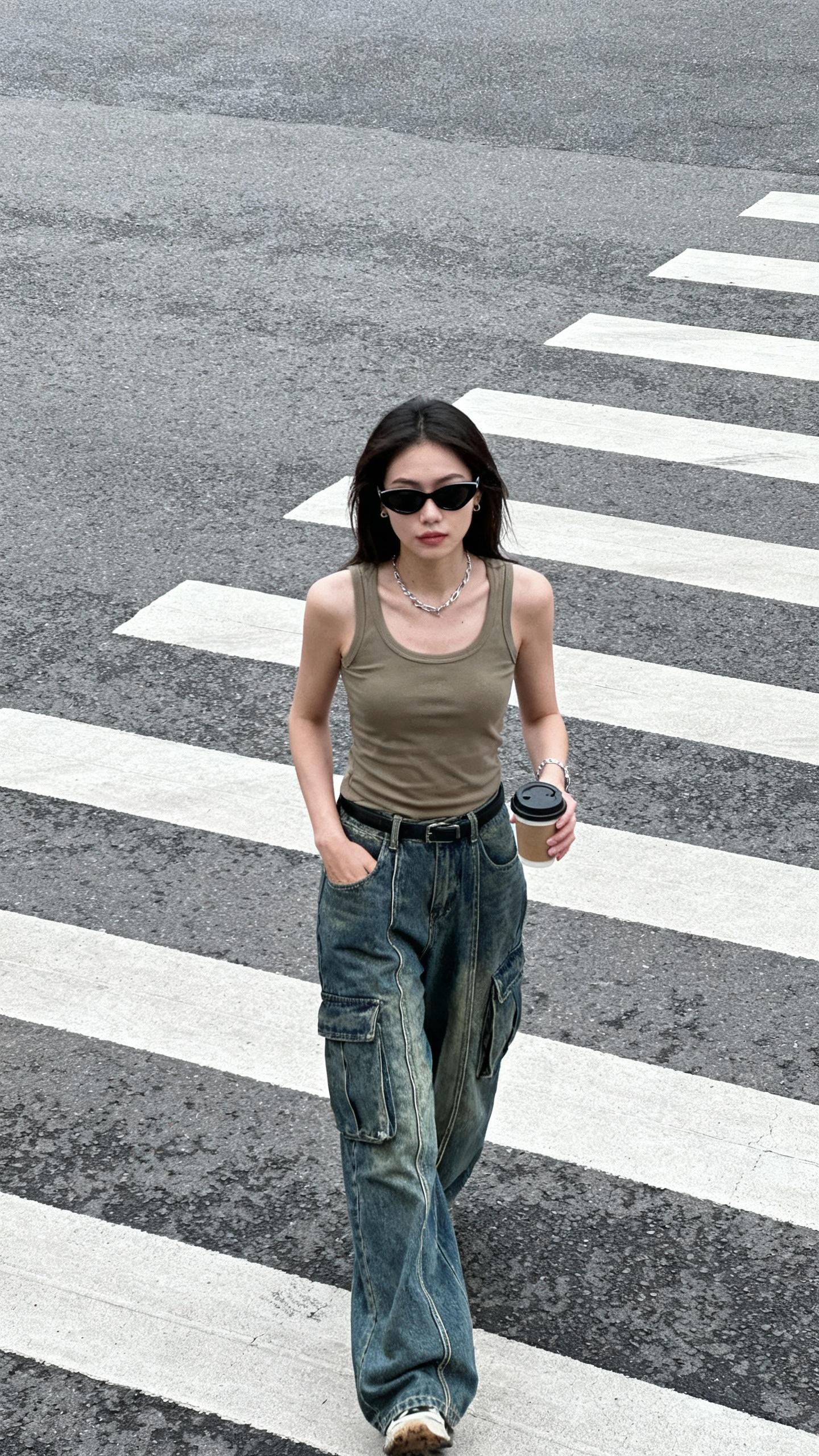
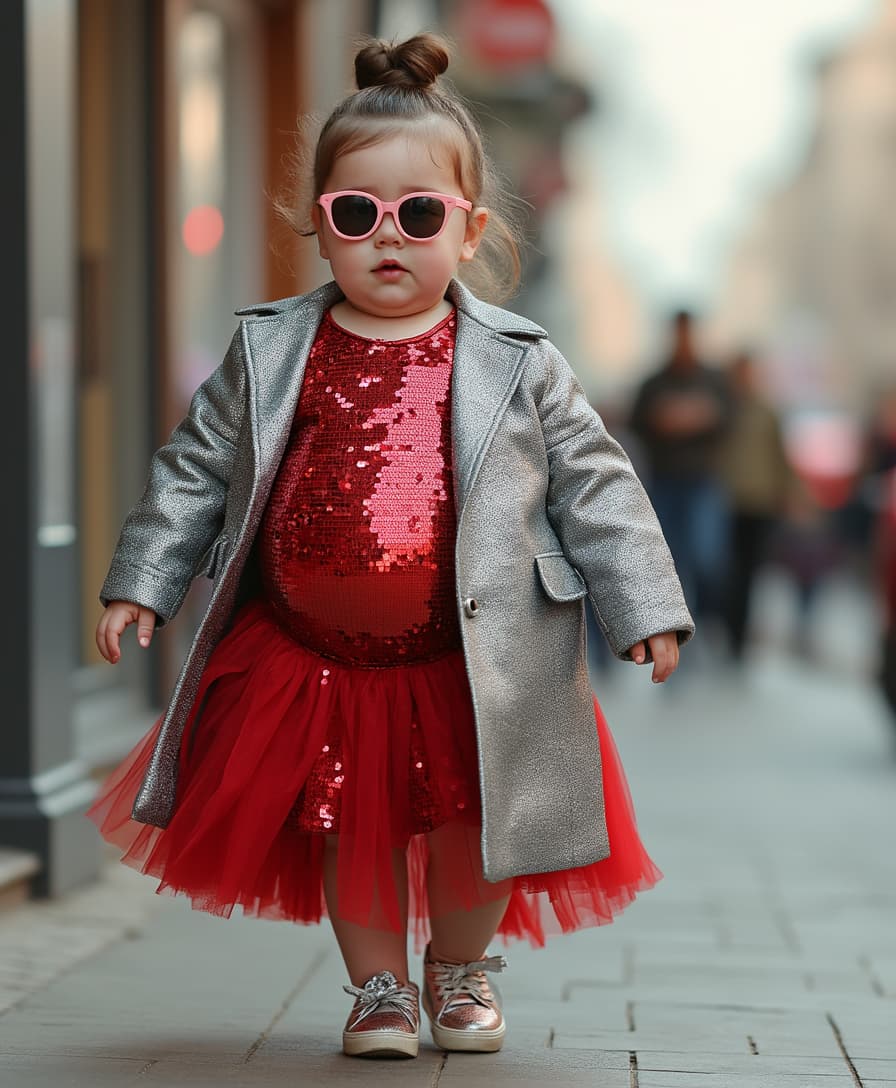
Describe how you want the images to be fused using natural language. For example, 'Place the woman from Image 1 next to the house from Image 2.'


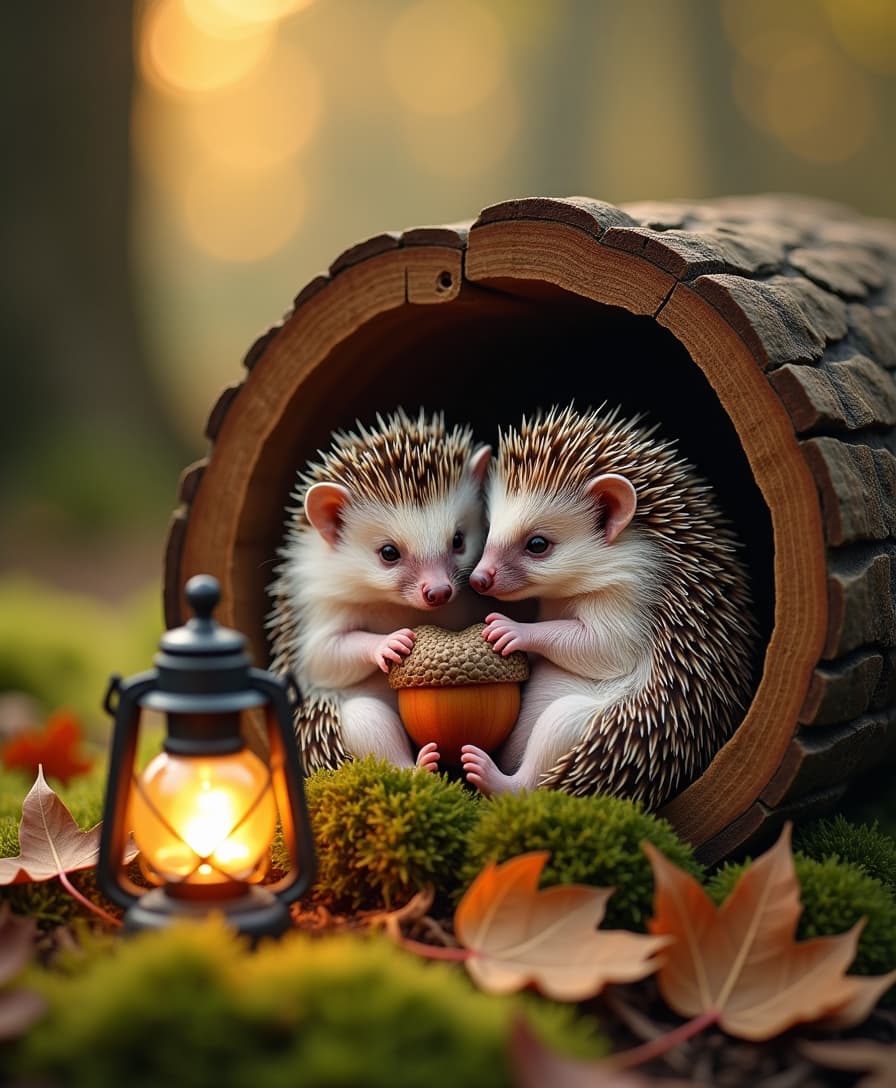

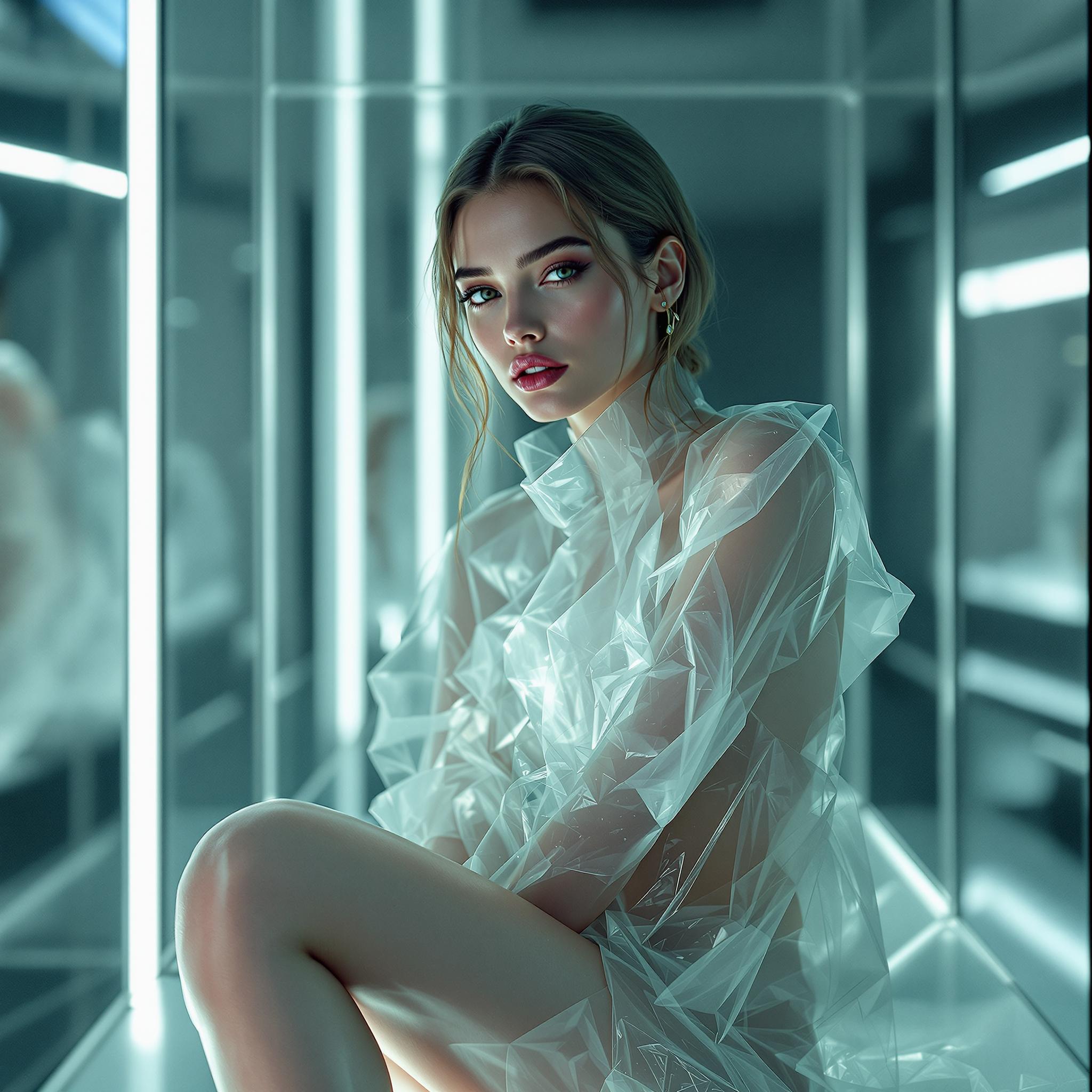
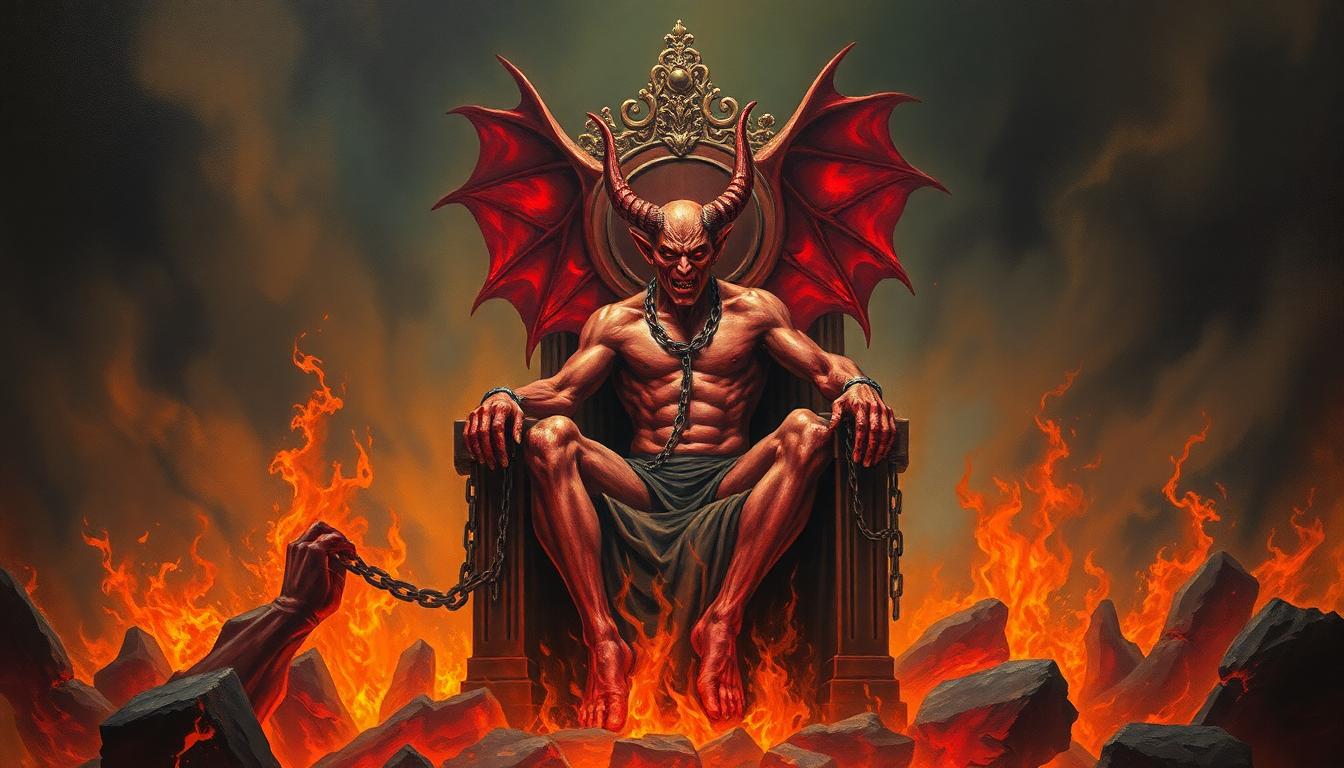
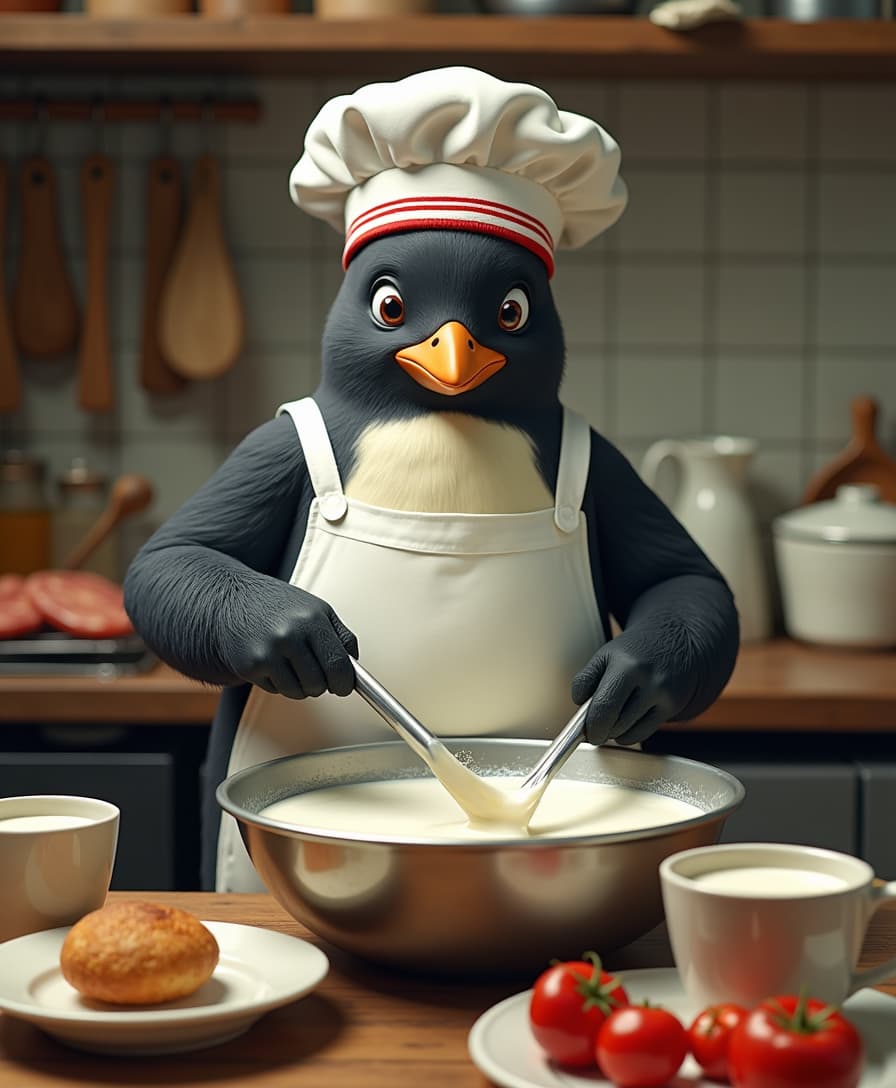
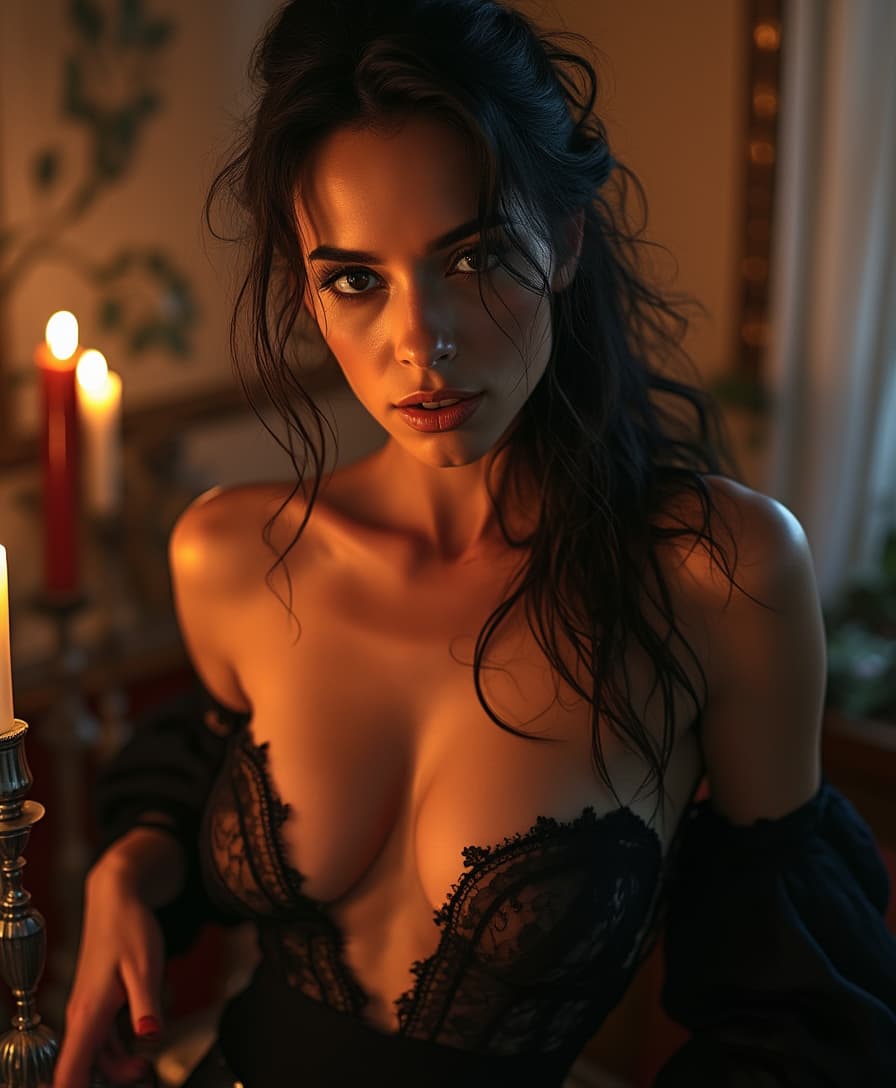
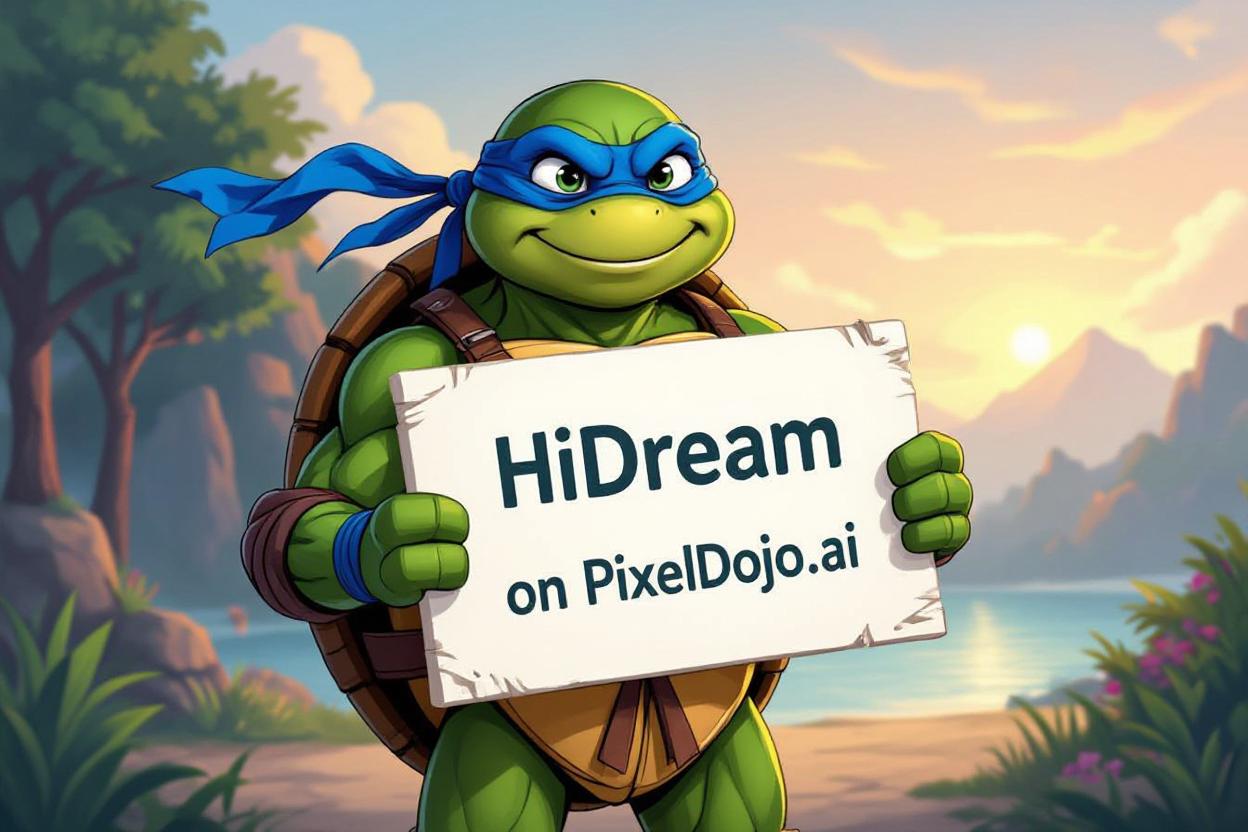
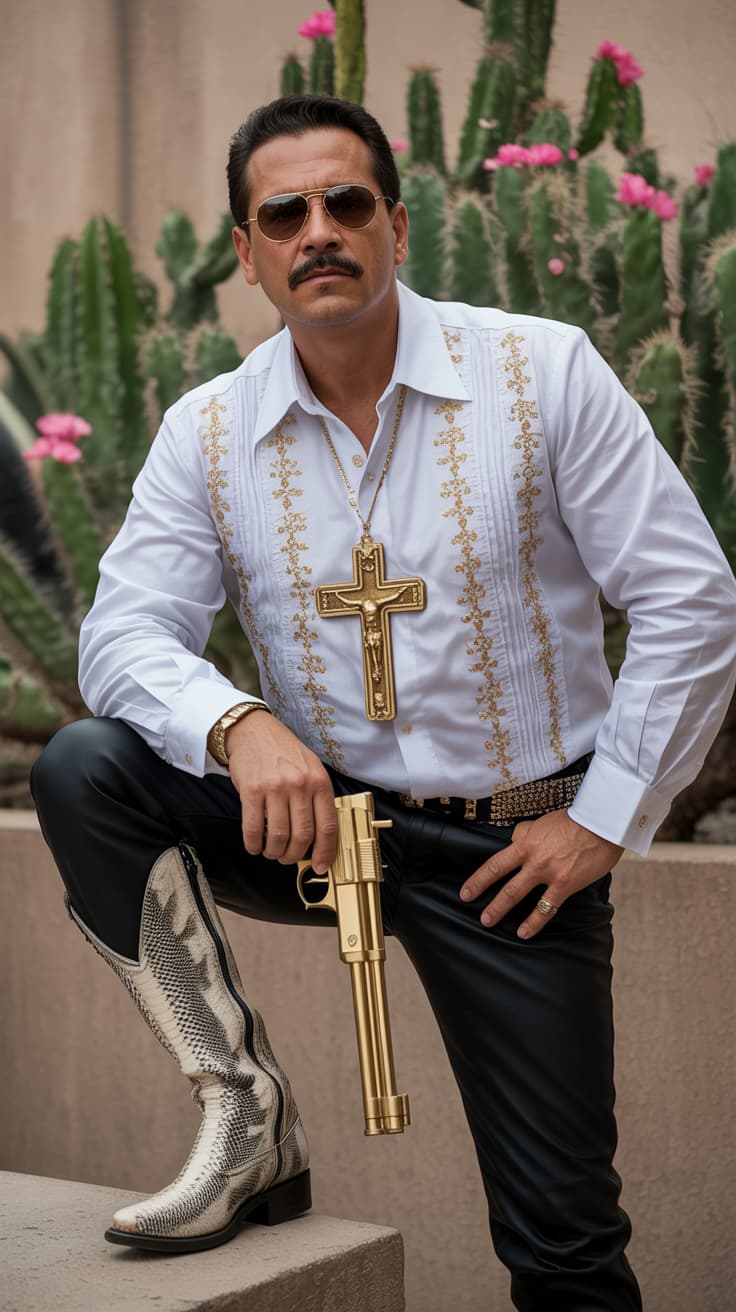
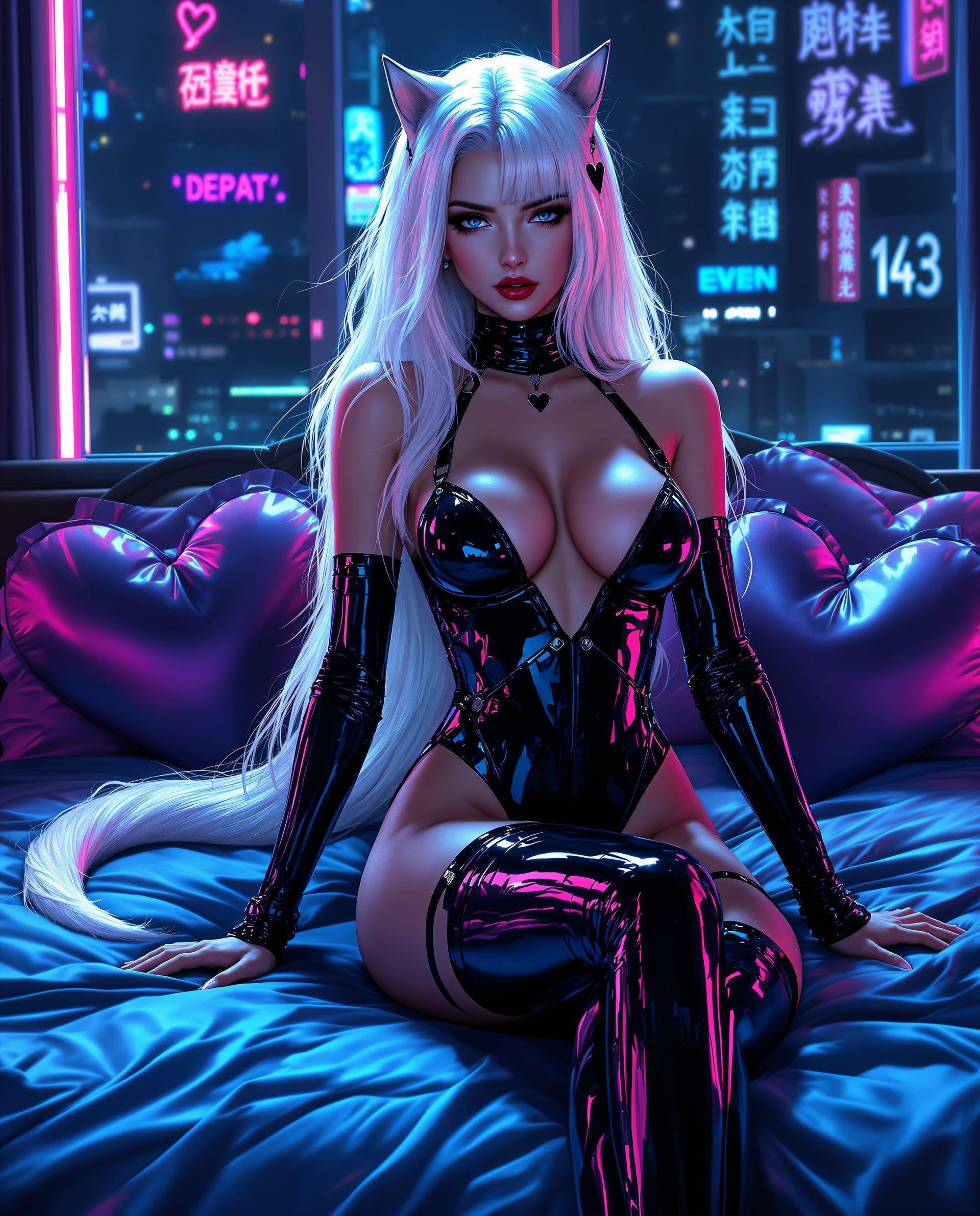
The Pixel Dojo Advantage
Why PixelDojo outperforms other options for AI image fusion
| Others | Pixel Dojo |
|---|---|
| Traditional image editing software | Eliminates the need for manual masking and layering, streamlining the fusion process. |
| Generic AI tools | Offers specialized fusion capabilities tailored for multi-image blending with precise control. |
| Manual photo editing | Reduces the time and effort required to achieve seamless image fusions, allowing for rapid iterations. |
Loved by Creators
See what our community says about AI image fusion Qwen Edit
"PixelDojo's Qwen Edit has revolutionized my workflow. I can now create complex image fusions in minutes, which used to take hours."
Alex Johnson
Digital Artist
"The AI fusion tool is incredibly intuitive. I was able to blend multiple product images seamlessly for our marketing materials."
Samantha Lee
Marketing Manager
Common Questions
Everything you need to know about AI image fusion Qwen Edit AI generation
How does PixelDojo's Qwen Edit tool work for AI image fusion?
Qwen Edit utilizes advanced AI algorithms to analyze and blend multiple images based on your natural language prompts, ensuring seamless and realistic results.
Can I use PixelDojo's fused images for commercial projects?
Yes, the high-resolution outputs are suitable for commercial use, including marketing materials and product photography.
What file formats are supported for image uploads?
PixelDojo supports JPG, PNG, and WEBP formats for image uploads, with a maximum file size of 20MB each.
Is there a limit to the number of images I can fuse?
While Qwen Edit is optimized for combining two images, you can perform multiple fusion operations to achieve your desired result.
Do I need prior experience in photo editing to use PixelDojo?
No, PixelDojo's intuitive interface and natural language processing make it accessible to users of all skill levels.
How long does it take to generate a fused image?
The AI processes your request in seconds, providing quick turnaround times for your projects.