ai photo filter AI Generator
Unlock the full potential of your photographs with PixelDojo's AI photo filters. Whether you're aiming to enhance image quality, apply artistic styles, or remove unwanted elements, our advanced AI tools empower you to achieve professional results effortlessly. Elevate your visual content and captivate your audience with stunning, high-quality images.
Join over 10,000 satisfied creators who have transformed their images using PixelDojo's AI photo filters. Rated 4.8/5 based on 2,000+ reviews.
Why Choose Pixel Dojo for ai photo filter
Professional-quality results with cutting-edge AI technology
Effortless Image Enhancement
Automatically improve image quality, adjust lighting, and enhance colors with AI-powered tools.
Creative Style Transformations
Apply artistic styles and effects to your images, transforming them into unique pieces of art.
Seamless Object Removal
Remove unwanted objects or backgrounds from your photos with precision and ease.
How It Works
Creating stunning images with PixelDojo's AI photo filters is simple and intuitive. Follow these steps to get started:
Step 1: Choose Your Tool
Select from our range of AI tools tailored for photo enhancement, style transformation, or object removal.
Step 2: Upload Your Photo
Upload the image you wish to edit. Our AI will analyze it to provide optimal enhancements.
Step 3: Apply Filters & Download
Choose from various AI filters to apply to your image. Preview the results and download your enhanced photo.
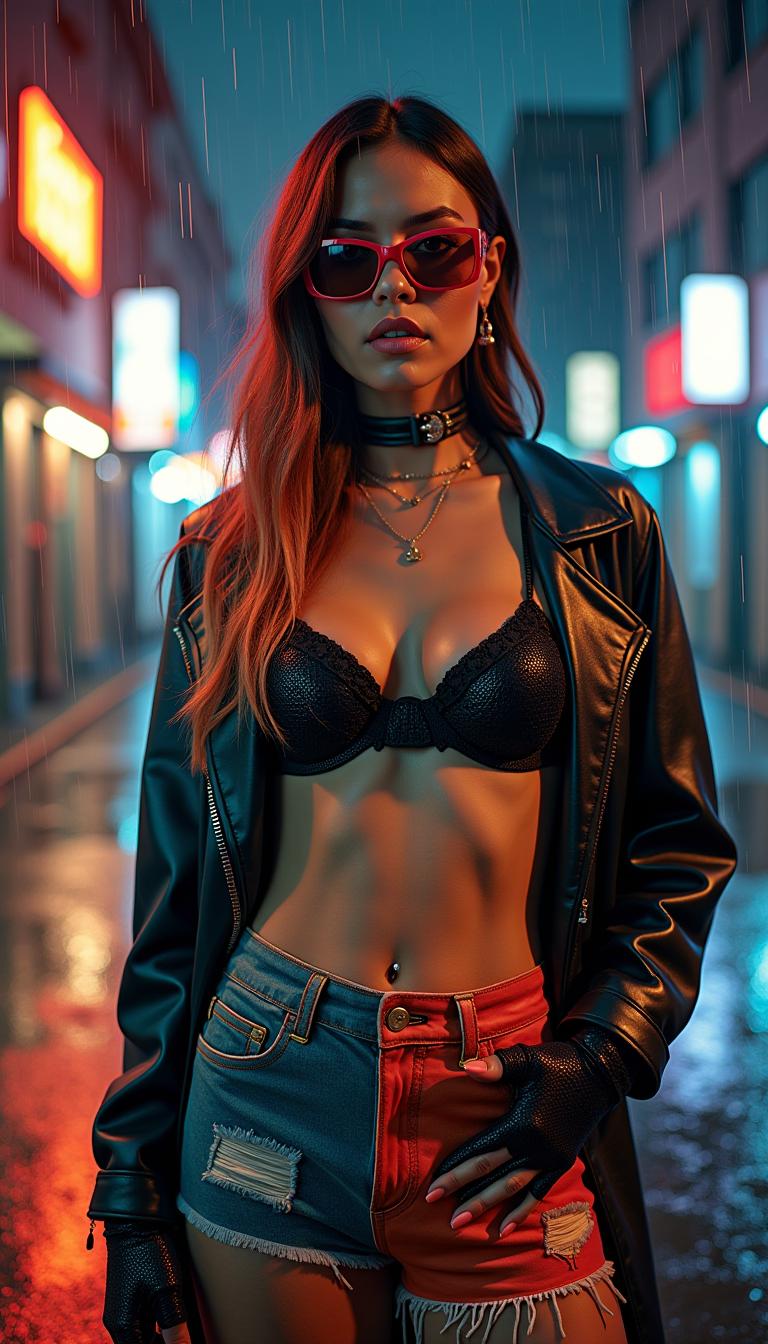
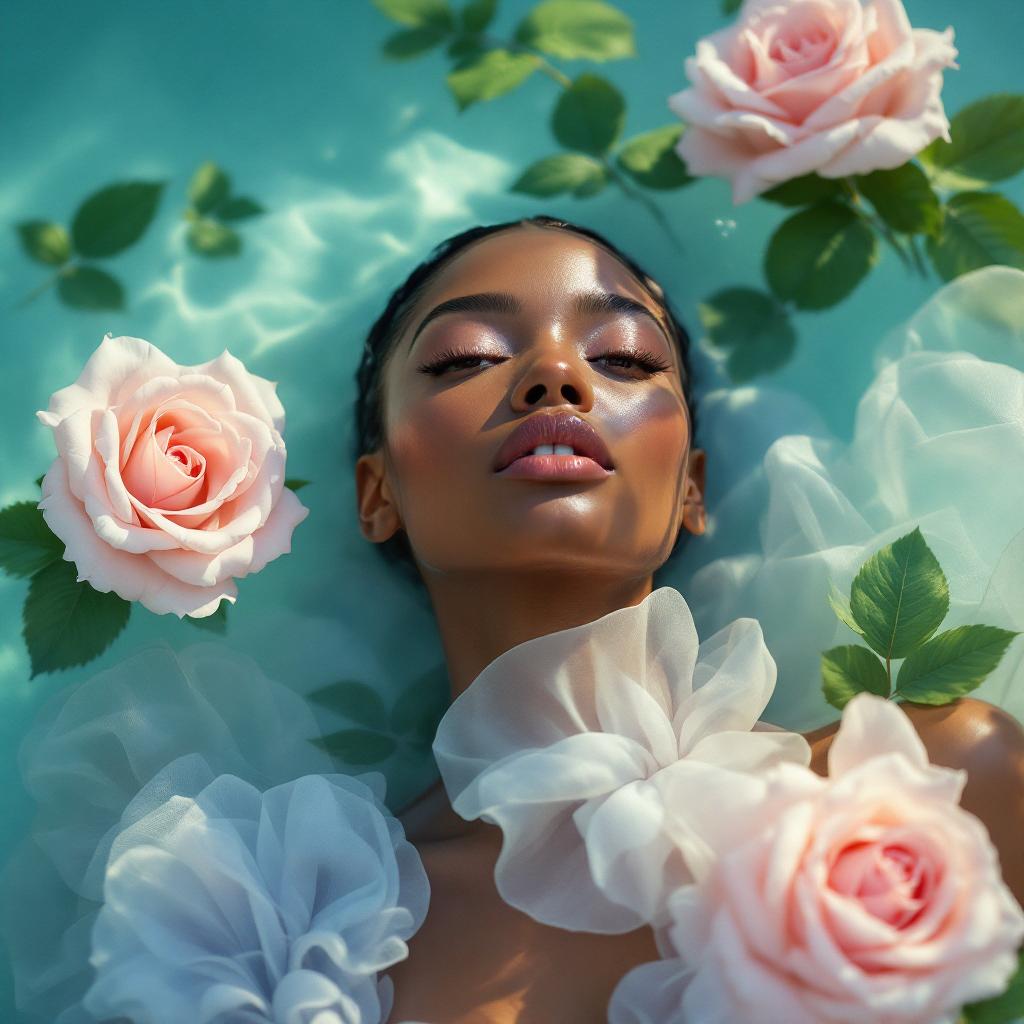
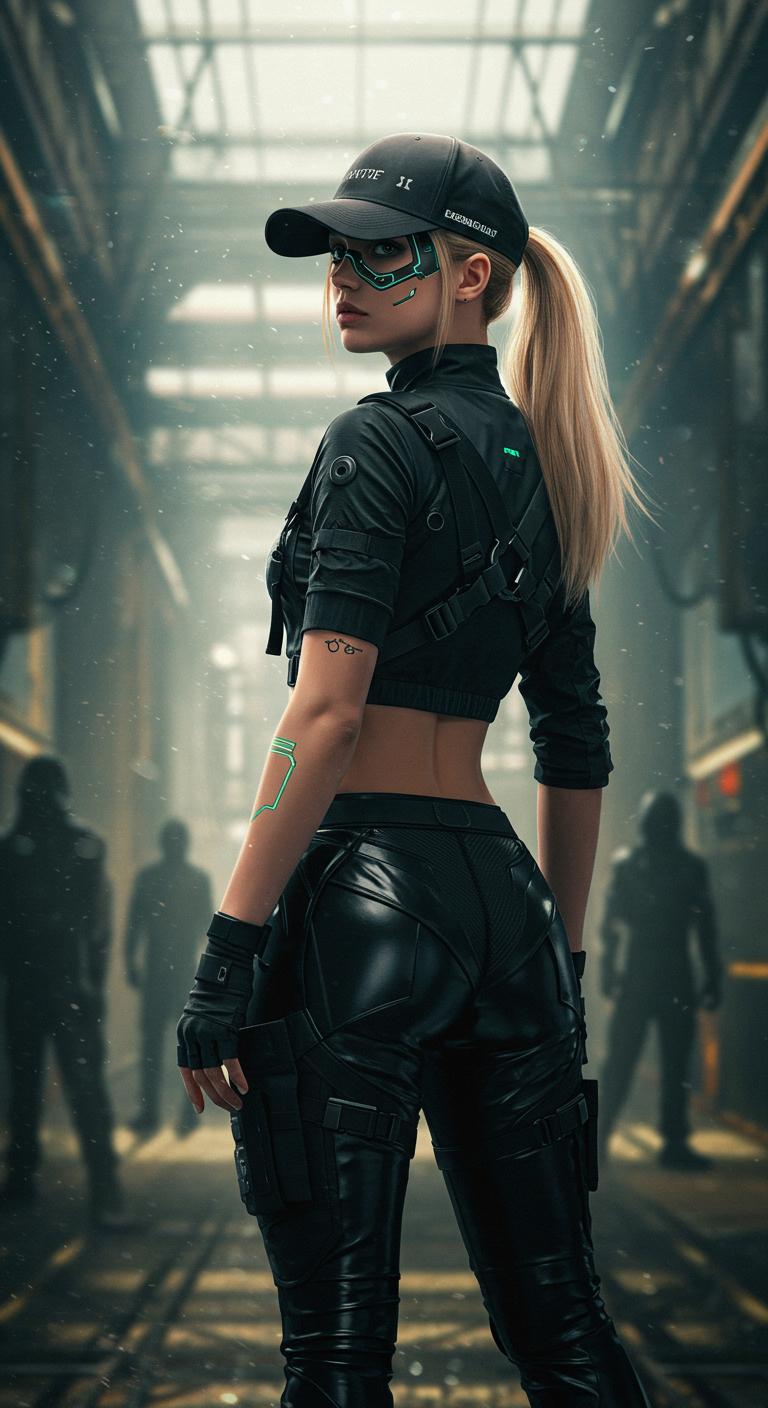
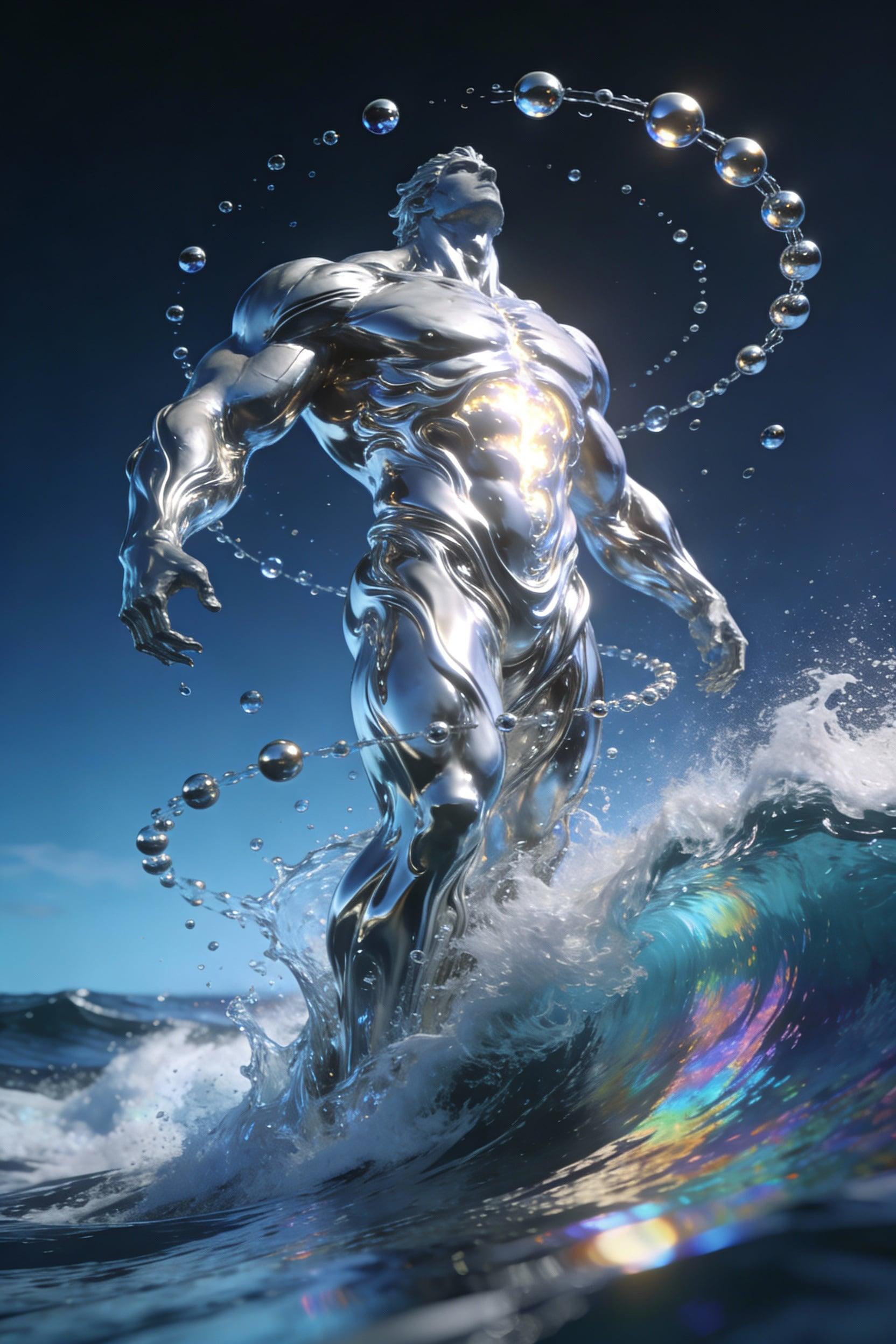

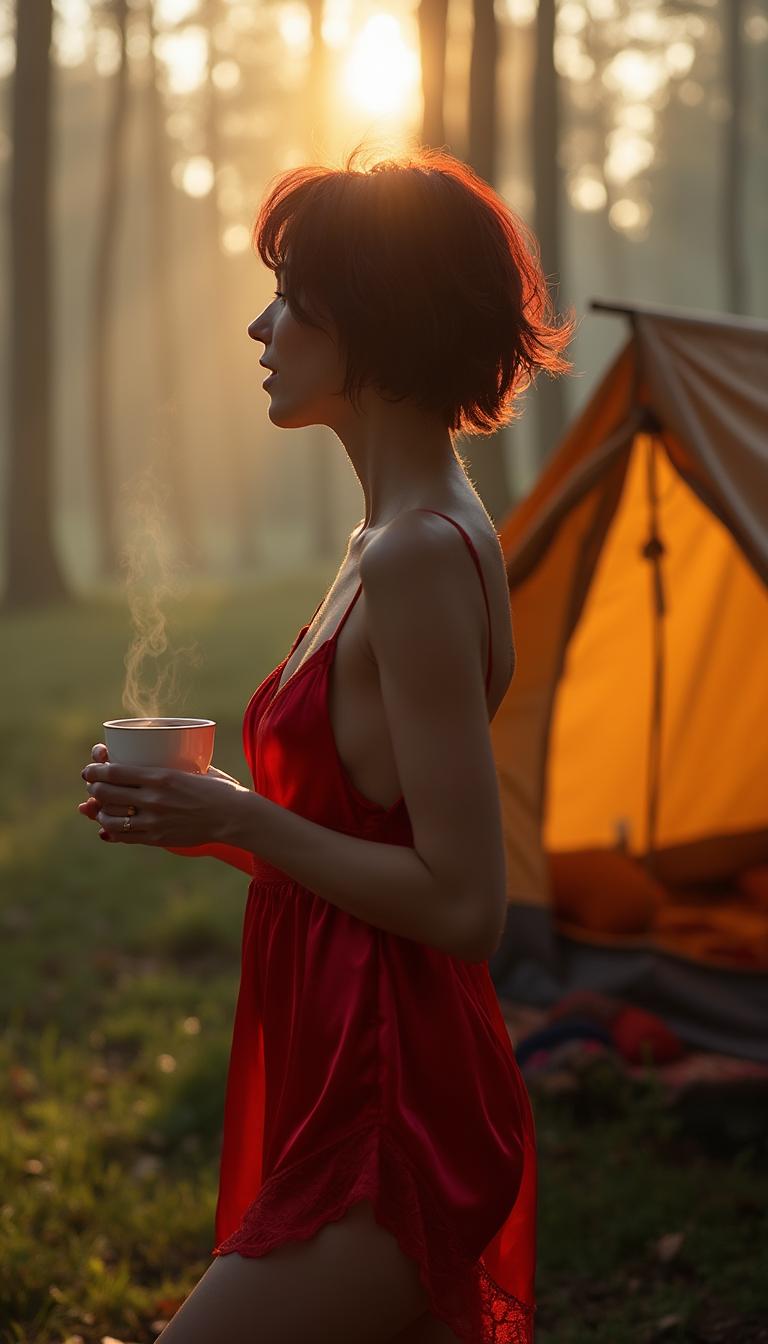

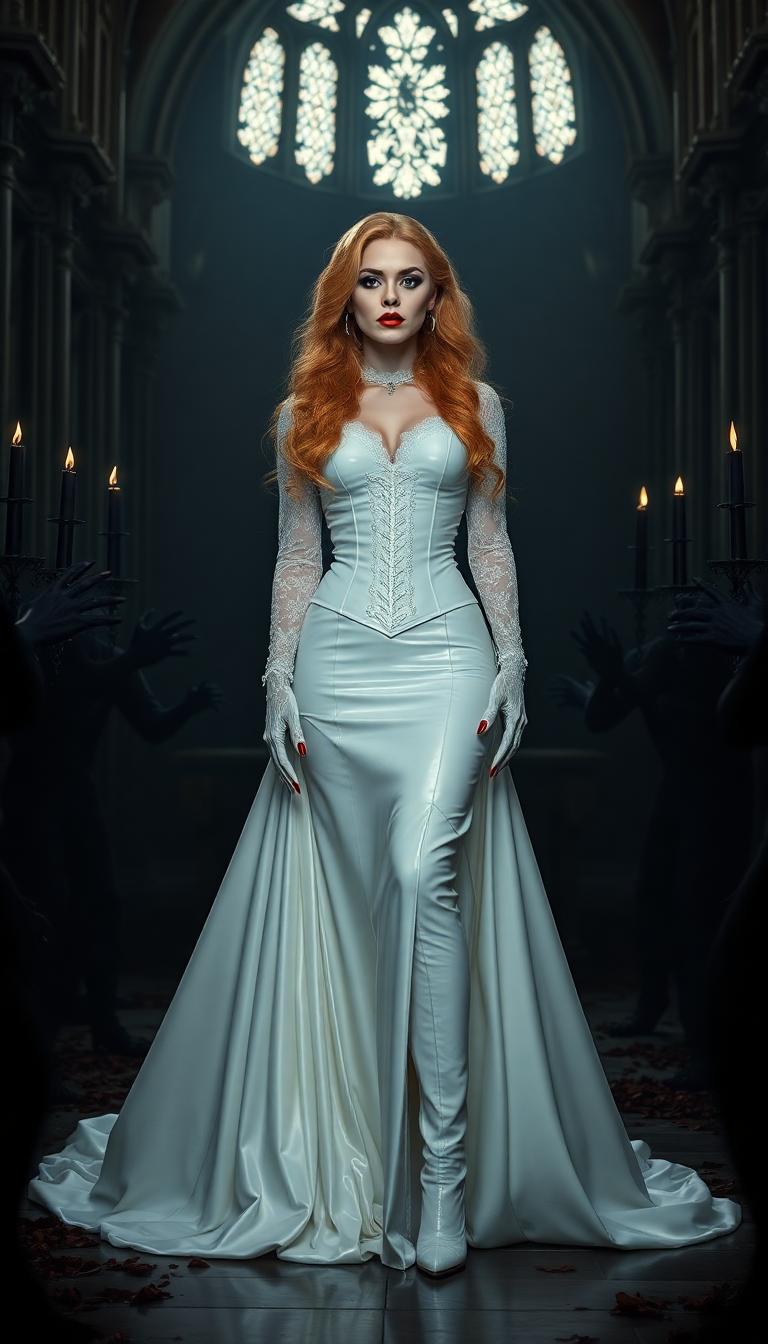
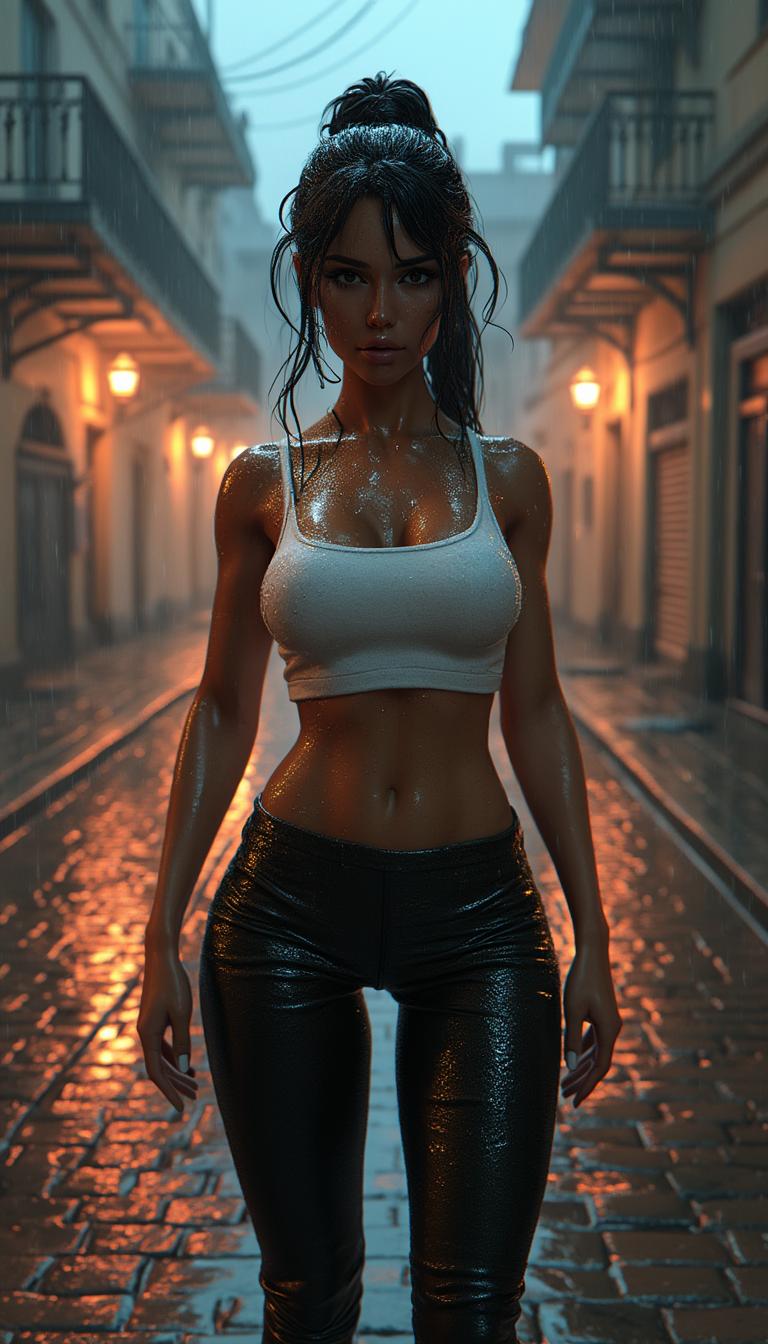
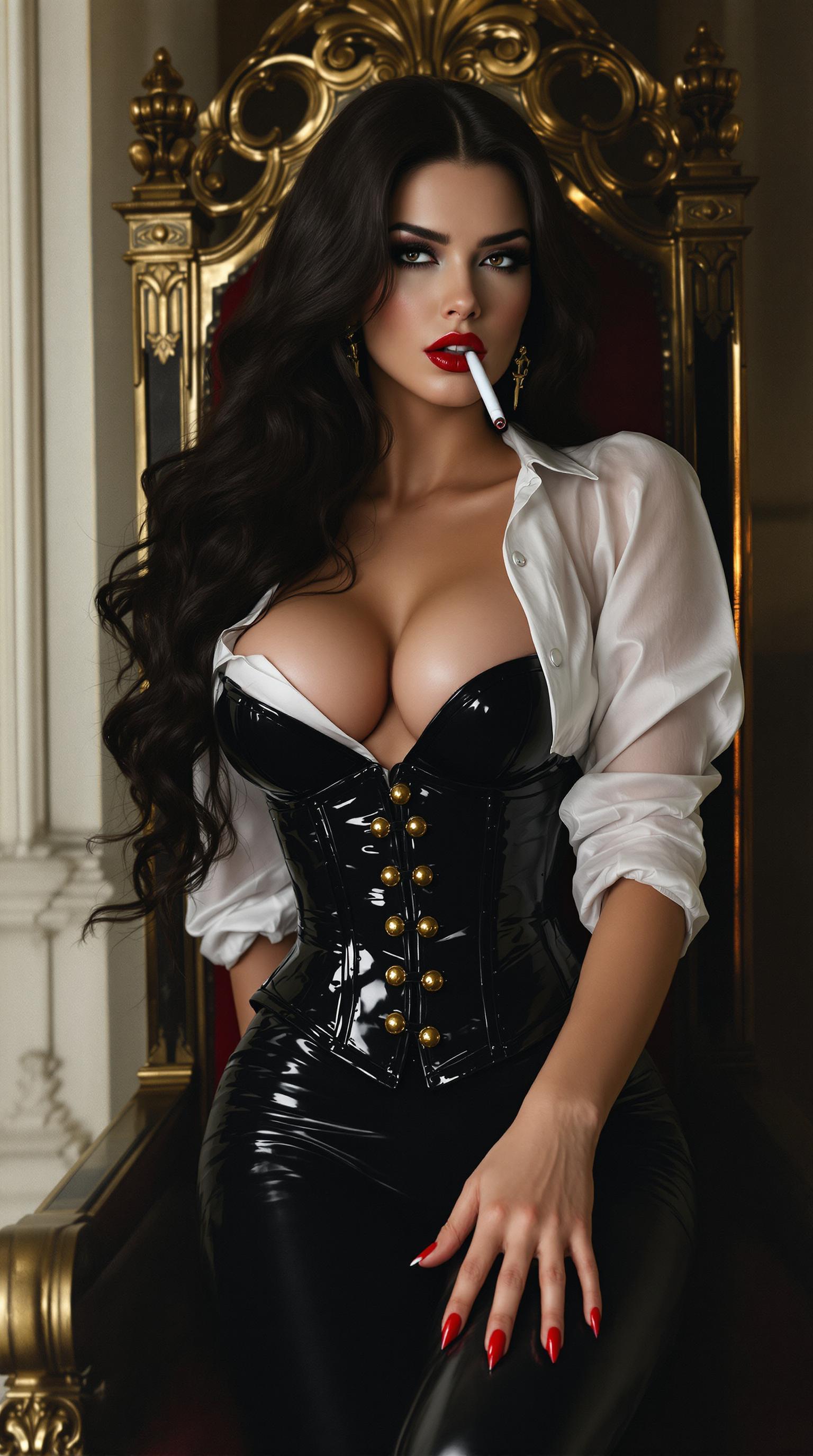
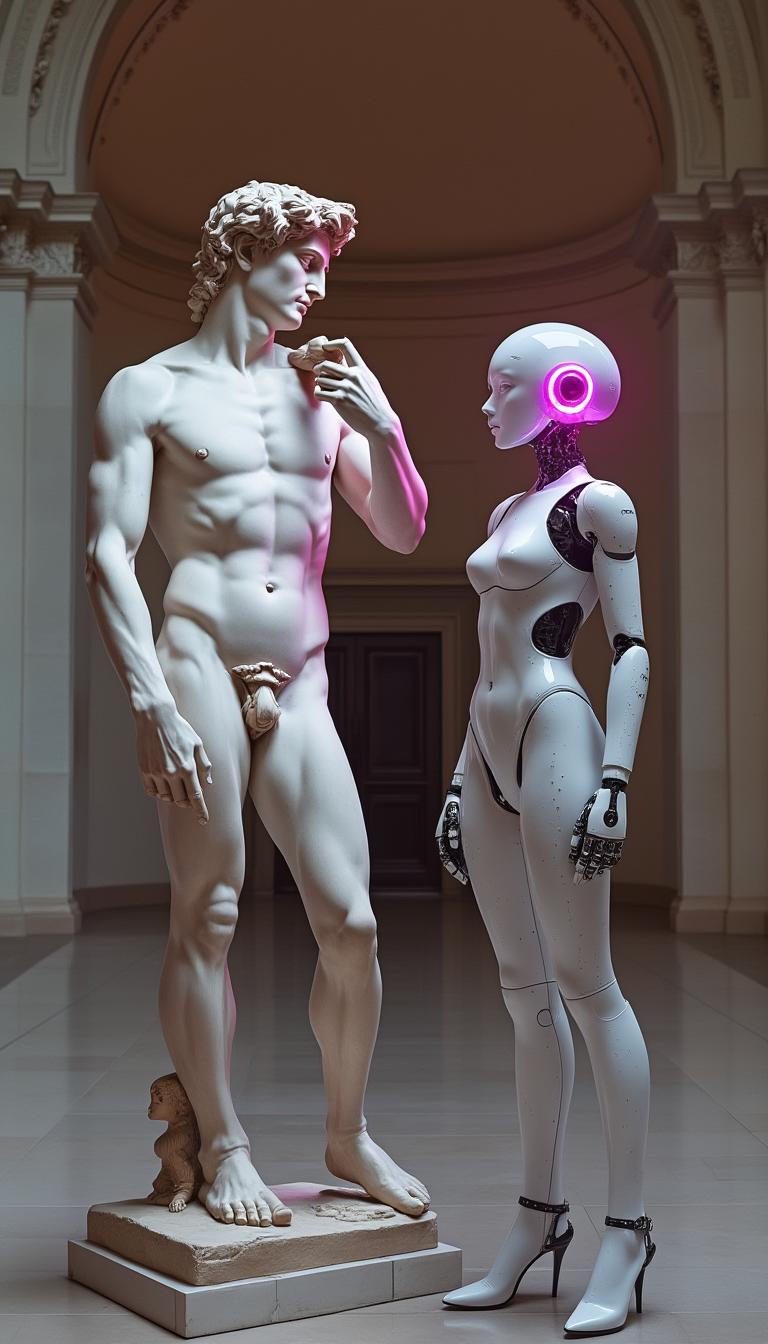
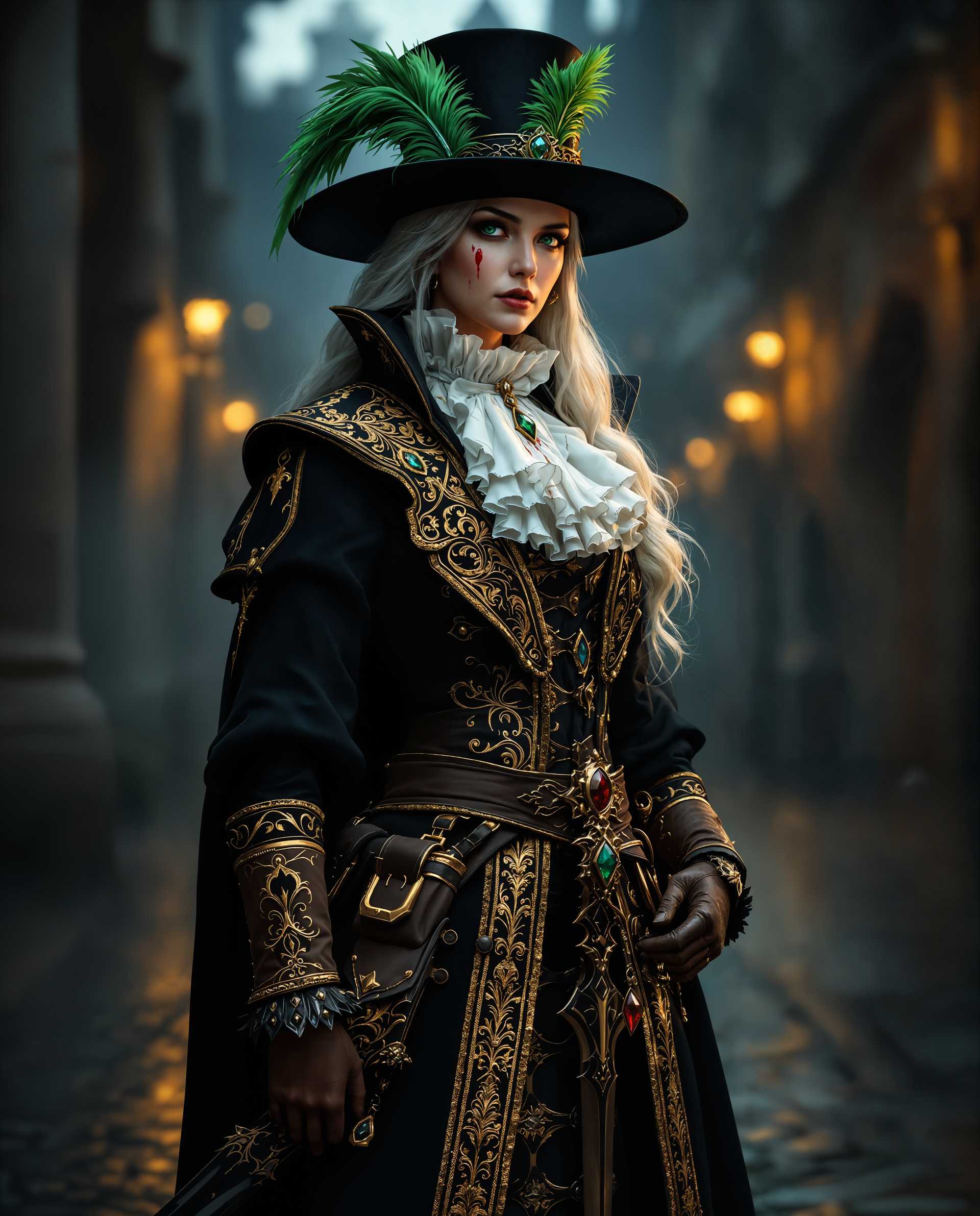
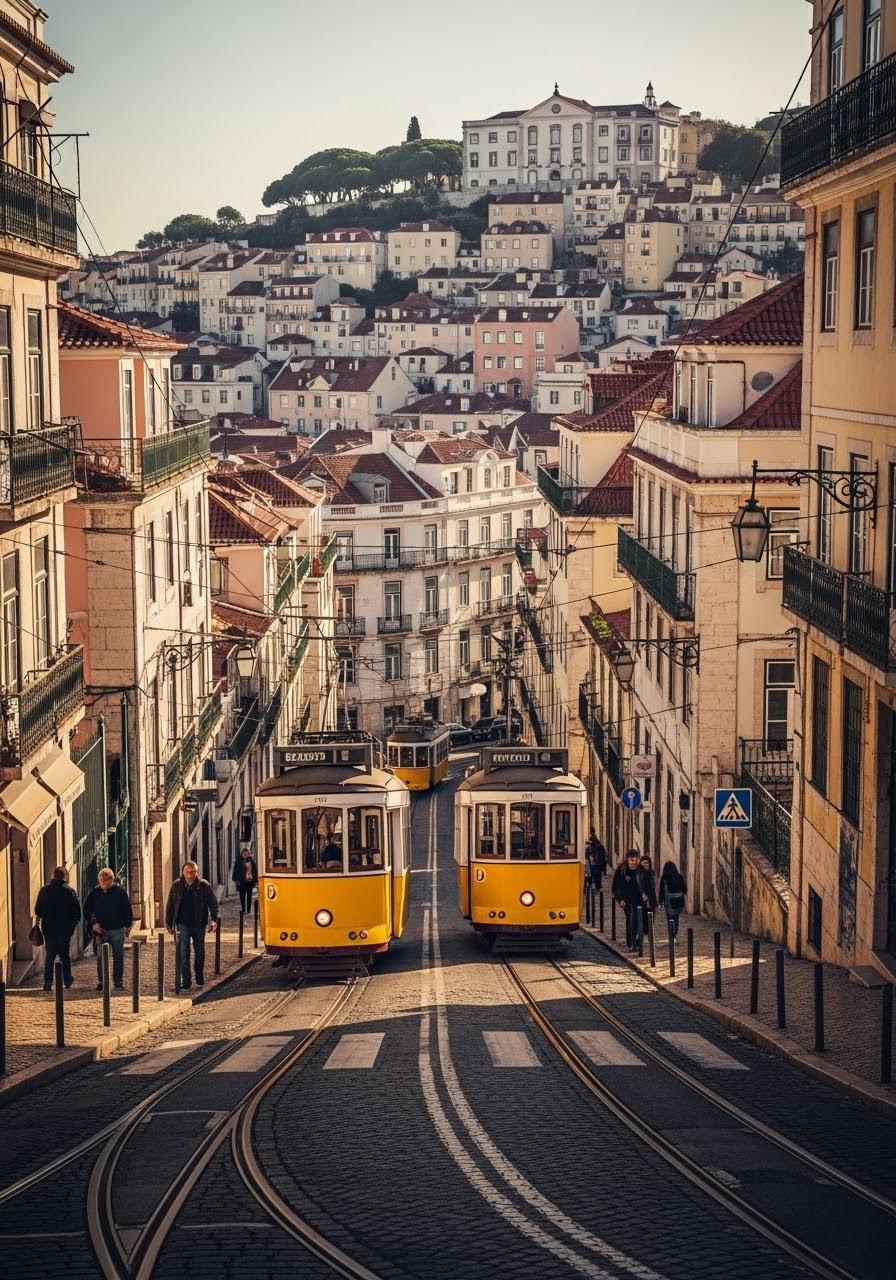
The Pixel Dojo Advantage
Why PixelDojo outperforms other options for AI photo filtering:
| Others | Pixel Dojo |
|---|---|
| Traditional Photo Editing Software | Eliminates the steep learning curve and time investment required by traditional software. |
| Generic AI Tools | Offers a comprehensive suite of specialized tools designed specifically for photographers and creators. |
| Manual Editing Processes | Automates repetitive tasks, allowing for faster turnaround and more consistent results. |
Loved by Creators
See what our community says about ai photo filter
"PixelDojo's AI photo filters have revolutionized my workflow. I can now produce high-quality images in a fraction of the time."
Alex Johnson
Professional Photographer
"As a graphic designer, PixelDojo has become an indispensable part of my toolkit. The AI capabilities are truly impressive."
Maria Lopez
Graphic Designer
Common Questions
Everything you need to know about ai photo filter AI generation
How can PixelDojo's AI photo filters enhance my images?
Our AI tools automatically adjust lighting, remove imperfections, and enhance details to improve the overall quality of your images.
Can I apply artistic styles to my photos using PixelDojo?
Yes, our AI-powered filters allow you to transform your photos into various artistic styles, such as sketches, paintings, or cartoons.
Is PixelDojo suitable for beginners?
Absolutely! Our intuitive interface and automated features make it easy for users of all skill levels to achieve professional results.
What file formats are supported for upload and download?
PixelDojo supports a wide range of file formats, including JPEG, PNG, and TIFF, ensuring compatibility with your existing workflow.
Can I remove unwanted objects from my photos using PixelDojo?
Yes, our AI tools can seamlessly remove unwanted objects or backgrounds from your photos with precision and ease.
Is there a limit to the number of photos I can edit?
PixelDojo offers various subscription plans to suit your needs, including options with unlimited photo edits.