ai photo swap AI Generator
Imagine effortlessly swapping faces or objects in your photos to create engaging, personalized images. With PixelDojo's AI photo swap tools, you can achieve professional-quality results in seconds, enhancing your creative projects without any prior editing experience.
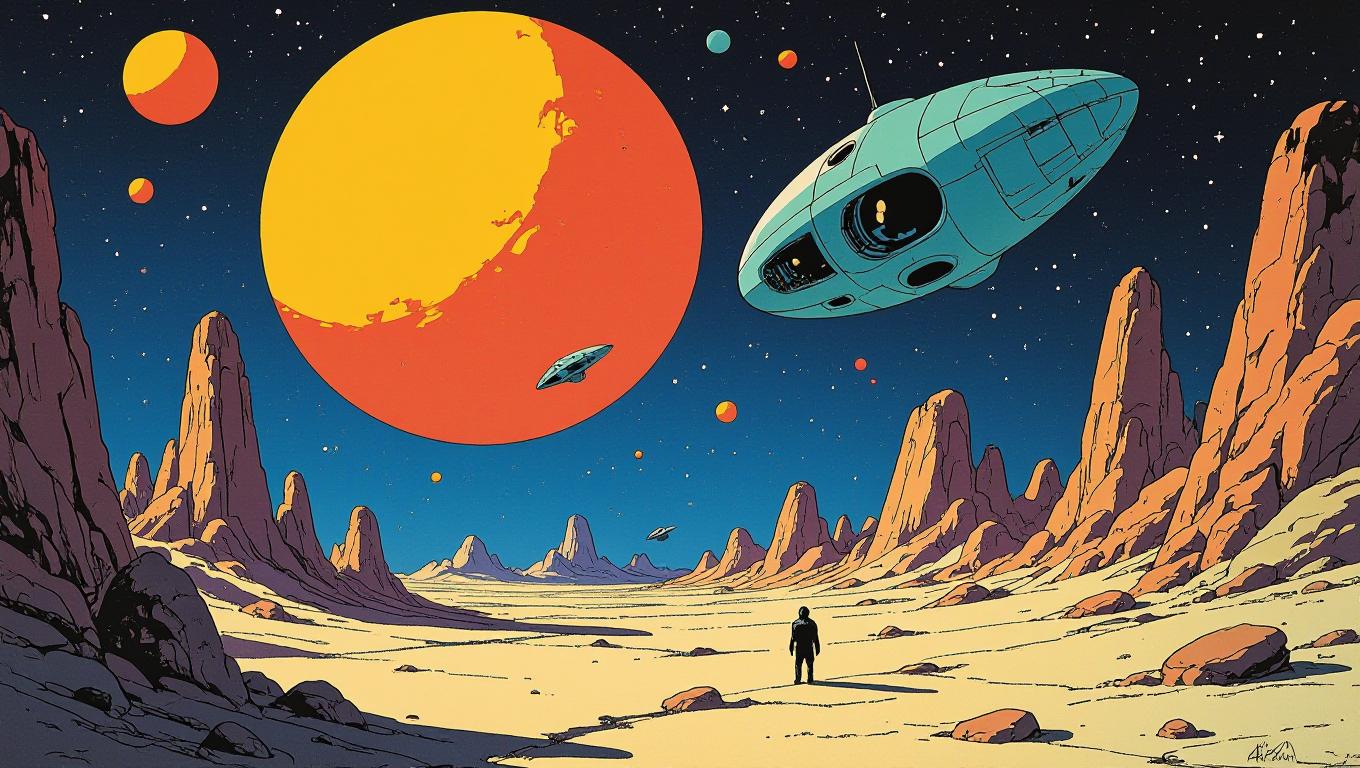
Join over 10,000 satisfied users who have created more than 500,000 face swap images using PixelDojo's cutting-edge AI tools.
Why Choose Pixel Dojo for ai photo swap
Professional-quality results with cutting-edge AI technology
Instant Realistic Swaps
Achieve high-quality, lifelike photo swaps instantly, making your images stand out.
User-Friendly Interface
No technical skills required—our intuitive platform makes photo swapping accessible to everyone.
Versatile Applications
From creating memes to professional photo edits, our tools cater to all your creative needs.
How It Works
Creating stunning images with AI photo swap is a straightforward process. Follow these simple steps to transform your photos:
Step 1: Choose Your Tool
Select the appropriate AI tool for your photo swap needs. For face swaps, use the 'Face Swap' tool; for object swaps, choose the 'Inpainting' tool.
Step 2: Upload Your Image
Upload the image you wish to edit. Ensure the photo is clear and well-lit for optimal results.
Step 3: Apply the Swap
Use the selected tool to perform the swap. For face swaps, upload the target face; for object swaps, highlight the area to be replaced and describe the desired object.
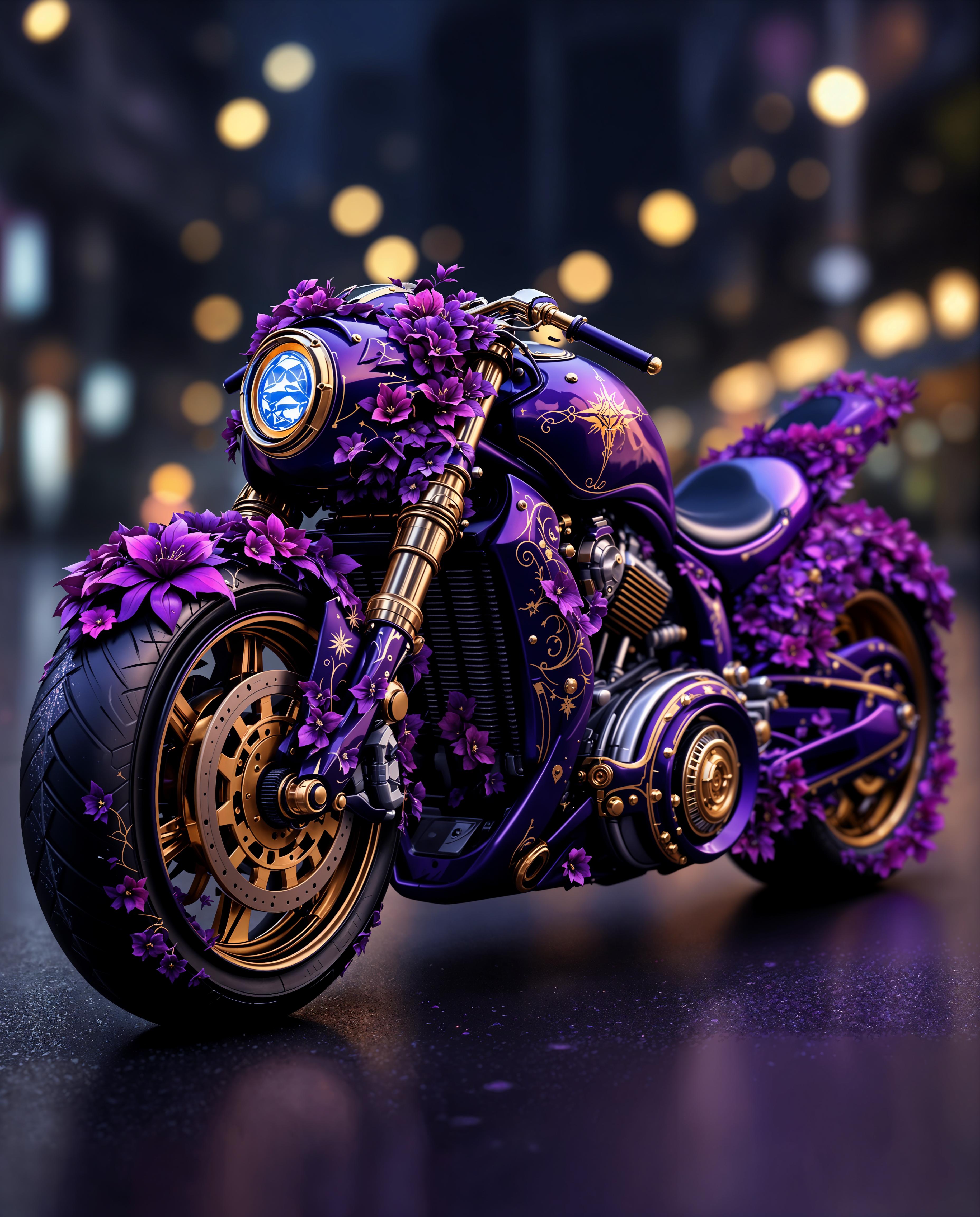
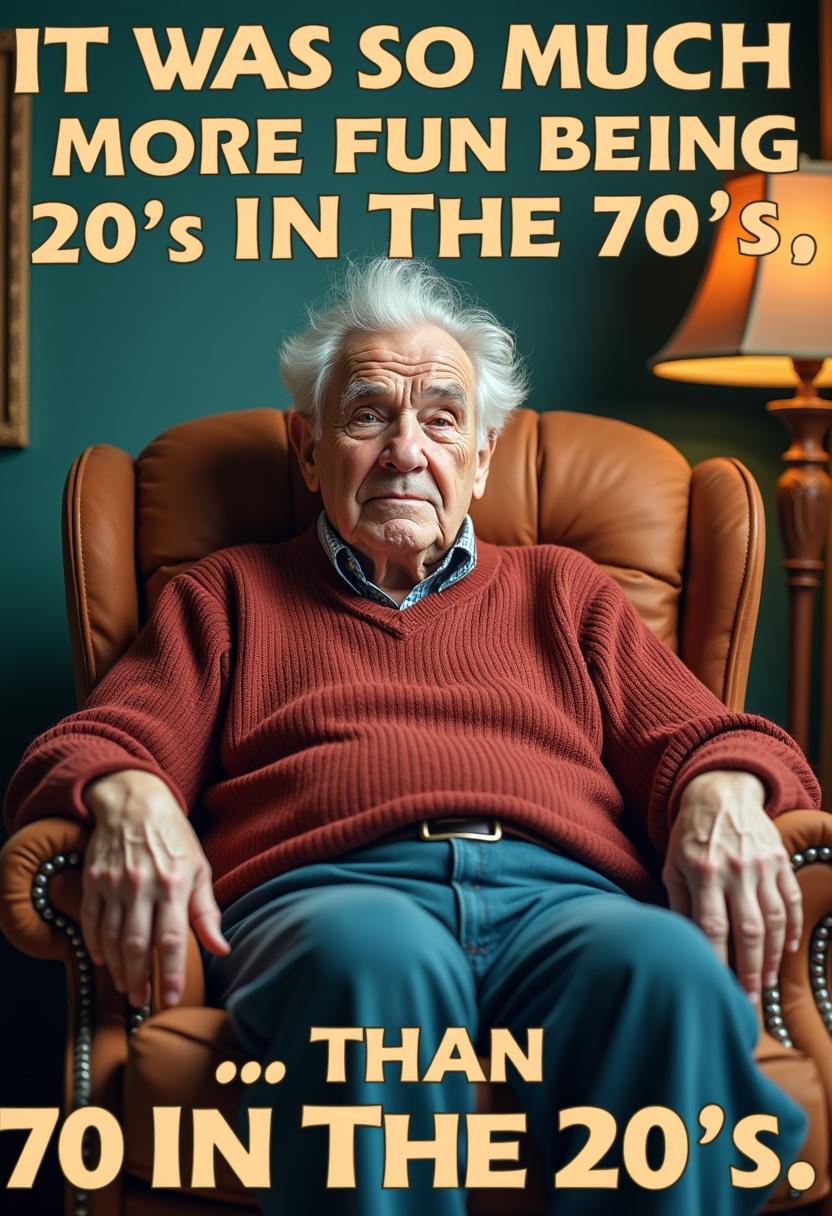

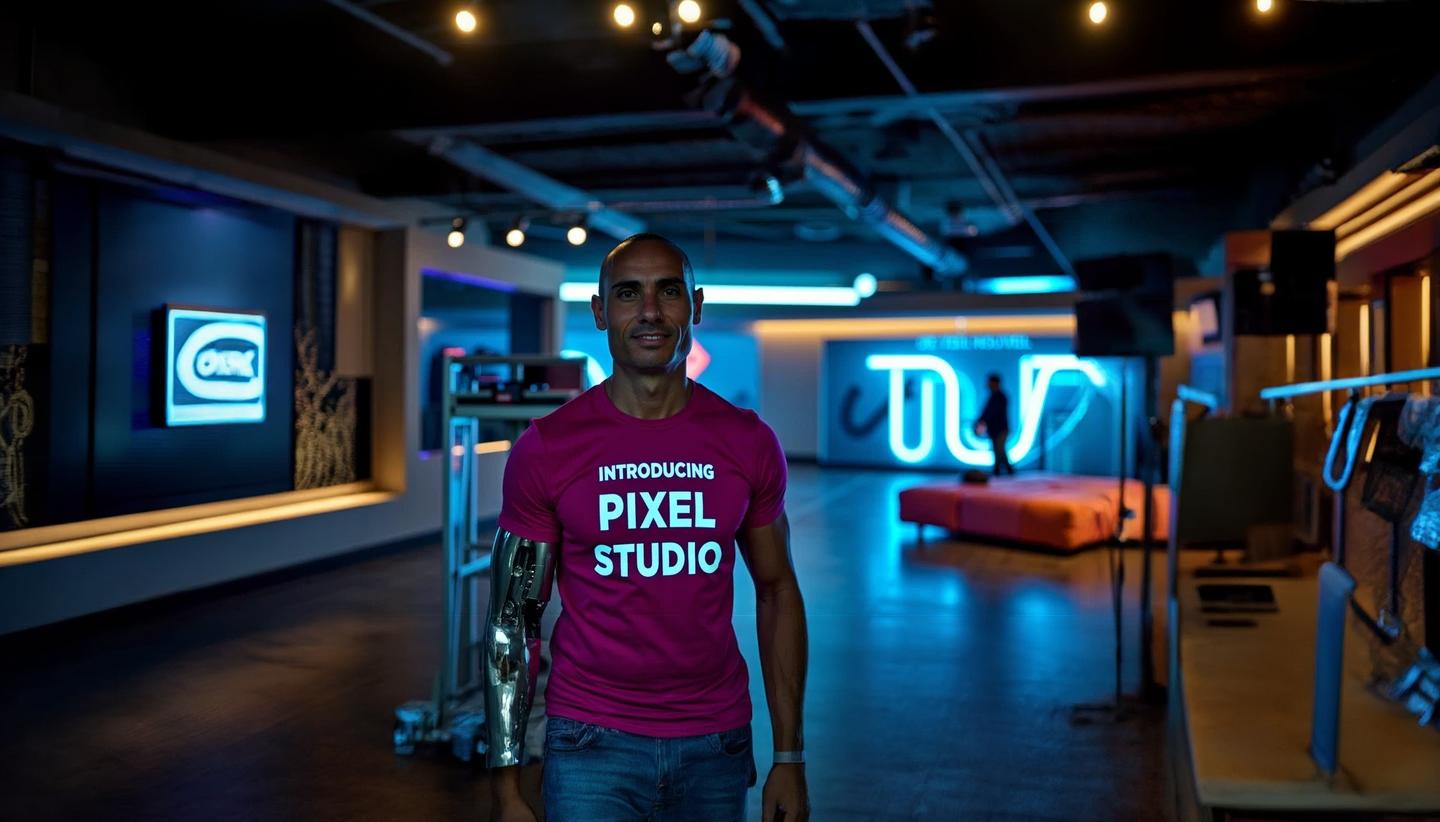
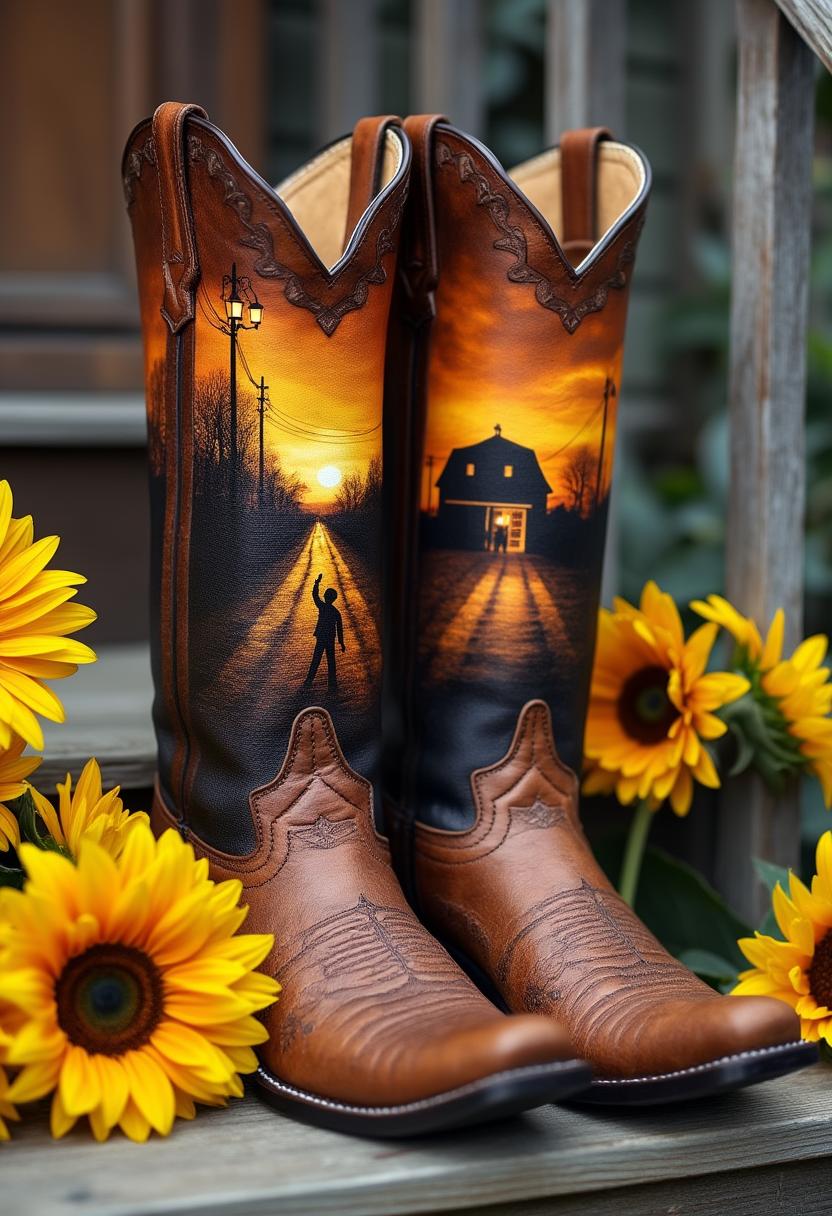
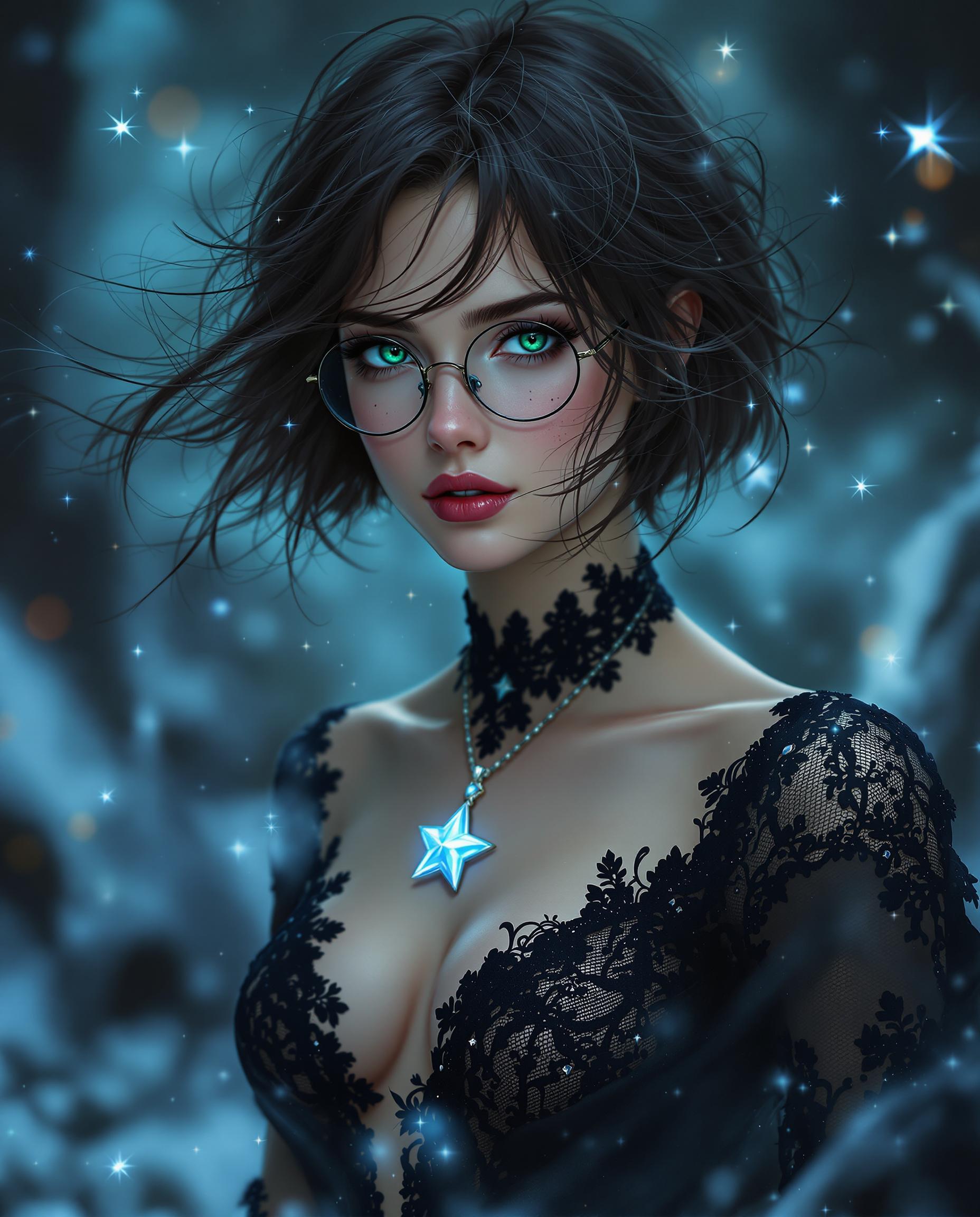
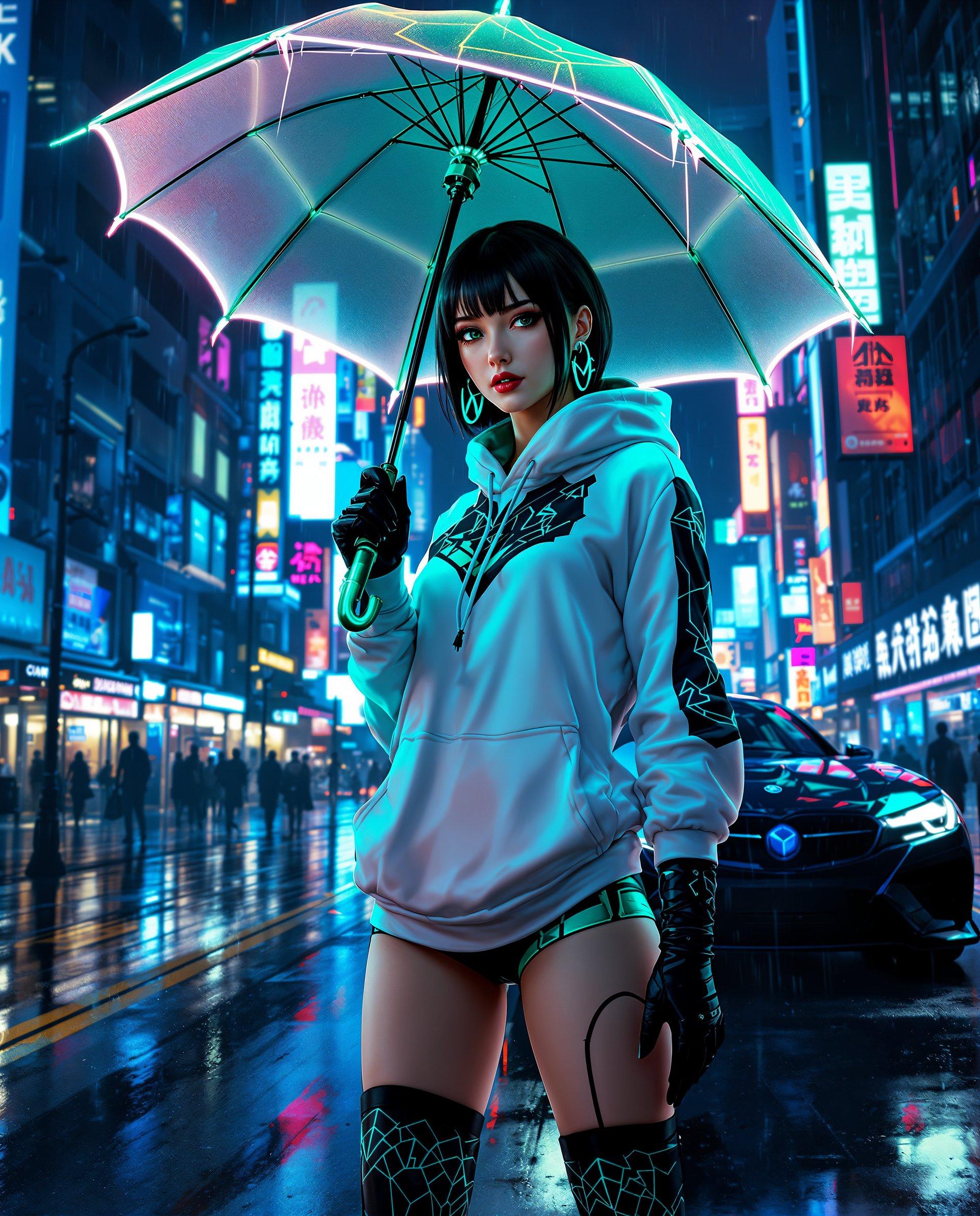
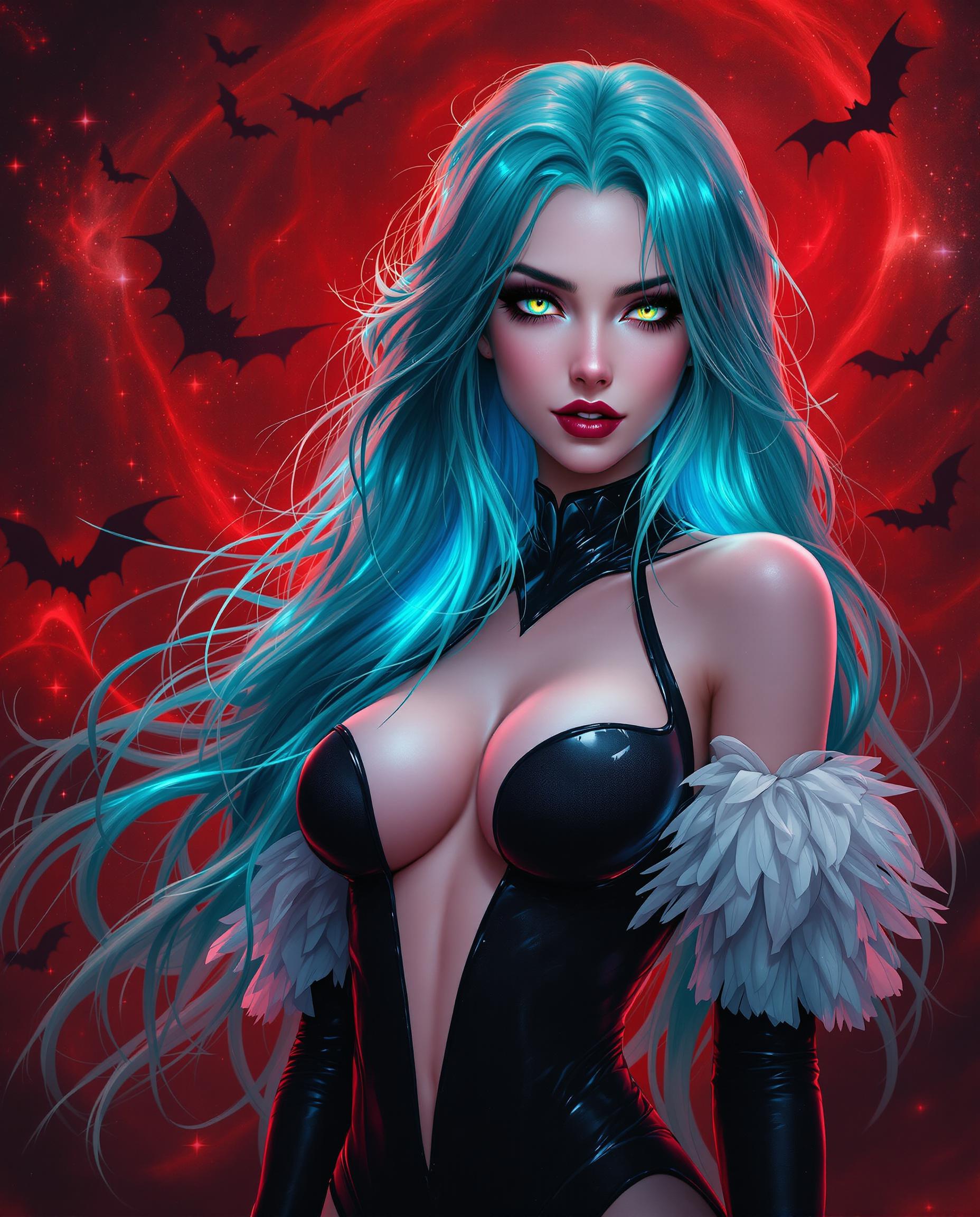

The Pixel Dojo Advantage
Why PixelDojo outperforms other options for AI photo swapping
| Others | Pixel Dojo |
|---|---|
| Traditional Photo Editing Software | Eliminates the steep learning curve and time-consuming processes associated with manual editing. |
| Generic AI Tools | Offers specialized tools tailored for precise face and object swapping, ensuring higher quality results. |
| Manual Object Replacement | Automates the object replacement process, maintaining image integrity and realism without manual effort. |
Loved by Creators
See what our community says about ai photo swap
"PixelDojo's AI photo swap tools have revolutionized my design workflow. I can now experiment with different concepts effortlessly, saving hours of manual editing."
Alex Johnson
Graphic Designer
"As a marketer, creating tailored visuals for various campaigns used to be time-consuming. With PixelDojo, I can quickly adapt images to fit different themes, enhancing our brand's versatility."
Samantha Lee
Marketing Manager
Common Questions
Everything you need to know about ai photo swap AI generation
How does PixelDojo's AI photo swap technology work?
PixelDojo utilizes advanced AI algorithms to analyze and modify images, allowing for seamless face and object replacements without compromising image quality.
Do I need prior experience in photo editing to use PixelDojo?
No, PixelDojo is designed with user-friendliness in mind. Our intuitive interface ensures that even beginners can achieve professional-grade edits effortlessly.
Can I revert changes if I'm not satisfied with the edits?
Absolutely. PixelDojo allows you to preview edits before finalizing them, and you can always revert to the original image if needed.
Is there a limit to the number of images I can edit?
PixelDojo offers various subscription plans to cater to different needs. Depending on your plan, you can edit multiple images without restrictions.
How does PixelDojo ensure the quality of edited images?
Our AI models are trained on vast datasets to understand and replicate realistic textures, lighting, and perspectives, ensuring high-quality and natural-looking edits.
Can I use PixelDojo for commercial projects?
Yes, images edited using PixelDojo can be used for both personal and commercial projects, adhering to our terms of service.