ai photoshoots AI Generator
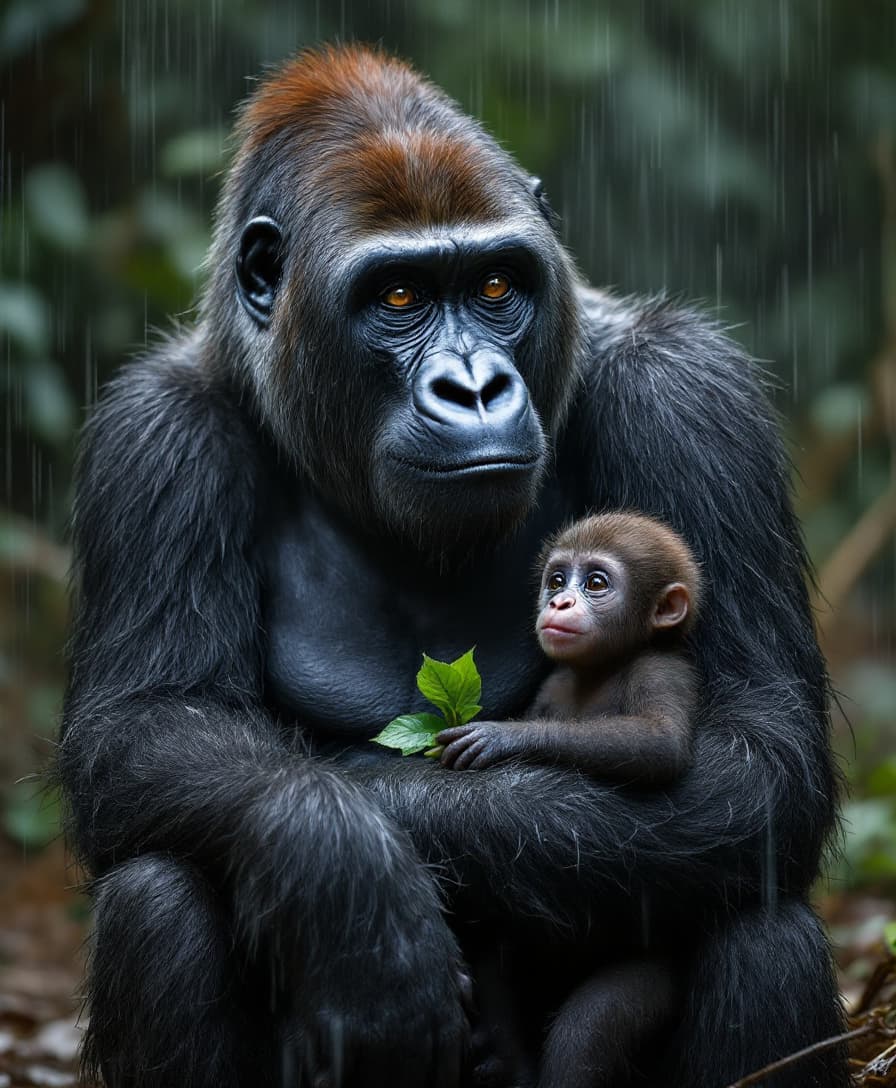
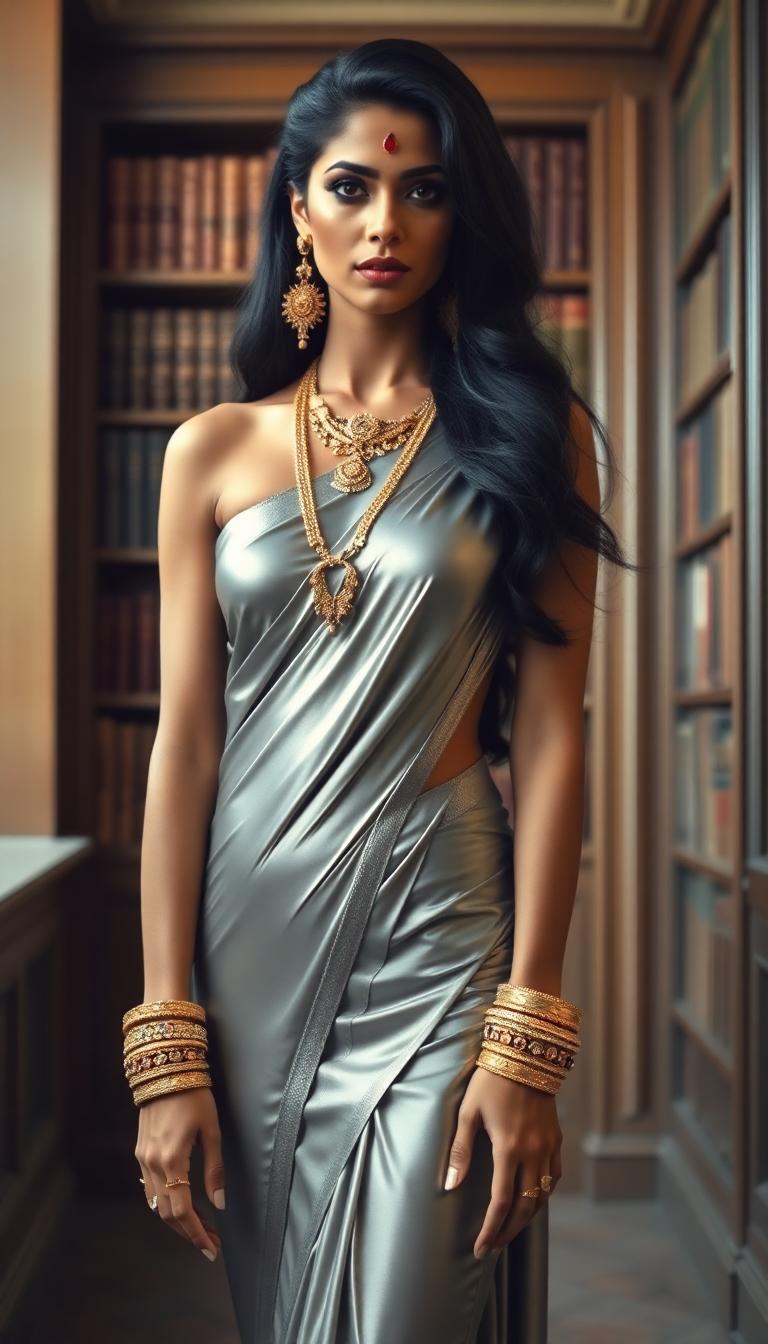
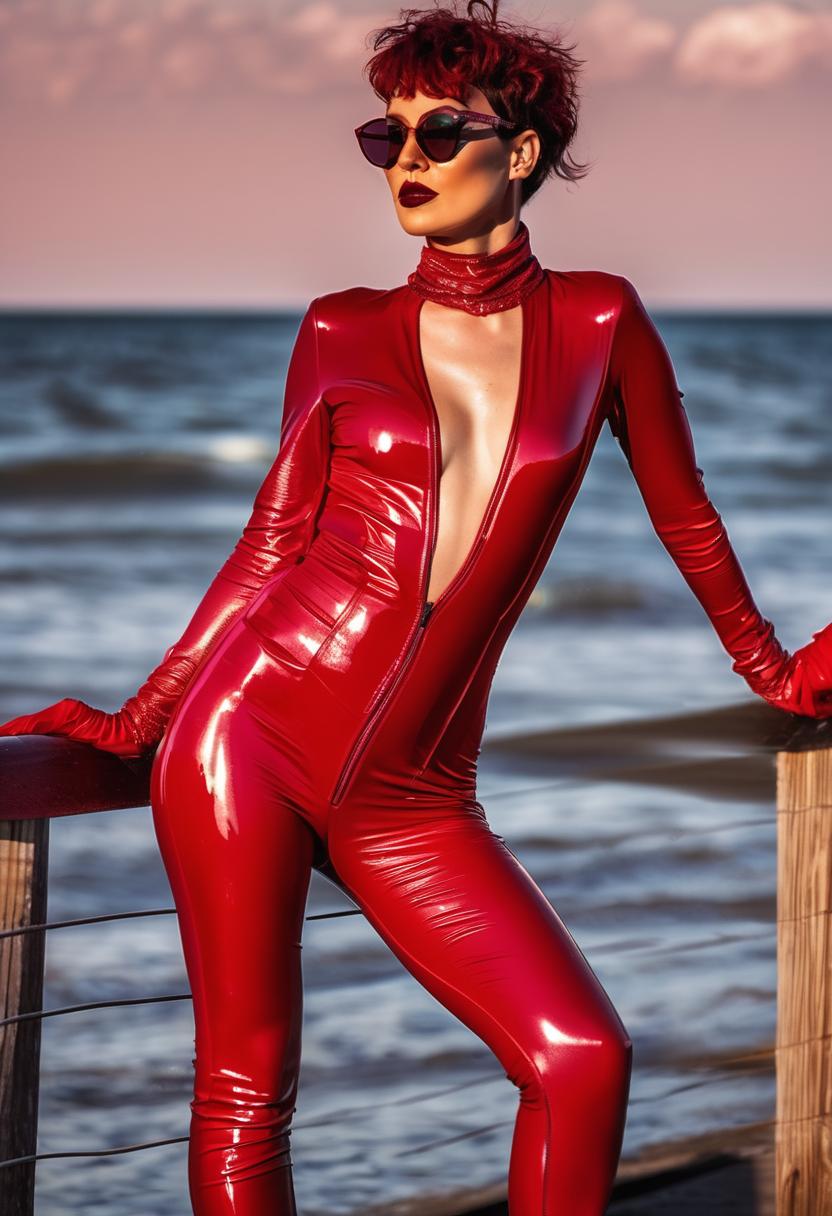
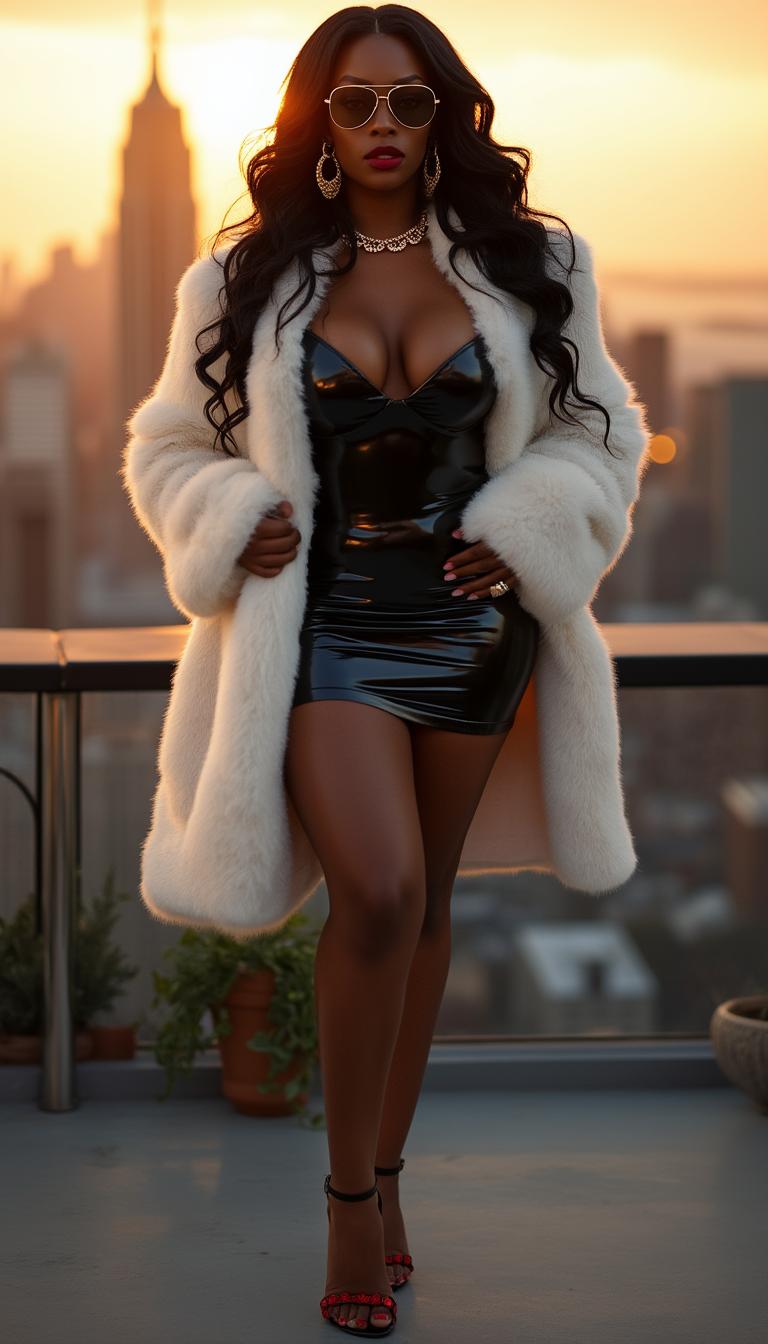
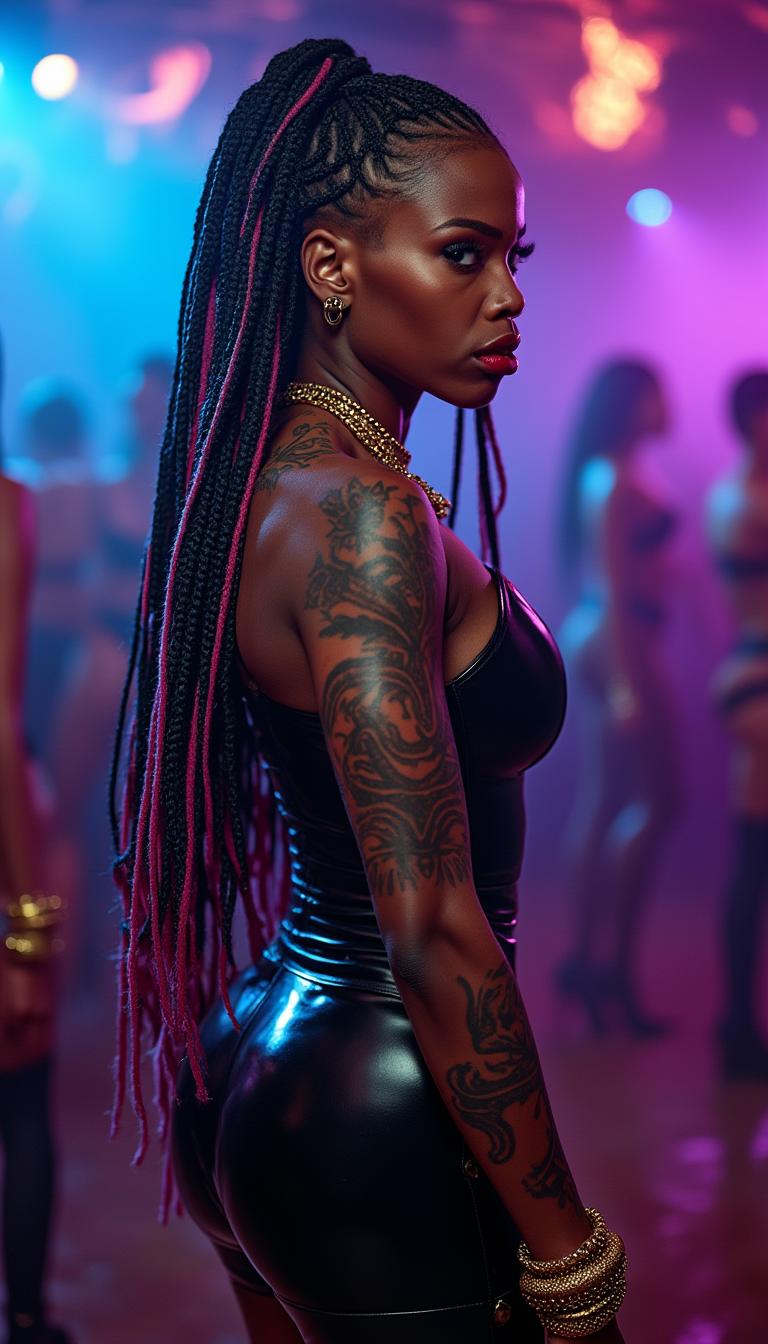
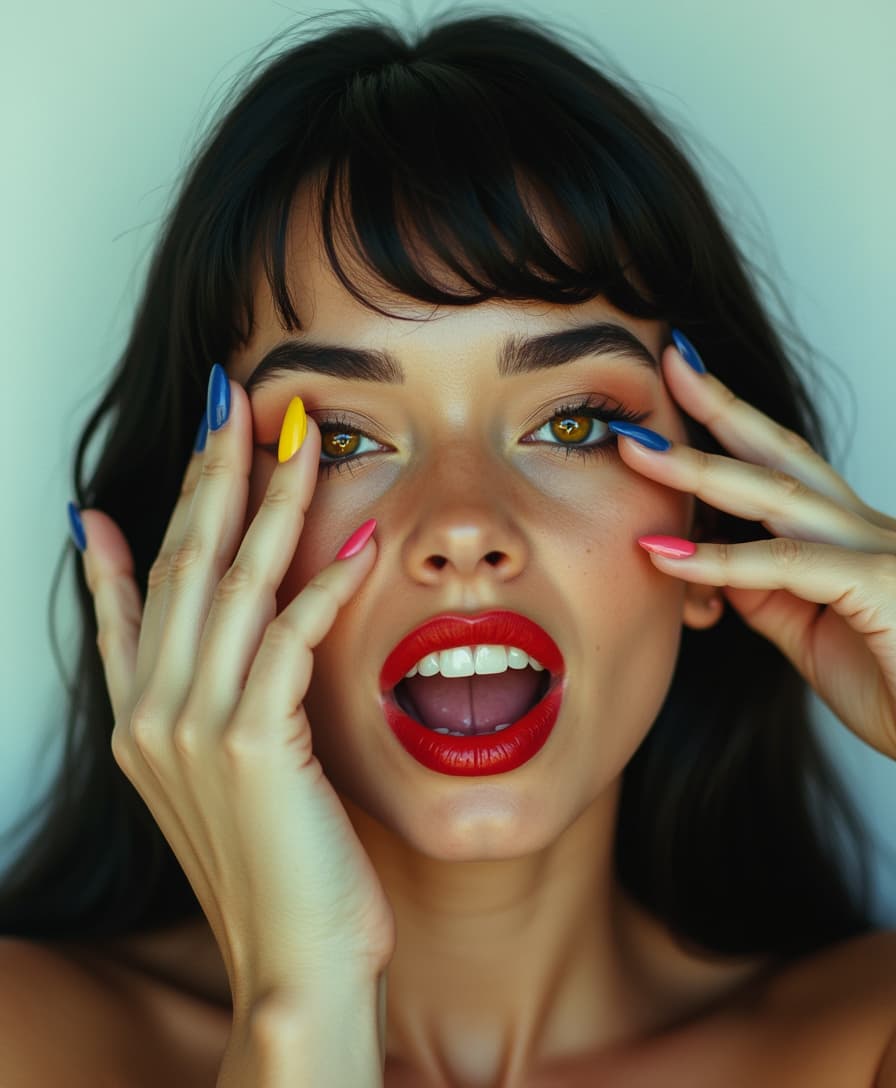
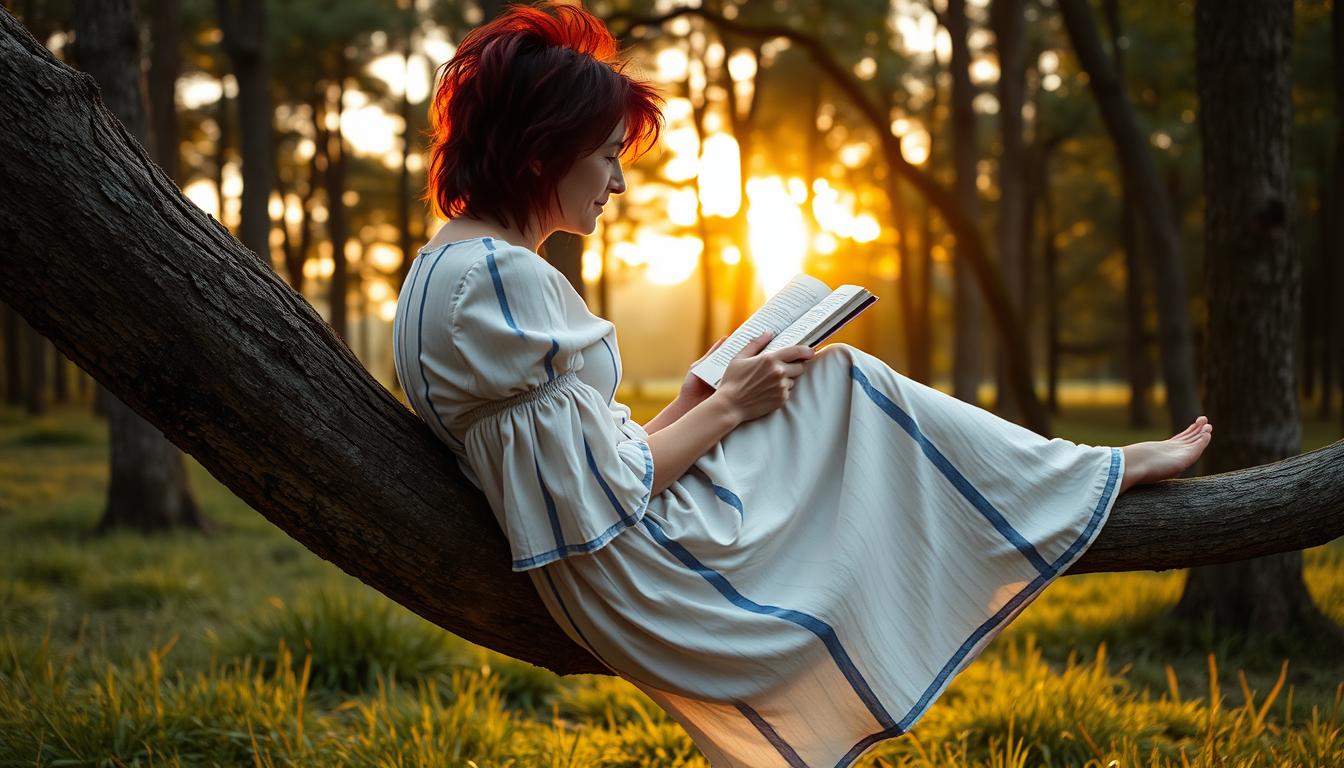
Imagine stepping into a professional photography studio without leaving your desk. With PixelDojo's AI photoshoots, you can generate complete, magazine-worthy image series featuring consistent models in any outfit, location, lighting setup, or mood you desire. Whether you're a fashion brand launching a new collection, an influencer building a stunning portfolio, a marketer needing authentic product visuals, or a professional updating your LinkedIn headshots, you get hyper-realistic results that capture real emotion, texture, and connection—the top trends defining 2026 photography. No more expensive bookings, scheduling conflicts, weather issues, or limited shots. Create unlimited variations in minutes, maintain perfect face and body consistency across every image, and refine angles, expressions, and backgrounds effortlessly. Our tools help you achieve the authentic, human-focused aesthetic that stands out on social media and drives real engagement, all while saving thousands in production costs. Start turning your vision into scroll-stopping visual stories today.
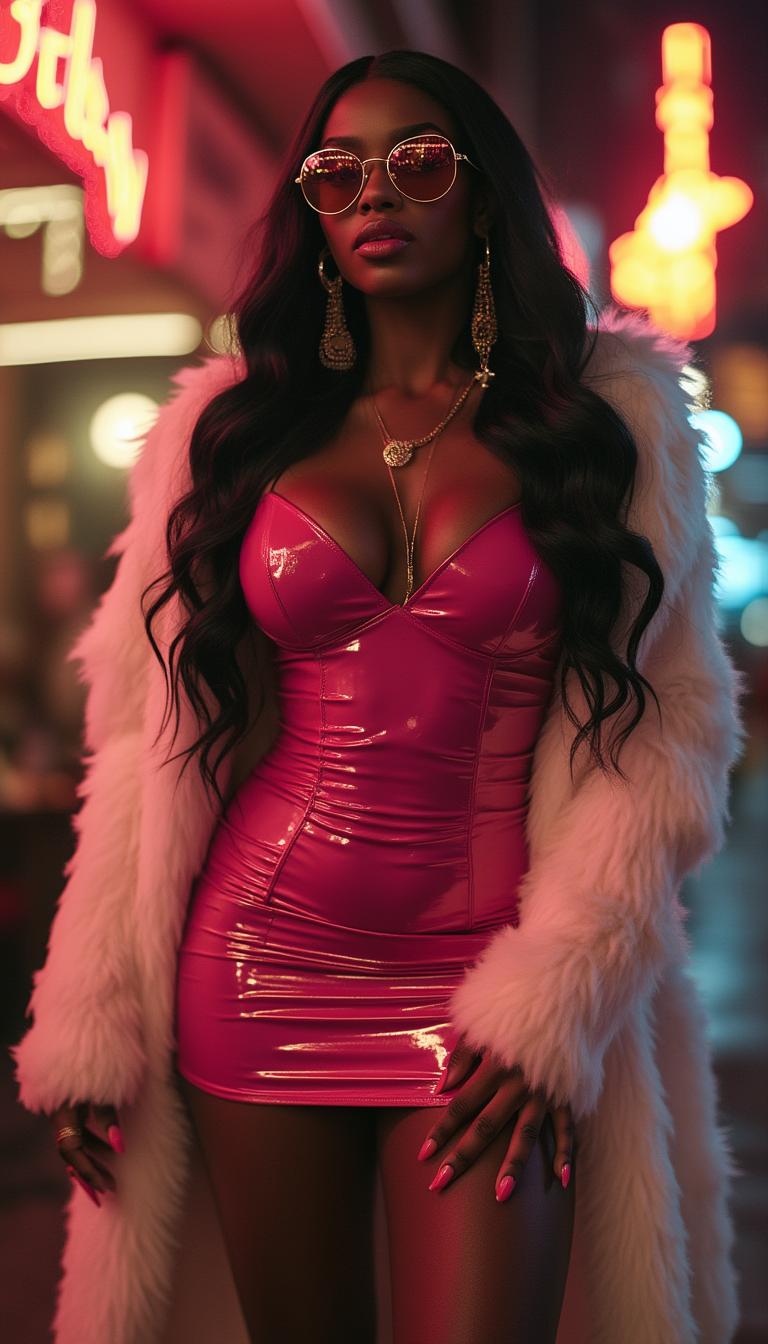
Join 35,000+ creators who have generated over 1.5 million AI photoshoots. Rated 4.9/5 by 4,200+ users. "Generated an entire 40-image fashion campaign in one afternoon – the consistency is unreal." – Elena R., Fashion Designer. Trusted by marketers, influencers, and brands worldwide.
Why Choose Pixel Dojo for ai photoshoots
Professional-quality results with cutting-edge AI technology
Perfect Character Consistency Across Your Entire Shoot
Create a complete photoshoot series where your model looks identical in every frame – same face, body type, and style – whether changing outfits, locations, or poses. Using Consistent Characters and Ideogram Character tools, you build cohesive campaigns that tell powerful visual stories and strengthen brand recognition without expensive reshoots.
Instant Access to Professional Studio Quality
Achieve cinematic lighting, perfect skin texture, realistic fabric details, and authentic emotional expressions that rival high-end photographers. Experiment with 2026 trends like retro 70s aesthetics, natural window light, or editorial fashion poses using Flux.2 Studio, Grok Image, and Magic Lighting to get results that convert followers into customers.
Unlimited Creativity Without Limits or Costs
Generate hundreds of variations with different camera angles, outfits via Virtual Try-On, dramatic or soft lighting, and exotic locations in seconds. Save thousands on models, studios, and travel while maintaining full control. Use Pose Control and Change Camera Angle to capture every perspective of your concept effortlessly.
How It Works
Creating professional AI photoshoots with PixelDojo takes just minutes. Our tools are designed for both beginners and pros, letting you focus on your creative vision while the AI handles the heavy lifting. Follow these steps to produce a complete, consistent gallery ready for your website, social media, or marketing campaigns.
Define Your Consistent Character
Begin by using our Consistent Characters or LoRA Face Swap tool. Upload 3-5 reference photos of yourself or your ideal model, or write a detailed description including ethnicity, age, hair, facial features, and body type. This creates a reusable character that maintains perfect likeness across your entire photoshoot series. Add style preferences like 'confident fashion model with natural expression' to align with 2026 authenticity trends.
Describe Your Full Photoshoot Concept
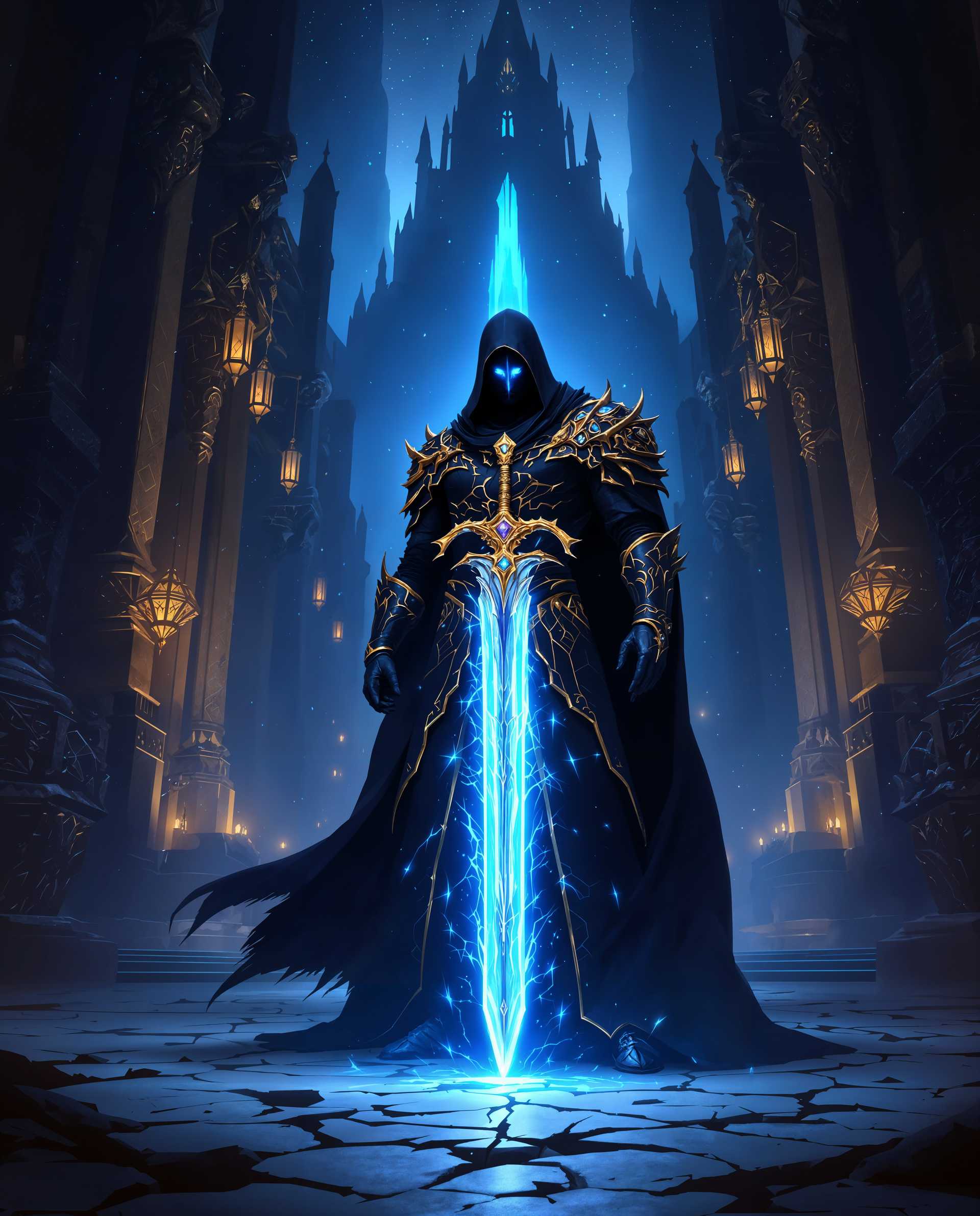
Select powerful generation tools like Flux.2 Studio, Grok Image, WAN 2.7 or Seedream 5 Lite. Write a detailed prompt describing the entire shoot: specific editorial poses, outfits, locations (luxury loft, rainy Tokyo street, golden hour beach), lighting (soft natural window light or dramatic cinematic), camera style, depth of field, and mood. Generate 8-12 images at once to build your series. Reference trends like authentic emotion, fabric texture, and nostalgic film aesthetics for realistic results.
Refine, Expand & Download Your Gallery
Use Image to Image, Change Camera Angle, Pose Control, Magic Lighting, Inpainting, Virtual Try-On, and Reality Polisher to perfect every shot. Swap outfits instantly, adjust expressions for more emotion, change backgrounds, enhance textures, or create new angles. Apply Portrait Upscaler for print-ready quality. Download your complete cohesive photoshoot gallery in high resolution, ready to use for campaigns, portfolios, or social content.
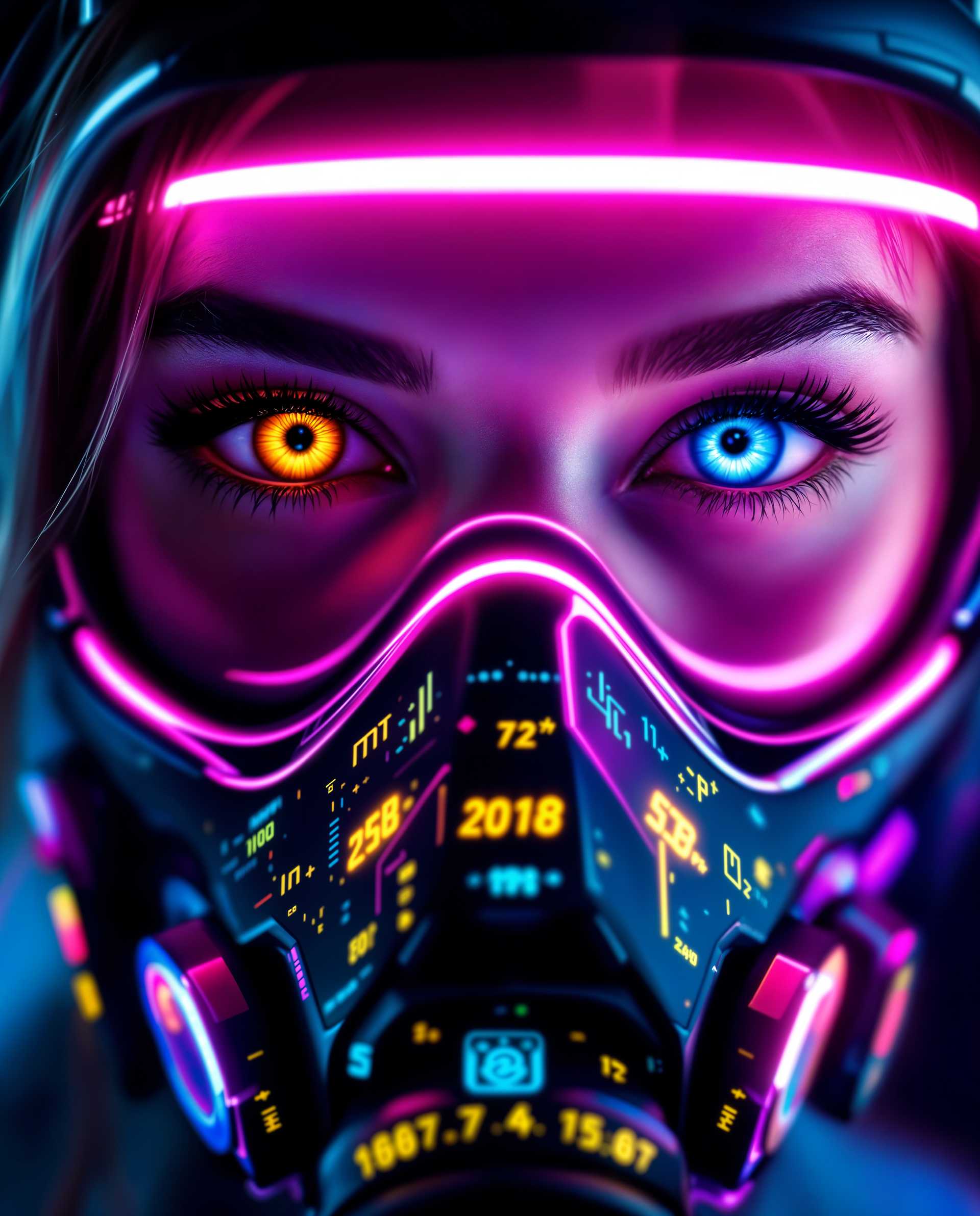
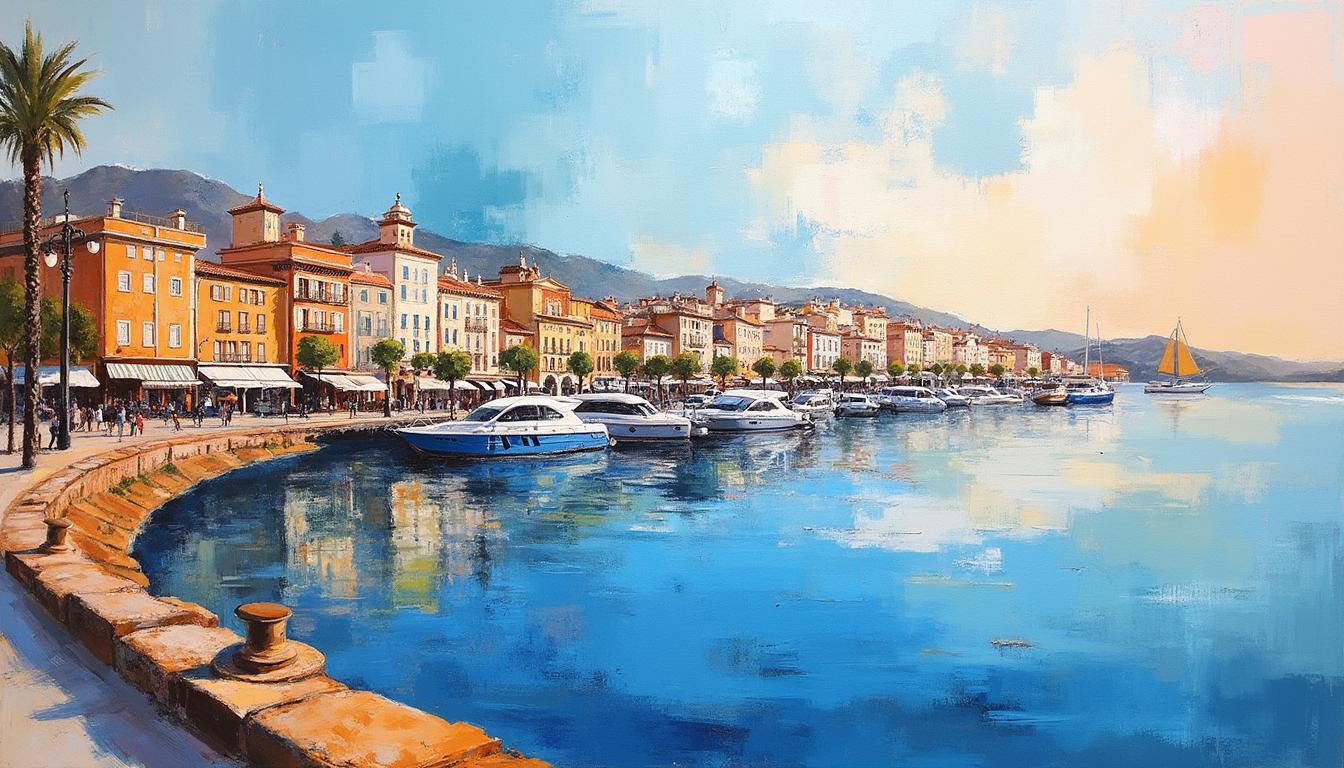
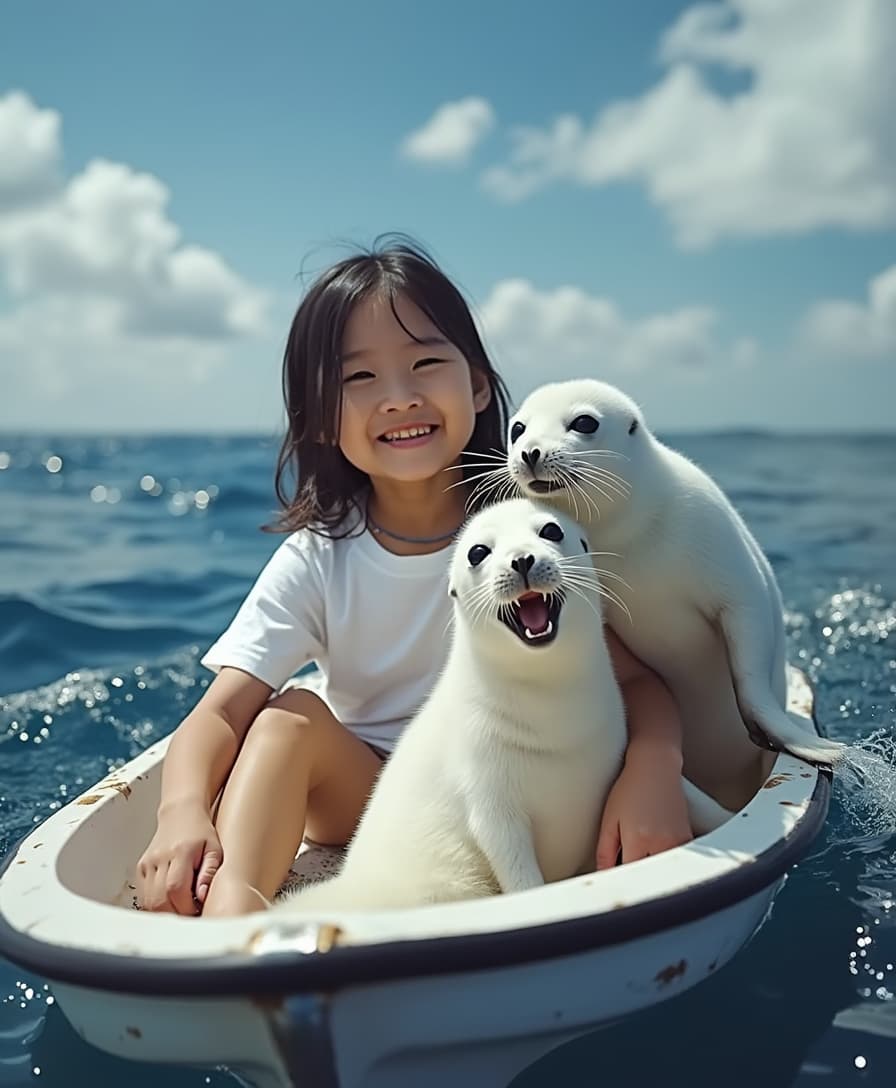
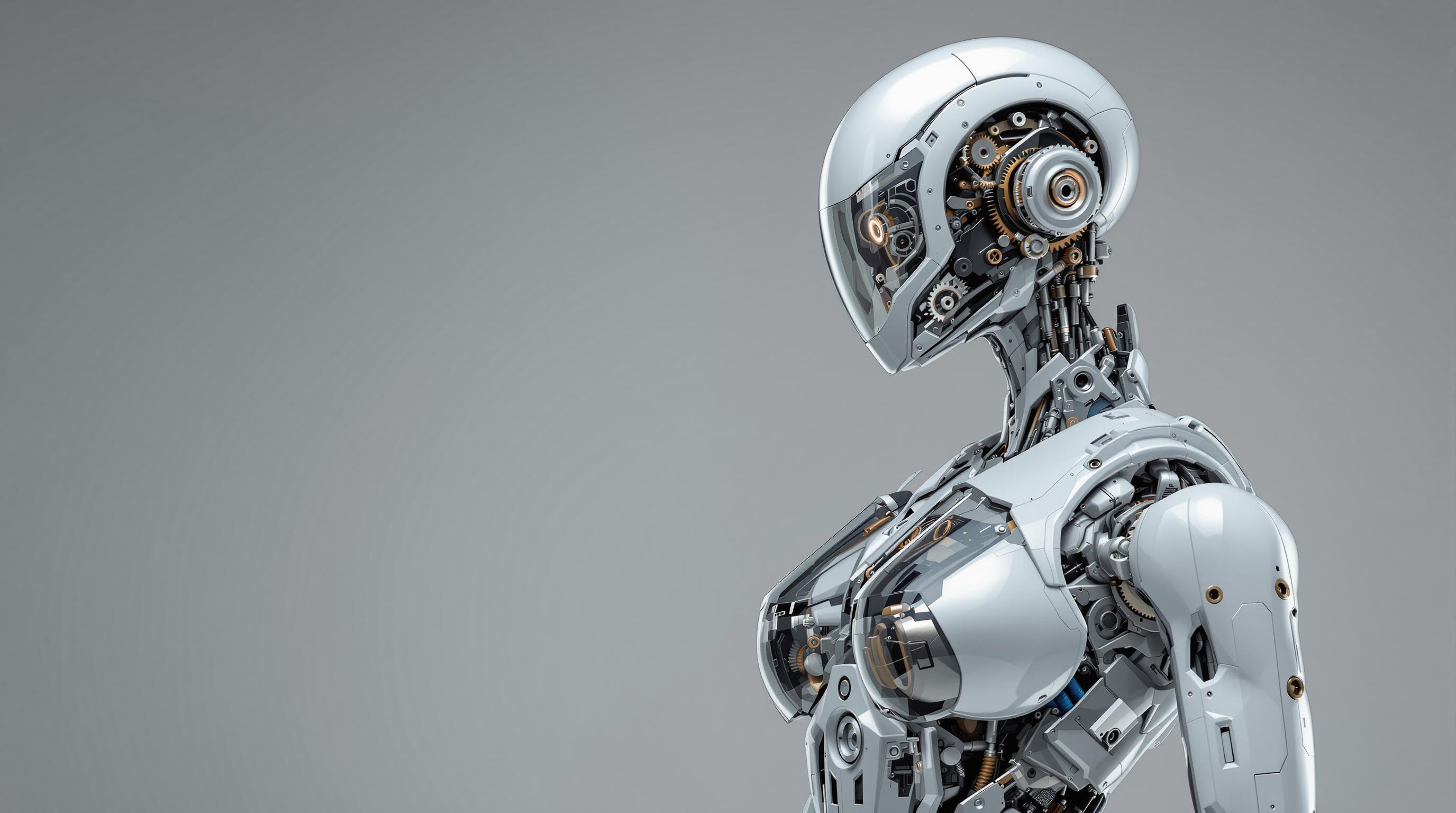
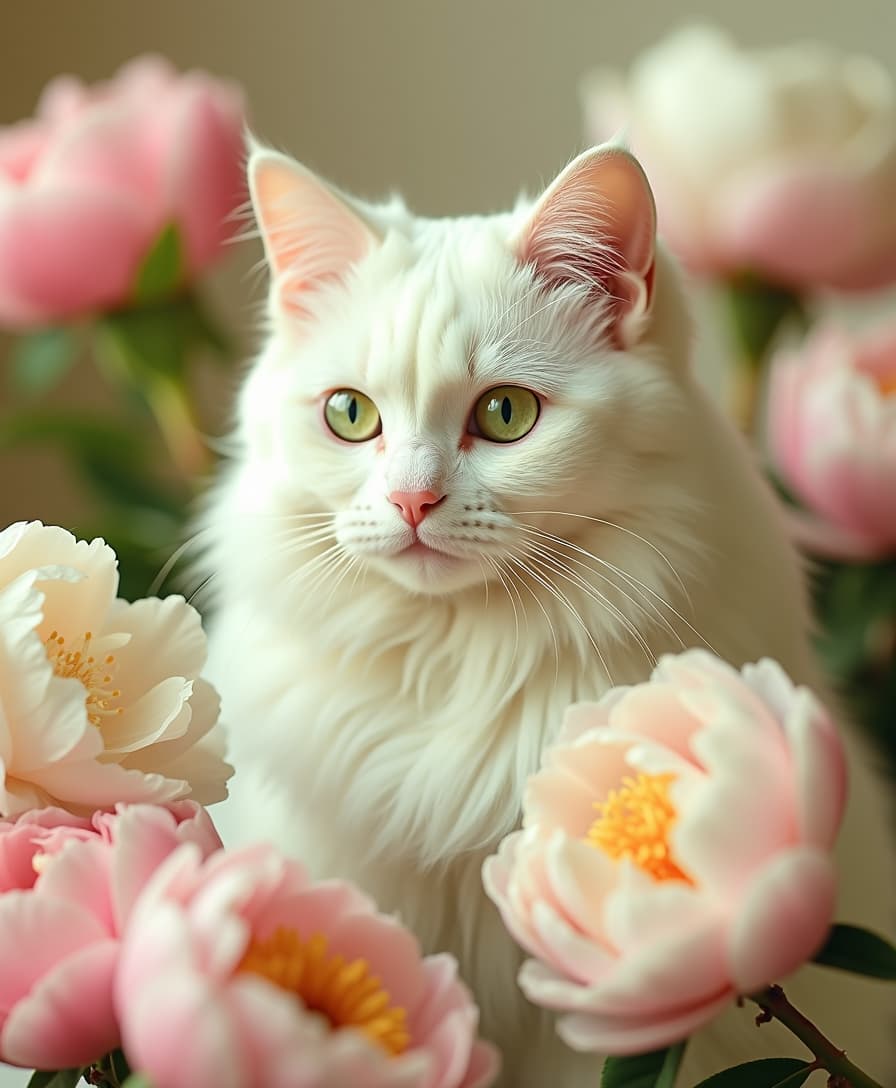
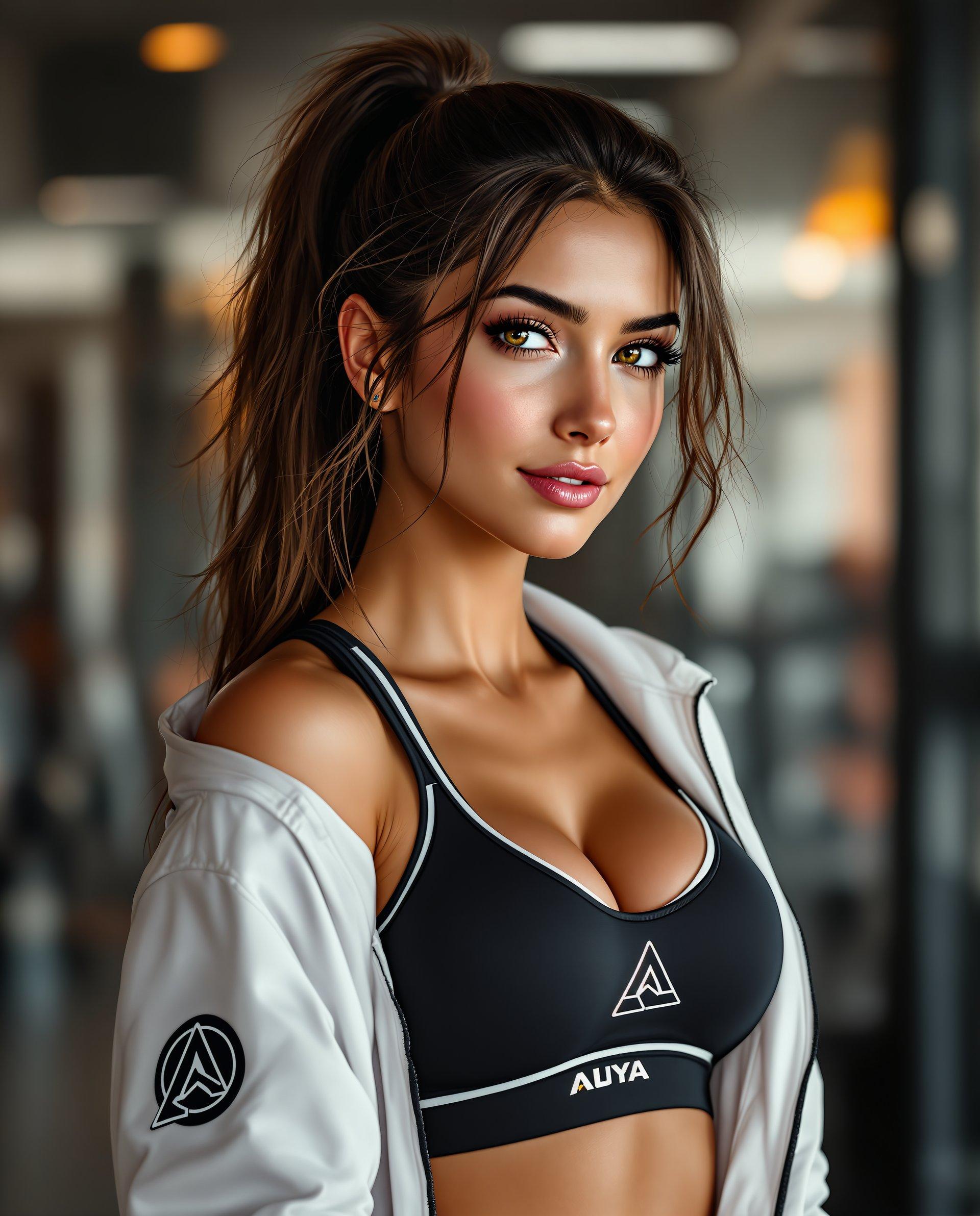
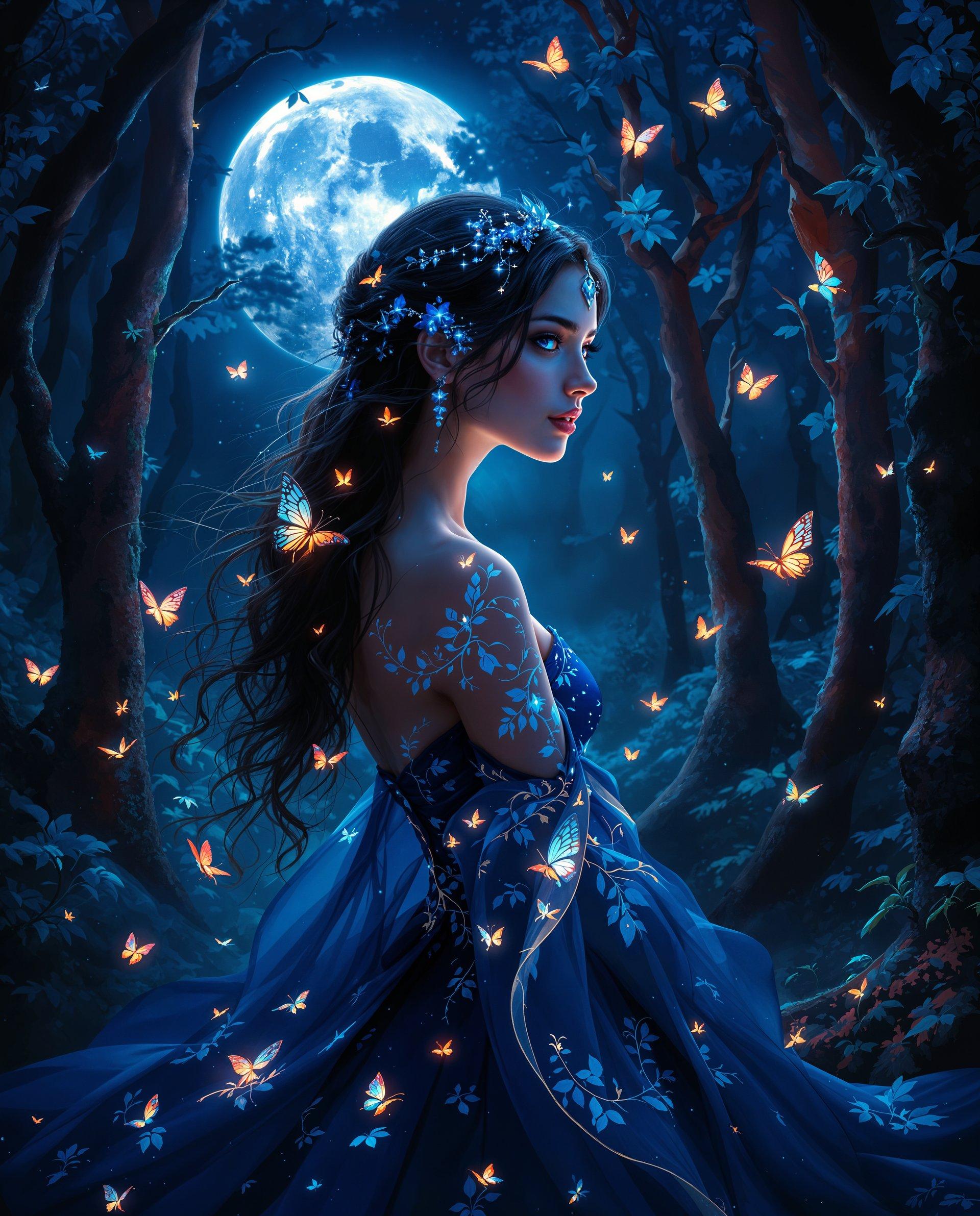

The Pixel Dojo Advantage
PixelDojo delivers superior results for AI photoshoots by combining the latest character consistency technology with powerful editing tools that prioritize authentic, outcome-focused creation.
| Others | Pixel Dojo |
|---|---|
| Traditional Professional Photoshoots | Create an entire campaign in under an hour instead of days of planning and shooting. Generate unlimited variations and perfect consistency without hiring models, photographers, makeup artists, or renting studios. Keep full creative control to iterate until every image perfectly matches your vision. |
| Generic AI Image Tools | Our specialized Consistent Characters, Pose Control, Virtual Try-On, and Reality Polisher tools ensure your entire photoshoot maintains the same model across every shot with realistic lighting physics and emotional depth. Generic tools often produce inconsistent faces and flat results that fail to capture 2026 authenticity trends. |
| Manual Photo Editing Software | Skip hours of retouching, compositing, and lighting adjustments. Our AI tools automatically handle skin enhancement, fabric realism, perfect shadows, and mood while you focus on creative direction. Expand a single image into a full multi-angle photoshoot using Change Camera Angle and Image Outpainting. |
Loved by Creators
See what our community says about ai photoshoots
"PixelDojo's Consistent Characters tool let me create a 50-image fashion photoshoot for my brand in one weekend. Every shot looks like it came from a $10,000 studio session with the same model across different locations and outfits. My conversion rates have skyrocketed since using these images."
Elena Rodriguez
Fashion Brand Founder
"As a marketer, I needed authentic headshots and lifestyle images that felt real. The combination of Flux.2 Studio, Magic Lighting, and Reality Polisher gave me exactly the emotional, textured look trending in 2026. My LinkedIn profile engagement tripled after switching to these AI photoshoots."
Marcus Chen
Digital Marketing Director
Common Questions
Everything you need to know about ai photoshoots AI generation
How do I create realistic AI photoshoots with consistent characters using PixelDojo?
Start with the Consistent Characters or Ideogram Character tool to establish your model's exact facial features, body type, and style from reference images or detailed text prompts. Then generate your series using Flux.2 Studio, Grok Image, or WAN 2.7 with specific instructions for poses, lighting, and environments. Refine using Pose Control for dynamic angles, Virtual Try-On for outfit changes, and Reality Polisher plus Magic Lighting for authentic skin texture and emotional depth. This workflow ensures every image in your photoshoot looks like frames from the same professional session, saving you significant time and money while delivering 2026-trending authentic results that perform exceptionally well across marketing channels.
What are the latest 2026 AI photoshoot trends I can create with PixelDojo?
Current trends focus on authenticity over perfection – real skin texture, genuine emotion, and human connection rather than airbrushed ideals. Character-consistent photography across varied scenes is essential for brands. You can recreate retro 70s and 80s film aesthetics, fashion editorial styles with dramatic or soft natural lighting, professional headshots with shallow depth of field, and surreal yet grounded experimental concepts. PixelDojo's tools excel here: use Consistent Characters for storytelling continuity, Magic Lighting for mood, and our editing suite to add subtle film grain or nostalgic effects while maintaining perfect model consistency throughout your virtual photoshoot.
Can I use my own face or likeness in AI generated photoshoots on PixelDojo?
Absolutely. Upload your selfies to our Face Swap, LoRA Face Swap, or Consistent Characters tools to train a personalized model of yourself. From there, generate unlimited professional photoshoot images in any style, location, outfit, or era while keeping your exact facial features, expressions, and body proportions. This is perfect for creating modeling portfolios, updating professional headshots, generating fashion campaign visuals, or building personal brands without stepping in front of a real camera. Combine with Virtual Try-On to see yourself in different clothing lines instantly.
Which PixelDojo tools work best for generating full professional AI photoshoots?
The most effective combination includes Consistent Characters or Ideogram Character to lock in your model, Flux.2 Studio, Grok Image, or QWEN Image 2 for initial high-quality generation with detailed prompts, Pose Control and Change Camera Angle for multiple perspectives, Virtual Try-On for outfit experimentation, Image to Image and Inpainting for refinements, Magic Lighting and Reality Polisher for authentic studio-quality polish, and finally Portrait Upscaler or Magnific Upscaler for final resolution. This complete toolkit lets you produce cohesive, publication-ready photoshoots with consistent lighting, emotion, and style that would otherwise require a full production team.
How long does it take to create a complete AI photoshoot and are the results print-ready?
Most users create a full 20-50 image cohesive photoshoot in 15-45 minutes depending on refinements. Initial character setup takes 5 minutes, generation of core images another 5-10 minutes, and targeted editing with our tools adds another 10-20 minutes. All images are generated at high resolution and can be further enhanced with our Creative Upscaler or Portrait Upscaler for print-quality outputs suitable for magazines, billboards, or large-format displays. The results consistently look like professional photography because our tools focus on real-world lighting physics, fabric behavior, skin details, and emotional authenticity that top 2026 trends demand.
Is PixelDojo suitable for beginners wanting to create AI fashion photoshoots or product photography?
Yes, completely. Our interface is intuitive with helpful prompt suggestions, trending templates, and one-click refinements that guide you through the process. Beginners start by uploading a photo to Consistent Characters, then use simple descriptive language like 'confident woman in tailored blazer standing in modern loft with soft natural light, editorial style, authentic emotion.' Advanced users leverage the full power of our 40+ tools including Kling Reference to Video for motion tests or Train Models for custom styles. Whether creating fashion editorials, product photos on virtual models, or personal branding shoots, you'll achieve professional outcomes quickly. Plus, our risk-free subscription means you can cancel anytime if you don't love the results.