camera angle AI Generator
Unlock the power of dynamic visuals by mastering camera angles with PixelDojo's AI tools. Whether you're aiming to convey emotion, highlight a subject, or create a sense of depth, our platform empowers you to achieve professional-quality images effortlessly. With intuitive features and advanced AI capabilities, you can bring your creative visions to life without the need for extensive technical knowledge.
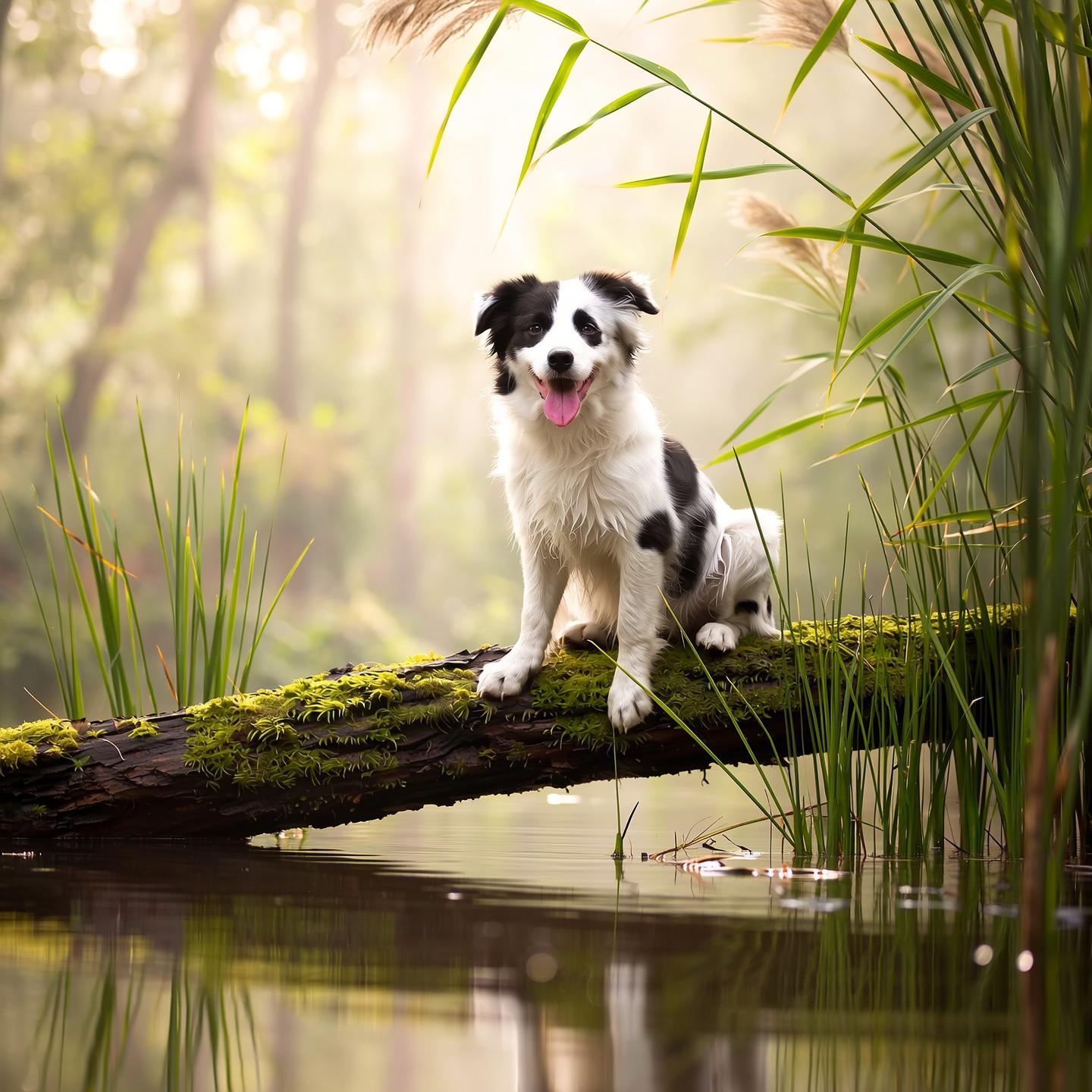
Join over 10,000 creators who have enhanced their visuals using PixelDojo's AI tools. Rated 4.8/5 based on 2,000+ reviews.
Why Choose Pixel Dojo for camera angle
Professional-quality results with cutting-edge AI technology
Achieve Professional-Quality Images
Utilize precise camera angles to create images that rival professional photography, enhancing your portfolio and impressing your audience.
Save Time and Effort
Generate dynamic visuals quickly without the need for complex equipment or extensive setup, allowing you to focus more on creativity.
Enhance Storytelling
Use varied camera angles to convey different emotions and narratives, adding depth and engagement to your visual content.
How It Works
Creating compelling images with specific camera angles is simple with PixelDojo. Follow these steps to bring your vision to life:
Step 1: Select the 'Change Camera Angle' Tool
Navigate to the 'Edit Images' section and choose the 'Change Camera Angle' feature to begin adjusting your image's perspective.
Step 2: Upload Your Image
Upload the image you wish to modify. Ensure it's of high quality to achieve the best results.
Step 3: Adjust the Camera Angle
Use the intuitive sliders to change the camera angle to your desired perspective. Preview the changes in real-time.




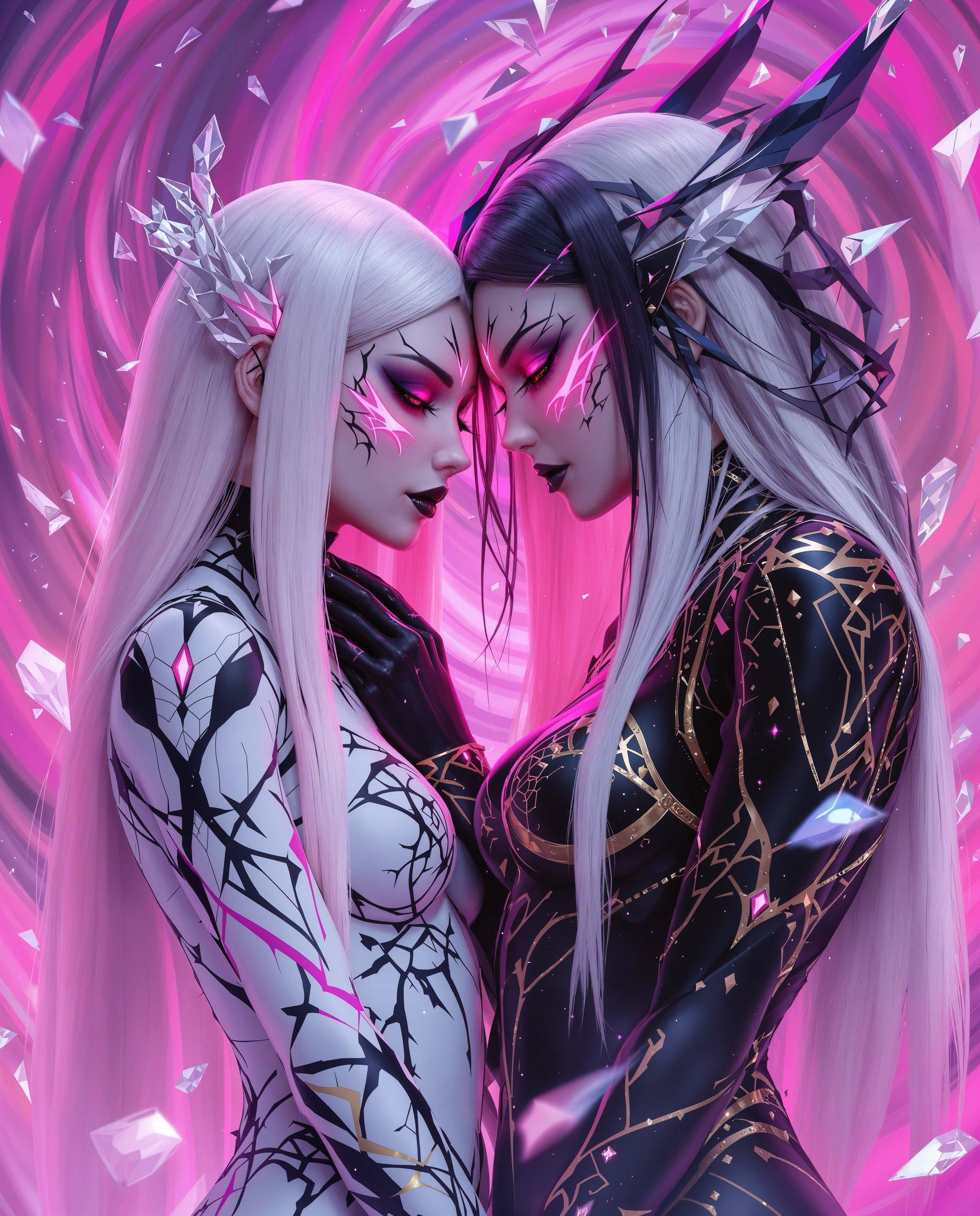


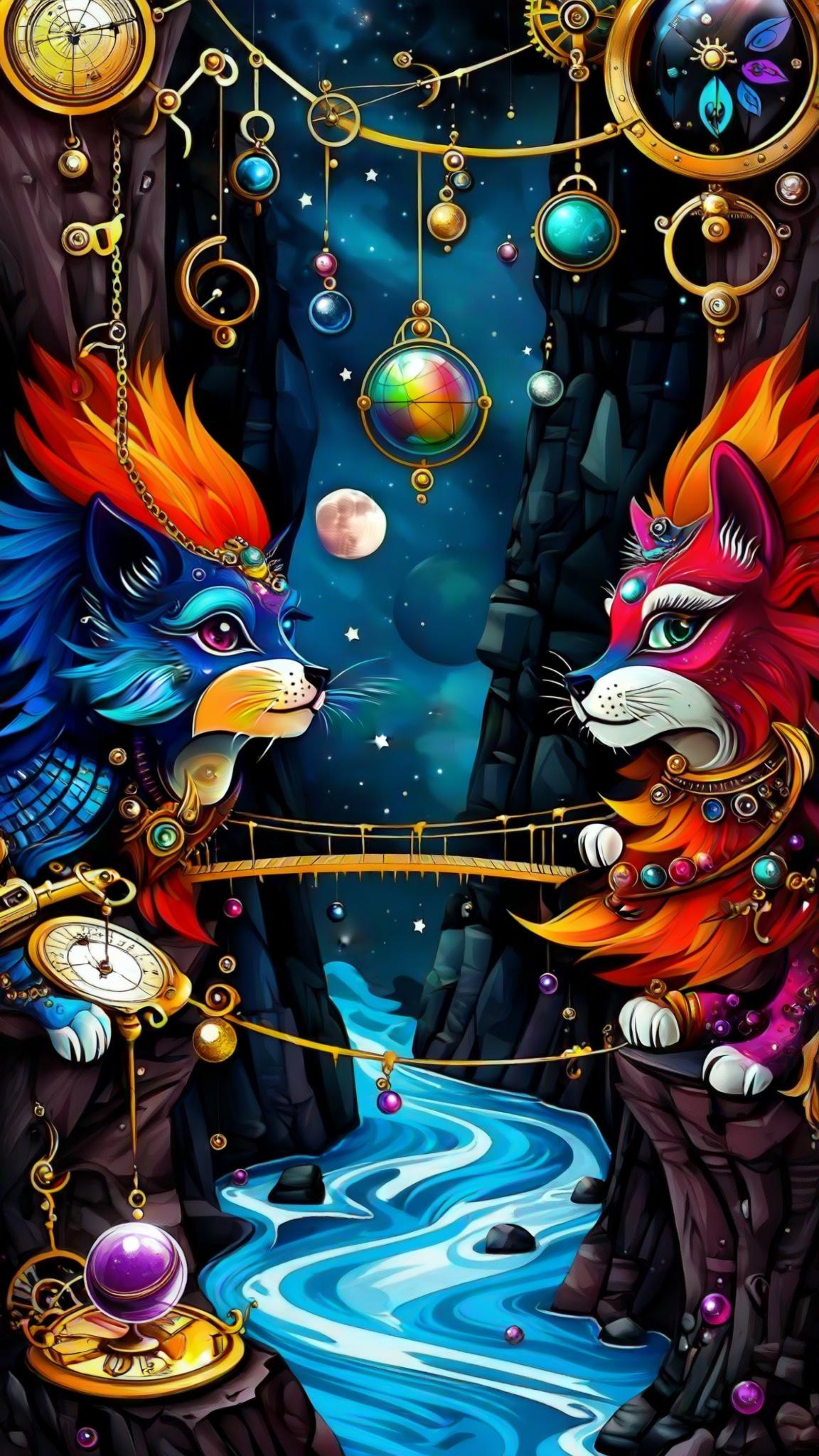

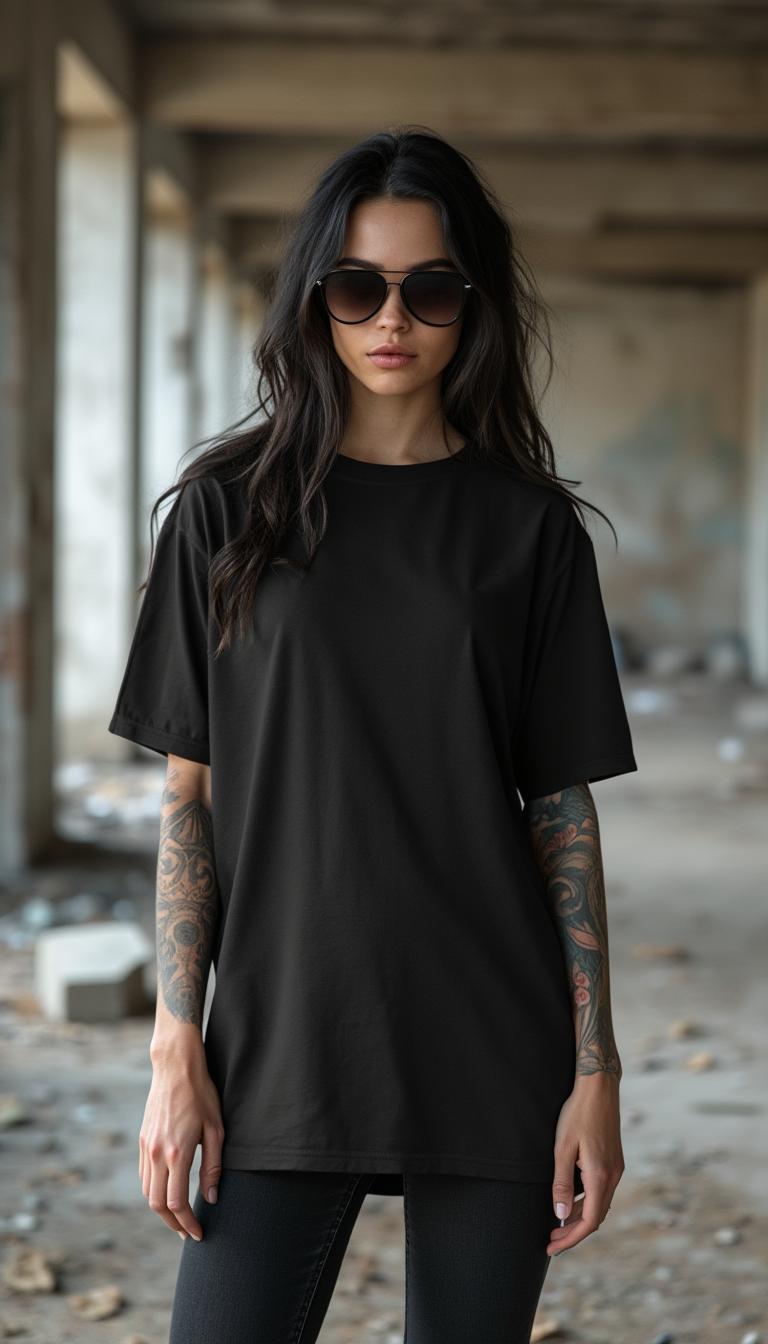



The Pixel Dojo Advantage
Why PixelDojo outperforms other options for camera angle adjustments:
| Others | Pixel Dojo |
|---|---|
| Traditional Photography | Eliminate the need for expensive equipment and complex setups by adjusting camera angles digitally. |
| Generic Photo Editing Software | Experience AI-driven precision and ease of use, surpassing the capabilities of standard editing tools. |
| Manual Photo Manipulation | Save time and achieve consistent results without the steep learning curve of manual editing techniques. |
Loved by Creators
See what our community says about camera angle
"PixelDojo transformed my workflow. Adjusting camera angles has never been this easy and effective."
Alex Johnson
Professional Photographer
"As a content creator, PixelDojo's tools have elevated my visuals, making them more engaging and dynamic."
Maria Lopez
Content Creator
Common Questions
Everything you need to know about camera angle AI generation
How can I adjust camera angles in my images using PixelDojo?
PixelDojo offers the 'Change Camera Angle' tool under the 'Edit Images' section. Simply upload your image, use the sliders to adjust the angle, and download the modified image.
Do I need professional photography skills to use PixelDojo's camera angle features?
No, PixelDojo is designed for users of all skill levels. Our intuitive interface allows you to adjust camera angles easily without prior photography experience.
Can I preview the changes before finalizing the camera angle adjustments?
Yes, PixelDojo provides a real-time preview feature, enabling you to see the adjustments as you make them and ensure they meet your expectations.
Is there a limit to the number of images I can edit with PixelDojo's tools?
PixelDojo offers various subscription plans to suit different needs. Depending on your plan, you can edit multiple images. Please refer to our pricing page for more details.
Can I use PixelDojo's camera angle adjustments for commercial projects?
Yes, images edited using PixelDojo can be used for both personal and commercial projects, adhering to our terms of service.
What file formats are supported for image uploads and downloads?
PixelDojo supports common image formats such as JPEG, PNG, and TIFF for both uploads and downloads, ensuring compatibility with various platforms.