clothes swapper ai AI Generator
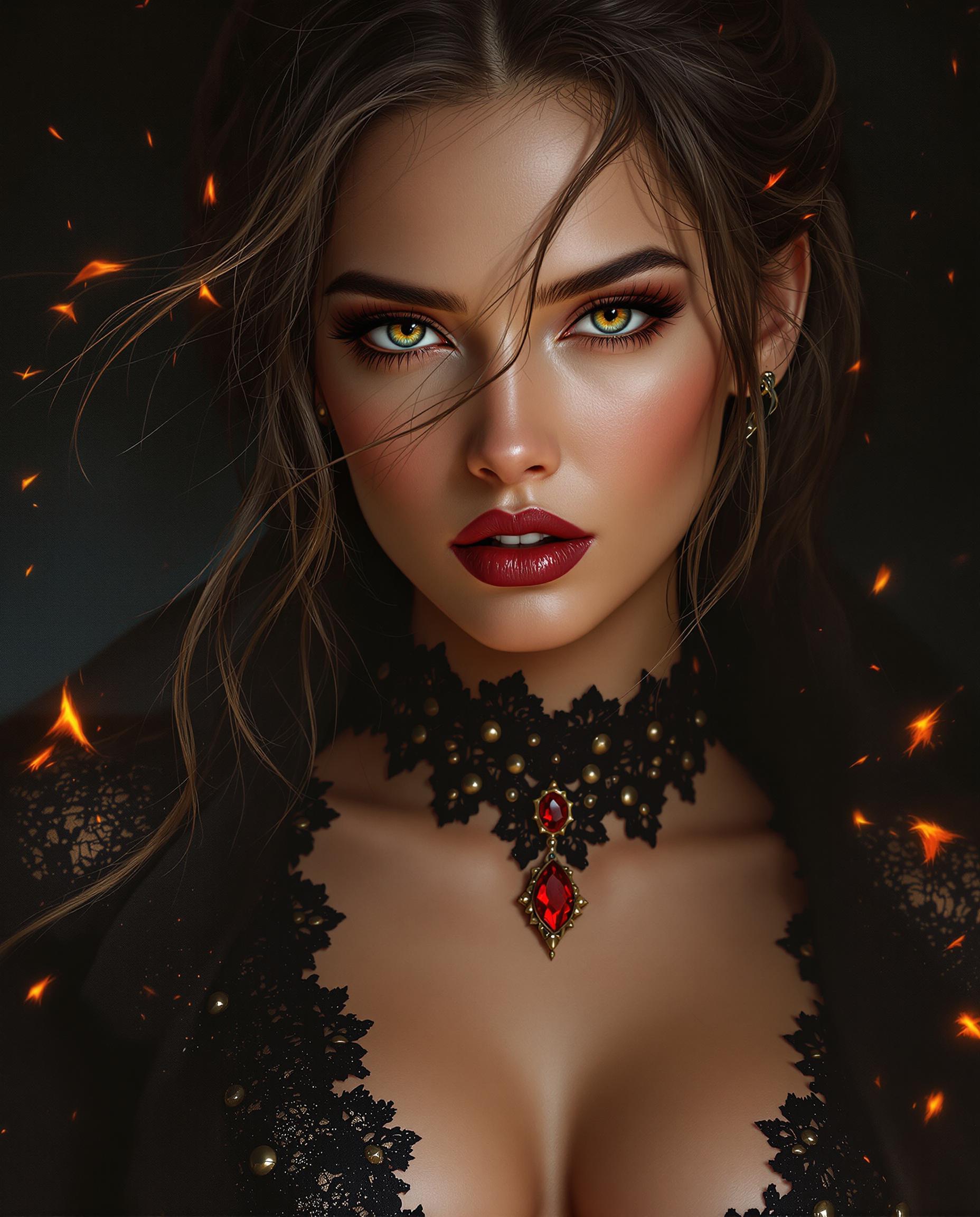
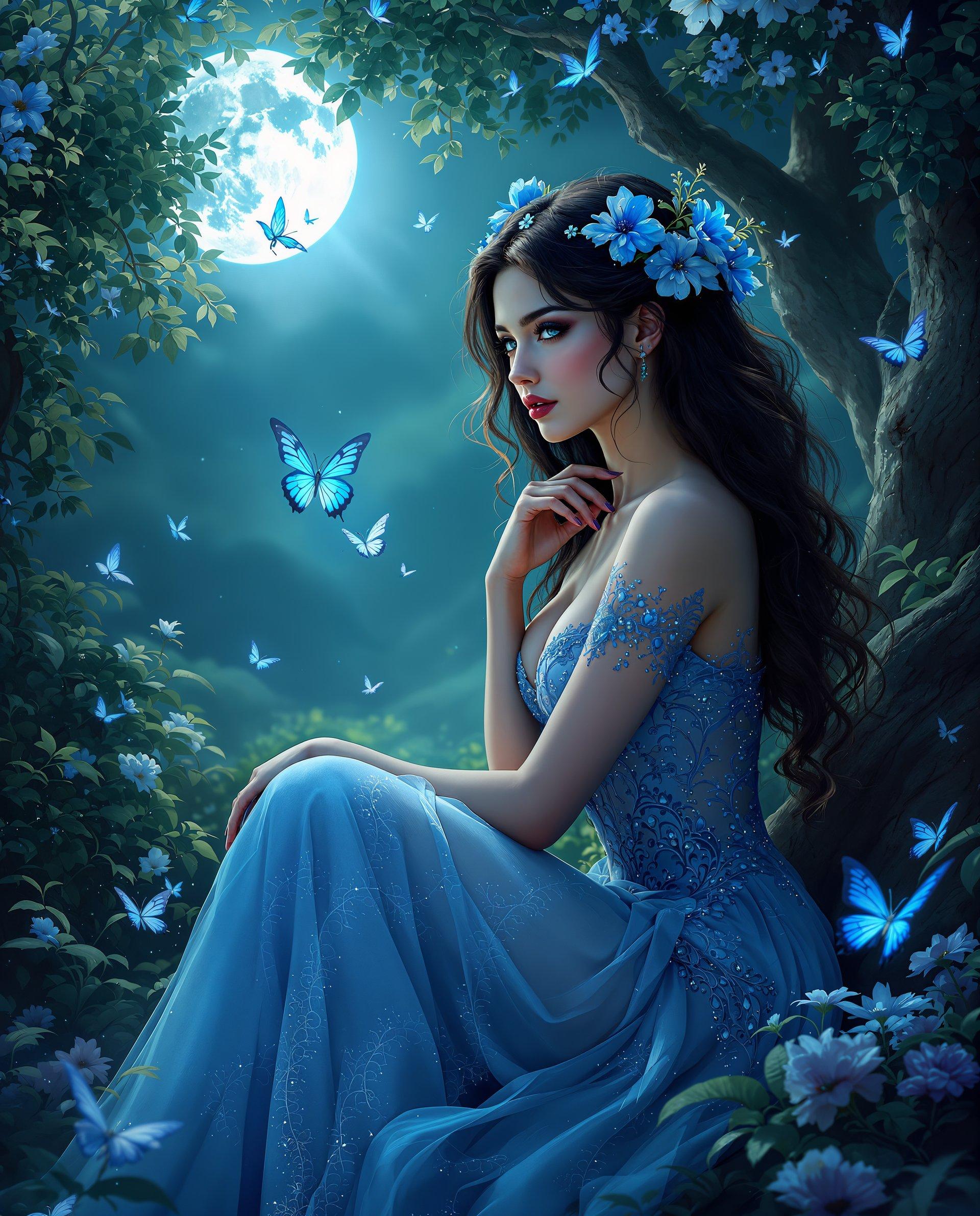
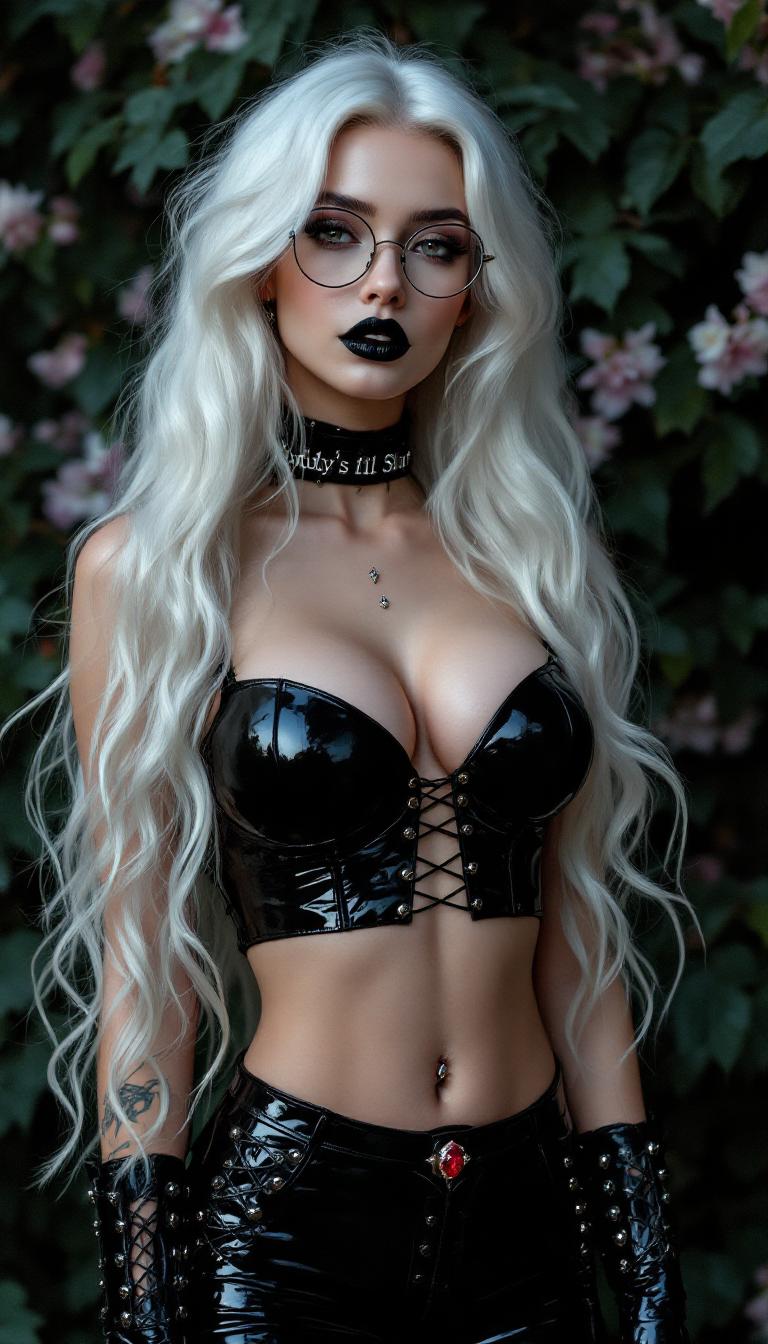
Imagine effortlessly transforming your photos by swapping outfits with just a few clicks. With PixelDojo's AI Clothes Swapper, you can explore new styles, visualize different looks, and enhance your images without the need for complex editing skills. Whether you're a fashion enthusiast, content creator, or simply looking to have fun with your photos, our AI-powered tool makes it easy to reimagine your wardrobe in seconds.
Join thousands of satisfied users who have transformed their photos with PixelDojo's AI Clothes Swapper. Rated 4.8/5 by our community for ease of use and realistic results.
Why Choose Pixel Dojo for clothes swapper ai
Professional-quality results with cutting-edge AI technology
Effortless Outfit Changes
Quickly swap outfits in your photos without any technical expertise, allowing you to experiment with different styles and looks.
Realistic Results
Our advanced AI ensures that the new outfits blend seamlessly with your photos, maintaining natural body proportions and lighting.
Time and Cost Savings
Avoid the hassle and expense of physical outfit changes or professional photo shoots by achieving desired looks digitally.
How It Works
Creating stunning outfit transformations with PixelDojo's AI Clothes Swapper is simple and straightforward. Follow these steps to get started:
Step 1: Upload Your Photo
Select a clear, full-body photo where the subject is facing forward. Ensure good lighting and a simple background for optimal results.
Step 2: Choose Your Desired Outfit
Browse through our extensive library of clothing options or upload an image of the outfit you wish to apply. You can also enter a detailed prompt describing the style you're aiming for.
Step 3: Generate and Download
Click the 'Generate' button and let our AI work its magic. In moments, your photo will be transformed with the new outfit. Review the result, make any desired adjustments, and download your enhanced image.
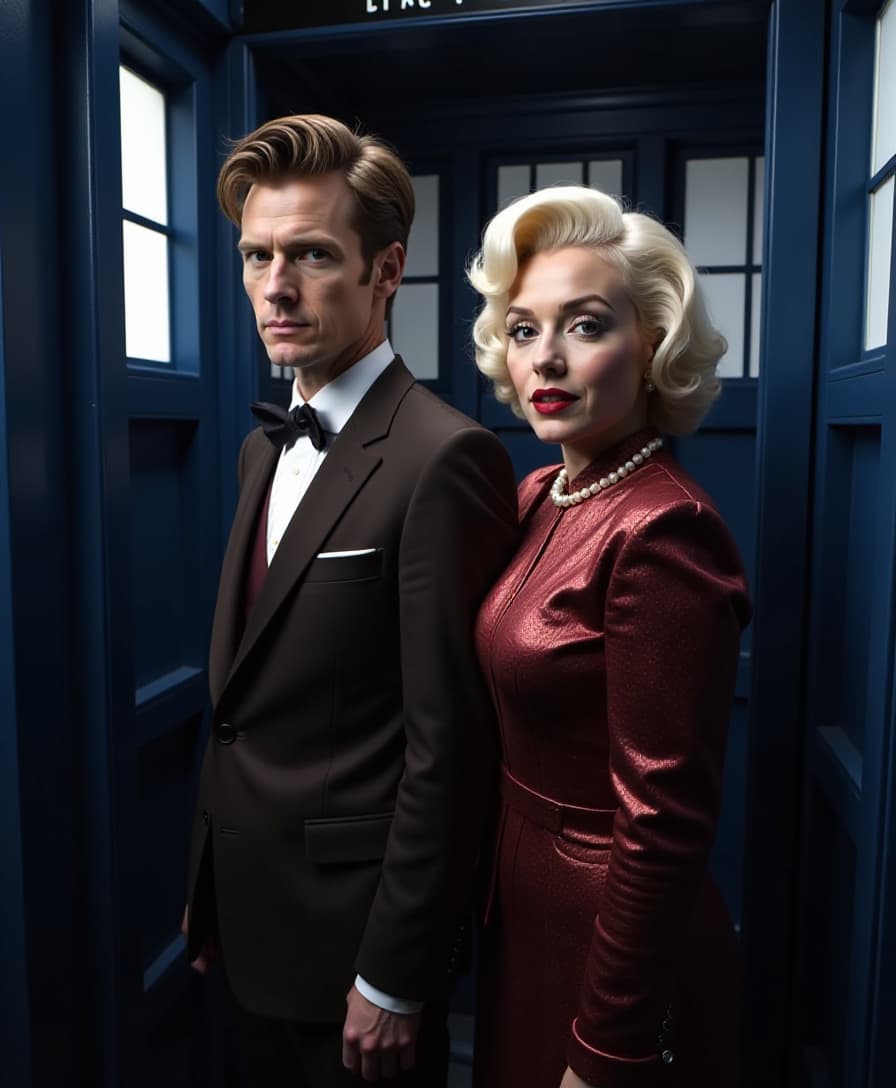

The Pixel Dojo Advantage
Why PixelDojo's AI Clothes Swapper Stands Out
| Others | Pixel Dojo |
|---|---|
| Traditional Photo Editing | Eliminates the need for manual editing skills, providing quick and realistic outfit changes. |
| Generic AI Tools | Offers a specialized and user-friendly interface tailored specifically for clothing swaps, ensuring higher accuracy and better results. |
| Physical Outfit Changes | Saves time and resources by allowing virtual outfit trials without the need for physical clothing or photo shoots. |
Loved by Creators
See what our community says about clothes swapper ai
"PixelDojo's AI Clothes Swapper has revolutionized my content creation process. I can now experiment with different styles effortlessly, and the results are incredibly realistic."
Alex Johnson
Fashion Blogger
"As a photographer, this tool has been a game-changer. It allows me to offer clients more options without additional shoots, saving time and enhancing creativity."
Maria Lopez
Professional Photographer
Common Questions
Everything you need to know about clothes swapper ai AI generation
How does PixelDojo's AI Clothes Swapper work?
Our AI analyzes your uploaded photo and the selected outfit, seamlessly blending them to create a realistic image of you wearing the new clothing. The process is automated and requires no manual editing.
Can I upload my own clothing images to use in the swap?
Yes, you can upload images of specific outfits you want to try on. Ensure the clothing image is clear and well-lit for the best results.
Is the AI Clothes Swapper free to use?
PixelDojo offers a range of subscription plans, including a free trial. Explore our pricing options to find the plan that best suits your needs.
How accurate are the outfit swaps?
Our advanced AI technology ensures high accuracy, maintaining natural body proportions and lighting. However, results may vary based on the quality of the uploaded photos.
Can I use the generated images for commercial purposes?
Yes, you have full rights to use the images created with PixelDojo's AI Clothes Swapper for both personal and commercial purposes.
What file formats are supported for upload?
We support common image formats such as JPEG, PNG, and WEBP. For optimal results, upload high-quality images with good lighting.