color ai AI Generator
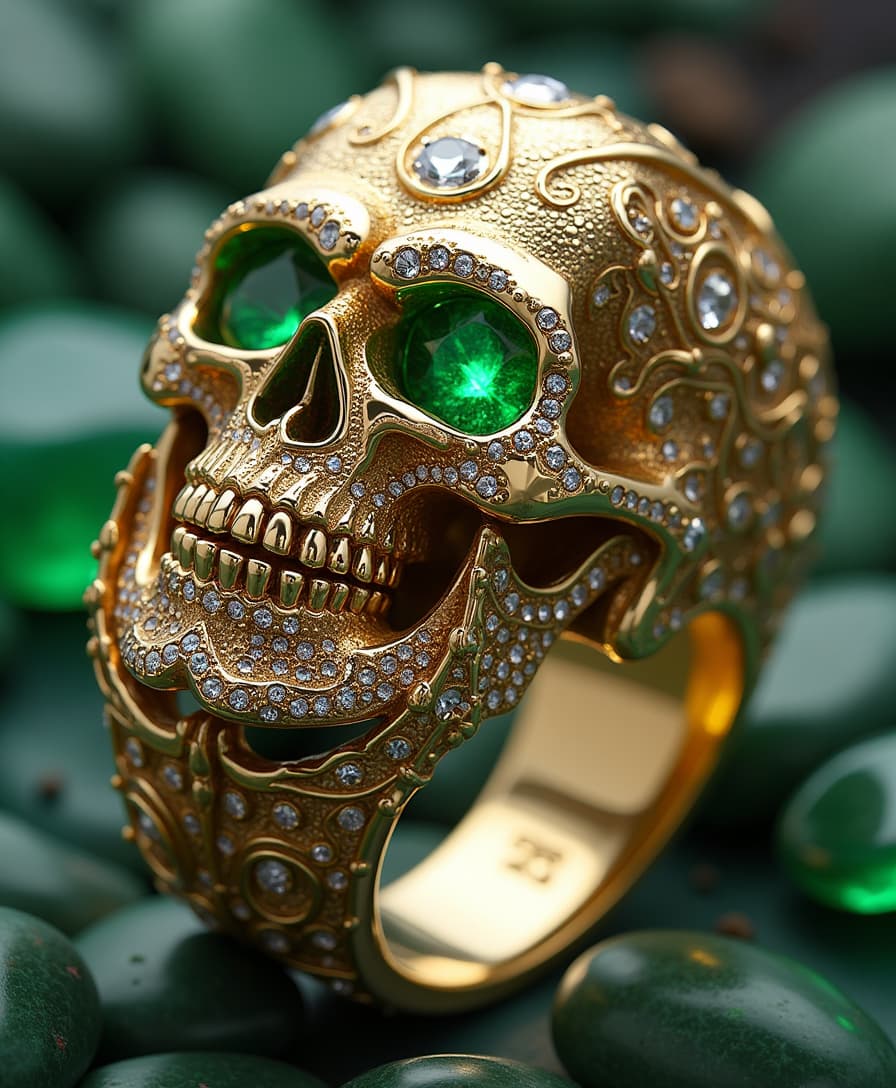
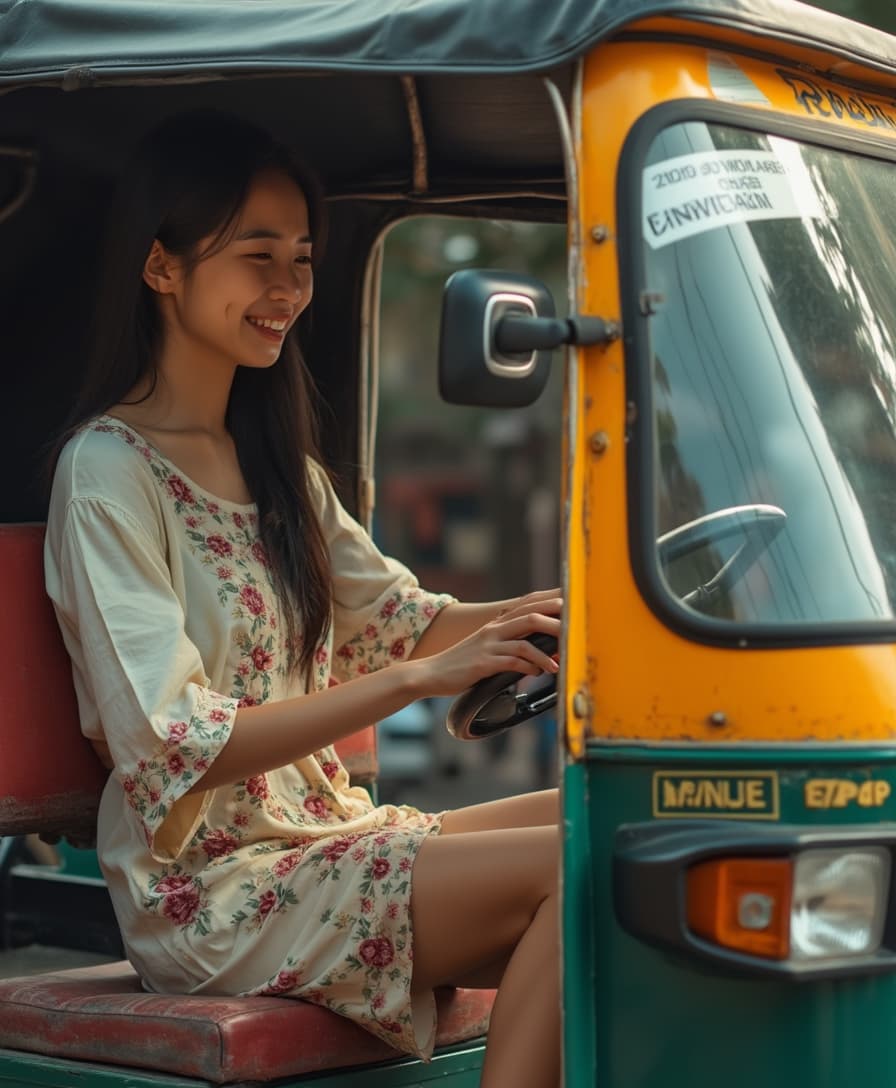
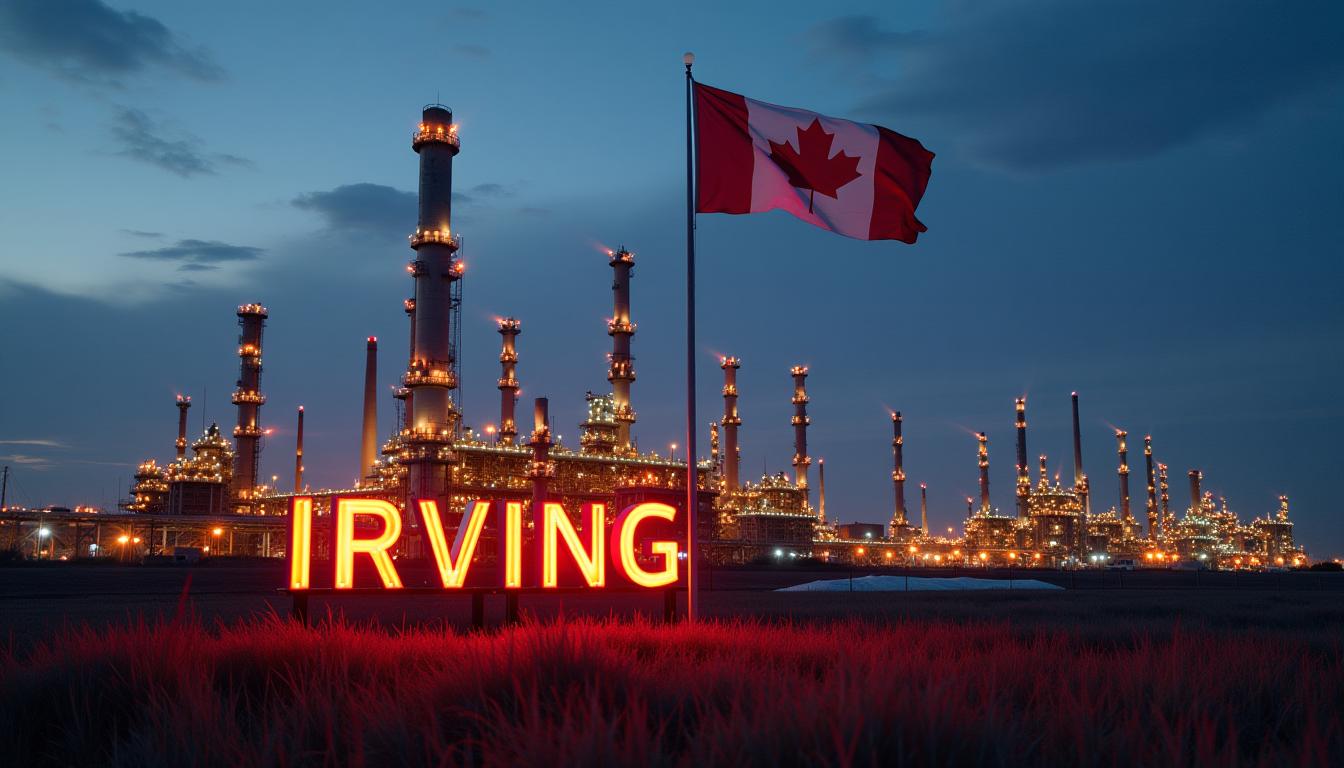
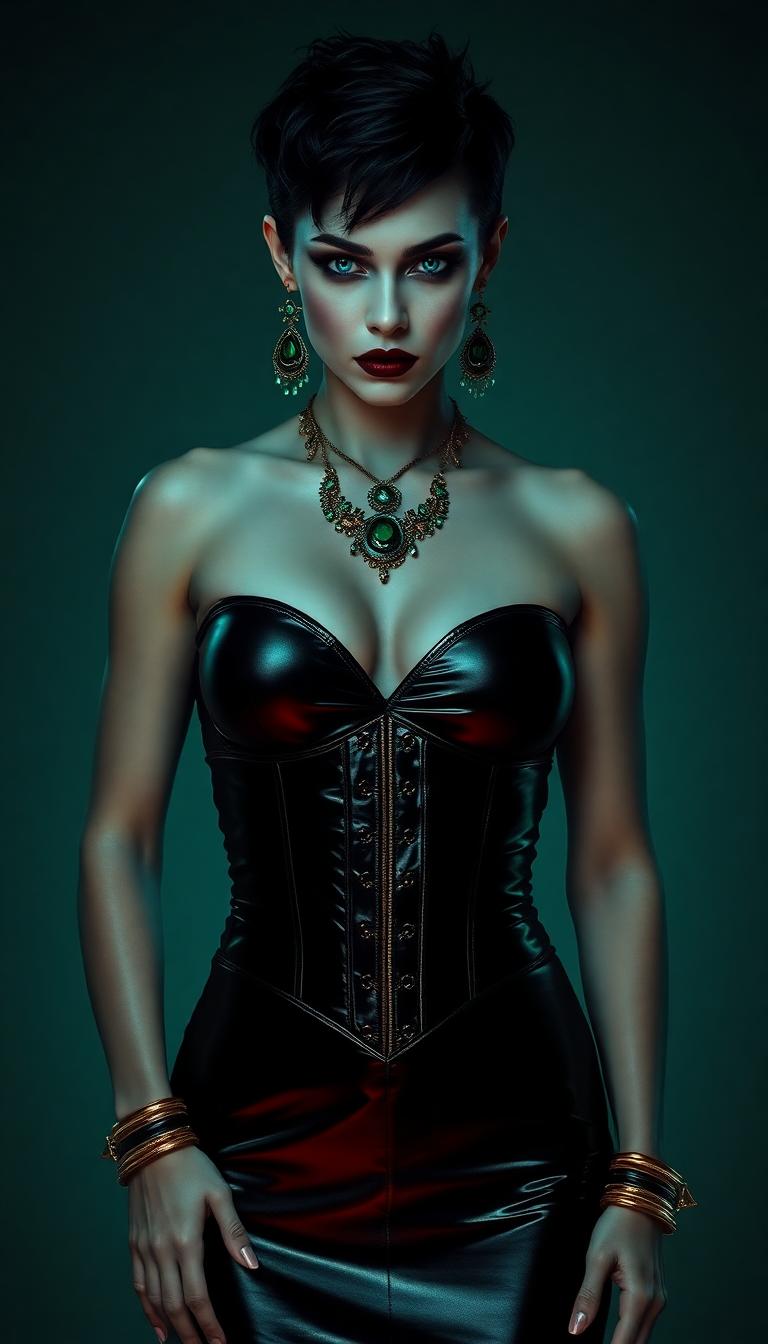
Unlock the full potential of your creativity with PixelDojo's Color AI tools. Whether you're a designer, marketer, or artist, our advanced AI-powered solutions enable you to generate images with precise color control, ensuring your visuals resonate with your audience and align with your brand identity.
Join over 10,000 creators who have enhanced their visual content using PixelDojo's Color AI tools. Rated 4.8/5 based on 2,500+ reviews.
Why Choose Pixel Dojo for color ai
Professional-quality results with cutting-edge AI technology
Achieve Perfect Color Harmony
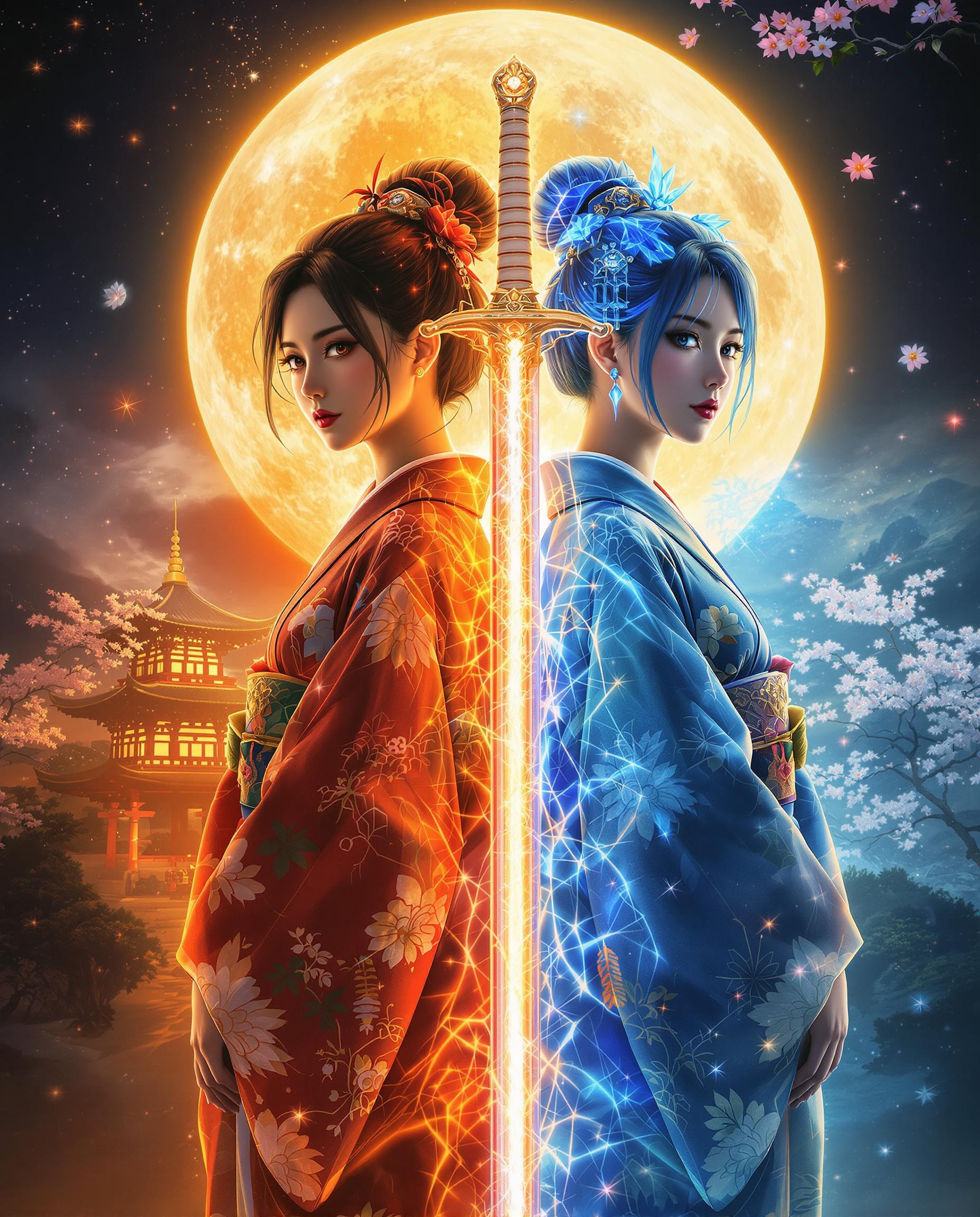
Utilize PixelDojo's Color AI tools to create images with balanced and harmonious color schemes, enhancing visual appeal and emotional impact.
Customize Images to Fit Your Brand
Maintain brand consistency by generating images that adhere to your specific color guidelines, ensuring a cohesive visual identity across all platforms.
Save Time with AI-Powered Efficiency
Streamline your creative process by leveraging AI to generate high-quality, color-accurate images quickly, reducing manual effort and accelerating project timelines.
How It Works
Creating stunning, color-accurate images with PixelDojo is simple and intuitive. Follow these steps to bring your vision to life:
Step 1: Choose Your Tool
Select the appropriate PixelDojo tool for your project. For color-focused image generation, tools like 'Flux Creator' and 'Recraft V3' are ideal choices.
Step 2: Enter Your Prompt
Input a detailed description of the image you want to create, specifying desired colors and themes. For example, 'A serene landscape at sunset with warm, golden hues.'
Step 3: Customize & Download
Review the generated image and make any necessary adjustments using PixelDojo's editing features. Once satisfied, download the final image for your use.
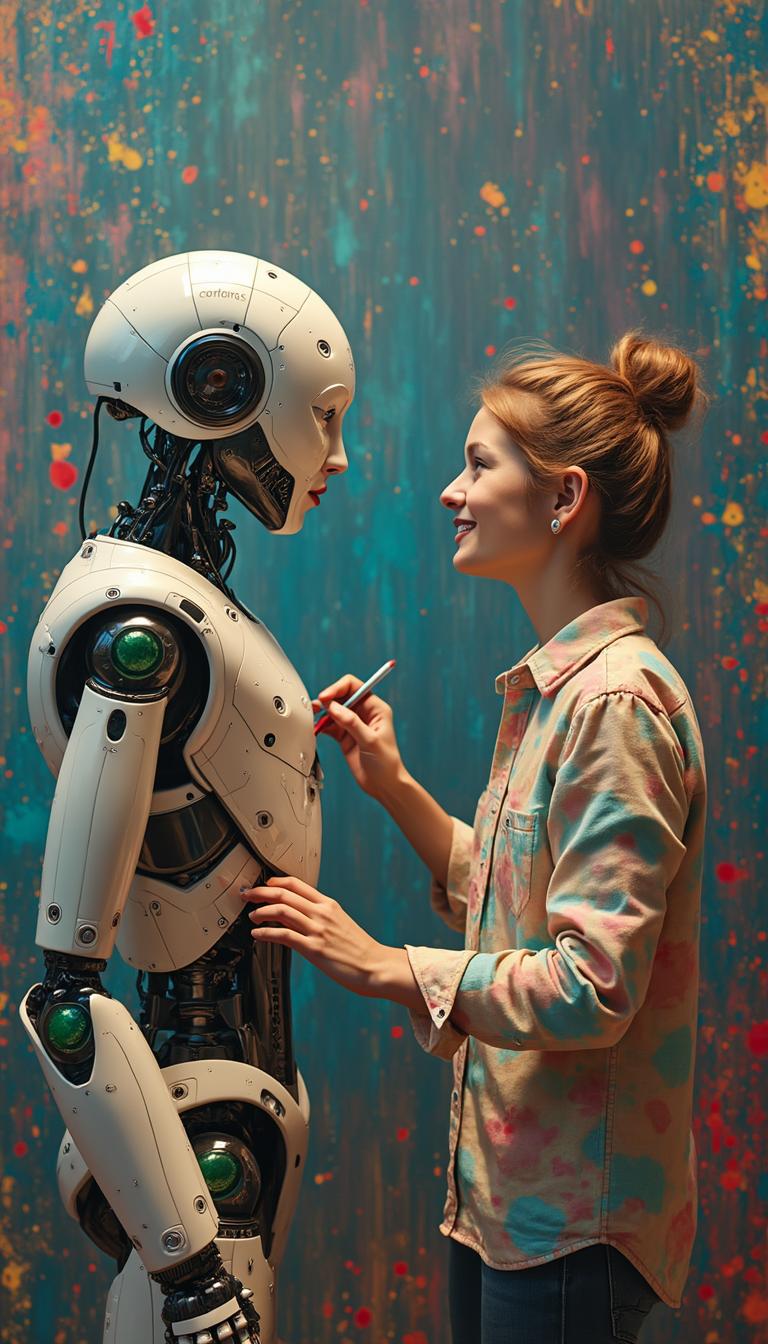

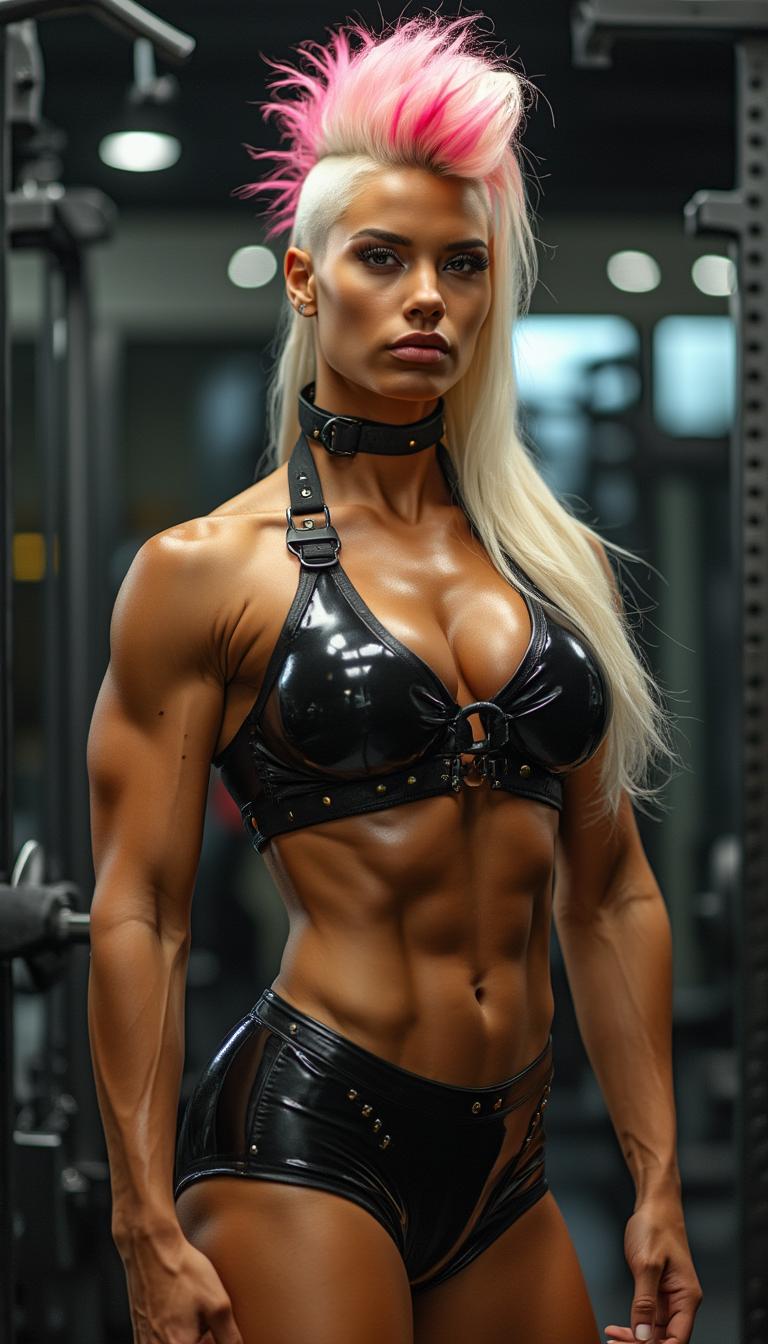
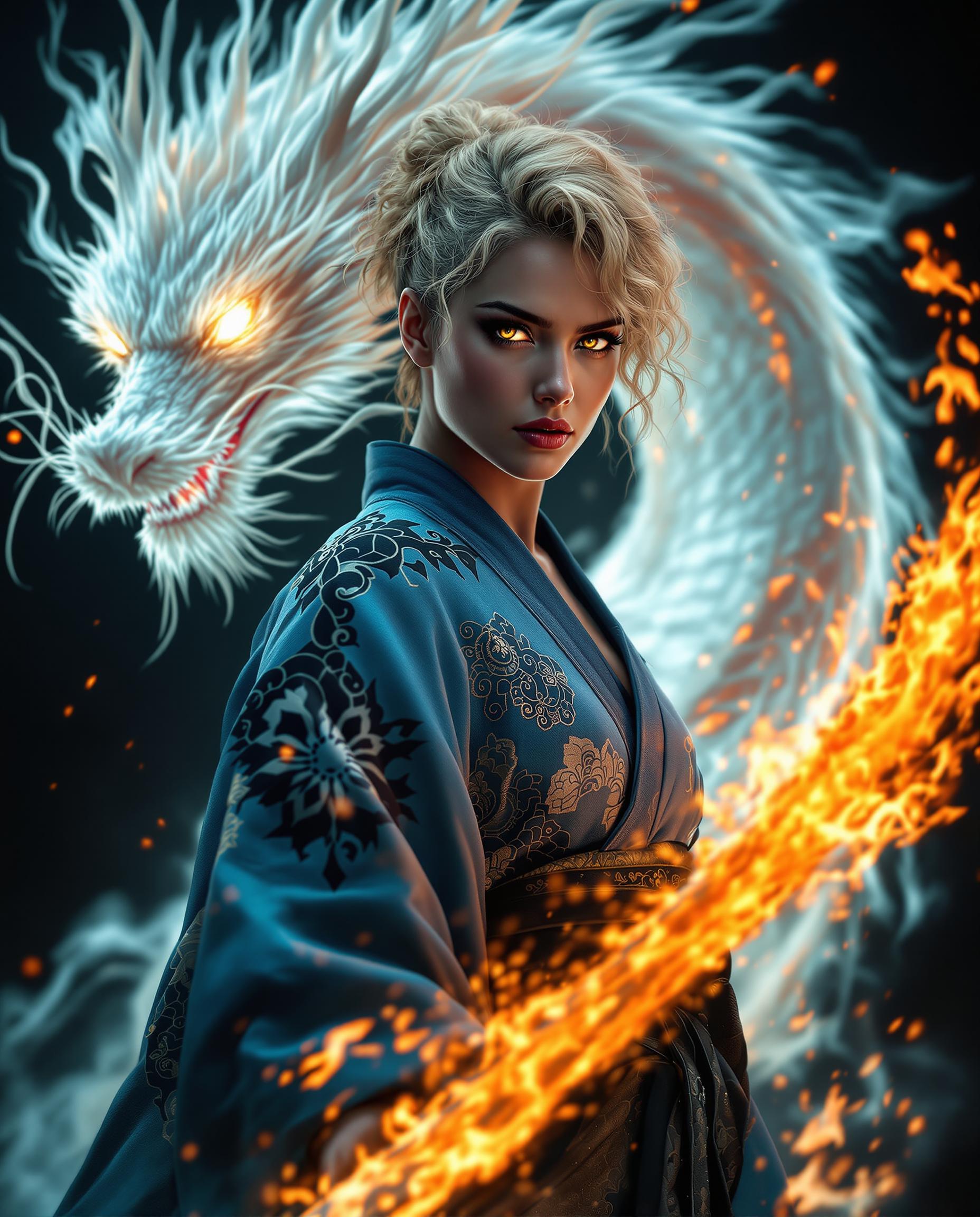
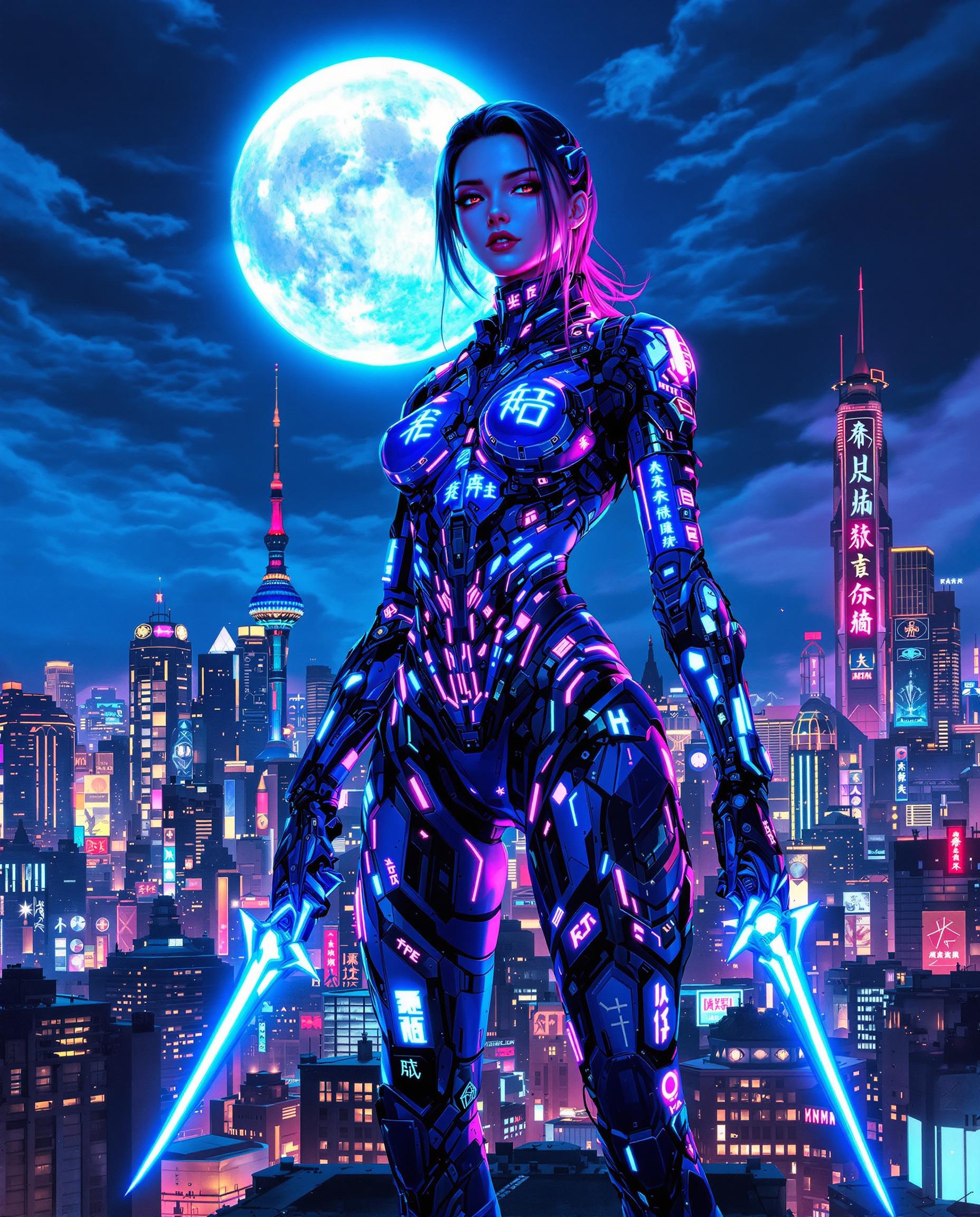

The Pixel Dojo Advantage
Discover why PixelDojo stands out in the realm of AI-driven color image generation:
| Others | Pixel Dojo |
|---|---|
| Traditional Image Editing | Eliminate the need for manual color adjustments and extensive editing by generating color-accurate images instantly with AI. |
| Generic AI Tools | Benefit from specialized tools designed specifically for color control, offering more precise and customizable results. |
| Manual Color Correction | Save time and effort by allowing AI to handle complex color harmonization tasks, delivering professional-quality images effortlessly. |
Loved by Creators
See what our community says about color ai
"PixelDojo's Color AI tools have revolutionized our design process, enabling us to produce vibrant, on-brand visuals in minutes."
Alex Johnson
Creative Director
"As a marketer, maintaining brand consistency is crucial. PixelDojo makes it easy to generate images that align perfectly with our color guidelines."
Samantha Lee
Marketing Manager
Common Questions
Everything you need to know about color ai AI generation
How does PixelDojo ensure color accuracy in AI-generated images?
PixelDojo's advanced AI algorithms analyze your input prompts and reference images to generate visuals with precise color accuracy, ensuring your images align with your specified color schemes.
Can I use PixelDojo's Color AI tools for commercial projects?
Yes, PixelDojo's tools are designed for both personal and commercial use, allowing you to create professional-quality images for any project.
Do I need prior design experience to use PixelDojo's Color AI tools?
No, PixelDojo's user-friendly interface is designed for creators of all skill levels, enabling anyone to generate stunning, color-accurate images effortlessly.
What file formats are available for download?
PixelDojo supports multiple file formats, including JPEG, PNG, and TIFF, providing flexibility for various use cases.
Is there a limit to the number of images I can generate?
PixelDojo offers various subscription plans to suit different needs, with options for unlimited image generation. Choose the plan that best fits your requirements.
How do I get started with PixelDojo's Color AI tools?
Simply sign up for a PixelDojo account, select the Color AI tool that suits your project, and start creating by entering your image prompts and preferences.