dreambooth lora AI Generator
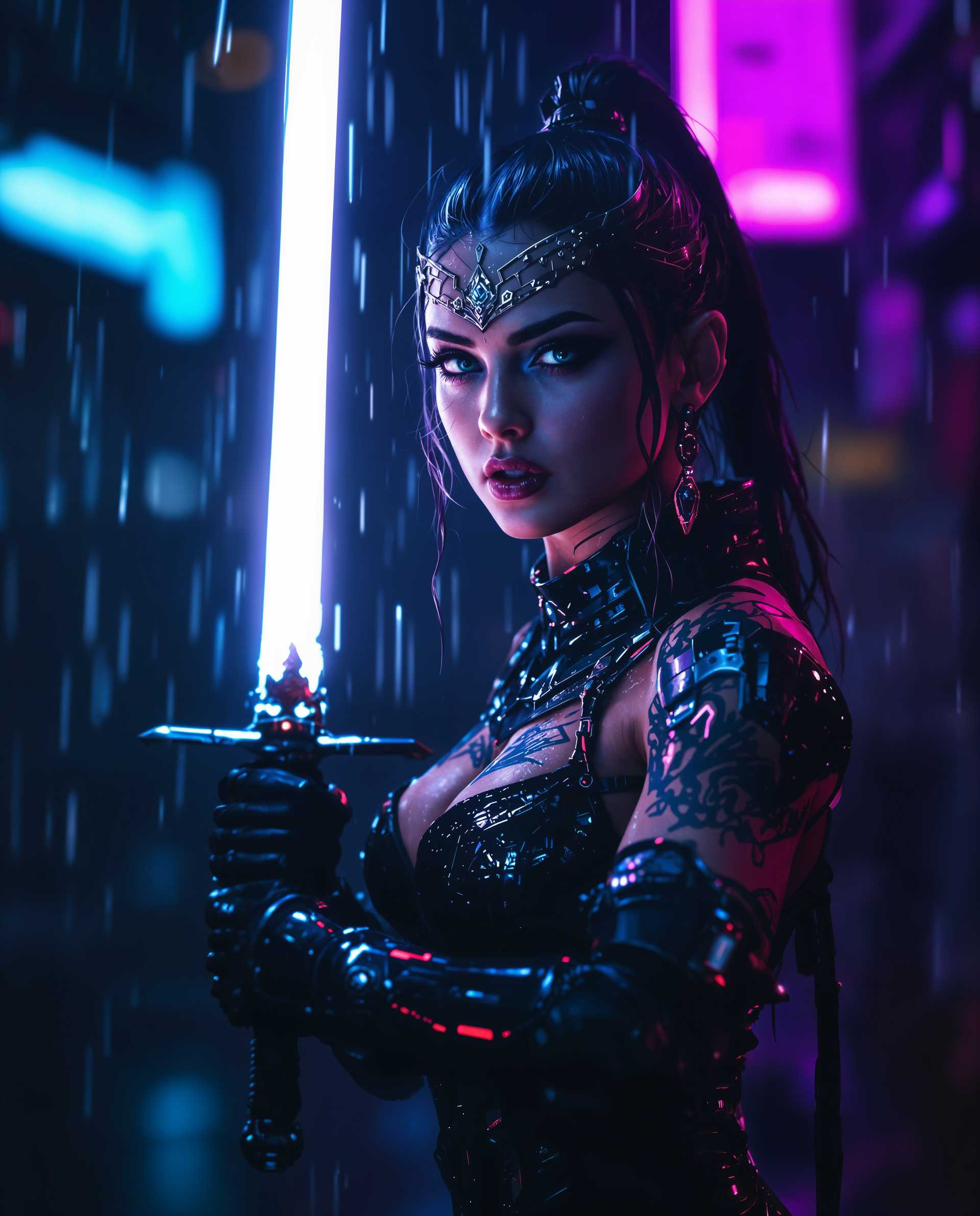
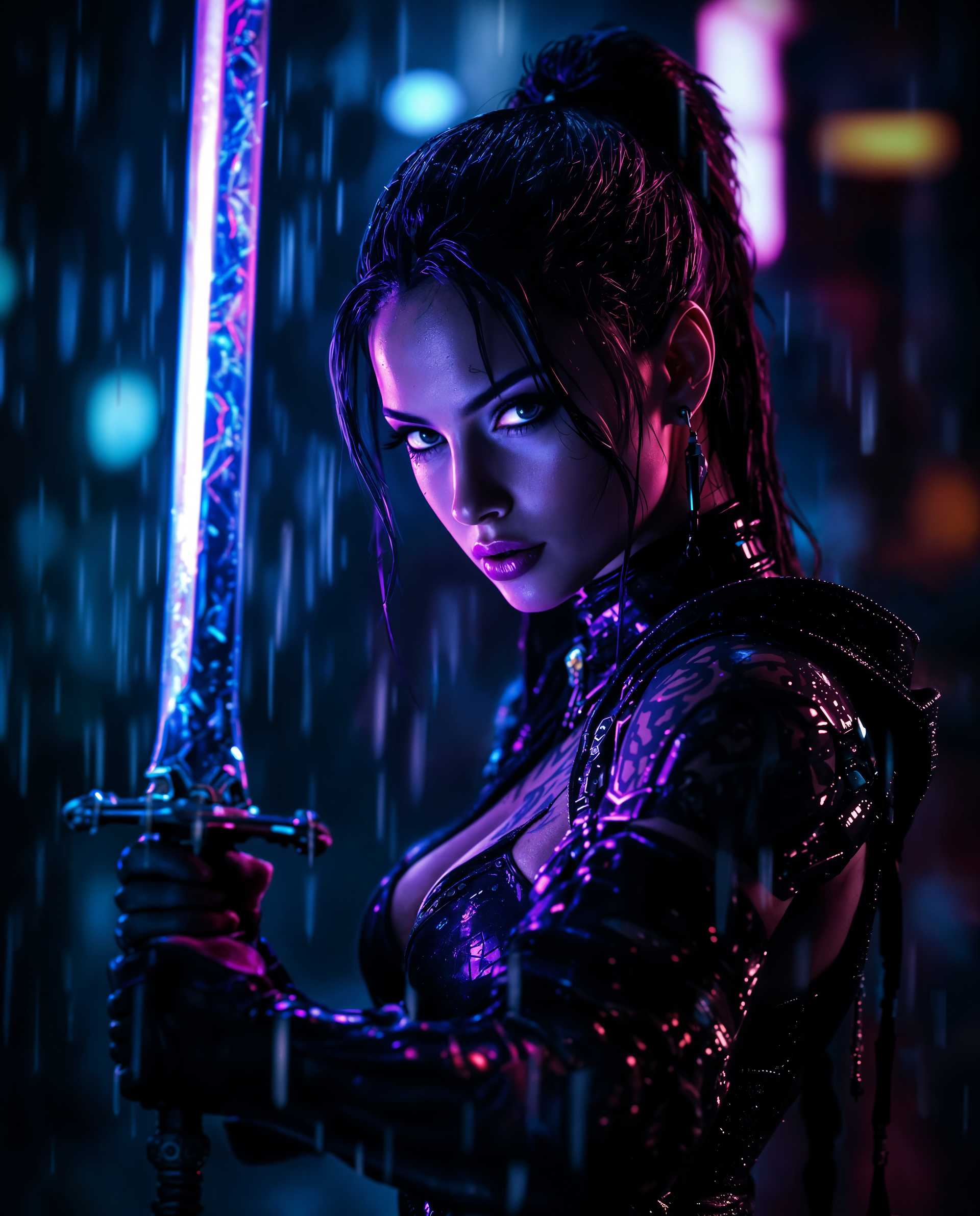
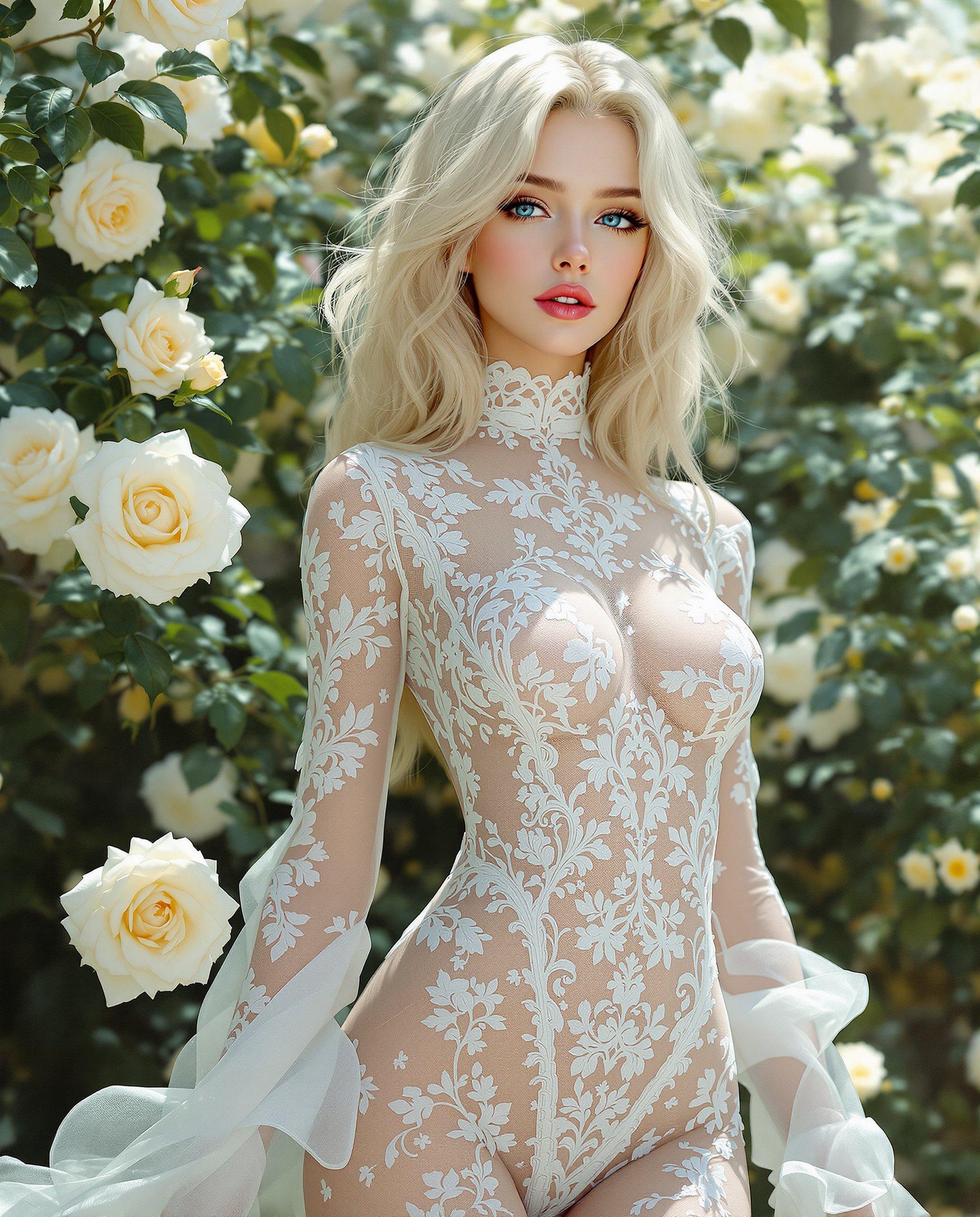
Unlock the power of personalized AI image generation with DreamBooth LoRA on PixelDojo. Whether you're an artist seeking to replicate a unique style, a marketer aiming to feature specific products, or an individual wanting to immortalize cherished memories, our platform empowers you to create custom AI-generated images tailored to your exact needs.
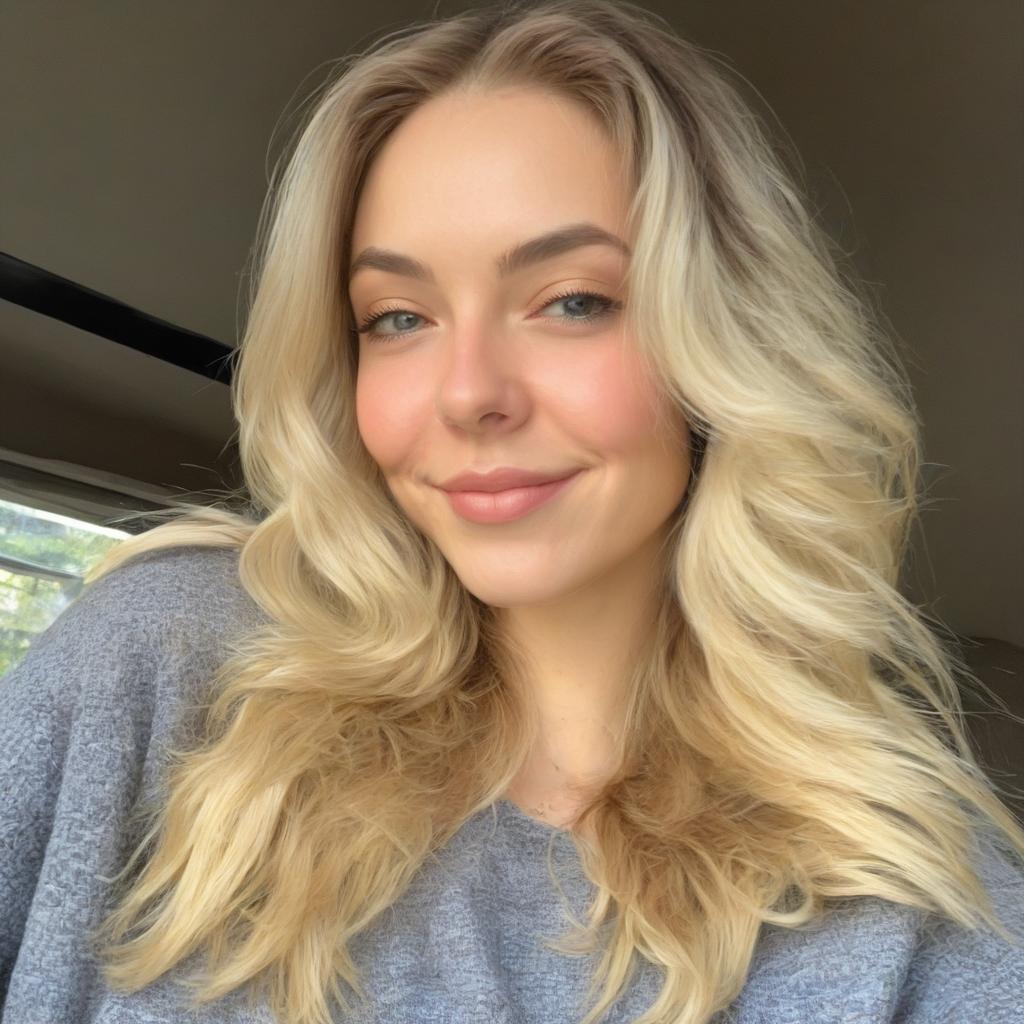
Join over 10,000 creators who have generated more than 1 million personalized images using PixelDojo's advanced AI tools.
Why Choose Pixel Dojo for dreambooth lora
Professional-quality results with cutting-edge AI technology
Effortless Personalization
Generate images of specific subjects or styles with minimal input, saving time and effort.
High-Quality Outputs
Achieve photorealistic and artistically compelling images that meet professional standards.
Resource Efficiency
Fine-tune models using a small number of images, making the process accessible and cost-effective.
How It Works
Creating personalized AI images with DreamBooth LoRA on PixelDojo is a straightforward process:
Step 1: Select Your Base Model
Choose a pre-trained model that closely aligns with your desired output style or subject matter.
Step 2: Upload Reference Images
Provide 3-5 high-quality images of the subject or style you wish to replicate. Ensure these images are diverse in angles and settings to enhance the model's learning.
Step 3: Fine-Tune with DreamBooth LoRA
Utilize PixelDojo's DreamBooth LoRA tool to fine-tune the selected model with your reference images. This process adapts the model to generate images that accurately reflect your specific subject or style.
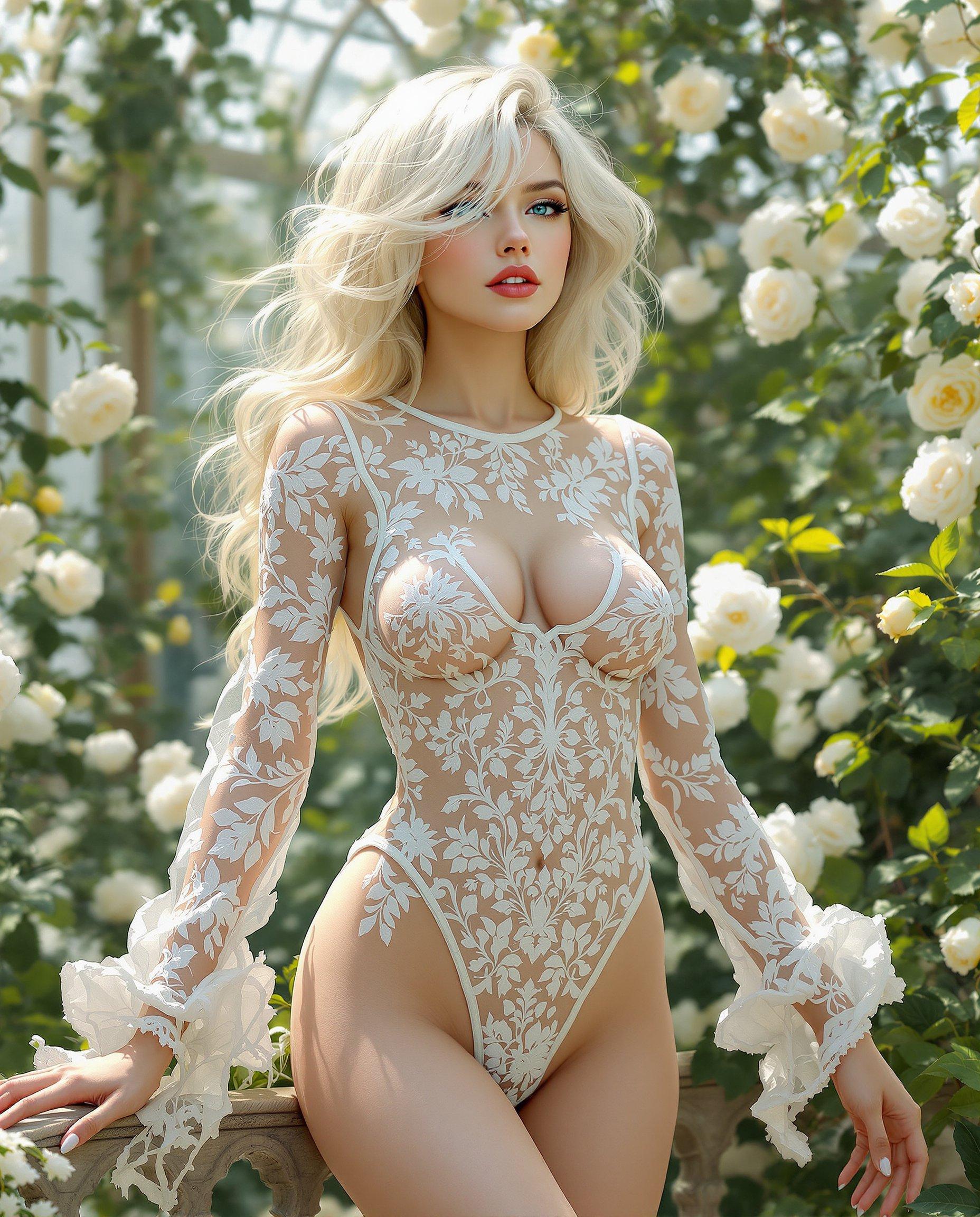
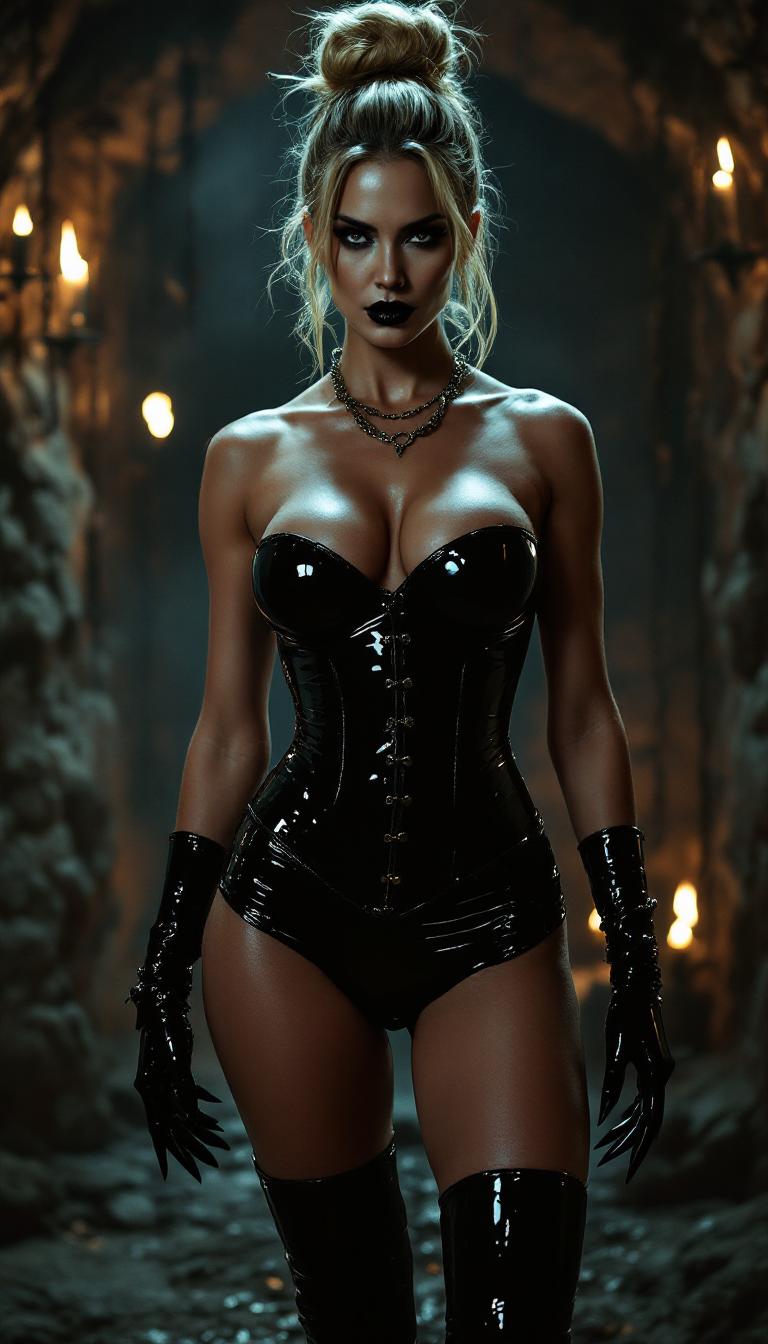
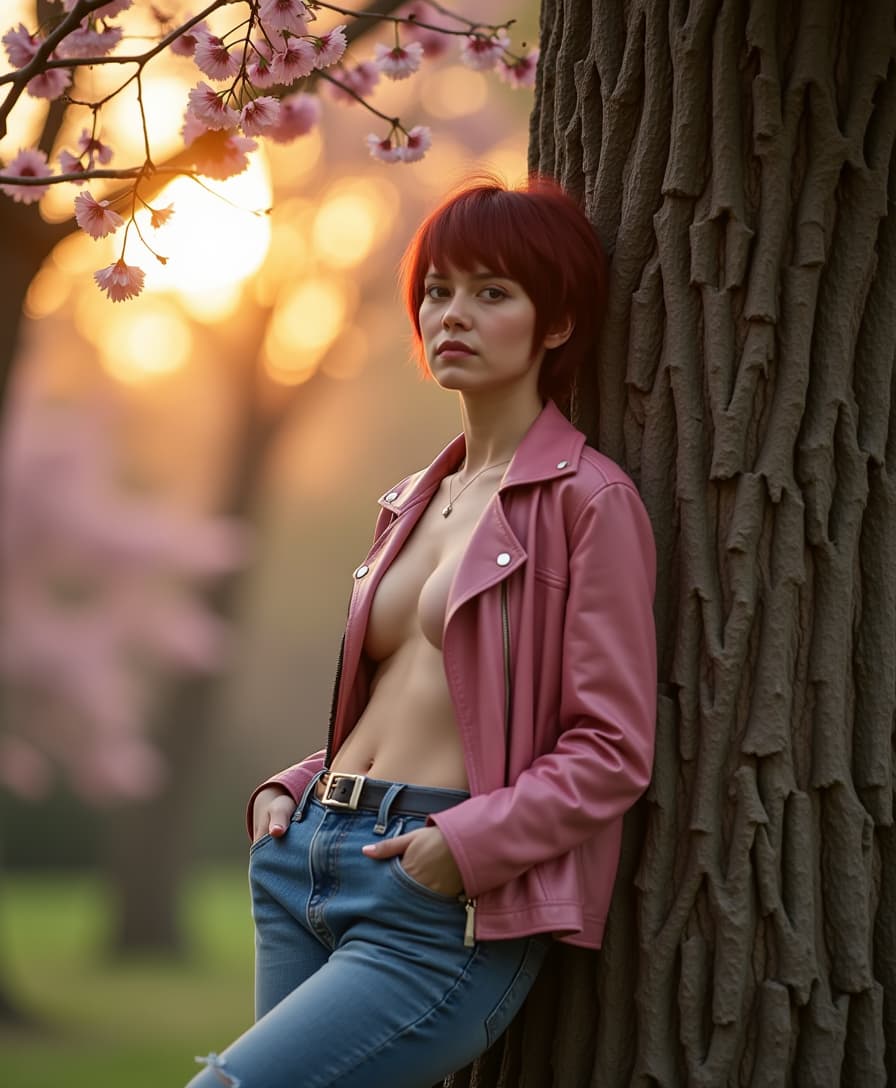
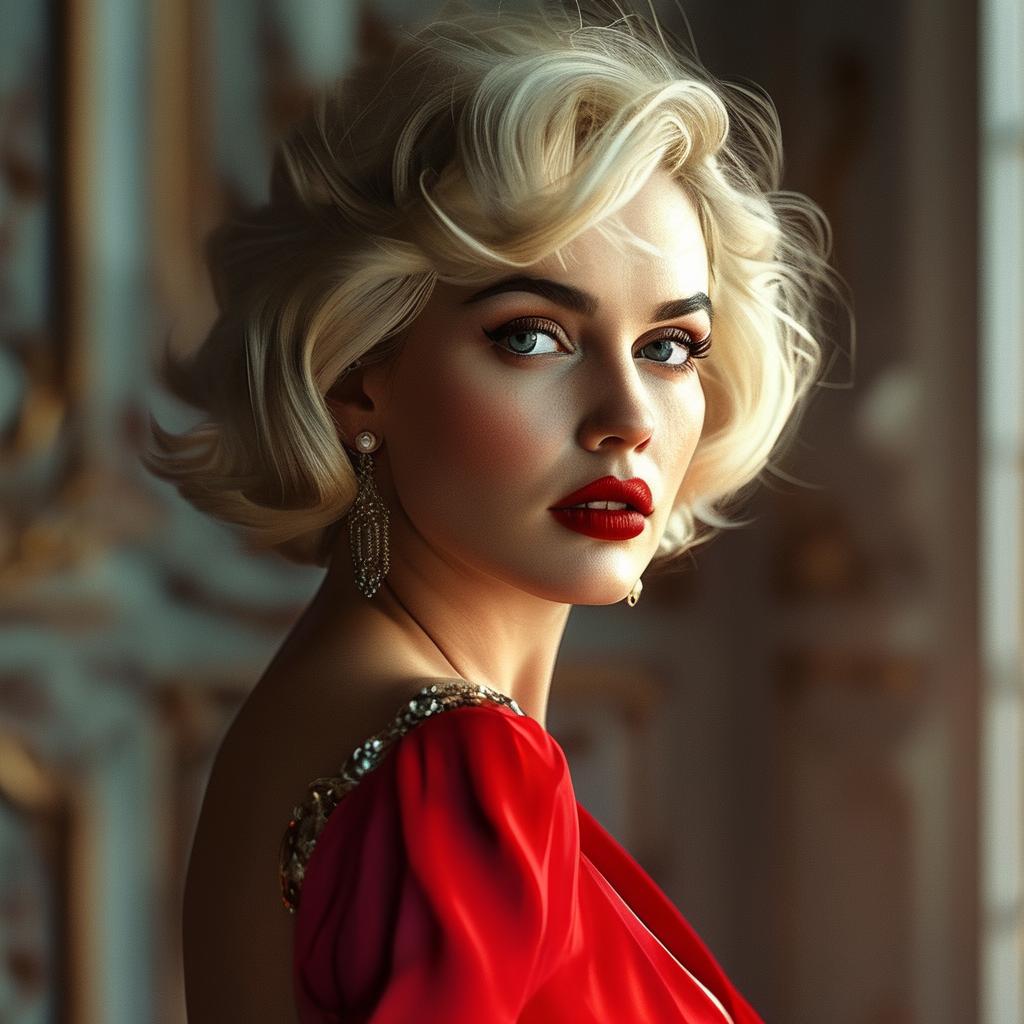
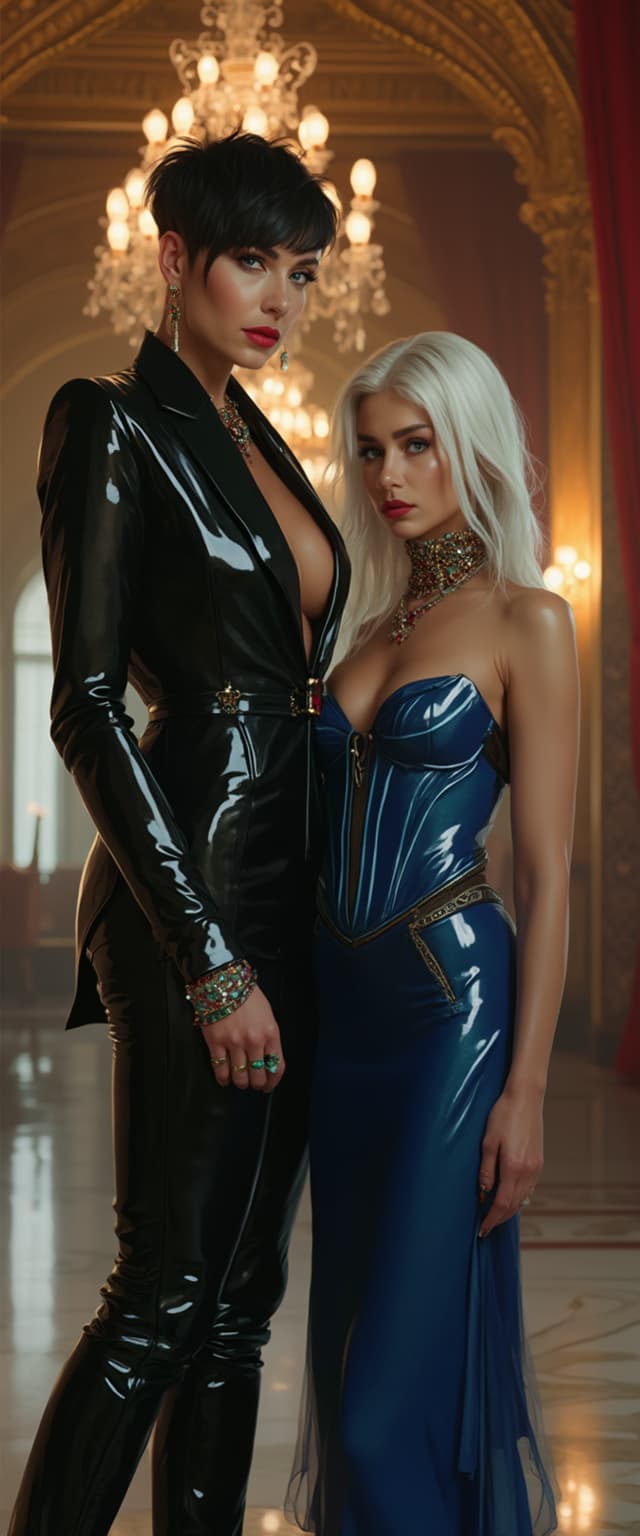
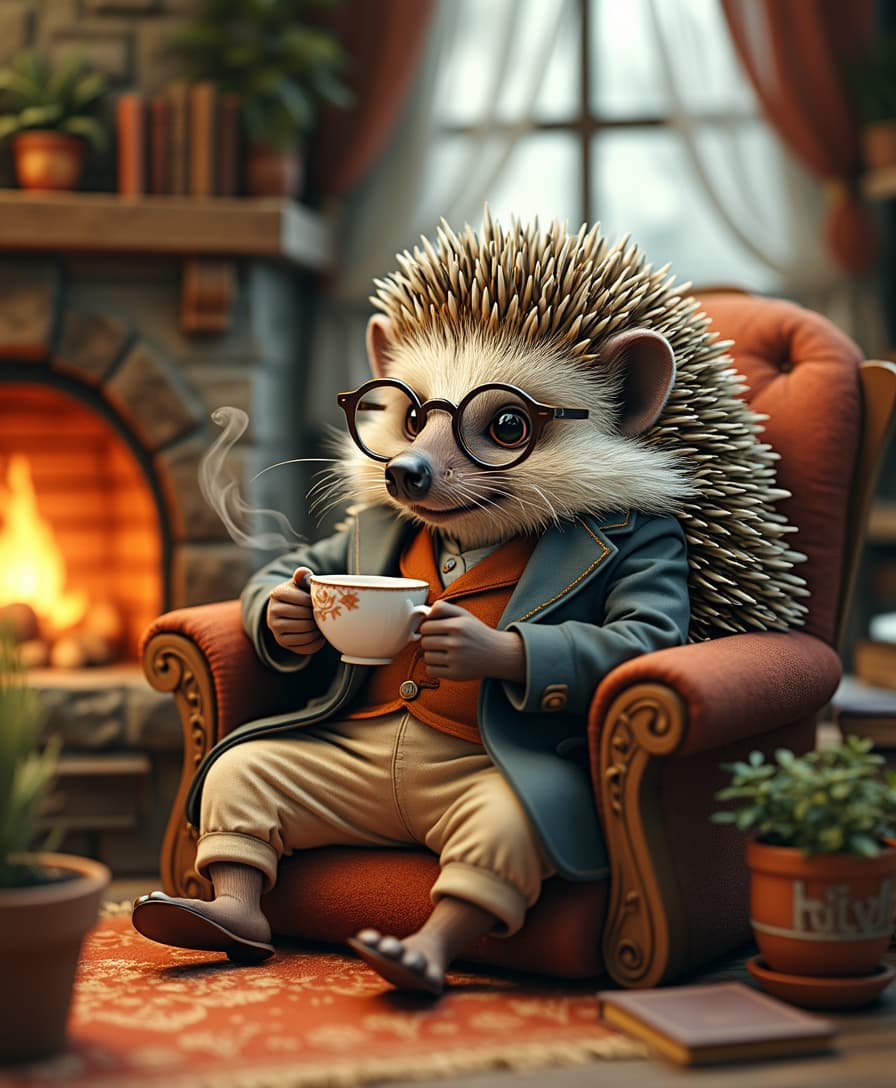
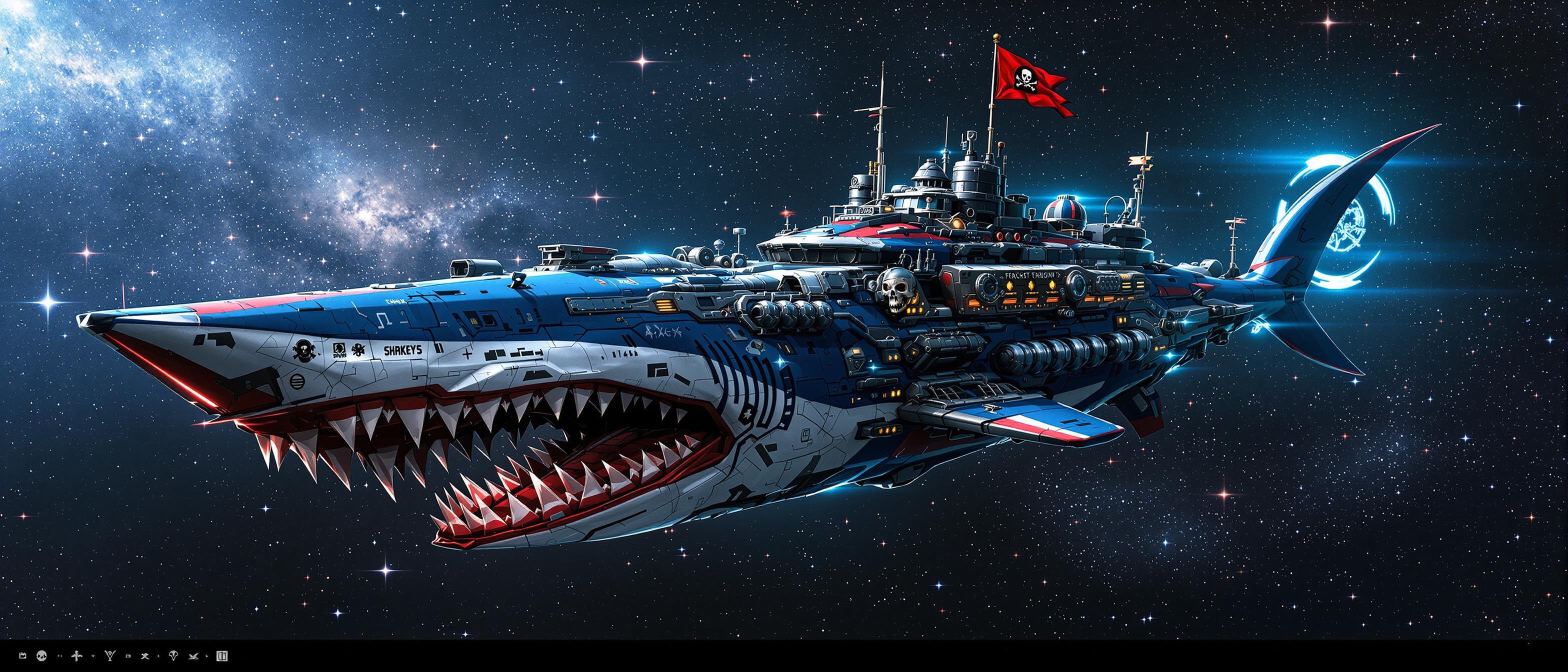
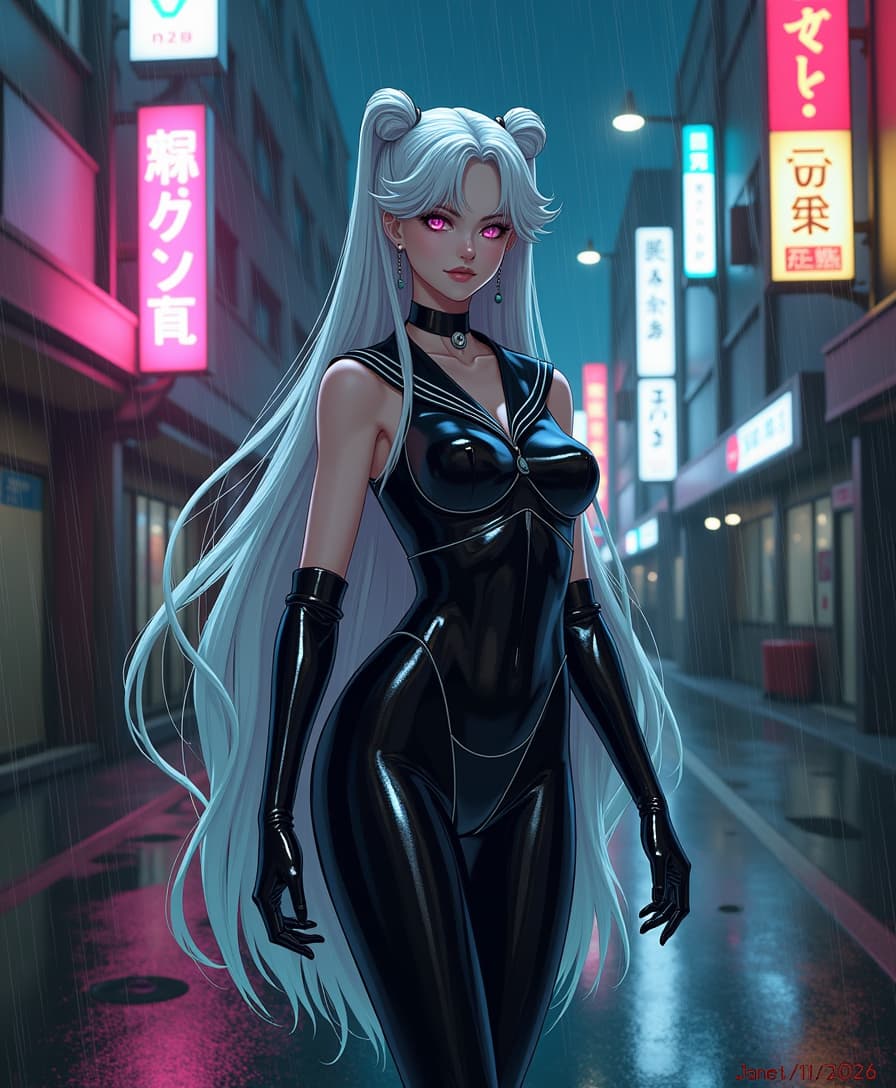
The Pixel Dojo Advantage
Why PixelDojo outperforms other options for personalized AI image generation:
| Others | Pixel Dojo |
|---|---|
| Traditional Image Editing | Eliminate the need for manual editing by generating customized images directly from prompts. |
| Generic AI Tools | Achieve higher accuracy and personalization by fine-tuning models with your specific reference images. |
| Manual Photography | Save time and resources by generating high-quality images without the need for photoshoots. |
Loved by Creators
See what our community says about dreambooth lora
"PixelDojo's DreamBooth LoRA allowed me to create stunning, personalized images for my clients without the hassle of traditional editing."
Alex Johnson
Professional Photographer
"As a marketer, being able to generate custom product images quickly has been a game-changer. PixelDojo delivers exceptional quality every time."
Samantha Lee
Marketing Manager
Common Questions
Everything you need to know about dreambooth lora AI generation
How many reference images are needed for DreamBooth LoRA fine-tuning?
Typically, 3-5 high-quality images are sufficient to fine-tune the model effectively, capturing the unique characteristics of your subject or style.
Can I use DreamBooth LoRA for any subject or style?
Yes, DreamBooth LoRA is versatile and can be used to personalize models for a wide range of subjects and artistic styles.
How long does the fine-tuning process take?
The duration varies depending on the complexity of the subject and the computational resources available, but it generally takes a few hours.
Do I need advanced technical skills to use DreamBooth LoRA on PixelDojo?
No, PixelDojo's user-friendly interface makes it accessible for users of all skill levels to fine-tune models and generate personalized images.
Is there a limit to the number of images I can generate after fine-tuning?
No, once the model is fine-tuned, you can generate an unlimited number of images based on your personalized model.
Can I share my fine-tuned models with others?
Yes, PixelDojo allows you to share your fine-tuned models, enabling collaboration and sharing of personalized AI models.