face changer ai AI Generator
Imagine transforming your selfies into stunning headshots, genre-hopping to recreate iconic movie portraits, or swapping faces seamlessly with your favorite characters—all in minutes. PixelDojo’s Face Changer AI empowers you to create hyper-realistic face swaps, style transformations, and creative alterations without editing skills. Whether you're updating your profile picture, making viral content, or just having fun—achieve jaw-dropping results from your photo library with zero stress and instant gratification.
Over 10,000 creators have used our Face Changer AI tools • Rated 4.8/5 by social media influencers • Trusted in 50+ countries worldwide • Supported by 40+ cutting-edge models/tools like SDXL, Grok 2 Image, HiDream, WAN Image & more
Why Choose Pixel Dojo for face changer ai
Professional-quality results with cutting-edge AI technology
Create Realistic Face Swaps Instantly
Replace your face with someone else’s, be it celebrity, friend, or fictional character, and get results so natural that no one will believe it's AI-made.
Style & Identity Control Without Hassle
Use tools like Style Transfer, Change Camera Angle, Magic Lighting and Material Transfer to fine-tune expressions, lighting, and pose for jaw-dropping realism.
Protect Your Images & Your Privacy
Your uploads stay secure—encrypted, private, and never shared without your consent. We never watermark your creations and you retain full ownership.
How It Works
Getting stunning face changer results is easier than you think. Follow these simple steps using PixelDojo’s specialized tools for image creation and editing.
Step 1: Choose Your Tool
Start by picking a face change-friendly tool: use 'Create Images' with models like SDXL, Imagen 4, HiDream, Grok 2 Image for generating new faces or scenes. Or go with 'Edit Images' tools such as Image to Image, Inpainting, Change Camera Angle to transform existing photos.
Step 2: Enter Your Prompt
Write a prompt like “swap face with celebrity X under soft golden light,” or “style transfer to anime style facial features.” Use vision editors to refine expression, lighting, material or symmetry.
Step 3: Customize & Download
Use tools like Outpainting, Magic Lighting, Creative Upscaler, or Background Remover to polish edges, adjust lighting and remove unwanted elements. When satisfied, export high-quality, watermark-free images. You control the final look.
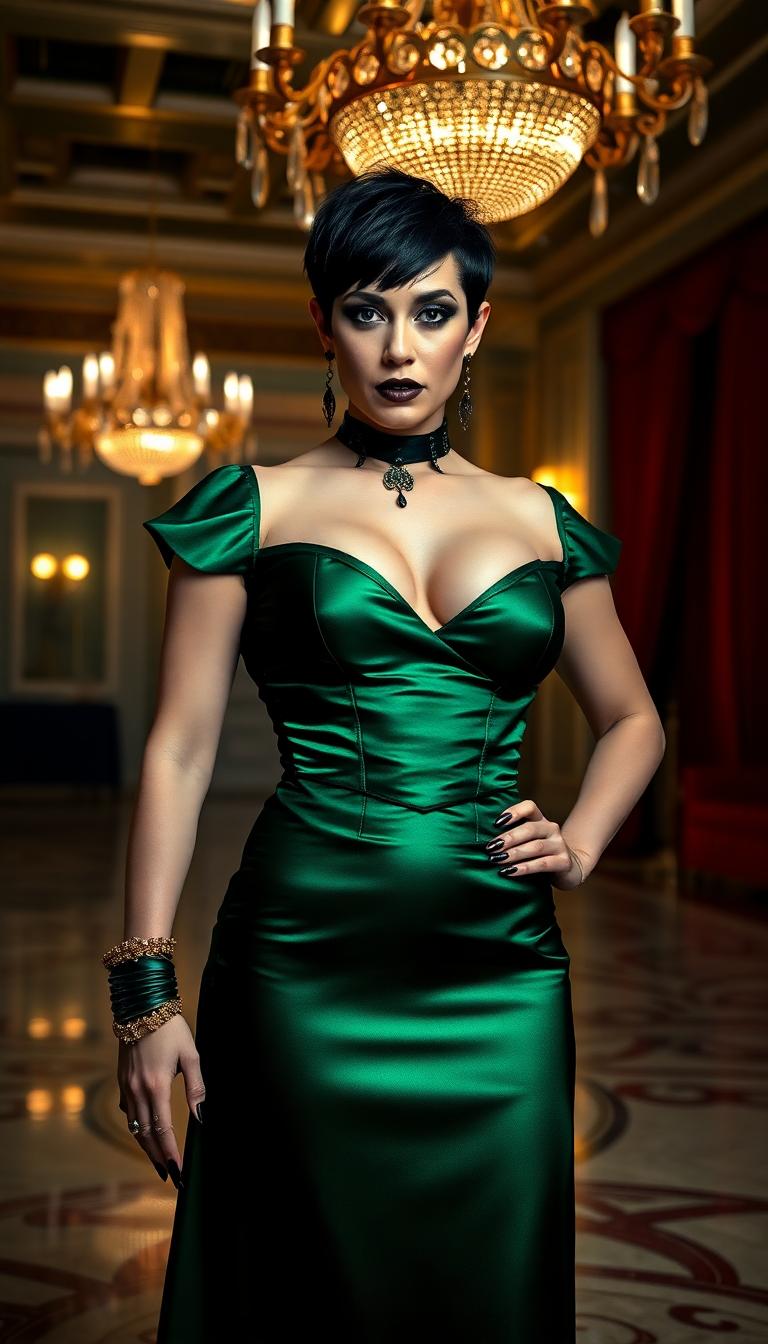
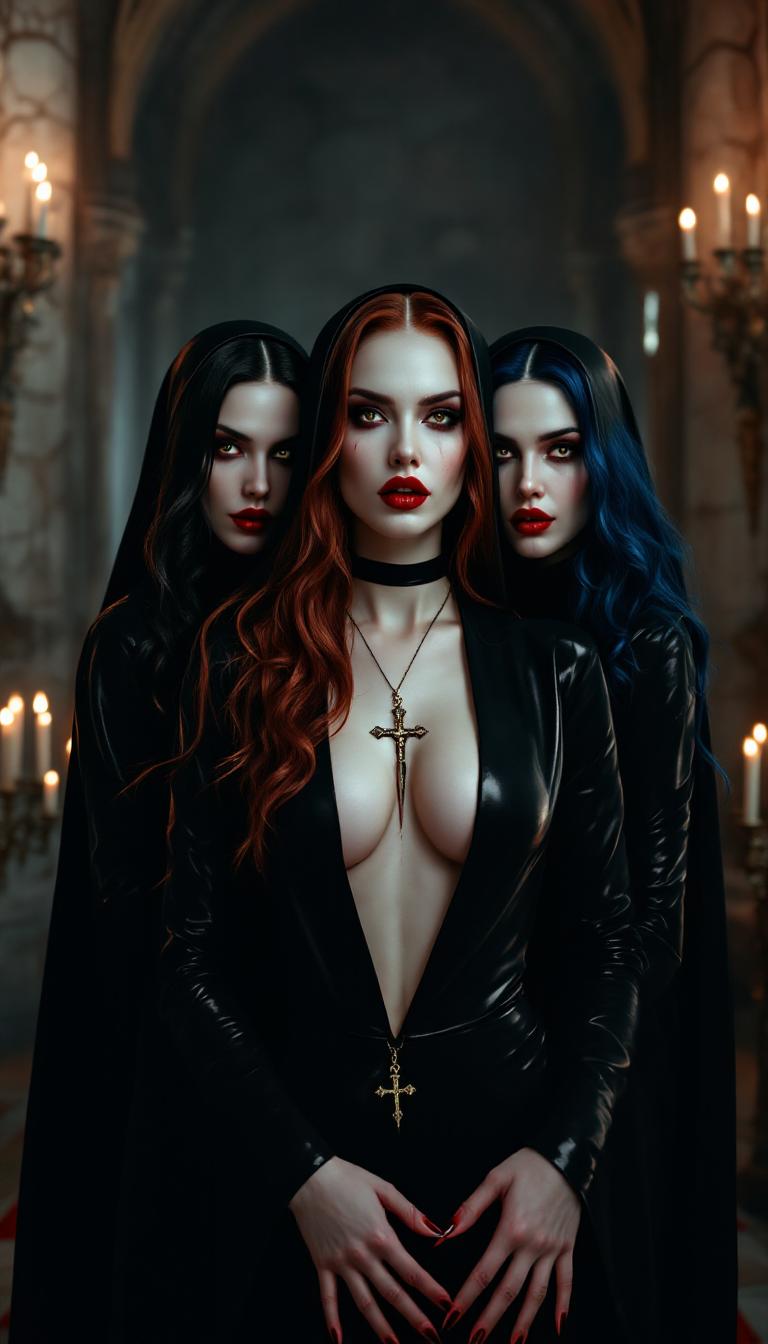
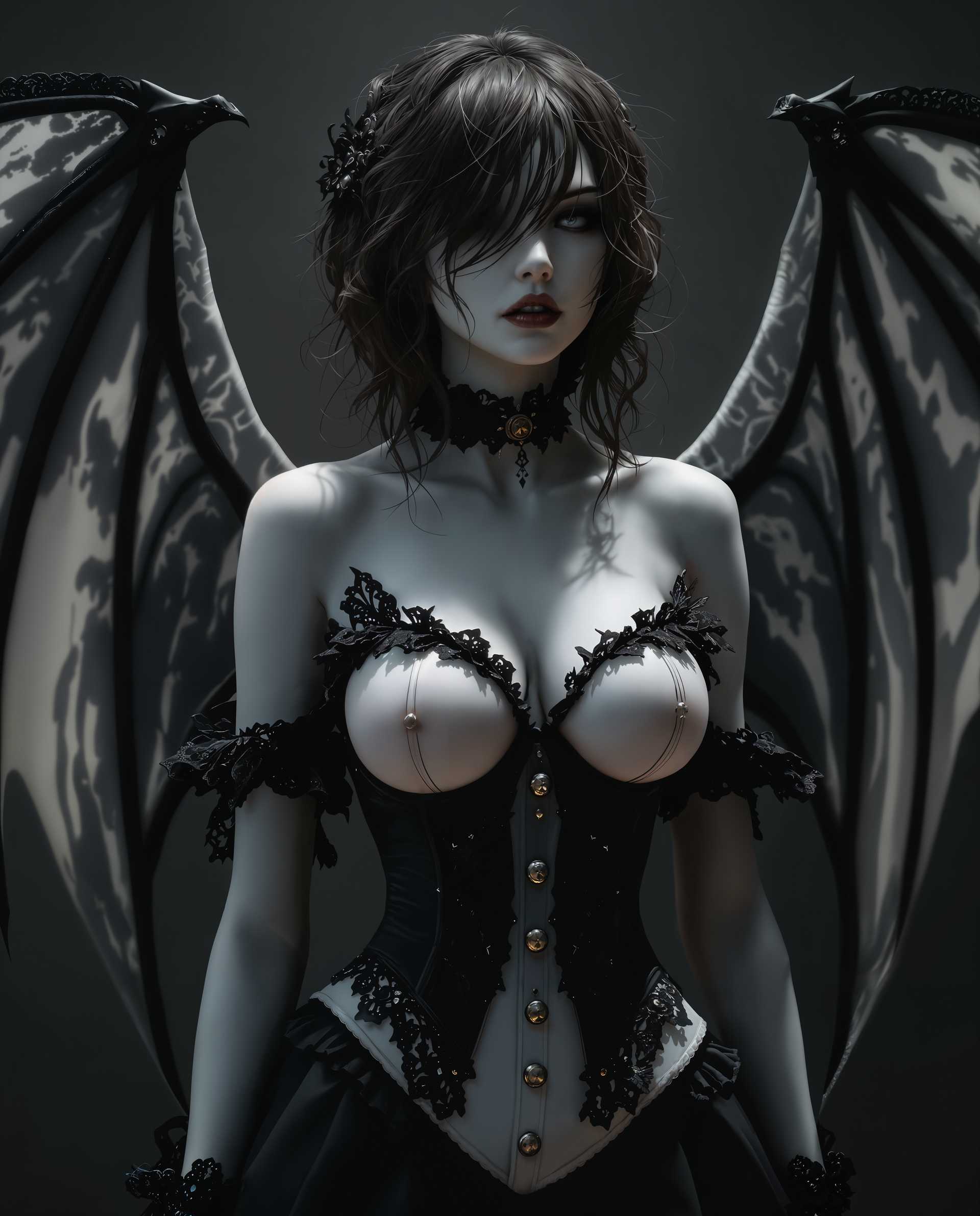
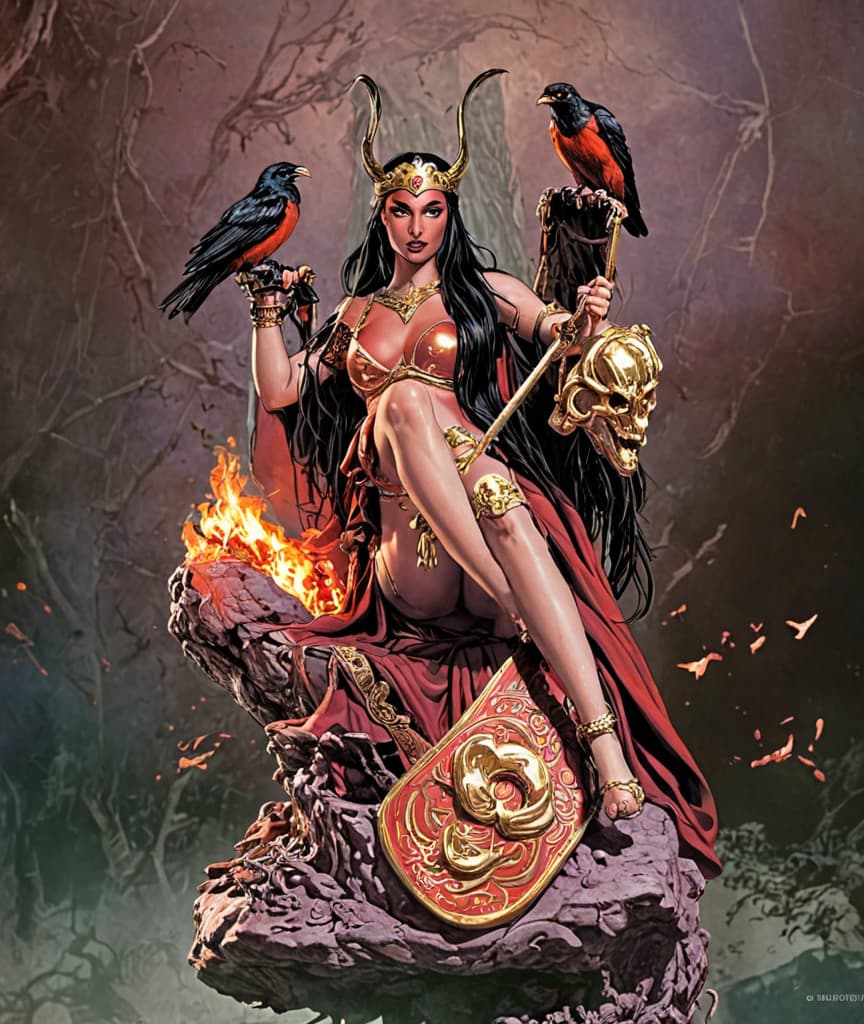
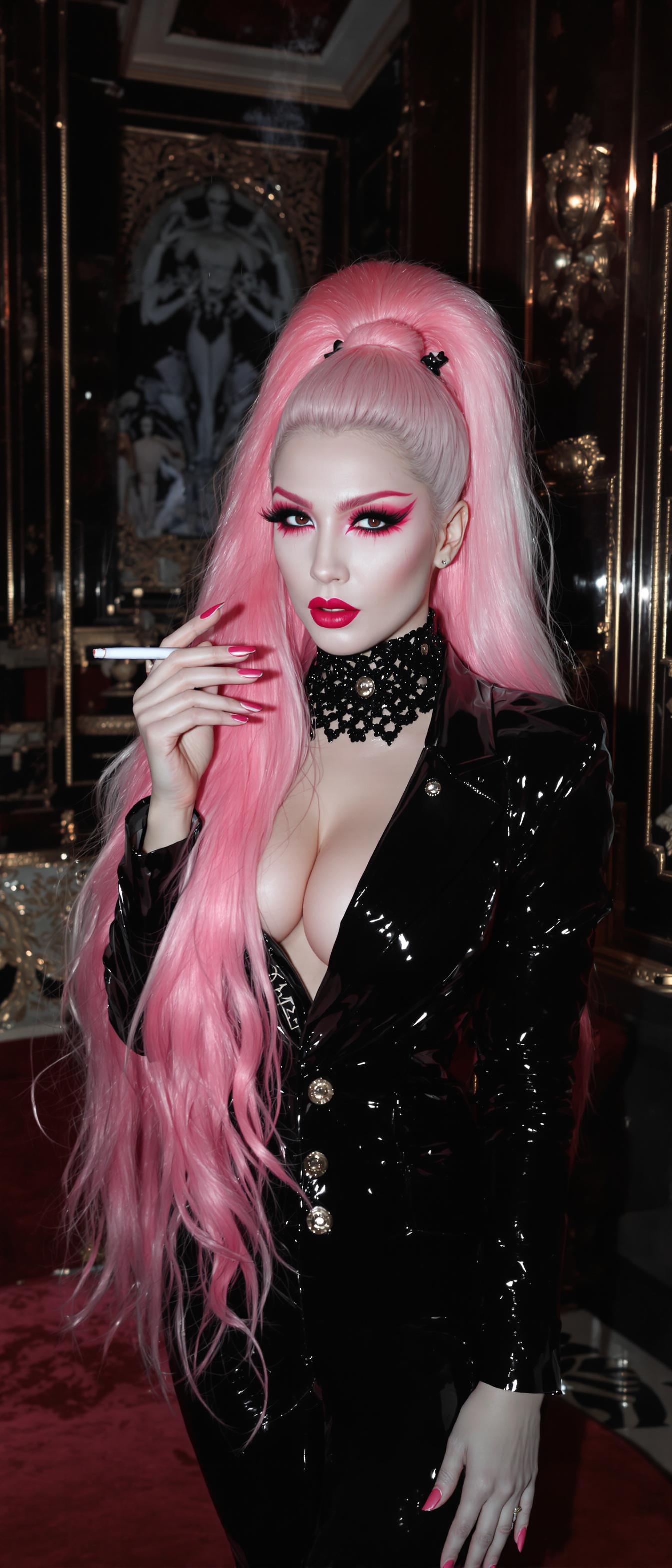
The Pixel Dojo Advantage
Why PixelDojo outperforms other options for face changer AI image generation
| Others | Pixel Dojo |
|---|---|
| Traditional manual photoshop editing | Massive time savings: face swaps and style changes in seconds, not hours of masking and blending |
| Generic AI tools with limited control | Unparalleled control—pick from 40+ models like Seedream 4, Runway Gen-4 Image, WAN Image, apply Magic Lighting, pose control, and more |
| Free apps with hidden charges or watermarks | Transparent pricing, watermark-free exports, full ownership of your images |
Loved by Creators
See what our community says about face changer ai
"I turned my basic selfie into a movie-poster look using SDXL and Creative Upscaler. Friends thought I hired a photographer!"
Alex Rivera
Influencer & Content Creator
"Used Image to Image and Material Transfer to change expression and texture—my transformed portraits are now my brand identity."
Priya Singh
Artist & Brand Designer
Common Questions
Everything you need to know about face changer ai AI generation
What is face changer AI and how realistic are PixelDojo’s face swaps?
Face changer AI refers to tools that let you replace or alter faces in photos—swapping identity, changing expression, or transforming style. PixelDojo uses advanced models like SDXL, Runway Gen-4 Image, ImagineArt 1.0, Grok 2 Image etc., to produce swaps that maintain skin texture, lighting, and facial structure. The result? Realistic, convincing images that avoid the “cut-and-paste” look.
Is face changer AI safe & private with PixelDojo?
Absolutely. Your photos are encrypted during upload and storage. We never use your images for marketing without consent. You keep full ownership of every image. You also choose which data you share, and can delete content anytime.
What kind of photos give the best face swap results with PixelDojo?
Clear, front-facing portraits with even lighting, minimal obstructions (no sunglasses, hands covering face), and high resolution. PixelDojo’s tools like Image Analyzer will help you preview quality and suggest adjustments before you generate.
Can I use face changer AI for portraits, memes, or social media content?
Yes! You can create polished portraits for your portfolio, fun memes to share, or social media graphics. With tools like Style Transfer, Change Camera Angle, Magic Lighting, and Creative Upscaler, you can match the style and vibe you want—professional or playful.
What if my face swap doesn’t match my skin tone or lighting?
PixelDojo gives you control: use Material Transfer or Magic Lighting tools to harmonize skin tones, apply shadows, and adjust color temperature. You can preview changes before downloading to get the exact look you want.
Do I need experience or design skills to use face changer AI on PixelDojo?
Not at all. Every tool is built for beginners and pros alike. You don’t need technical skills—our workflows guide you. Start with Create Images or Edit Images tools, follow prompt suggestions, tweak lighting or style, and your image will look polished.