face replace ai AI Generator
Want to swap faces in photos or videos with lifelike realism and full creative control? PixelDojo’s face replace AI tools empower you to seamlessly replace faces—whether you’re editing selfies, creating mashup art, or transforming videos—with tools like Change Camera Angle, Inpainting, WAN Image, WAN 2.2 Replace, Runway Gen-4 Image/Video & more. No tedious manual masking or complex software—just you, your photos, and amazing results. Achieve creativity, fun, or polished content today—responsibly, ethically, instantly.
⭐⭐⭐⭐⭐ Over 10,000 creators use PixelDojo every week • TrustScore 4.9/5 across real user reviews • Featured in Art+Tech Magazine • GDPR- & CCPA-compliant for your peace of mind
Why Choose Pixel Dojo for face replace ai
Professional-quality results with cutting-edge AI technology
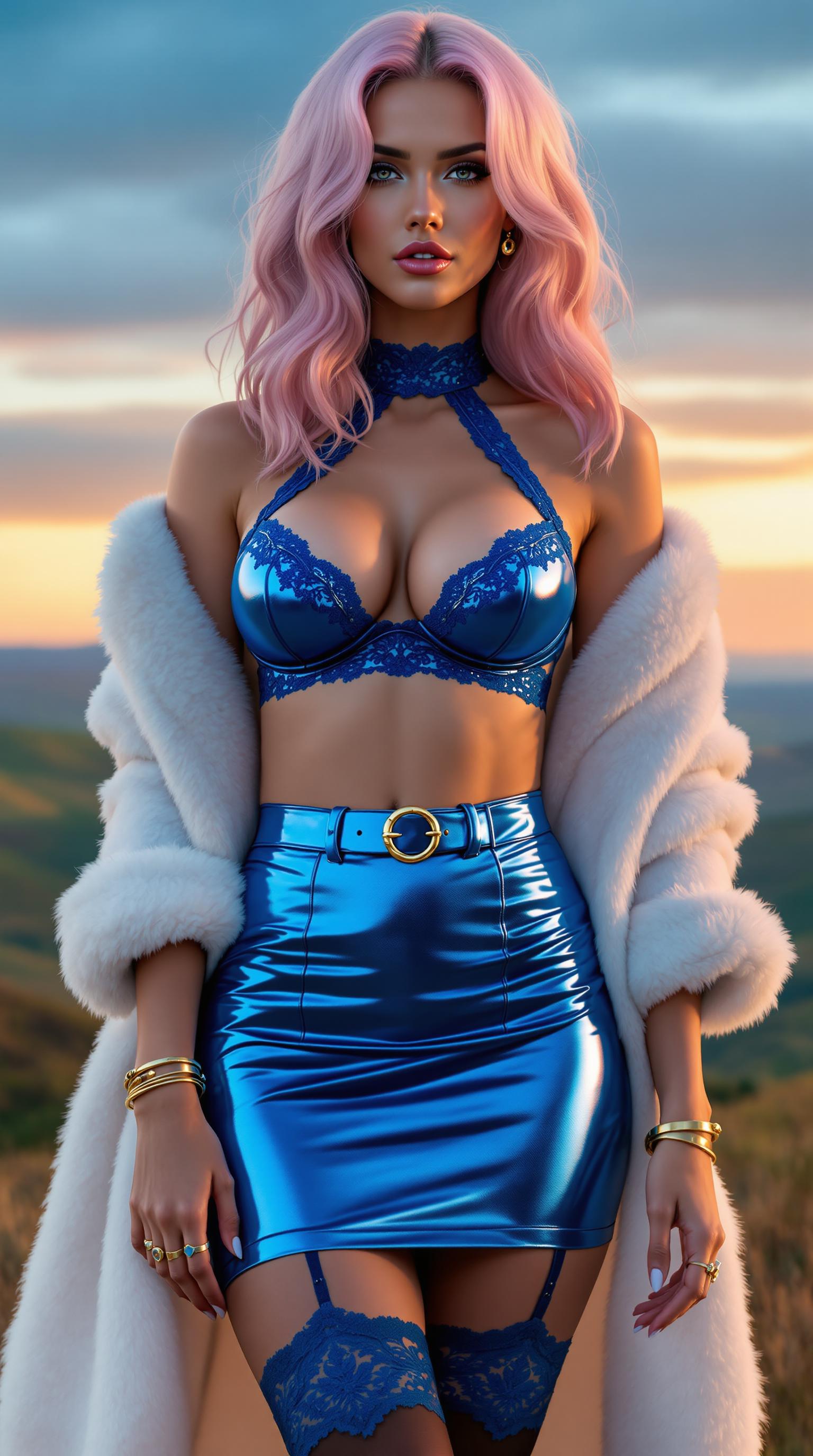
Realistic Face Swaps in Seconds
Use tools like WAN Image, Runway Gen-4 Image, or WAN 2.2 Replace to get accurate skin tone matching, realistic lighting & expression retention so your face swaps look believable—even in close-ups.
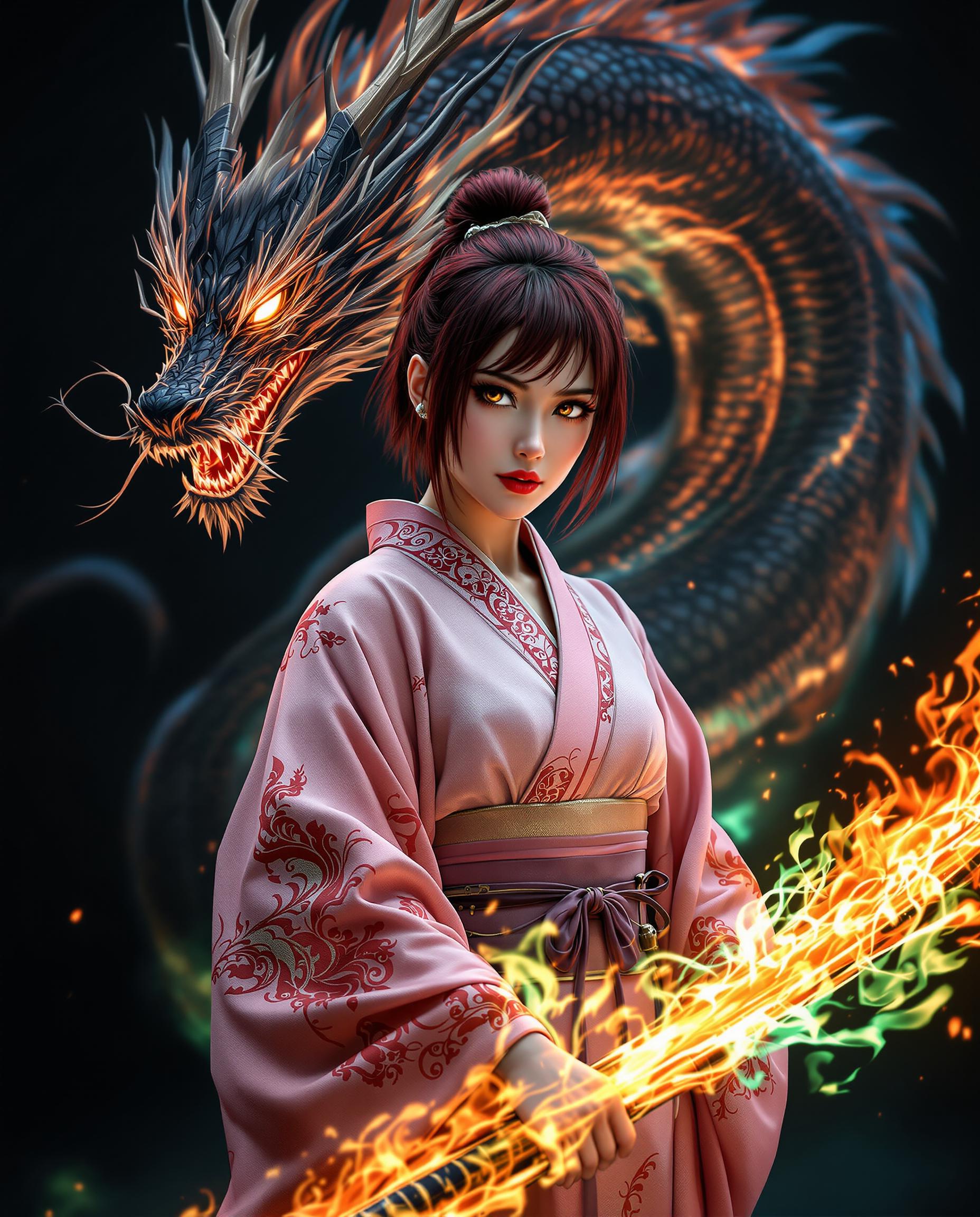
Full Creative Control & Customization
Select the exact pose, background, style, lighting via Style Transfer, Material Transfer, Inpainting & Change Camera Angle tools—shape your output until it matches your vision.
Safe, Legal, Ethical Usage
Always obtain consent, use proper rights, and label manipulated content. Our privacy & terms ensure your work stays yours. Face replace AI should empower—not exploit.
How It Works
Swapping faces with PixelDojo is intuitive. Follow these steps to replace a face with creative flair while keeping everything you want—expression, style, vibe.
Step 1: Choose Your Tools
Pick from our image tools (Change Camera Angle, Inpainting, WAN Image, Grok 2 Image) or video tools (WAN 2.2 Replace, Runway Gen-4 Video) depending whether you're editing a photo or video. Upload your target image/video and the source face you want to use.
Step 2: Set Your Prompt & Parameters
Clearly describe the face swap: whose face, lighting, angle, background. Apply Style Transfer or Material Transfer if you want a creative effect, or use Magic Lighting to match realism. Use masks for inpainting or outpainting to refine edges.
Step 3: Preview & Download
Preview your result—adjust with Creative Upscaler or Multidiffusion Upscaler for high-res output; Background Remover or Outpainting to refine context. Once satisfied, download as image or video, watermark optional. Every swap is yours—cancel anytime, protect privacy always.



The Pixel Dojo Advantage
Why PixelDojo’s face replace AI beats generic or manual alternatives
| Others | Pixel Dojo |
|---|---|
| Traditional Photoshop Face Swap | No manual masking or layer blending needed—our tools like Inpainting, WAN 2.2 Replace automate seamless swapping in seconds. |
| Generic AI Face Swap Apps | Greater resolution & creative control with Style Transfer, Material Transfer, and our high-quality models like WAN Image, QWEN Image & Runway Gen-4. |
| Manual Photo Editing Services | Instant edits, transparent pricing, full ownership, and ethical rules built in. You control rights, not a third-party editor. |
Loved by Creators
See what our community says about face replace ai
""PixelDojo’s face replace tools let me make photo-real face swaps for my cosplay work faster than ever—it’s uncanny how natural it looks!""
Sophie Lee
Cosplay Artist
""I use WAN 2.2 Replace + Runway Gen-4 Video to personalize ads. The brand identity sticks while scaling fast. My clients are amazed.""
Mark Ramirez
Marketing Director
Common Questions
Everything you need to know about face replace ai AI generation
Is face replace AI legal and ethical?
Yes—if you follow best practices. Using someone’s face without consent or in a misleading or harmful context can create legal risks like violations of right of publicity, defamation, or non-consensual explicit content. Many jurisdictions are already regulating deepfake laws. At PixelDojo, we require you to verify rights to the face source and label edits transparently. ([sites.google.com](https://sites.google.com/view/ai-face-swap-legality-what-you/?utm_source=openai))
How realistic can face replace AI get with PixelDojo?
Very realistic. Tools like WAN Image, Runway Gen-4 Image, and WAN 2.2 Replace preserve skin tone, lighting, facial expression and angle. For videos, WAN 2.2 Replace with lip sync and texture blending keeps motion and realism intact.
Can I swap faces in videos as well as photos?
Absolutely. PixelDojo supports video face replacement via tools like WAN 2.2 Replace, Runway Gen-4 Video, and Video Reframe. Preview frame-by-frame, refine with background removal, match lighting, and export HD video files.
Do I need technical skills to use face replace AI?
No. We designed our tools so creators of all skill levels can swap faces easily. Follow the guided flow: upload face, choose tool, apply prompt, refine with visual tools. No coding or deep AI expertise required.
Will my face replace AI content be private and secure?
Yes. We encrypt your uploads, delete unused content if you request it, and don’t use your face for training external models without your permission. Privacy & copyright rights stay with you.
Can I use face replace AI for commercial projects?
Yes, as long as you have rights or permissions for any face, image, or video you use, and avoid misleading or unlicensed content. Many creators use PixelDojo for ads, branding assets, short films & more—legally and ethically.