face restoration ai AI Generator
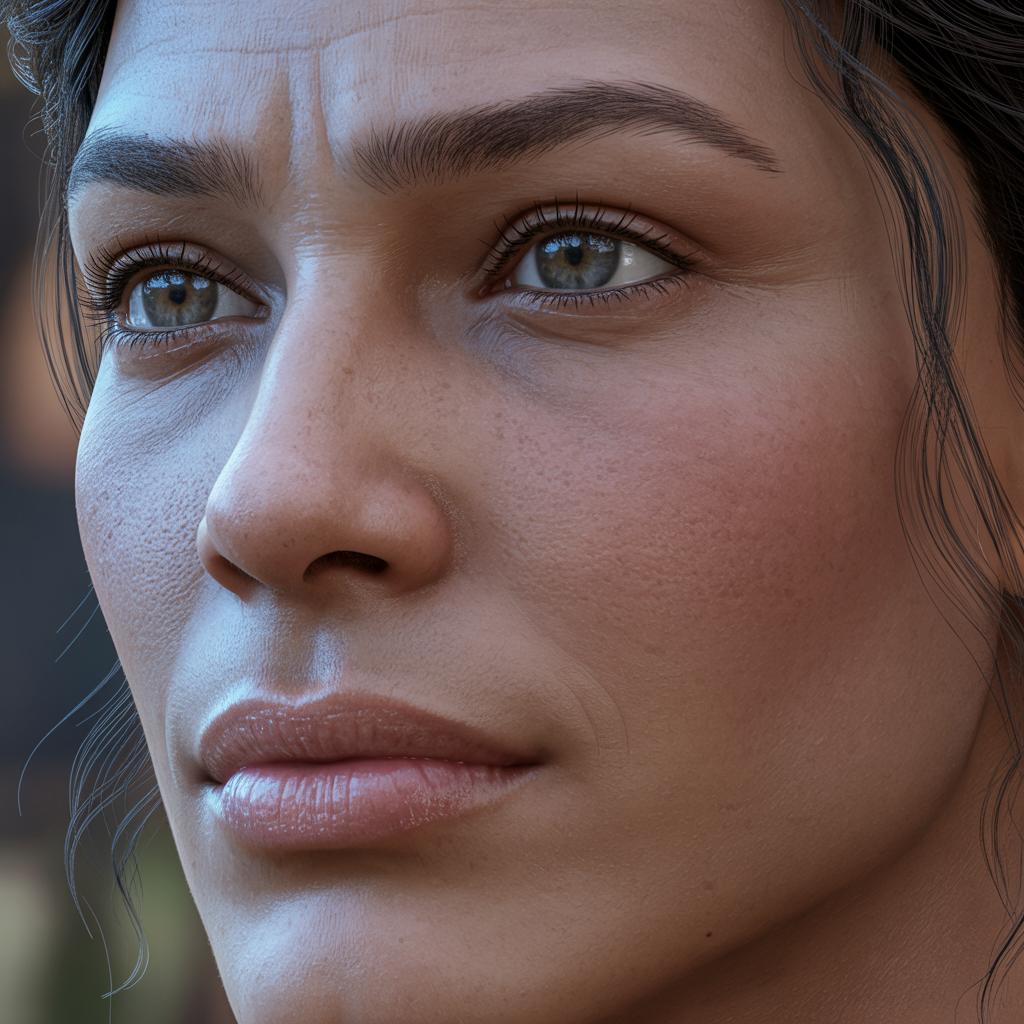
Rediscover the beauty of your old or damaged photographs with PixelDojo's AI-powered face restoration tools. Our advanced technology allows you to effortlessly restore and enhance facial details, bringing your cherished memories back to life with stunning clarity.
Join thousands of satisfied users who have revitalized their photos using PixelDojo's cutting-edge AI tools. Our platform boasts a 4.8/5 average rating from over 10,000 reviews.
Why Choose Pixel Dojo for face restoration ai
Professional-quality results with cutting-edge AI technology
Effortless Restoration
Quickly repair and enhance facial features in old or damaged photos with just a few clicks.
Preserve Precious Memories
Bring clarity and life back to your cherished photographs, ensuring they can be enjoyed for generations.
User-Friendly Interface
No technical skills required—our intuitive platform makes face restoration accessible to everyone.
How It Works
Restoring and enhancing faces in your photos is simple with PixelDojo. Follow these easy steps:
Step 1: Upload Your Photo
Select the image you wish to restore and upload it to our platform.
Step 2: Choose the Restoration Tool
Select the appropriate AI tool for face restoration, such as 'Face Enhancer' or 'Inpainting with LoRAs'.
Step 3: Apply Restoration and Download
Click 'Apply' to let the AI restore the image. Once complete, download your enhanced photo.




The Pixel Dojo Advantage
Why choose PixelDojo for your face restoration needs? Here's how we stand out:
| Others | Pixel Dojo |
|---|---|
| Traditional Photo Restoration Services | Instant results without the high costs and long wait times. |
| Generic Photo Editing Software | Specialized AI tools designed specifically for face restoration, ensuring superior quality. |
| Manual Editing Techniques | No need for advanced editing skills—our AI handles the complex work for you. |
Loved by Creators
See what our community says about face restoration ai
"PixelDojo transformed my grandparents' wedding photo from a faded memory to a vibrant masterpiece."
Emily R.
Photographer
"I was amazed at how easily I could restore old family photos without any editing experience."
James L.
History Enthusiast
Common Questions
Everything you need to know about face restoration ai AI generation
How does PixelDojo's AI restore faces in old photos?
Our AI analyzes the image to detect and reconstruct facial features, enhancing details and correcting imperfections to restore the photo's original quality.
Is there a limit to the number of photos I can restore?
With a PixelDojo subscription, you can restore an unlimited number of photos, allowing you to preserve all your cherished memories.
Do I need any photo editing experience to use PixelDojo?
Not at all. Our platform is designed to be user-friendly, enabling anyone to restore photos effortlessly, regardless of their technical skills.
Can PixelDojo restore severely damaged photos?
Yes, our advanced AI tools are capable of handling various levels of damage, reconstructing missing parts, and enhancing overall image quality.
Is my uploaded photo data secure?
Absolutely. We prioritize your privacy and ensure that all uploaded images are processed securely and are not shared with third parties.
What file formats does PixelDojo support for photo restoration?
We support a wide range of image formats, including JPEG, PNG, and TIFF, making it convenient to restore photos from various sources.