Flux 2 Max deep customization AI Generator
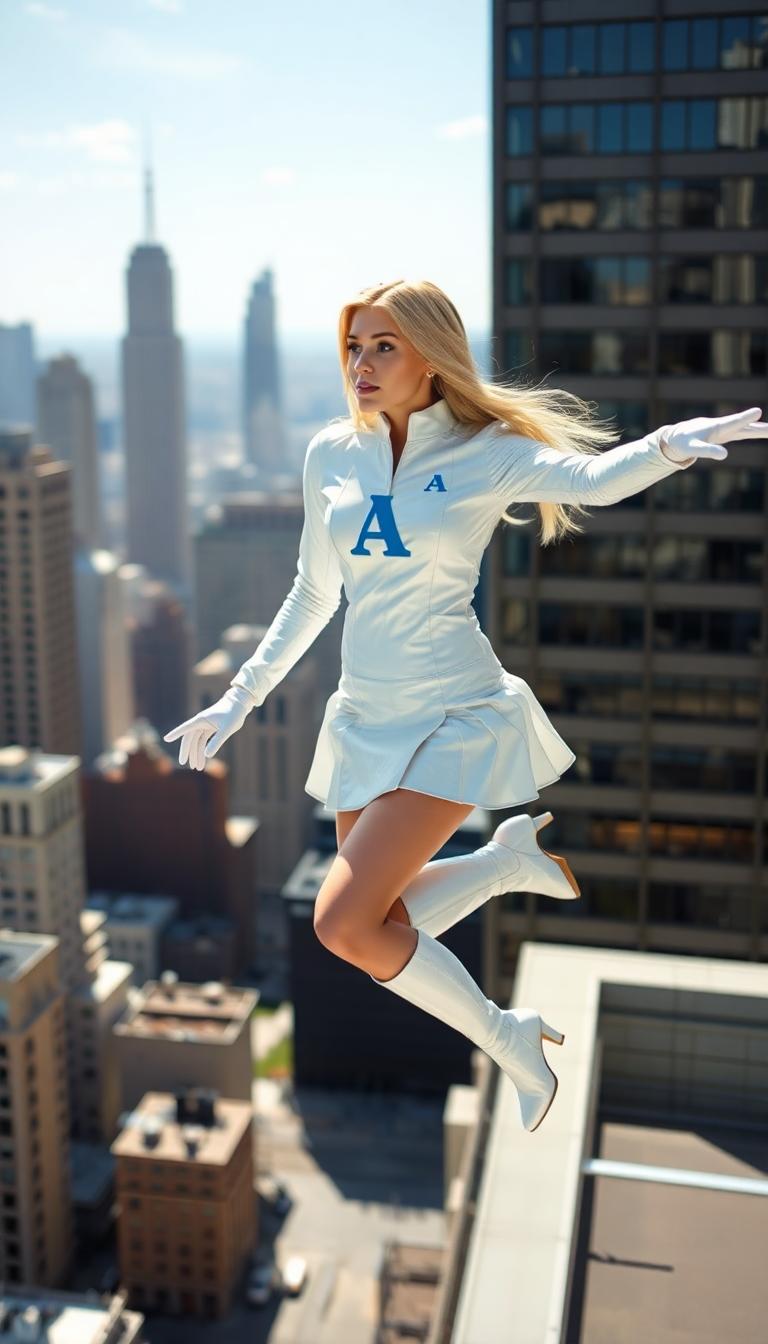
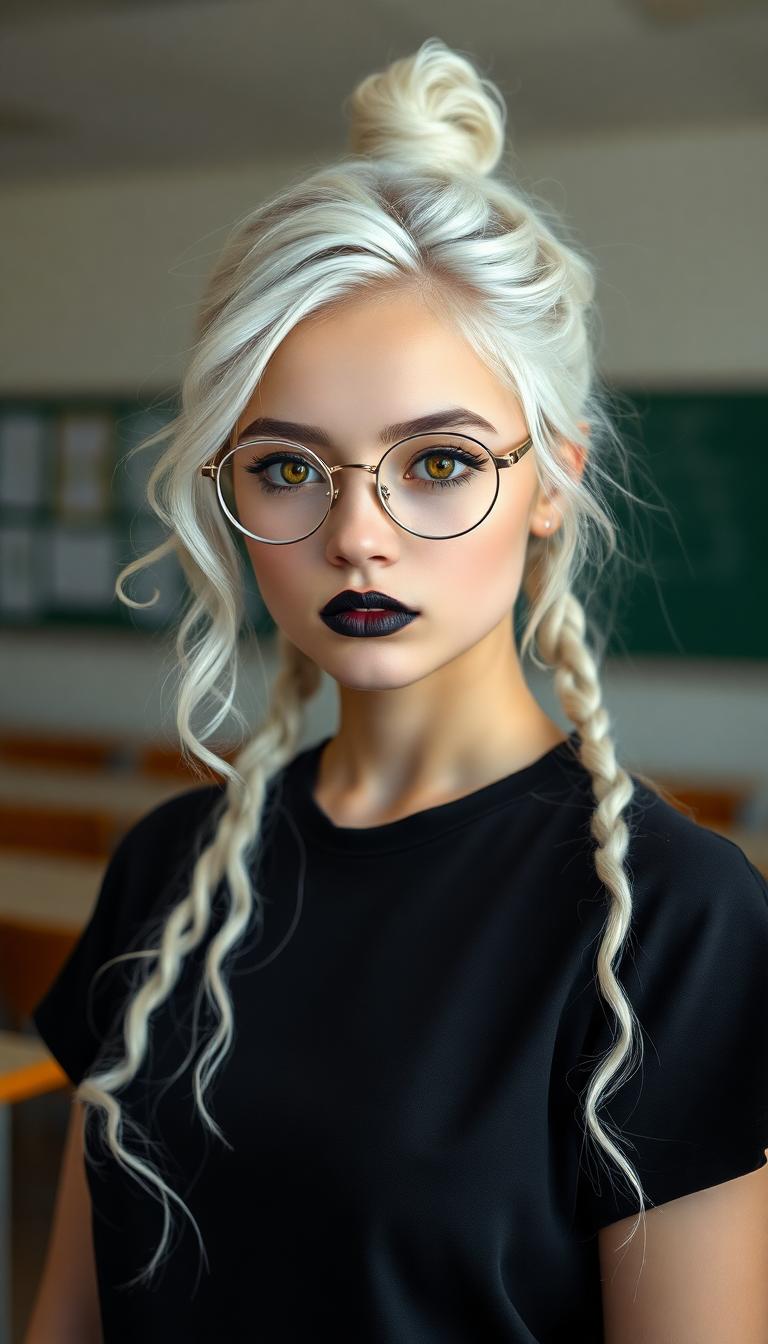
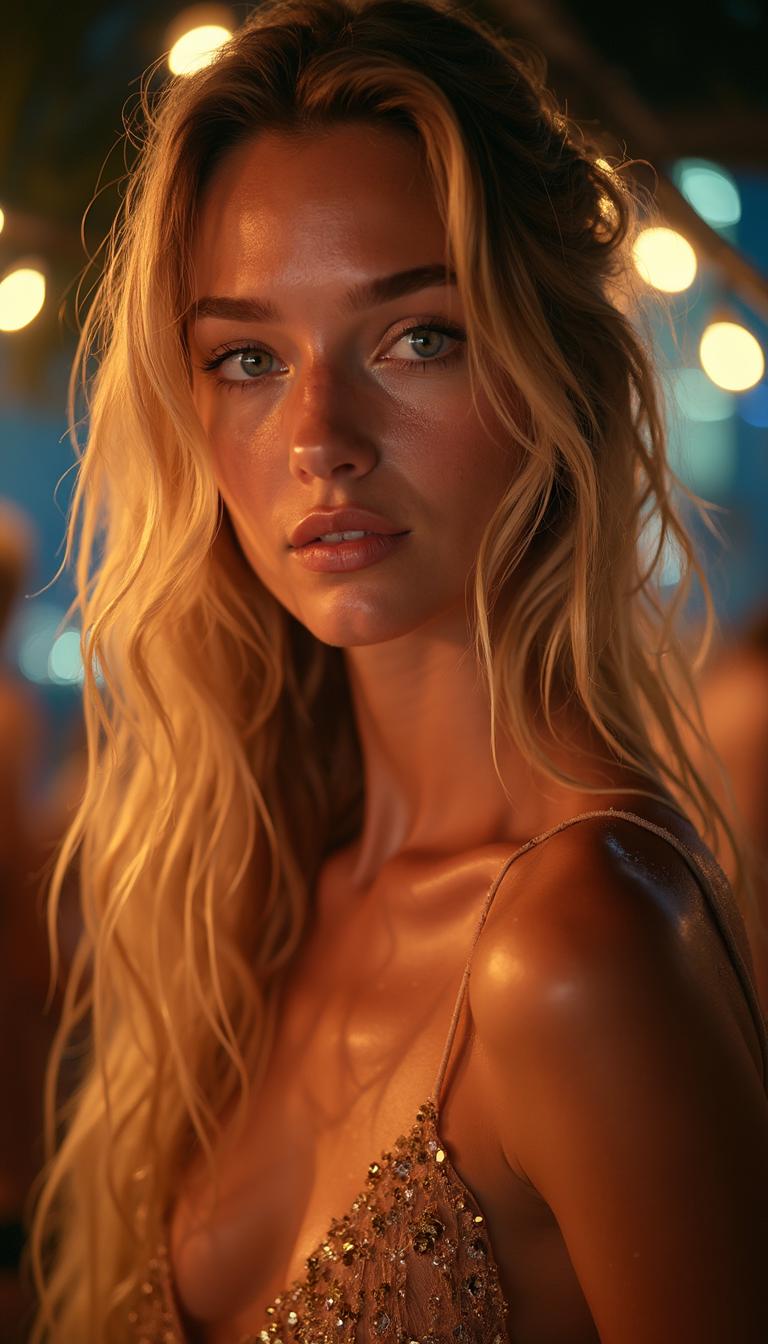
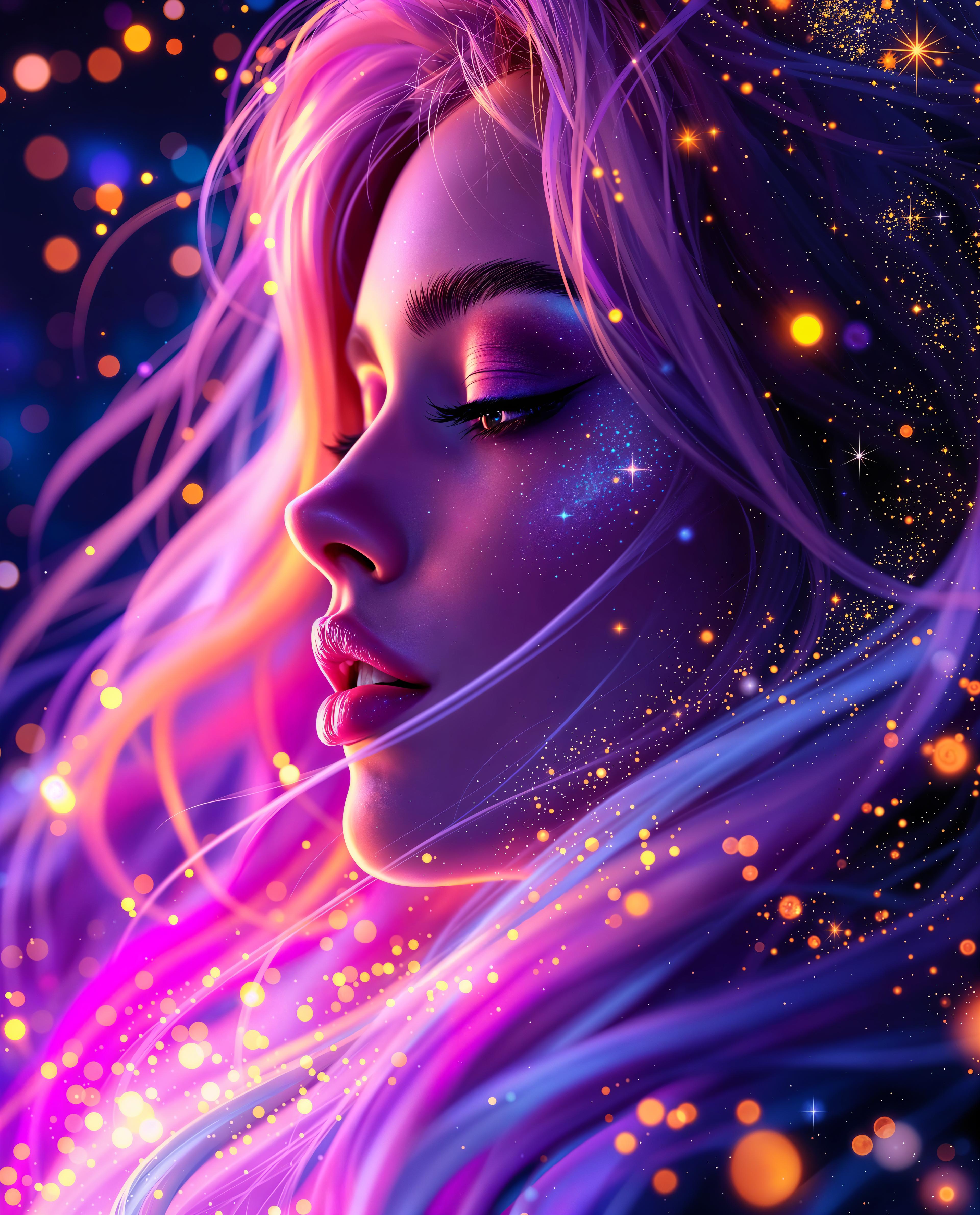
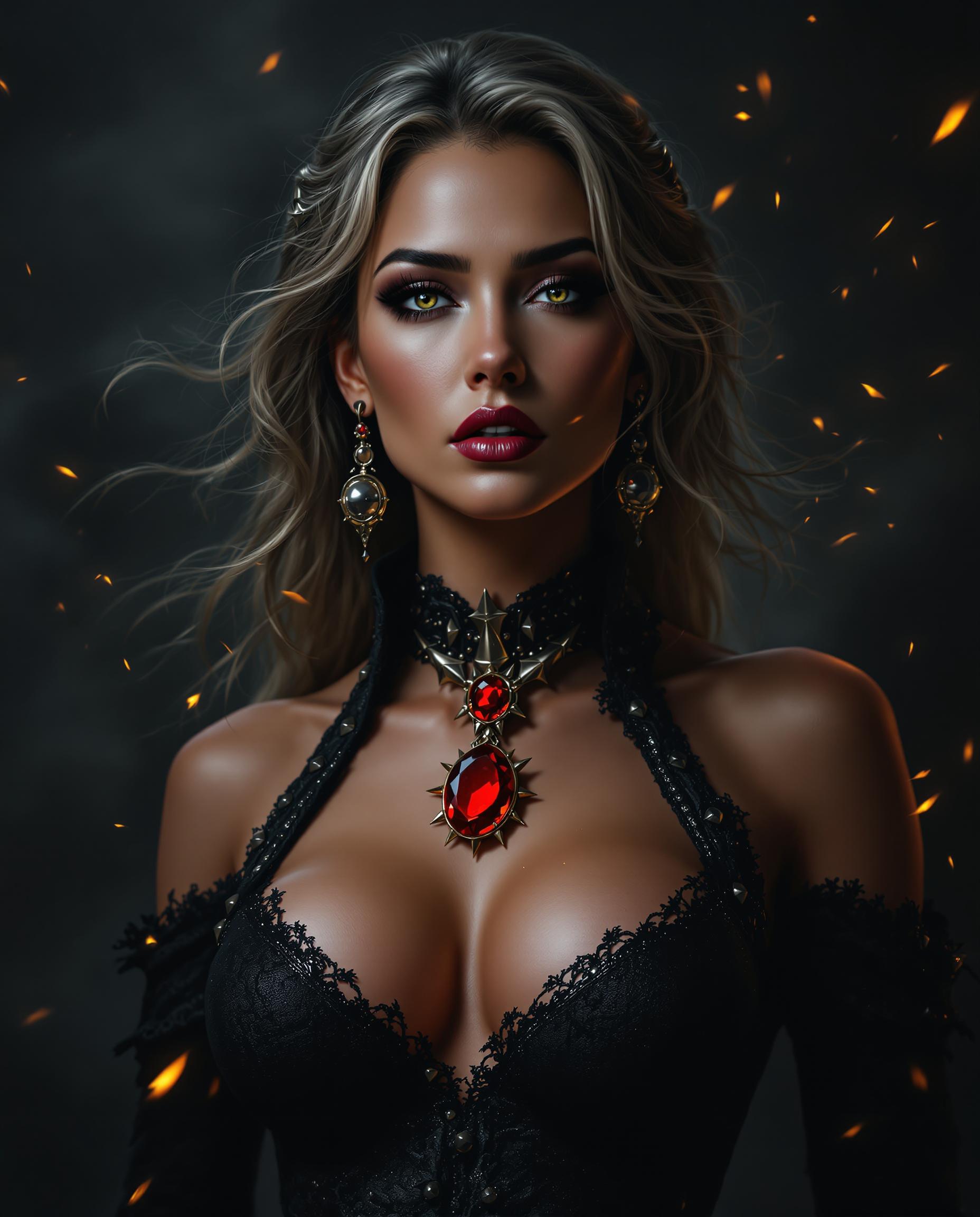
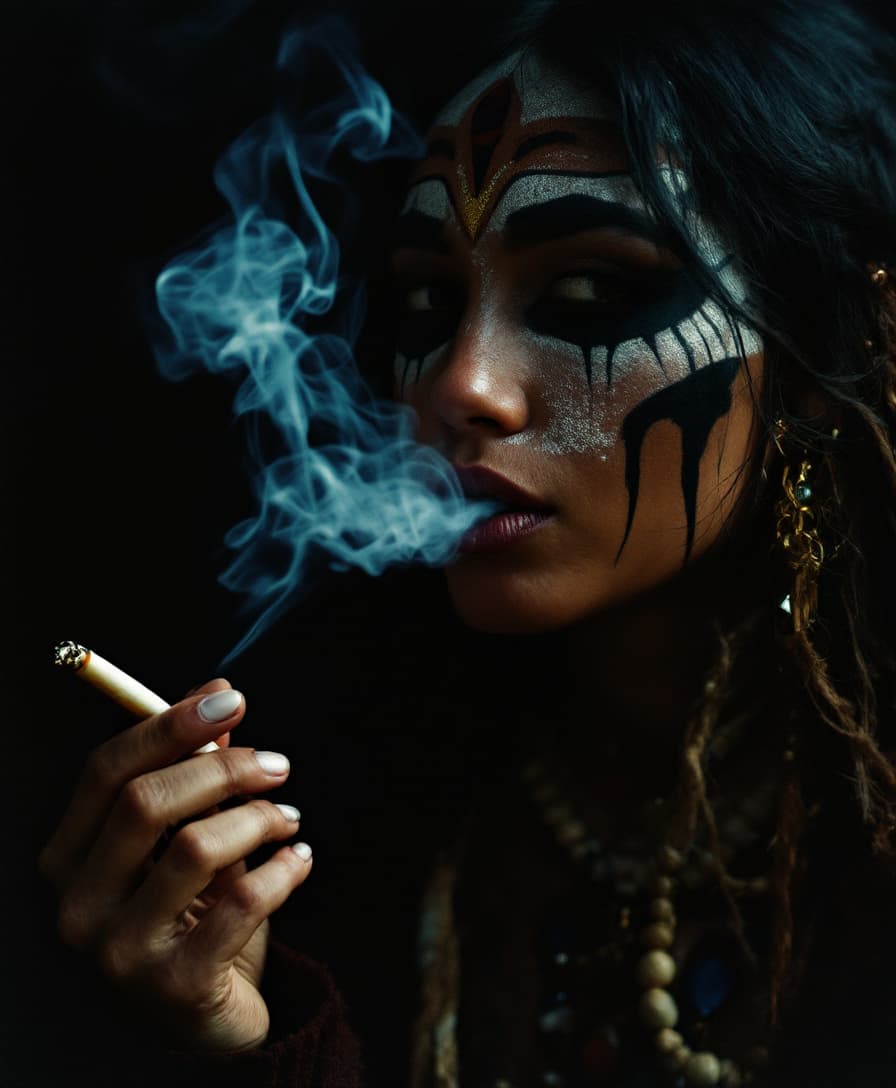
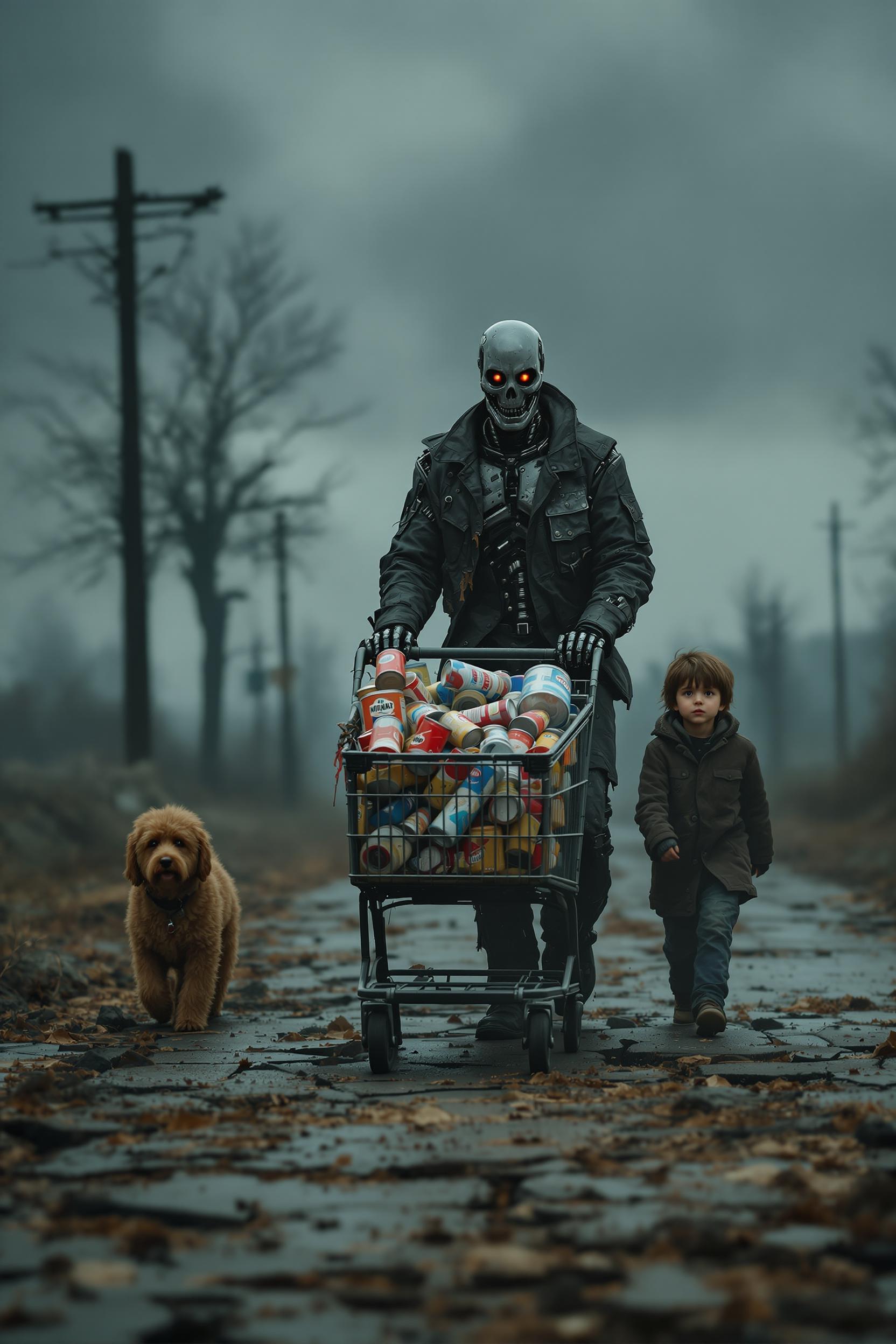
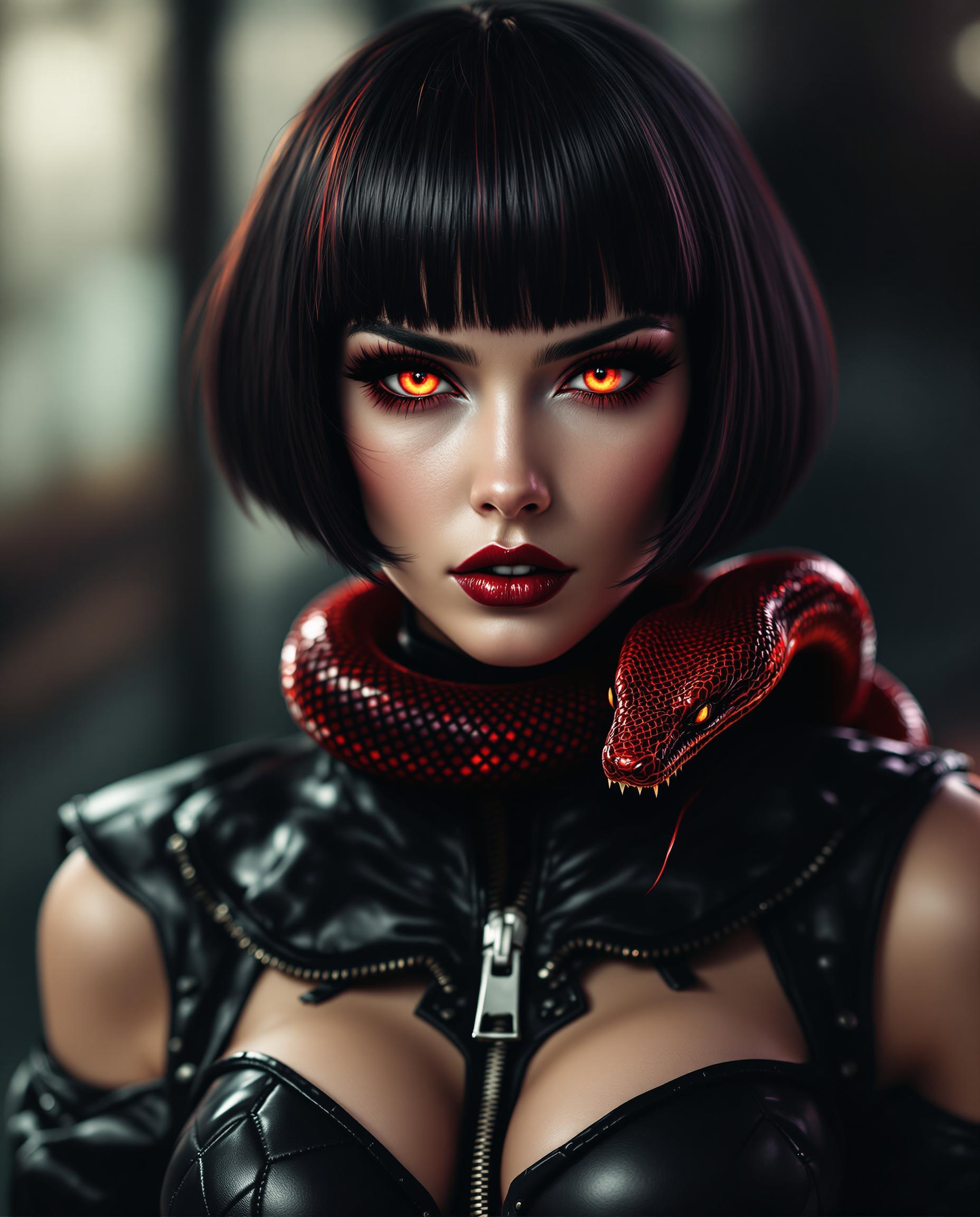
Unlock the full potential of AI-driven image creation with Flux 2 Max. This advanced tool empowers you to generate highly customized visuals that align perfectly with your creative vision. Whether you're a designer, marketer, or content creator, Flux 2 Max offers the precision and flexibility needed to bring your ideas to life.
![Turn your image into a cartoon with FLUX.1 Kontext [pro] - cartoonify](https://cdn.pixeldojo.ai/cdn-cgi/image/f=auto,q=75,w=3840/pixeldojo/generated-images/1752258771272-zpnmk426d.png)
Join thousands of satisfied creators who have transformed their projects using Flux 2 Max's cutting-edge capabilities.
Why Choose Pixel Dojo for Flux 2 Max deep customization
Professional-quality results with cutting-edge AI technology
Precision Control Over Image Elements
Define every aspect of your image, from subject positioning to color schemes, ensuring outputs that match your exact specifications.
Consistent Character Representation
Maintain character consistency across multiple images, ideal for storytelling and brand identity projects.
High-Resolution Outputs
Generate images up to 4K resolution, suitable for professional applications and large-scale prints.
How It Works
Creating customized images with Flux 2 Max is straightforward. Follow these steps to bring your vision to reality:
Step 1: Access Flux 2 Max
Navigate to the Flux 2 Max interface on PixelDojo and log in to your account.
Step 2: Input Your Structured Prompt
Utilize JSON structured prompts to specify detailed elements like scene, subjects, and styles. For example: {"scene": "A bustling, neon-lit futuristic street market on an alien planet...", "subjects": [{"type": "Cyberpunk bounty hunter", "description": "Female, wearing black matte armor with glowing blue trim...", "pose": "Standing with a casual but watchful stance...", "position": "foreground"}], "style": "noir sci-fi digital painting", "camera": {"angle": "eye level", "lens": "35mm", "f-number": "f/1.4"}, "color_palette": ["#4B0082", "#0000FF", "#00FF00"]}
Step 3: Generate and Refine Your Image
Click 'Generate' to create your image. Use the editing tools to make any necessary adjustments to align with your vision.
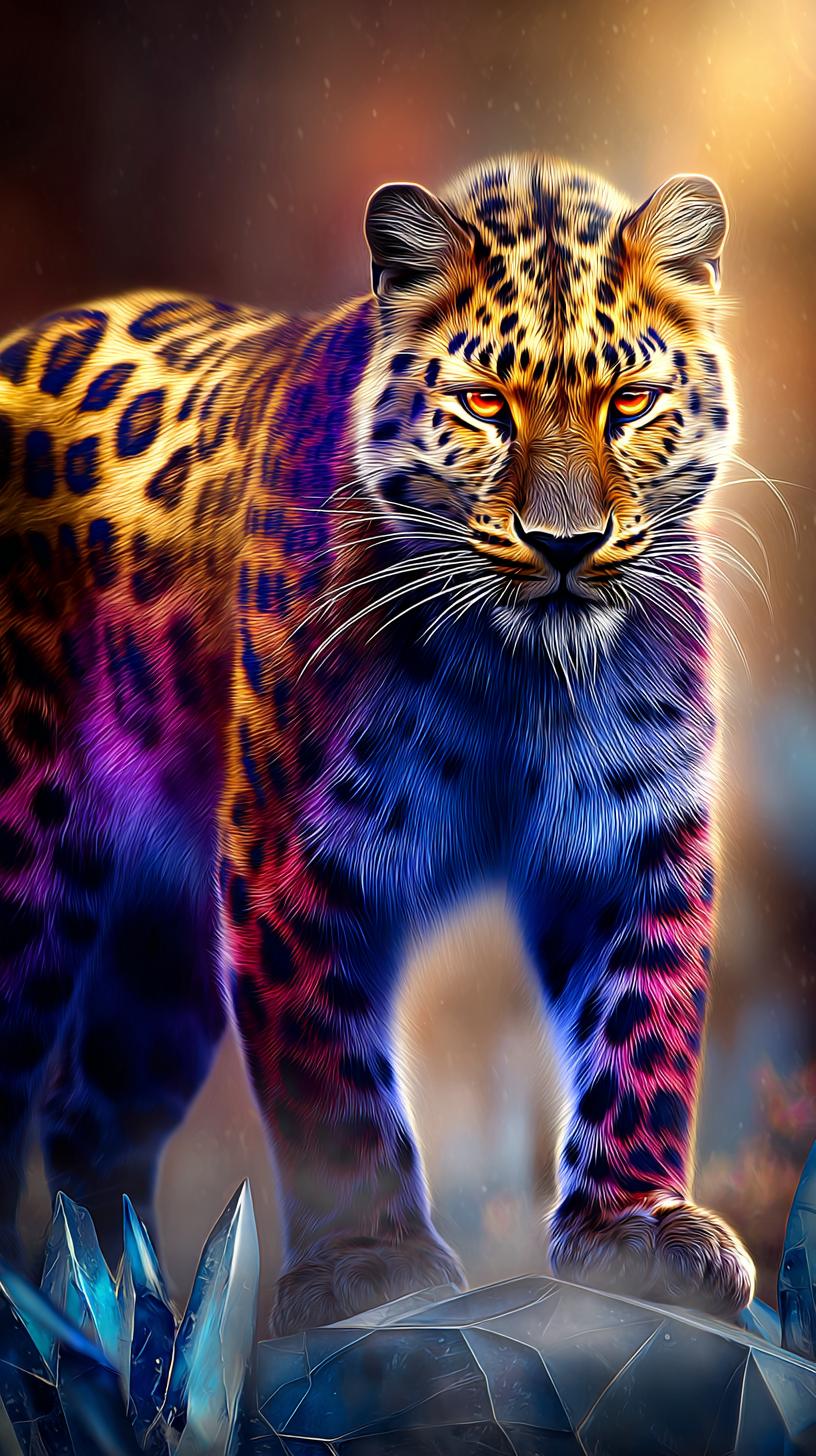
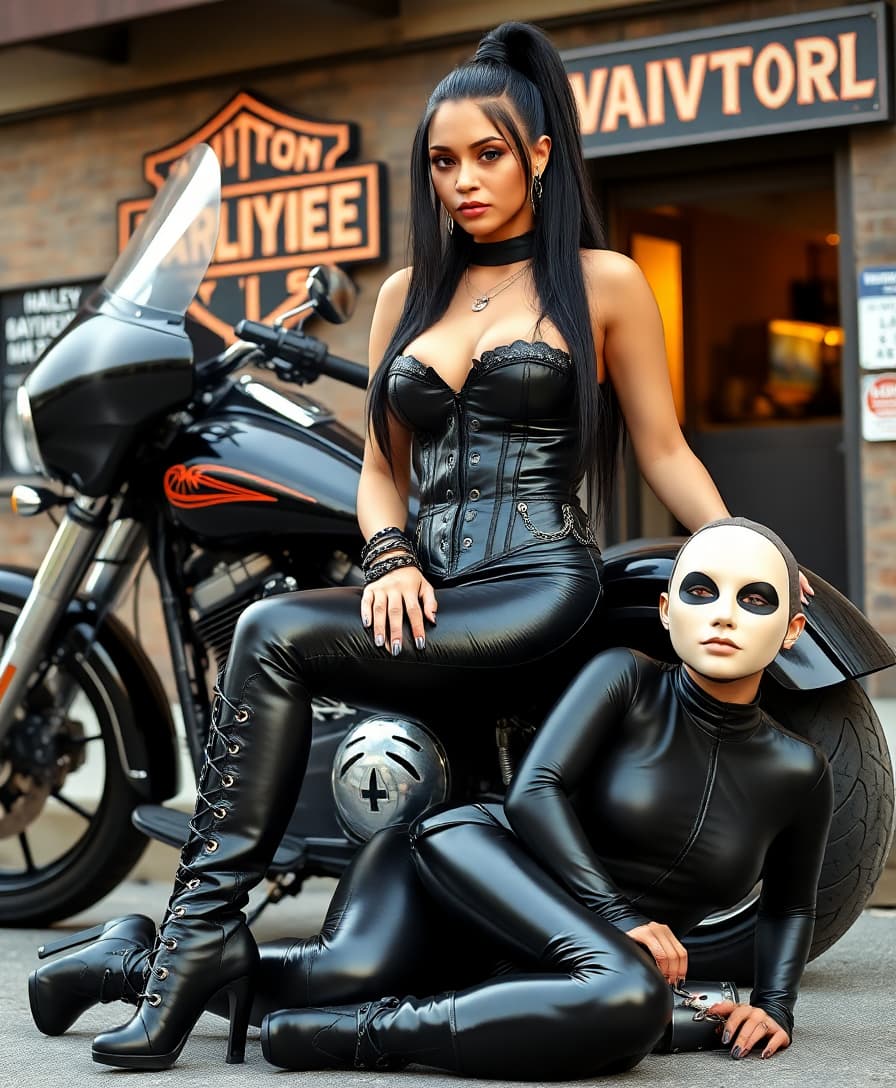
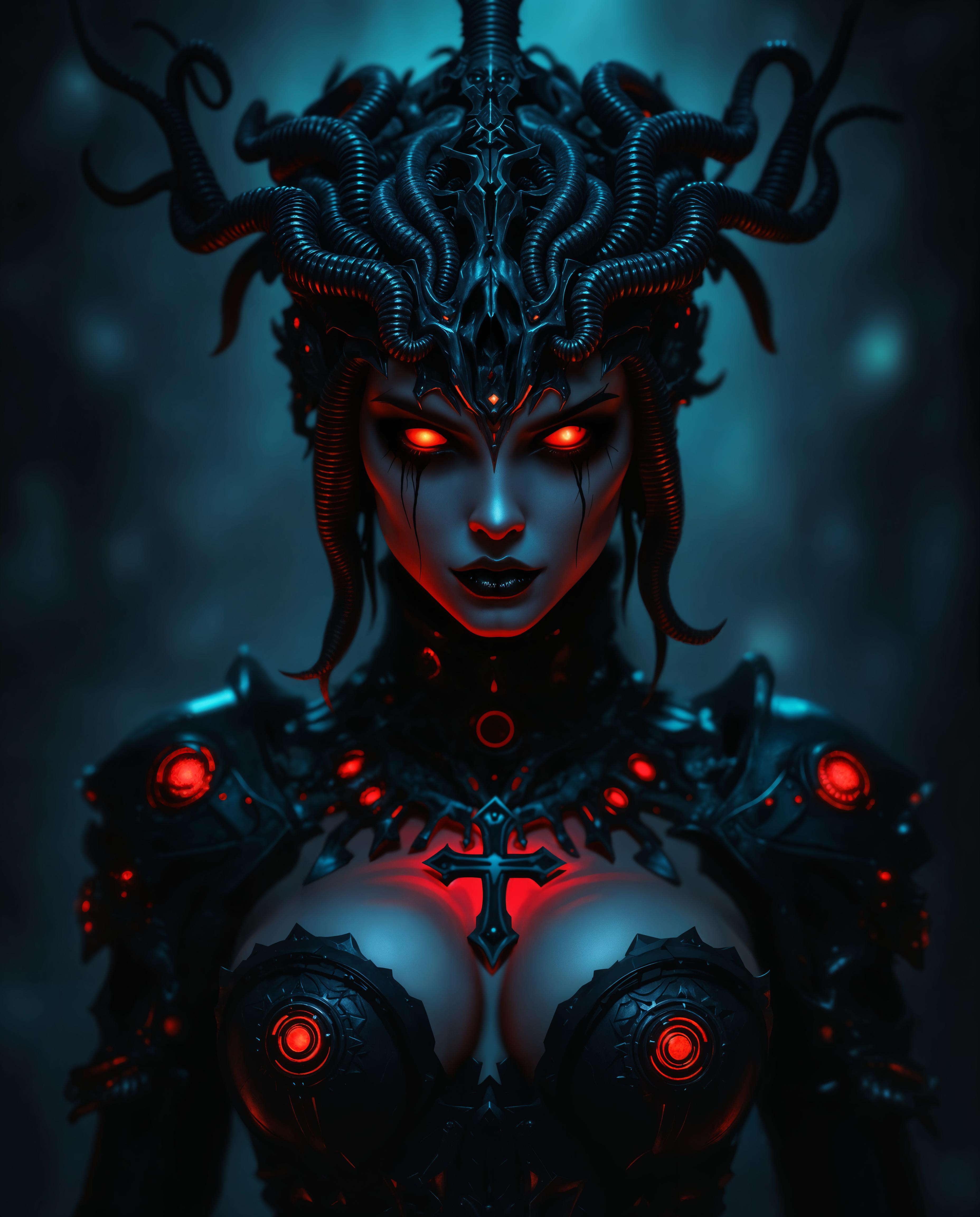
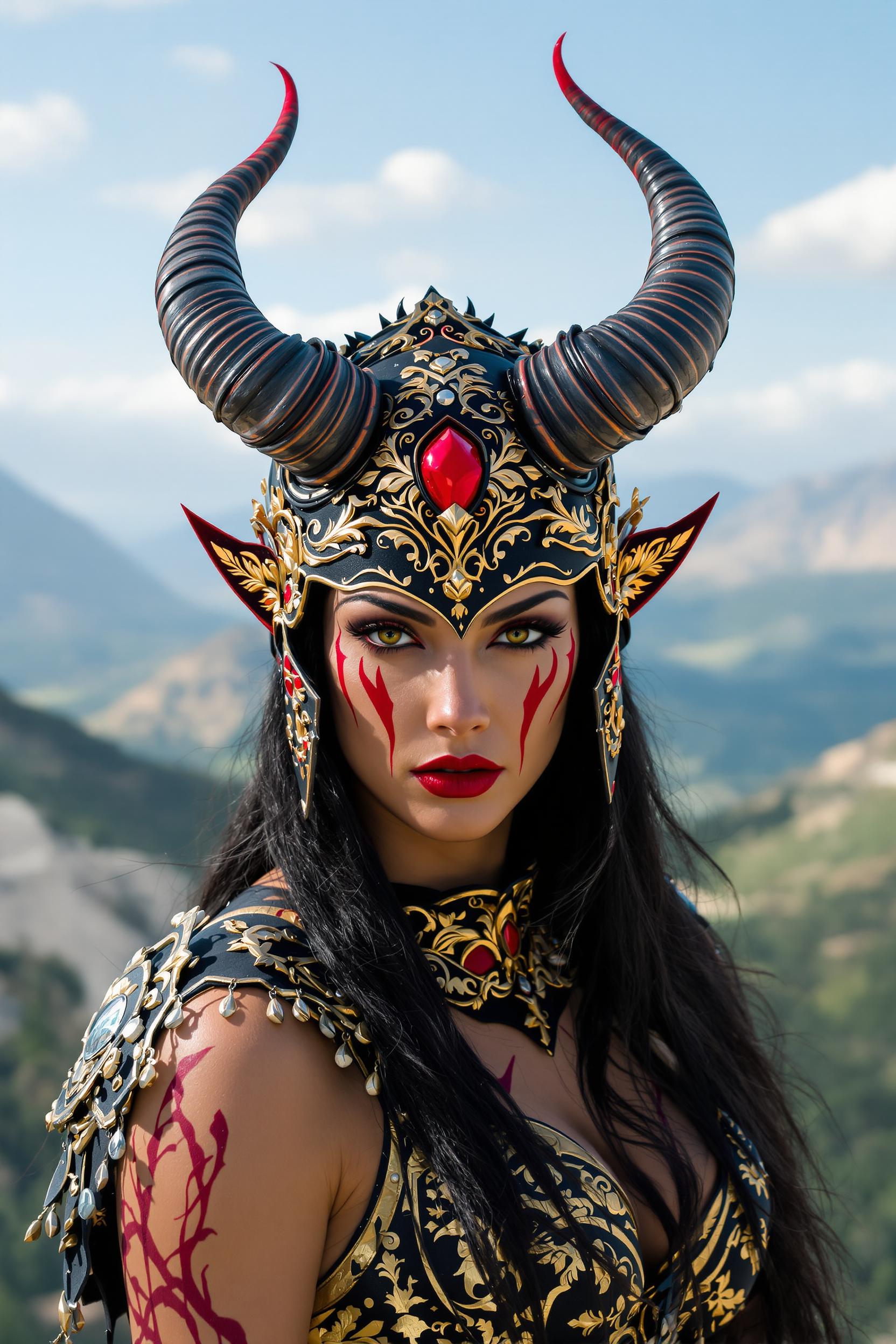
The Pixel Dojo Advantage
Why Flux 2 Max stands out in AI image generation:
| Others | Pixel Dojo |
|---|---|
| Traditional Image Editing | Automates complex editing tasks, saving time and effort. |
| Generic AI Tools | Offers unparalleled customization and control over image elements. |
| Manual Design Processes | Delivers high-quality results without the need for extensive design skills. |
Loved by Creators
See what our community says about Flux 2 Max deep customization
"Flux 2 Max revolutionized our design workflow, allowing us to create tailored visuals effortlessly."
Alex Johnson
Creative Director
"The level of detail and control Flux 2 Max provides is unmatched. It's a game-changer for our marketing materials."
Samantha Lee
Marketing Manager
Common Questions
Everything you need to know about Flux 2 Max deep customization AI generation
How does Flux 2 Max ensure character consistency across images?
Flux 2 Max utilizes advanced algorithms to maintain character features and attributes, ensuring uniformity across multiple images.
Can I specify exact colors in my generated images?
Yes, Flux 2 Max supports HEX color codes, allowing you to define precise colors for your images.
What resolution can I expect from Flux 2 Max outputs?
Flux 2 Max can generate images up to 4K resolution, suitable for professional use.
Is Flux 2 Max suitable for beginners?
Absolutely. Flux 2 Max offers an intuitive interface and comprehensive guides to assist users of all skill levels.
Can I edit existing images with Flux 2 Max?
Yes, Flux 2 Max provides robust editing tools to modify and enhance existing images.
What file formats does Flux 2 Max support?
Flux 2 Max supports common image formats including PNG, JPEG, and WebP.