Flux 2 Max instruction following AI Generator
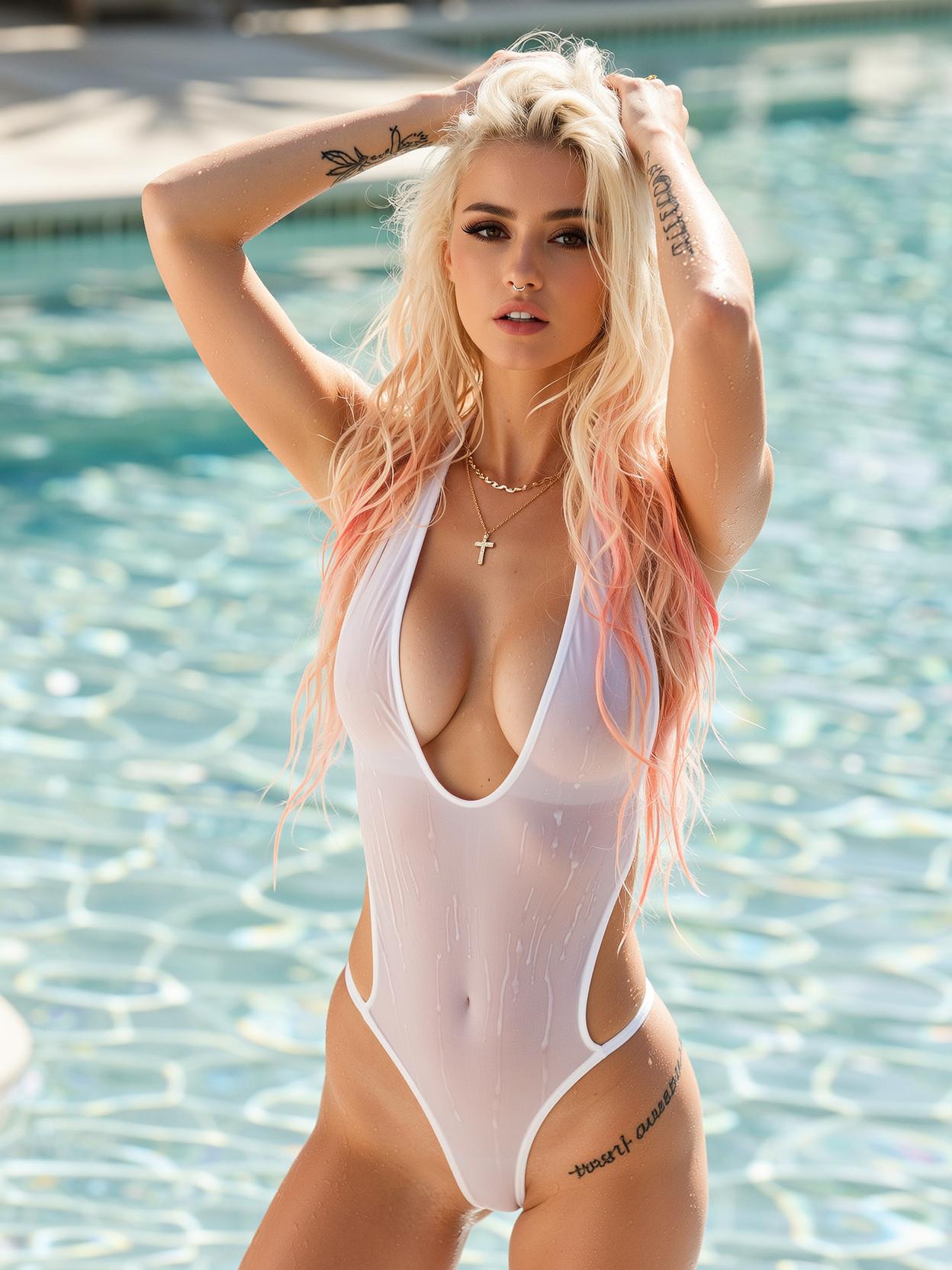
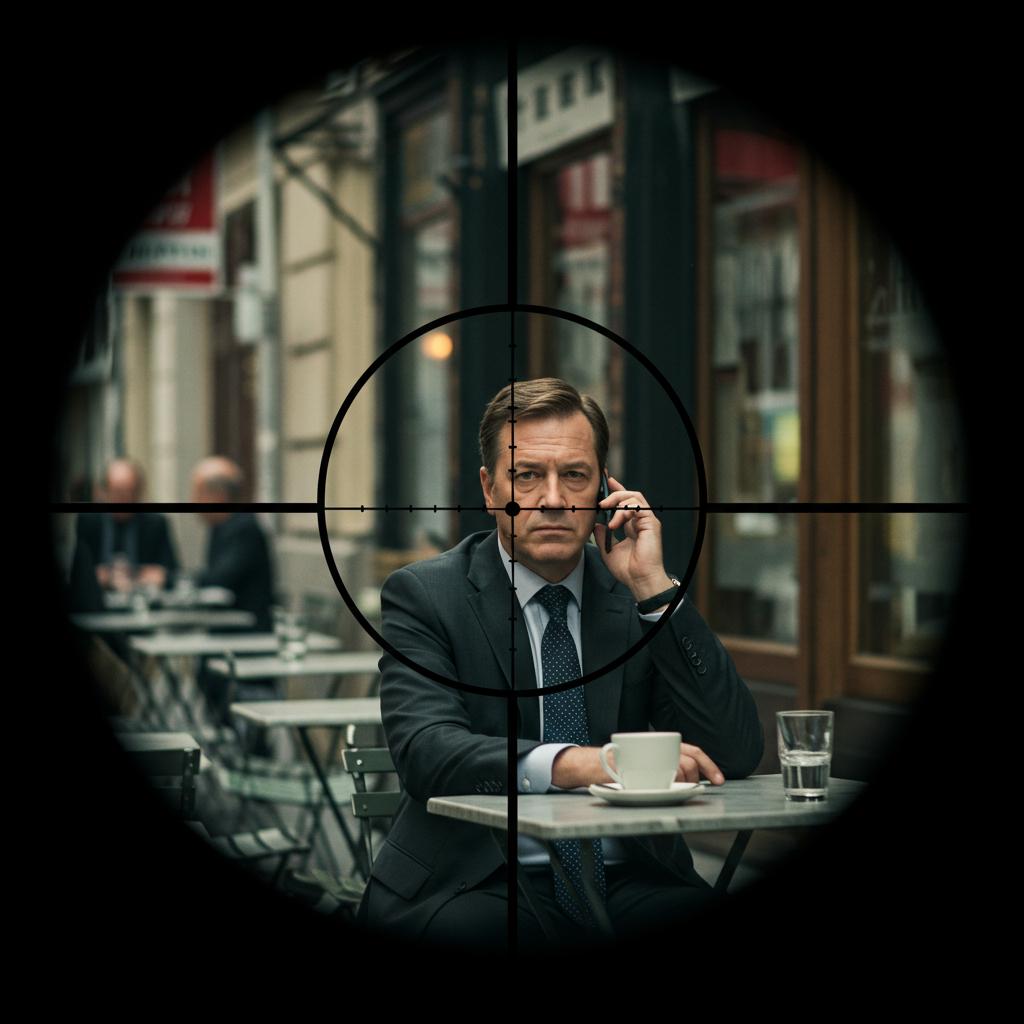
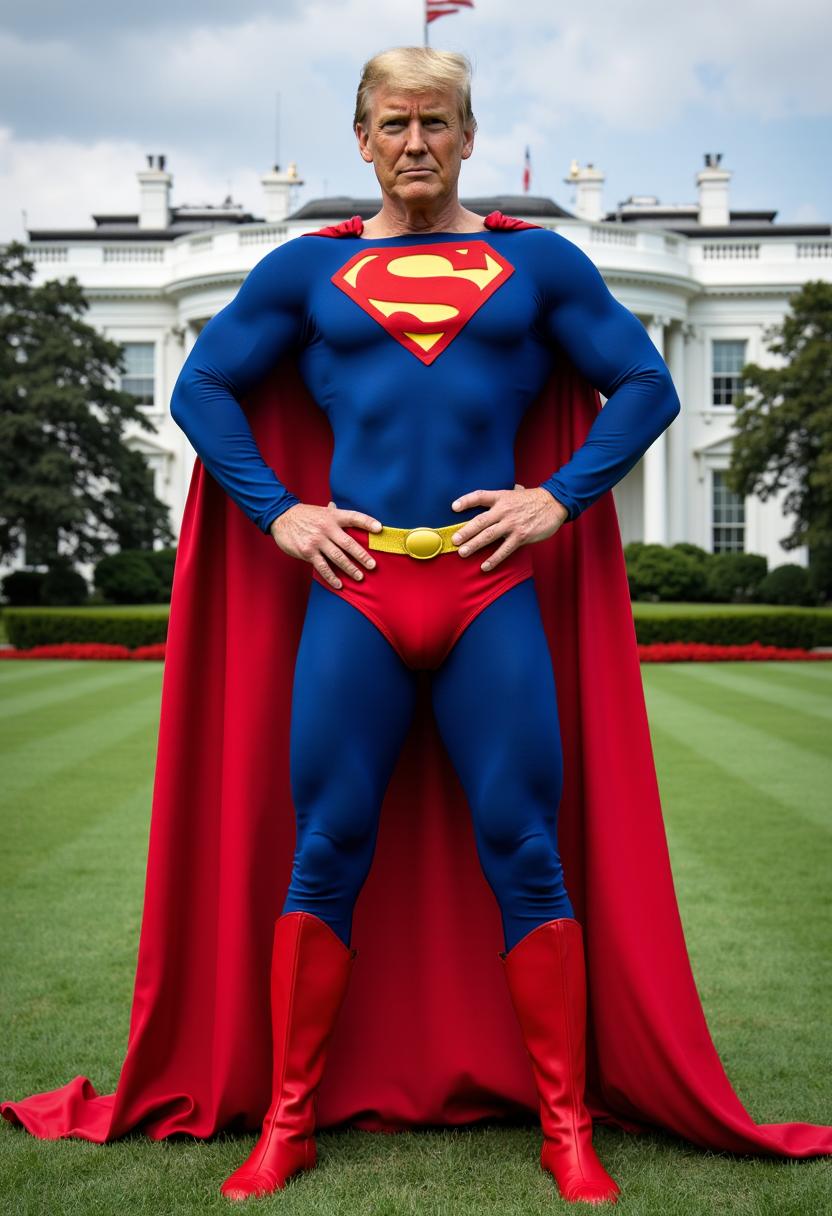
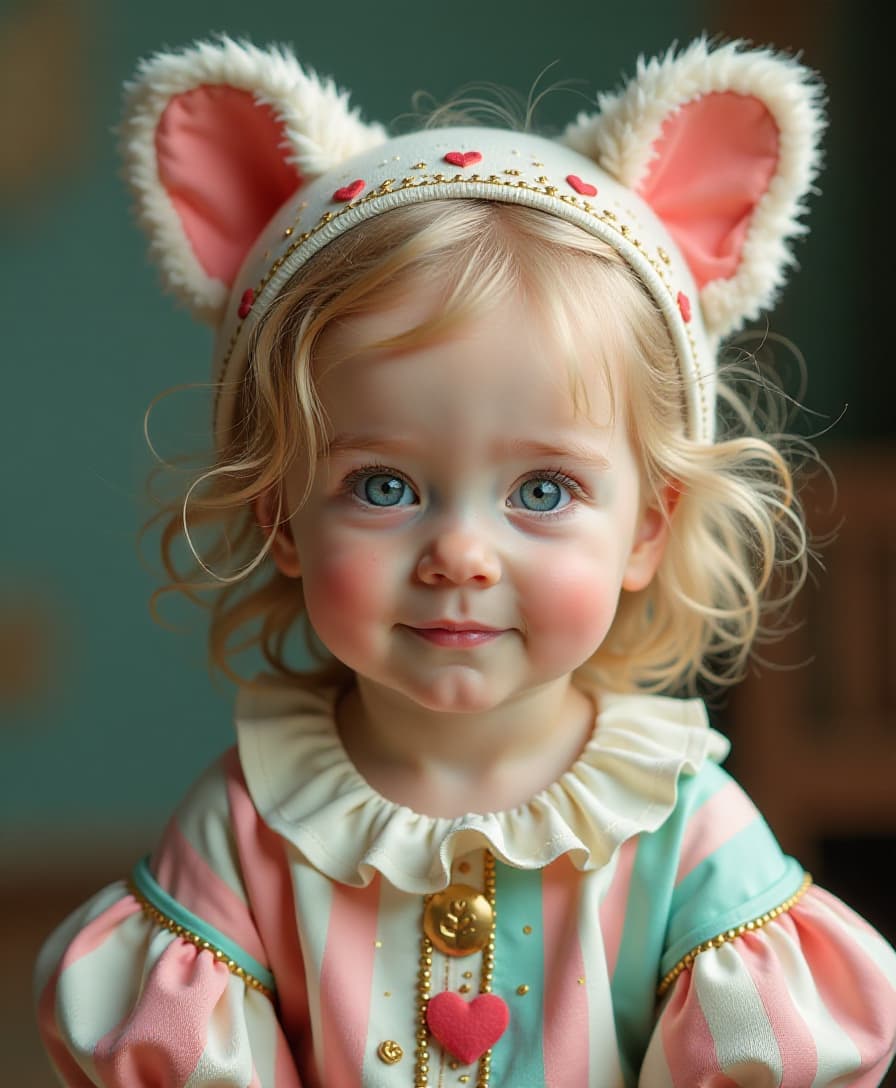
Unlock the full potential of your creative ideas with PixelDojo's Flux 2 Max. This advanced AI image generation tool interprets your detailed instructions with exceptional accuracy, transforming your concepts into stunning visuals effortlessly. Whether you're a designer, marketer, or content creator, Flux 2 Max empowers you to produce high-quality images that align perfectly with your vision.
Join over 2,500 active creators who have generated more than 4 million images using PixelDojo's suite of AI tools. With a 4.9/5 user rating, our platform is trusted by professionals worldwide.
Why Choose Pixel Dojo for Flux 2 Max instruction following
Professional-quality results with cutting-edge AI technology
Achieve Precise Visuals
Flux 2 Max's advanced instruction-following ensures your images match your exact specifications, eliminating the need for extensive manual edits.
Save Time and Effort
Generate high-quality images in seconds, streamlining your creative workflow and allowing you to focus on other important tasks.
Maintain Consistent Branding
Ensure brand consistency across all visuals by providing detailed prompts that Flux 2 Max accurately interprets and executes.
How It Works
Creating precise AI-generated images with Flux 2 Max is simple and efficient. Follow these steps to bring your ideas to life:
Step 1: Choose Your Tool
Log in to your PixelDojo account and select 'Flux 2 Max' from the list of available AI image generation tools.
Step 2: Enter Your Prompt
Describe your desired image in detail, specifying elements like subject, style, colors, and composition. The more specific your prompt, the more accurate the result.
Step 3: Customize & Download
Review the generated image. If needed, make adjustments to your prompt and regenerate. Once satisfied, download the high-resolution image for your use.
![Turn your image into a cartoon with FLUX.1 Kontext [pro] - cartoonify](https://cdn.pixeldojo.ai/cdn-cgi/image/f=auto,q=75,w=3840/pixeldojo/generated-images/1752258771272-zpnmk426d.png)






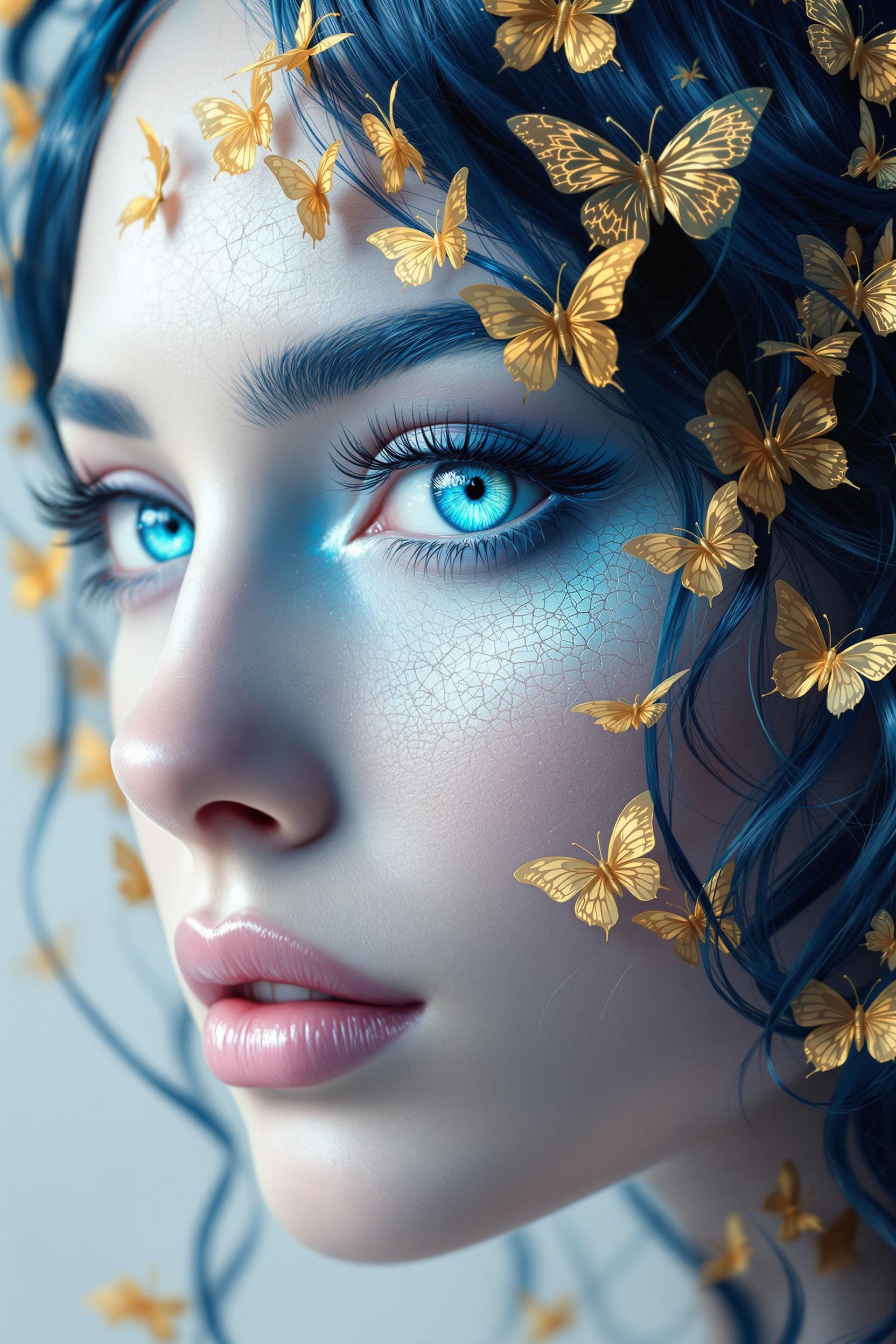
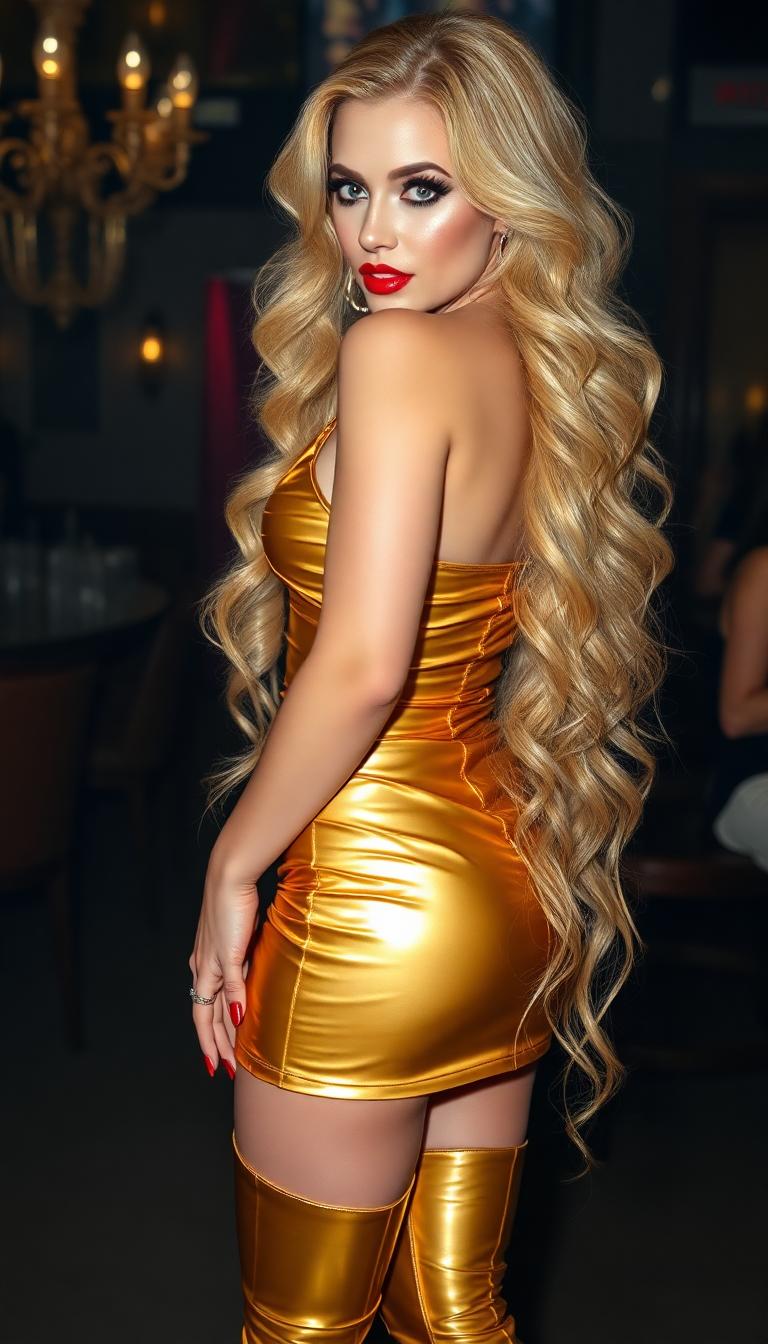
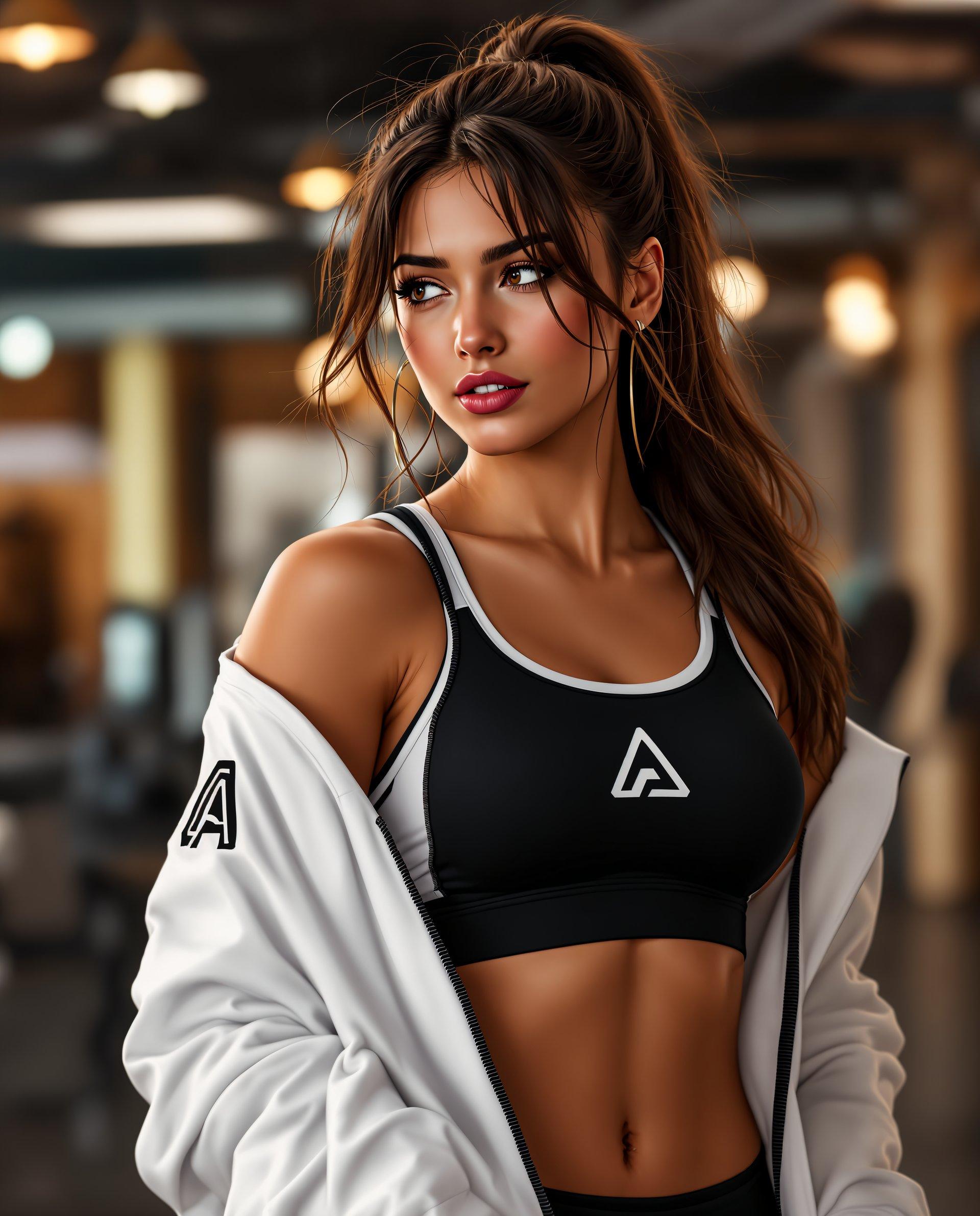
The Pixel Dojo Advantage
Why PixelDojo's Flux 2 Max outperforms other options for AI image generation:
| Others | Pixel Dojo |
|---|---|
| Traditional Image Creation | Eliminates the need for manual design work, reducing time and effort while achieving precise results. |
| Generic AI Tools | Offers superior instruction-following capabilities, ensuring your specific requirements are met accurately. |
| Manual Photo Editing | Automates the editing process, allowing for quick adjustments and variations without extensive manual effort. |
Loved by Creators
See what our community says about Flux 2 Max instruction following
"Flux 2 Max has revolutionized our content creation process. The precision in following our detailed prompts is unmatched."
Alex Johnson
Creative Director
"As a marketer, maintaining brand consistency is crucial. Flux 2 Max ensures our visuals are always on point."
Samantha Lee
Marketing Manager
Common Questions
Everything you need to know about Flux 2 Max instruction following AI generation
How does Flux 2 Max ensure accurate instruction following?
Flux 2 Max utilizes advanced AI algorithms designed to interpret and execute detailed prompts with high precision, ensuring the generated images align closely with your specifications.
Can I use Flux 2 Max for commercial projects?
Yes, all images generated with Flux 2 Max come with full commercial rights, allowing you to use them in your professional projects without restrictions.
What types of prompts work best with Flux 2 Max?
Detailed and specific prompts yield the best results. Include information about the subject, style, colors, and composition to guide the AI effectively.
Is there a limit to the number of images I can generate?
PixelDojo offers various subscription plans with different credit allocations. Choose a plan that suits your needs to generate the desired number of images.
How long does it take to generate an image with Flux 2 Max?
Flux 2 Max is optimized for speed, typically generating high-quality images within seconds, allowing for efficient workflow integration.
Can I edit the generated images further?
Yes, PixelDojo provides additional tools for image editing, enabling you to make further adjustments to your generated images as needed.