Flux 2 Max object interactions AI Generator
Transform your creative visions into reality with PixelDojo's Flux 2 Max. This advanced AI tool empowers you to generate complex images featuring multiple objects interacting naturally, all with minimal effort. Whether you're crafting detailed product compositions, dynamic character scenes, or intricate landscapes, Flux 2 Max provides the precision and flexibility you need to bring your ideas to life.
![Turn your image into a cartoon with FLUX.1 Kontext [pro] - cartoonify](https://cdn.pixeldojo.ai/cdn-cgi/image/f=auto,q=75,w=3840/pixeldojo/generated-images/1752258771272-zpnmk426d.png)
Join over 500,000 creators worldwide who have generated more than 2 million images using PixelDojo's cutting-edge AI tools. With a 99.9% uptime reliability, our platform ensures your creative process is seamless and uninterrupted.
Why Choose Pixel Dojo for Flux 2 Max object interactions
Professional-quality results with cutting-edge AI technology
Effortless Multi-Object Integration
Create scenes with multiple objects interacting naturally, reducing the time and effort required for complex compositions.
Unmatched Realism and Detail
Achieve photorealistic results with accurate lighting, textures, and depth, enhancing the visual appeal of your projects.
Intuitive Control and Customization
Utilize structured prompts and precise color specifications to tailor every aspect of your image to your exact requirements.
How It Works
Creating intricate, multi-object images with Flux 2 Max is straightforward. Follow these steps to bring your vision to life:
Step 1: Select Flux 2 Max
Navigate to the PixelDojo platform and choose the Flux 2 Max tool to begin your image creation process.
Step 2: Craft Your Structured Prompt
Use JSON formatting to define each element in your scene, specifying object types, positions, colors, and interactions for precise control.
Step 3: Generate and Refine Your Image
Submit your prompt to generate the image. Utilize Flux 2 Max's iterative editing features to make adjustments and perfect your creation.


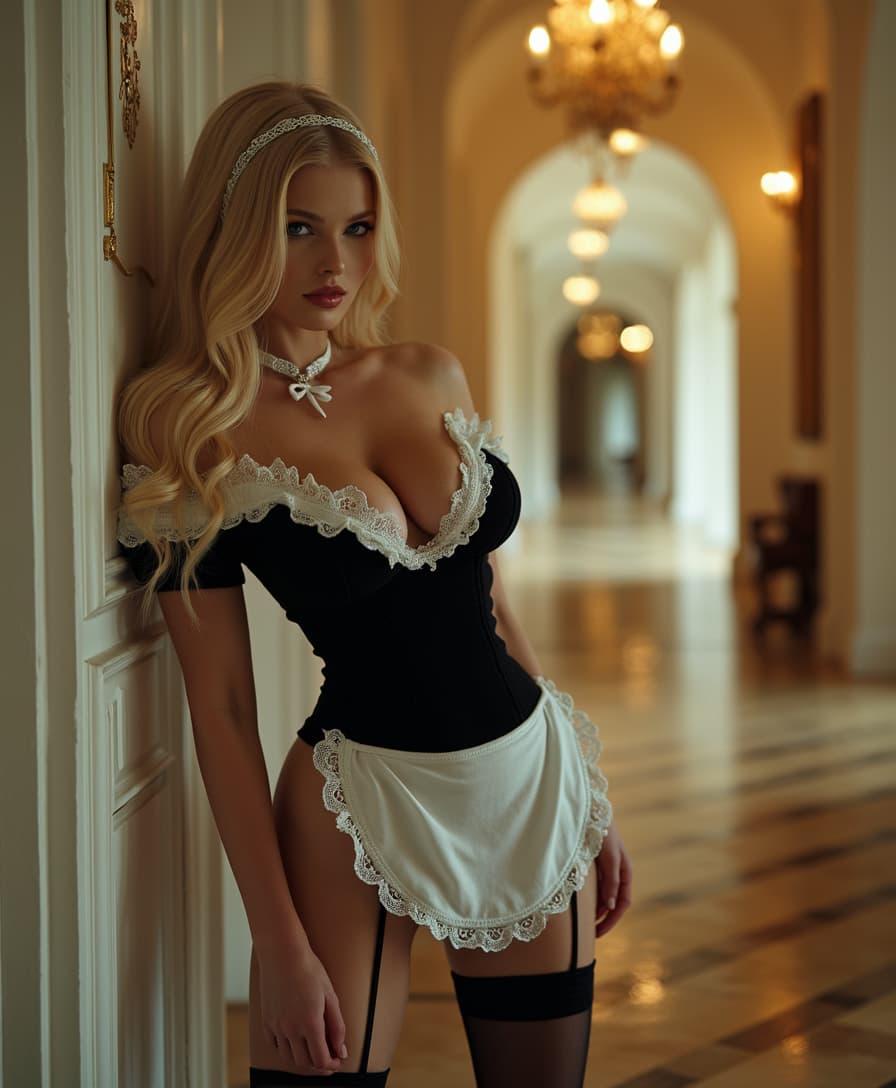
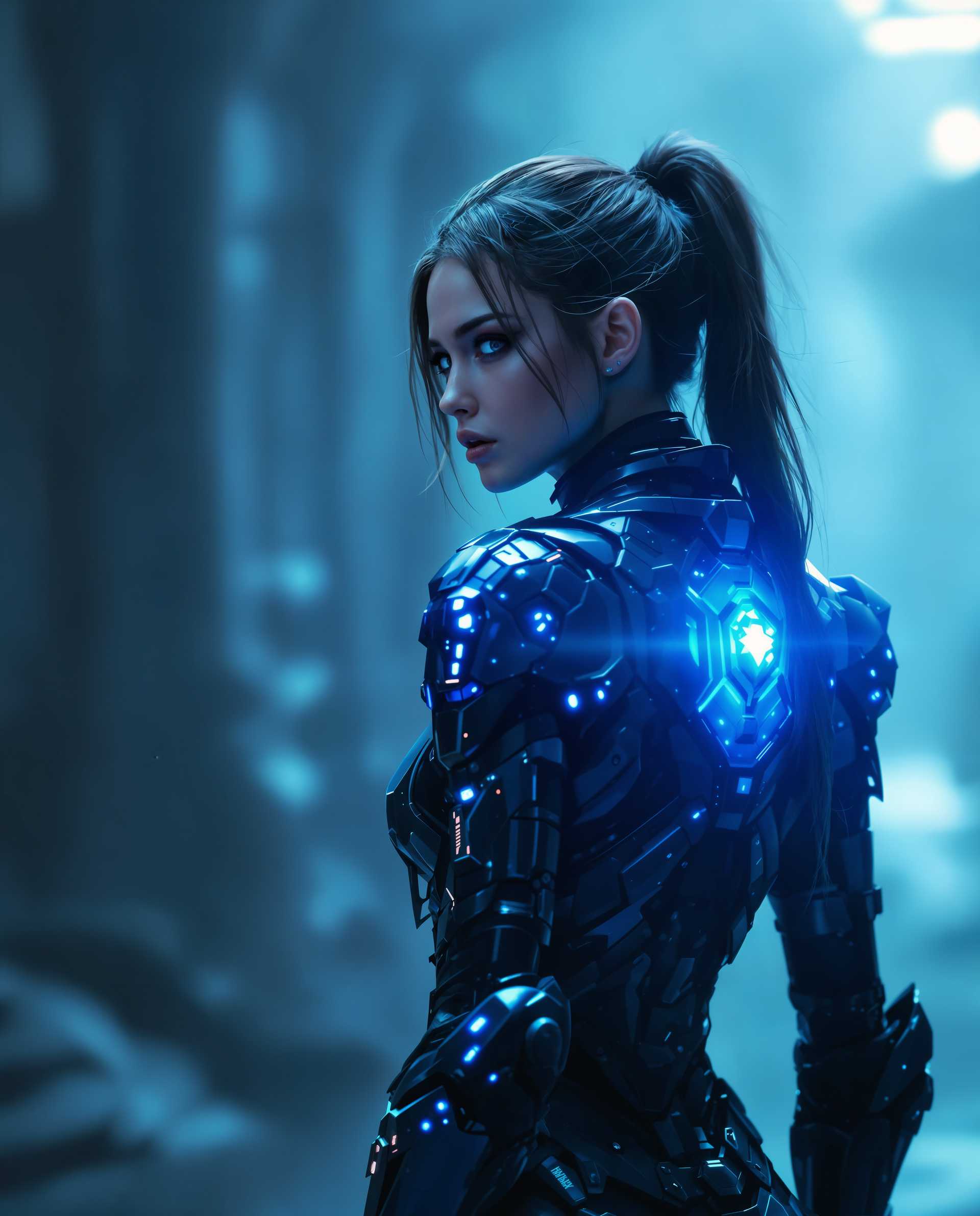
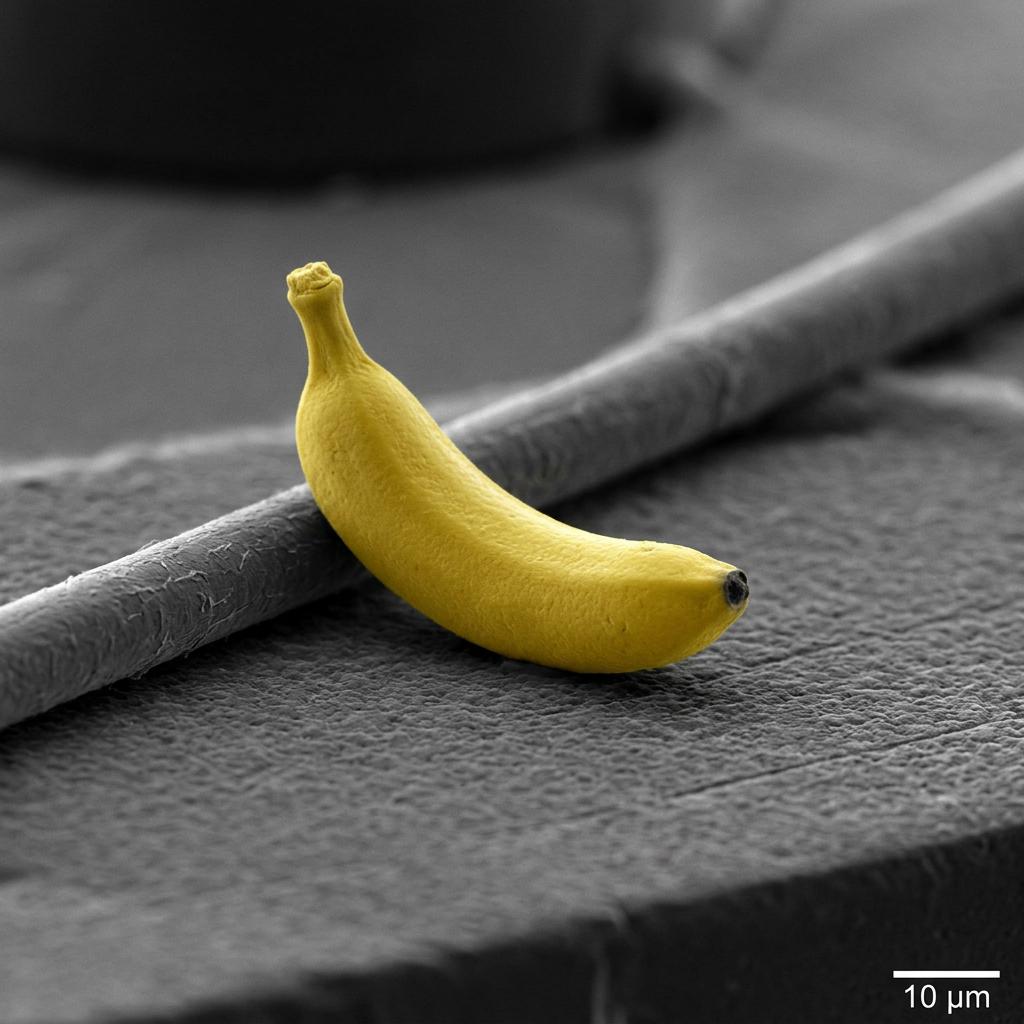

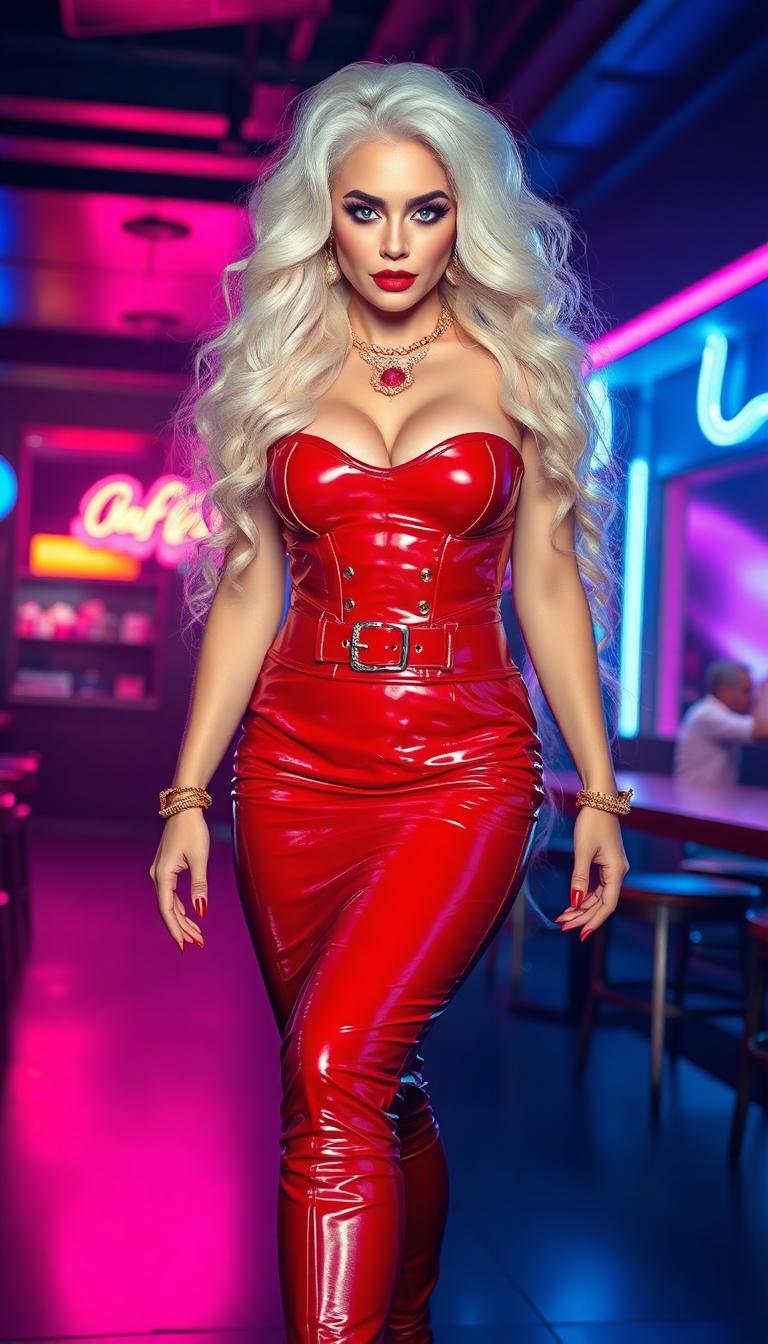
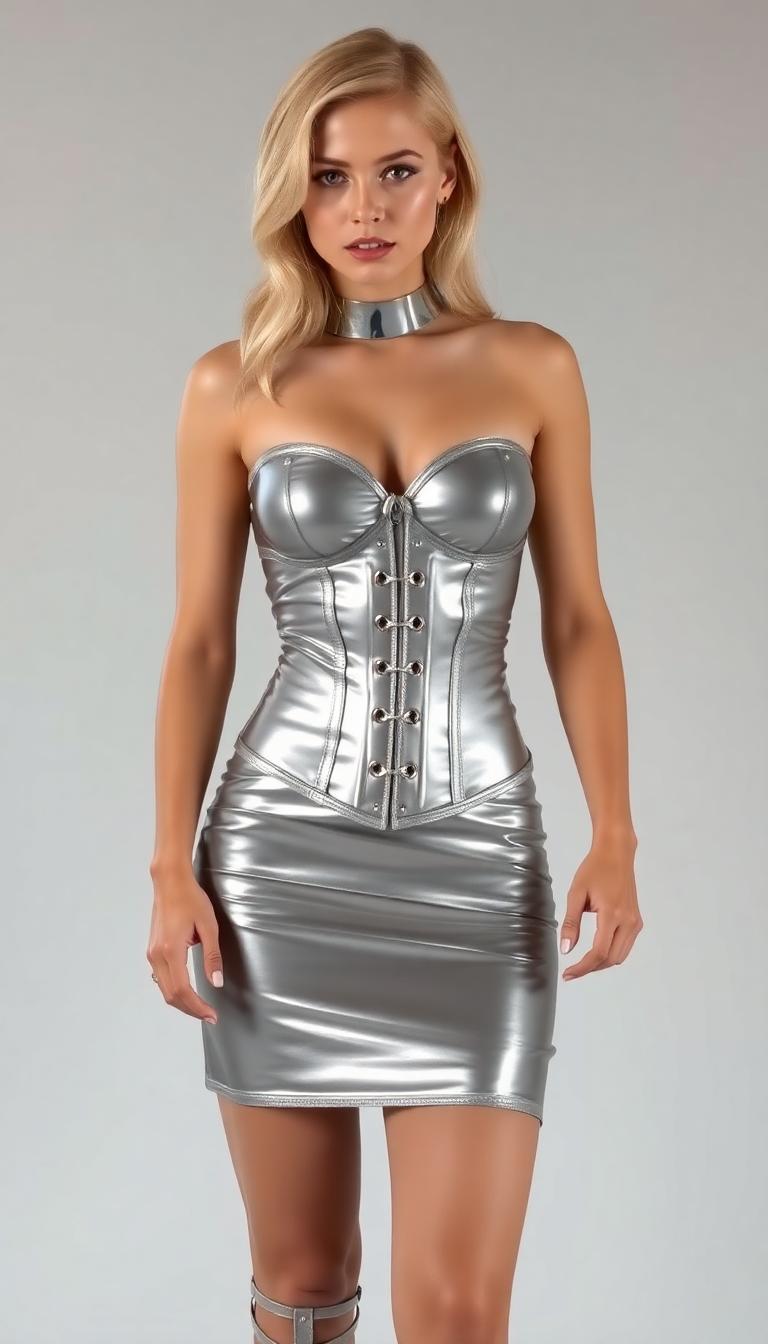
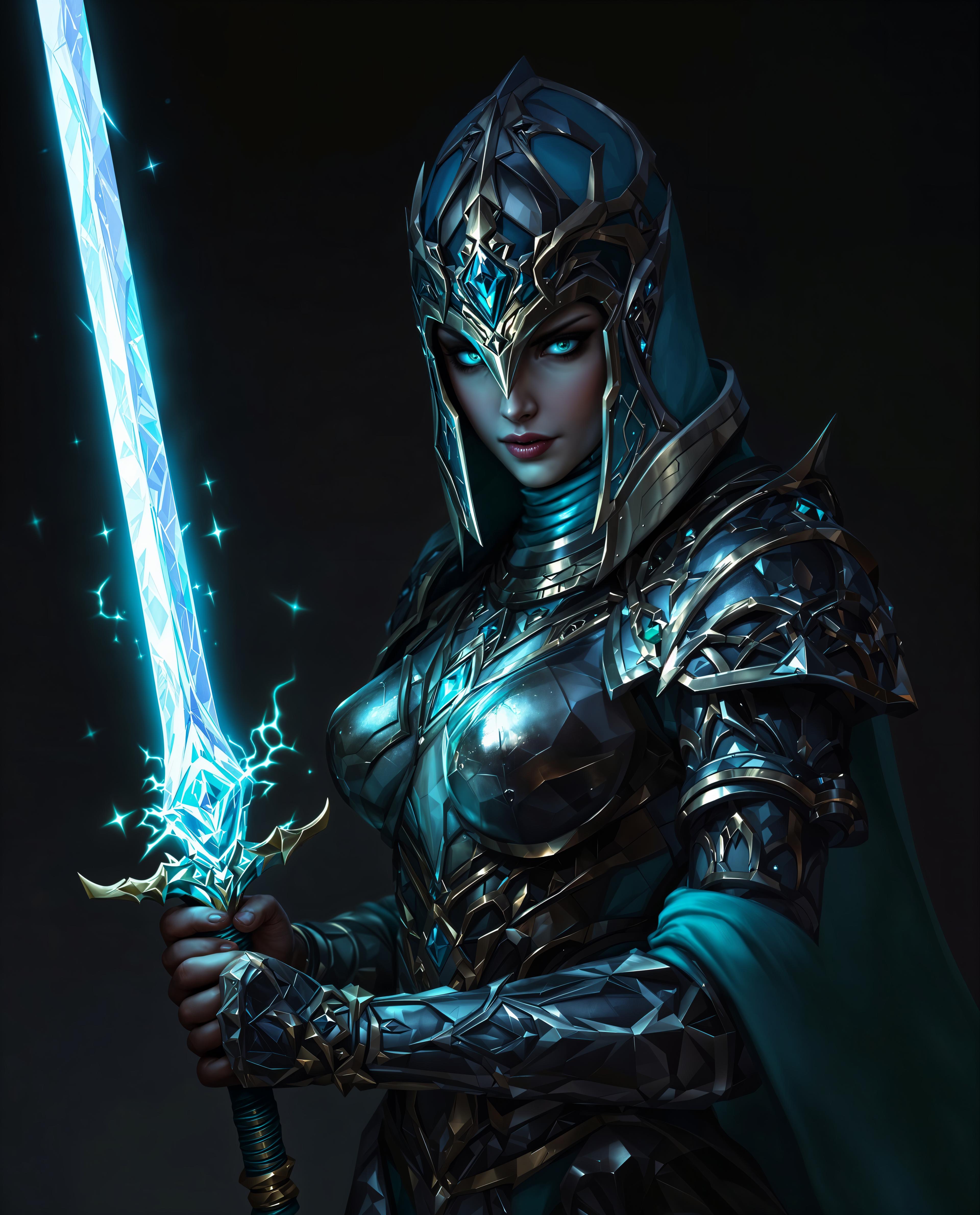
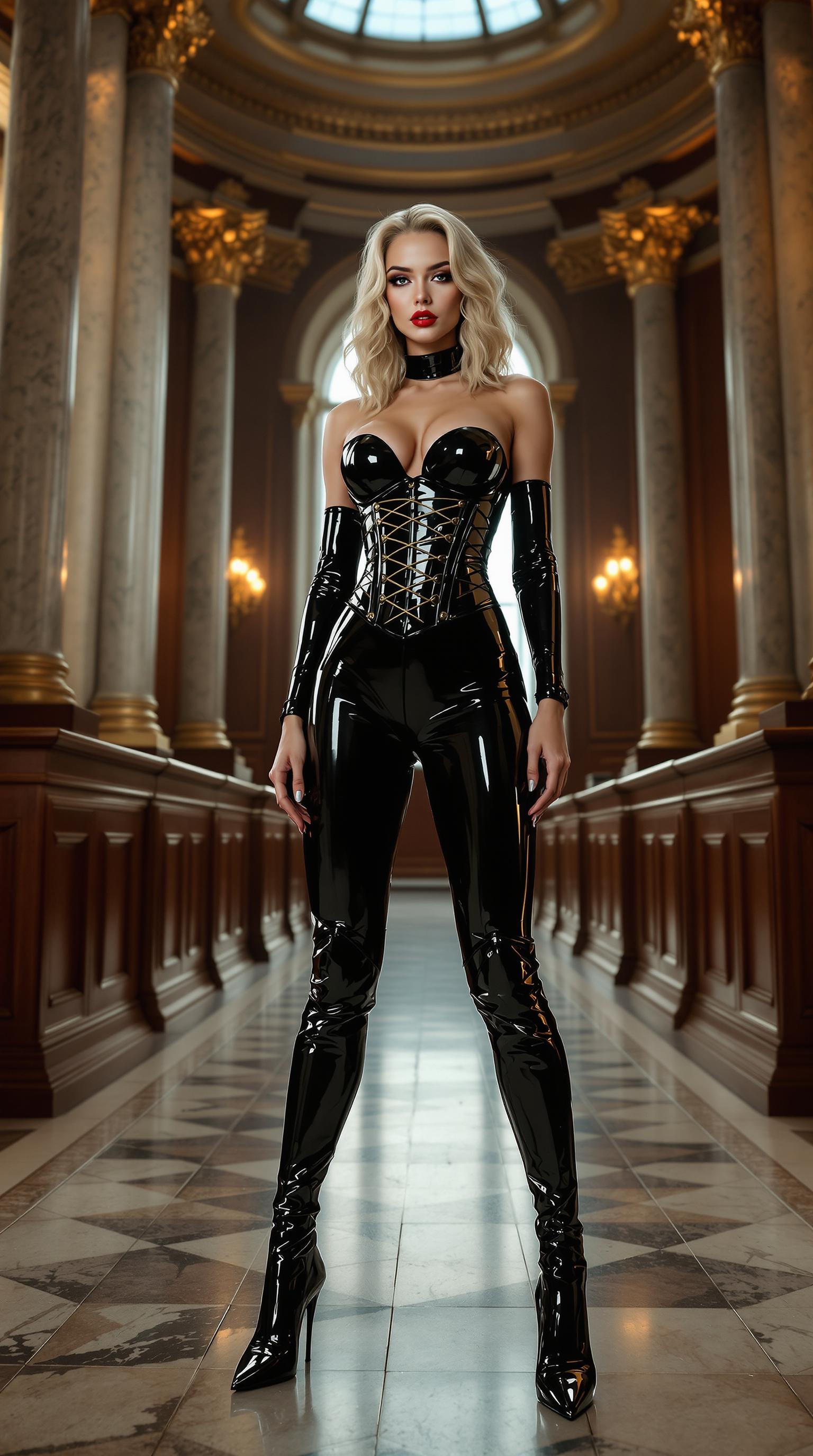
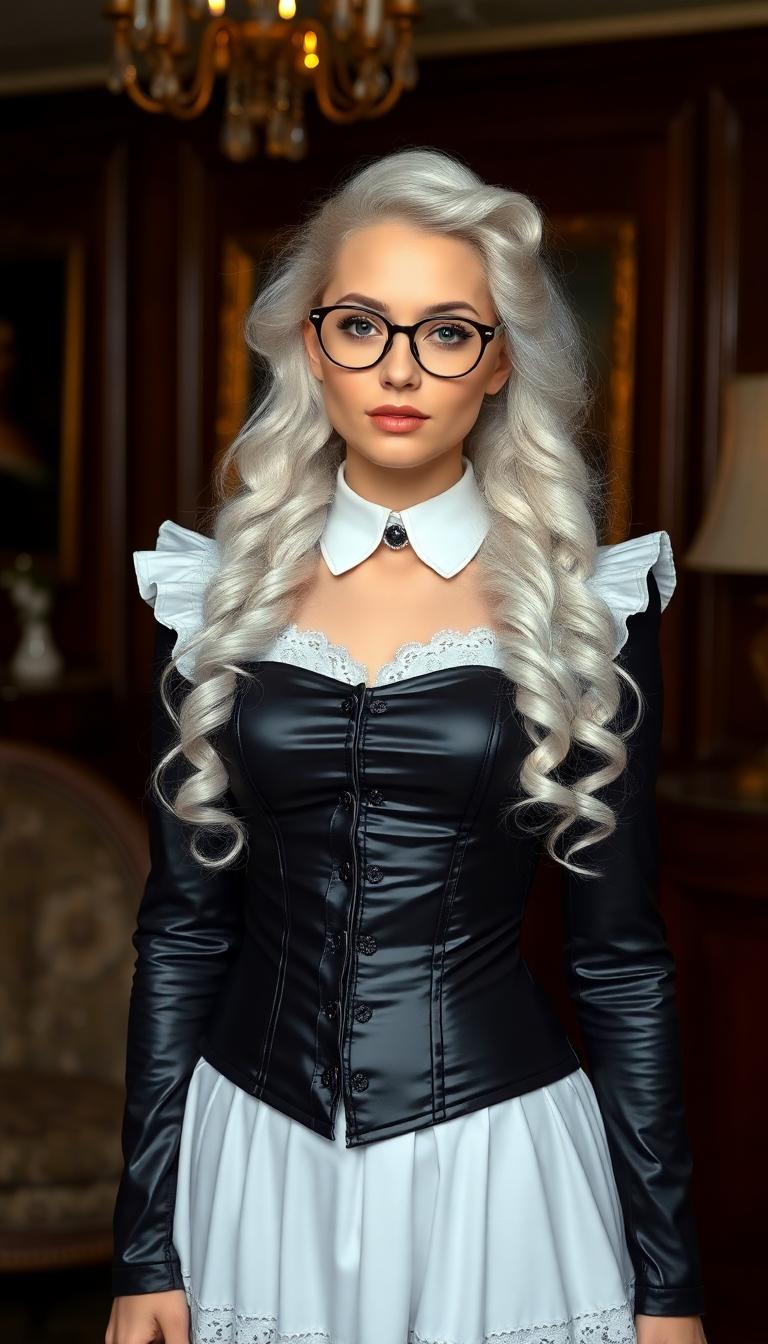
The Pixel Dojo Advantage
Discover how PixelDojo's Flux 2 Max stands out in multi-object image generation:
| Others | Pixel Dojo |
|---|---|
| Traditional Manual Compositing | Eliminates the need for time-consuming manual layering and adjustments, streamlining the creative process. |
| Generic AI Image Generators | Offers advanced control over object interactions and scene composition, surpassing the capabilities of standard AI tools. |
| Stock Photography | Provides unique, tailor-made images without the limitations and licensing restrictions of stock photos. |
Loved by Creators
See what our community says about Flux 2 Max object interactions
"Flux 2 Max has revolutionized our product photography, allowing us to create complex scenes with multiple products interacting naturally. The realism is astounding."
Alex Johnson
Creative Director at Apex Studios
"As a digital artist, Flux 2 Max gives me unparalleled control over my compositions. The ability to define every detail through structured prompts is a game-changer."
Maria Lopez
Freelance Digital Artist
Common Questions
Everything you need to know about Flux 2 Max object interactions AI generation
How does Flux 2 Max handle multiple objects in a scene?
Flux 2 Max utilizes advanced AI algorithms to interpret structured prompts, allowing for precise placement and interaction of multiple objects within a scene, resulting in cohesive and realistic images.
Can I specify exact colors for objects in my images?
Yes, Flux 2 Max supports HEX color codes, enabling you to define exact colors for objects, ensuring brand consistency and precise color matching in your images.
Is Flux 2 Max suitable for professional use?
Absolutely. Flux 2 Max delivers high-resolution, photorealistic images suitable for professional applications, including marketing materials, product photography, and digital art projects.
Do I need technical expertise to use Flux 2 Max?
No, Flux 2 Max is designed with an intuitive interface that allows users of all skill levels to create complex images. The use of structured prompts simplifies the process of defining scene elements.
Can I edit existing images with Flux 2 Max?
Yes, Flux 2 Max offers image-to-image editing capabilities, allowing you to modify existing images by adding or altering objects, changing colors, and adjusting compositions.
What file formats does Flux 2 Max support?
Flux 2 Max supports common image formats, including PNG, JPEG, and WebP, for both input and output, ensuring compatibility with various platforms and applications.