Flux 2 Max photorealistic images AI Generator
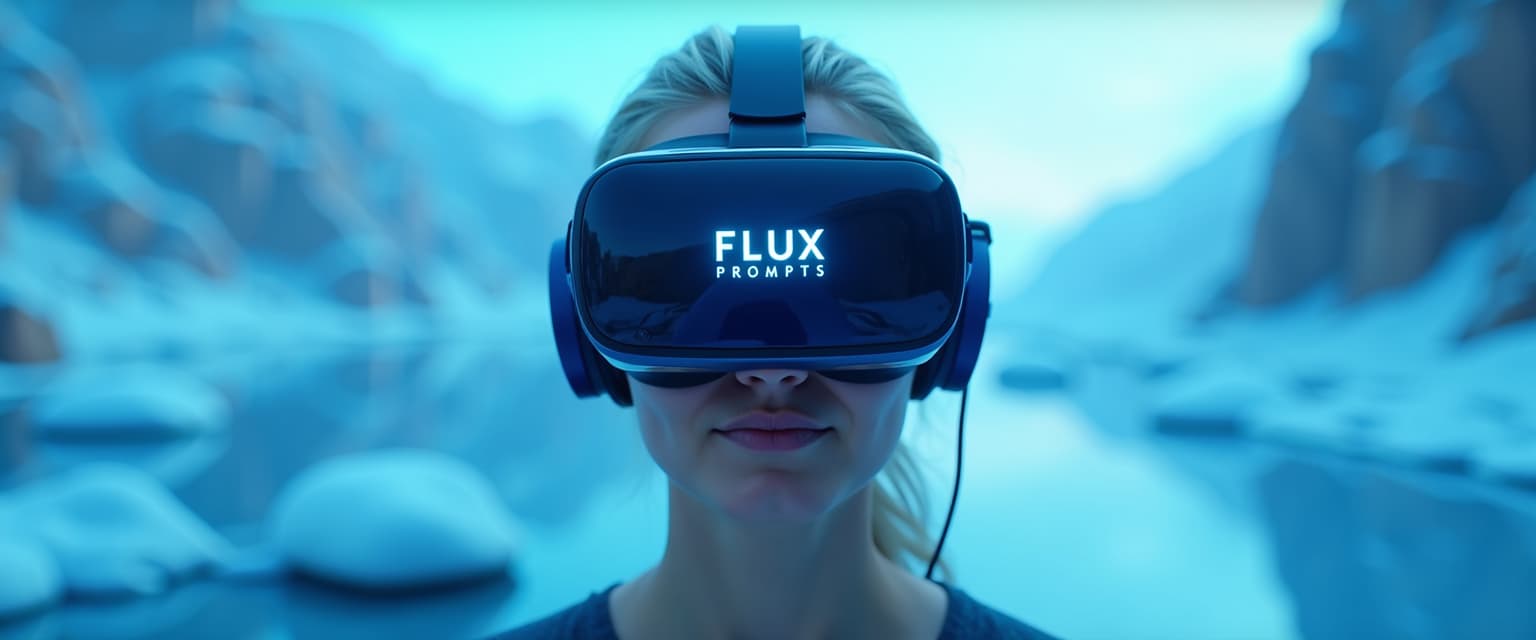
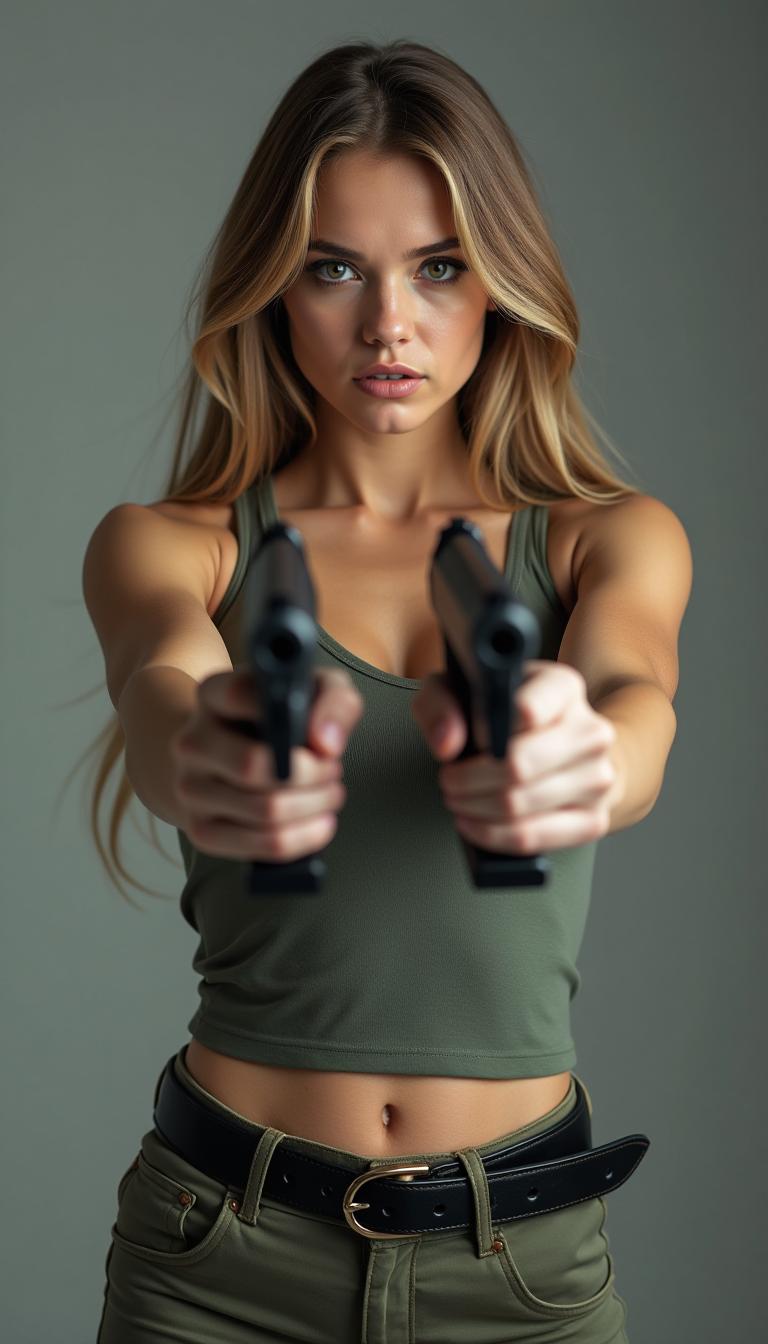
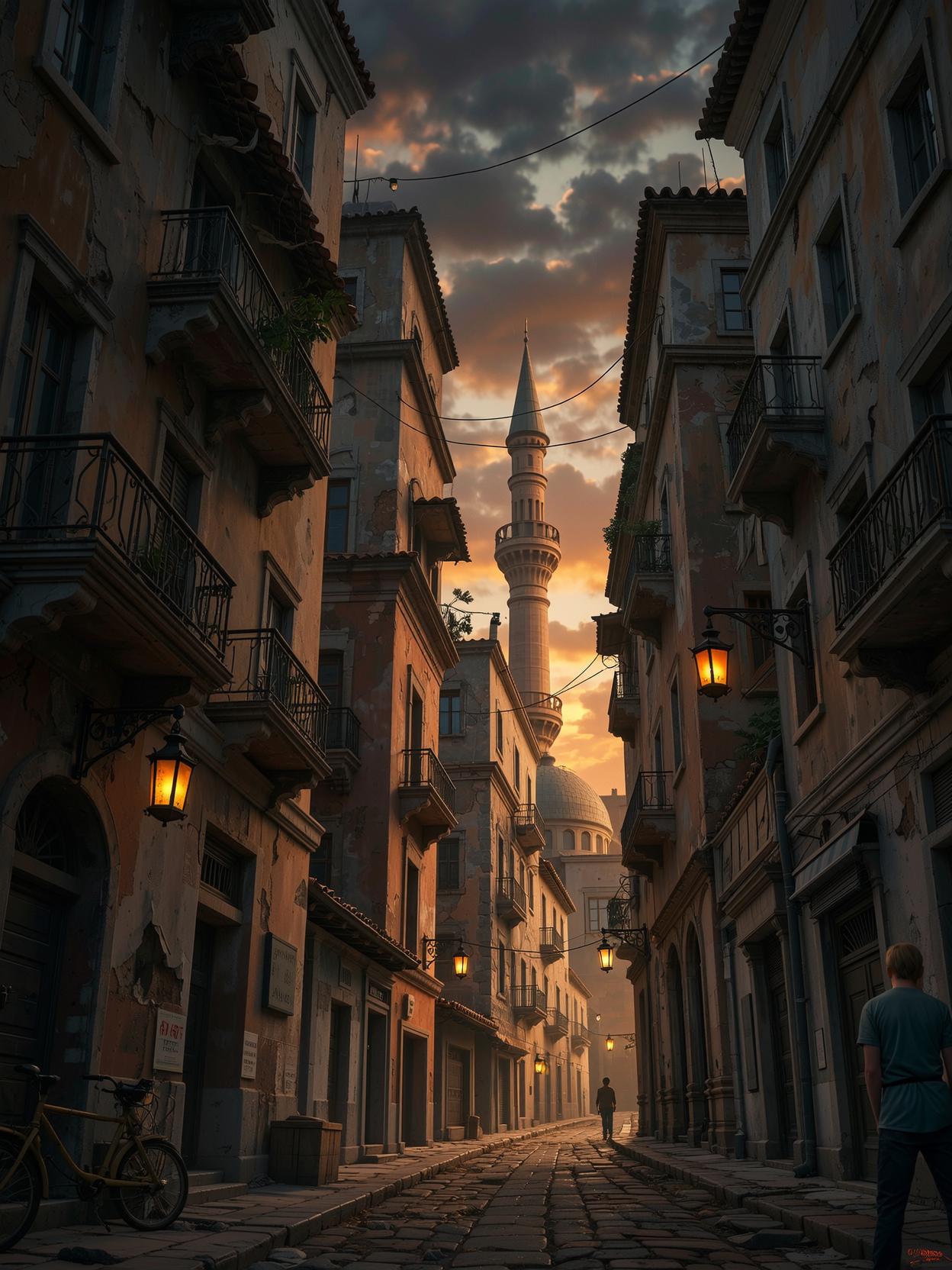
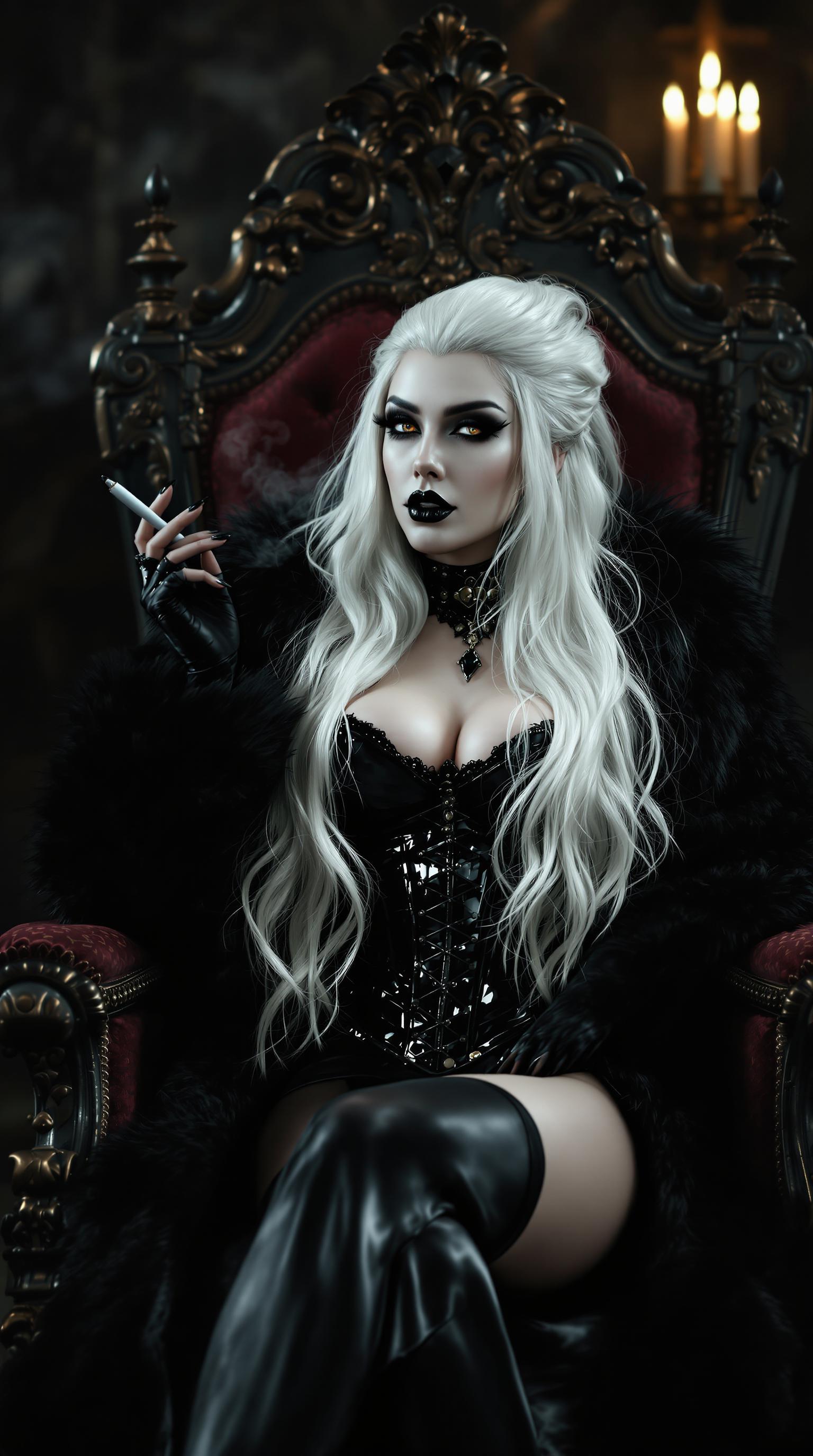
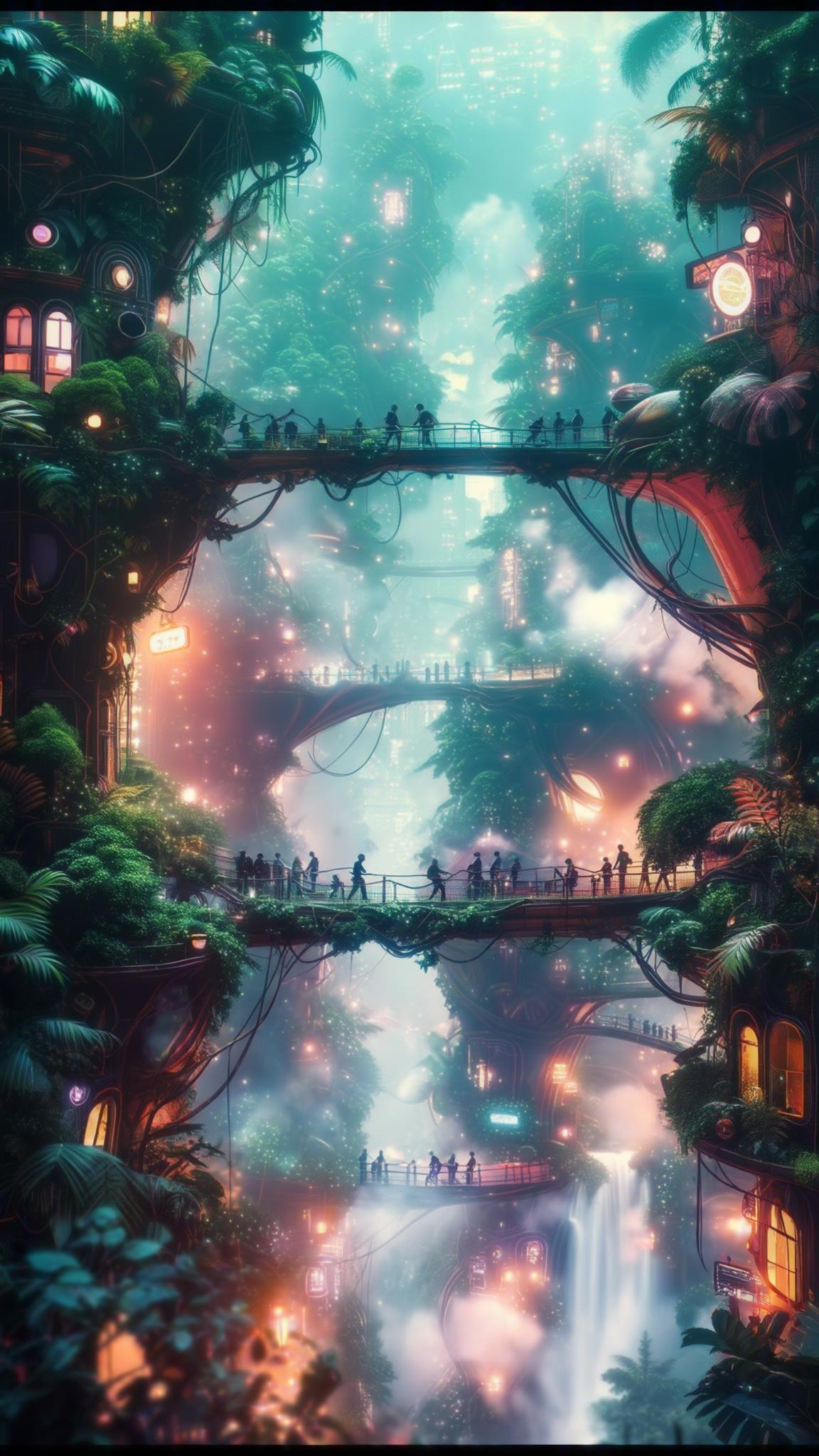
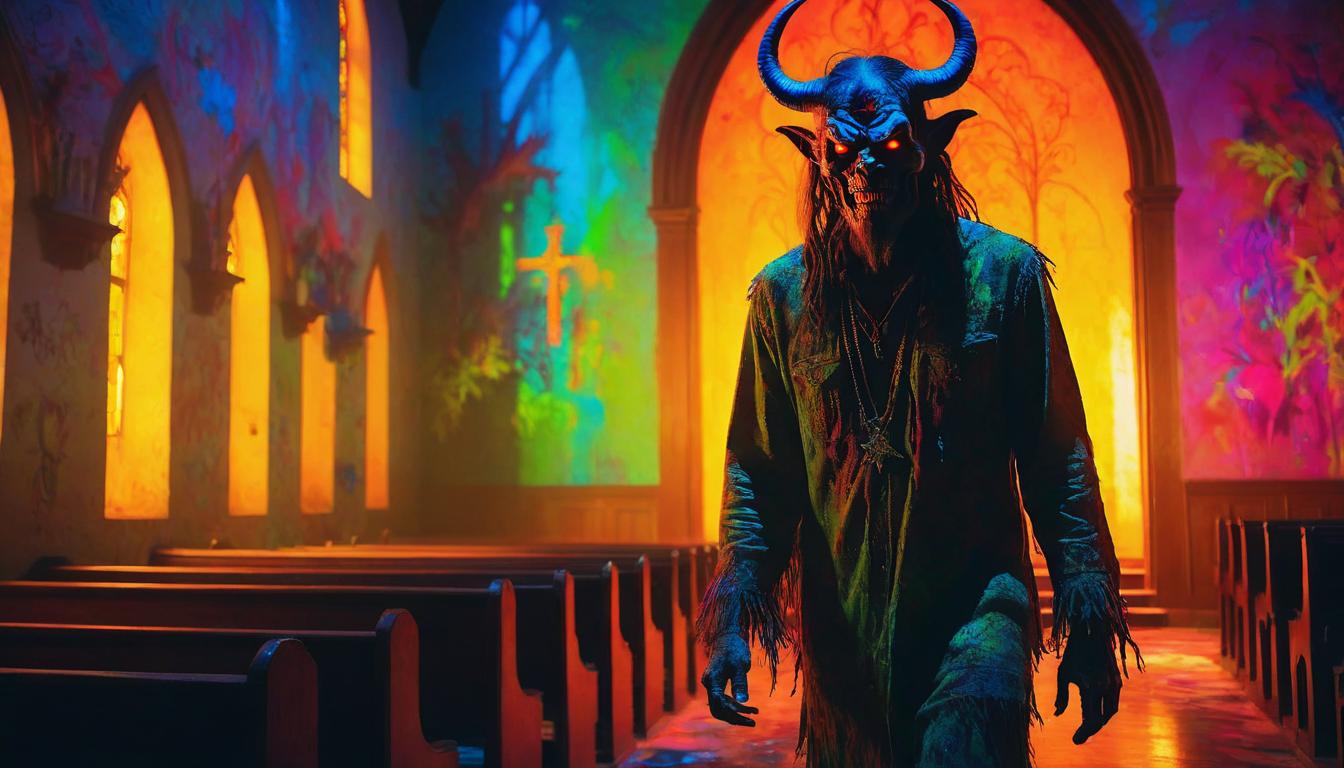
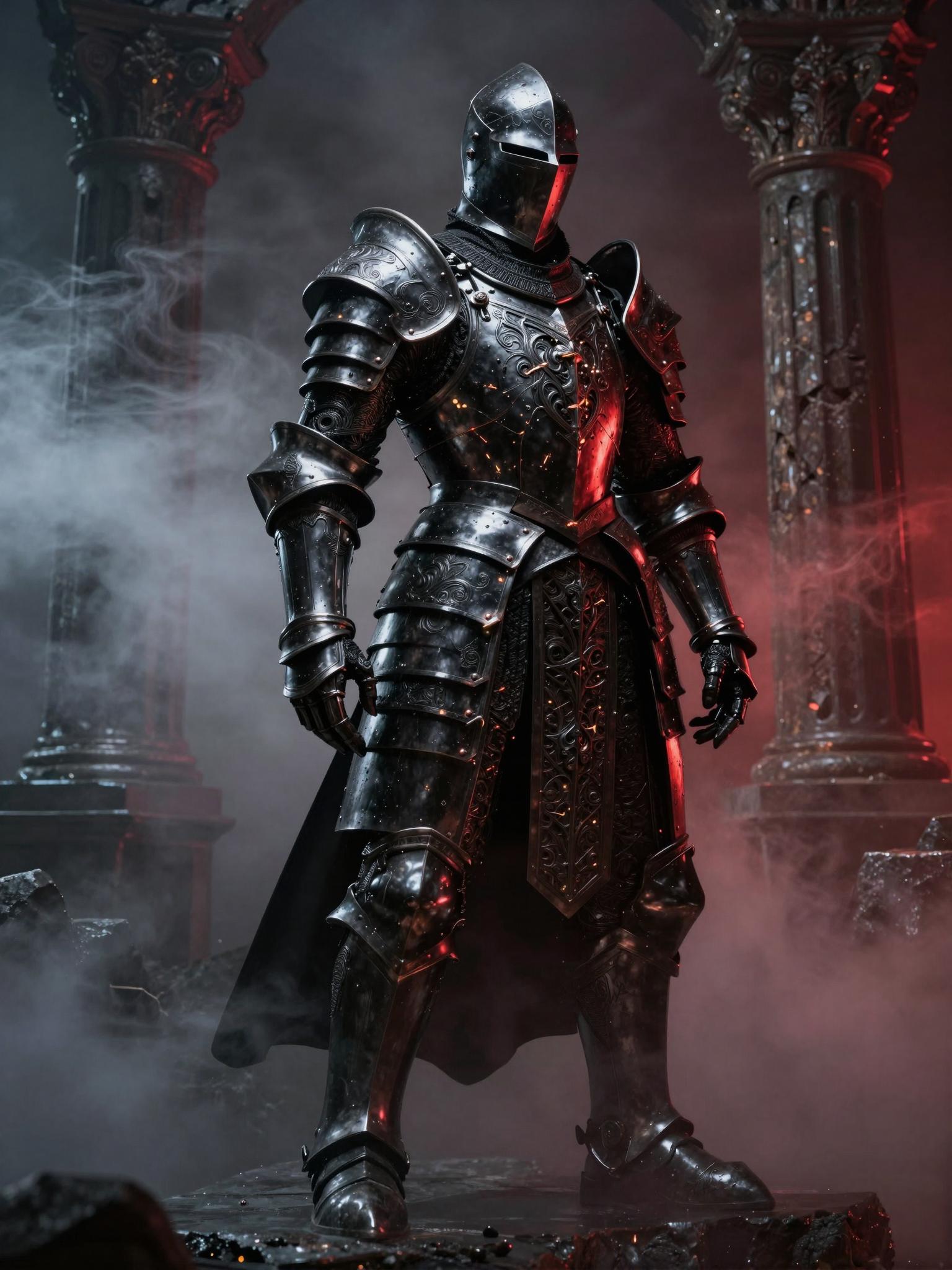
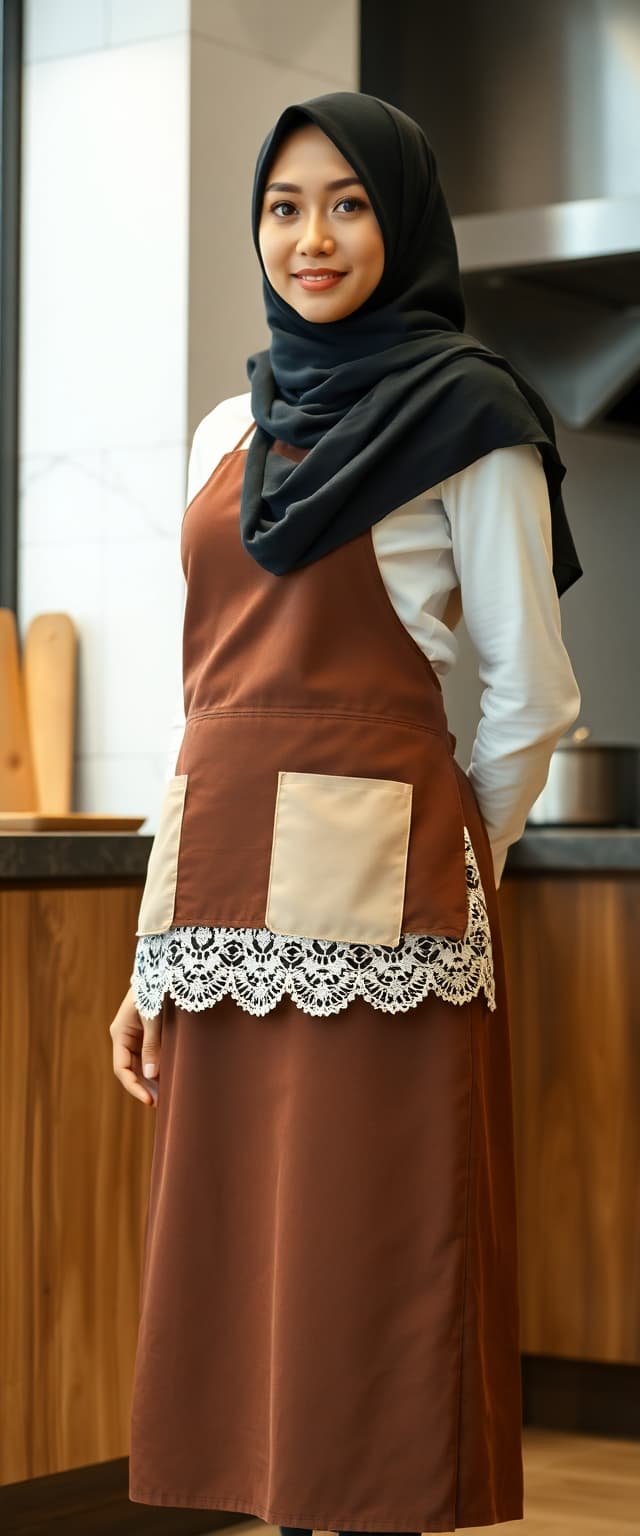
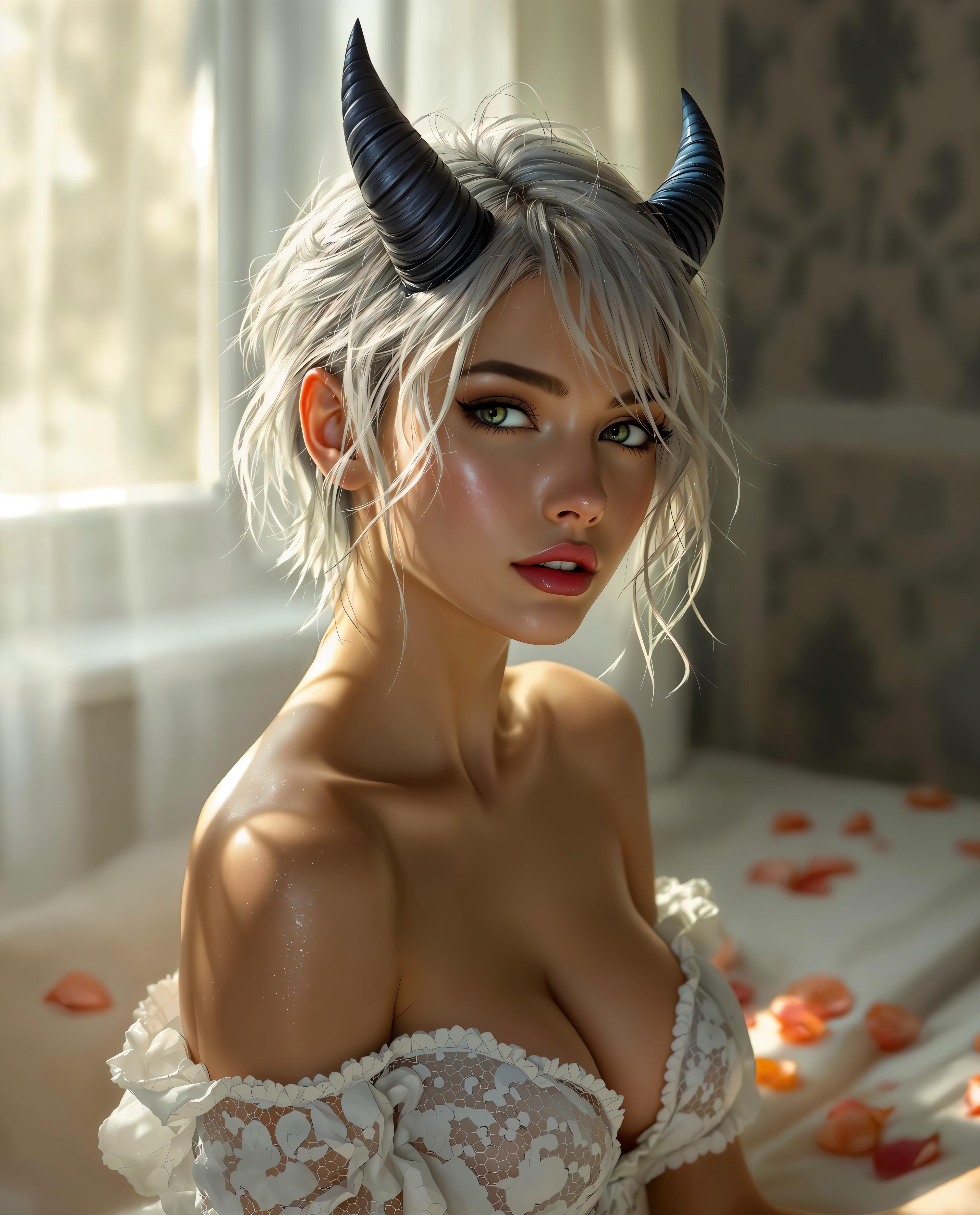
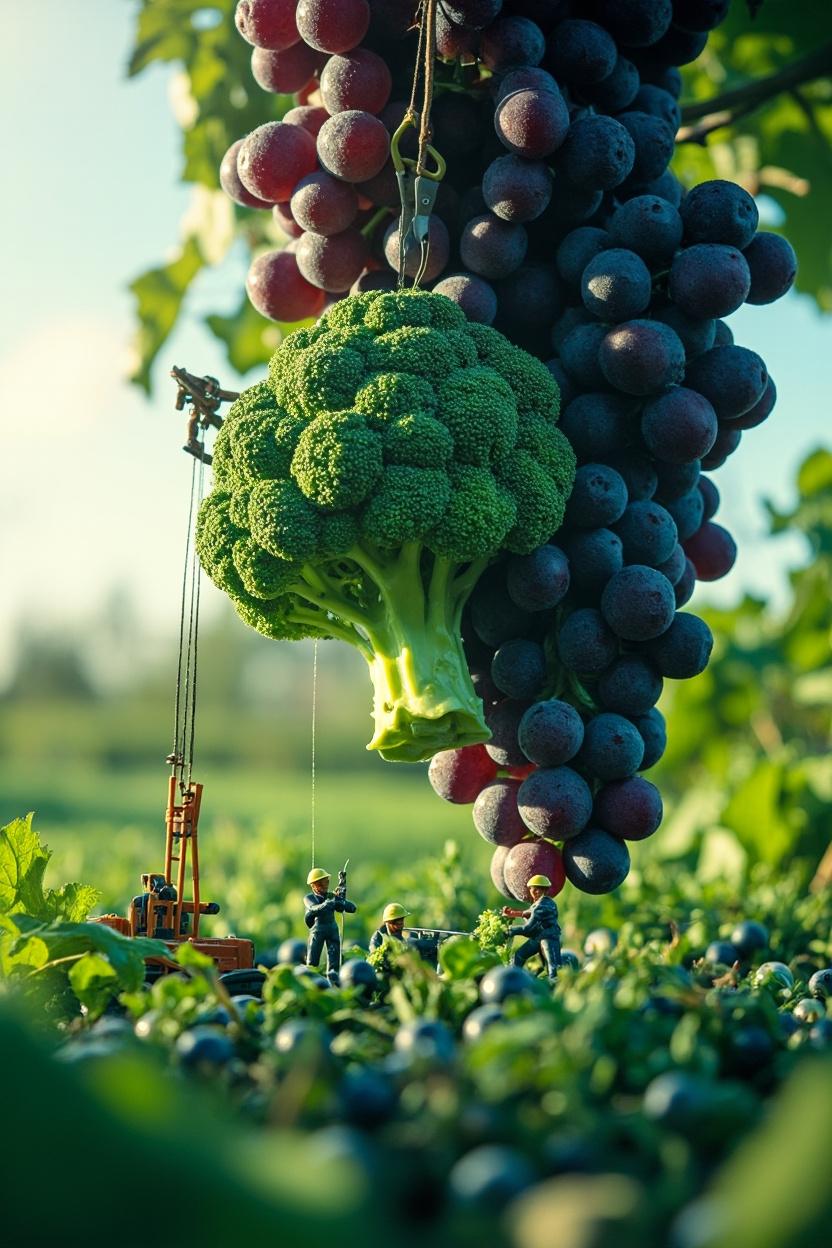
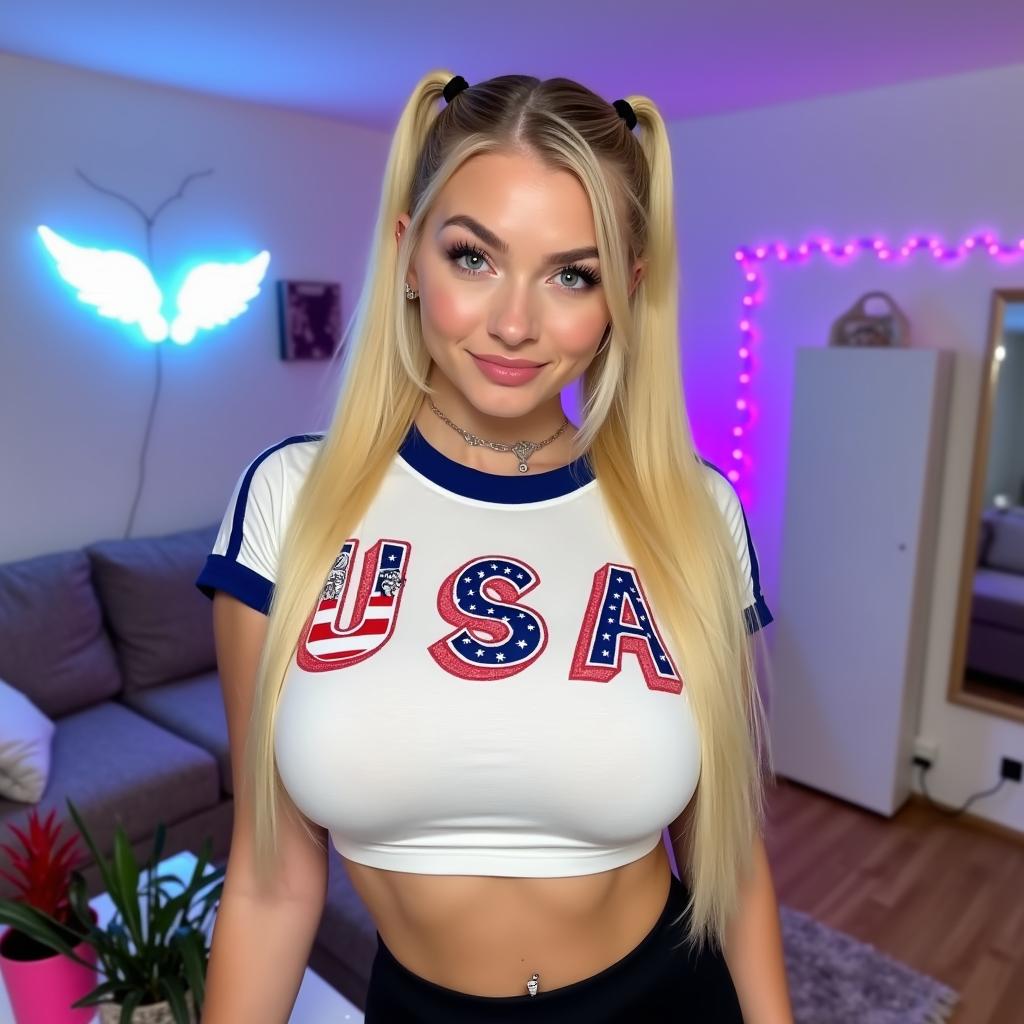
Imagine bringing your most vivid ideas to life with images so realistic, they could be mistaken for professional photographs. With PixelDojo's Flux 2 Max, you can effortlessly generate high-resolution, photorealistic images that captivate your audience and elevate your projects. Whether you're a marketer crafting compelling visuals, a designer exploring new concepts, or a content creator seeking unique imagery, Flux 2 Max empowers you to achieve professional-grade results without the need for expensive equipment or extensive training.
![Turn your image into a cartoon with FLUX.1 Kontext [pro] - cartoonify](https://cdn.pixeldojo.ai/cdn-cgi/image/f=auto,q=75,w=3840/pixeldojo/generated-images/1752258771272-zpnmk426d.png)
Join over 50,000 creators who have generated millions of images using PixelDojo's AI tools. Rated 4.9/5 on Trustpilot, our platform is trusted by professionals worldwide for its speed, quality, and ease of use.
Why Choose Pixel Dojo for Flux 2 Max photorealistic images
Professional-quality results with cutting-edge AI technology
Effortless High-Quality Image Creation
Generate stunning, photorealistic images in seconds, saving time and resources compared to traditional photography or manual design.
Versatile Applications
Create lifelike portraits, immersive landscapes, detailed product mockups, and more to enhance marketing materials, social media content, and creative projects.
User-Friendly Interface
No technical expertise required—simply input your vision, and Flux 2 Max brings it to life with intuitive controls and customizable settings.
How It Works
Creating photorealistic images with Flux 2 Max is a straightforward process that unleashes your creativity.
Step 1: Choose Your Tool
Log in to your PixelDojo account and select 'Flux 2 Max' from the suite of AI tools available.
Step 2: Enter Your Prompt
Describe the image you envision in detail. For example, 'A serene mountain landscape at sunrise with a clear blue sky.'
Step 3: Customize & Download
Adjust settings such as aspect ratio and resolution to fit your needs. Once satisfied, generate the image and download it in high resolution.






The Pixel Dojo Advantage
Why PixelDojo outperforms other options for photorealistic image generation
| Others | Pixel Dojo |
|---|---|
| Traditional Photography | Eliminate the need for costly equipment and time-consuming shoots by generating high-quality images instantly. |
| Generic AI Tools | Flux 2 Max offers superior realism and detail, providing images that are virtually indistinguishable from real photographs. |
| Manual Photo Editing | Save hours of editing time with AI-generated images that require minimal post-processing. |
Loved by Creators
See what our community says about Flux 2 Max photorealistic images
"Flux 2 Max has revolutionized our content creation process. The images are so realistic that our audience can't tell they're AI-generated."
Alex Johnson
Marketing Director
"As a designer, Flux 2 Max allows me to quickly visualize concepts and present high-quality mockups to clients without the need for extensive resources."
Samantha Lee
Graphic Designer
Common Questions
Everything you need to know about Flux 2 Max photorealistic images AI generation
How does Flux 2 Max create photorealistic images?
Flux 2 Max utilizes advanced AI algorithms trained on vast datasets of real-world images to generate lifelike visuals based on your text prompts.
Can I use Flux 2 Max for commercial projects?
Yes, images generated with Flux 2 Max can be used for commercial purposes, including marketing materials, advertisements, and product mockups.
Do I need any technical skills to use Flux 2 Max?
No, Flux 2 Max is designed with a user-friendly interface that requires no technical expertise. Simply input your description, and the AI handles the rest.
What file formats are available for download?
Generated images can be downloaded in various formats, including JPEG and PNG, suitable for both digital and print applications.
Is there a limit to the number of images I can generate?
PixelDojo offers flexible subscription plans to accommodate different needs, allowing you to generate as many images as your plan permits.
Can I edit the images after generation?
Yes, you can further refine and edit your images using PixelDojo's suite of editing tools to achieve the desired outcome.