Free Qwen Edit 2512 access AI Generator
Transform your images effortlessly with Qwen Edit 2512, the latest advancement in AI-powered image editing. Achieve photorealistic results, enhance natural details, and seamlessly integrate text into your visuals—all with free access through PixelDojo.

Join over 100,000 creators who have enhanced their visuals using Qwen Edit 2512's advanced AI editing capabilities.
Why Choose Pixel Dojo for Free Qwen Edit 2512 access
Professional-quality results with cutting-edge AI technology
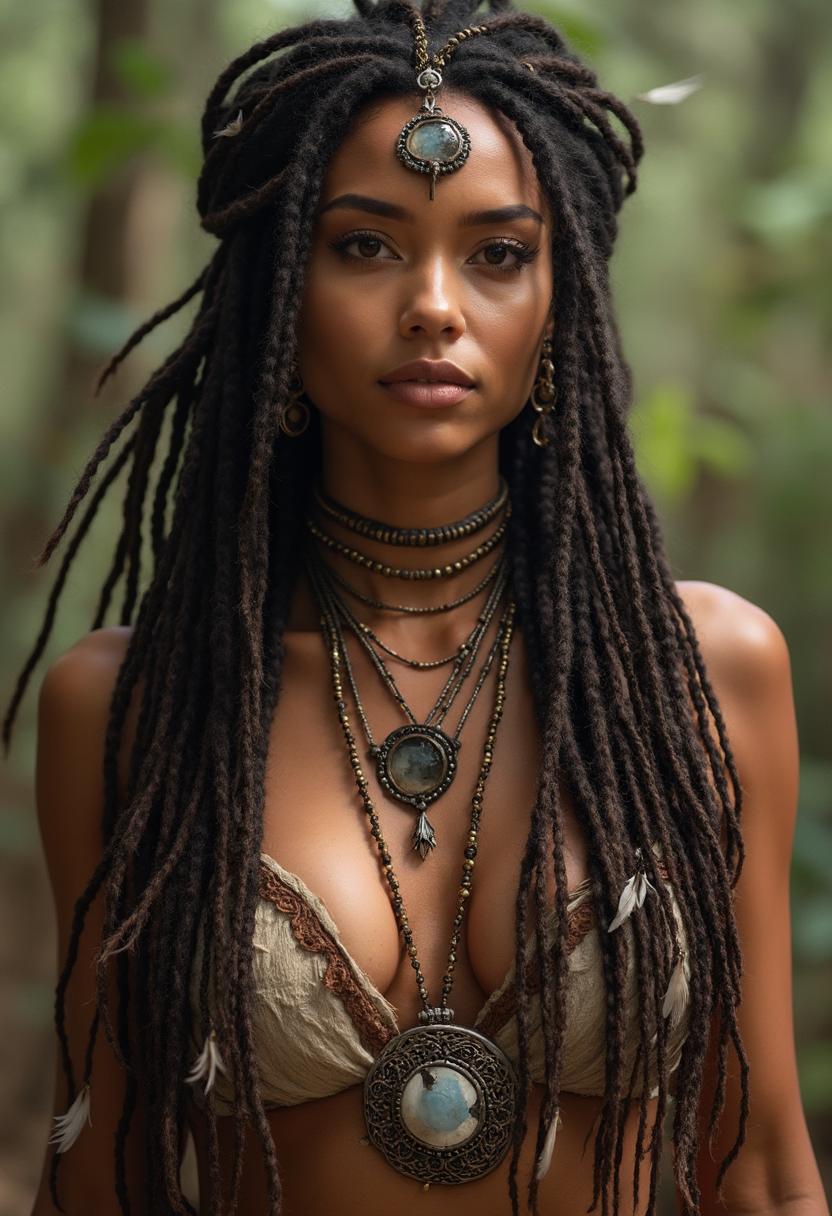
Achieve Photorealistic Edits
Enhance facial details, skin textures, and natural expressions to create lifelike images that captivate your audience.
Refine Natural Elements
Improve landscapes, animal fur, and other natural textures with precision, bringing your creative vision to life.
Seamless Text Integration
Incorporate accurate, readable text into your images, perfect for infographics, posters, and educational content.
How It Works
Creating stunning images with Qwen Edit 2512 is simple and intuitive. Follow these steps to enhance your visuals:
Step 1: Upload Your Image
Select the image you wish to edit and upload it to the PixelDojo platform.
Step 2: Describe Your Edits
Use natural language to specify the changes you want to make, such as 'remove background' or 'enhance facial details.'
Step 3: Apply and Download
Let Qwen Edit 2512 process your request. Once satisfied with the edits, download your enhanced image.
















The Pixel Dojo Advantage
Why PixelDojo with Qwen Edit 2512 outperforms other image editing options:
| Others | Pixel Dojo |
|---|---|
| Traditional Photo Editing Software | Automates complex edits, saving time and effort compared to manual adjustments. |
| Generic AI Editing Tools | Offers superior realism and detail, especially in human features and natural textures. |
| Manual Editing Techniques | Provides consistent, high-quality results without the need for advanced editing skills. |
Loved by Creators
See what our community says about Free Qwen Edit 2512 access
"Qwen Edit 2512 transformed my workflow. The AI-powered edits are incredibly realistic and save me hours of manual work."
Alex Johnson
Professional Photographer
"Integrating text into images has never been easier. The accuracy and quality are unmatched."
Maria Lopez
Graphic Designer
Common Questions
Everything you need to know about Free Qwen Edit 2512 access AI generation
How can I access Qwen Edit 2512 for free?
You can access Qwen Edit 2512 for free through PixelDojo's platform. Simply sign up and start editing your images with advanced AI tools.
What types of edits can I perform with Qwen Edit 2512?
Qwen Edit 2512 allows you to perform various edits, including object removal, background replacement, style transfer, and precise text integration, all guided by natural-language prompts.
Is Qwen Edit 2512 suitable for professional use?
Absolutely. Qwen Edit 2512 offers high-quality, photorealistic edits that meet professional standards, making it ideal for photographers, designers, and marketers.
Do I need prior editing experience to use Qwen Edit 2512?
No prior experience is necessary. Qwen Edit 2512's intuitive interface and natural-language processing make it accessible to users of all skill levels.
Can I edit multiple images simultaneously with Qwen Edit 2512?
Yes, Qwen Edit 2512 supports batch processing, allowing you to edit multiple images efficiently.
Is there a limit to the number of edits I can perform?
PixelDojo offers flexible subscription plans to suit your needs, including options with unlimited edits. Choose the plan that best fits your requirements.