gemini 2.5 flash image conversational editing AI Generator
Imagine transforming your photos with just a few words. With Gemini 2.5 Flash's conversational editing, you can achieve professional-quality edits by simply describing the changes you want. No technical skills required—just your imagination.

Join thousands of creators who have enhanced their visuals using Gemini 2.5 Flash's intuitive editing features.
Why Choose Pixel Dojo for gemini 2.5 flash image conversational editing
Professional-quality results with cutting-edge AI technology
Edit Images with Natural Language
Describe your desired edits in plain language, and watch as Gemini 2.5 Flash brings them to life.
Maintain Character Consistency
Ensure subjects remain consistent across multiple edits, perfect for storytelling and branding.
Combine Multiple Images Seamlessly
Merge different photos into a cohesive image effortlessly, expanding your creative possibilities.
How It Works
Creating stunning images with Gemini 2.5 Flash is as easy as 1-2-3:
Step 1: Upload Your Image
Start by uploading the photo you want to edit into the Gemini 2.5 Flash interface.
Step 2: Describe Your Edits
Use simple text prompts to specify the changes you want, such as 'remove the background' or 'change the sky to sunset.'
Step 3: Review and Download
Preview the edited image, make any additional tweaks if necessary, and download the final result.
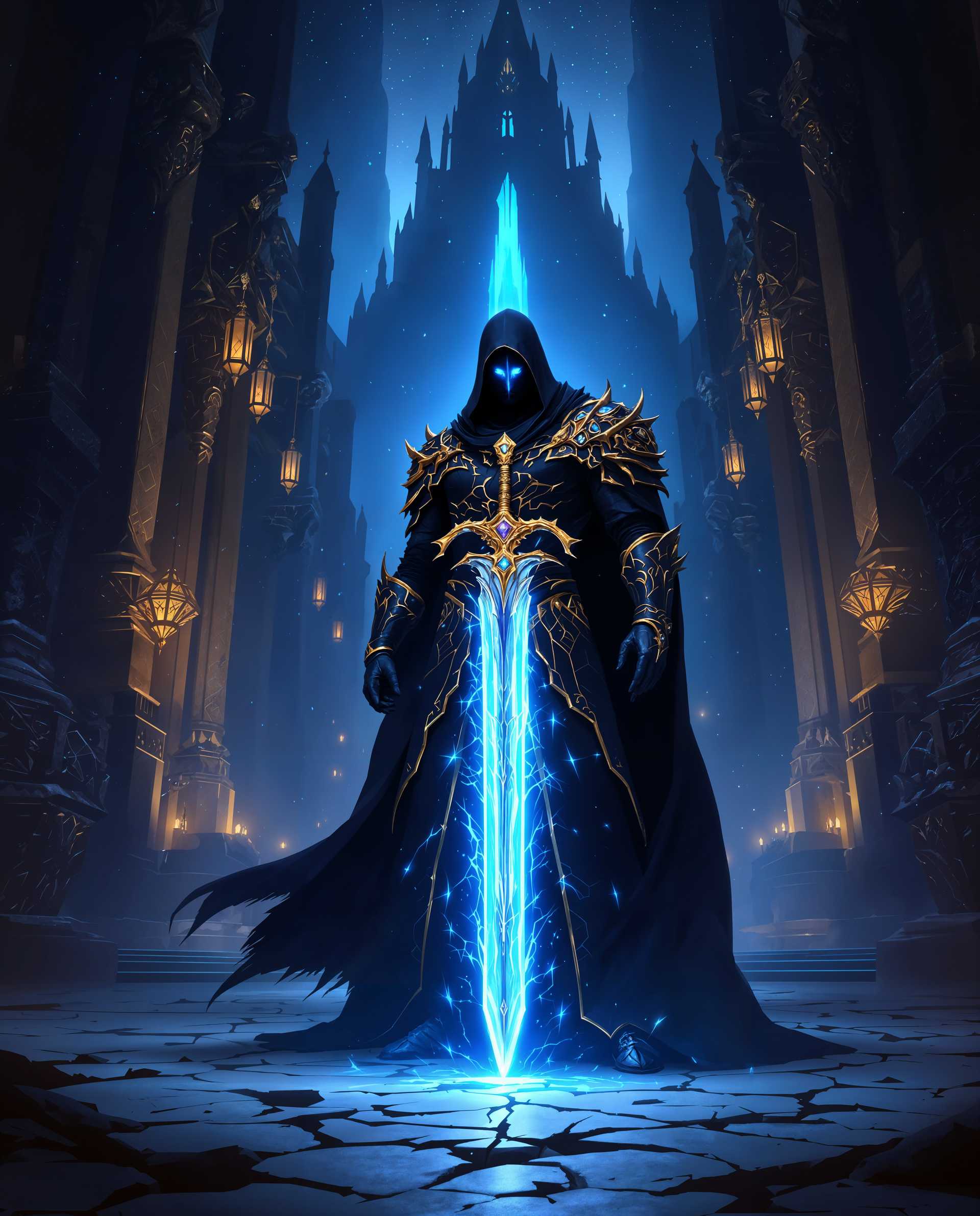
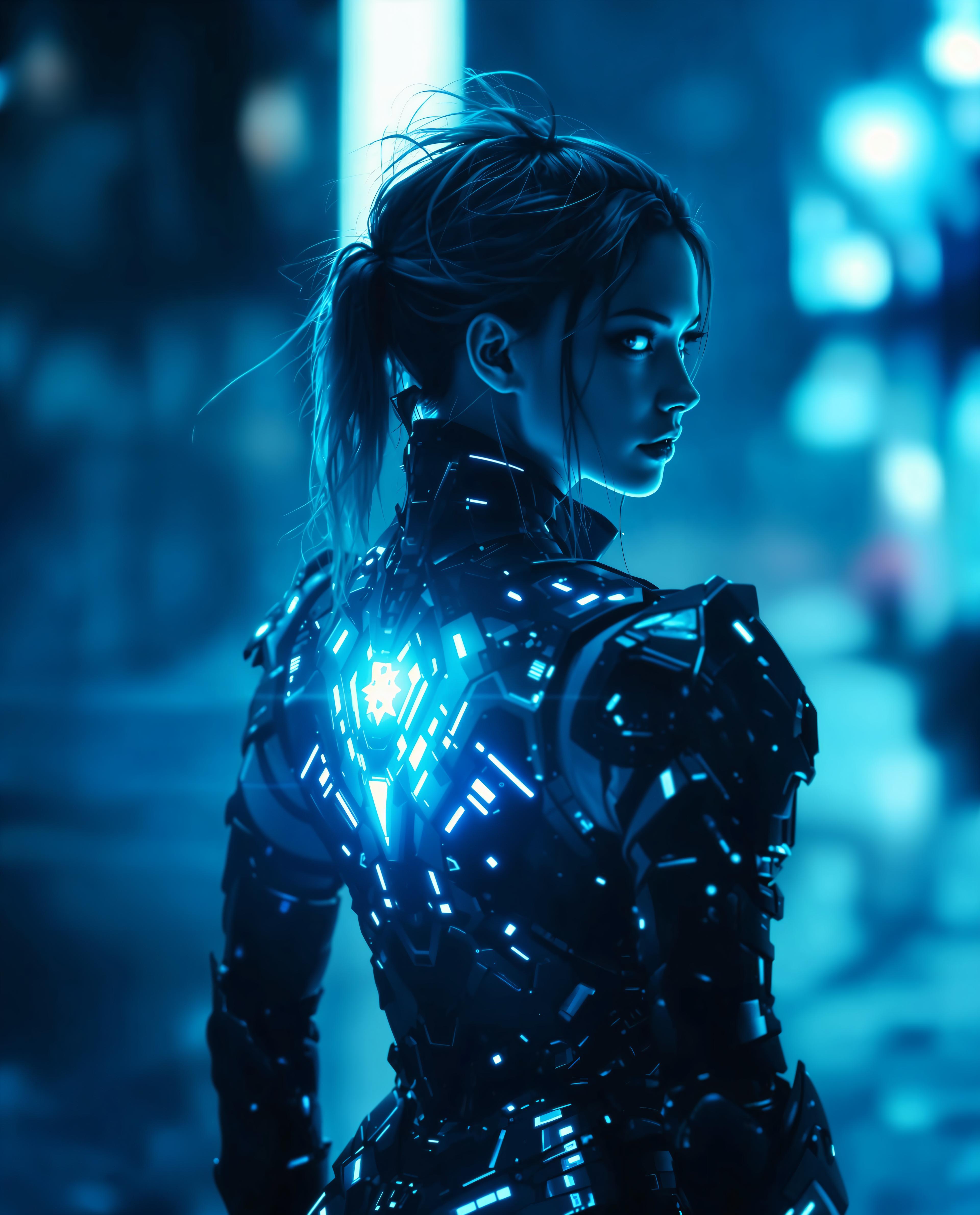

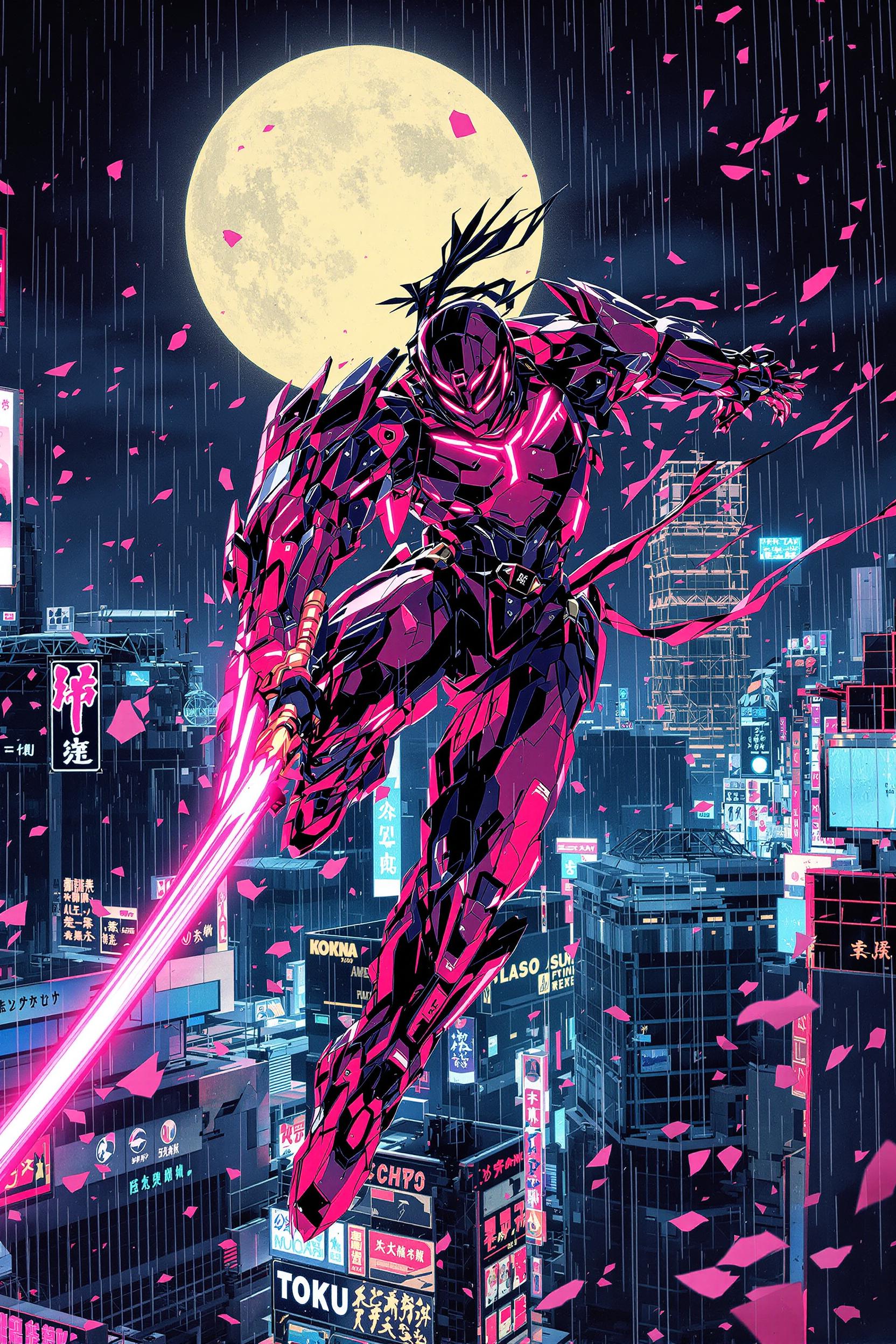

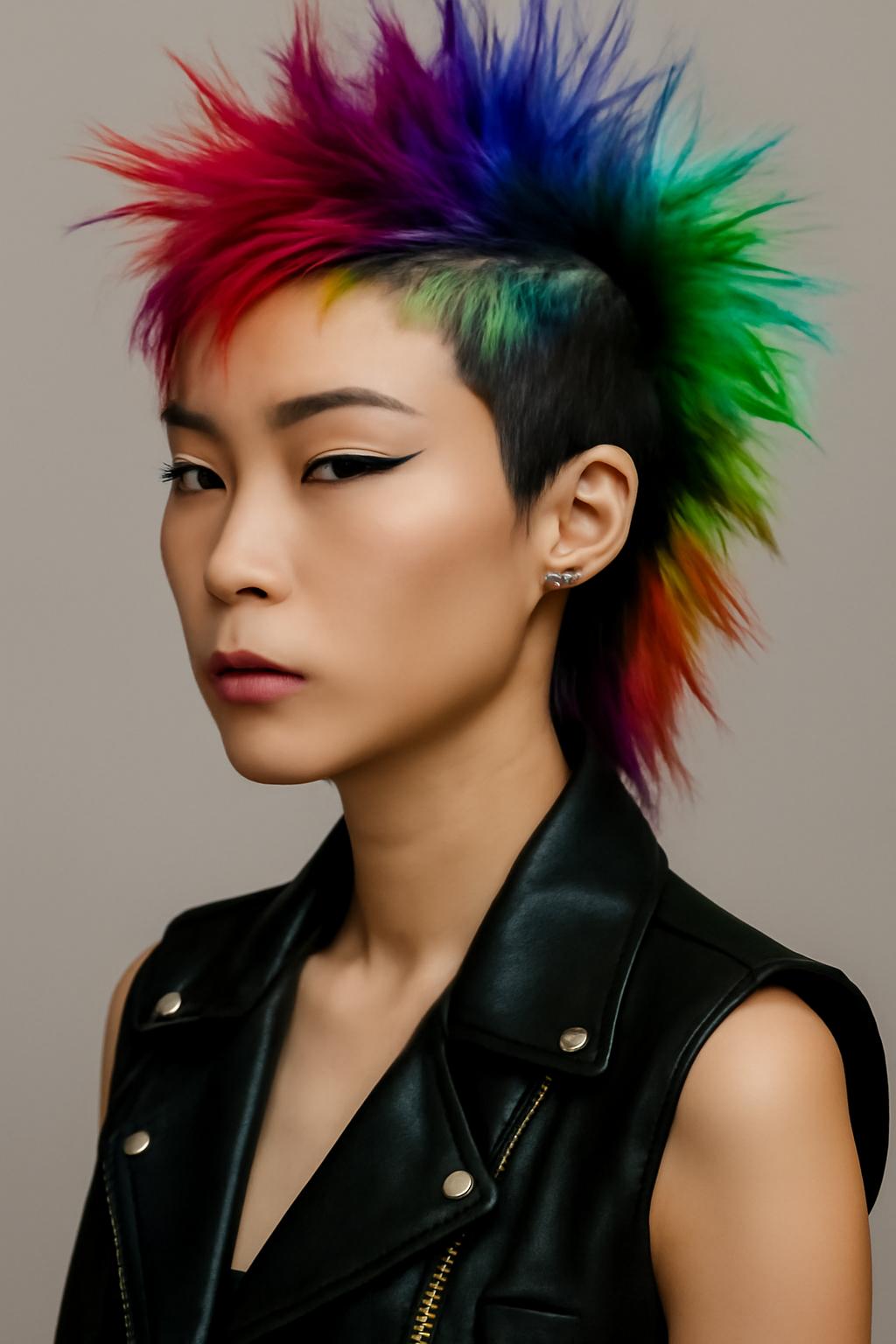





The Pixel Dojo Advantage
Why choose Gemini 2.5 Flash over other image editing methods?
| Others | Pixel Dojo |
|---|---|
| Traditional Photo Editing Software | No need for complex tools or technical skills; edit images using simple text commands. |
| Generic AI Image Editors | Achieve more accurate and context-aware edits with Gemini 2.5 Flash's advanced AI capabilities. |
| Manual Editing Services | Save time and resources by making instant edits without relying on external services. |
Loved by Creators
See what our community says about gemini 2.5 flash image conversational editing
"Gemini 2.5 Flash has revolutionized how I edit photos. The conversational interface is a game-changer."
Alex Johnson
Professional Photographer
"I was amazed at how easily I could make complex edits without any prior experience. Highly recommend!"
Samantha Lee
Marketing Specialist
Common Questions
Everything you need to know about gemini 2.5 flash image conversational editing AI generation
How does Gemini 2.5 Flash's conversational editing work?
Gemini 2.5 Flash allows you to edit images by simply describing the changes you want in natural language. The AI interprets your instructions and applies the edits accordingly.
Can I use Gemini 2.5 Flash for free?
Yes, Gemini 2.5 Flash offers a free trial with access to all features. You can explore its capabilities without any initial commitment.
Is technical expertise required to use Gemini 2.5 Flash?
No, Gemini 2.5 Flash is designed for users of all skill levels. Its intuitive interface and conversational editing make it accessible to everyone.
Can I edit multiple images simultaneously?
Yes, Gemini 2.5 Flash supports batch editing, allowing you to apply the same edits to multiple images at once.
Does Gemini 2.5 Flash support high-resolution images?
Absolutely. Gemini 2.5 Flash maintains the quality of your images, even at high resolutions, ensuring professional results.
Is my data secure with Gemini 2.5 Flash?
Yes, Gemini 2.5 Flash prioritizes user privacy and data security, implementing robust measures to protect your information.