GPT Image 1.5 cartoon styles AI Generator
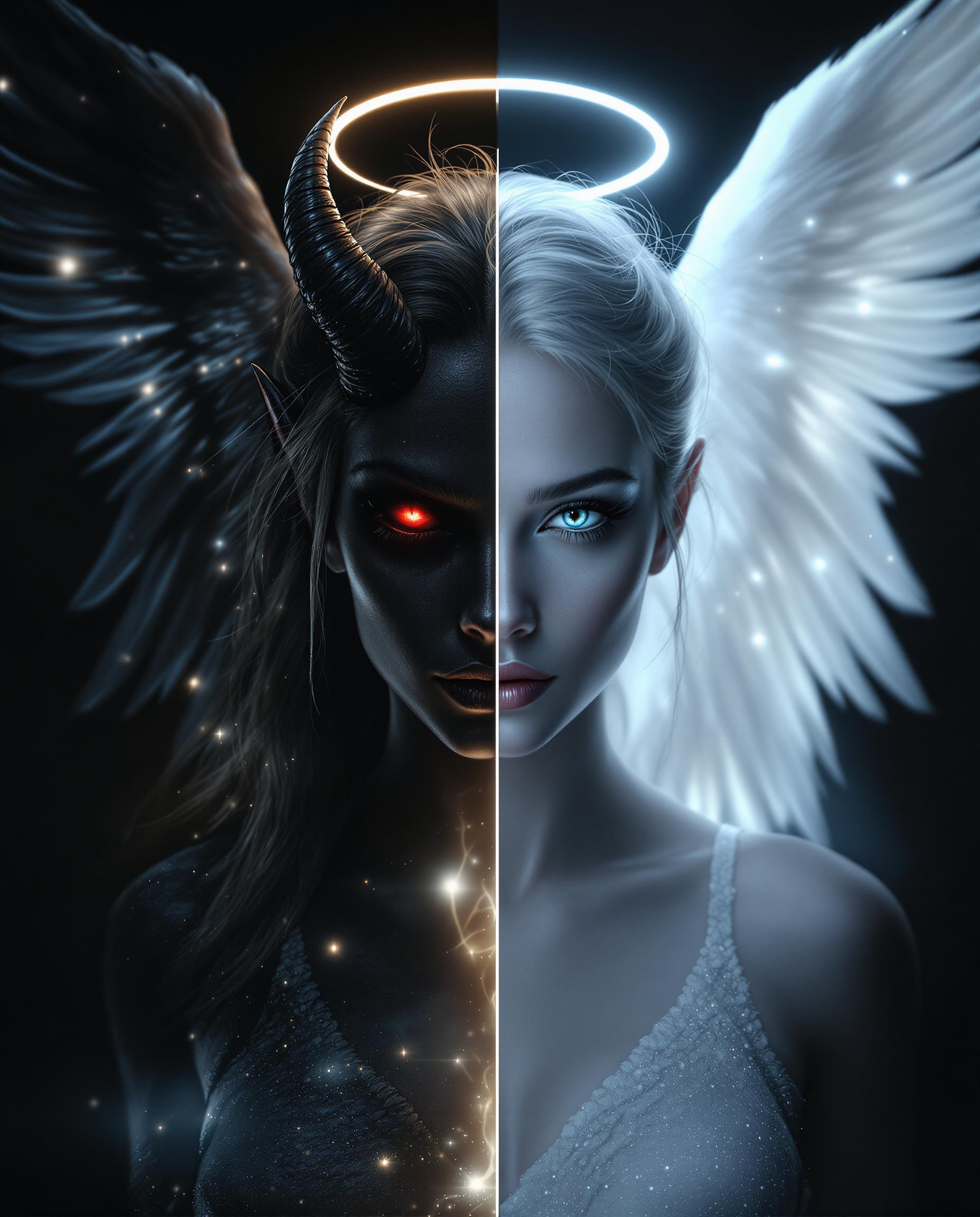
Imagine transforming your wildest ideas into vibrant, eye-catching cartoon characters and scenes in seconds – no drawing skills required. With PixelDojo's GPT Image 1.5 cartoon styles, you get professional-quality cartoons perfect for social media posts, marketing campaigns, storybooks, or just pure fun. You'll captivate audiences with exaggerated expressions, bold colors, and playful animations that stand out anywhere. Whether you're a content creator boosting engagement or a parent making custom kids' illustrations, this tool delivers results that wow, helping you save hours while sparking creativity like never before.
Trusted by 50,000+ creators | 4.9/5 stars from 12k+ reviews | 1M+ cartoon images generated last month | Featured in top design blogs
Why Choose Pixel Dojo for GPT Image 1.5 cartoon styles
Professional-quality results with cutting-edge AI technology
Captivate Your Audience Instantly
Produce vibrant cartoon visuals that grab attention on Instagram, TikTok, or YouTube, driving likes, shares, and followers with styles from whimsical Disney vibes to edgy comic book looks using GPT Image 1.5.
Save Time on Custom Creations
Skip hiring illustrators or endless sketching – generate tailored cartoon characters, scenes, and logos in moments, freeing you to focus on your business or passion projects with PixelDojo's seamless workflow.
Achieve Pro Results Effortlessly
Refine your cartoons with integrated tools like Style Transfer or Inpainting to match any vision perfectly, ensuring every image looks polished and ready for print, web, or merch without expert skills.
How It Works
Creating cartoon styles with GPT Image 1.5 on PixelDojo is as simple as typing a description. Follow these steps to go from idea to downloadable art in under a minute.
Step 1: Choose Your Tool
Head to PixelDojo's Create Images section and select GPT Image 1.5. This powerhouse excels at cartoon generation with trends like hyper-vibrant palettes, exaggerated features, and fluid linework inspired by latest 2024 techniques such as Pixar-inspired shading and anime cel effects.
Step 2: Enter Your Prompt
Type a detailed prompt like 'adorable cartoon superhero flying over city skyline, bold outlines, saturated colors, in the style of modern Looney Tunes meets Studio Ghibli.' Add parameters for aspect ratio or seed for consistency, leveraging GPT Image 1.5's advanced understanding of cartoon trends like dynamic poses and whimsical backgrounds.
Step 3: Customize & Download
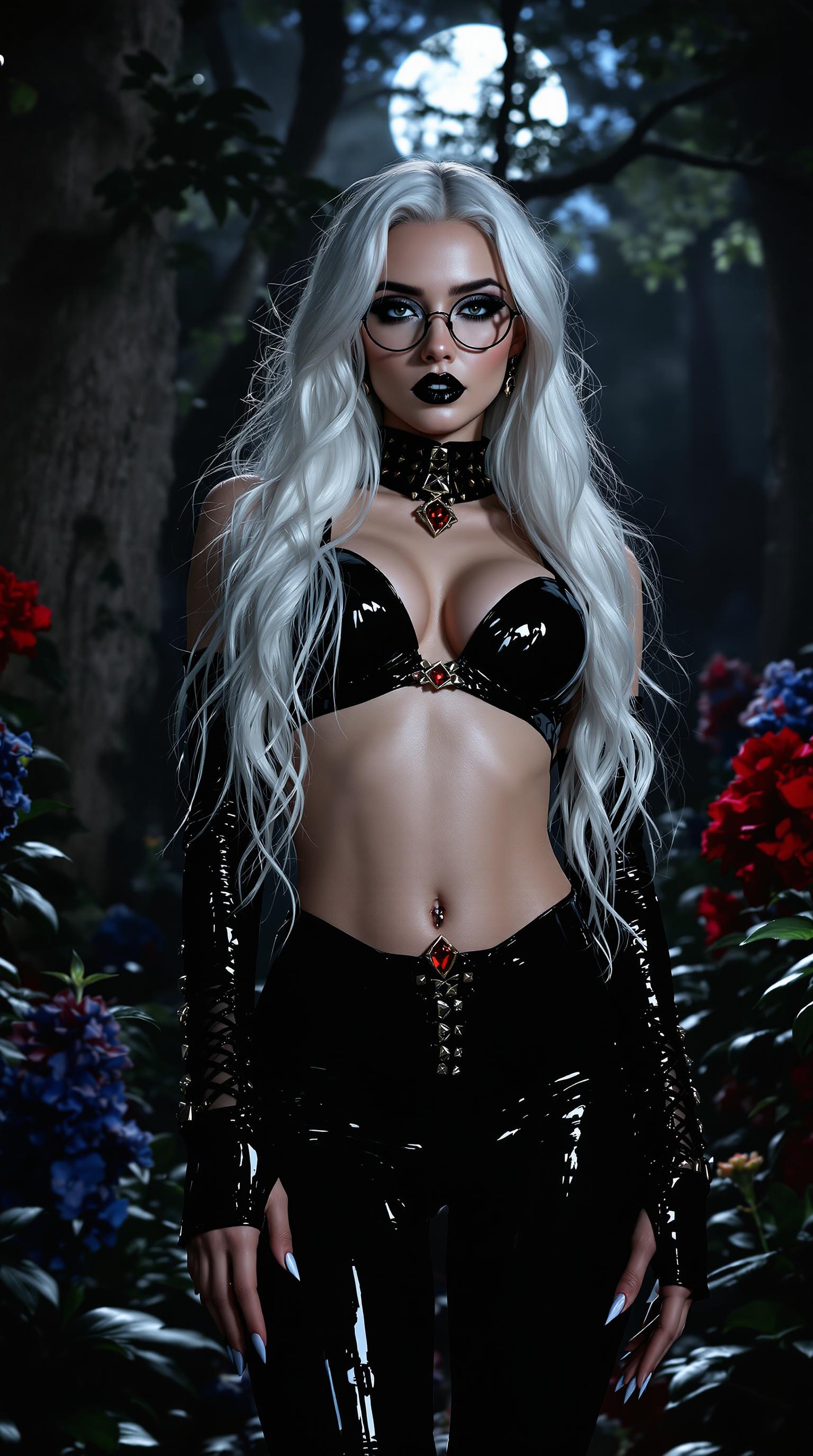
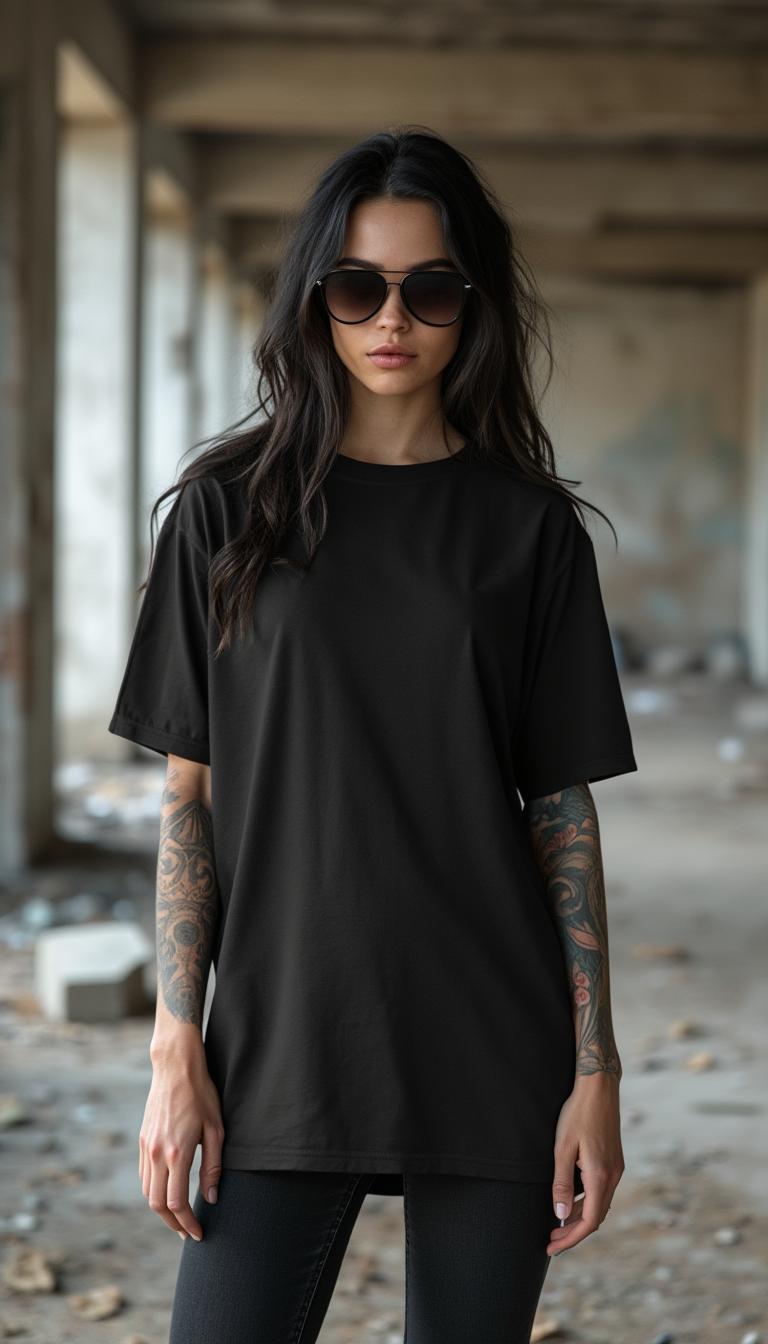
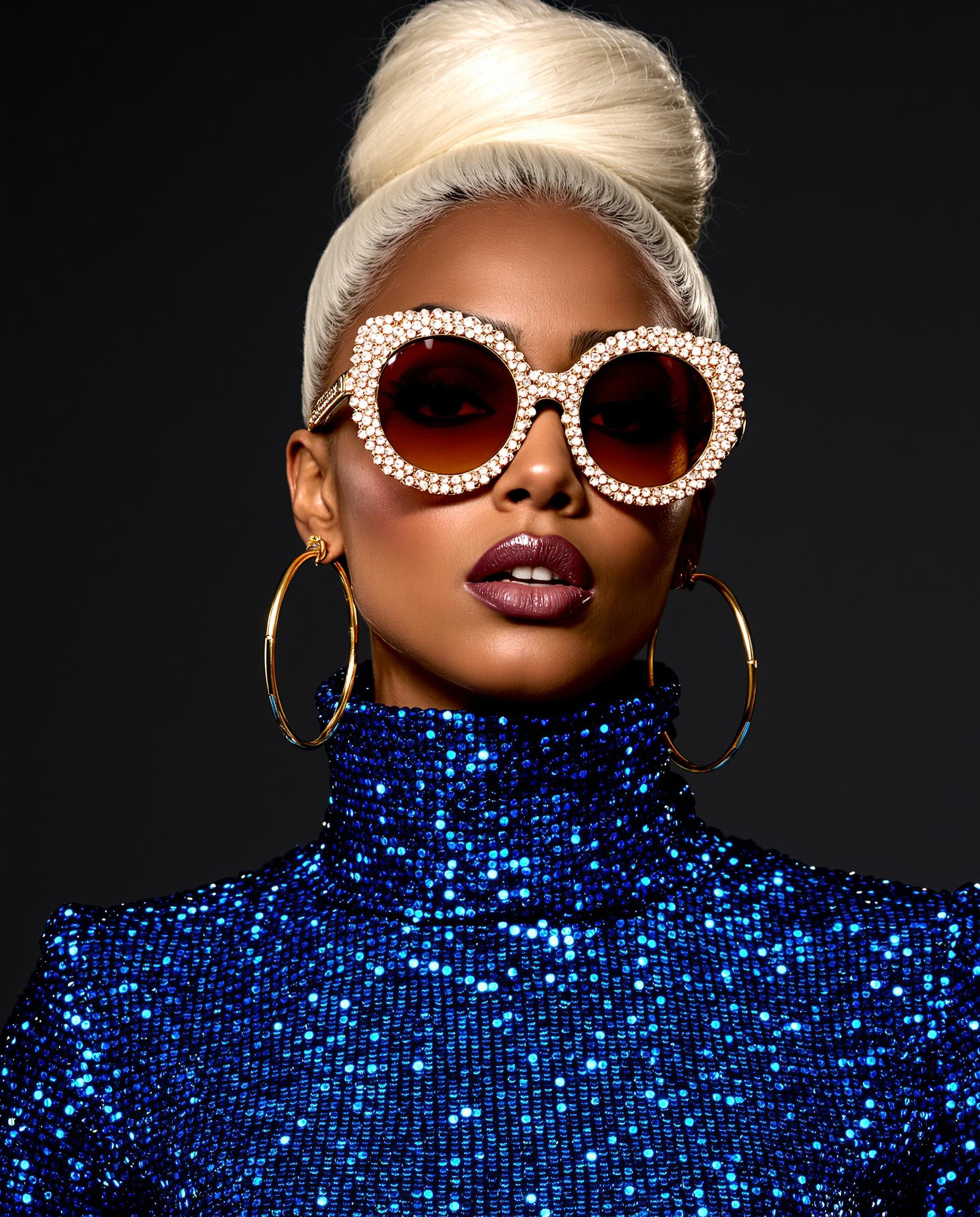
Generate, then enhance with PixelDojo tools: use Image to Image for tweaks, Style Transfer for variant looks, or Creative Upscaler for high-res. Download your HD cartoon ready for use – iterate fast with unlimited previews.
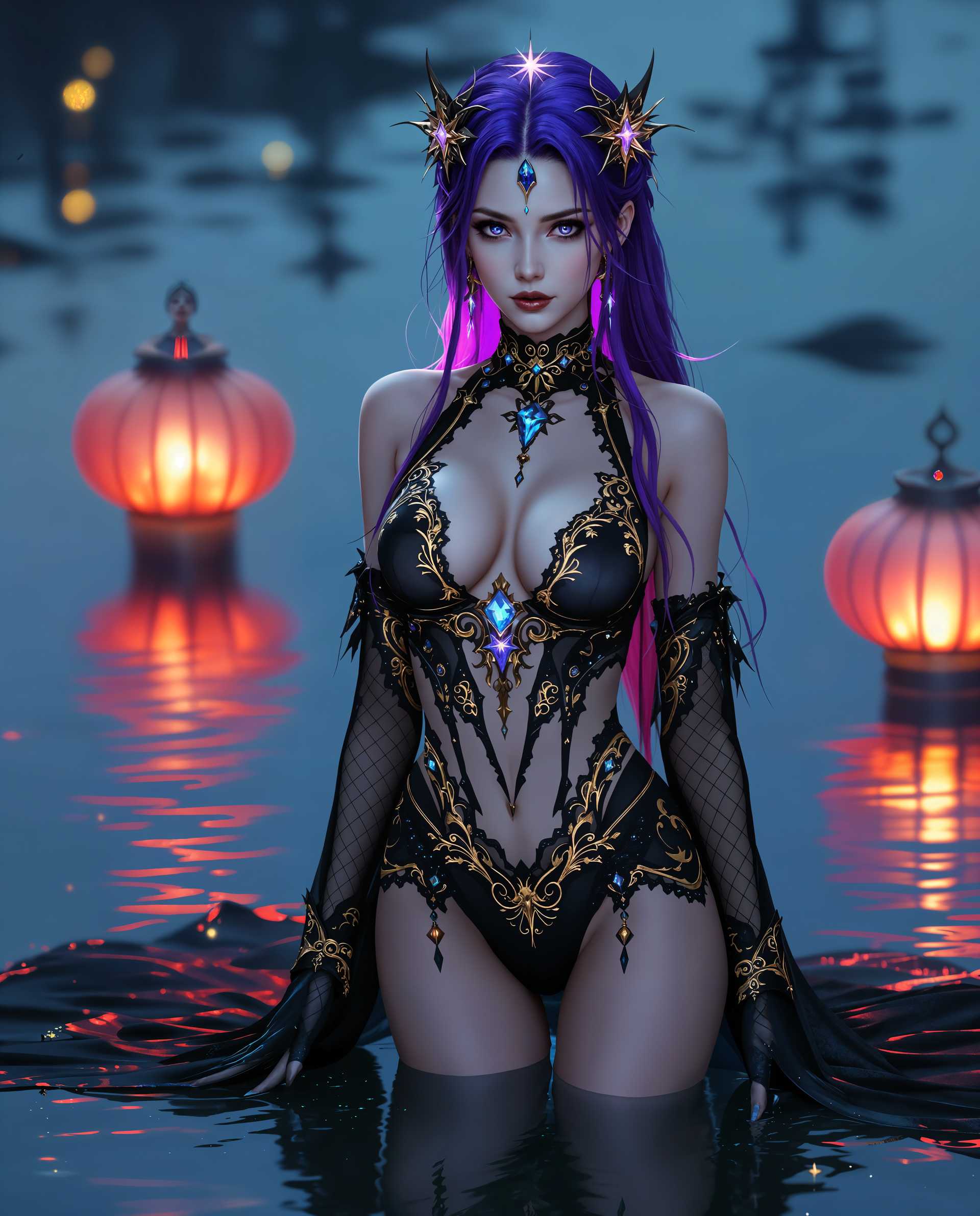
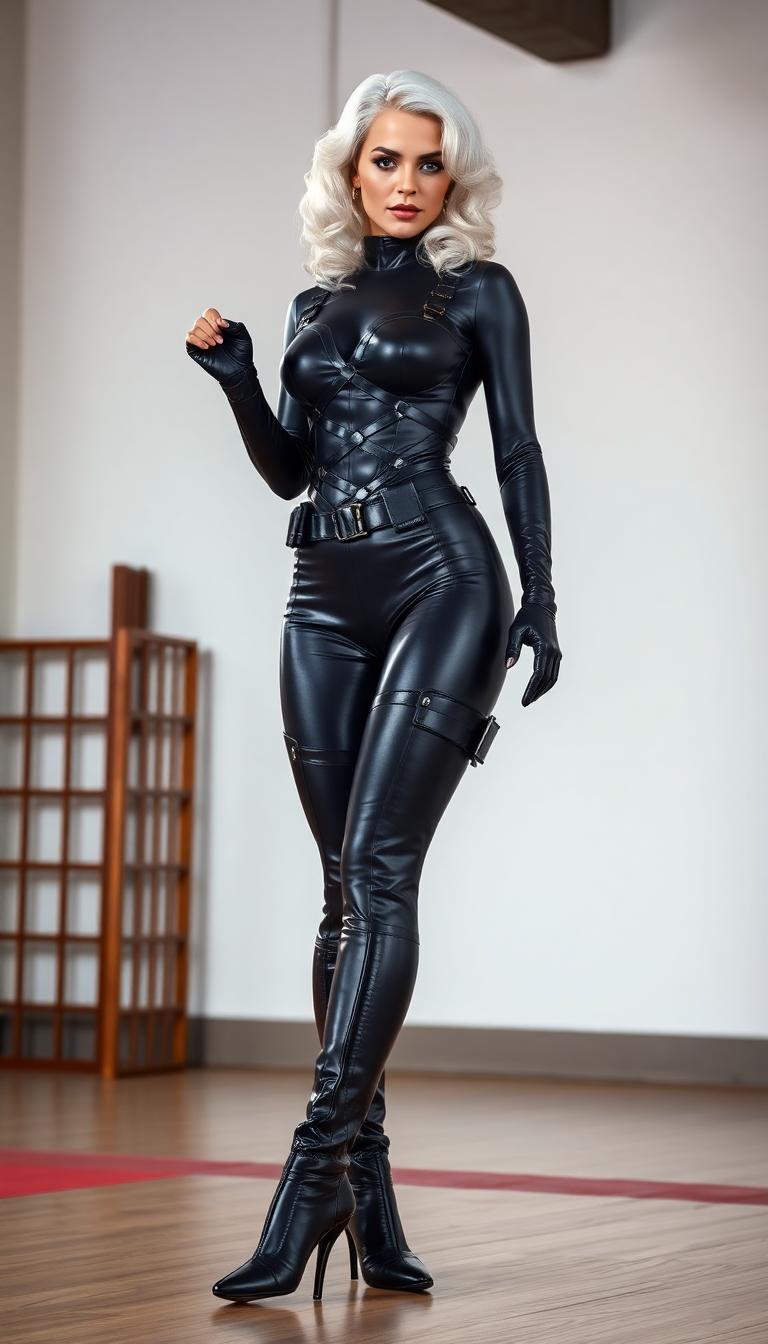
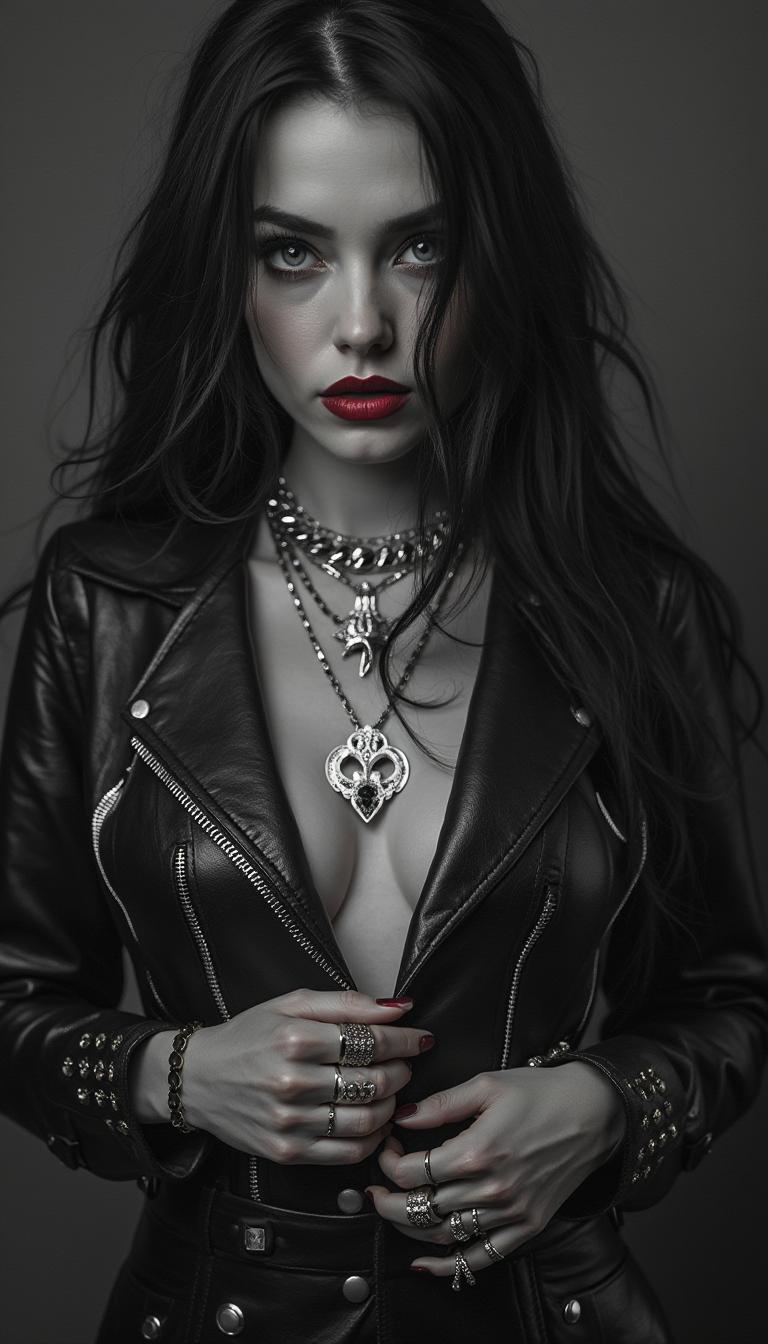
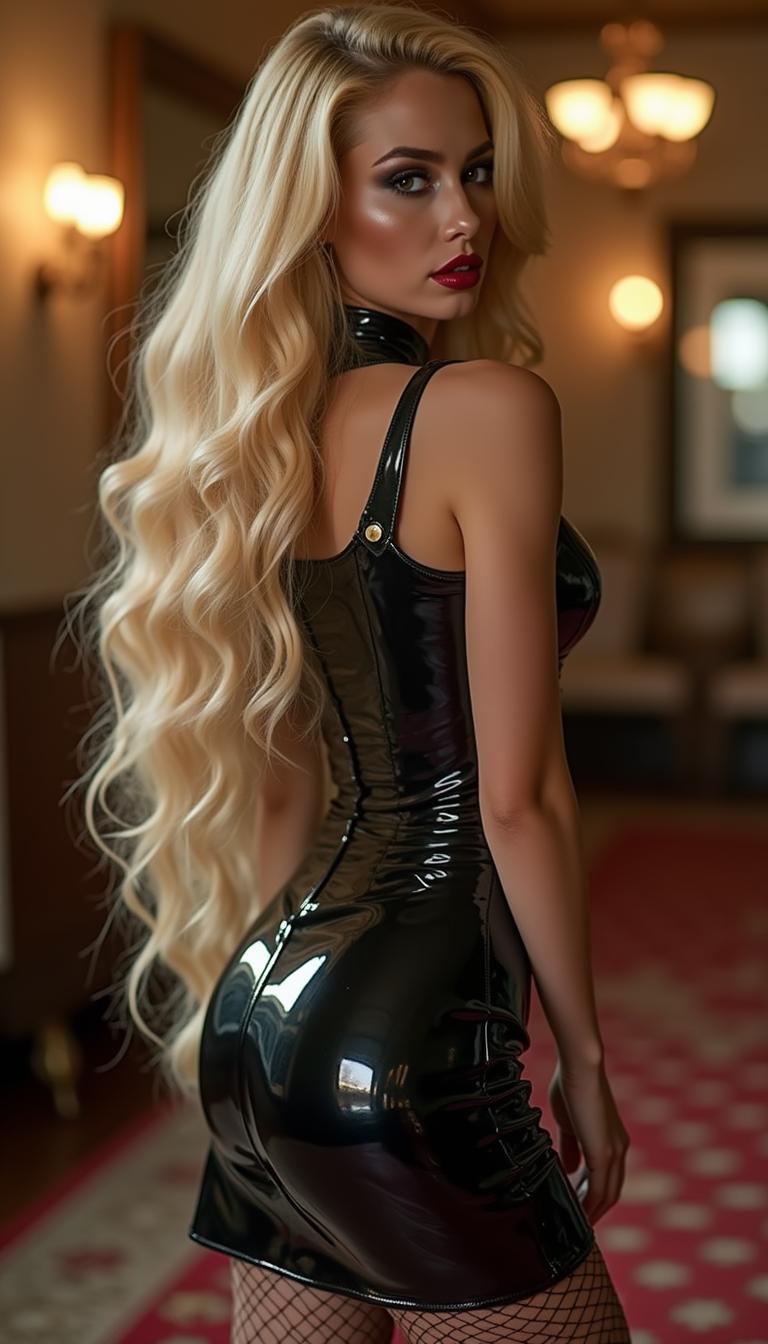
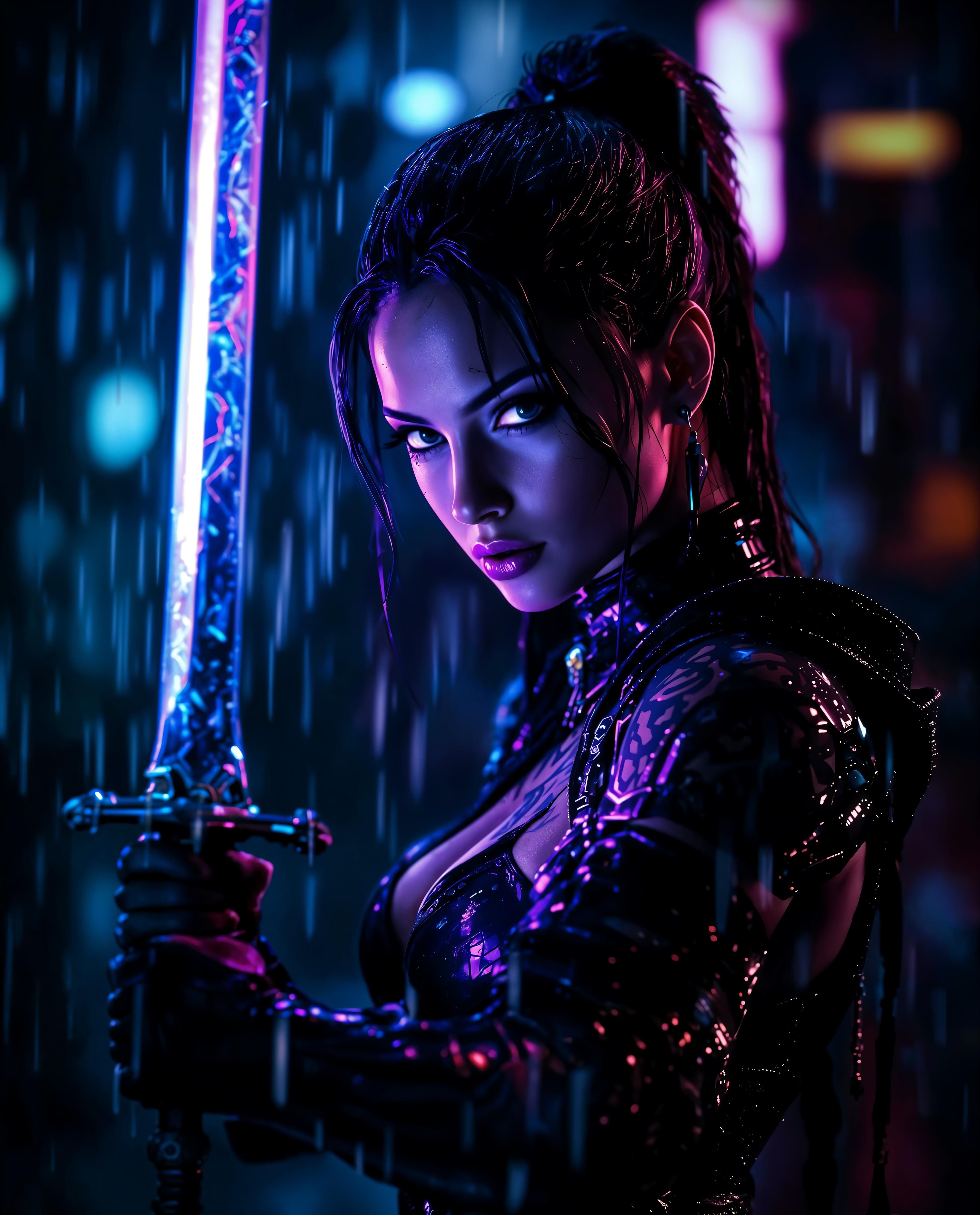
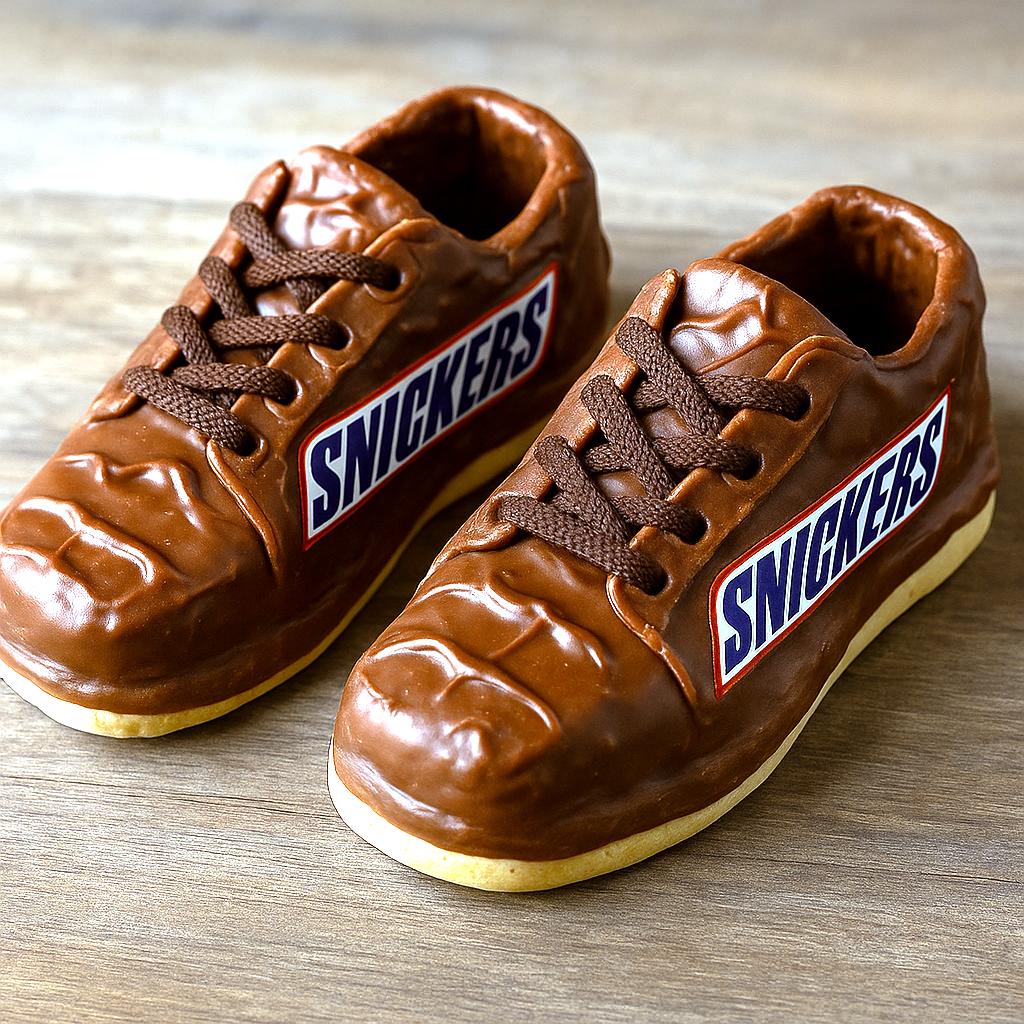
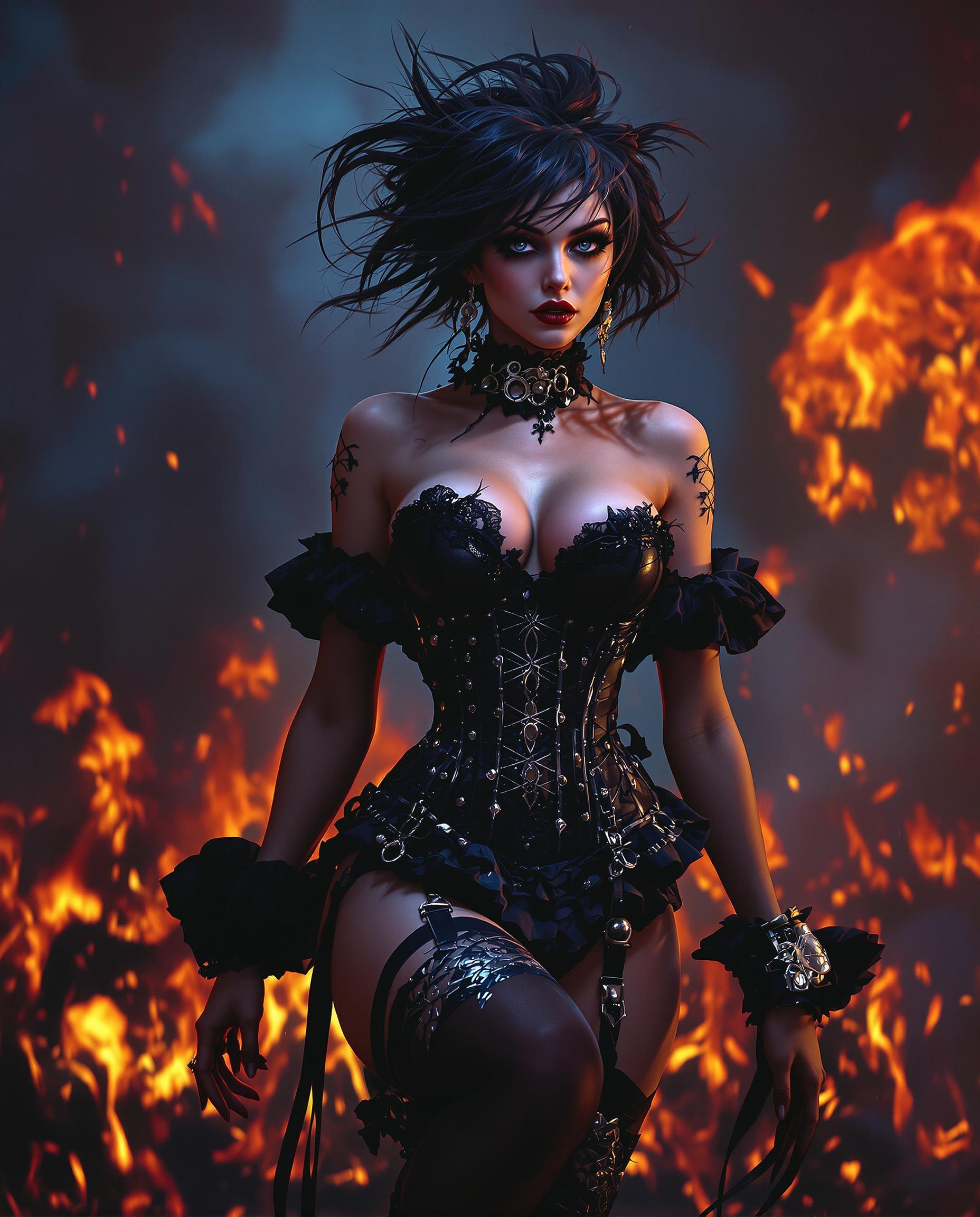
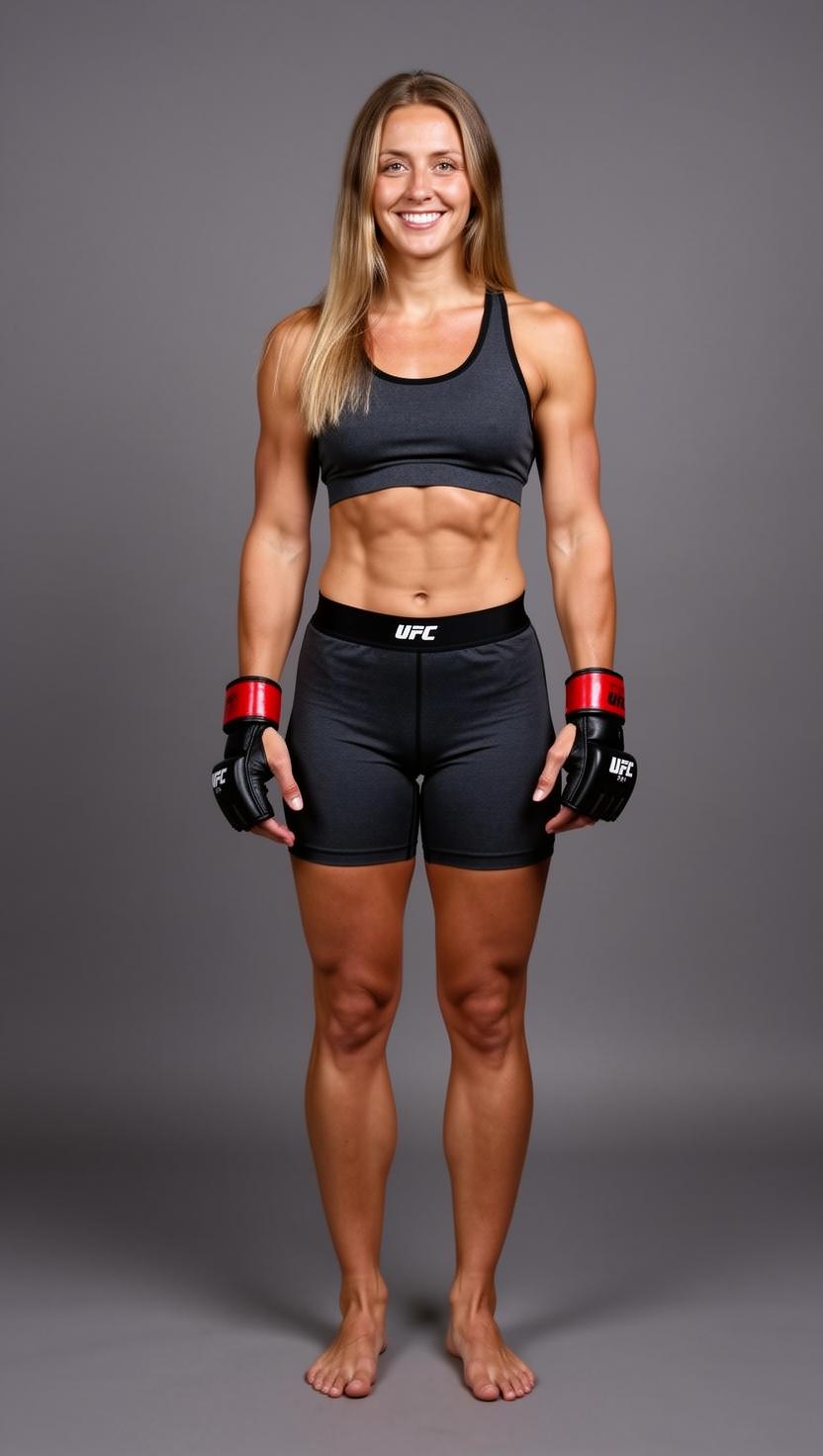
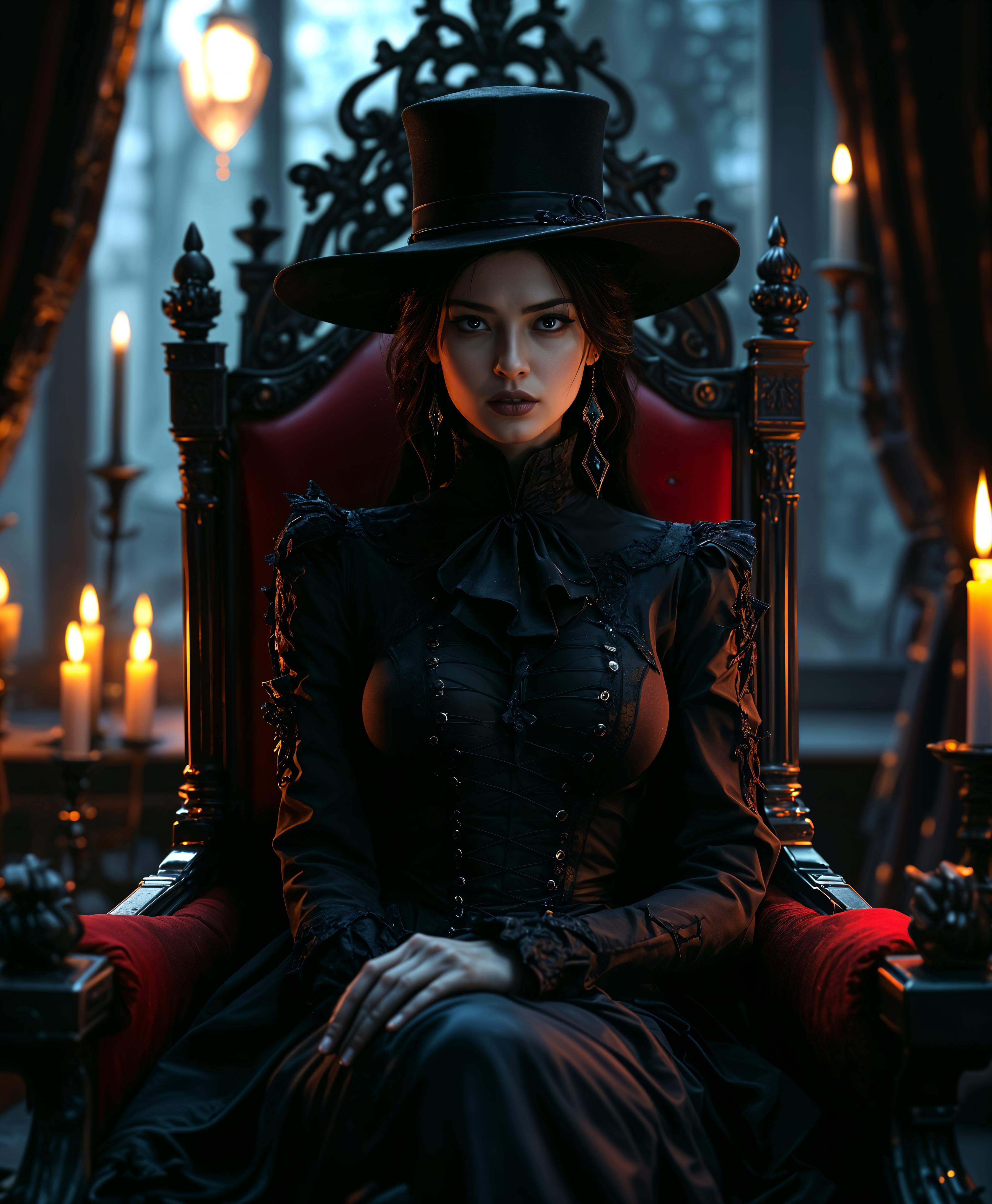
![An [panorama] digital illustration (sci-fi) drawing masterpiece, intricate details and the best quality art by, (petrus van schendel) (Hans Larwin) and (dorian cleavenger) with (luis royo), (tali zorah), mass effect, tight suit, opaque visor, full dressed, hourglass figure, wide hips, slim, skinny, narrow waist, long skinny legs, drunk, fuzzy, sitting on a bar bar stool, holding a drink with a drinking straw, sci-fi, futuristic modern cyberpunk bar, sterile, clean](https://cdn.pixeldojo.ai/cdn-cgi/image/f=auto,q=75,w=3840/pixeldojo/generated-images/1763386593533-8hv9qup5m.png)
The Pixel Dojo Advantage
Why PixelDojo outperforms other options for GPT Image 1.5 cartoon style image generation
| Others | Pixel Dojo |
|---|---|
| Traditional cartoon creation | Ditch weeks of drawing and revisions – get instant, customizable cartoons with GPT Image 1.5 that match your exact vision, saving thousands in artist fees. |
| Generic AI tools | Access specialized GPT Image 1.5 tuned for cartoons plus 20+ editors like Inpainting and Background Remover, delivering superior consistency and quality no basic generator can match. |
| Manual photo editing | Transform any photo into cartoons via Image to Image without Photoshop hassles – achieve flawless results in clicks, not hours, with pro cartoon stylization. |
Loved by Creators
See what our community says about GPT Image 1.5 cartoon styles
"GPT Image 1.5 cartoons exploded my social media game – vibrant, fun designs that get 10x engagement. PixelDojo's editing tools make perfection effortless!"
Sarah Jenkins
Social Media Manager
"As a kids' book author, I create custom cartoon illustrations daily with GPT Image 1.5. Consistent characters across pages? Game-changer. Highly recommend PixelDojo!"
Mike Rodriguez
Children's Book Illustrator
Common Questions
Everything you need to know about GPT Image 1.5 cartoon styles AI generation
How do I generate cartoon styles with GPT Image 1.5 on PixelDojo?
Simply select GPT Image 1.5 from Create Images, input a prompt emphasizing cartoon elements like 'vibrant cartoon cat adventurer, exaggerated eyes, bold lines,' generate, and refine with tools like Style Transfer or Magic Lighting for pro results. It's optimized for 2024 trends including chibi styles and vector-like sharpness.
What are the best prompts for GPT Image 1.5 cartoon styles?
Craft prompts with specifics: 'playful cartoon robot in cyberpunk city, Pixar shading, saturated colors, dynamic angle.' Include artists like 'in the style of Hayao Miyazaki' or techniques like 'cel animation look' – GPT Image 1.5 handles these flawlessly, producing trends like hybrid 3D-2D cartoons.
Can I create consistent cartoon characters with GPT Image 1.5?
Yes! Use the Consistent Characters tool alongside GPT Image 1.5 to maintain faces, outfits, and poses across images. Perfect for comics or animations – combine with Pose Control for sequences that look professionally drawn.
How to edit GPT Image 1.5 cartoon images on PixelDojo?
Post-generation, apply Image to Image for variations, Inpainting to fix details, Background Remover for clean composites, or Creative Upscaler for 4K prints. These tools ensure your cartoons are versatile for merch, ads, or social without extra software.
Is GPT Image 1.5 good for anime or comic book cartoon styles?
Absolutely – it excels at anime with prompts like 'detailed anime girl warrior, sharp lines, dramatic lighting' or comics via 'gritty superhero panel, ink outlines, halftone dots.' Latest updates support hyper-realistic cartoons blending live-action influences seamlessly.
What makes PixelDojo's GPT Image 1.5 cartoon generator better for beginners?
No skills needed: intuitive prompts yield stunning results, plus free Usage Report tracks your creations. With 40+ tools like Flux.1 Studio for backups and cancel-anytime subs, you experiment risk-free and scale to pro-level cartoon art quickly.