GPT Image 1.5 multi-style rendering AI Generator
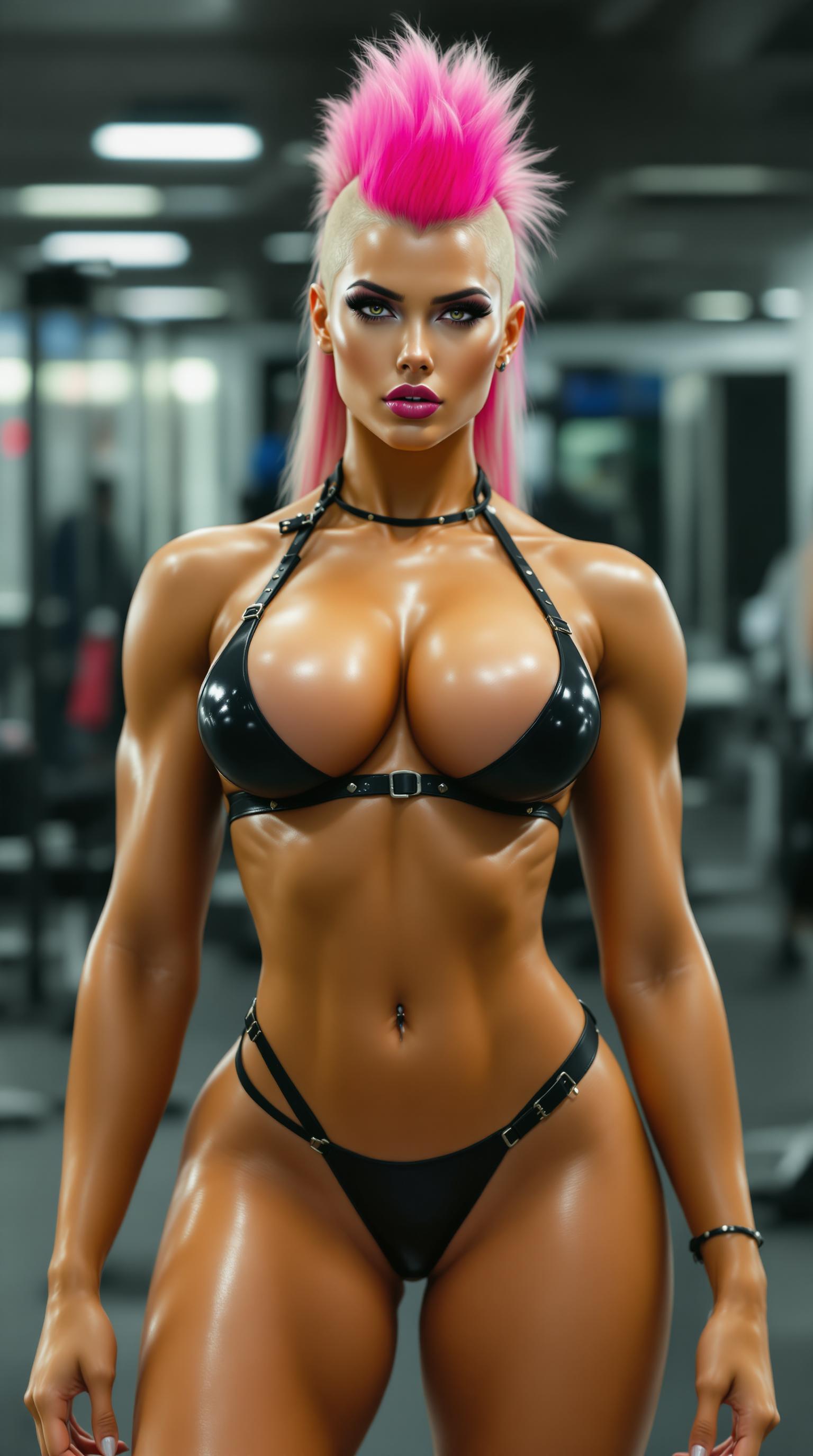
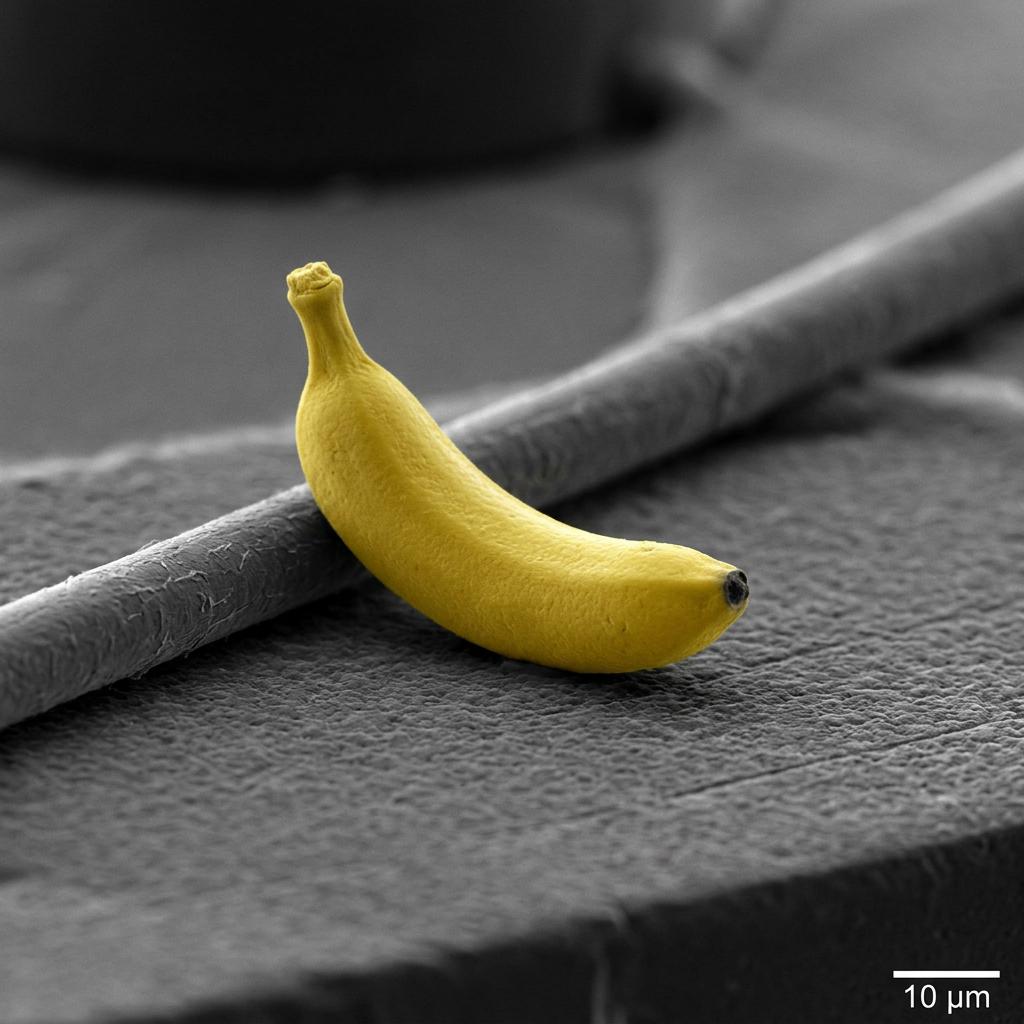
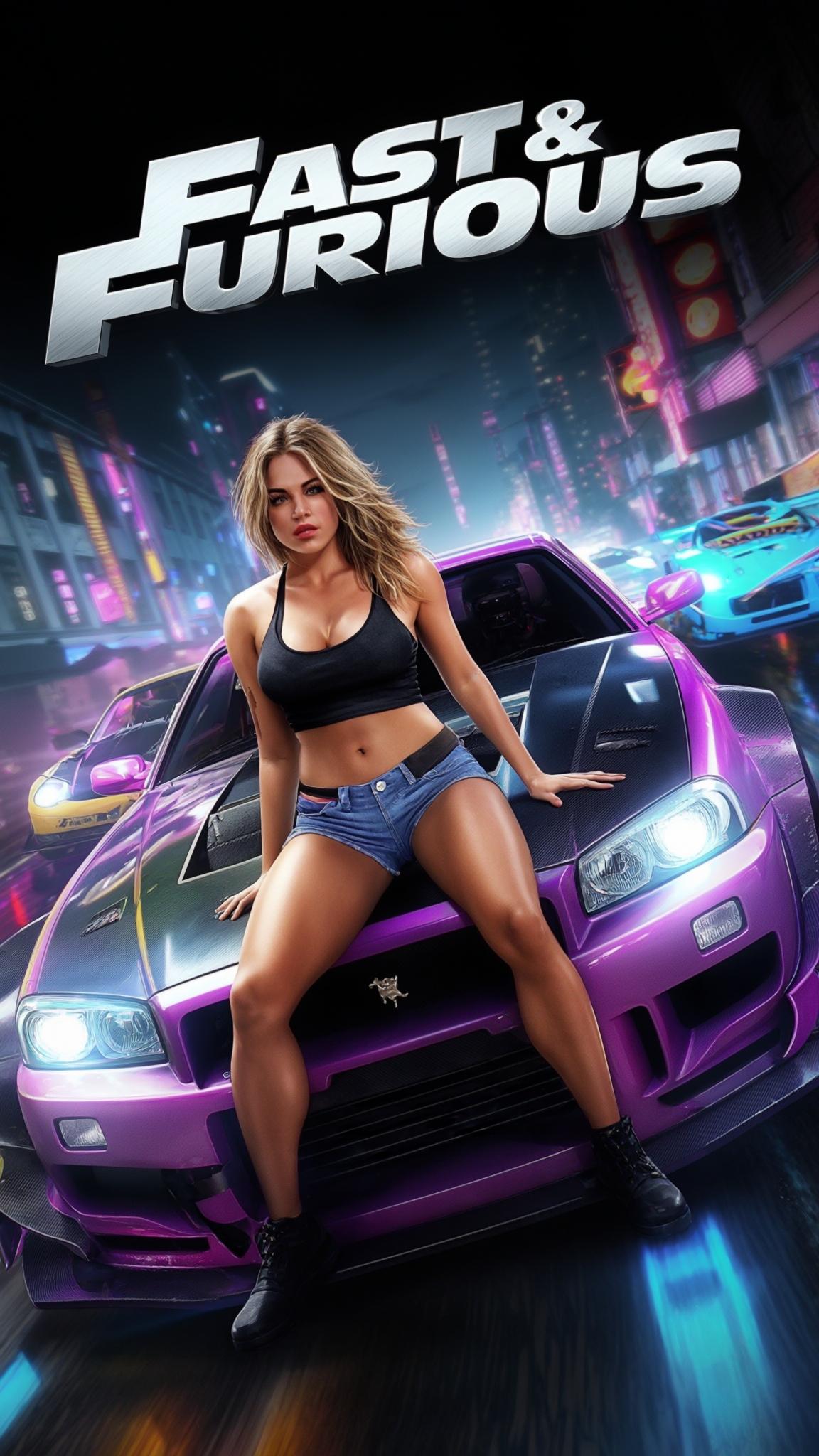
Unlock your creative potential with GPT Image 1.5 on PixelDojo. Effortlessly generate high-quality images in a multitude of styles, from photorealistic to anime, tailored to your unique vision. Whether you're a designer, marketer, or content creator, our AI-powered tool empowers you to bring your ideas to life with precision and ease.

Join over 10,000 satisfied creators who have generated more than 1 million images using PixelDojo's cutting-edge AI tools.
Why Choose Pixel Dojo for GPT Image 1.5 multi-style rendering
Professional-quality results with cutting-edge AI technology
Diverse Style Options
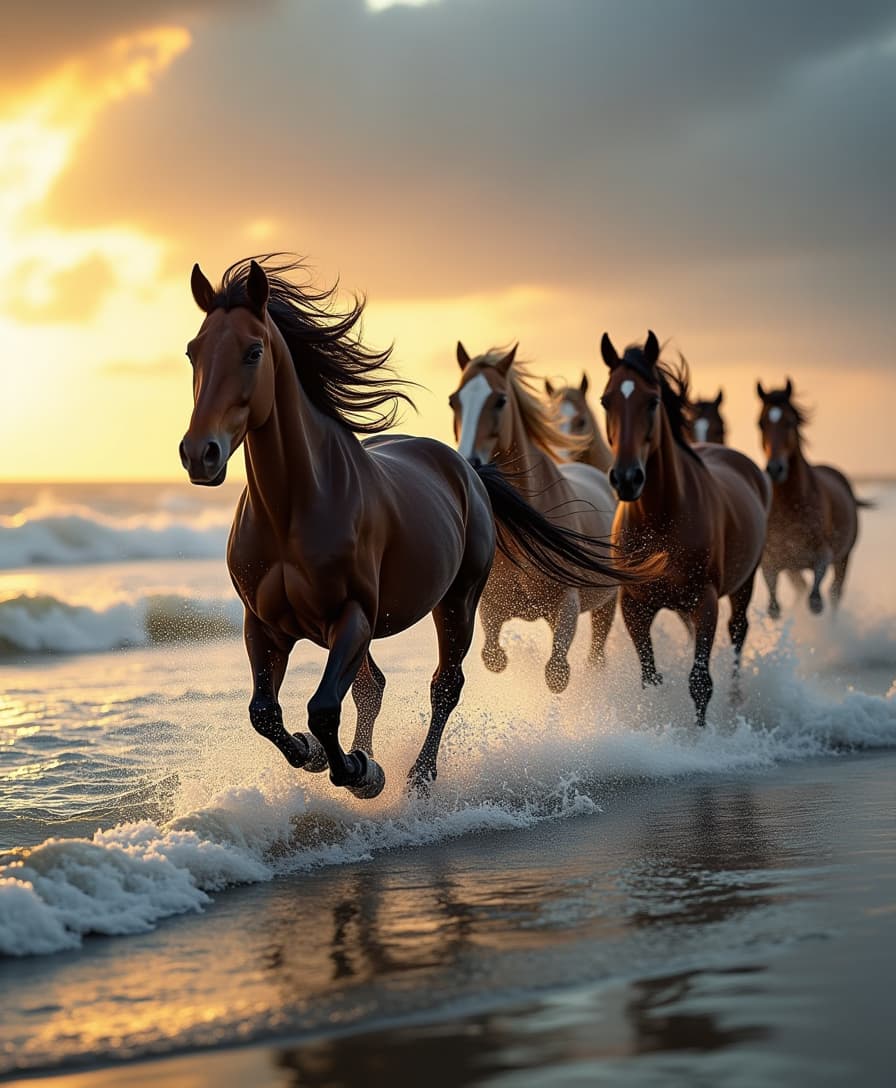
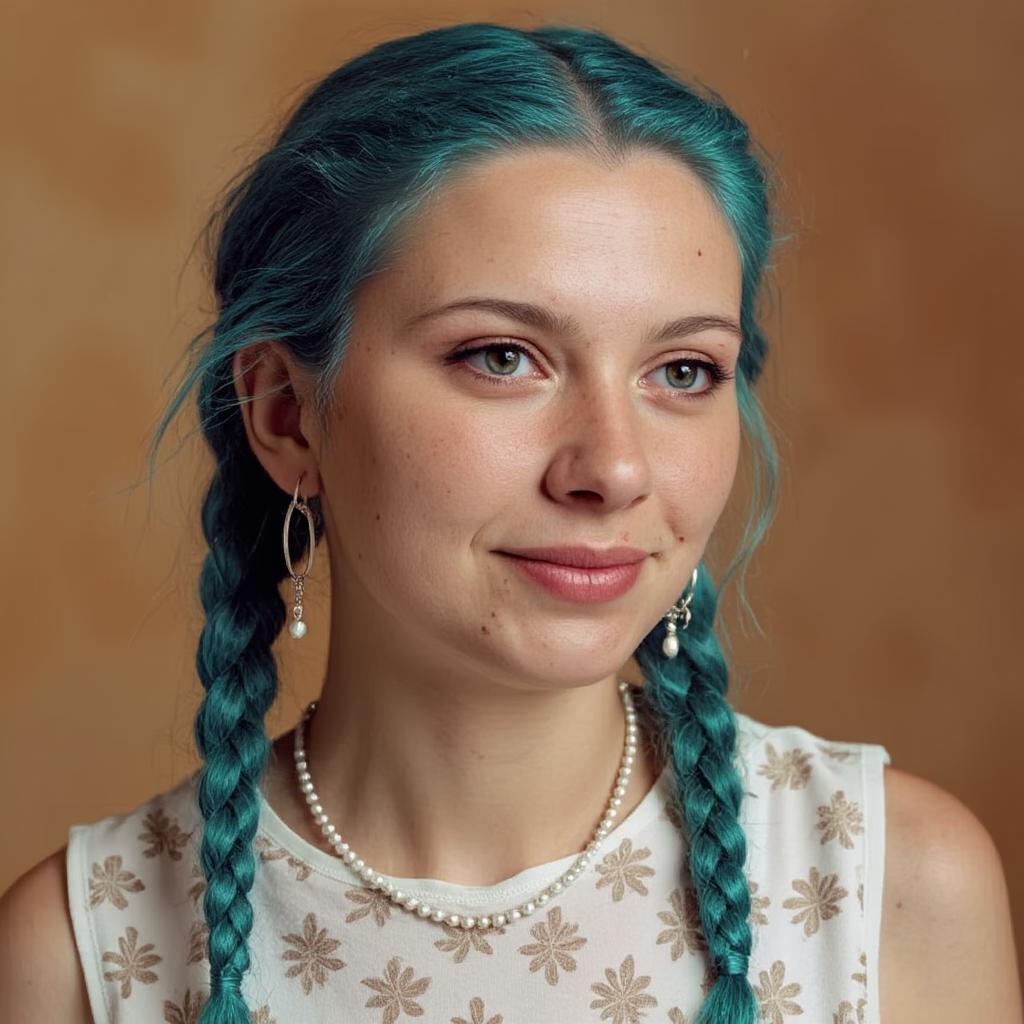
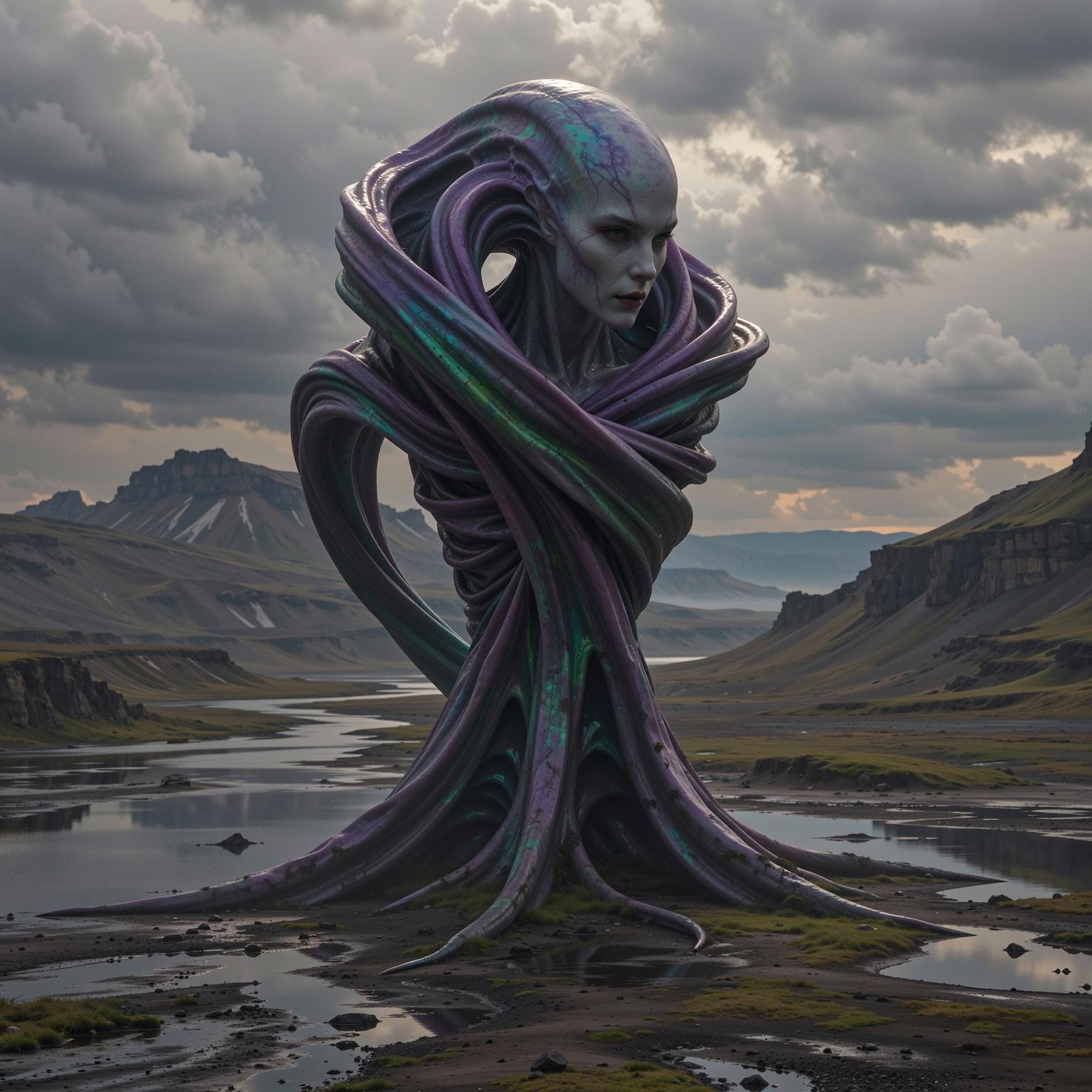
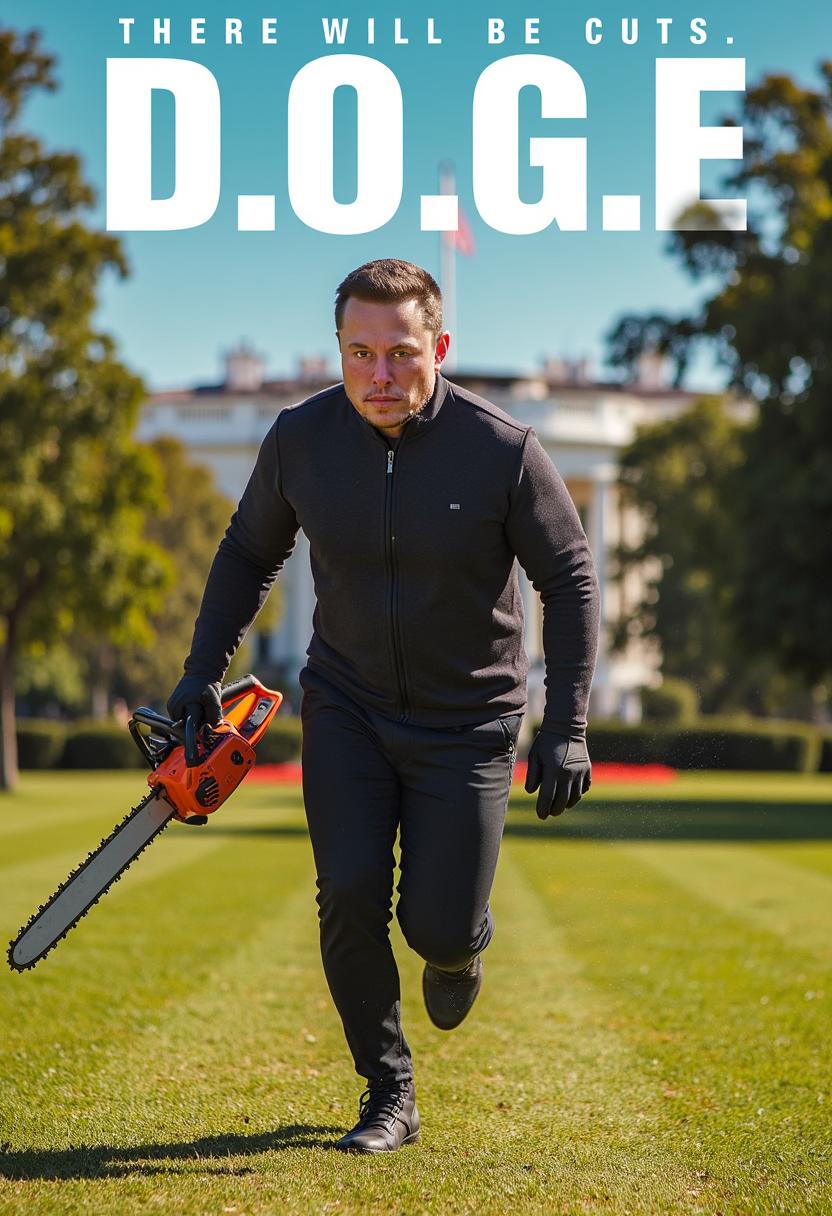
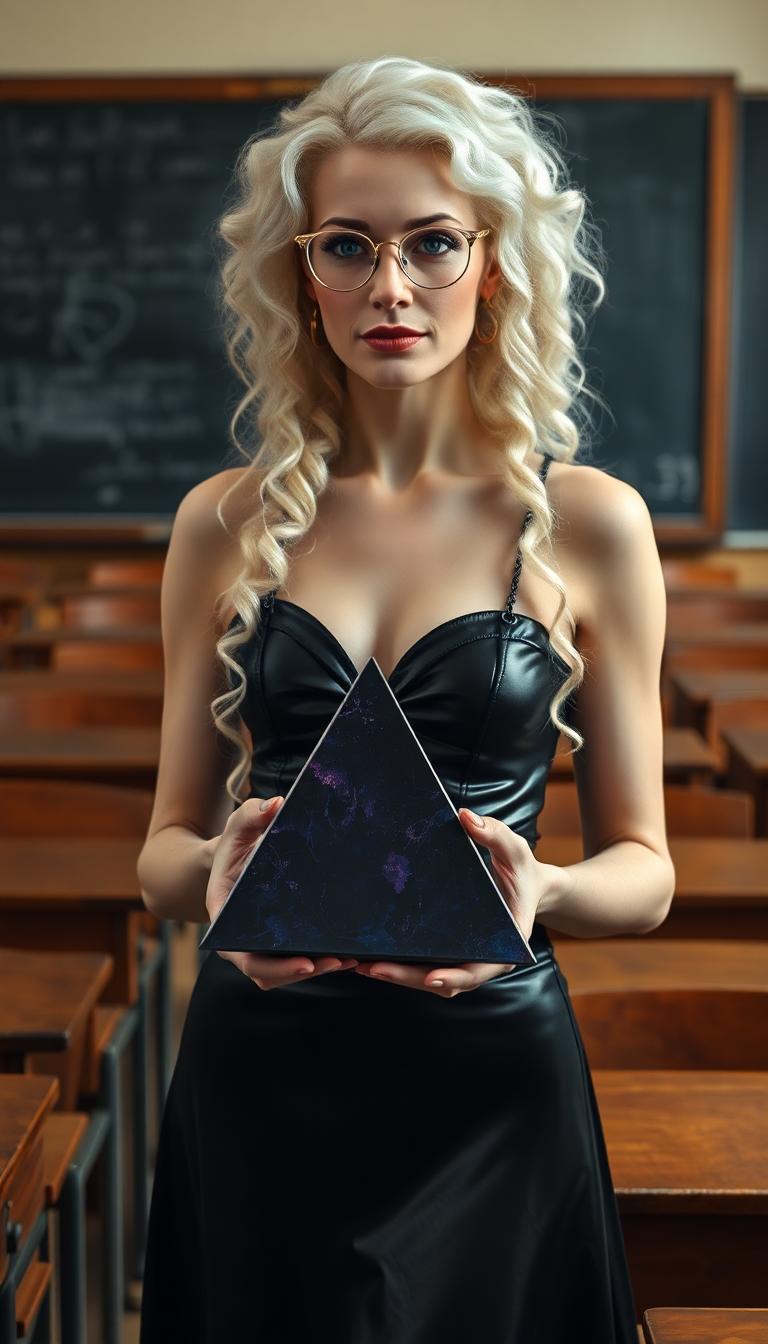
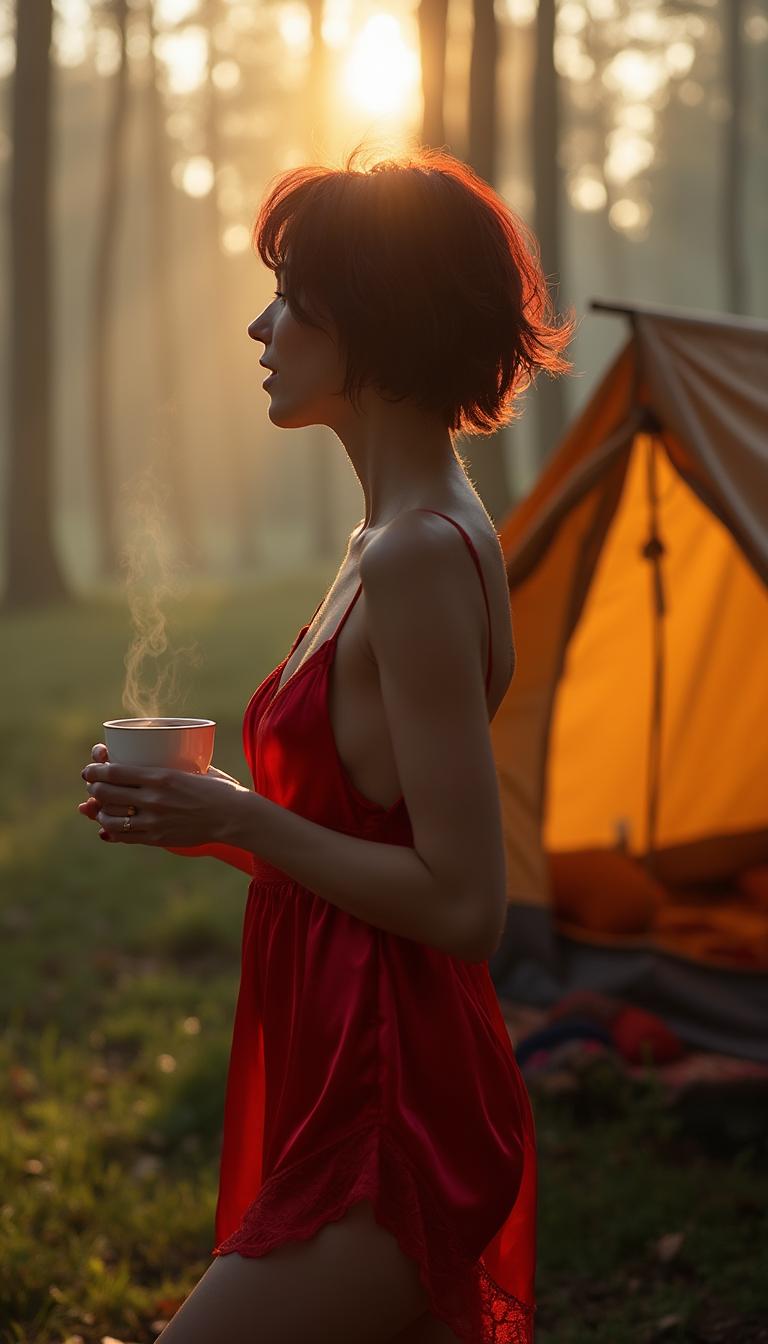
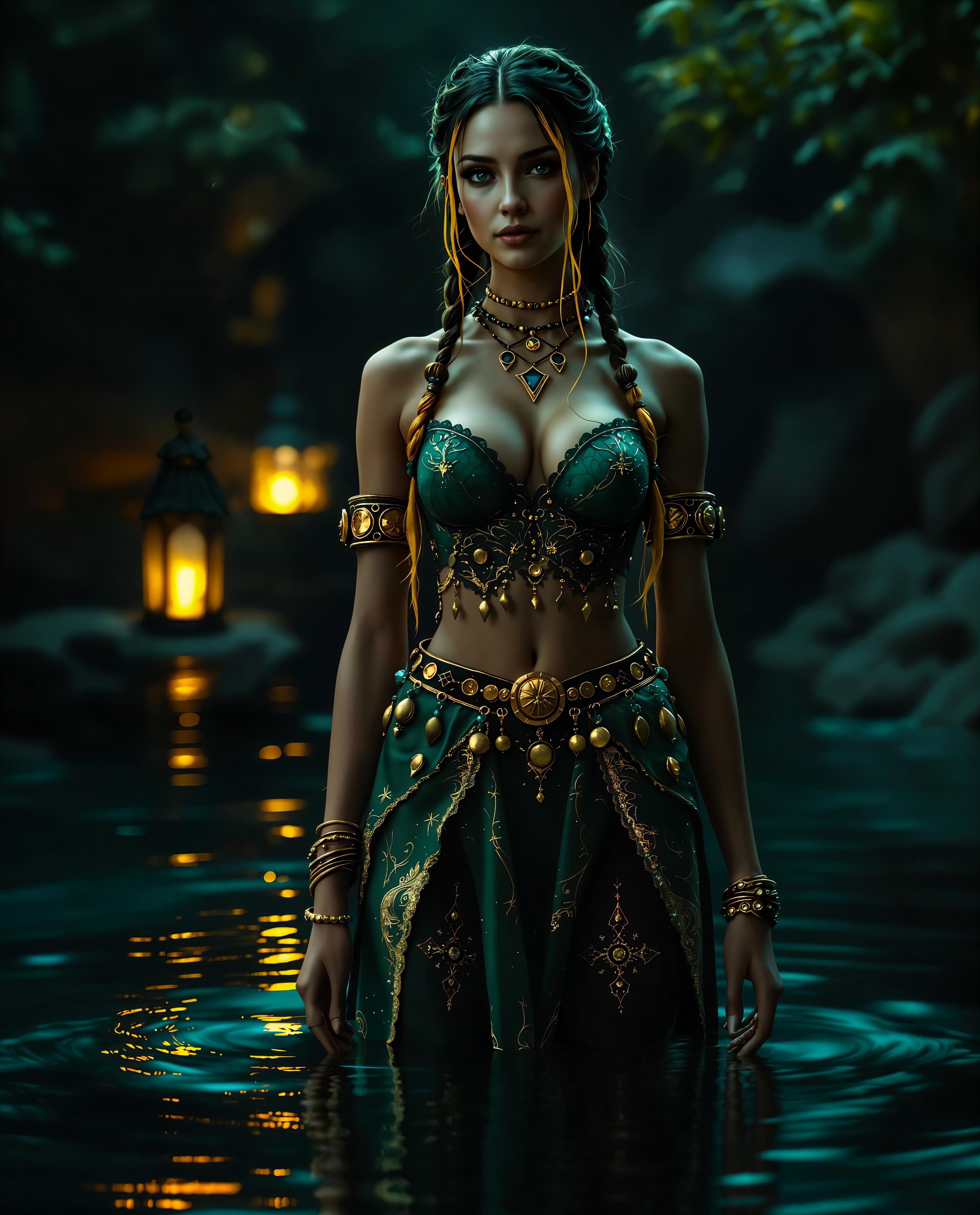
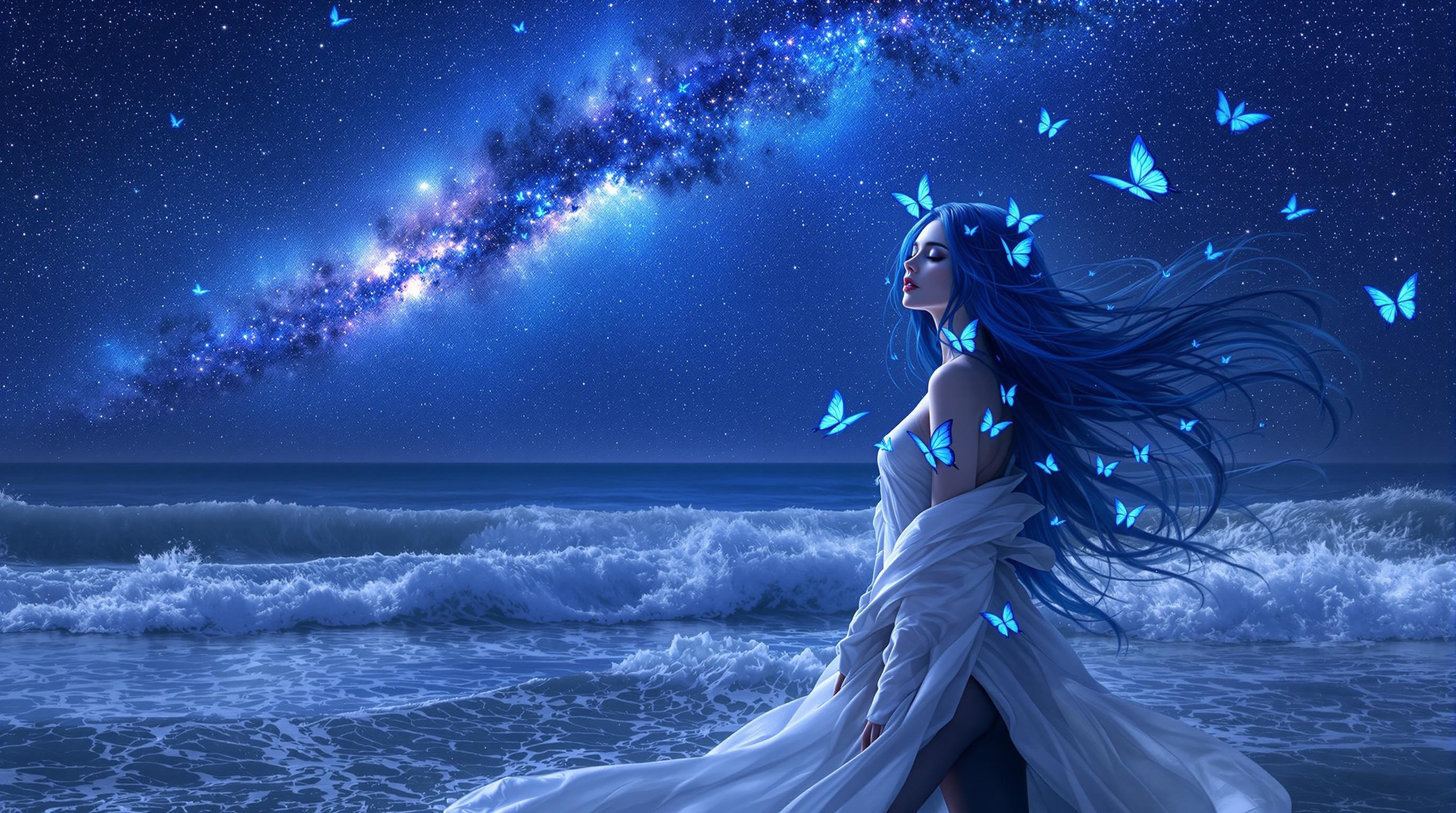
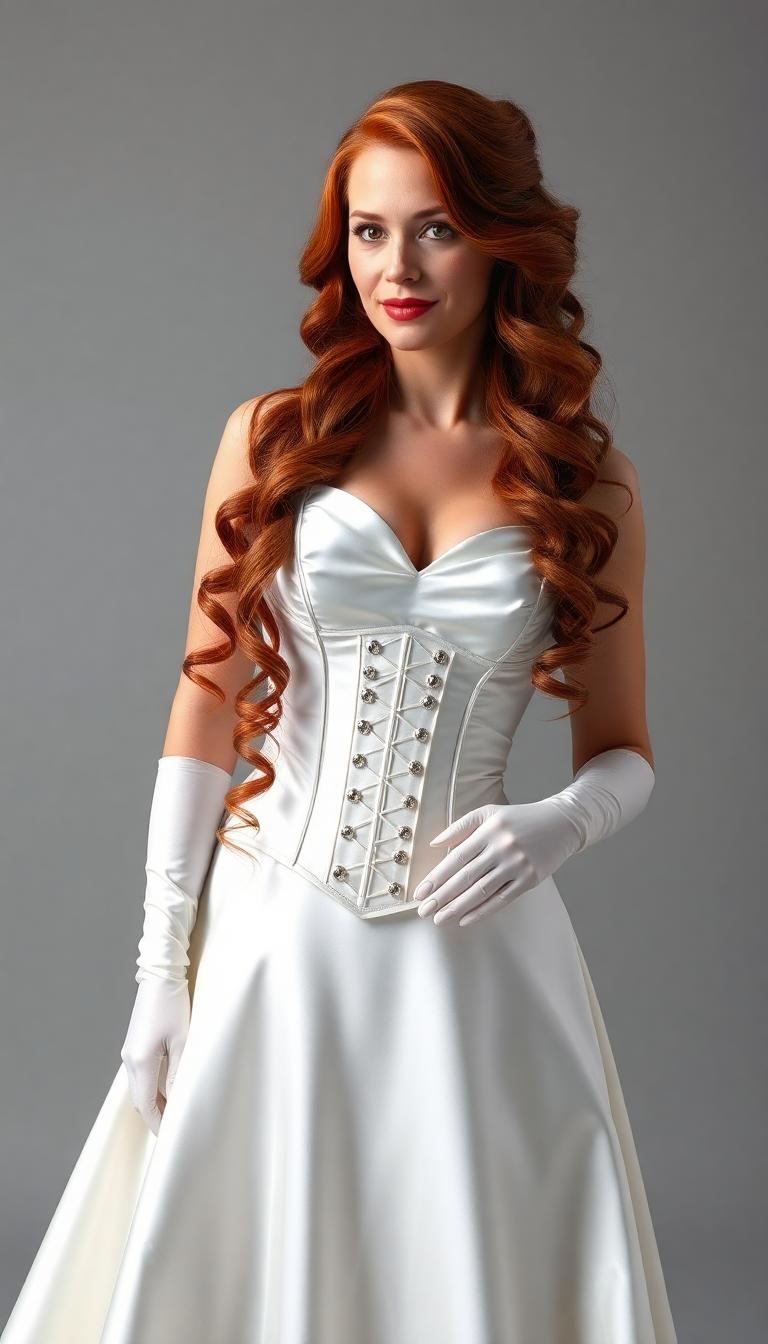
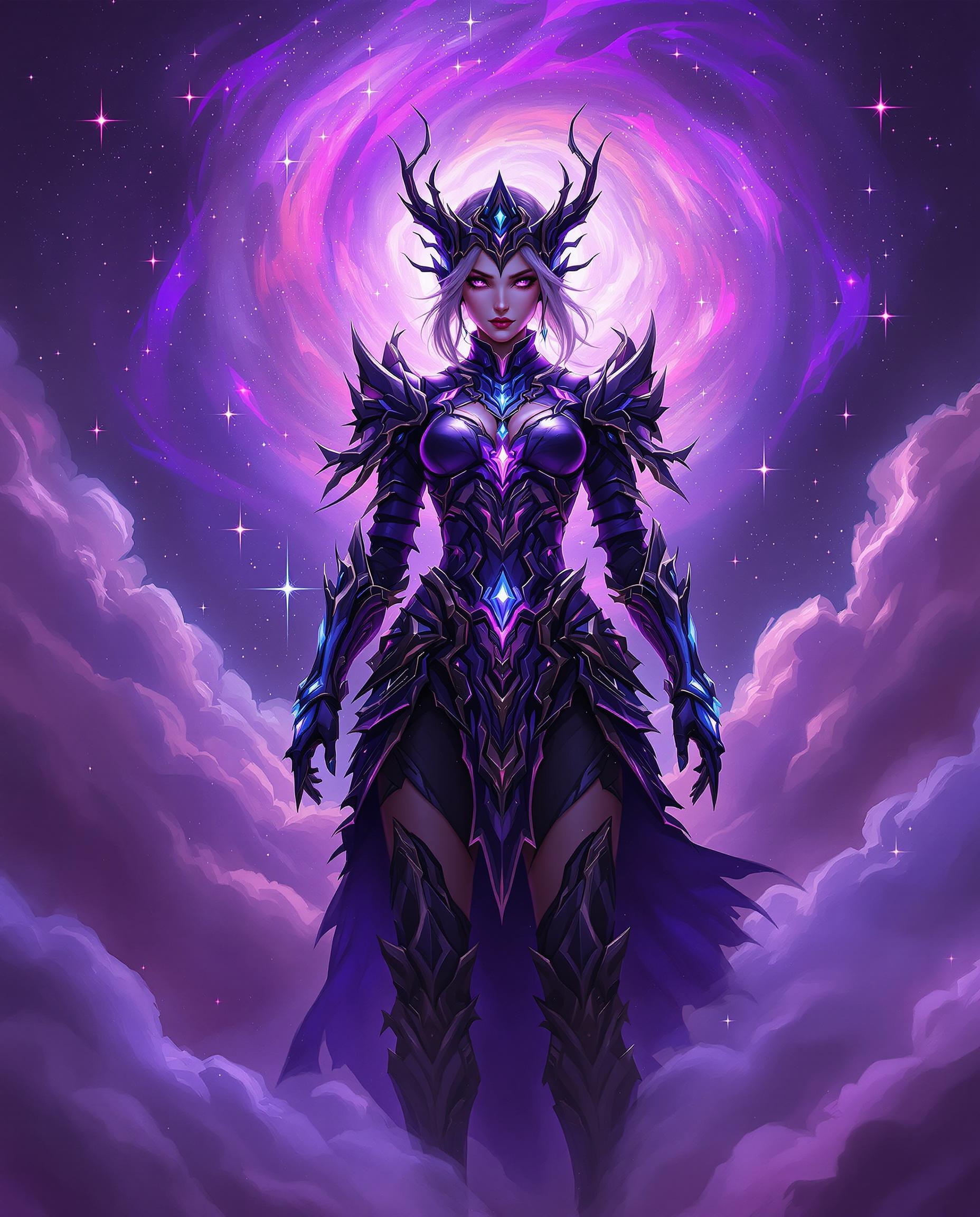
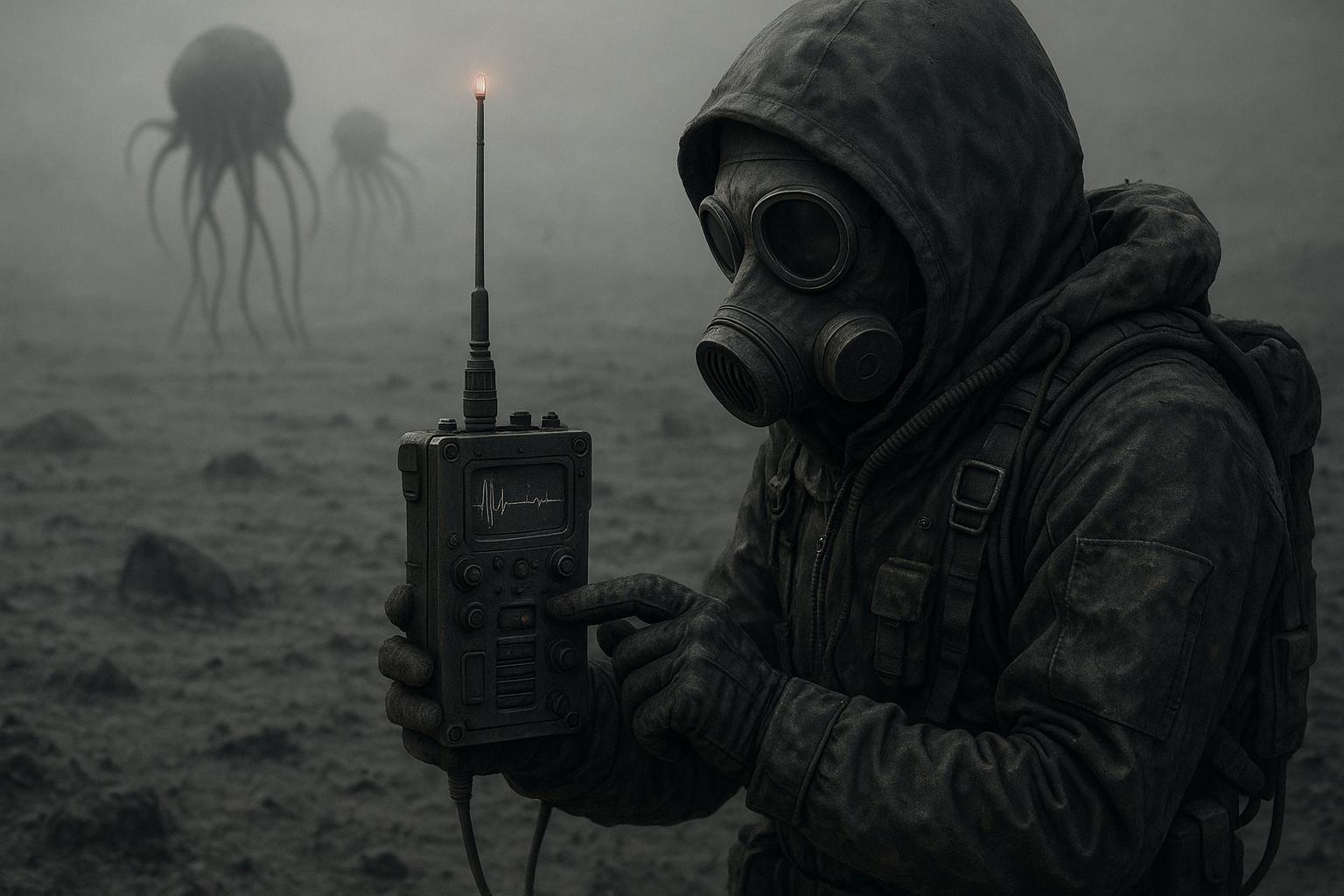
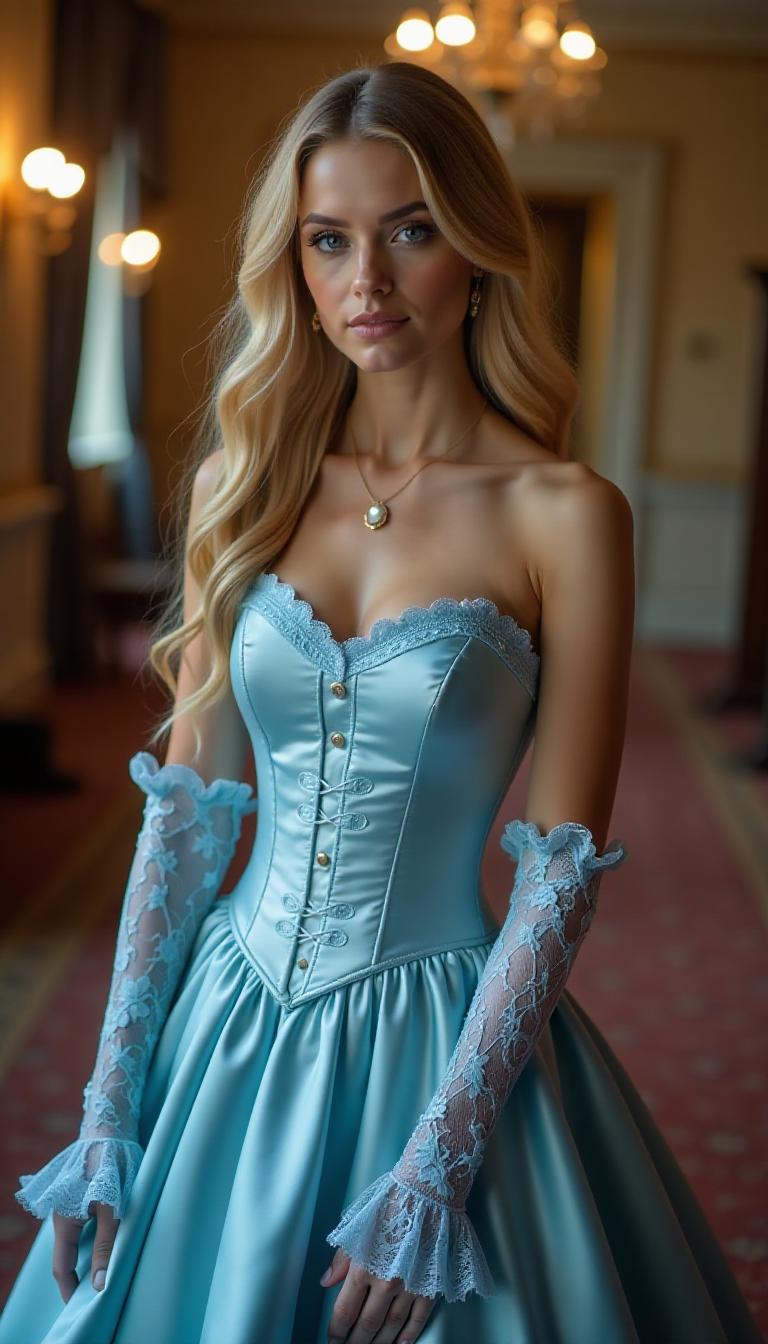
Create images in various styles, including photorealistic, anime, watercolor, and more, to match your project's needs.
Time-Saving Efficiency
Generate high-quality images in seconds, streamlining your creative workflow and reducing production time.
User-Friendly Interface
Easily navigate and utilize GPT Image 1.5 with our intuitive platform, making image creation accessible to all skill levels.
How It Works
Creating multi-style images with GPT Image 1.5 on PixelDojo is simple and straightforward. Follow these steps to bring your vision to life:
Step 1: Select GPT Image 1.5 Tool
Navigate to the 'Create Images' section on PixelDojo and choose the GPT Image 1.5 tool to begin your image generation process.
Step 2: Input Your Prompt
Enter a detailed description of the image you want to create, specifying the style, subject, and any other relevant details to guide the AI.
Step 3: Generate and Refine
Click 'Generate' to produce your image. If needed, adjust your prompt or use editing tools to refine the output until it meets your expectations.


The Pixel Dojo Advantage
Discover why PixelDojo's GPT Image 1.5 stands out in multi-style image generation:
| Others | Pixel Dojo |
|---|---|
| Traditional Image Creation | Eliminate the need for extensive manual design work by generating images instantly with AI. |
| Generic AI Tools | Enjoy a wide range of styles and precise control over image attributes, surpassing the limitations of other AI platforms. |
| Manual Photo Editing | Save time and effort by generating and editing images directly within PixelDojo, reducing reliance on complex software. |
Loved by Creators
See what our community says about GPT Image 1.5 multi-style rendering
"PixelDojo's GPT Image 1.5 has revolutionized my design process. I can now create diverse images in minutes, allowing me to meet tight deadlines with ease."
Alex Johnson
Graphic Designer
"As a content creator, having access to such a versatile tool has been a game-changer. The variety of styles and the quality of images are unparalleled."
Maria Lopez
Content Creator
Common Questions
Everything you need to know about GPT Image 1.5 multi-style rendering AI generation
How does GPT Image 1.5 handle multi-style image generation?
GPT Image 1.5 utilizes advanced AI algorithms to interpret your prompts and generate images in various styles, such as photorealistic, anime, or watercolor, based on your specifications.
Can I edit the images generated by GPT Image 1.5?
Yes, PixelDojo offers a suite of editing tools, including 'Image to Image' and 'Style Transfer,' allowing you to refine and customize your generated images further.
Is there a limit to the number of images I can generate?
PixelDojo provides flexible subscription plans to accommodate different usage levels. Please refer to our subscription page for detailed information on image generation limits.
Do I need prior design experience to use GPT Image 1.5?
No, GPT Image 1.5 is designed with a user-friendly interface, making it accessible to users of all skill levels, from beginners to experienced designers.
What file formats are available for the generated images?
Generated images can be downloaded in various formats, including JPEG and PNG, suitable for both web and print applications.
How can I ensure the generated image matches my vision?
Providing detailed and specific prompts will guide the AI to produce images that closely align with your vision. Additionally, you can use the editing tools to make further adjustments as needed.