GPT Image 1.5 photorealistic outputs AI Generator
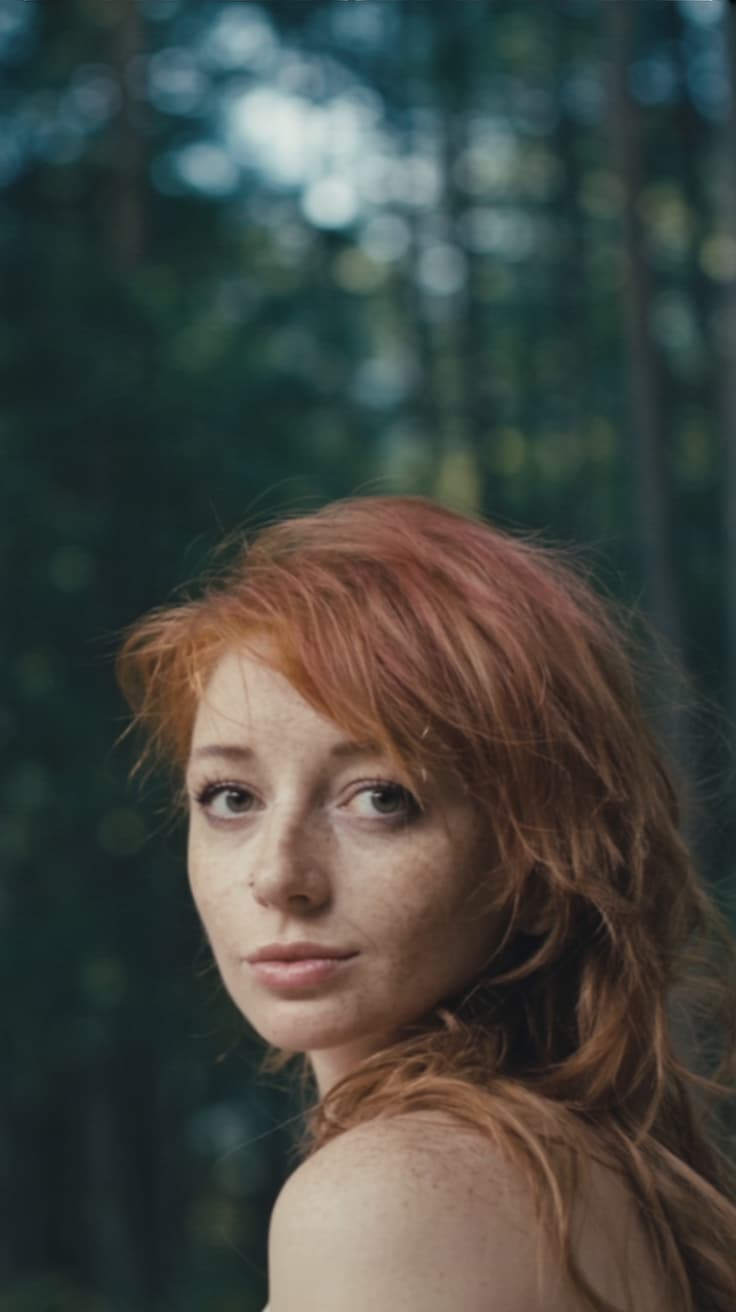
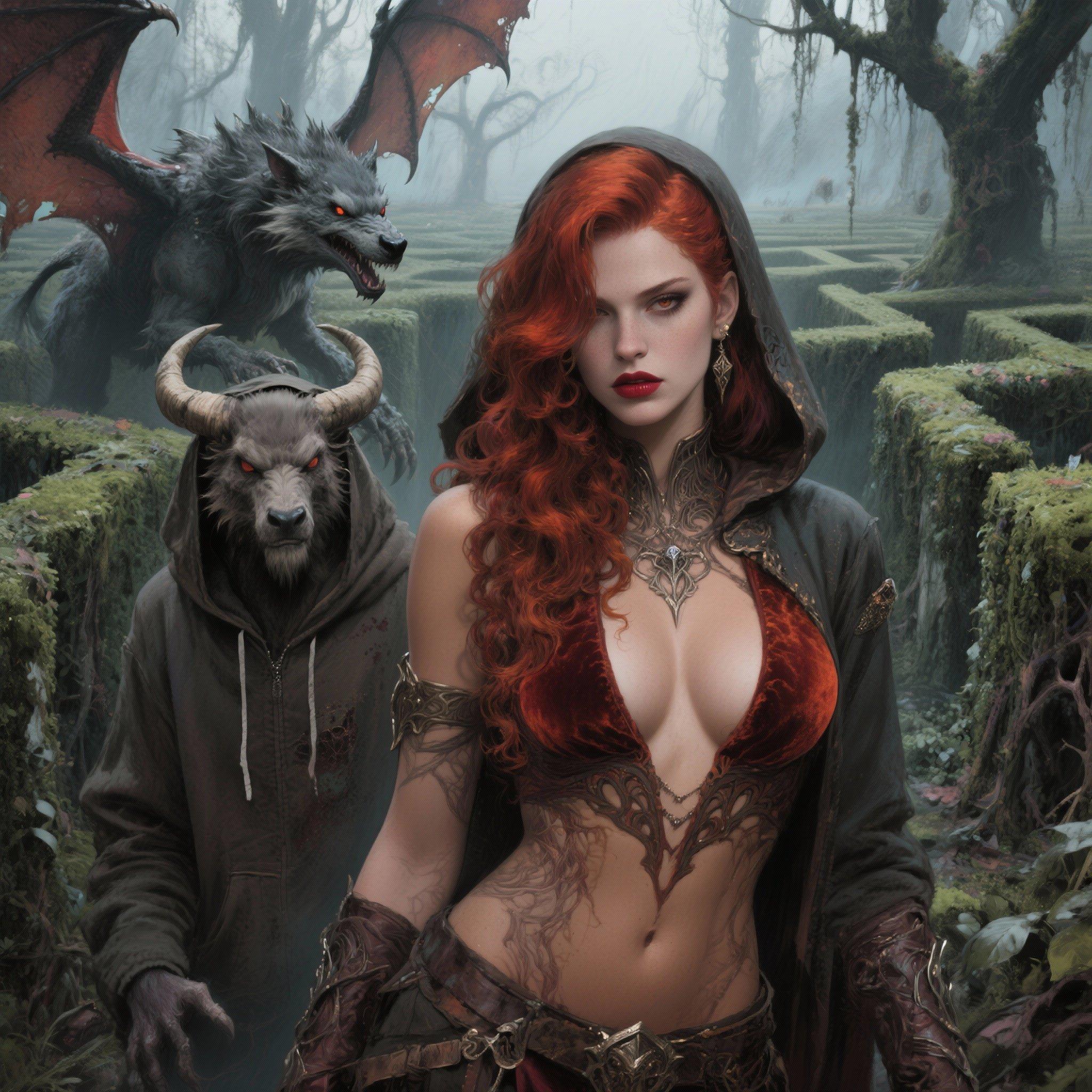
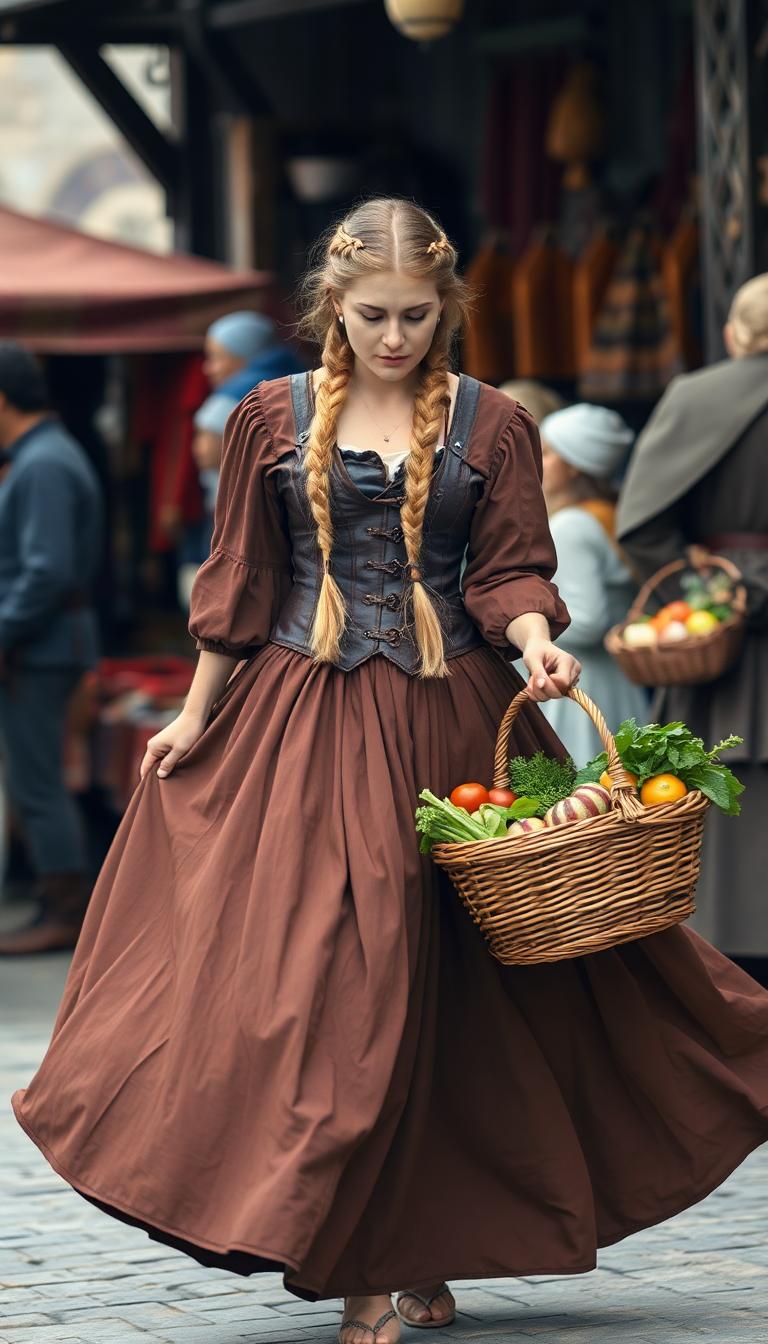
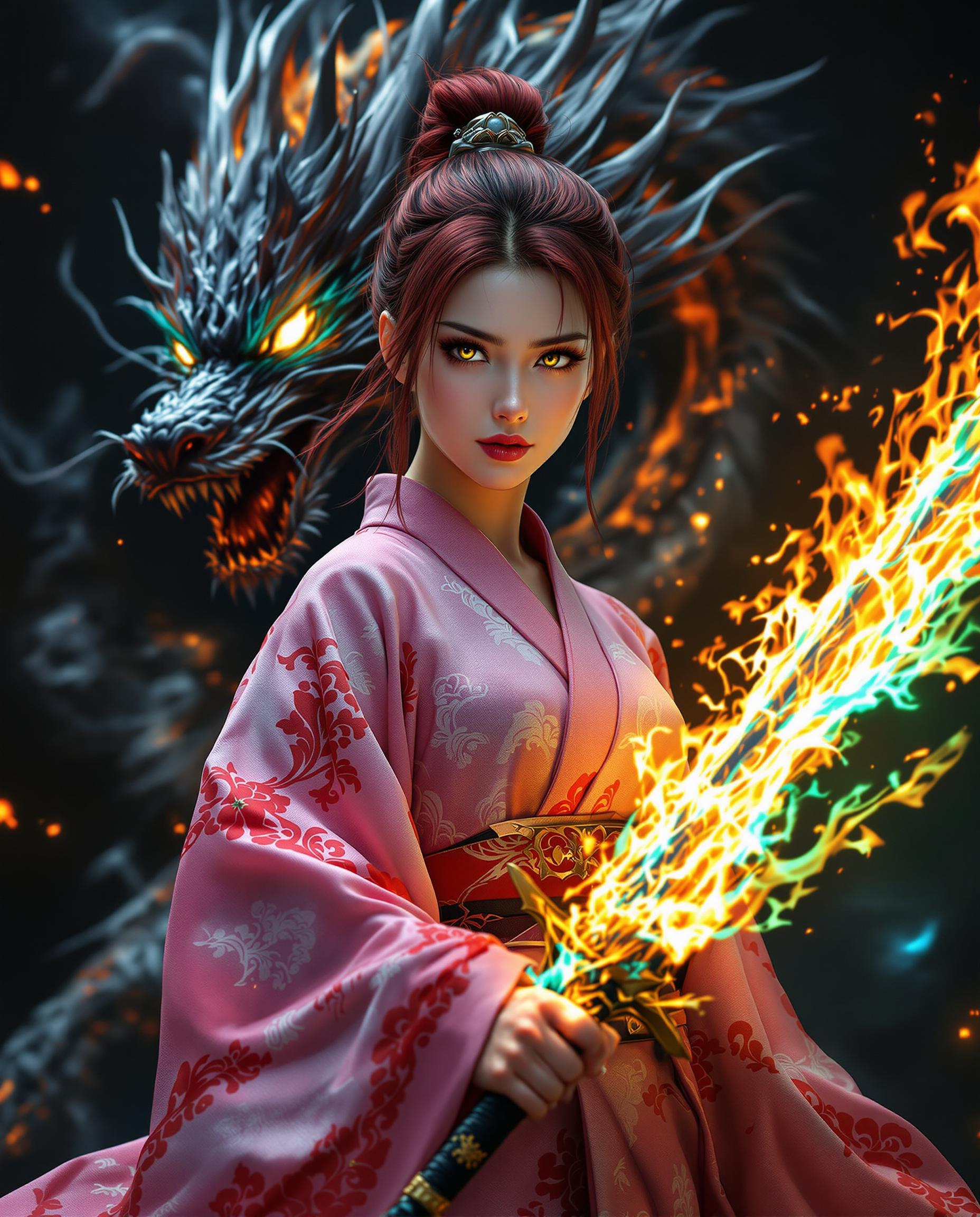
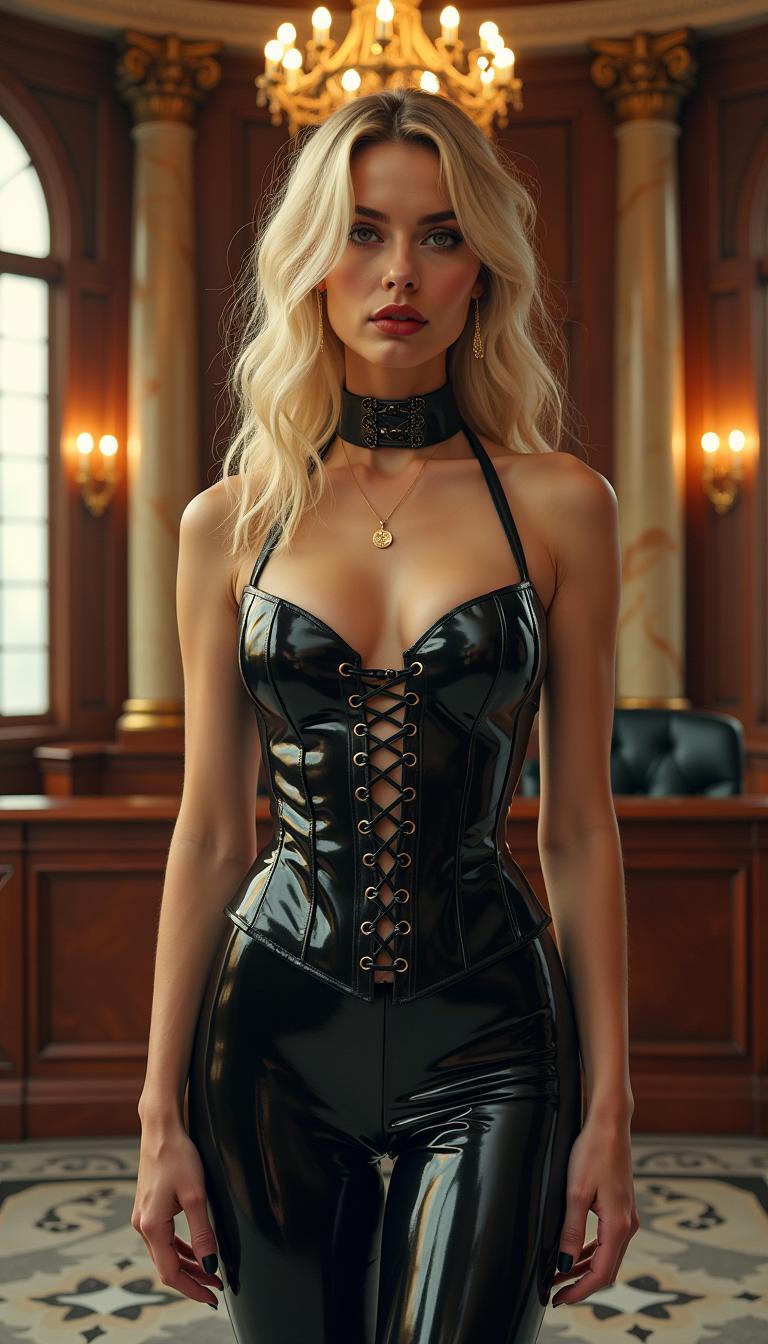
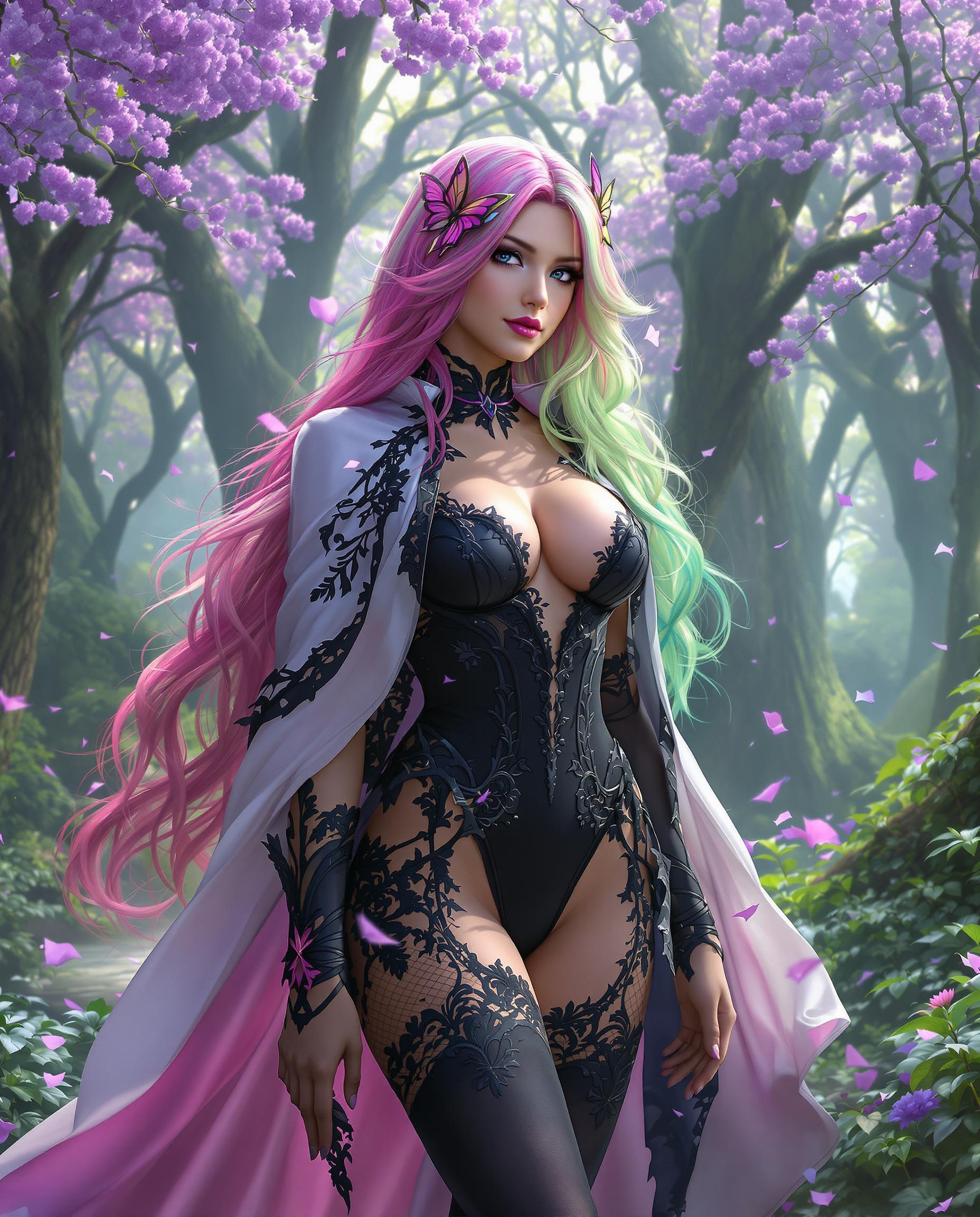
Unlock the power of GPT-Image 1.5 to transform your ideas into stunning photorealistic images. Whether you're a designer, marketer, or content creator, our advanced AI tools enable you to produce high-quality visuals that captivate and engage your audience.
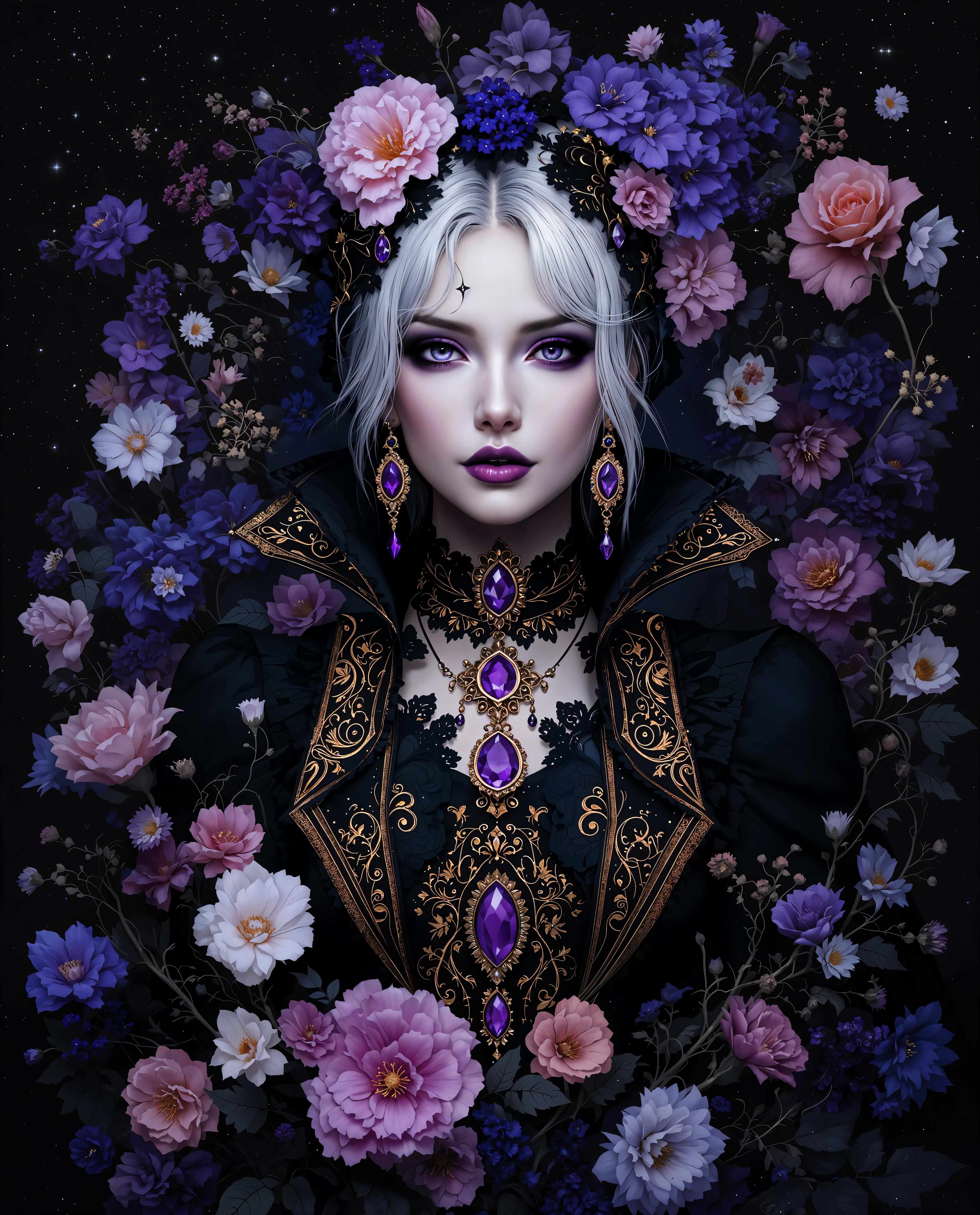
Join thousands of satisfied users who have enhanced their projects with GPT-Image 1.5's cutting-edge AI technology.
Why Choose Pixel Dojo for GPT Image 1.5 photorealistic outputs
Professional-quality results with cutting-edge AI technology
Effortless High-Quality Image Creation
Generate professional-grade, photorealistic images without the need for complex software or technical skills.
Time-Saving Automation
Quickly produce multiple images, reducing the time spent on manual design and editing tasks.
Versatile Applications
Create visuals for a wide range of uses, including marketing materials, social media content, and product mockups.
How It Works
Creating photorealistic images with GPT-Image 1.5 is simple and intuitive. Follow these steps to bring your vision to life:
Step 1: Choose Your Tool
Select GPT-Image 1.5 from PixelDojo's suite of AI tools to begin your image creation process.
Step 2: Enter Your Prompt
Describe the image you want to create in detail. For example, 'A serene beach at sunset with gentle waves and a clear sky.'
Step 3: Customize & Download
Review the generated image, make any necessary adjustments, and download the final high-resolution image for your use.
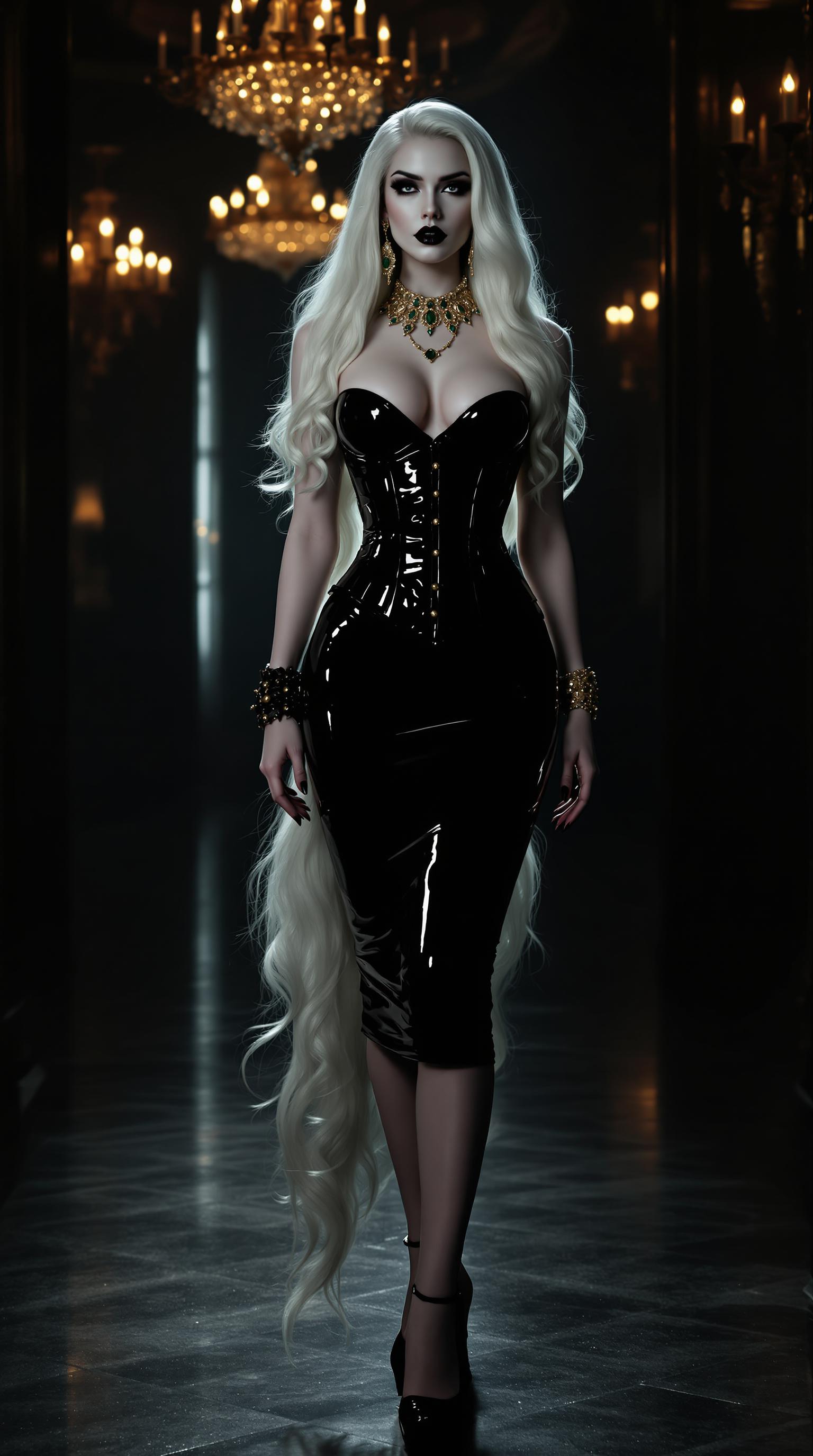
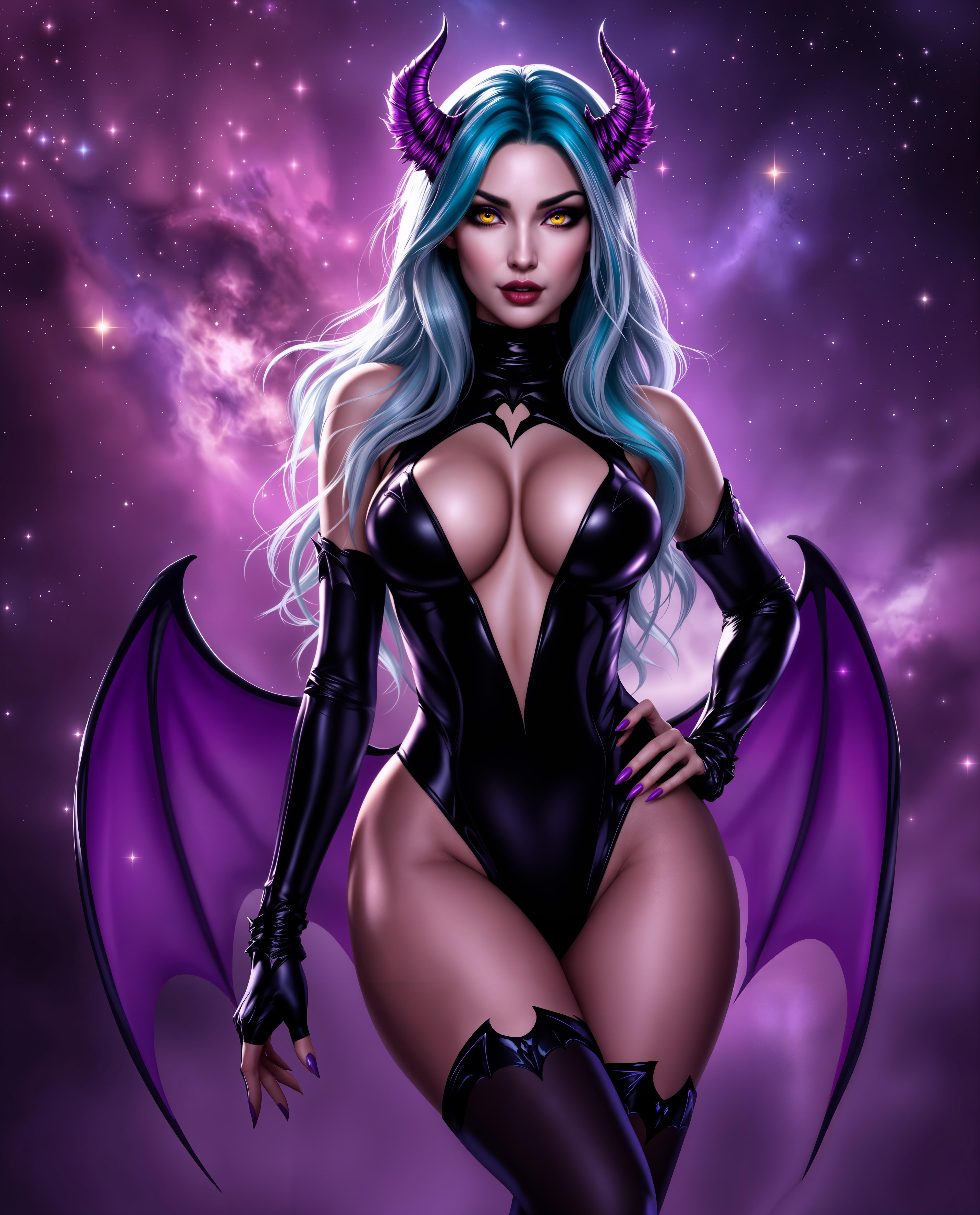
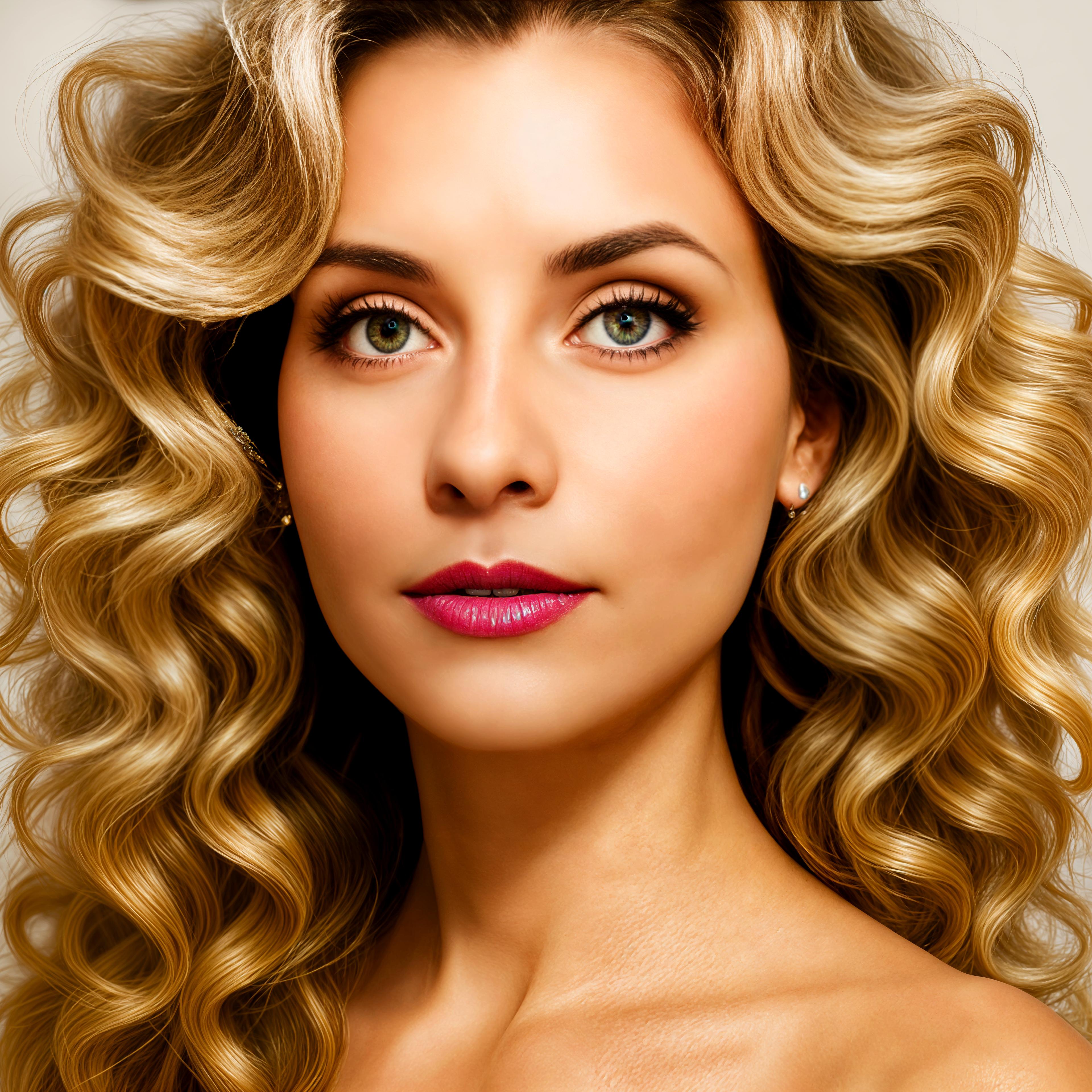
The Pixel Dojo Advantage
Why PixelDojo outperforms other options for photorealistic image generation:
| Others | Pixel Dojo |
|---|---|
| Traditional Photography | Eliminate the need for expensive equipment and location scouting by generating high-quality images digitally. |
| Stock Photos | Create unique images tailored to your specific needs, avoiding the limitations of generic stock photos. |
| Manual Photo Editing | Save time and effort with AI-powered generation, reducing the need for extensive manual editing. |
Loved by Creators
See what our community says about GPT Image 1.5 photorealistic outputs
"GPT-Image 1.5 has revolutionized our content creation process, allowing us to produce stunning visuals in minutes."
Alex Johnson
Marketing Director
"The photorealistic images generated by PixelDojo have significantly enhanced our product presentations."
Samantha Lee
Product Designer
Common Questions
Everything you need to know about GPT Image 1.5 photorealistic outputs AI generation
How does GPT-Image 1.5 create photorealistic images?
GPT-Image 1.5 utilizes advanced AI algorithms to interpret your text prompts and generate high-resolution, lifelike images that match your descriptions.
Can I customize the generated images?
Yes, after generating an image, you can make adjustments to elements like lighting, color, and composition to better fit your needs.
Is there a limit to the number of images I can create?
PixelDojo offers various subscription plans to suit different needs, allowing you to generate as many images as your plan permits.
Do I need any design experience to use GPT-Image 1.5?
No, GPT-Image 1.5 is designed to be user-friendly, enabling anyone to create professional-quality images without prior design experience.
What file formats are available for the generated images?
You can download your images in multiple formats, including JPEG and PNG, suitable for various applications.
Can I use the generated images for commercial purposes?
Yes, images created with GPT-Image 1.5 can be used for commercial projects, subject to PixelDojo's terms of service.