GPT Image 1.5 text to image AI Generator
Imagine turning your ideas into stunning visuals with just a few words. With PixelDojo's GPT Image 1.5 text-to-image tool, you can effortlessly create high-quality images that bring your concepts to life. Whether you're a marketer needing compelling visuals, a designer seeking inspiration, or a content creator aiming to enhance your work, GPT Image 1.5 empowers you to produce professional-grade images without any design experience.
Join over 10,000 creators who have generated more than 1 million images using PixelDojo's GPT Image 1.5, achieving a 98% satisfaction rate.
Why Choose Pixel Dojo for GPT Image 1.5 text to image
Professional-quality results with cutting-edge AI technology
Rapid Image Generation
Create high-quality images in seconds, accelerating your creative workflow.
Versatile Style Options
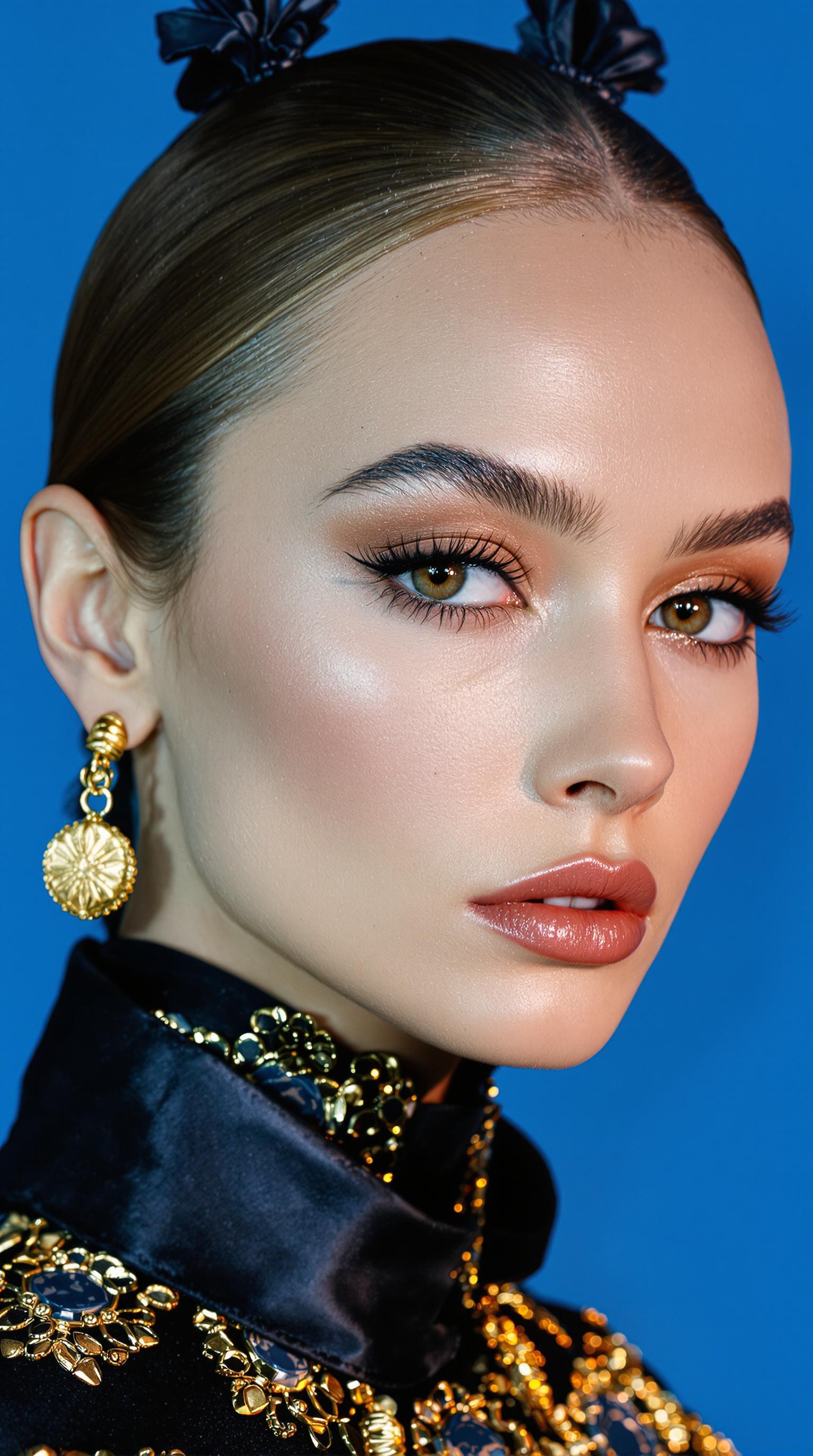
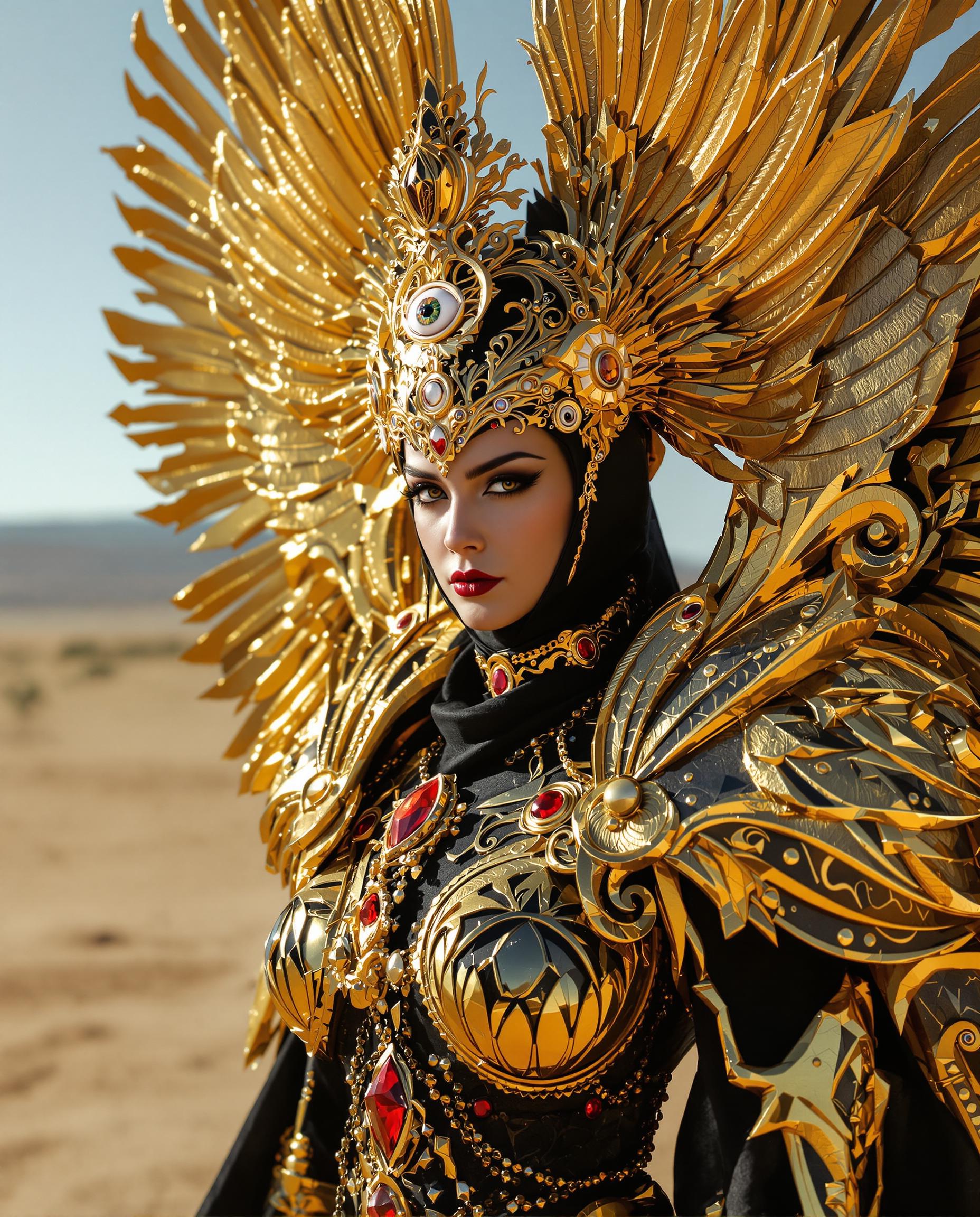
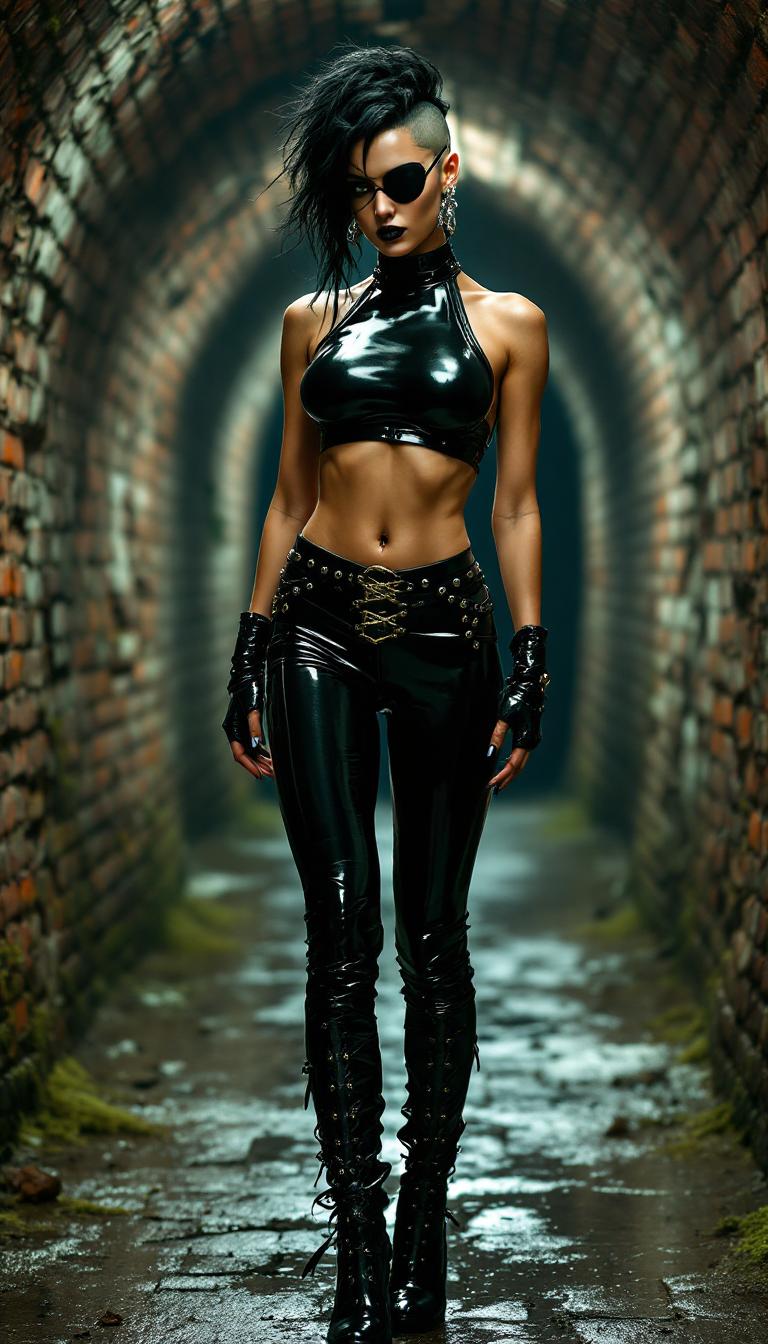
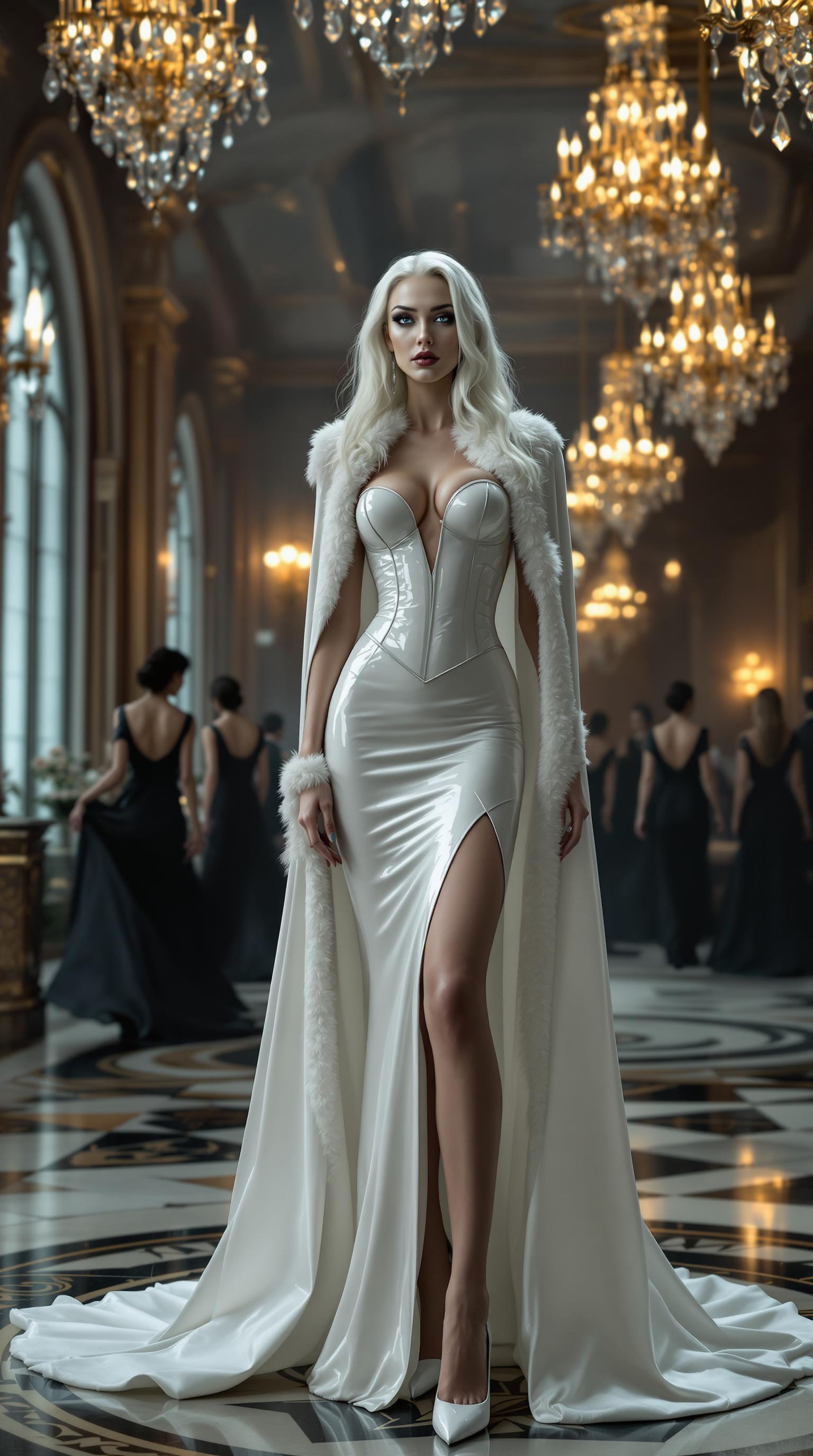
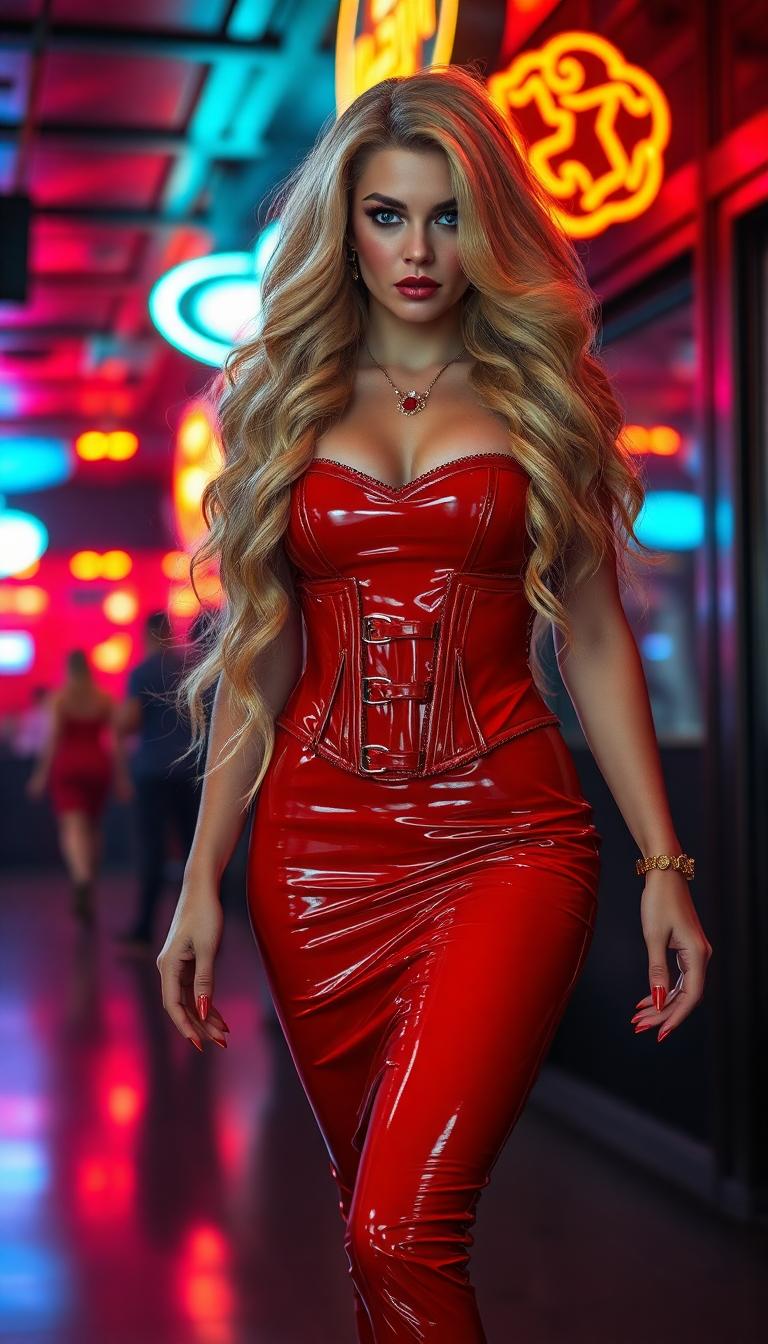
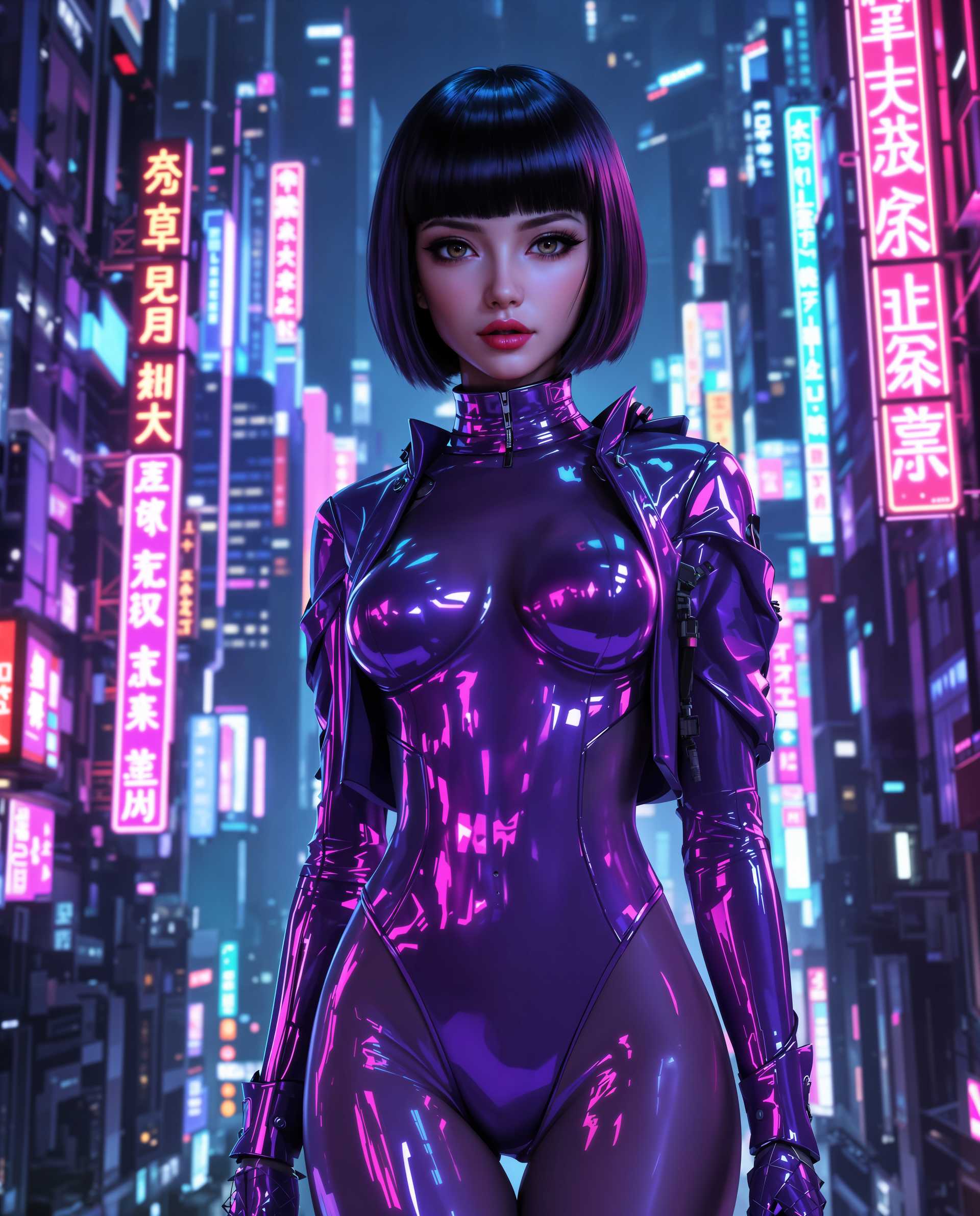
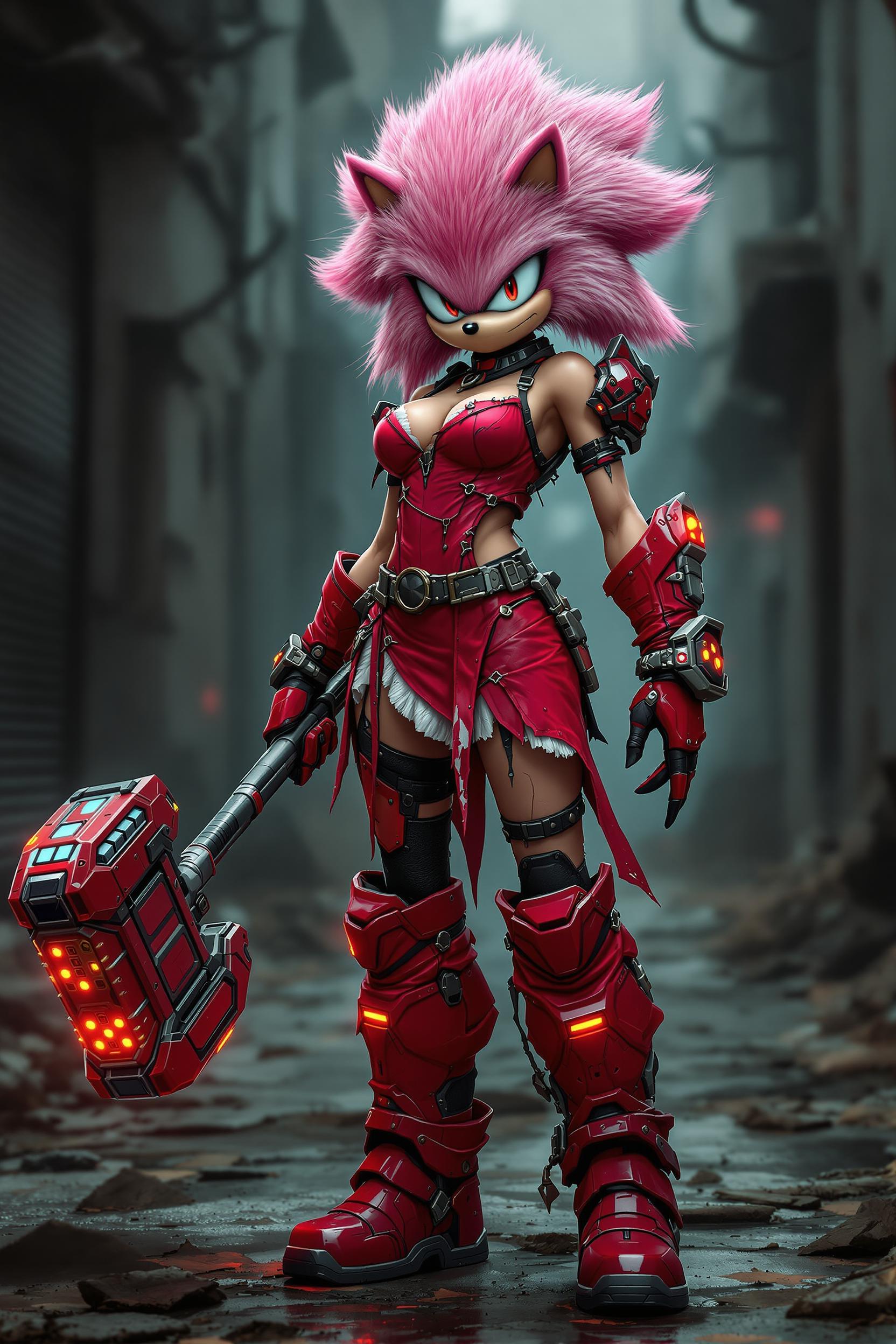
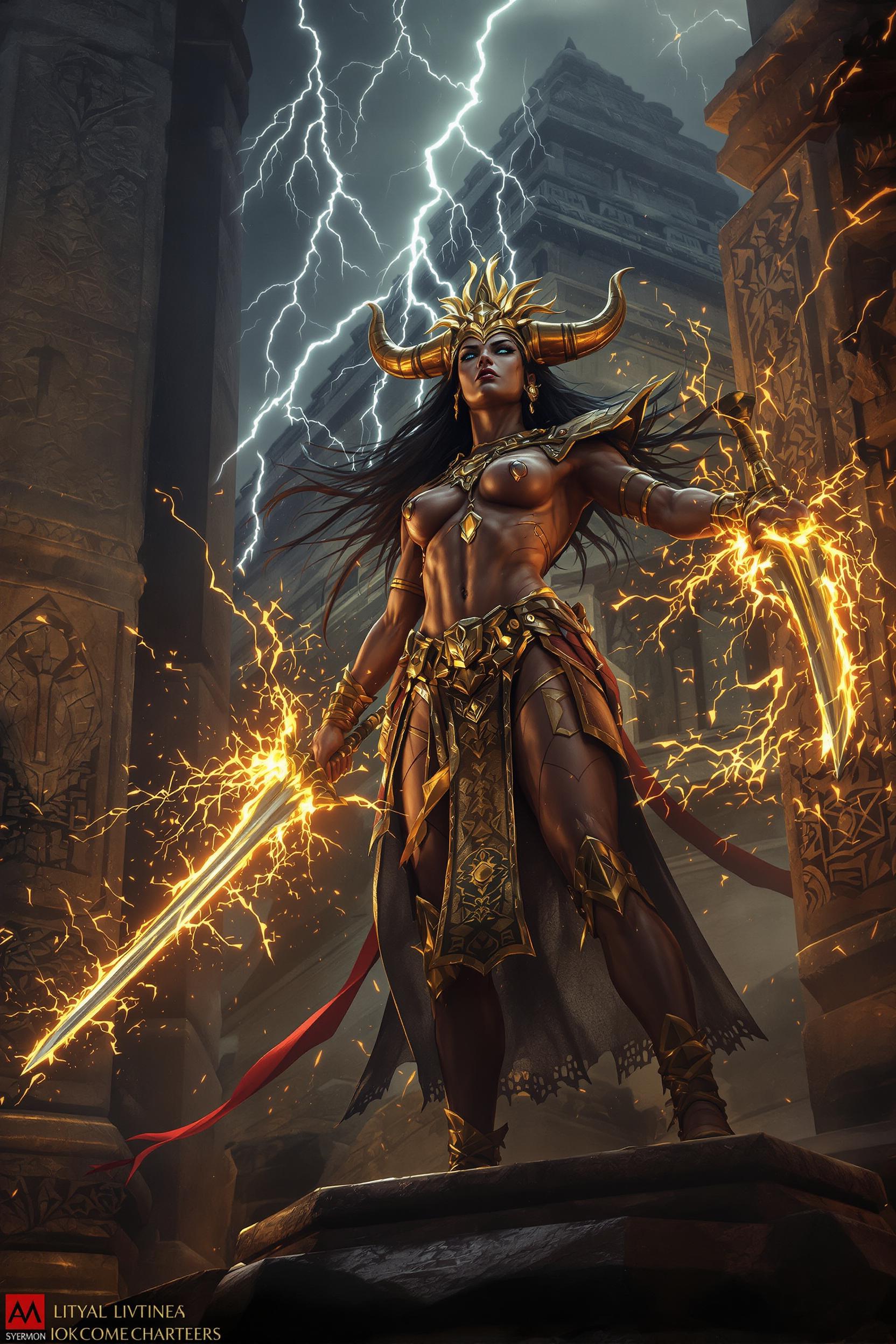
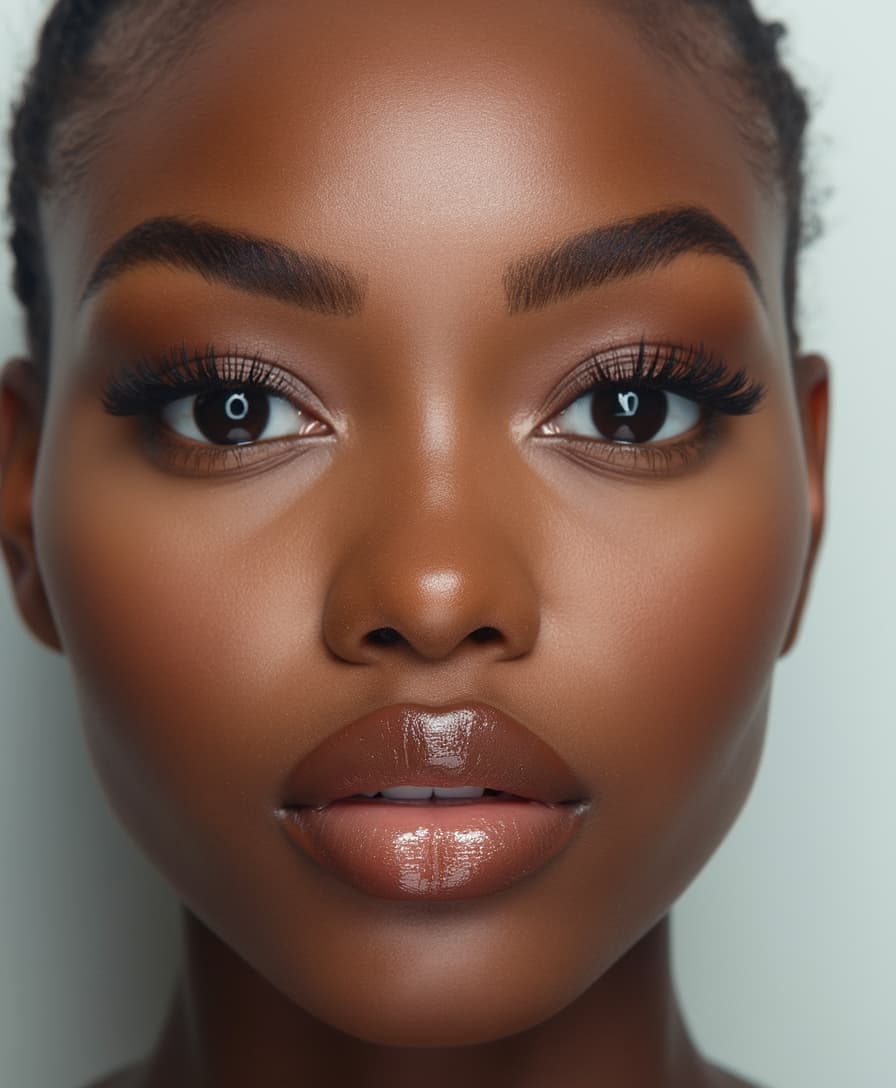
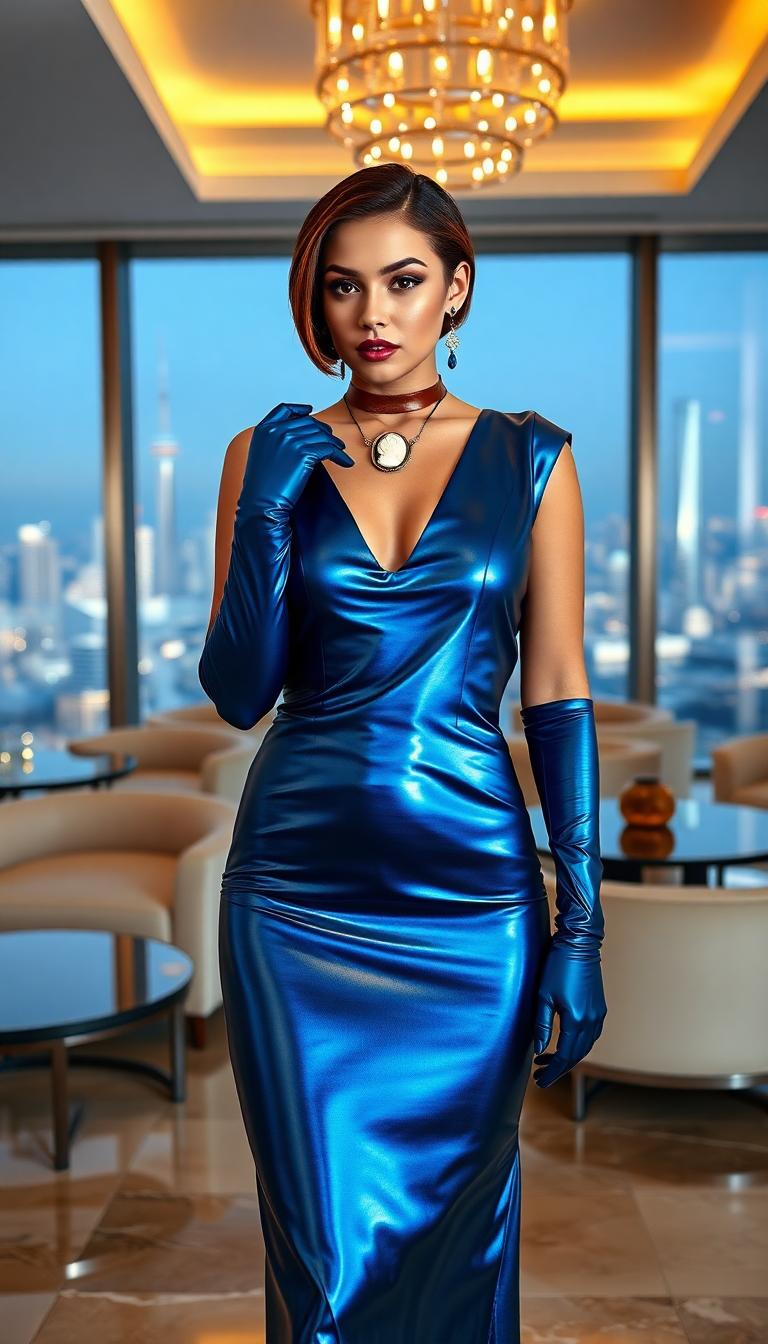
Generate images in various styles, from photorealistic to artistic, to suit your project's needs.
Precise Text Rendering
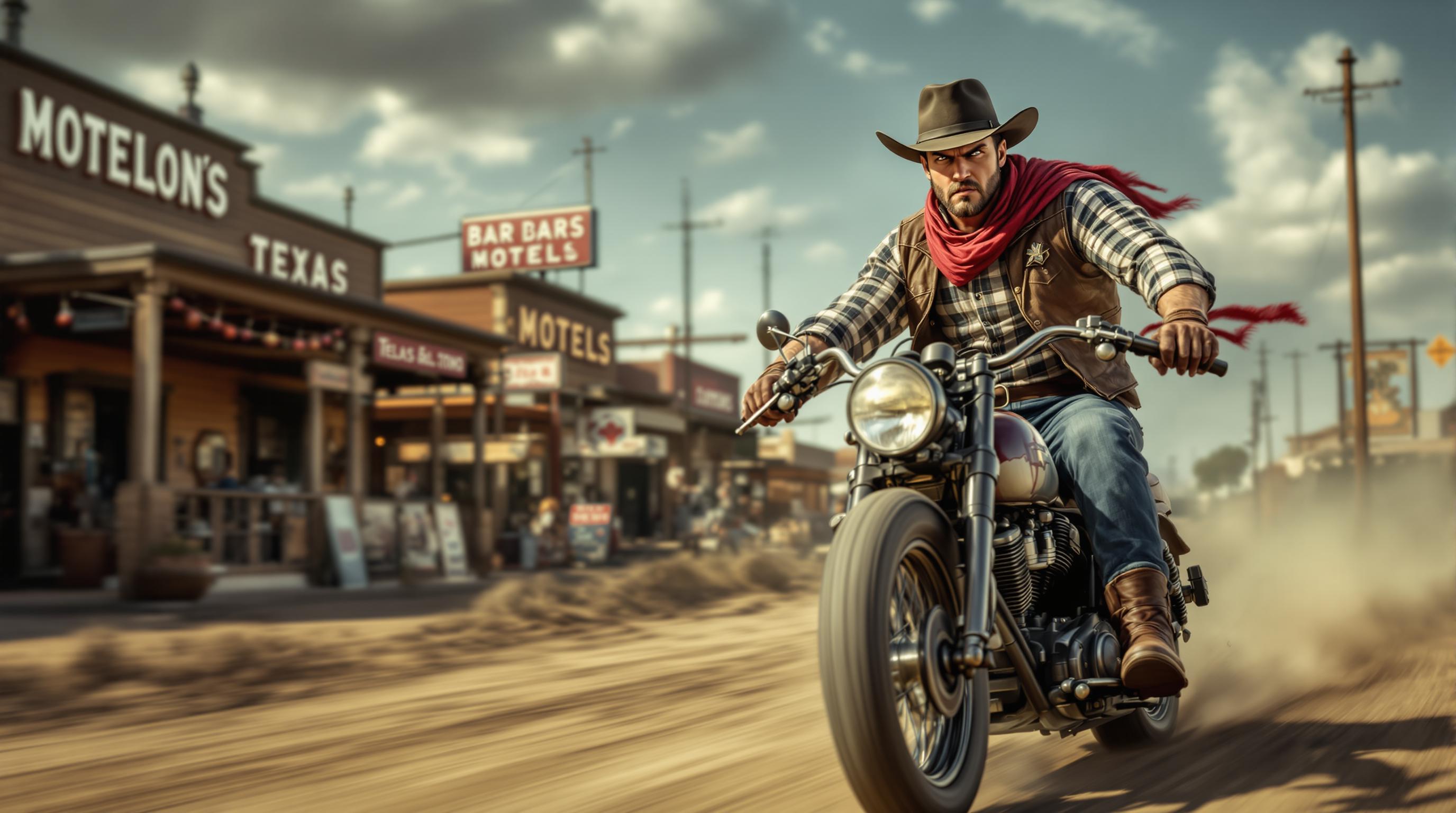
Incorporate clear, accurate text into your images, perfect for marketing materials and infographics.
How It Works
Creating stunning images with GPT Image 1.5 is simple and intuitive. Follow these steps to bring your ideas to life:
Step 1: Access GPT Image 1.5
Log in to your PixelDojo account and navigate to the GPT Image 1.5 tool under the 'Create Images' section.
Step 2: Enter Your Prompt
Describe the image you want to create in the prompt box. Be specific to achieve the best results.
Step 3: Generate and Refine
Click 'Generate' to produce your image. If needed, refine your prompt and regenerate until satisfied.





The Pixel Dojo Advantage
Discover how PixelDojo's GPT Image 1.5 stands out in the realm of AI image generation:
| Others | Pixel Dojo |
|---|---|
| Traditional Design Software | Eliminates the need for complex design skills, making image creation accessible to everyone. |
| Generic AI Tools | Offers superior text rendering and style versatility, ensuring your images meet professional standards. |
| Stock Images | Provides unique, custom visuals tailored to your specific needs, avoiding generic stock imagery. |
Loved by Creators
See what our community says about GPT Image 1.5 text to image
"PixelDojo's GPT Image 1.5 has revolutionized how I create content. The speed and quality are unmatched."
Alex Johnson
Content Creator
"As a marketer, having the ability to generate custom images on demand has significantly boosted our campaign performance."
Samantha Lee
Marketing Manager
Common Questions
Everything you need to know about GPT Image 1.5 text to image AI generation
How does GPT Image 1.5 generate images from text?
GPT Image 1.5 utilizes advanced AI algorithms to interpret your text prompts and generate corresponding images, allowing for rapid and accurate visual creation.
Can I use GPT Image 1.5 for commercial projects?
Yes, images generated with GPT Image 1.5 can be used for commercial purposes, including marketing materials, product designs, and more.
Is there a limit to the number of images I can generate?
PixelDojo offers various subscription plans to suit different needs, with higher-tier plans providing increased generation limits.
Do I need design experience to use GPT Image 1.5?
No, GPT Image 1.5 is designed to be user-friendly, allowing anyone to create professional-quality images without prior design experience.
Can I edit the images after generation?
Yes, PixelDojo provides editing tools that allow you to refine and customize your generated images to meet your specific requirements.
What styles can GPT Image 1.5 generate?
GPT Image 1.5 can produce images in a wide range of styles, including photorealistic, artistic, abstract, and more, depending on your prompt.