GPT Image 1.5 ultra-realistic images AI Generator
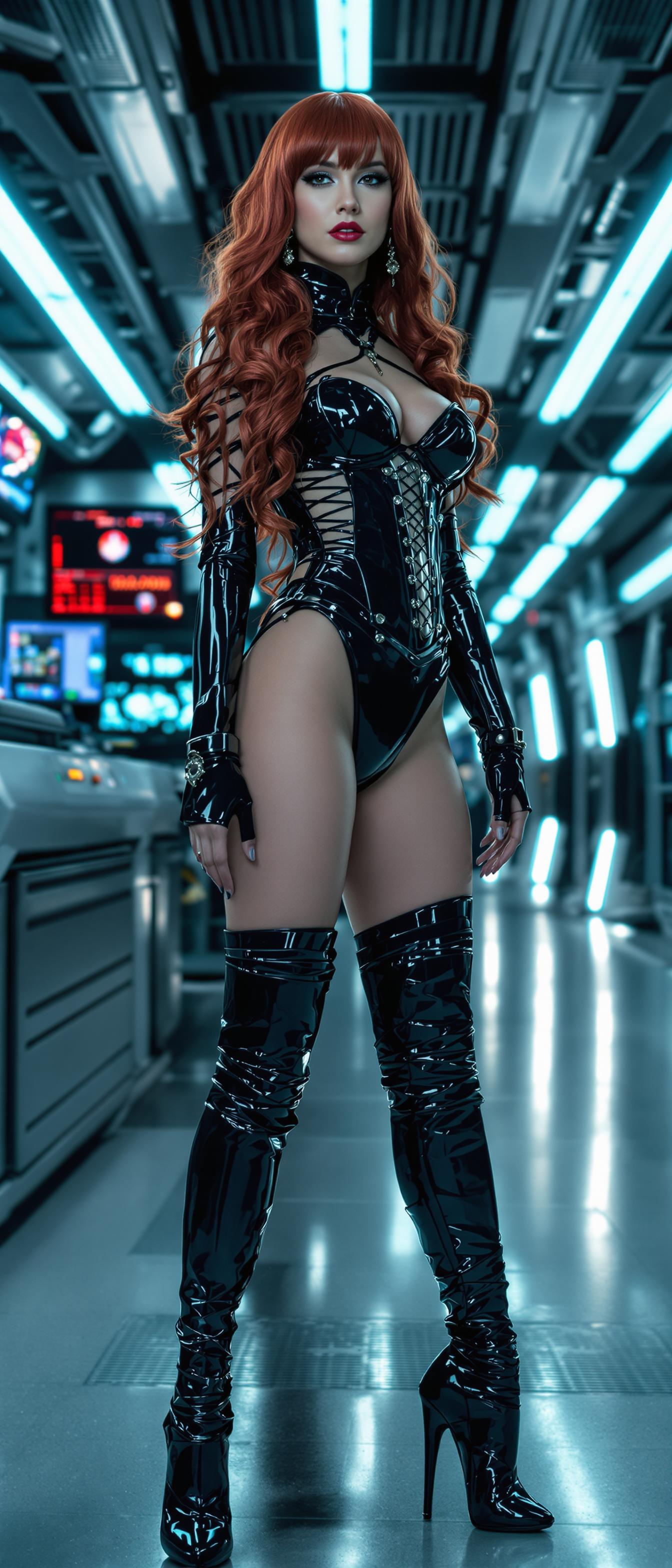
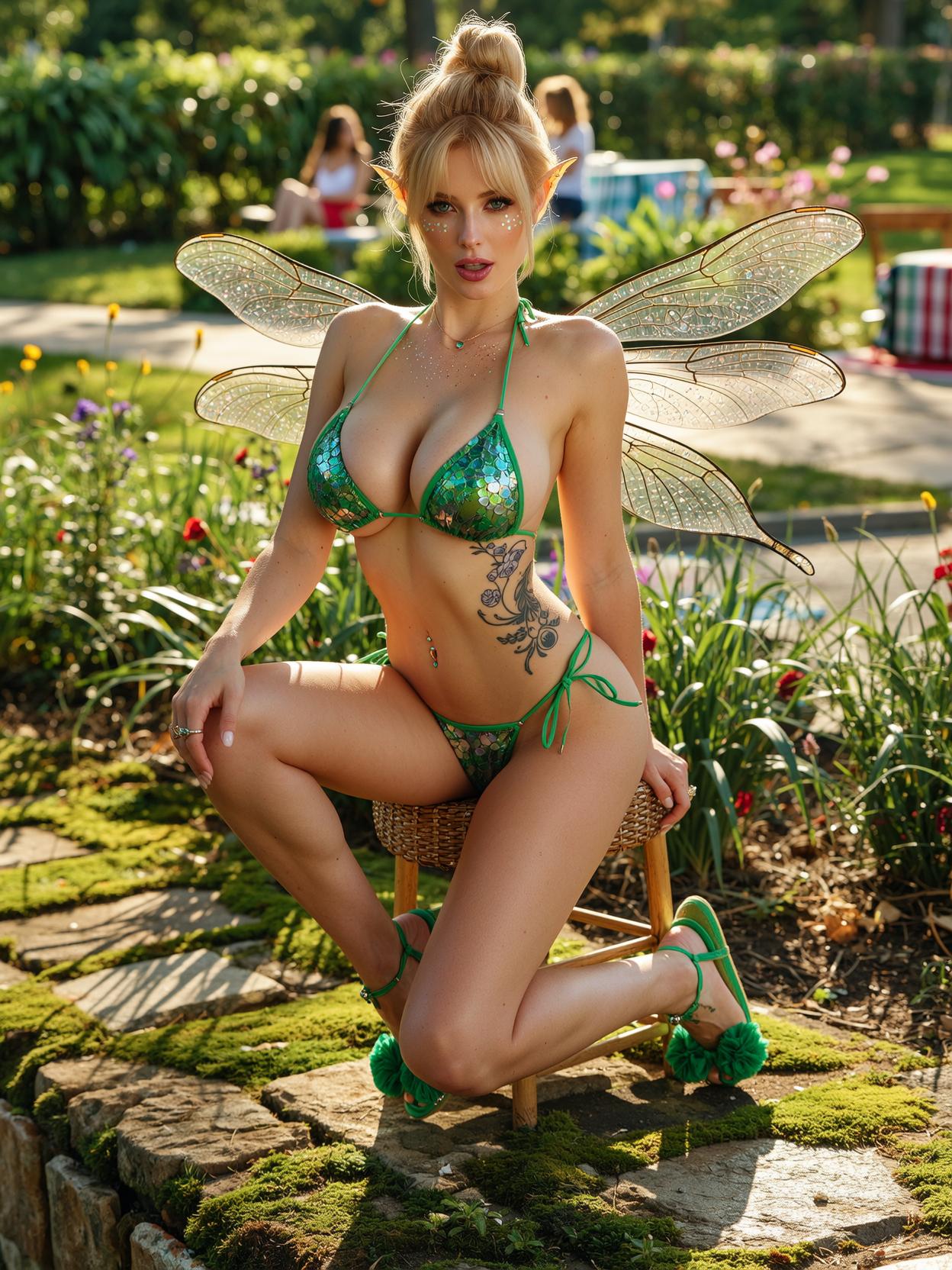
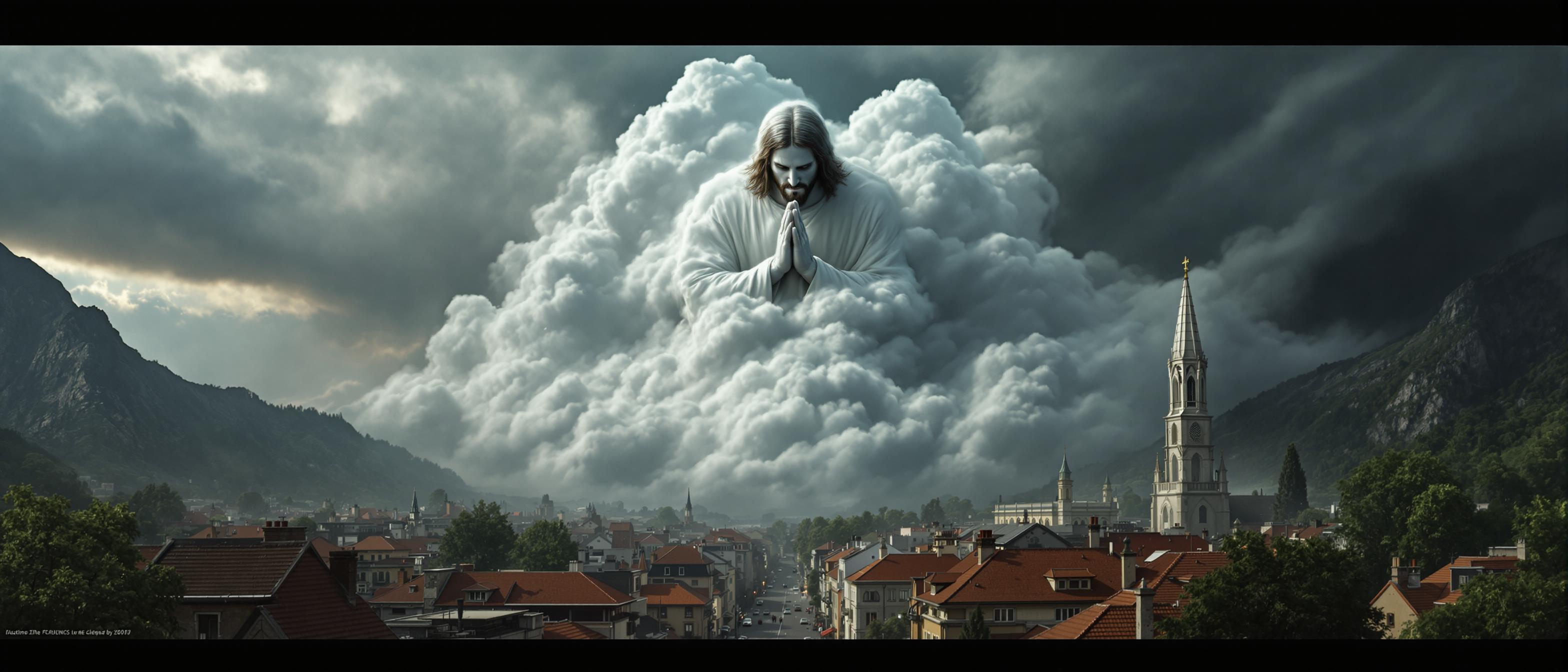
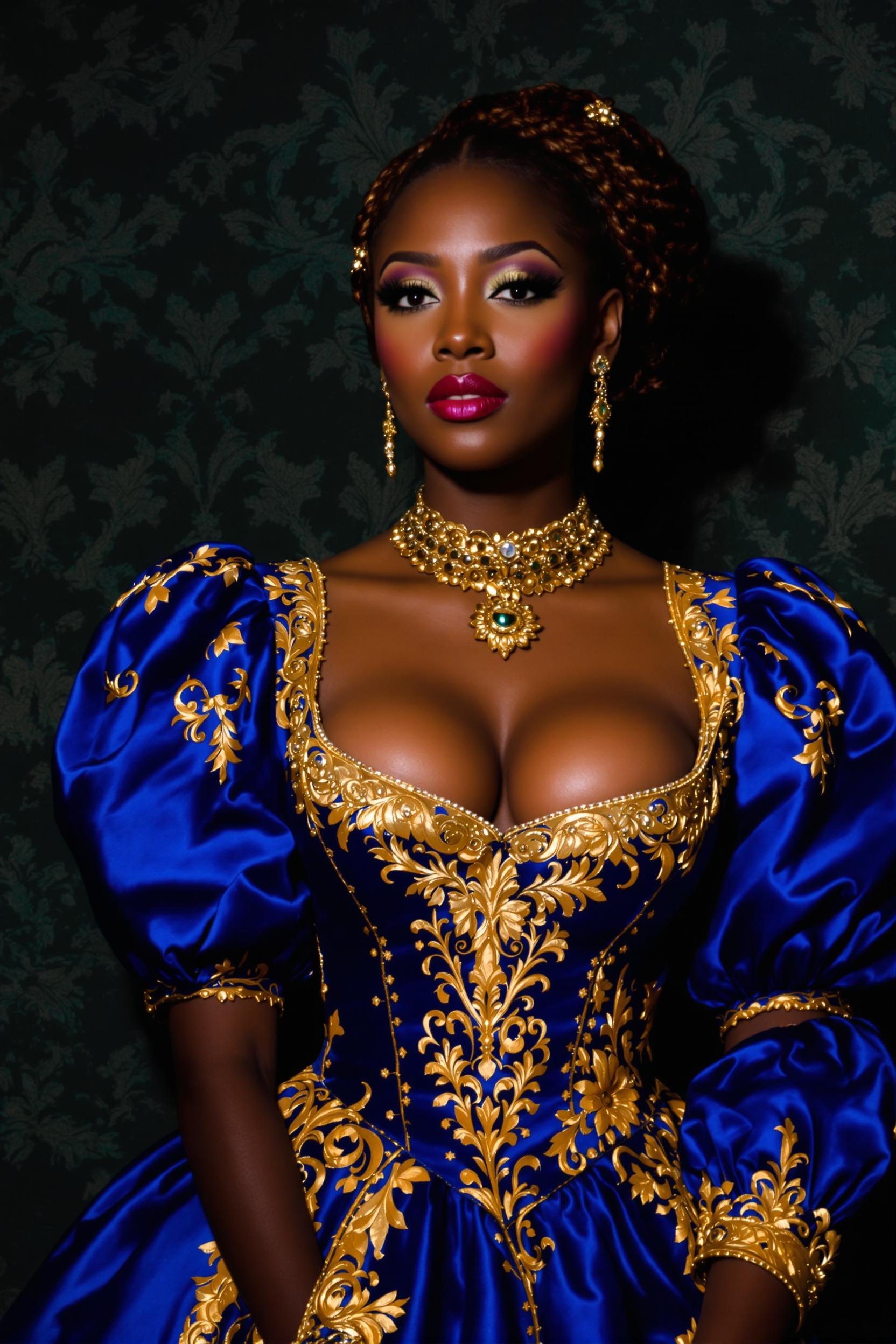
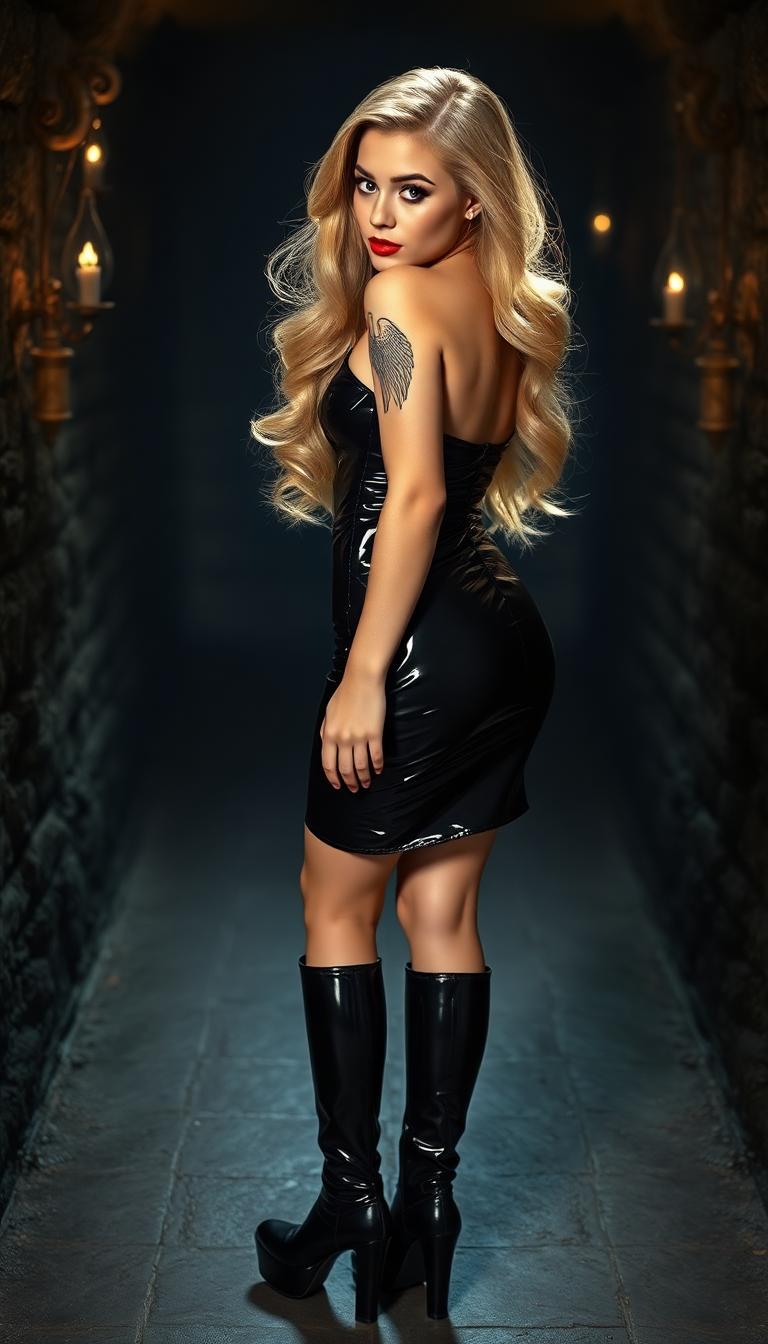
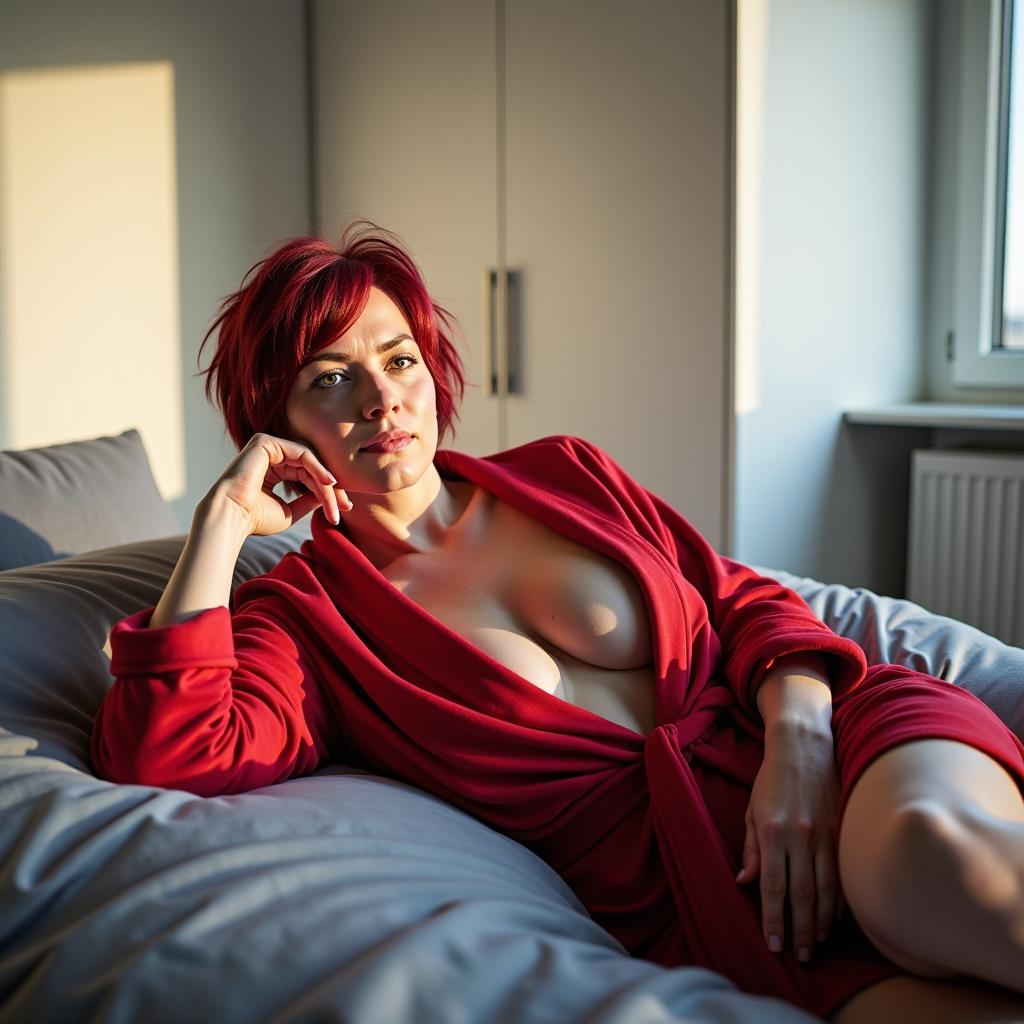
Imagine crafting hyper-detailed, camera-ready images that look like they were shot by a professional photographer – without ever touching a camera. With PixelDojo's GPT Image 1.5, you can generate ultra-realistic images that fool the eye, perfect for e-commerce product shots, social media portraits, marketing visuals, or personal projects. You'll save thousands on photoshoots, iterate designs in minutes, and captivate your audience with visuals so lifelike they drive clicks, sales, and shares. Whether you're a marketer needing flawless product renders or a creator building immersive scenes, GPT Image 1.5 delivers outcomes that turn heads and boost results.
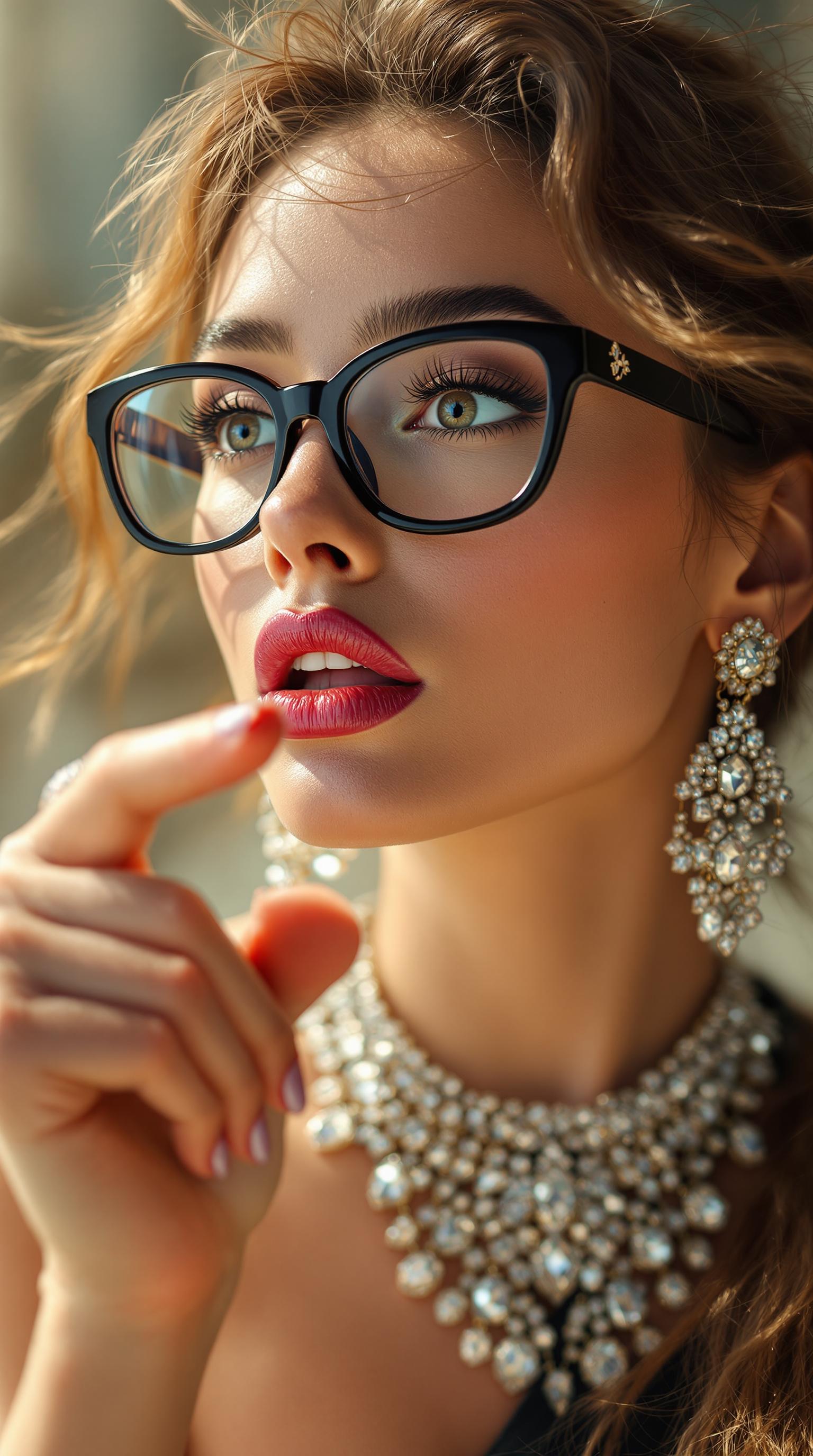
⭐ 4.9/5 from 12K+ reviews | 150K+ ultra-realistic images generated monthly | Trusted by 50K+ creators worldwide | Featured in top design communities
Why Choose Pixel Dojo for GPT Image 1.5 ultra-realistic images
Professional-quality results with cutting-edge AI technology
Captivate with Lifelike Detail
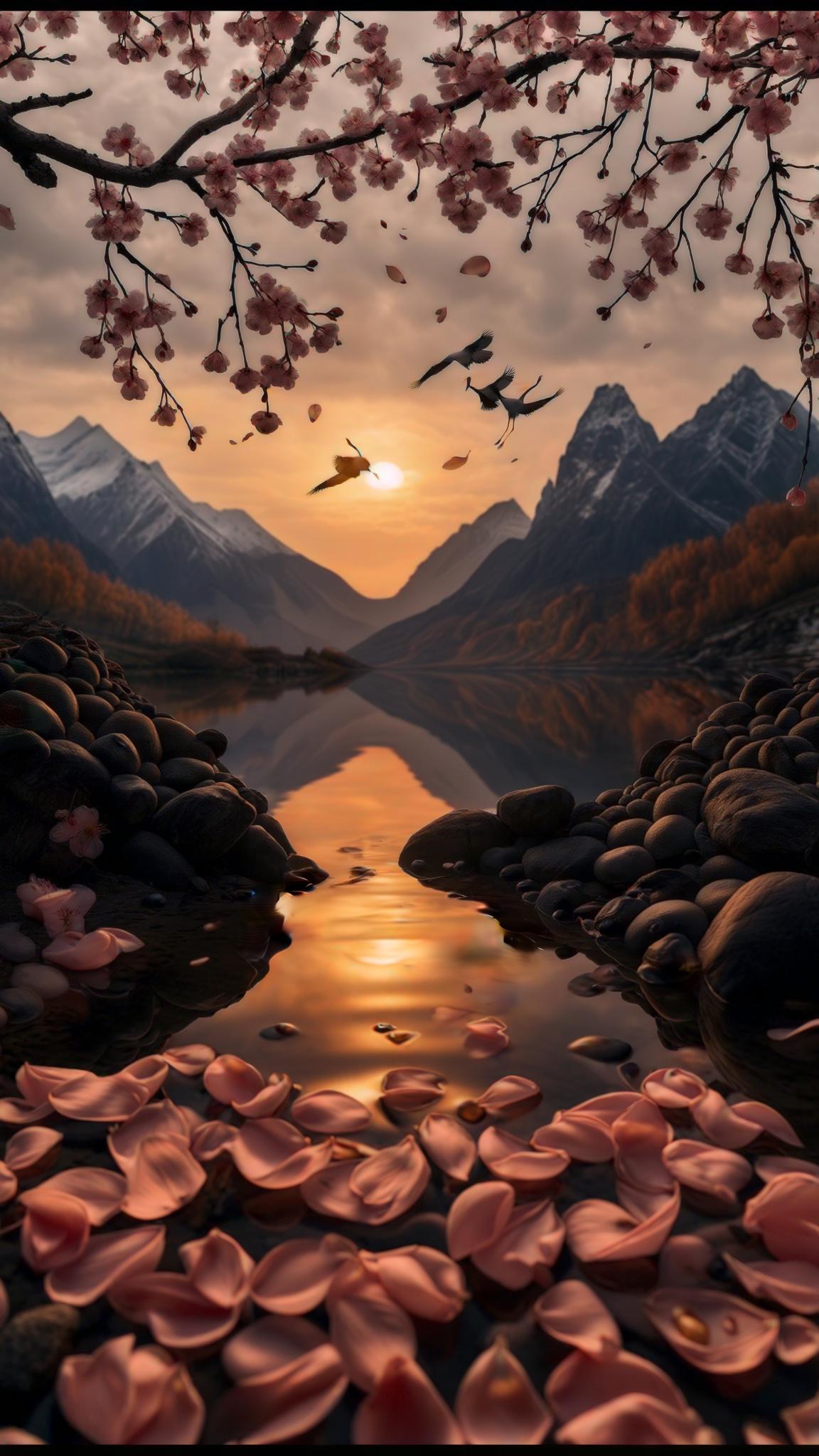
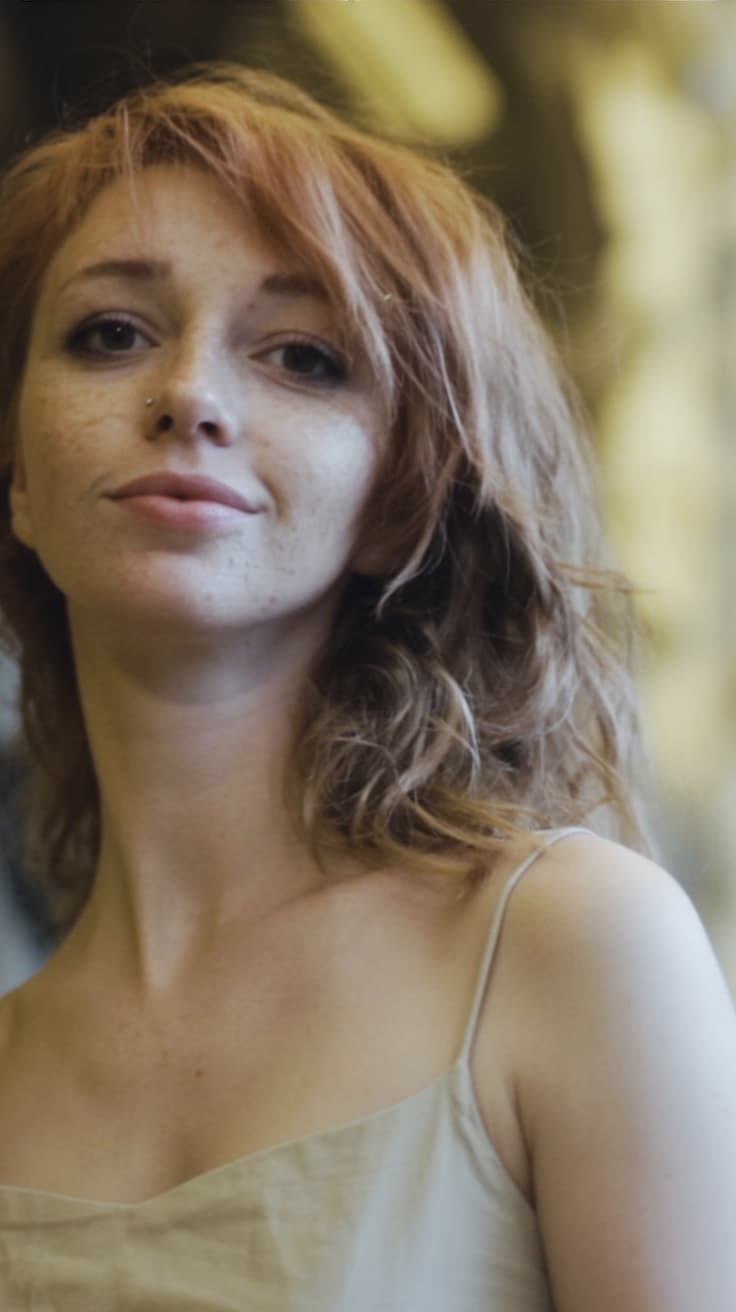
Produce images so photorealistic they rival DSLR photos – think perfect skin textures, dynamic lighting, and intricate details that make your portraits, products, or landscapes pop and convert viewers into customers.
Save Time and Cut Costs
Skip expensive photoshoots and stock libraries; generate unlimited ultra-realistic visuals in seconds, freeing you to focus on creativity and scaling your business without budget constraints.
Customize Endlessly for Perfection
Refine your ultra-realistic images with PixelDojo's editing suite – tweak angles, lighting, backgrounds, or upscale to 8K – ensuring every output matches your exact vision and performs across platforms.
How It Works
Creating ultra-realistic images with GPT Image 1.5 is as simple as typing a description. Leverage PixelDojo's 40+ AI tools like Flux.1 Studio for enhanced realism or Creative Upscaler for pro finishes – all in one seamless flow.
Step 1: Choose Your Tool
Head to PixelDojo's Create Images section, select GPT Image 1.5 for ultra-realistic mastery, or pair with Flux.1 Studio/SDXL for hyper-detailed renders. Upload a reference photo via Image to Image if you want to base it on reality.
Step 2: Enter Your Prompt
Describe your vision in natural language: 'Photorealistic close-up of a confident businesswoman in a modern office, sharp focus, natural daylight, Canon EOS 5D, 50mm lens, f/2.8'. Add specifics like lighting or style for jaw-dropping results – GPT Image 1.5 excels at textures, reflections, and human anatomy.
Step 3: Customize & Download
Generate, then enhance with Magic Lighting for mood, Background Remover for clean composites, or Creative Upscaler for print-ready 4K/8K. Download instantly or iterate – your ultra-realistic images are ready to deploy anywhere.
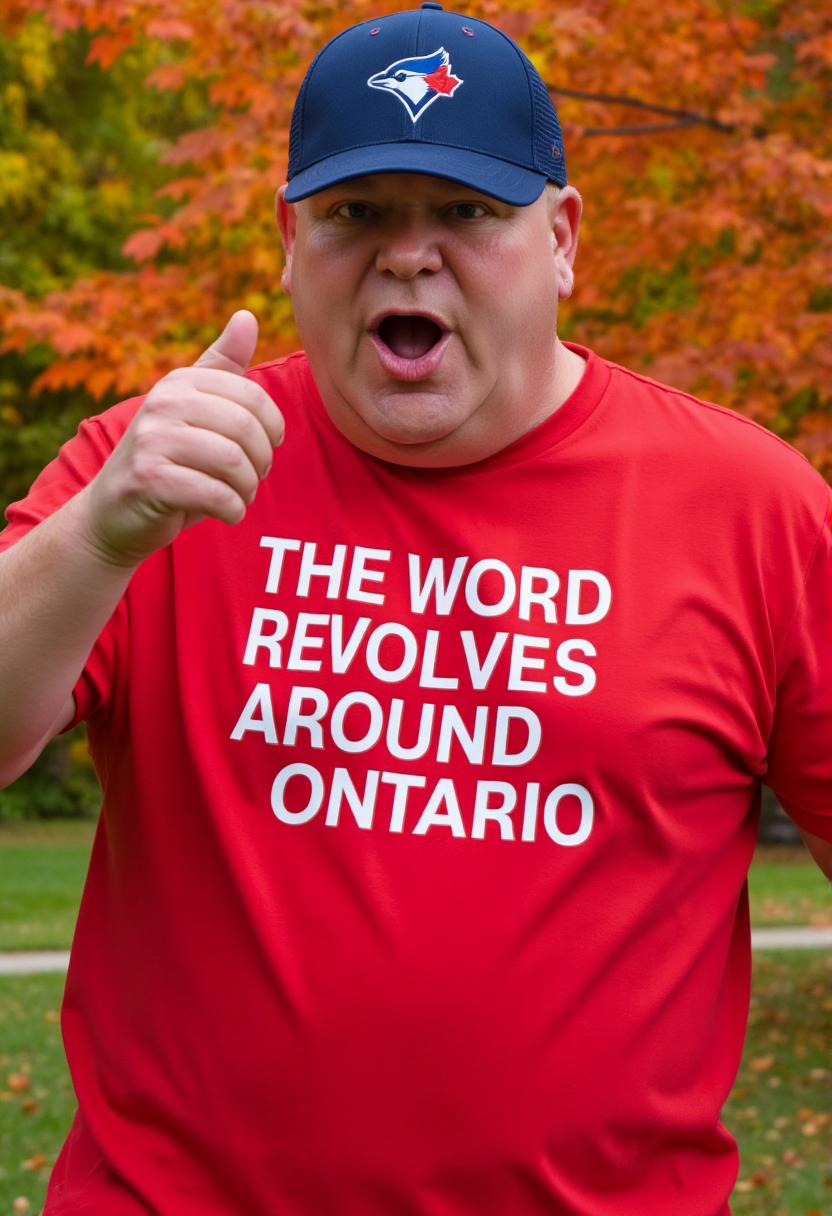
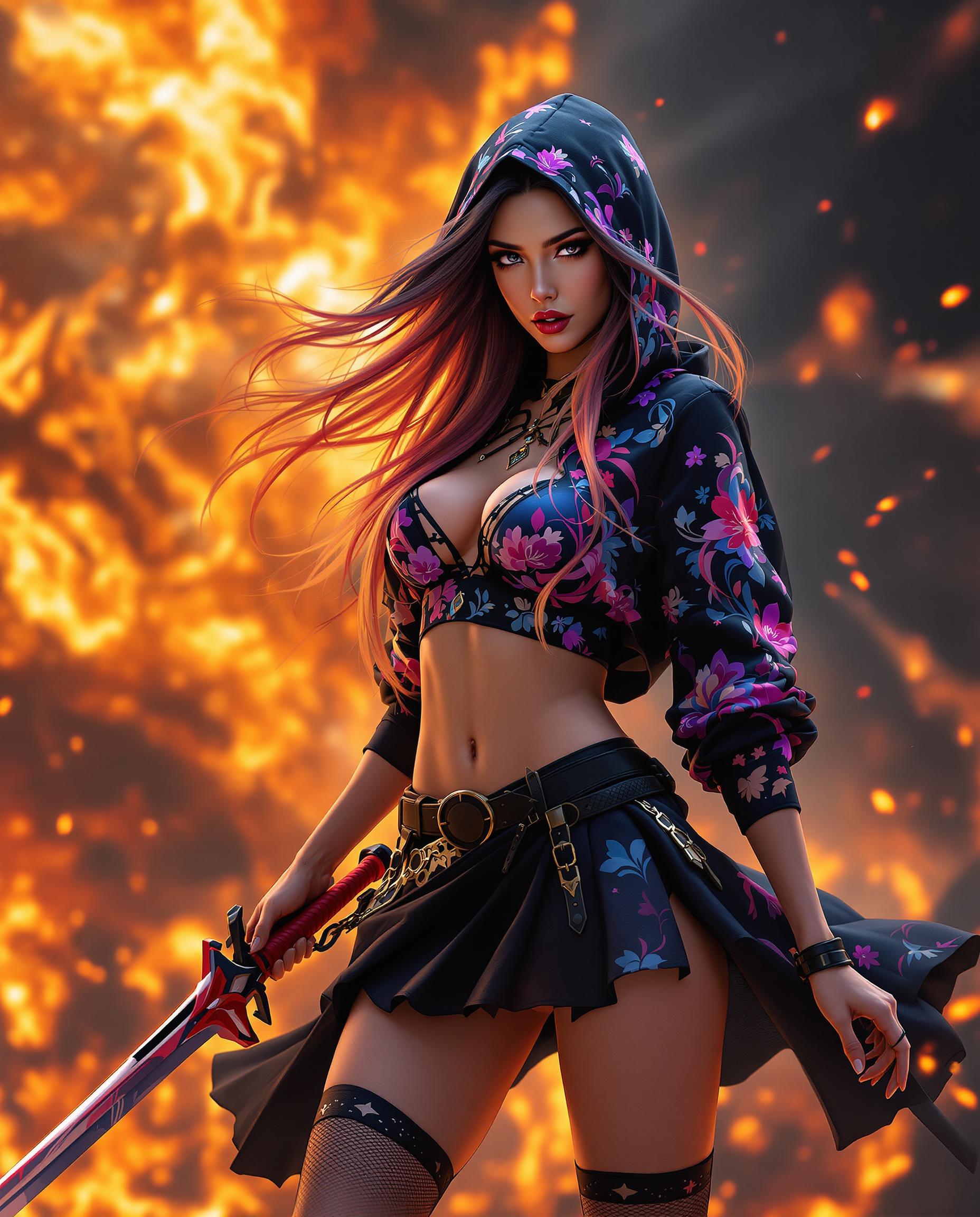
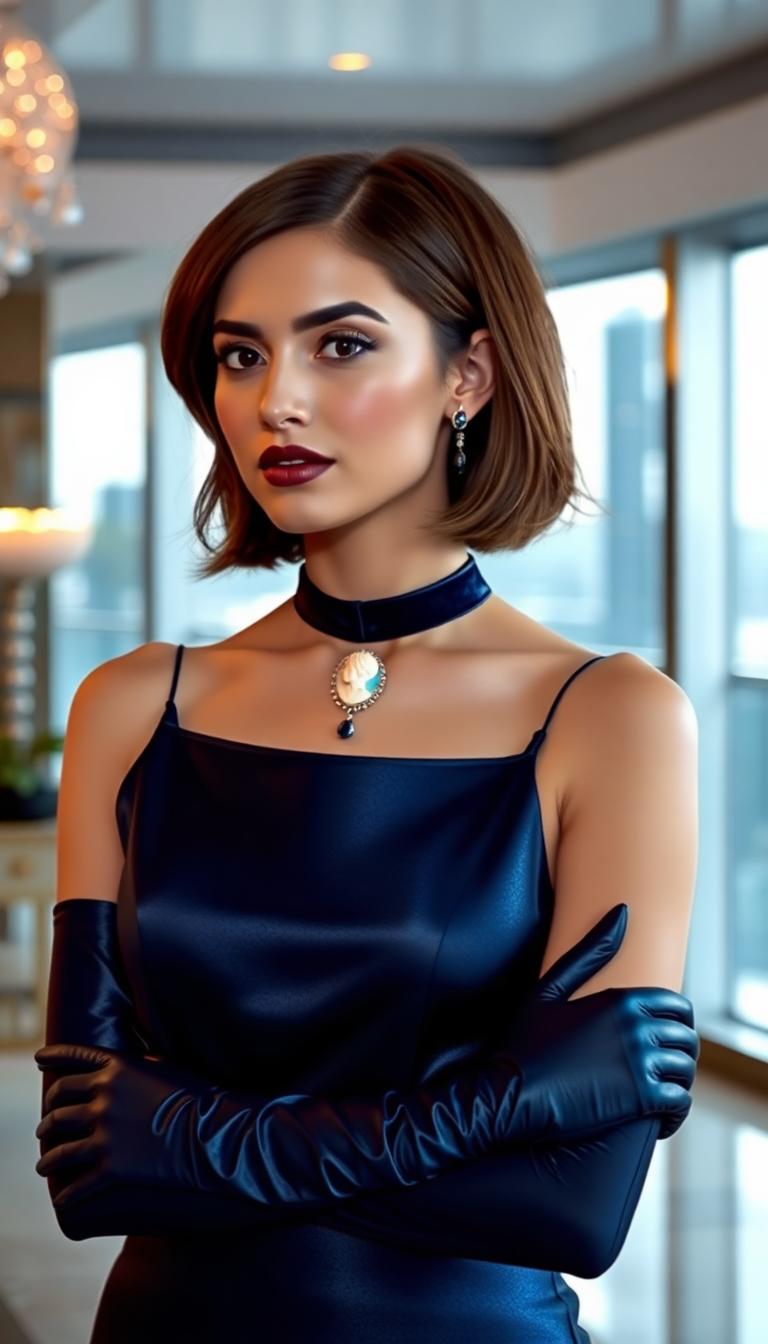
![Turn your image into a cartoon with FLUX.1 Kontext [pro] - cartoonify](https://cdn.pixeldojo.ai/cdn-cgi/image/f=auto,q=75,w=3840/pixeldojo/generated-images/1752258771272-zpnmk426d.png)
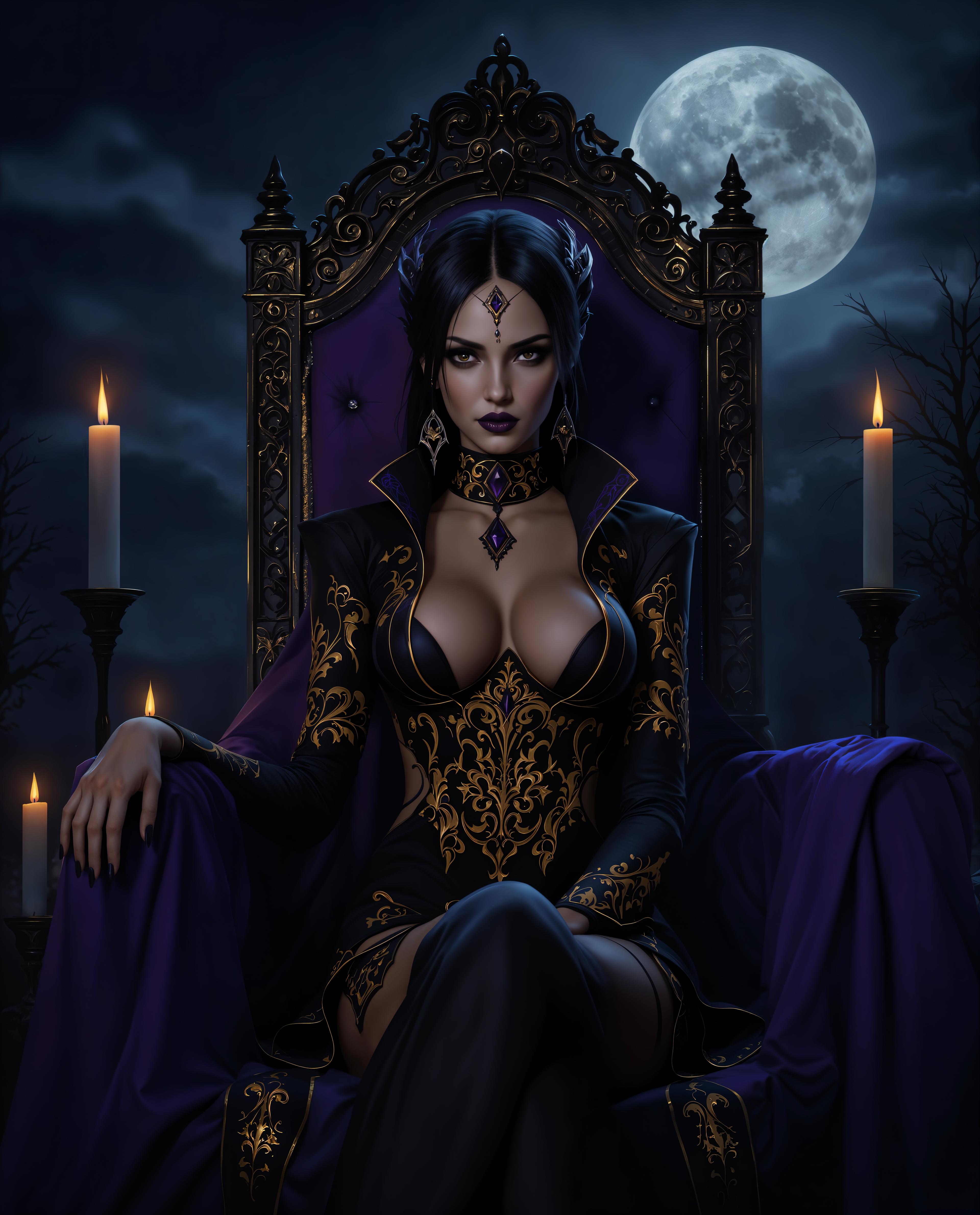
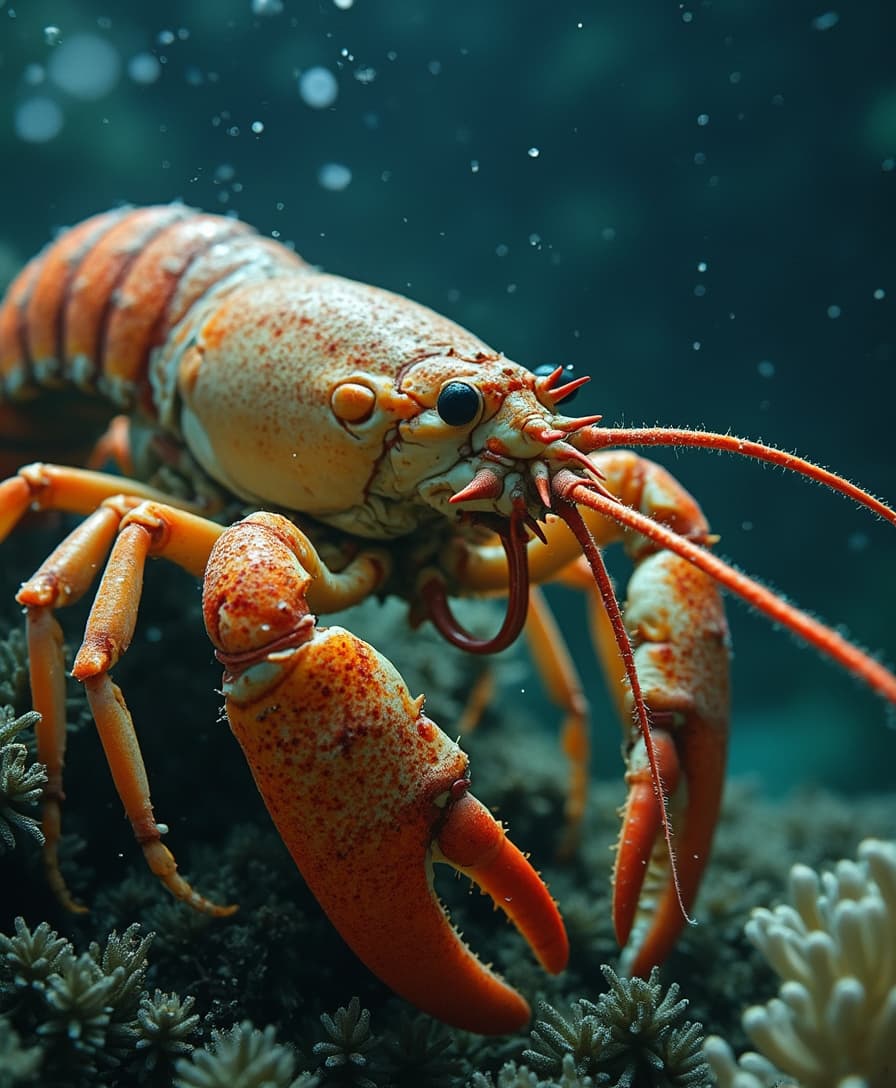
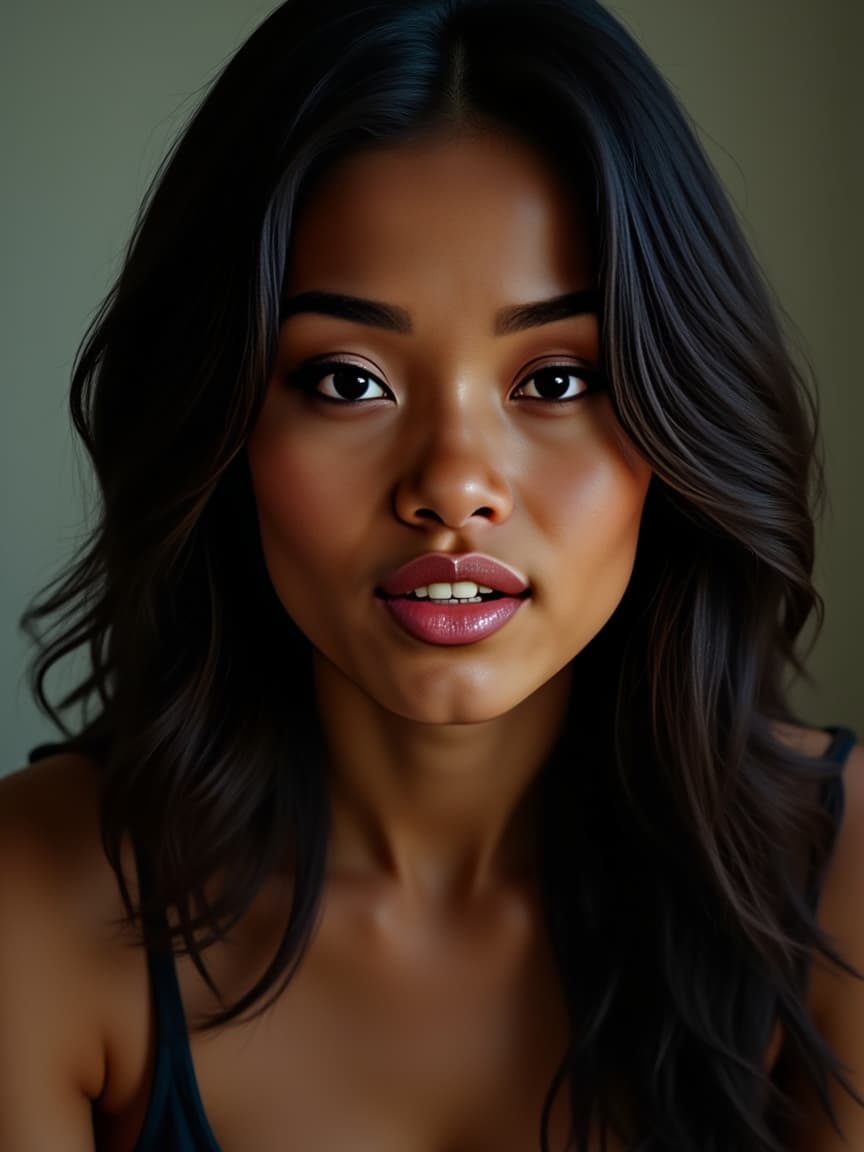
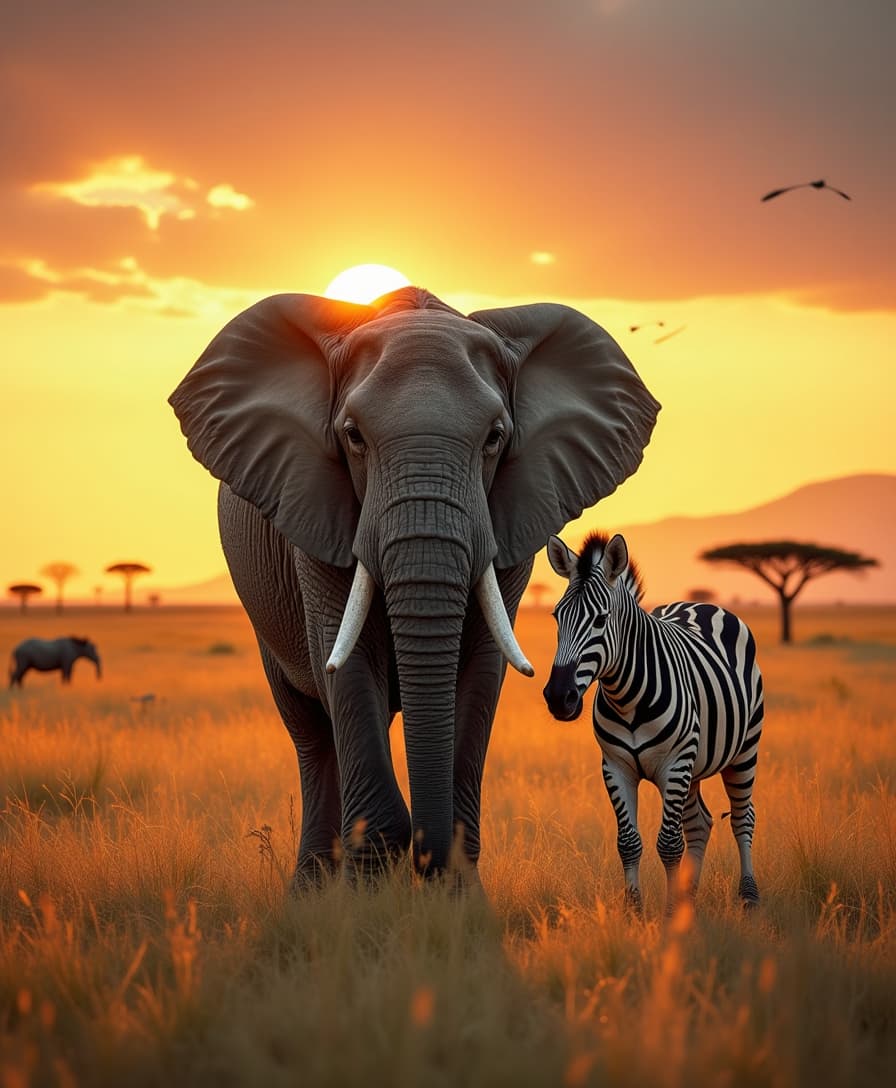
The Pixel Dojo Advantage
Why PixelDojo outperforms other options for ultra-realistic image generation
| Others | Pixel Dojo |
|---|---|
| Traditional photography | Generate infinite variations instantly for a fraction of the cost – no scheduling, lighting setups, or models required, with full control over every element. |
| Generic AI tools | GPT Image 1.5 delivers superior photorealism via specialized ultra-realistic training, plus 20+ edit tools like Inpainting and Style Transfer you won't find elsewhere. |
| Manual photo editing | Automate complex realism like skin pores, fabric folds, and depth-of-field – edit in seconds vs hours, scaling your workflow effortlessly. |
Loved by Creators
See what our community says about GPT Image 1.5 ultra-realistic images
"GPT Image 1.5 transformed my e-commerce store – ultra-realistic product shots doubled my conversions overnight. PixelDojo's tools make pro visuals accessible to solo creators like me."
Sarah Jenkins
E-commerce Owner
"Finally, AI images that look real! Used GPT Image 1.5 with Upscaler for client portraits – they thought I hired a photographer. Game-changer for my design agency."
Mike Rivera
Graphic Designer
Common Questions
Everything you need to know about GPT Image 1.5 ultra-realistic images AI generation
How does GPT Image 1.5 create ultra-realistic AI images on PixelDojo?
GPT Image 1.5 uses advanced prompt understanding to render photorealistic details like lifelike skin, hair strands, and environmental lighting. You input descriptive prompts, and it outputs camera-like images. Enhance with PixelDojo tools like HiDream for hyper-realism or Inpainting for fixes – achieving pro results 10x faster than traditional methods.
What are the best prompts for photorealistic images with GPT Image 1.5?
Craft prompts with specifics: camera (e.g., 'Sony A7R V, 85mm f/1.4'), lighting ('golden hour soft shadows'), and details ('sweat on skin, fabric wrinkles'). Example: 'Ultra-realistic elderly fisherman on rocky shore at dawn, detailed wrinkles, wet hair, volumetric fog'. GPT Image 1.5 shines here, outperforming basics with natural anatomy and no artifacts.
Can I edit ultra-realistic images generated by GPT Image 1.5?
Absolutely – PixelDojo's suite includes Image to Image for refinements, Change Camera Angle for new perspectives, Magic Lighting for mood shifts, and Creative Upscaler to 8K. Turn good images into perfect ones, all without leaving the platform.
Is GPT Image 1.5 suitable for e-commerce ultra-realistic product images?
Yes, it's ideal – generate flawless 360-degree views, lifestyle shots, or custom backgrounds. Pair with Background Remover and Portrait Upscaler for catalog-ready visuals that boost sales. Thousands of sellers use it to cut photo costs by 90%.
How fast can I generate ultra-realistic portraits with GPT Image 1.5?
Images appear in 10-30 seconds. For speed, use Z Image Turbo alongside; for max realism, Flux.1 Studio. Subscriptions unlock unlimited generations, so you iterate endlessly without waits or limits.
What makes PixelDojo's GPT Image 1.5 better for ultra-realistic AI generation?
Exclusive access to GPT Image 1.5's ultra-realism tuning, plus integrations like Consistent Characters for series or Train Models for custom styles. Backed by 40+ tools, usage reports, and cancel-anytime plans – creators rave about the reliability and output quality.