halloween ai AI Generator
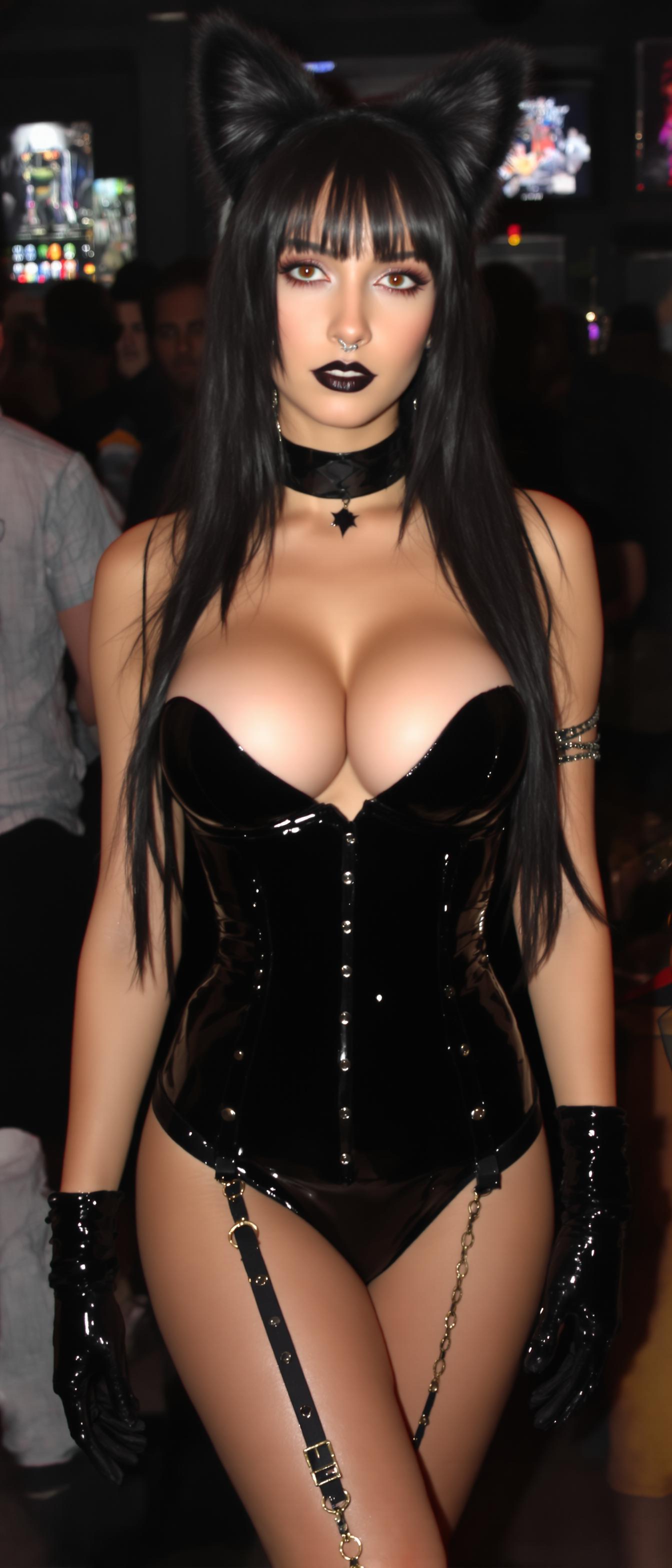
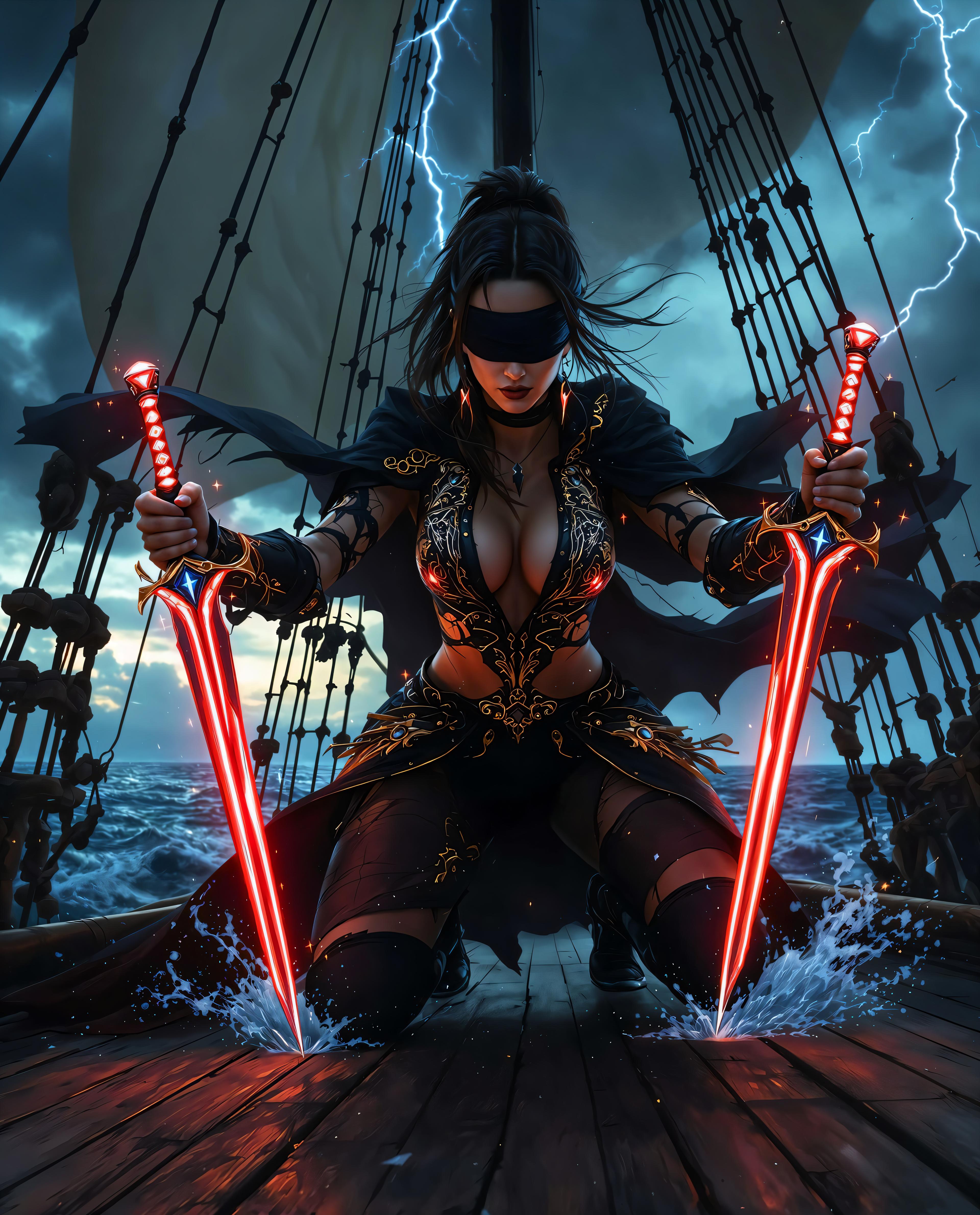
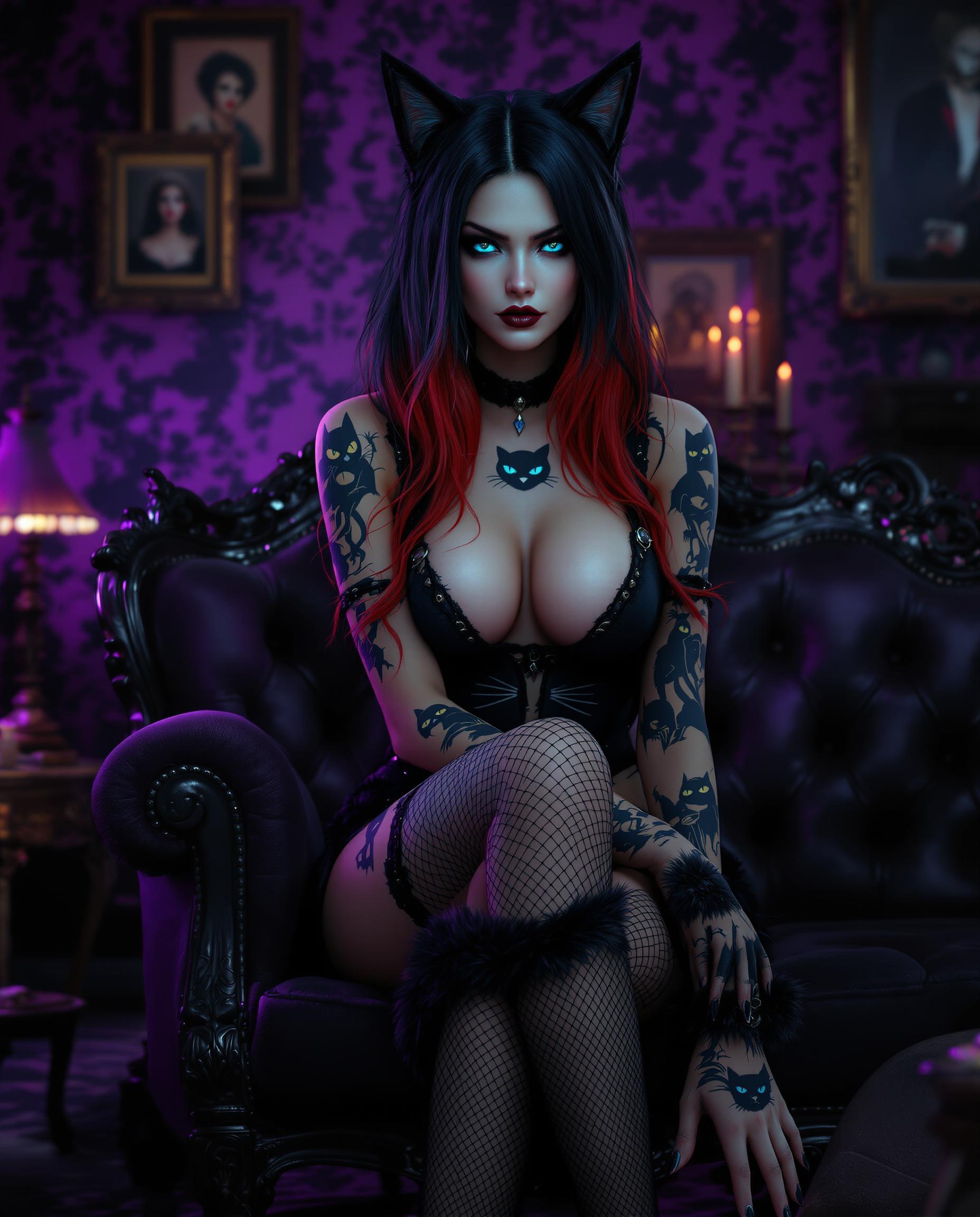
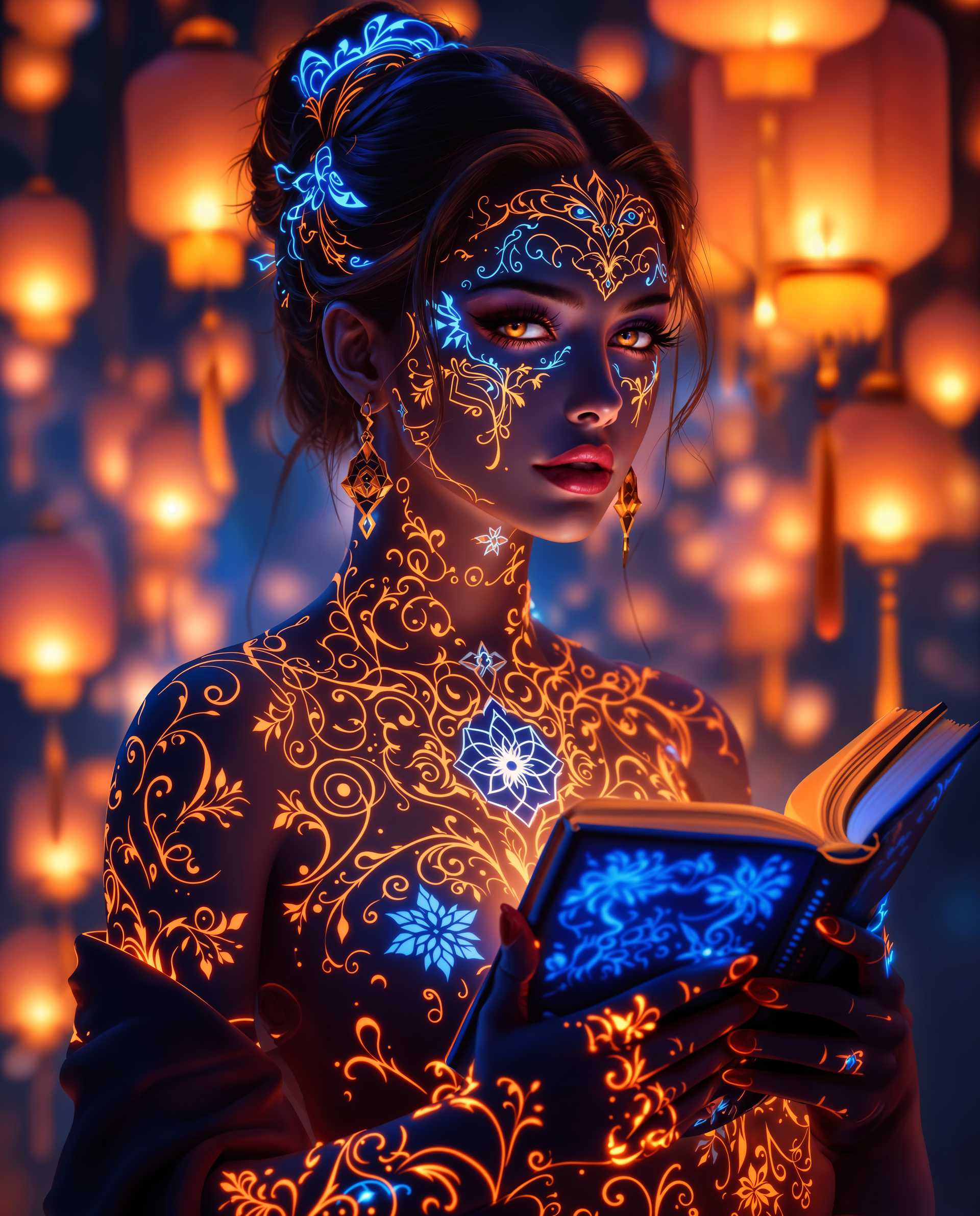
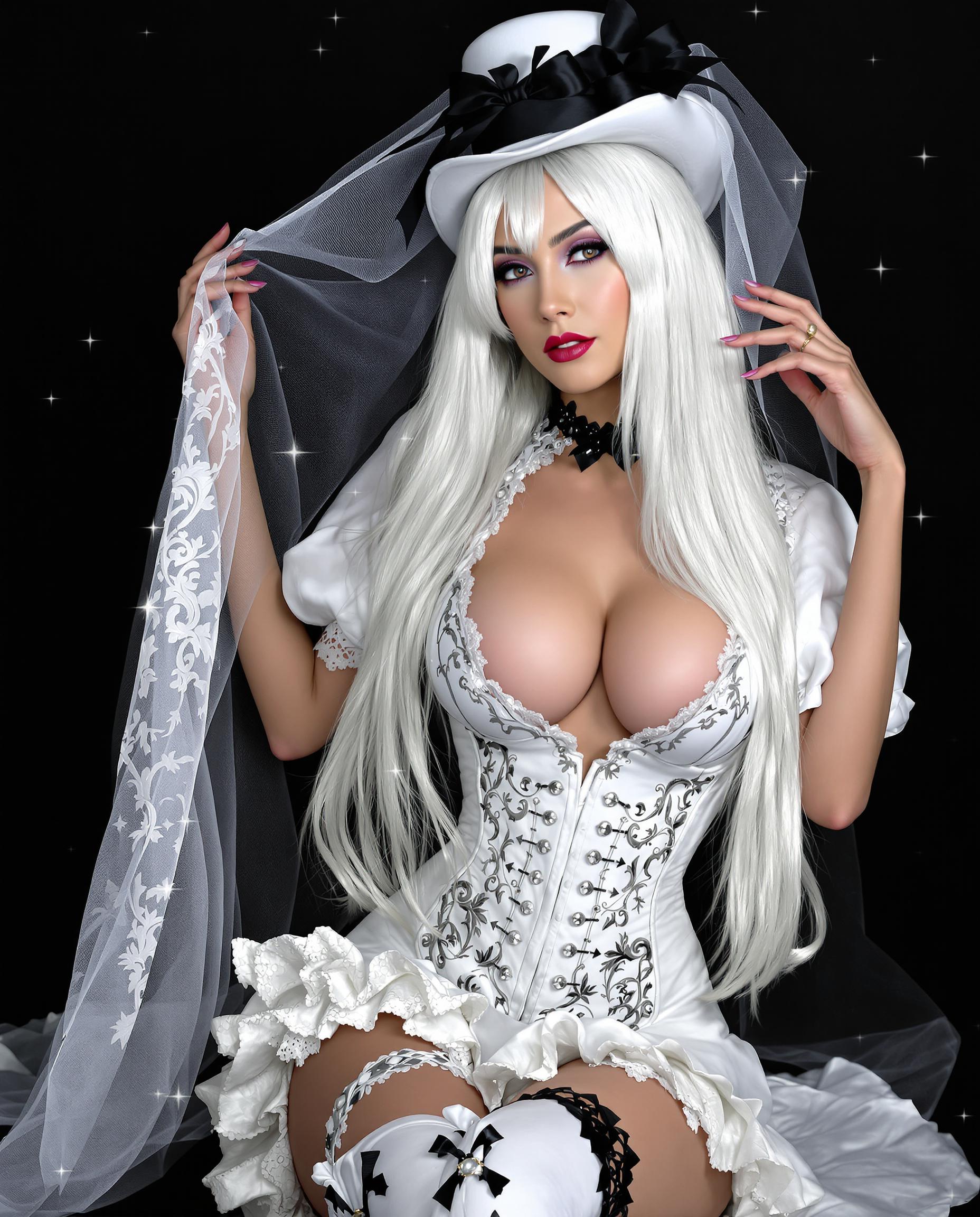
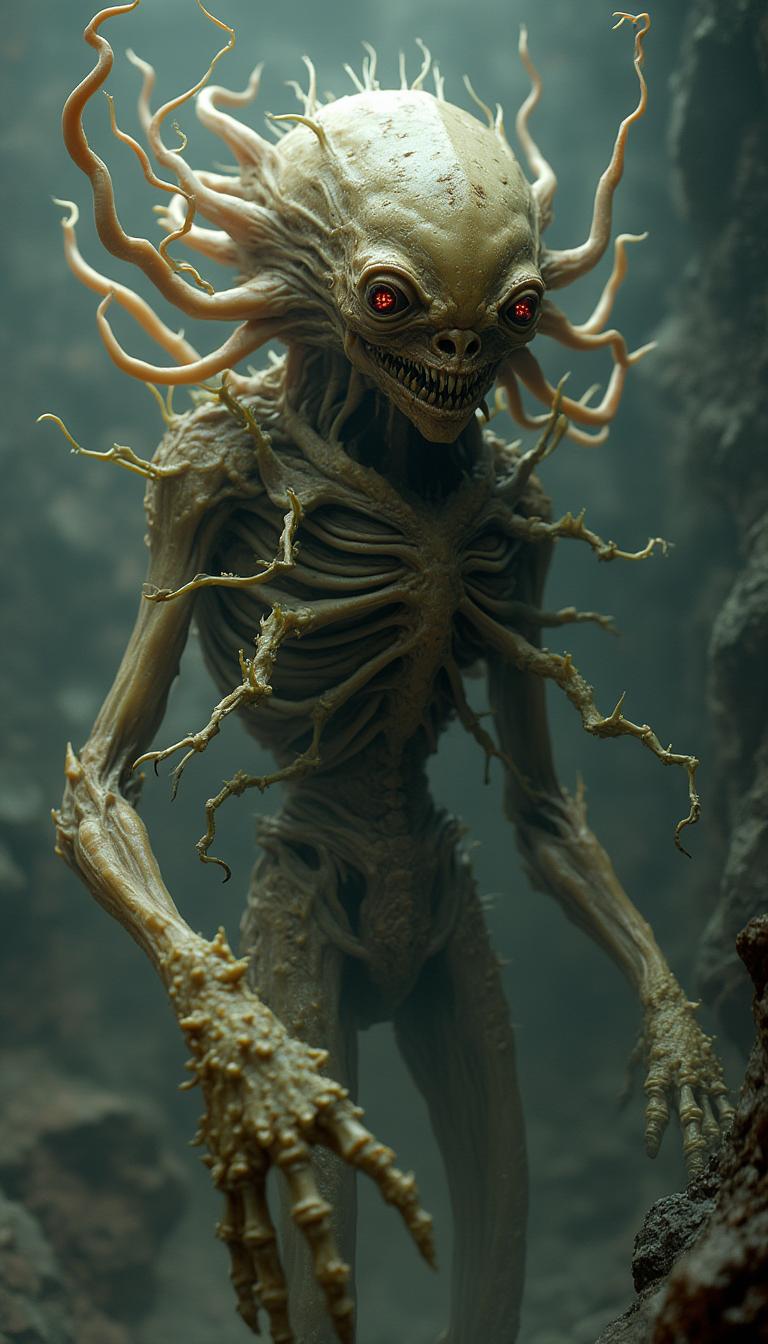
Embrace the spirit of Halloween by creating captivating, spooky images with PixelDojo's AI-powered tools. Whether you're designing party invitations, social media posts, or unique decorations, our platform empowers you to bring your eerie visions to life effortlessly.

Join thousands of creators who have generated over 1 million Halloween-themed images using PixelDojo's AI tools. Rated 4.8/5 by our satisfied users.
Why Choose Pixel Dojo for halloween ai
Professional-quality results with cutting-edge AI technology
Effortless Creativity
Generate stunning Halloween images without any design experience.
Time-Saving
Quickly produce high-quality visuals, saving hours of manual work.
Versatile Applications
Use your creations for invitations, social media, decorations, and more.
How It Works
Creating spooky Halloween images with PixelDojo is simple and intuitive. Follow these steps to bring your ideas to life:
Step 1: Choose Your Tool
Select from PixelDojo's specialized tools like Flux Creator or SDXL Image Creator to begin your Halloween image creation.
Step 2: Enter Your Prompt
Input a detailed description of your desired image, such as 'a haunted house under a full moon with bats flying overhead.'
Step 3: Customize & Download
Adjust settings like color palette and lighting to match your vision, then download your high-resolution image.
The Pixel Dojo Advantage
Why PixelDojo outperforms other options for Halloween image generation:
| Others | Pixel Dojo |
|---|---|
| Traditional Design Methods | Eliminates the need for complex software and design skills. |
| Generic AI Tools | Offers specialized features tailored for Halloween themes. |
| Stock Images | Provides unique, customizable images instead of generic stock photos. |
Loved by Creators
See what our community says about halloween ai
"PixelDojo made it incredibly easy to create unique Halloween invitations that impressed all my guests."
Emily R.
Event Planner
"I used PixelDojo to generate spooky backgrounds for my Halloween-themed website, and the results were phenomenal."
James L.
Web Designer
Common Questions
Everything you need to know about halloween ai AI generation
How can I create AI-generated Halloween images with PixelDojo?
Simply select a tool like Flux Creator, input a detailed prompt describing your desired image, customize the settings, and download your creation.
Do I need design experience to use PixelDojo for Halloween images?
No, PixelDojo is designed for users of all skill levels, allowing anyone to create professional-quality images effortlessly.
Can I use the Halloween images I create for commercial purposes?
Yes, images generated with PixelDojo can be used for both personal and commercial projects.
Are there specific tools in PixelDojo for Halloween image creation?
Yes, tools like Flux Creator and SDXL Image Creator are excellent for generating Halloween-themed images.
How do I ensure my Halloween images have a spooky atmosphere?
Use prompts that include elements like 'dark,' 'foggy,' or 'haunted,' and adjust the color palette to darker tones.
Is there a cost to use PixelDojo's AI tools for Halloween image creation?
PixelDojo offers various subscription plans, including options that allow you to start creating images for free.