headshots for linkedin AI Generator
Your LinkedIn profile picture is often the first impression you make on potential employers, clients, and connections. A professional headshot can significantly enhance your profile's appeal, making you stand out in a competitive job market. With PixelDojo's AI-powered tools, you can create studio-quality LinkedIn headshots effortlessly, without the need for expensive photoshoots or complex editing software.

Join thousands of professionals who have elevated their LinkedIn presence using PixelDojo's AI tools. Our platform has generated over 1 million headshots, helping users increase profile views and connection requests.
Why Choose Pixel Dojo for headshots for linkedin
Professional-quality results with cutting-edge AI technology
Achieve Studio-Quality Headshots
Generate high-resolution, professional headshots that rival traditional studio photography, enhancing your LinkedIn profile's credibility.
Save Time and Money
Avoid the hassle and expense of scheduling a professional photoshoot. Create your headshot in minutes from the comfort of your home.
Customize to Reflect Your Personal Brand
Tailor your headshot with various styles and backgrounds to align with your industry and personal branding.
How It Works
Creating your AI LinkedIn headshot with PixelDojo is simple and straightforward. Follow these steps to get started:
Step 1: Choose Your Tool
Select the 'Consistent Characters' tool from PixelDojo's 'Characters' category to begin crafting your personalized headshot.
Step 2: Upload Your Photos
Upload a selection of clear, well-lit photos of yourself. Ensure these images have varied expressions and angles to help the AI accurately capture your features.
Step 3: Customize & Download
Choose from a range of professional styles and backgrounds. Once satisfied, generate your headshot and download the high-resolution image for your LinkedIn profile.
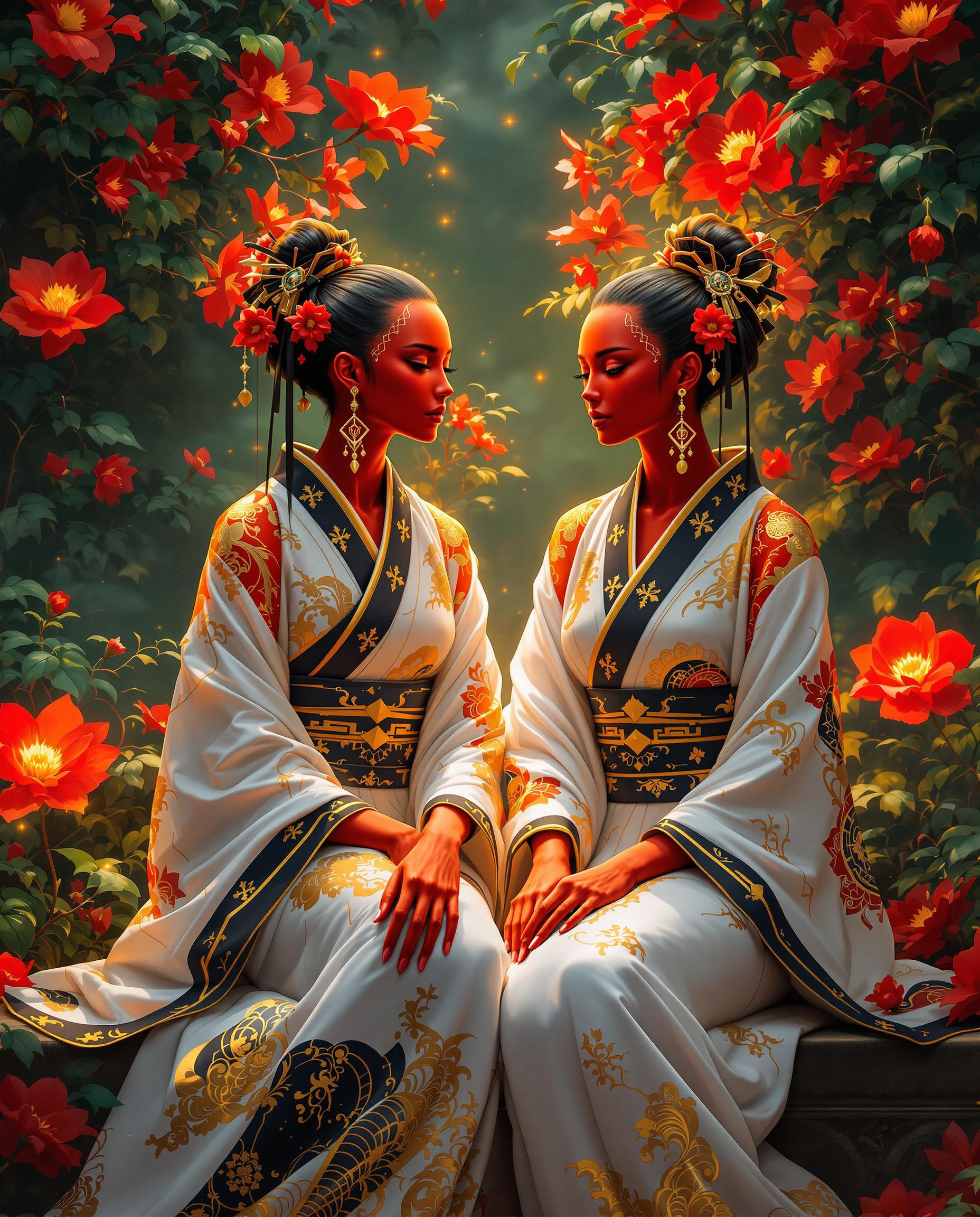













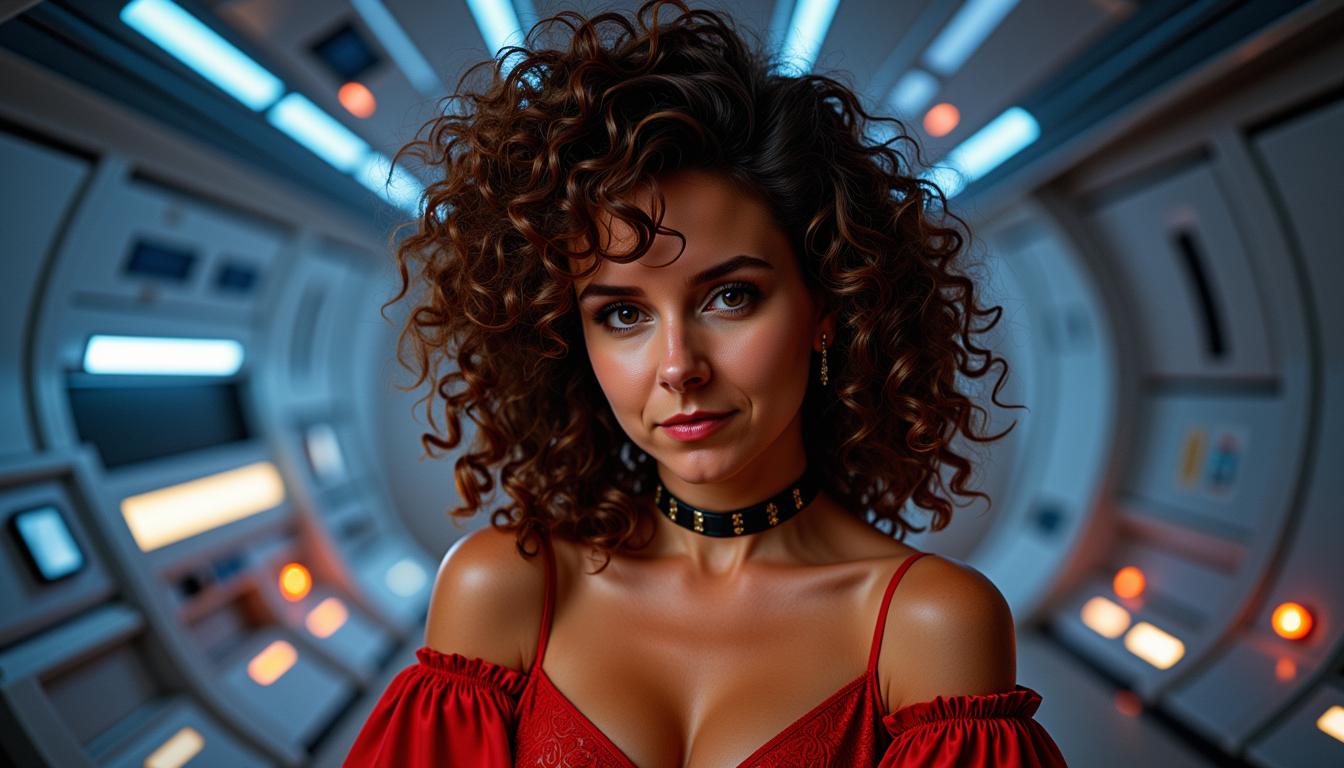
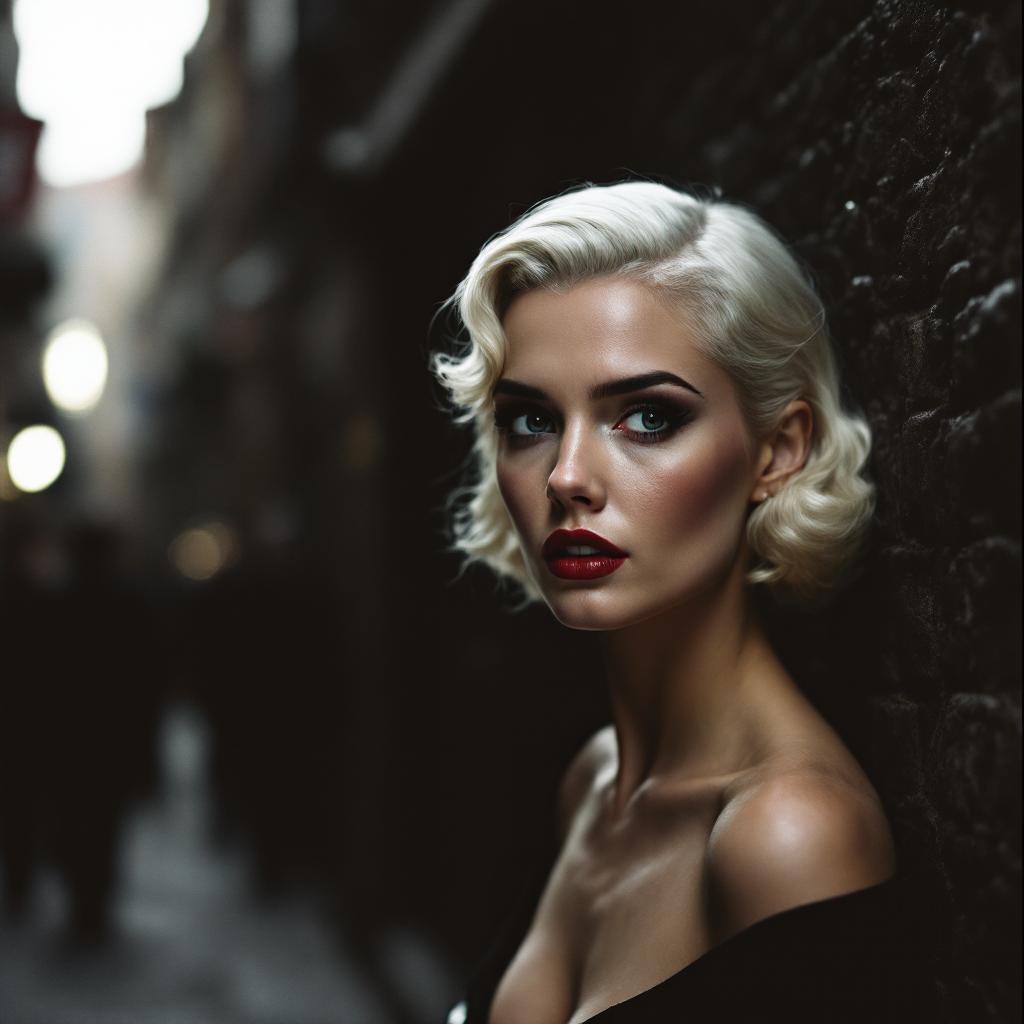

The Pixel Dojo Advantage
Why PixelDojo outperforms other options for LinkedIn headshot generation
| Others | Pixel Dojo |
|---|---|
| Traditional Photography Sessions | Eliminate the need for costly and time-consuming studio sessions by generating headshots instantly with AI. |
| Generic AI Headshot Generators | Benefit from advanced customization options and superior image quality tailored specifically for LinkedIn profiles. |
| Manual Photo Editing | Avoid the complexity and learning curve of photo editing software with our user-friendly AI tools. |
Loved by Creators
See what our community says about headshots for linkedin
"PixelDojo transformed my LinkedIn profile with a stunning headshot. The process was quick, and the results were beyond my expectations."
Jane Doe
Marketing Manager
"I was amazed at how professional my AI-generated headshot looked. It saved me both time and money compared to a traditional photoshoot."
John Smith
Software Engineer
Common Questions
Everything you need to know about headshots for linkedin AI generation
How does PixelDojo create AI LinkedIn headshots?
PixelDojo utilizes advanced AI algorithms to analyze your uploaded photos, capturing your unique features and generating a professional headshot tailored for LinkedIn.
Can I customize the style and background of my headshot?
Yes, PixelDojo offers a variety of styles and backgrounds, allowing you to customize your headshot to align with your personal brand and industry standards.
Is it necessary to have professional photos for uploading?
No, clear and well-lit selfies or casual photos are sufficient. The AI will enhance and transform them into professional-quality headshots.
How long does it take to generate a headshot?
The process typically takes a few minutes. Once you've uploaded your photos and selected your preferences, the AI will generate your headshot promptly.
Is my data secure with PixelDojo?
Absolutely. PixelDojo prioritizes user privacy and data security. Your uploaded photos are used solely for generating your headshot and are not shared or stored beyond this purpose.
Can I use the generated headshot for other professional platforms?
Yes, the headshot is suitable for various professional platforms, including LinkedIn, resumes, company websites, and more.