image enhancer and upscaler AI Generator
Imagine taking any low-res photo, old snapshot, or pixelated graphic and turning it into a breathtaking 4K masterpiece ready for prints, social media, or professional use. With PixelDojo's AI Image Enhancer and Upscaler, you achieve razor-sharp details, vibrant colors, and massive size increases without ever losing quality. No more frustrating pixelation or blur – just stunning results in seconds using tools like Magnific Upscaler and Creative Upscaler. Whether restoring family heirlooms, prepping product shots for e-commerce, or elevating your digital art, you'll create print-ready visuals that captivate audiences and boost your projects instantly.
Trusted by 50,000+ creators worldwide | 4.9/5 Stars from 12,000+ reviews | Over 2M images enhanced & upscaled | Featured in top design communities
Why Choose Pixel Dojo for image enhancer and upscaler
Professional-quality results with cutting-edge AI technology
Achieve Crystal-Clear Details Instantly
Breathe new life into blurry, noisy, or low-quality images, revealing hidden textures and sharpness you thought were lost forever. Perfect for restoring old photos or fixing smartphone snaps into professional-grade visuals that impress clients and followers.
Upscale to 4K & 8K Without Quality Loss
Effortlessly enlarge images by 2x, 4x, or even 8x while adding intelligent details, making small files massive without artifacts. Ideal for high-res prints, billboards, or ultra-HD web banners that stand out.
Unlock Creative Enhancements Effortlessly
Go beyond basic fixes with artistic boosts – add dramatic lighting, refine styles, or creatively expand details using Magnific Upscaler. Turn everyday images into eye-catching artwork tailored to your vision.
How It Works
Enhance and upscale your images in just three simple steps using PixelDojo's powerful Magnific Upscaler, Creative Upscaler, or Portrait Upscaler. No technical skills needed – upload, tweak, and download perfection.
Step 1: Choose Your Upscaler Tool
Head to the Edit Images section and select Magnific Upscaler for creative detail addition, Creative Upscaler for precise enlargements, or Portrait Upscaler for faces. Upload your image directly – supports JPG, PNG, and more up to 10MB.
Step 2: Customize Your Enhancement
Adjust upscale factor (2x-16x), add a prompt like 'enhance details, add realistic textures, cinematic lighting' for Magnific, or use sliders for sharpness and noise reduction. Preview changes live to perfect your result.
Step 3: Generate & Download HD Masterpiece
Hit 'Generate' to process in seconds, review the AI-enhanced version, then download in your desired resolution. Save to your PixelDojo archive for easy edits later with tools like Inpainting or Background Remover.
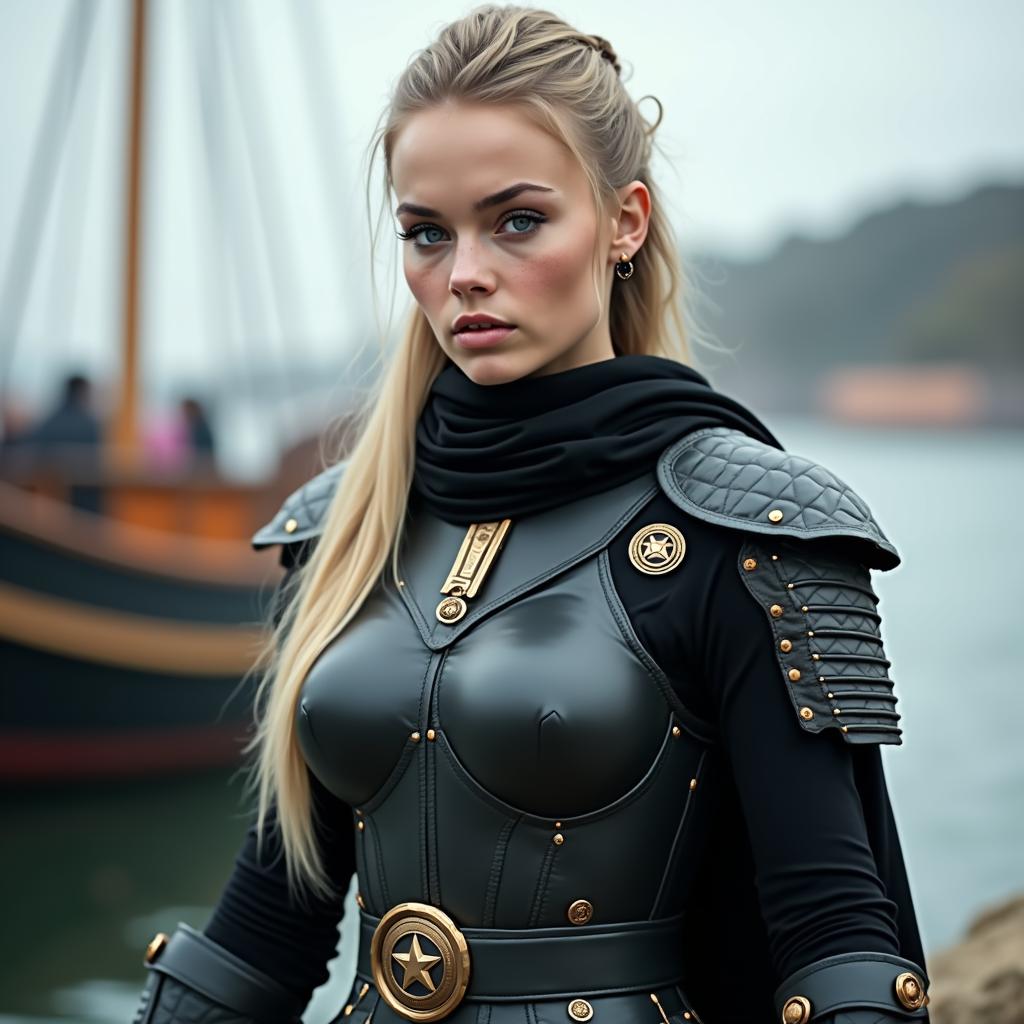
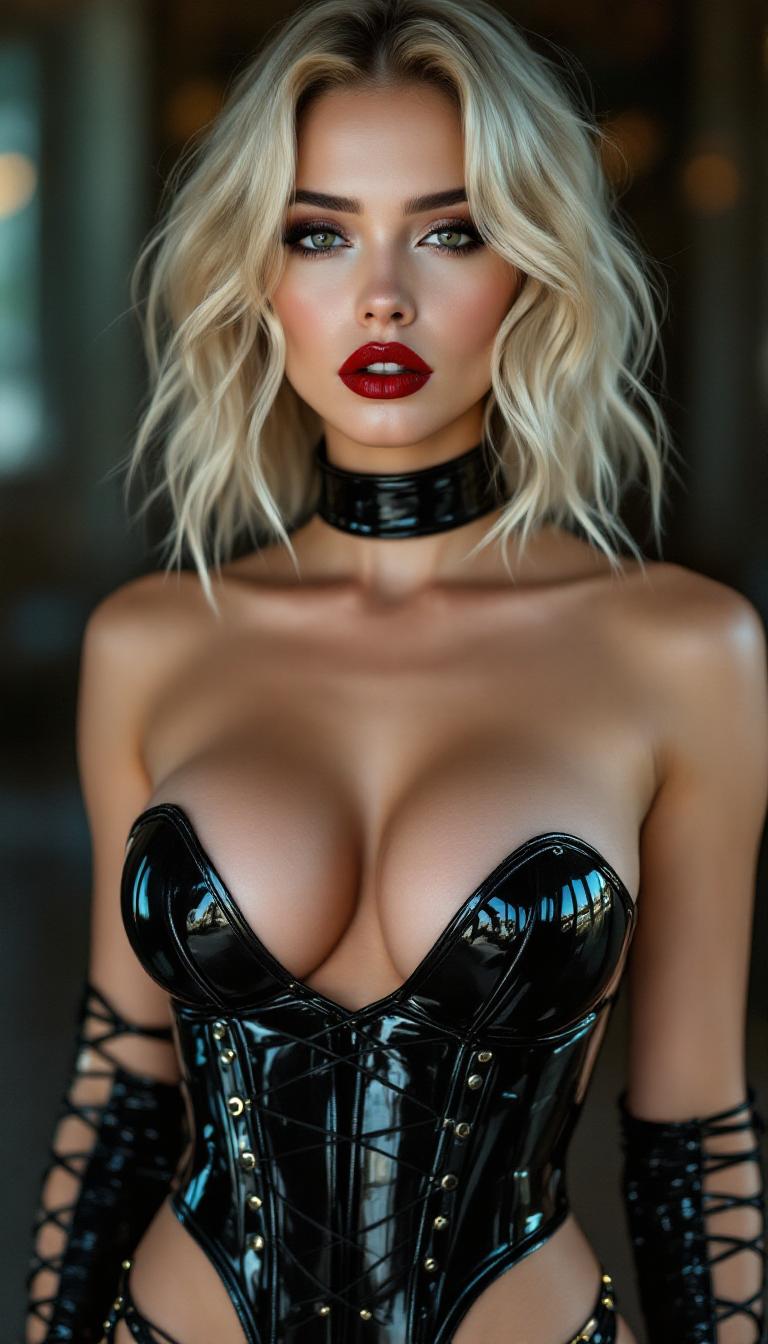
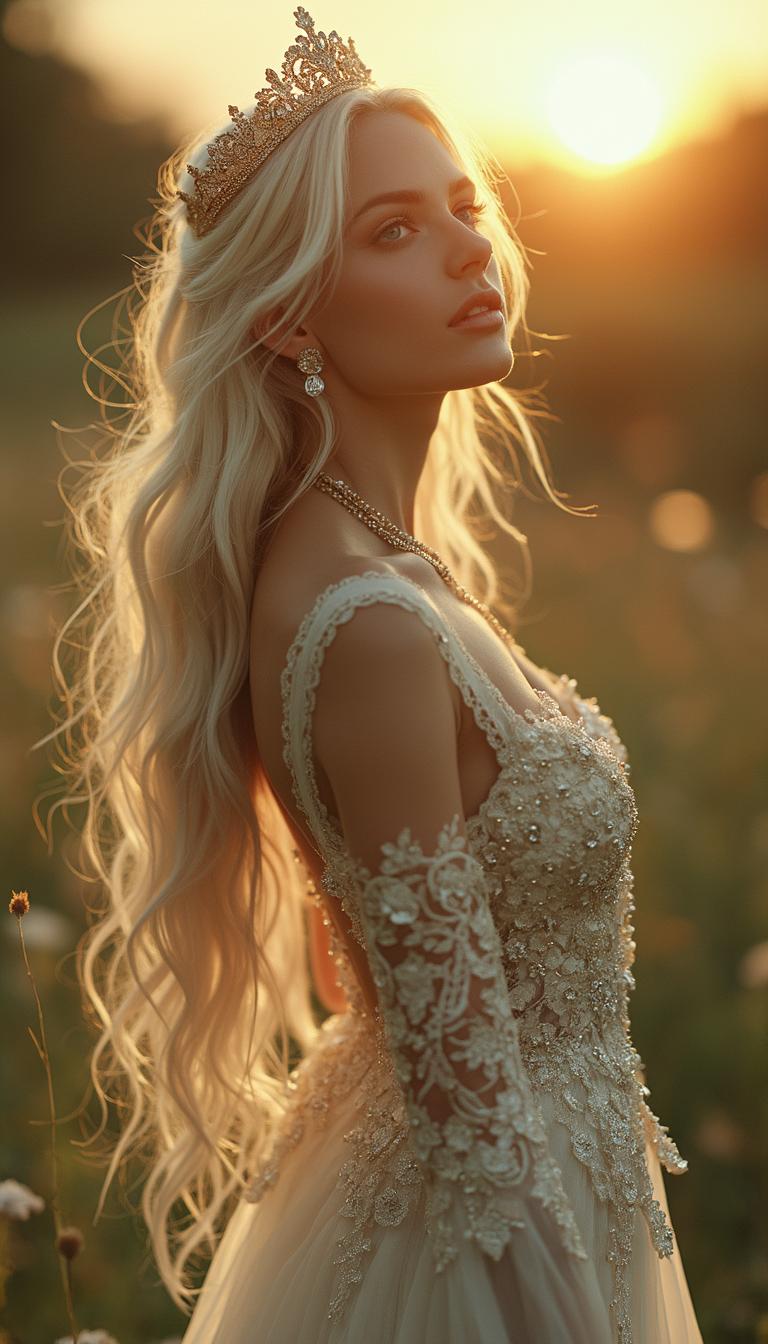

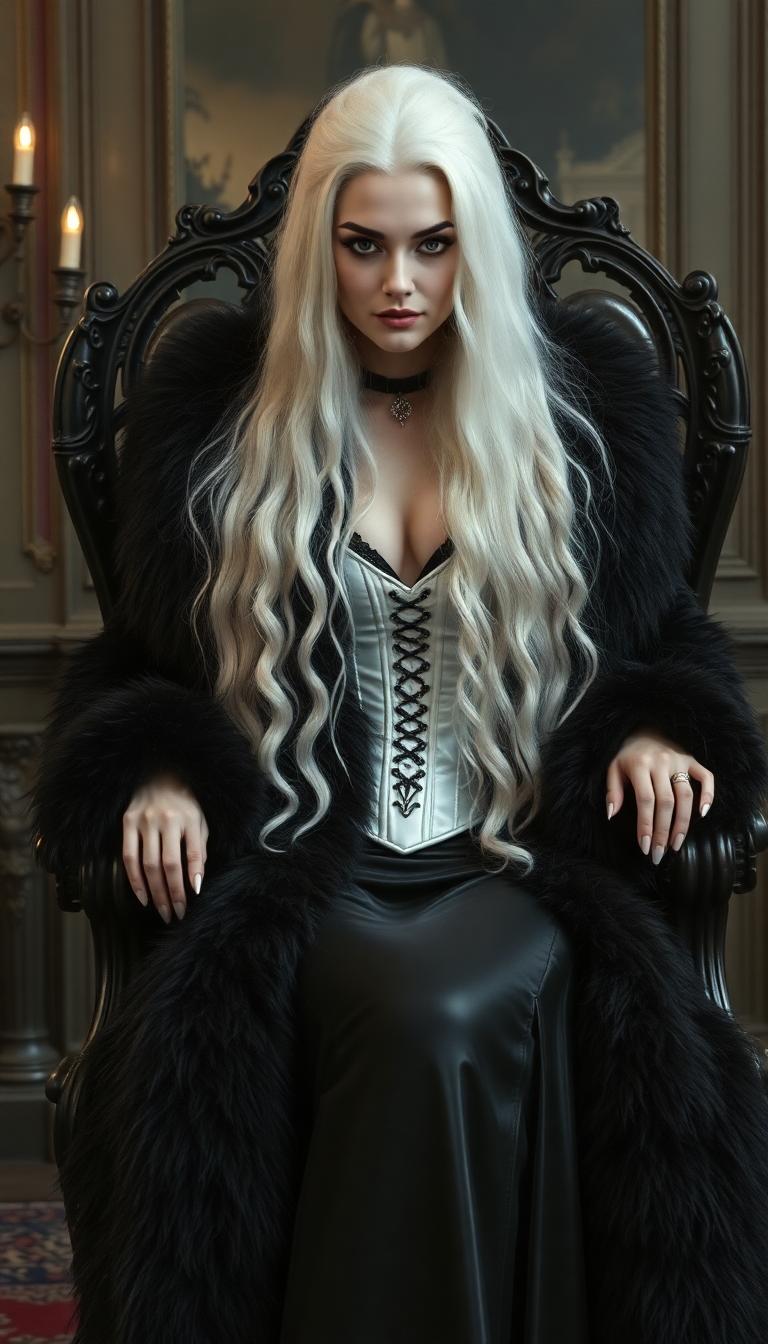
The Pixel Dojo Advantage
Why PixelDojo outperforms other options for image enhancer and upscaler tasks
| Others | Pixel Dojo |
|---|---|
| Traditional photo editing software | Skip hours of manual sharpening and resizing – get superior AI-driven results in seconds with zero learning curve |
| Generic AI tools | Access specialized upscalers like Magnific that intelligently add details, not just stretch pixels, for truly professional outcomes |
| Manual photo editing | Eliminate trial-and-error guesswork; PixelDojo's tools deliver consistent, high-fidelity enhancements every time you need them |
Loved by Creators
See what our community says about image enhancer and upscaler
"PixelDojo's Magnific Upscaler turned my grainy product photos into crisp 4K e-commerce gold. Sales skyrocketed overnight!"
Sarah Jenkins
E-commerce Store Owner
"Restored my grandparents' faded photos to stunning clarity with Creative Upscaler. Family tears of joy – priceless!"
Mike Rodriguez
Graphic Designer
Common Questions
Everything you need to know about image enhancer and upscaler AI generation
What is the best free AI image upscaler online?
PixelDojo's Creative Upscaler and Magnific Upscaler stand out as top free AI image upscalers online, using advanced diffusion-based super-resolution to upscale images up to 16x while preserving and enhancing details. Upload any photo, choose your factor, and download print-ready HD files instantly – no watermarks on free tier, with premium for unlimited use.
How does AI image enhancer improve photo quality?
PixelDojo's AI image enhancers like Magnific Upscaler analyze your photo's pixels, predict missing details using latest GAN and diffusion techniques, then reconstruct sharper edges, reduce noise, and boost colors. You get outcomes like transforming 480p snapshots into 4K visuals perfect for posters or websites, far beyond basic filters.
Can I use an online image upscaler for free without signup?
Yes, PixelDojo lets you test the image upscaler free without signup for quick enhancements. For unlimited access to Magnific, Portrait Upscaler, and archive tools like Multidiffusion Upscaler, create a free account. Enjoy 40+ AI tools with easy subscription upgrades, cancel anytime.
What's the difference between Magnific Upscaler and Creative Upscaler?
Magnific Upscaler excels at creative image upscaling by adding artistic details via prompts (e.g., 'ultra-detailed fantasy landscape'), ideal for digital art. Creative Upscaler focuses on precise, photorealistic enlargements with minimal changes, perfect for product photos or portraits. Both deliver up to 8K results seamlessly in PixelDojo.
Does AI photo enhancer work on old or damaged images?
Absolutely – PixelDojo's tools shine on old, scratched, or low-res images. Combine with Inpainting for repairs, then upscale with Magnific for restored vibrancy. Users routinely revive 1950s photos into modern HD prints, achieving outcomes like gallery-quality heirlooms without Photoshop expertise.
How much can I upscale images with PixelDojo's AI tools?
Upscale from 2x to 16x depending on the tool – Magnific handles massive creative jumps to 8K+, while Creative Upscaler ensures artifact-free photorealism. Trends show diffusion models like these outperform older ESRGAN methods, giving you future-proof, high-fidelity enlargements for any project.