image to anime AI Generator
Ever wondered how you'd look as an anime character? With PixelDojo's cutting-edge AI tools, you can effortlessly transform your photos into stunning anime-style artwork. Whether you're an artist seeking inspiration or someone looking to add a creative twist to your images, our platform makes it simple and fun to achieve professional-quality results.

Join over 10,000 satisfied users who have transformed their photos into anime art with PixelDojo's AI tools. Rated 4.8/5 based on 2,000+ reviews.
Why Choose Pixel Dojo for image to anime
Professional-quality results with cutting-edge AI technology
Effortless Transformation
Convert your photos into anime art in just a few clicks, no artistic skills required.
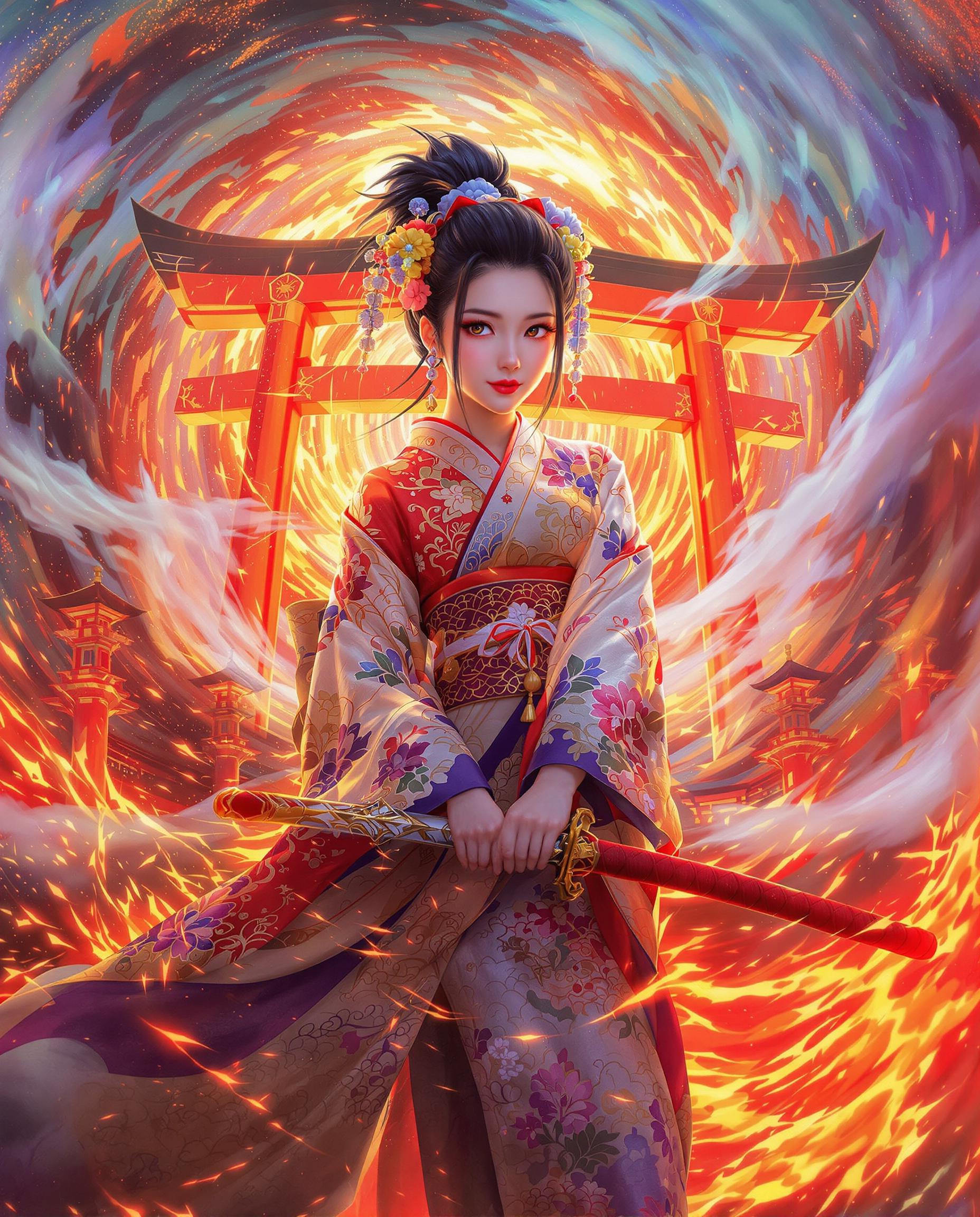
Diverse Anime Styles
Choose from a variety of anime styles to match your personal preference.
High-Quality Outputs
Generate high-resolution anime images suitable for printing or sharing online.
How It Works
Creating anime-style images with PixelDojo is simple and intuitive. Follow these steps to get started:
Step 1: Choose Your Tool
Select the 'Image to Image' tool from PixelDojo's suite of AI applications.
Step 2: Upload Your Photo
Click on the upload button and select the photo you wish to transform into anime style.
Step 3: Select Anime Style & Generate
Choose your desired anime style from the available options and click 'Generate' to create your anime image.


The Pixel Dojo Advantage
Why PixelDojo outperforms other options for image to anime conversion
| Others | Pixel Dojo |
|---|---|
| Traditional Manual Drawing | Save hours of manual work by instantly generating anime art from photos. |
| Generic AI Tools | Access specialized tools designed specifically for high-quality anime-style transformations. |
| Basic Photo Filters | Achieve more authentic and detailed anime aesthetics beyond simple filter effects. |
Loved by Creators
See what our community says about image to anime
"PixelDojo transformed my vacation photos into beautiful anime scenes. The results were beyond my expectations!"
Alex Johnson
Travel Blogger
"As an artist, PixelDojo's tools have been invaluable for creating quick anime-style references. Highly recommend!"
Maria Lopez
Digital Artist
Common Questions
Everything you need to know about image to anime AI generation
How can I convert my photo to anime using PixelDojo?
Simply select the 'Image to Image' tool, upload your photo, choose your preferred anime style, and click 'Generate' to create your anime image.
Is PixelDojo's image to anime tool free to use?
PixelDojo offers a free trial with access to all features. For continued use, various subscription plans are available to suit your needs.
Can I customize the anime styles applied to my photos?
Yes, PixelDojo provides multiple anime styles to choose from, allowing you to select the one that best fits your vision.
What file formats are supported for uploading photos?
PixelDojo supports common image formats such as JPEG, PNG, and BMP for uploading photos.
How long does it take to generate an anime image?
The generation process typically takes a few seconds, depending on the complexity of the chosen style and the size of the uploaded photo.
Is there a limit to the number of photos I can convert?
With a subscription plan, you can convert an unlimited number of photos. Free trial users may have a limited number of conversions available.