ImagineArt 1.0 textures and details AI Generator
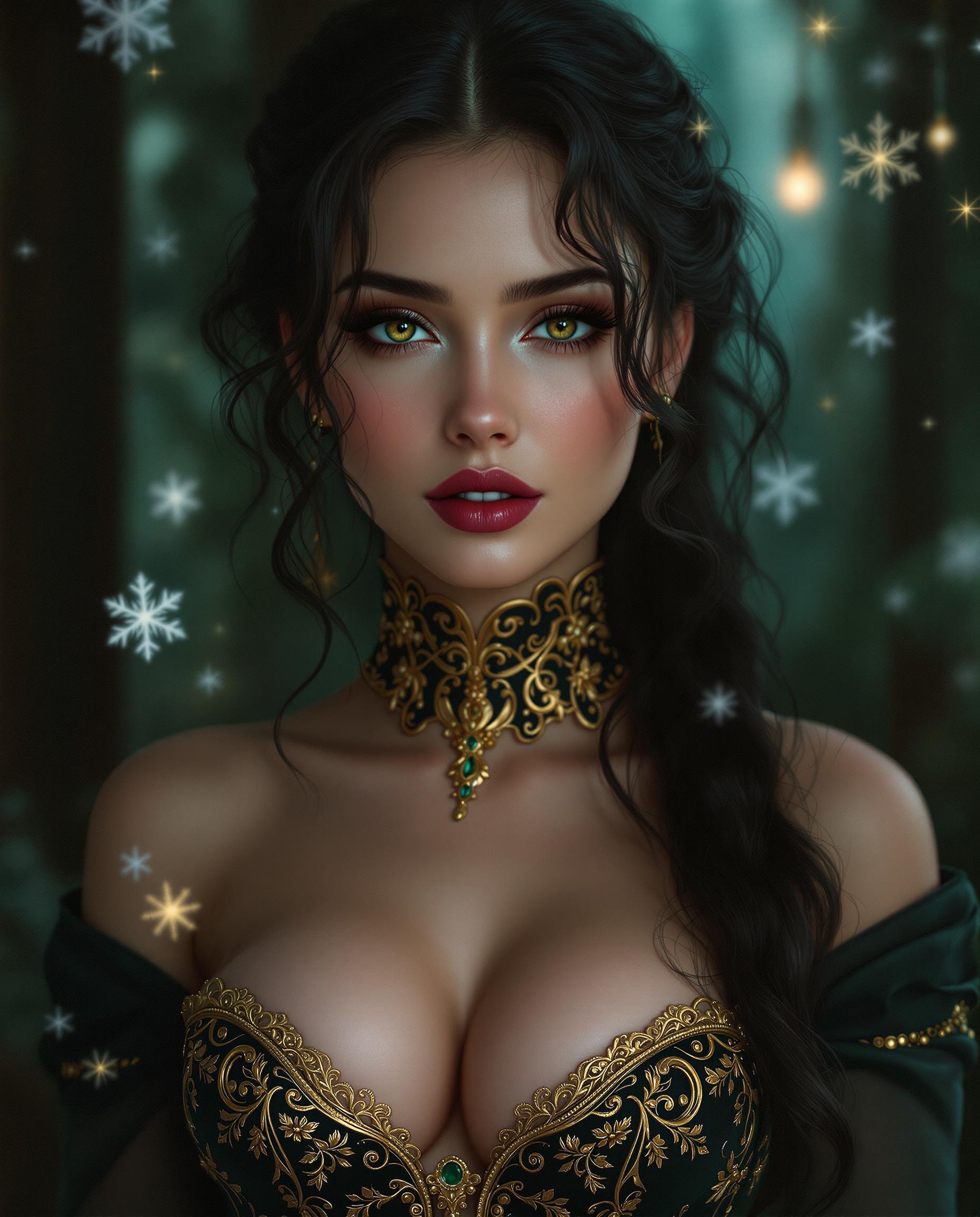
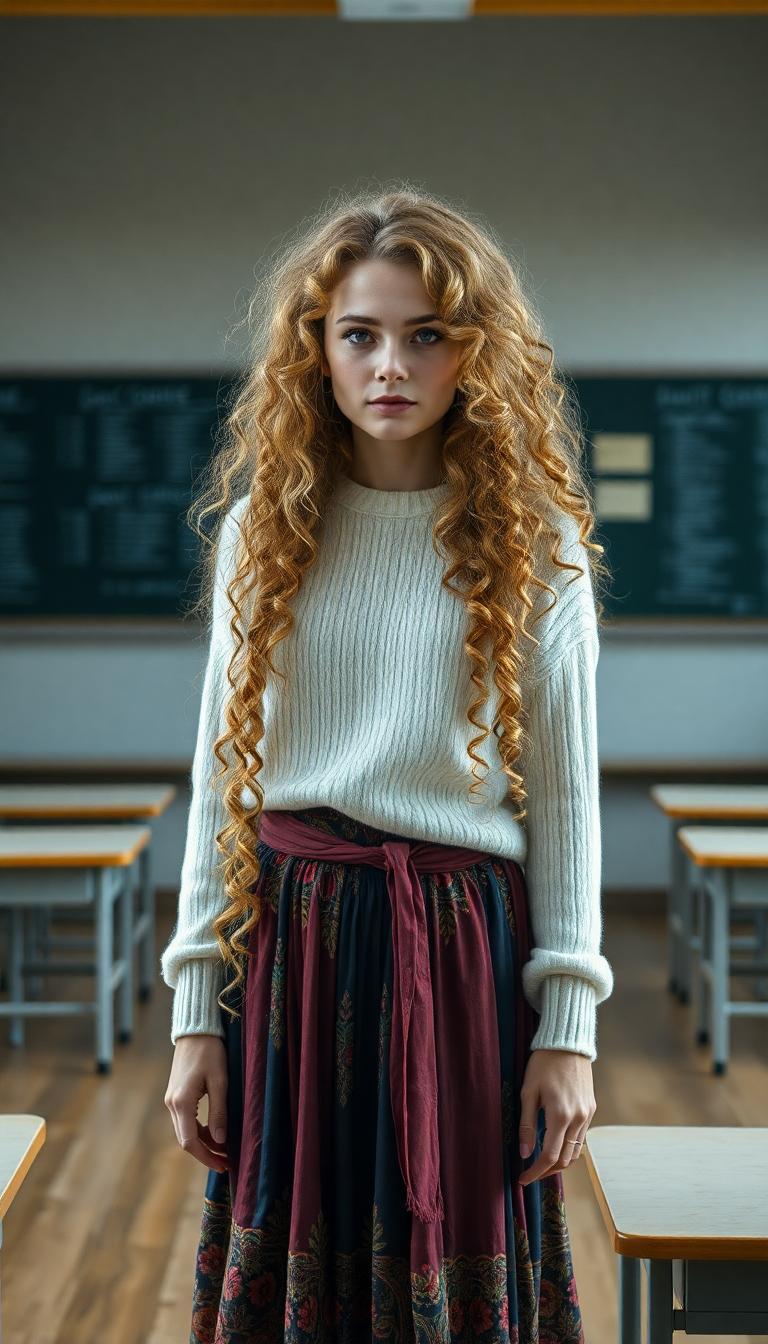
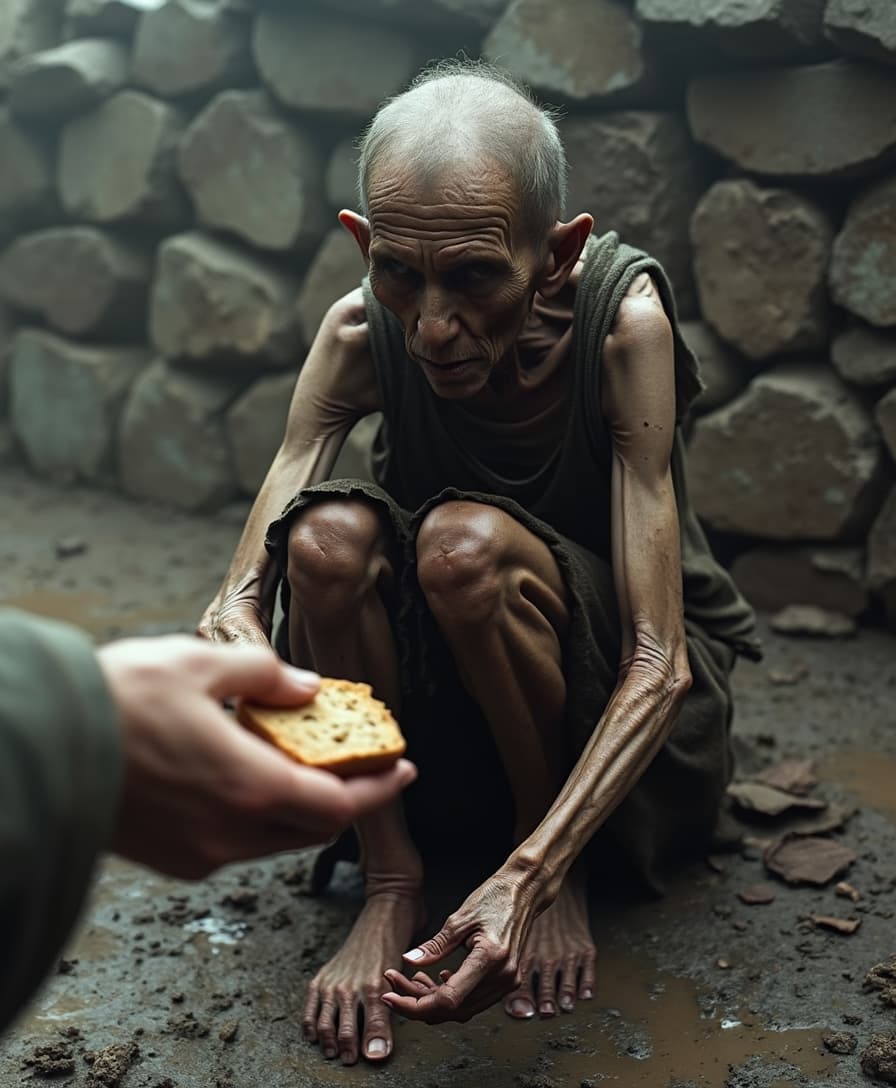
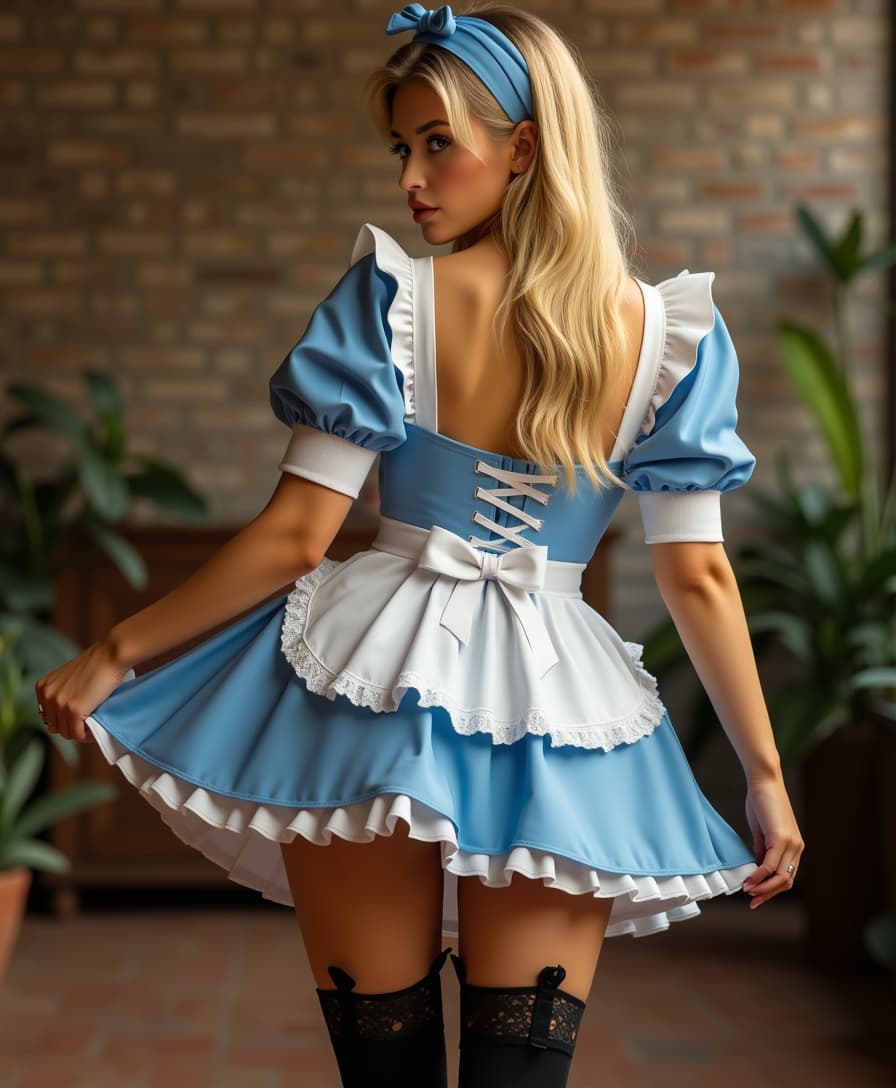
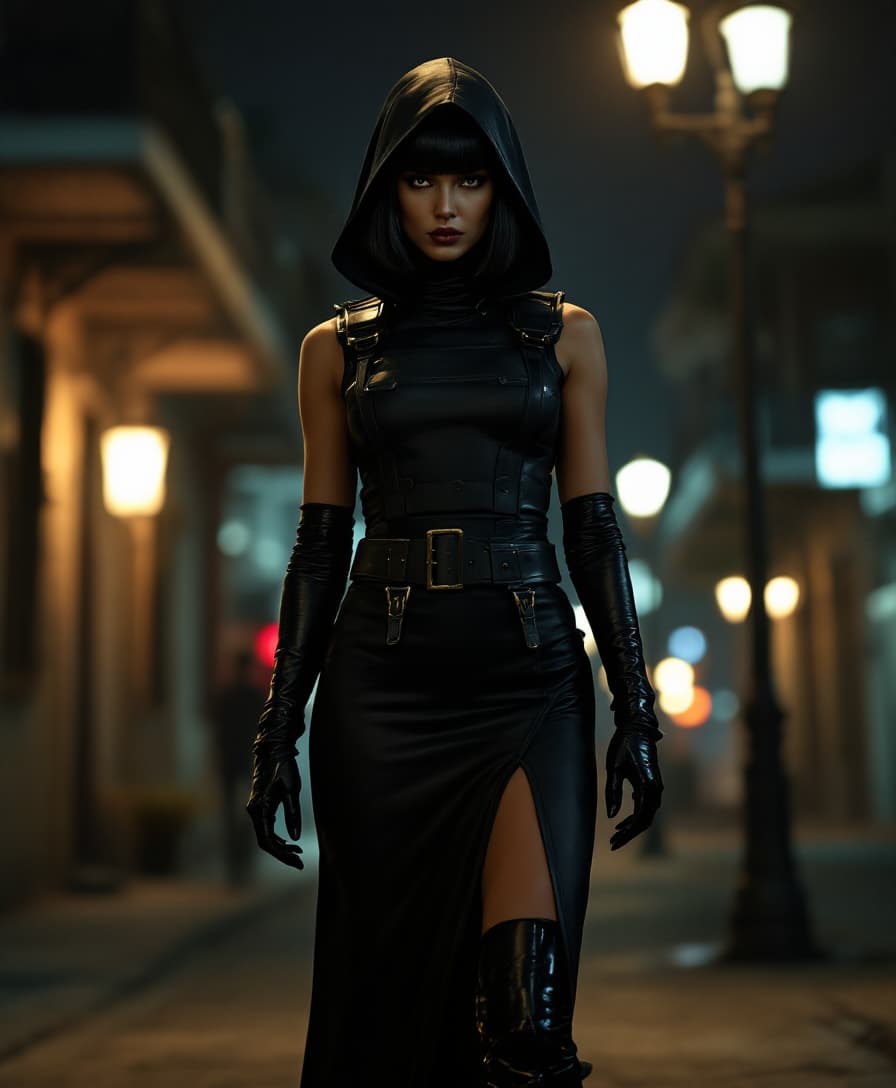
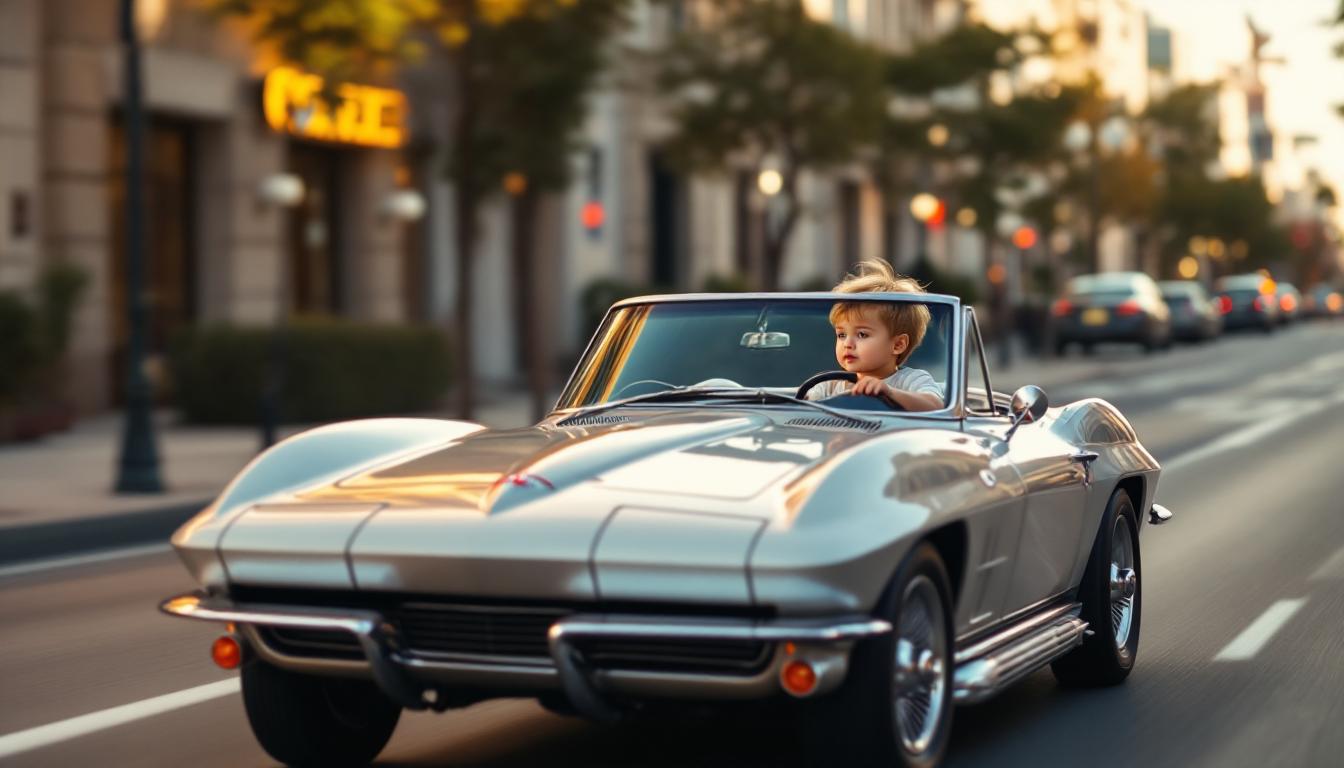
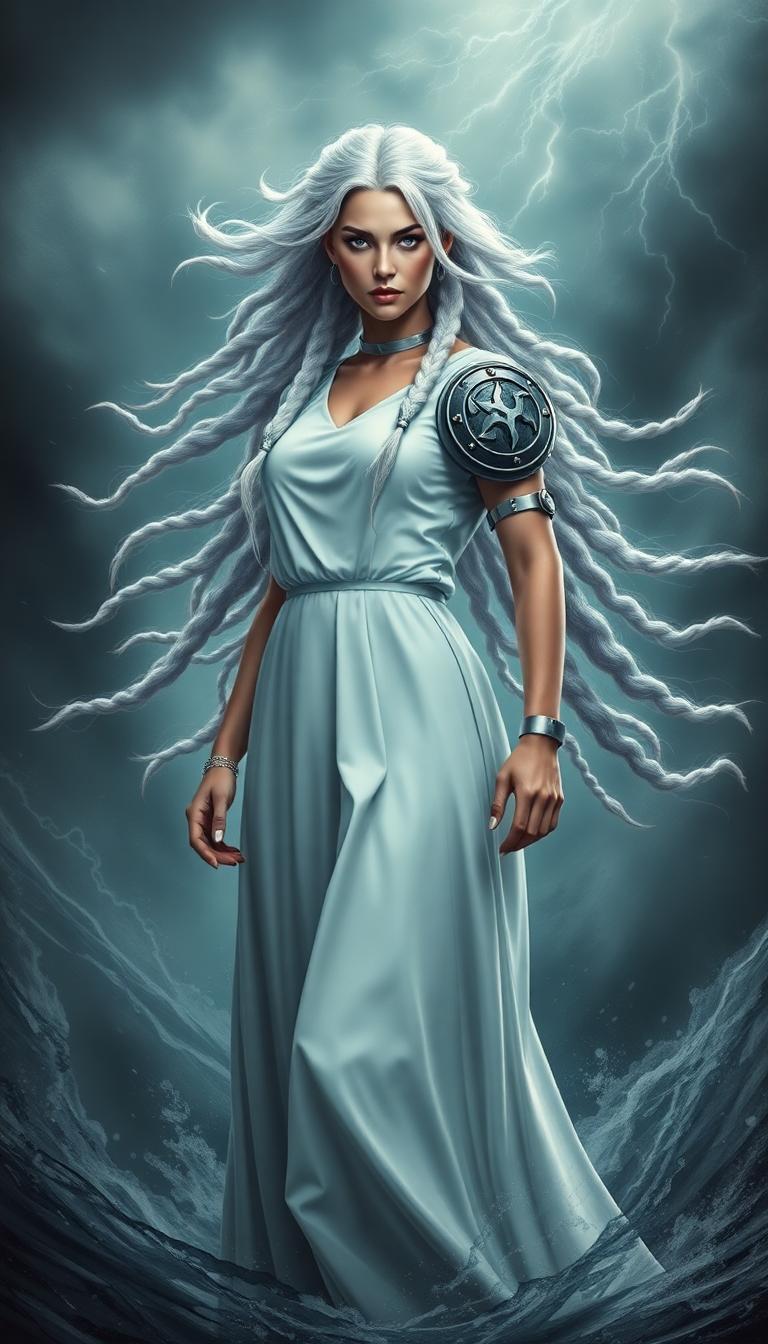
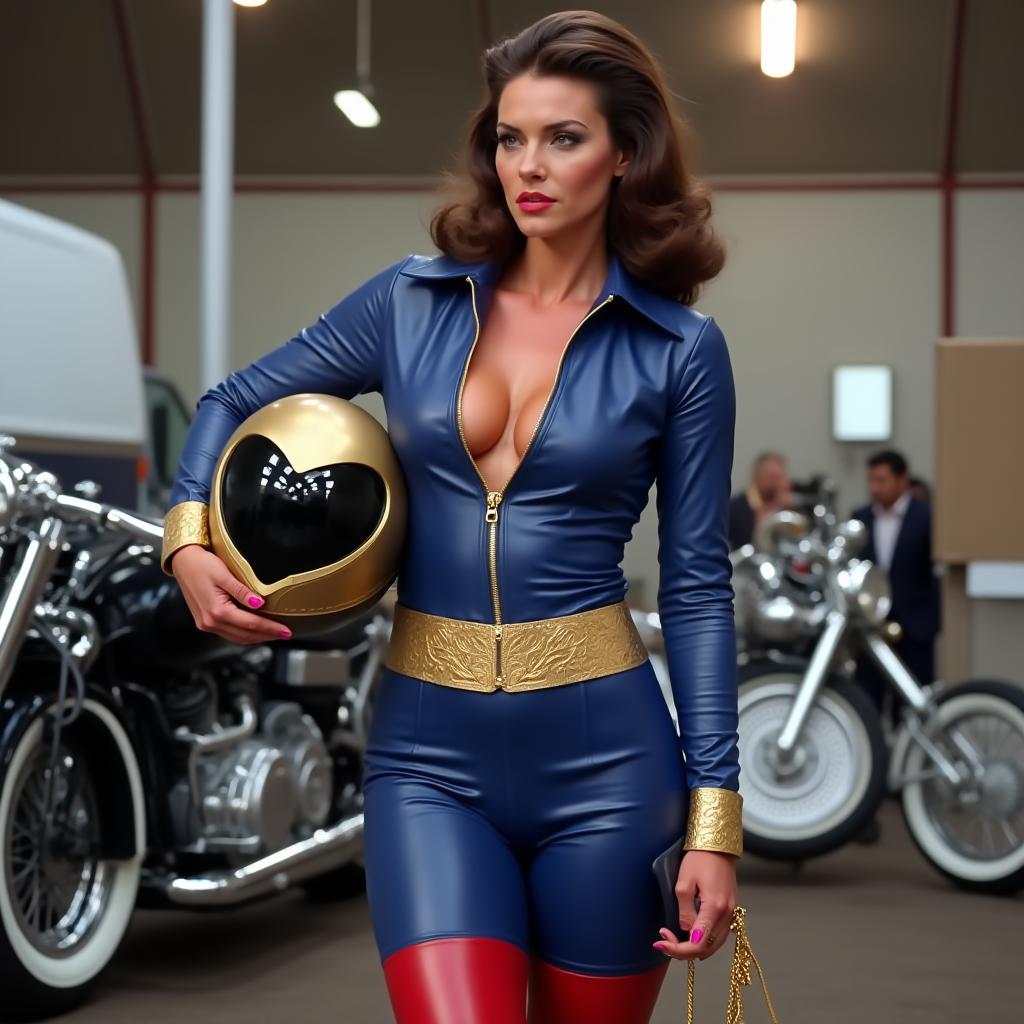
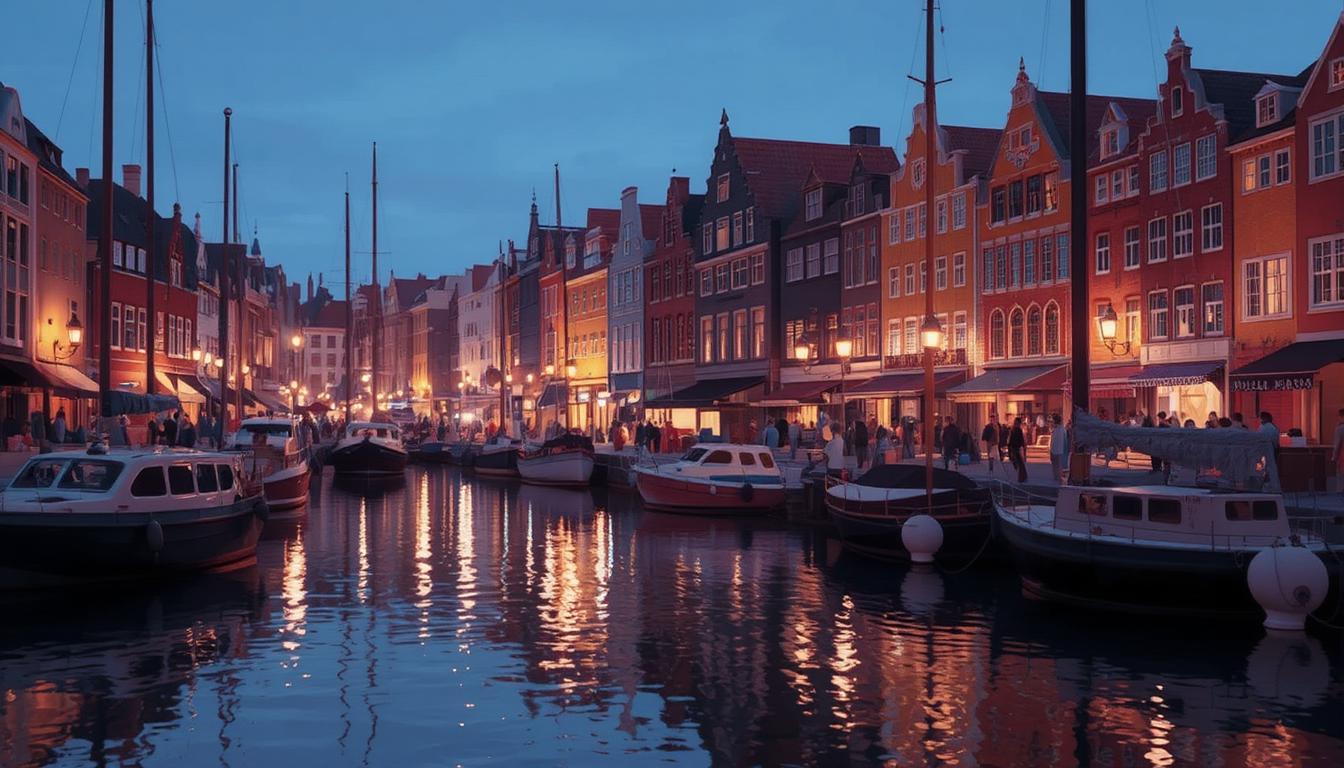
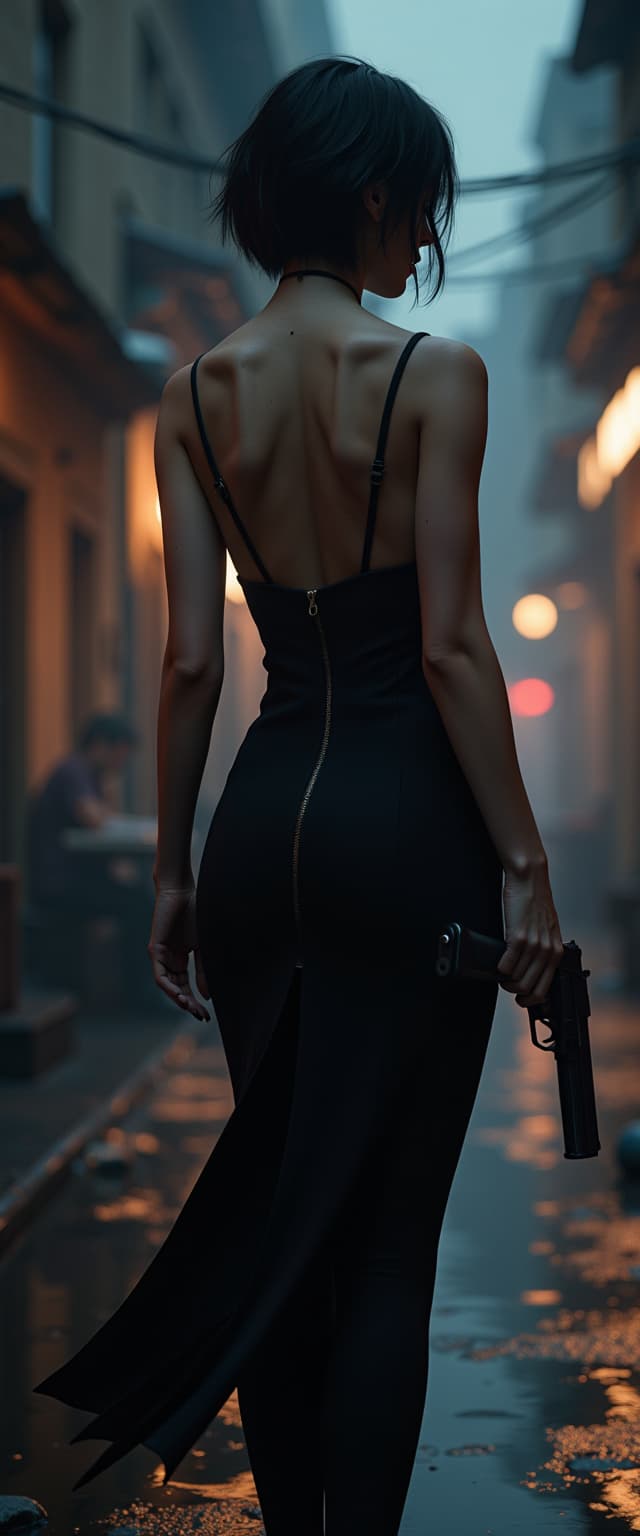
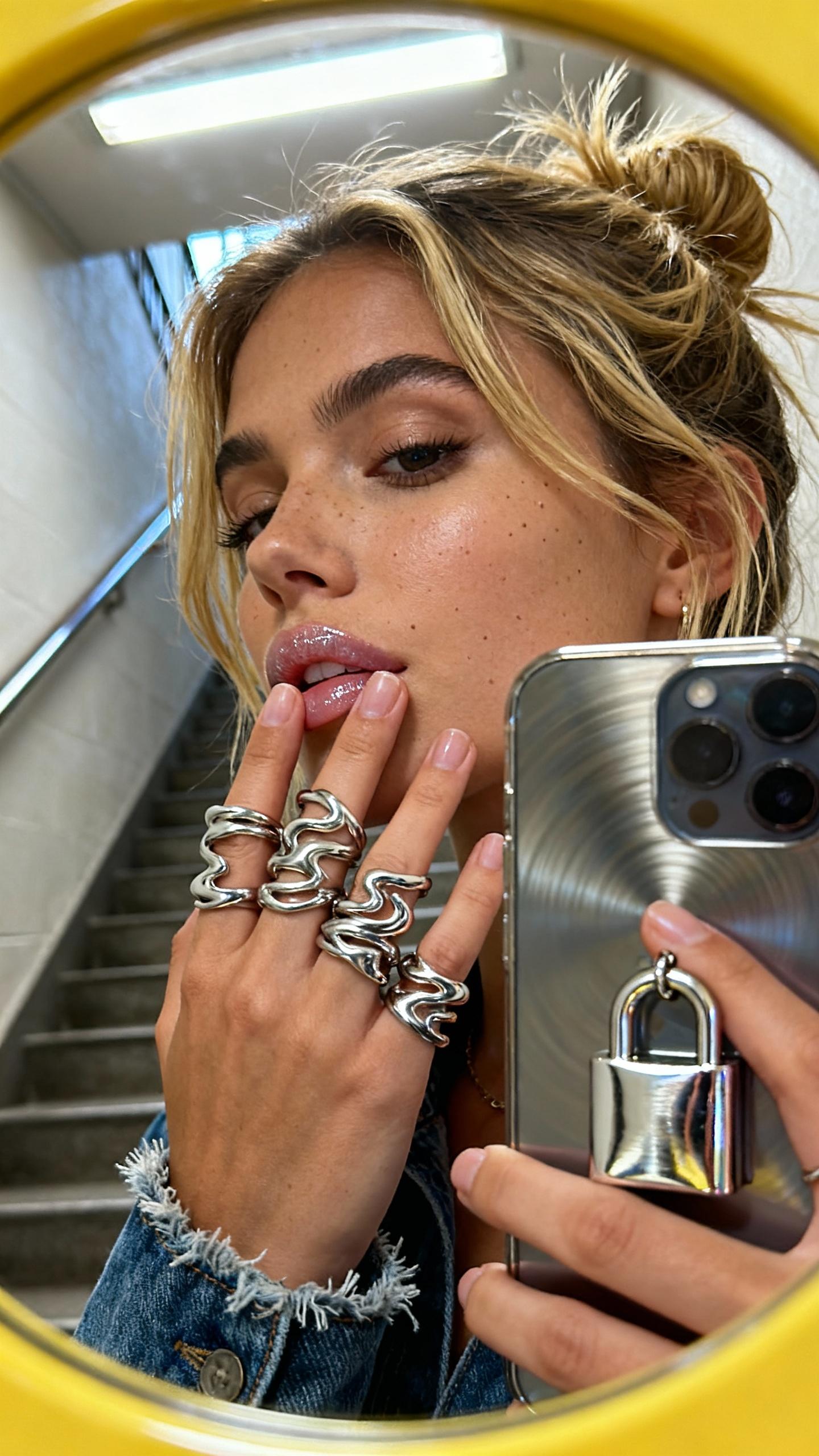
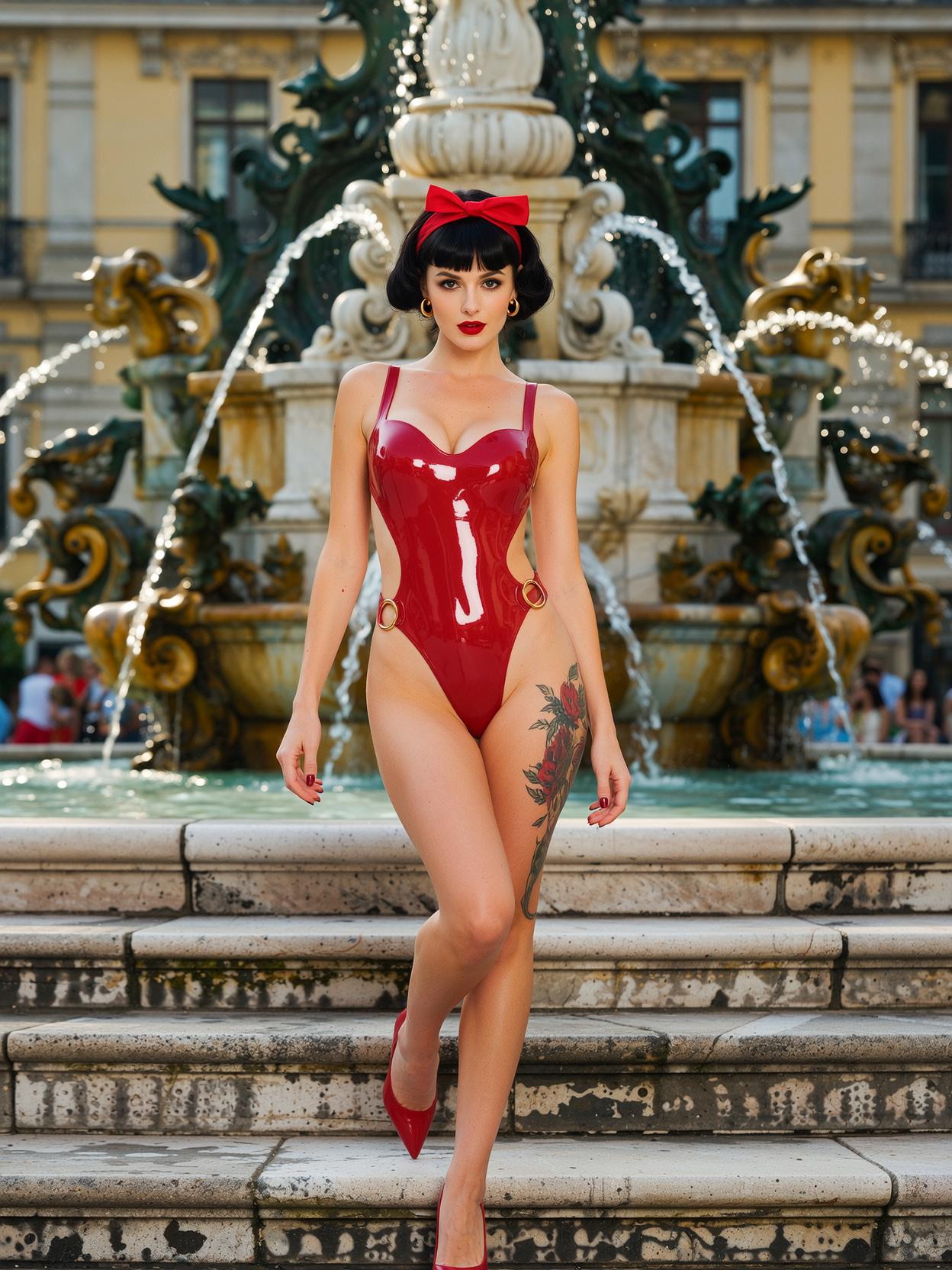
ImagineArt 1.0 empowers you to create hyper-realistic images with unparalleled detail and texture. Whether you're a marketer, designer, or content creator, this AI-driven tool transforms your concepts into stunning visuals, saving time and resources while delivering exceptional quality.
Join over 10,000 satisfied users who have enhanced their creative projects with ImagineArt 1.0's cutting-edge AI technology.
Why Choose Pixel Dojo for ImagineArt 1.0 textures and details
Professional-quality results with cutting-edge AI technology
Achieve Photorealistic Quality
Generate images with lifelike textures and details that rival professional photography.
Streamline Your Workflow
Create high-quality visuals quickly, reducing the need for extensive manual editing.
Versatile Applications
Ideal for marketing materials, product renders, architectural concepts, and more.
How It Works
Creating hyper-realistic images with ImagineArt 1.0 is simple and efficient. Follow these steps to bring your ideas to life:
Step 1: Enter Your Prompt
Input a detailed description of the image you want to create, specifying elements like subject, setting, and style.
Step 2: Choose Your Settings
Select your preferred aspect ratio and the number of images to generate (1-4) to suit your project's needs.
Step 3: Generate & Download
Click 'Create' to generate your images, then download them in high resolution for immediate use.




The Pixel Dojo Advantage
Why ImagineArt 1.0 outperforms other options for hyper-realistic image generation:
| Others | Pixel Dojo |
|---|---|
| Traditional Photography | Eliminate the need for costly equipment and lengthy photoshoots by generating high-quality images instantly. |
| Generic AI Tools | Enjoy superior texture and detail accuracy tailored to your specific prompts, surpassing generic AI outputs. |
| Manual Photo Editing | Save hours of editing time with AI-generated images that require minimal post-processing. |
Loved by Creators
See what our community says about ImagineArt 1.0 textures and details
"ImagineArt 1.0 transformed our product marketing with hyper-realistic renders that save thousands while delivering superior results. The texture quality is unmatched."
Anya Petrova
Marketing Designer
"As an architectural visualization specialist, nothing matches ImagineArt 1.0's ability to render realistic building materials and lighting."
Ben Harris
Product Manager
Common Questions
Everything you need to know about ImagineArt 1.0 textures and details AI generation
What makes ImagineArt 1.0 different from other AI image generators?
ImagineArt 1.0 excels in capturing fine details and textures, producing hyper-realistic images that set a new industry standard.
Do I need technical expertise to use ImagineArt 1.0?
No, ImagineArt 1.0 features an intuitive interface that allows users of all skill levels to create stunning images effortlessly.
Can I use ImagineArt 1.0 for commercial projects?
Yes, images generated with ImagineArt 1.0 can be used for commercial purposes, including marketing materials and product visuals.
How long does image generation take?
Image generation is quick, typically taking only a few seconds to produce high-quality results.
Is there a limit to how many images I can create?
ImagineArt 1.0 offers flexible plans to suit your needs, with options for unlimited image generation.
Can I edit images after they're generated?
Yes, you can further refine and edit your generated images using ImagineArt 1.0's built-in editing tools or external software.