ImagineArt 1.0 vs Kontext Edit AI Generator
In the rapidly evolving world of AI-driven creativity, selecting the right image generation tool can significantly impact your project's success. ImagineArt 1.0 and Kontext Edit are two leading platforms offering unique features tailored to diverse creative needs. This guide will help you understand their capabilities, enabling you to make an informed decision aligned with your artistic goals.
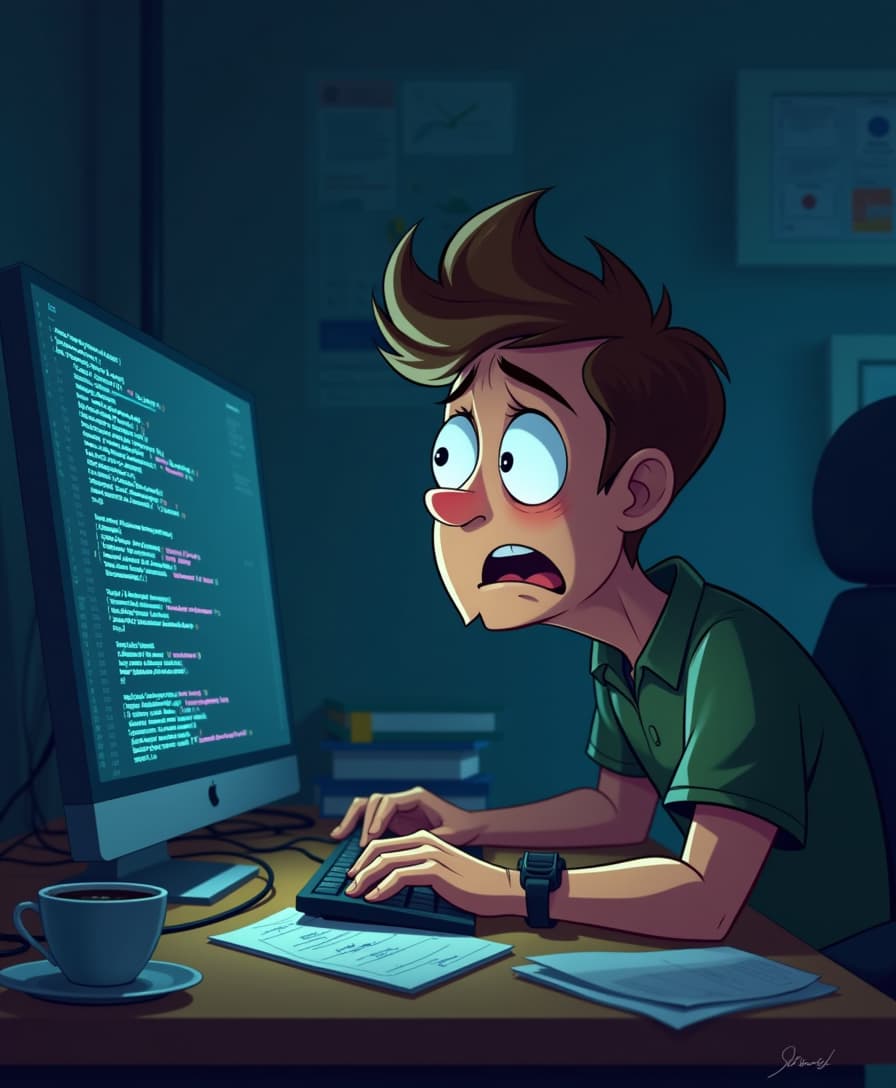
![Turn your image into a cartoon with FLUX.1 Kontext [pro] - cartoonify](https://cdn.pixeldojo.ai/cdn-cgi/image/f=auto,q=75,w=3840/pixeldojo/generated-images/1752258771272-zpnmk426d.png)
Join thousands of creators who have enhanced their workflows with cutting-edge AI tools, achieving remarkable results in record time.
Why Choose Pixel Dojo for ImagineArt 1.0 vs Kontext Edit
Professional-quality results with cutting-edge AI technology
Unparalleled Photorealism
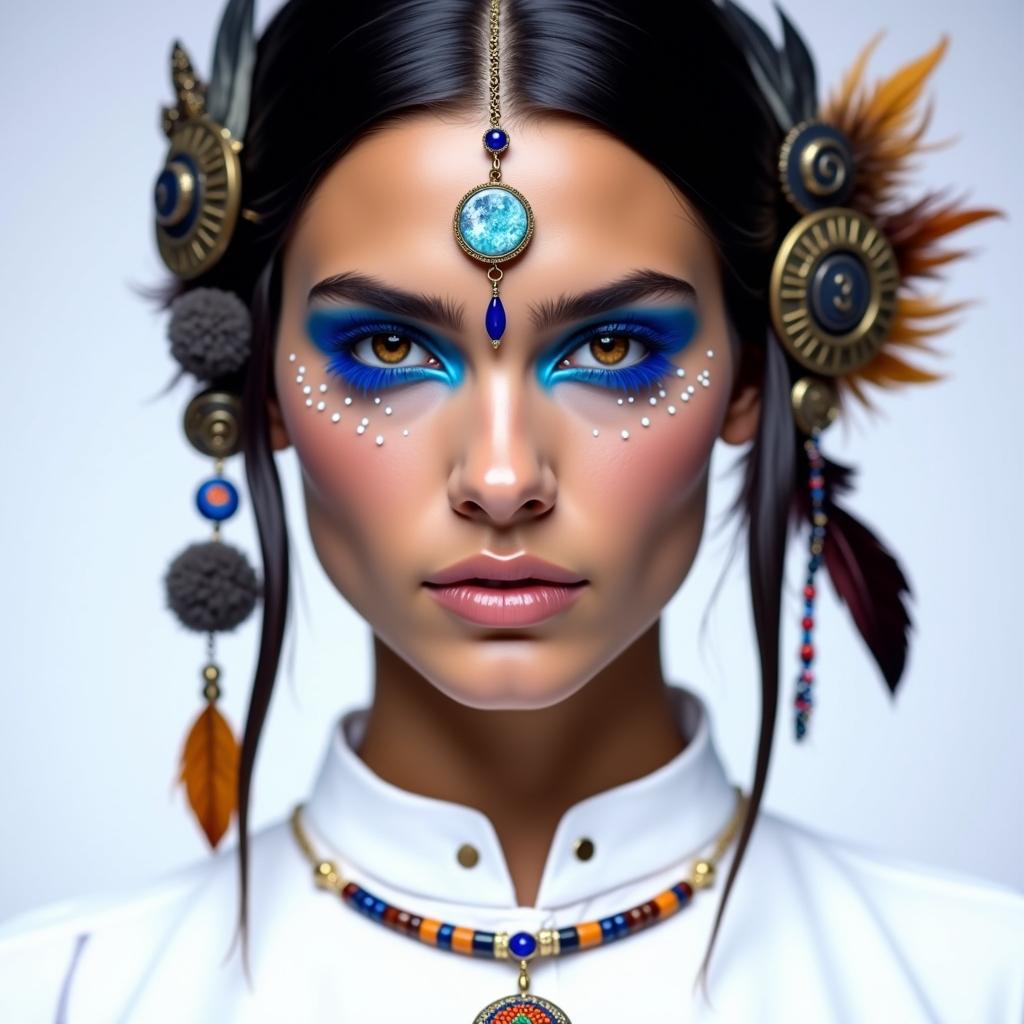
Generate hyper-realistic images that capture intricate details, bringing your visions to life with stunning accuracy.
Efficient Workflow Integration
Seamlessly incorporate AI-generated visuals into your existing projects, enhancing productivity without disrupting your creative process.
Versatile Creative Control
Utilize advanced editing features to refine images, ensuring each piece aligns perfectly with your artistic vision.
How It Works
Creating captivating images with ImagineArt 1.0 and Kontext Edit is a straightforward process. Here's how you can get started:
Step 1: Choose Your Tool
Select either ImagineArt 1.0 for generating new images or Kontext Edit for modifying existing ones, based on your project requirements.
Step 2: Enter Your Prompt
Input a detailed description of the image you wish to create or the specific edits you want to apply to an existing image.
Step 3: Customize & Download
Adjust settings such as aspect ratio, style, and resolution to fine-tune the output. Once satisfied, download the high-quality image for your use.




The Pixel Dojo Advantage
Understanding the strengths of each tool will help you choose the best fit for your creative endeavors.
| Others | Pixel Dojo |
|---|---|
| Traditional Image Creation | Leverage AI to produce high-quality images in minutes, eliminating the need for extensive manual effort. |
| Generic AI Tools | Benefit from specialized features tailored for precise editing and consistent character generation, surpassing generic AI capabilities. |
| Manual Photo Editing | Achieve complex edits and style transfers effortlessly, reducing the time and skill required for manual photo manipulation. |
Loved by Creators
See what our community says about ImagineArt 1.0 vs Kontext Edit
"ImagineArt 1.0 transformed my design process, allowing me to create realistic visuals quickly and efficiently."
Alex Johnson
Graphic Designer
"Kontext Edit's precise editing tools have been invaluable in refining my photography projects with ease."
Maria Lopez
Professional Photographer
Common Questions
Everything you need to know about ImagineArt 1.0 vs Kontext Edit AI generation
What is the difference between ImagineArt 1.0 and Kontext Edit?
ImagineArt 1.0 focuses on generating new, hyper-realistic images from text prompts, while Kontext Edit specializes in editing and modifying existing images with advanced AI tools.
Can I use these tools without prior experience in AI?
Yes, both ImagineArt 1.0 and Kontext Edit are designed with user-friendly interfaces, making them accessible to users without prior AI experience.
Are the images generated suitable for commercial use?
Absolutely. The high-quality images produced are suitable for various commercial applications, including marketing materials, product designs, and more.
How do I ensure character consistency across multiple images?
Kontext Edit offers features that maintain character consistency, allowing you to create cohesive visuals across different images.
What file formats are supported for image editing?
Kontext Edit supports common image formats such as JPEG, PNG, and WebP for editing purposes.
Is there a trial period available for these tools?
Yes, you can start with a free trial to explore the features and determine how they fit into your creative workflow.