json prompt AI Generator
Transform your creative visions into reality with PixelDojo's AI-powered image generation tools. By utilizing JSON prompts, you gain unparalleled control over every aspect of your images, from composition to style, ensuring your outputs align perfectly with your artistic intent.

Join over 10,000 creators who have enhanced their workflows with PixelDojo's AI tools, achieving a 95% satisfaction rate.
Why Choose Pixel Dojo for json prompt
Professional-quality results with cutting-edge AI technology
Achieve Consistent Results
Use JSON prompts to maintain uniformity across multiple image generations, ensuring brand consistency.
Save Time with Precision
Define specific parameters in JSON to reduce trial and error, accelerating your creative process.
Customize Every Detail
Control elements like lighting, color schemes, and composition to match your exact vision.
How It Works
Creating images with JSON prompts in PixelDojo is straightforward. Follow these steps to bring your ideas to life:
Step 1: Select Your Image Generation Tool
Choose from PixelDojo's suite of AI image generators, such as Flux, Seedream 4, or ImagineArt 1.0, based on your desired style and output.
Step 2: Craft Your JSON Prompt
Define your image parameters in a JSON format, specifying elements like subject, style, color palette, and mood. For example:
Step 3: Generate and Refine Your Image
Input your JSON prompt into the selected tool, generate the image, and make any necessary adjustments to achieve your desired result.
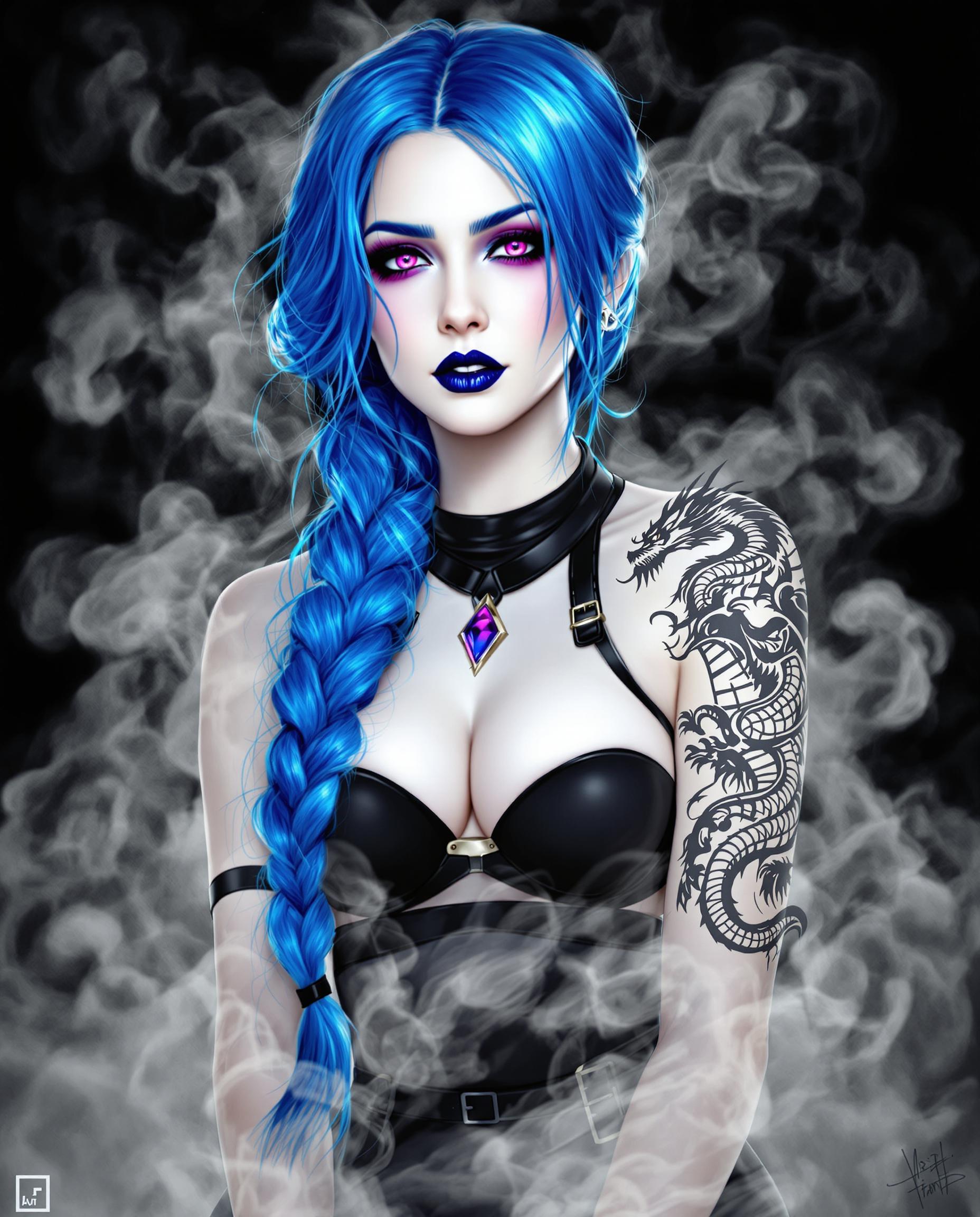






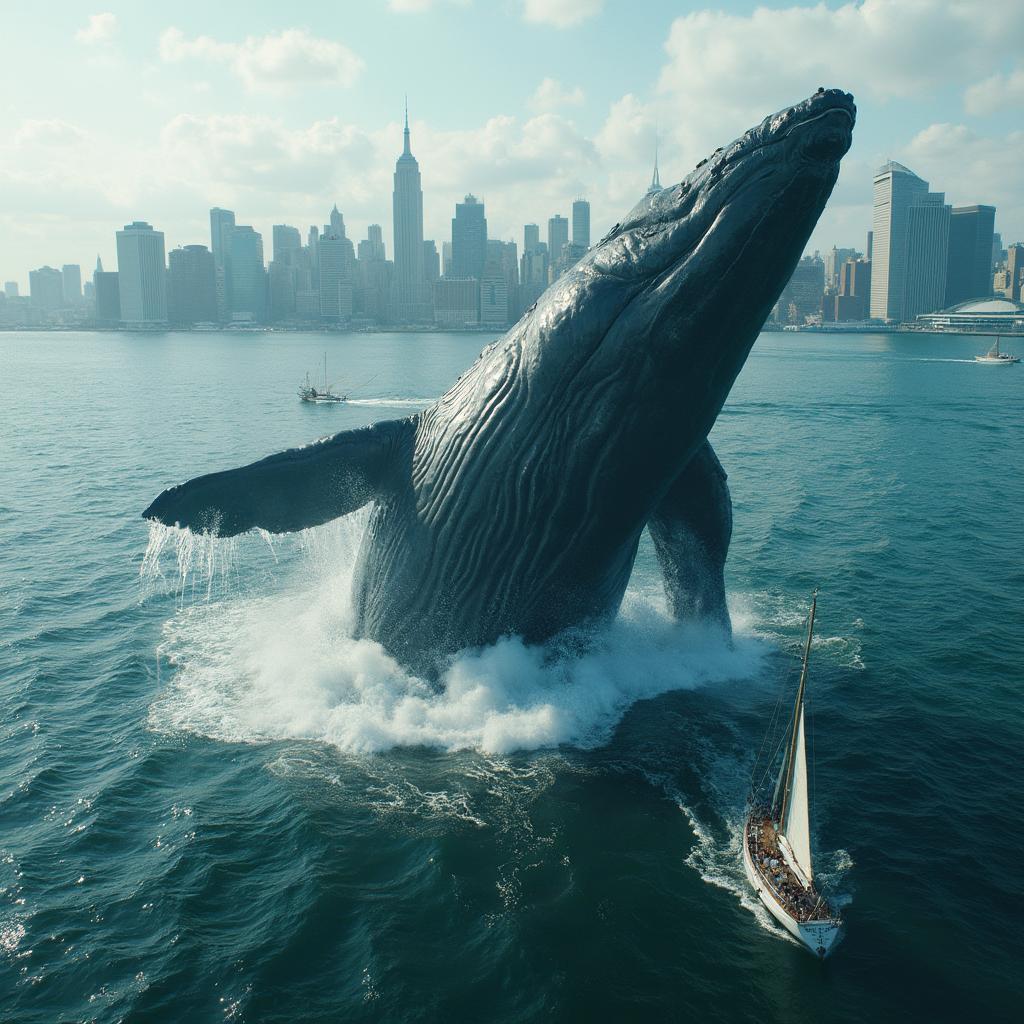



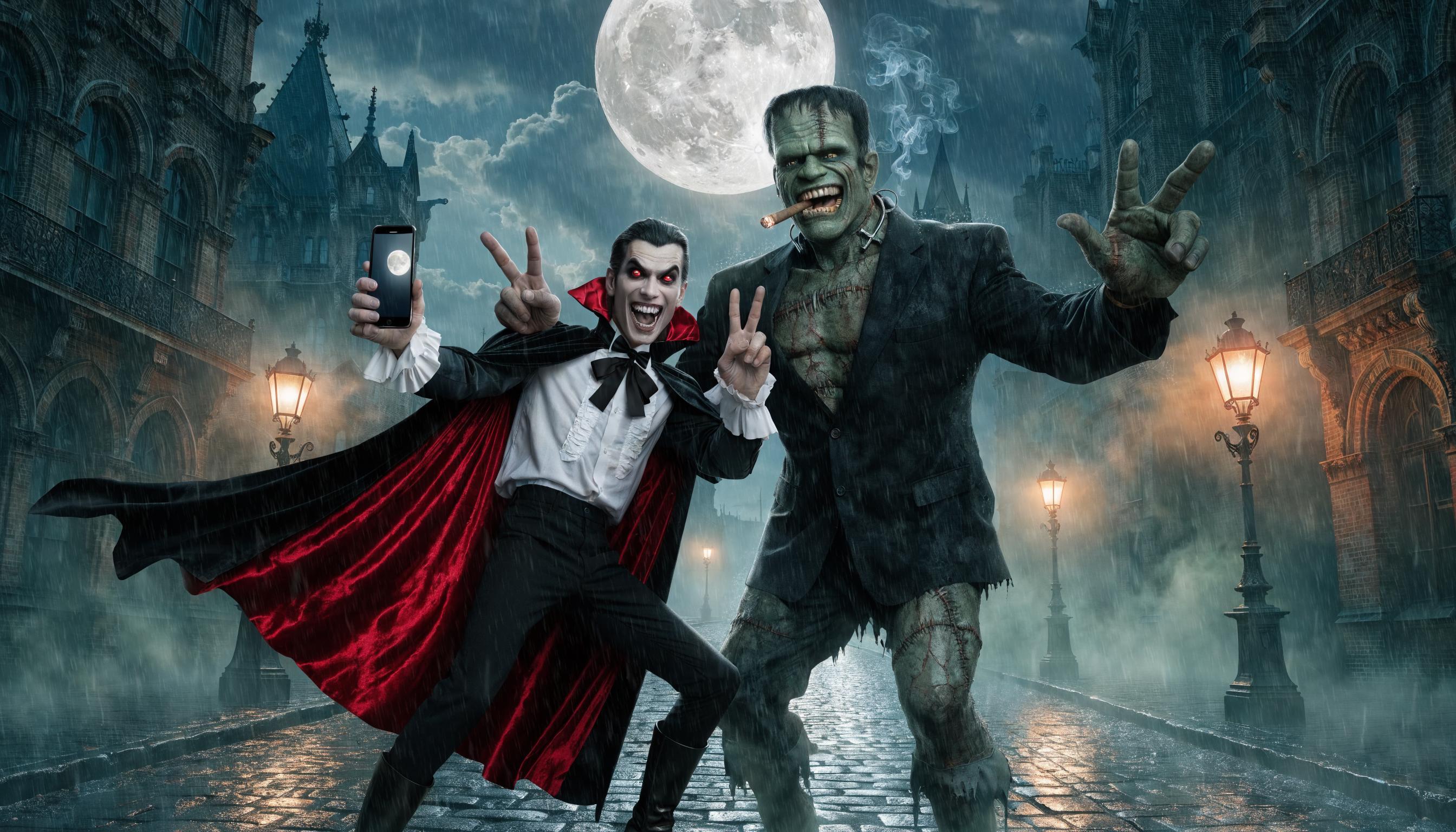
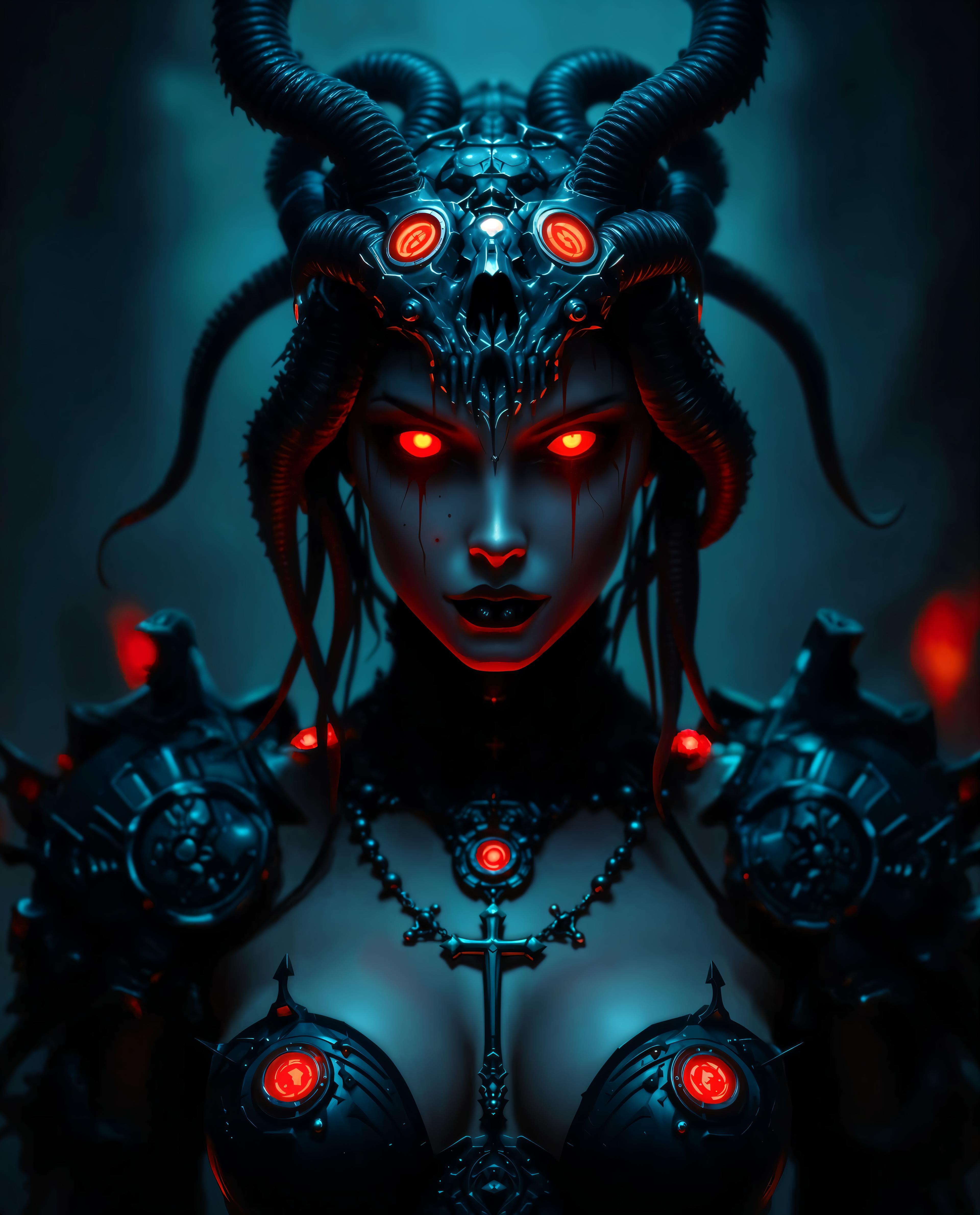


The Pixel Dojo Advantage
Why PixelDojo is the superior choice for AI image generation with JSON prompts:
| Others | Pixel Dojo |
|---|---|
| Traditional Image Editing | Automate complex edits and achieve precise results without manual effort. |
| Generic AI Tools | Leverage advanced JSON prompt capabilities for greater control and customization. |
| Stock Images | Create unique, tailor-made images that perfectly fit your project's needs. |
Loved by Creators
See what our community says about json prompt
"PixelDojo's JSON prompt feature has revolutionized my design process, allowing me to create consistent and high-quality images effortlessly."
Alex Johnson
Graphic Designer
"The control I have over image generation with PixelDojo's tools is unparalleled. JSON prompts make customization a breeze."
Maria Lopez
Digital Artist
Common Questions
Everything you need to know about json prompt AI generation
What are JSON prompts in AI image generation?
JSON prompts are structured data inputs that define specific parameters for AI image generation, allowing precise control over elements like subject, style, and composition.
How do I create a JSON prompt for PixelDojo's tools?
You can craft a JSON prompt by specifying desired attributes such as subject, style, color palette, and mood in a JSON format. PixelDojo provides templates and guides to assist you.
Can I use JSON prompts with all PixelDojo image generators?
Yes, PixelDojo's image generation tools, including Flux, Seedream 4, and ImagineArt 1.0, support JSON prompts for enhanced customization.
Do I need coding experience to use JSON prompts?
No, PixelDojo's user-friendly interface and resources make it easy for users without coding experience to create and use JSON prompts effectively.
Are there templates available for JSON prompts?
Yes, PixelDojo offers a library of JSON prompt templates to help you get started quickly and achieve desired results.
Can I edit the generated images after using a JSON prompt?
Absolutely. PixelDojo provides image editing tools like Inpainting and Outpainting to refine and adjust your generated images as needed.