Kling 2.6 innovative update AI Generator
Elevate your content creation with PixelDojo's latest integration: Kling 2.6. This groundbreaking update empowers you to produce high-definition videos with synchronized audio and visuals, all from simple text prompts or static images. Whether you're a marketer, educator, or content creator, Kling 2.6 streamlines your workflow, allowing you to generate engaging, professional-quality videos effortlessly.

Join over 5 million creators worldwide who have transformed their content with Kling AI since its debut in 2024. Experience the efficiency and quality that have set a new standard in AI-driven video production.
Why Choose Pixel Dojo for Kling 2.6 innovative update
Professional-quality results with cutting-edge AI technology
Seamless Audio-Visual Synchronization
Generate videos where visuals and audio are perfectly aligned, enhancing viewer engagement and comprehension.
Effortless Content Creation
Transform text prompts or static images into dynamic videos, reducing production time and effort.
High-Quality Output
Produce 1080p HD videos with natural sound effects and ambient audio, ensuring a professional finish.
How It Works
Creating synchronized audio-visual content with Kling 2.6 is straightforward. Follow these steps to bring your ideas to life:
Step 1: Select Your Input
Choose to start with a text prompt or upload a static image that you wish to animate.
Step 2: Enter Your Prompt
Provide a detailed description of the scene, including desired actions, dialogue, and audio elements.
Step 3: Generate and Download
Click 'Generate' to create your video. Once processed, preview and download the high-quality output.



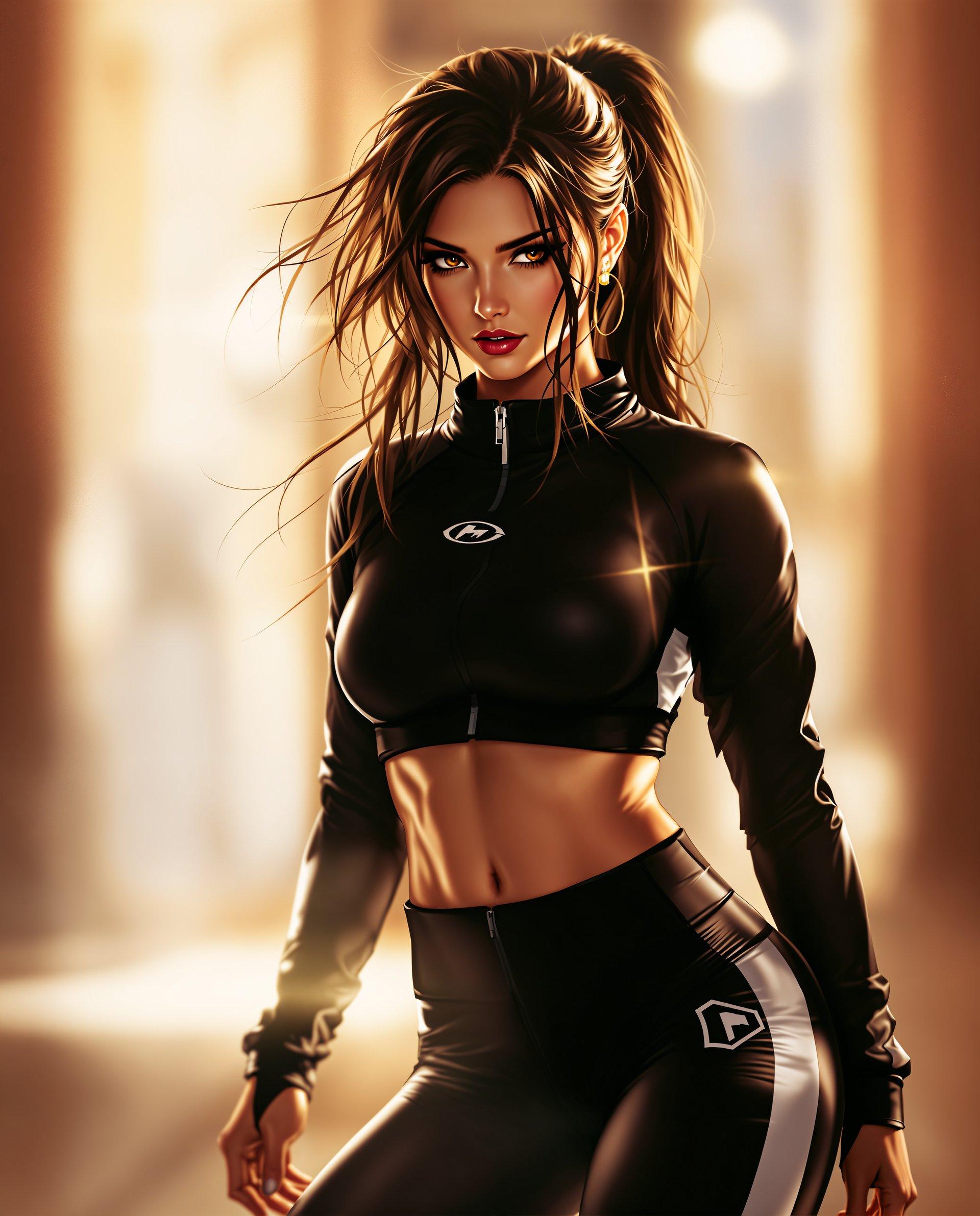
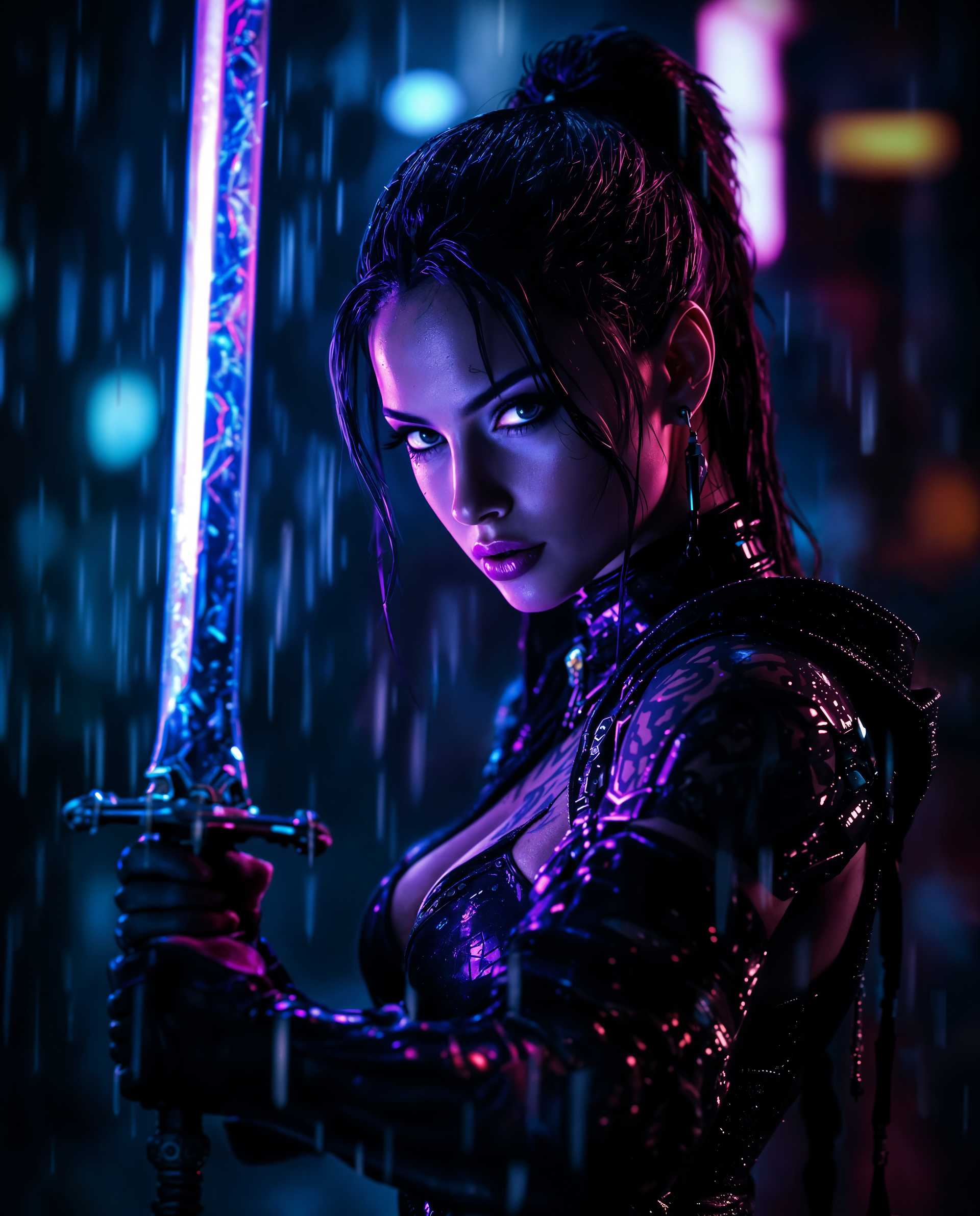

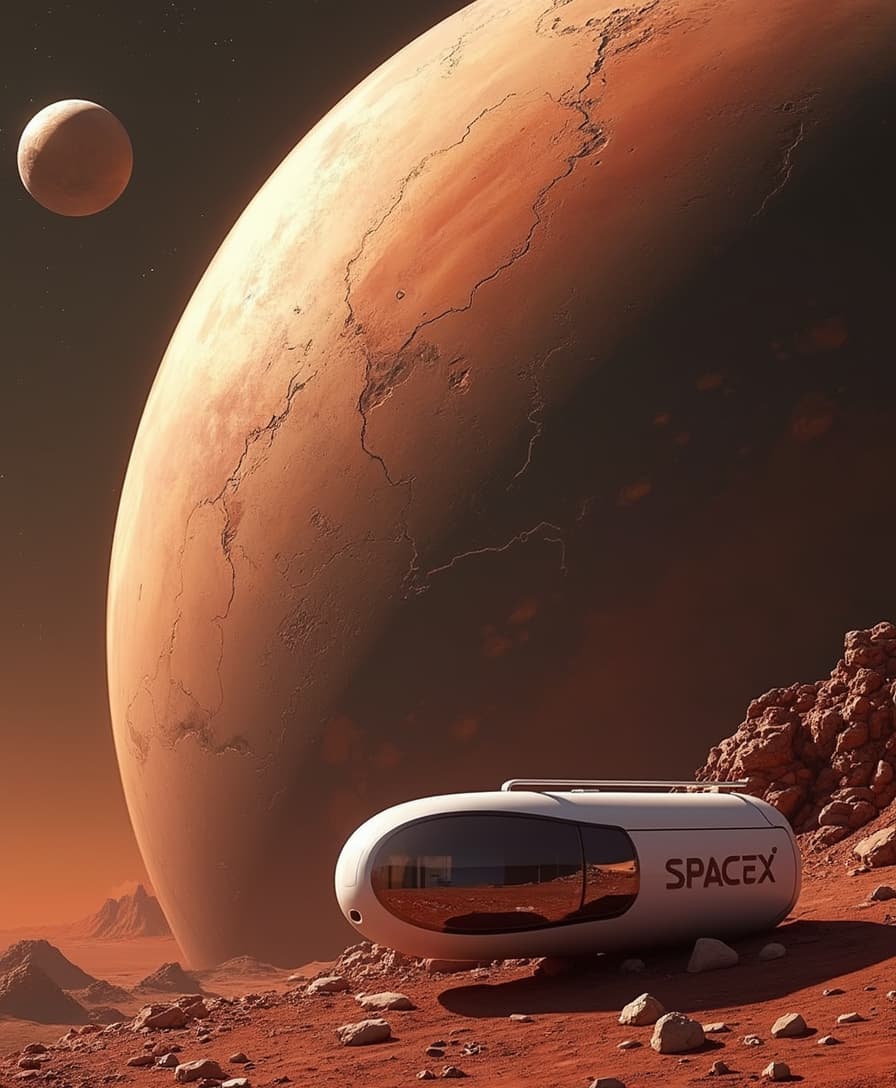
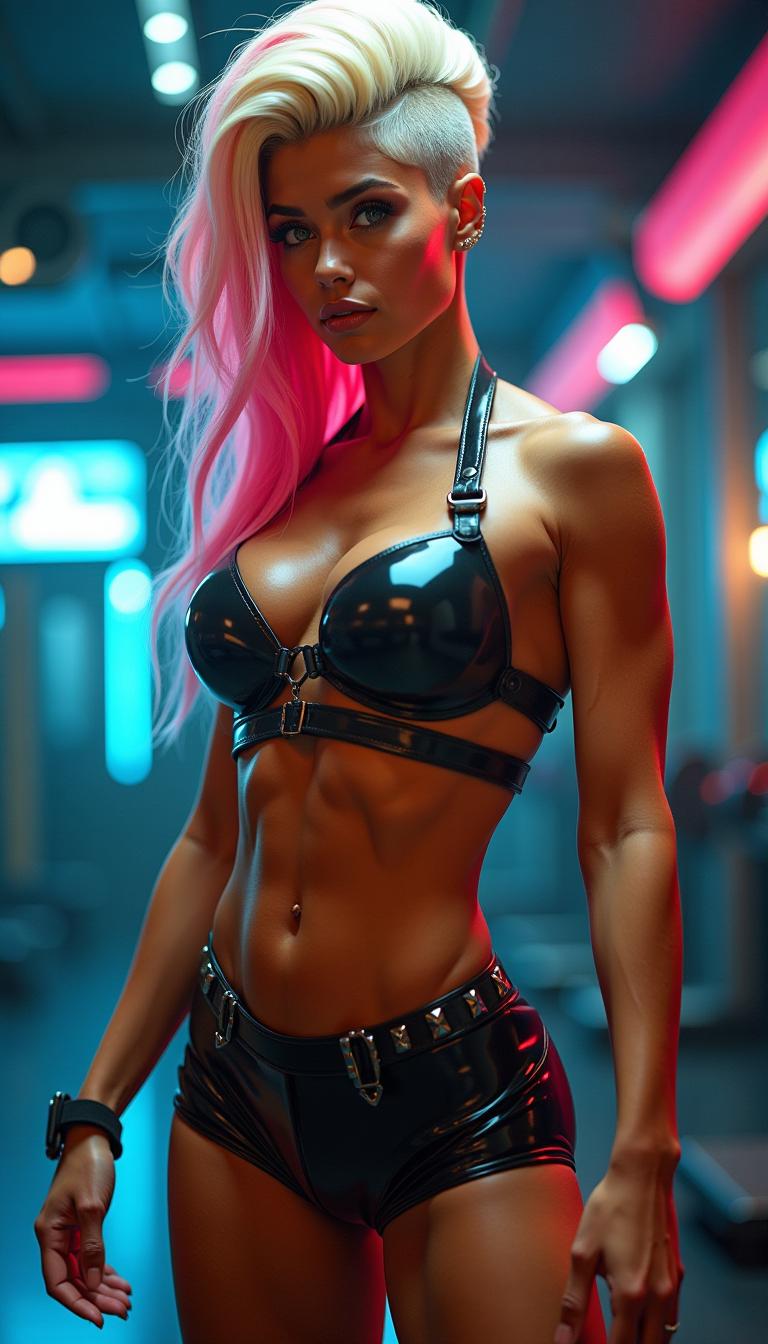





The Pixel Dojo Advantage
Discover how PixelDojo's Kling 2.6 integration surpasses traditional and generic AI video creation methods:
| Others | Pixel Dojo |
|---|---|
| Traditional Video Production | Eliminates the need for separate audio recording and manual synchronization, streamlining the production process. |
| Generic AI Tools | Offers native audio-visual synchronization, providing a more cohesive and professional output. |
| Manual Editing | Reduces time-consuming editing tasks by generating fully synchronized videos in a single pass. |
Loved by Creators
See what our community says about Kling 2.6 innovative update
"PixelDojo's Kling 2.6 integration has revolutionized our content strategy. We can now produce high-quality videos in a fraction of the time."
Alex Johnson
Digital Marketing Manager
"As an educator, creating engaging content is crucial. With Kling 2.6, I can generate dynamic videos that captivate my students effortlessly."
Dr. Emily Carter
Professor of Media Studies
Common Questions
Everything you need to know about Kling 2.6 innovative update AI generation
How does Kling 2.6 enhance AI video generation?
Kling 2.6 introduces simultaneous audio-visual generation, allowing for the creation of videos with synchronized visuals and audio, including dialogue and sound effects, in a single pass.
Can I use Kling 2.6 for commercial projects?
Yes, videos generated with Kling 2.6 can be used for commercial purposes, including marketing, advertising, and educational content.
What input formats does Kling 2.6 support?
Kling 2.6 supports text prompts and static images as inputs, enabling versatile content creation options.
Is there a limit to the video length I can generate?
Currently, Kling 2.6 supports video generation up to 10 seconds in length, suitable for short-form content and previews.
Do I need prior video editing experience to use Kling 2.6?
No, Kling 2.6 is designed for users of all skill levels, allowing you to create professional-quality videos without prior editing experience.
How do I get started with Kling 2.6 on PixelDojo?
Simply sign up for a PixelDojo account, navigate to the Kling 2.6 tool, and follow the intuitive interface to start creating your videos.