Kling 2.6 motion simulation AI Generator
Imagine transforming your creative ideas into cinematic videos with synchronized audio, all without the need for complex equipment or technical expertise. With PixelDojo's Kling 2.6 motion simulation, you can effortlessly create high-quality videos that captivate your audience and bring your vision to life.
Join over 10,000 creators who have generated more than 50,000 videos using PixelDojo's Kling 2.6 motion simulation, achieving a 98% satisfaction rate.
Why Choose Pixel Dojo for Kling 2.6 motion simulation
Professional-quality results with cutting-edge AI technology
Effortless Video Creation
Generate professional-grade videos from text or images without prior experience.
Synchronized Audio Integration
Produce videos with perfectly aligned dialogue, sound effects, and ambient audio.
Time and Cost Efficiency
Save hours of production time and reduce costs by automating video creation.
How It Works
Creating stunning videos with Kling 2.6 motion simulation is simple and intuitive. Follow these steps to bring your ideas to life:
Step 1: Choose Your Tool
Select the Kling 2.6 tool from PixelDojo's suite to begin your video creation journey.
Step 2: Enter Your Prompt
Input a descriptive text prompt or upload an image to guide the video generation process.
Step 3: Customize & Download
Preview the generated video, make any desired adjustments, and download the final product.






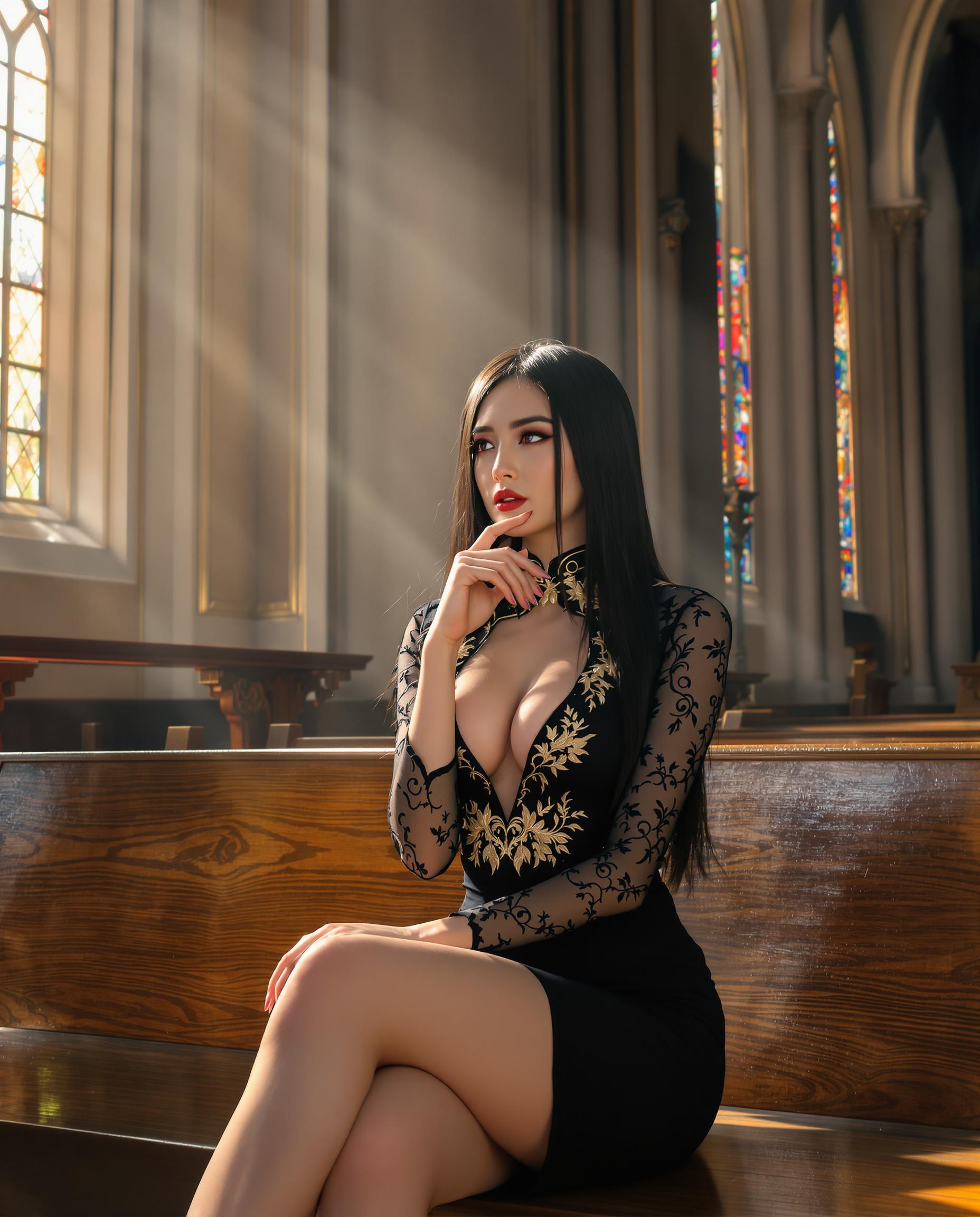
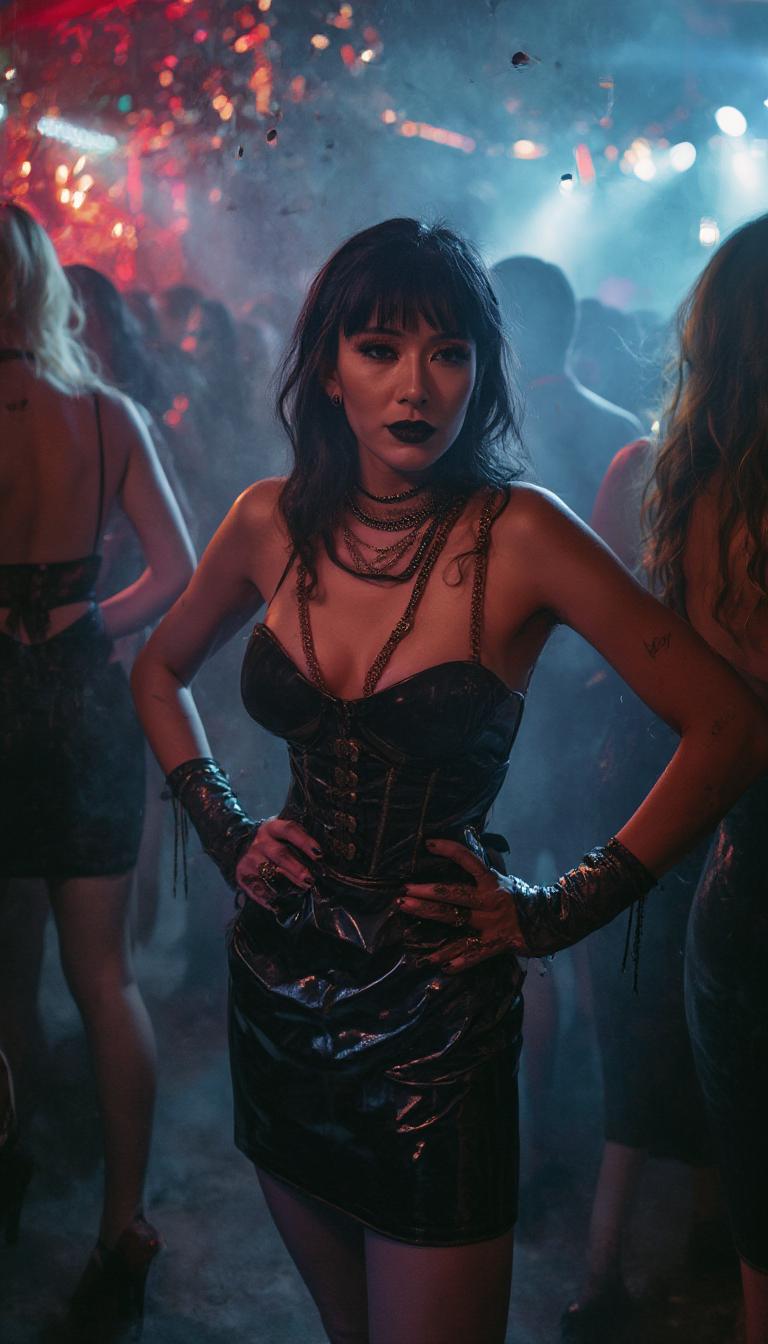








The Pixel Dojo Advantage
Why PixelDojo's Kling 2.6 motion simulation stands out in AI video generation:
| Others | Pixel Dojo |
|---|---|
| Traditional Video Production | Eliminates the need for expensive equipment and extensive editing, streamlining the creation process. |
| Generic AI Video Tools | Offers synchronized audio and high-resolution output, ensuring a polished final product. |
| Manual Animation | Automates complex animations, saving time and effort while maintaining quality. |
Loved by Creators
See what our community says about Kling 2.6 motion simulation
"PixelDojo's Kling 2.6 transformed my content creation process. I can now produce high-quality videos in minutes."
Alex Johnson
Content Creator
"The synchronized audio feature is a game-changer. My videos have never sounded better."
Maria Lopez
Marketing Specialist
Common Questions
Everything you need to know about Kling 2.6 motion simulation AI generation
How does Kling 2.6 motion simulation enhance video creation?
Kling 2.6 utilizes advanced AI to generate videos with synchronized audio from text or image inputs, simplifying the production process and ensuring high-quality results.
Can I use Kling 2.6 for commercial projects?
Yes, videos created with Kling 2.6 can be used for commercial purposes, providing a cost-effective solution for professional content creation.
Is prior experience required to use Kling 2.6?
No, Kling 2.6 is designed for users of all skill levels, offering an intuitive interface that makes video creation accessible to everyone.
What types of videos can I create with Kling 2.6?
You can create a wide range of videos, including promotional content, educational materials, social media posts, and more, all with synchronized audio and high-resolution visuals.
How long does it take to generate a video with Kling 2.6?
The generation time varies depending on the complexity of the input, but most videos are produced within minutes, allowing for rapid content creation.
Are there customization options available in Kling 2.6?
Yes, Kling 2.6 offers various customization options, including aspect ratio, duration, and audio settings, enabling you to tailor the output to your specific needs.