Kling 2.6 on EvoLink AI AI Generator
Elevate your content creation with Kling 2.6 on EvoLink AI, the cutting-edge AI video generation tool that seamlessly integrates synchronized audio and visuals. Whether you're a marketer, educator, or storyteller, Kling 2.6 empowers you to produce professional-grade videos effortlessly, saving time and enhancing engagement.
Join over 10,000 creators who have transformed their video production with Kling 2.6 on EvoLink AI. Rated 4.8/5 for its intuitive interface and high-quality outputs.
Why Choose Pixel Dojo for Kling 2.6 on EvoLink AI
Professional-quality results with cutting-edge AI technology
Effortless Video Creation
Generate high-quality videos with synchronized audio from simple text prompts, eliminating the need for complex editing.
Time-Saving Automation
Automate the video production process, reducing turnaround times and allowing you to focus on creative storytelling.
Professional-Grade Outputs
Produce videos with cinematic quality, including realistic motion, lighting, and sound, suitable for various professional applications.
How It Works
Creating compelling videos with Kling 2.6 on EvoLink AI is a straightforward process. Follow these steps to bring your ideas to life:
Step 1: Input Your Prompt
Enter a detailed text description of the scene you envision, including characters, actions, and desired audio elements.
Step 2: Customize Settings
Adjust parameters such as aspect ratio, duration, and audio preferences to tailor the output to your needs.
Step 3: Generate and Download
Click 'Generate' to create your video. Once processed, download the high-quality output for use in your projects.









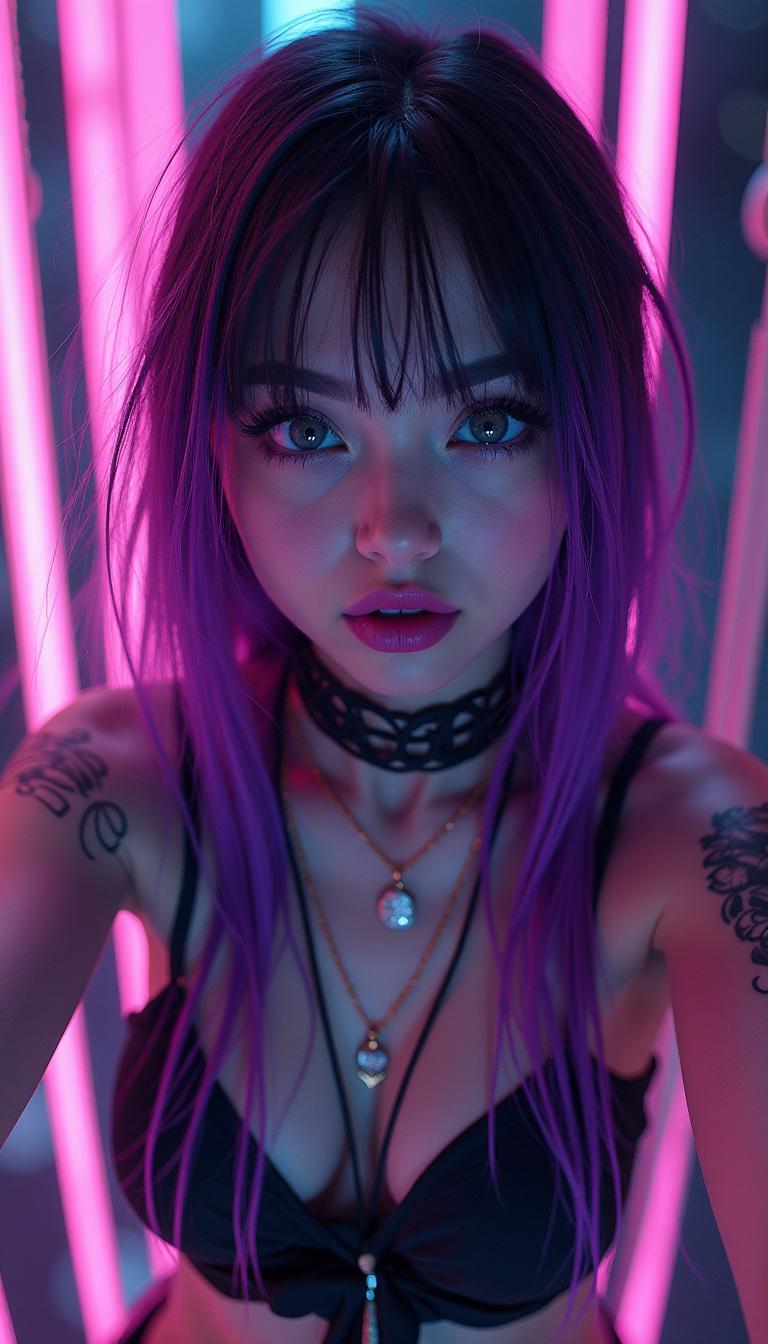






The Pixel Dojo Advantage
Discover how Kling 2.6 on EvoLink AI stands out in the realm of AI video generation:
| Others | Pixel Dojo |
|---|---|
| Traditional Video Production | Eliminates the need for extensive manual editing and post-production, streamlining the creation process. |
| Other AI Video Tools | Offers native audio generation synchronized with visuals, providing a more cohesive and immersive output. |
| Manual Audio Synchronization | Automatically aligns audio with visual elements, reducing the complexity and time required for manual synchronization. |
Loved by Creators
See what our community says about Kling 2.6 on EvoLink AI
"Kling 2.6 on EvoLink AI has revolutionized our content creation process. The synchronized audio-visual generation saves us hours of editing time."
Alex Johnson
Digital Marketing Manager
"As an educator, creating engaging videos is crucial. Kling 2.6 allows me to produce high-quality content effortlessly, enhancing my students' learning experience."
Dr. Emily Carter
Professor of Media Studies
Common Questions
Everything you need to know about Kling 2.6 on EvoLink AI AI generation
How does Kling 2.6 on EvoLink AI generate synchronized audio and video?
Kling 2.6 utilizes advanced AI algorithms to simultaneously generate visuals and corresponding audio, ensuring perfect synchronization without the need for manual editing.
Can I use Kling 2.6 on EvoLink AI for commercial projects?
Yes, Kling 2.6 is designed for both personal and commercial use, allowing you to create professional-grade videos for various applications.
What input formats does Kling 2.6 on EvoLink AI support?
Kling 2.6 accepts text prompts and can also incorporate reference images to guide the visual style of the generated video.
Is there a limit to the length of videos I can create with Kling 2.6 on EvoLink AI?
Currently, Kling 2.6 supports video generation up to 10 seconds in length, ideal for short-form content and social media applications.
Do I need prior video editing experience to use Kling 2.6 on EvoLink AI?
No, Kling 2.6 is designed with an intuitive interface that allows users of all skill levels to create high-quality videos without prior editing experience.
How can I ensure the generated video matches my vision?
Providing detailed and specific prompts, including descriptions of scenes, characters, actions, and desired audio elements, will help Kling 2.6 produce outputs that closely align with your vision.