Kling 2.6 reference-based generation AI Generator
Imagine transforming your creative concepts into high-quality, cinematic videos without the need for extensive production resources. With Kling 2.6's reference-based generation, you can achieve just that. By leveraging existing images or videos as references, Kling 2.6 enables you to produce visually consistent and realistic AI-generated videos that align perfectly with your vision.
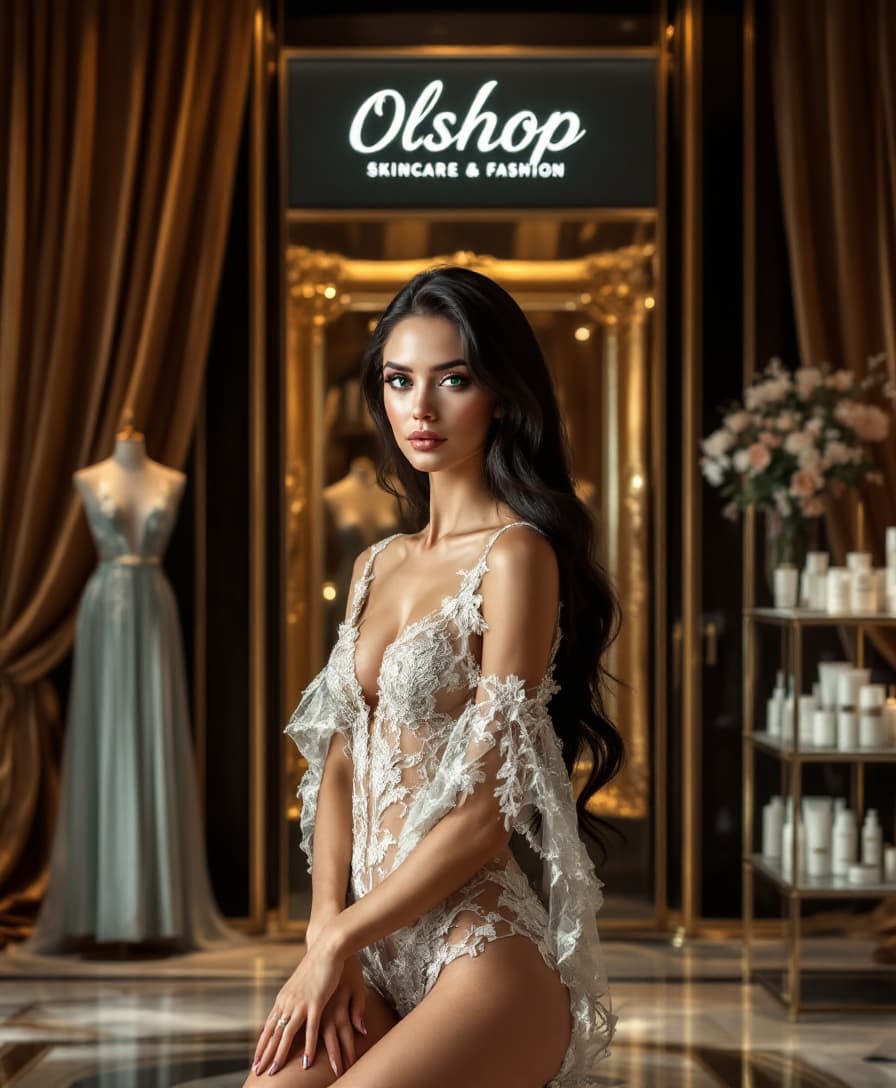
Join over 10,000 creators who have enhanced their storytelling with Kling 2.6's advanced AI video generation capabilities.
Why Choose Pixel Dojo for Kling 2.6 reference-based generation
Professional-quality results with cutting-edge AI technology
Achieve Visual Consistency Across Scenes
Maintain character appearances and scene elements consistently throughout your video projects, ensuring a cohesive visual narrative.
Save Time with Efficient Video Production
Reduce the time and effort required for video creation by utilizing AI to generate high-quality content from your references.
Enhance Creative Control
Direct the AI to adhere closely to your reference materials, giving you greater control over the final output.
How It Works
Creating videos with Kling 2.6's reference-based generation is a straightforward process that empowers you to bring your ideas to life with precision.
Step 1: Select Your Reference Material
Choose an existing image or video that represents the visual style or content you wish to emulate in your AI-generated video.
Step 2: Input Your Creative Prompt
Describe the scene, actions, and any specific elements you want to include in your video. Be as detailed as possible to guide the AI effectively.
Step 3: Generate and Refine Your Video
Use Kling 2.6 to generate the video based on your reference and prompt. Review the output and make any necessary adjustments to achieve your desired result.












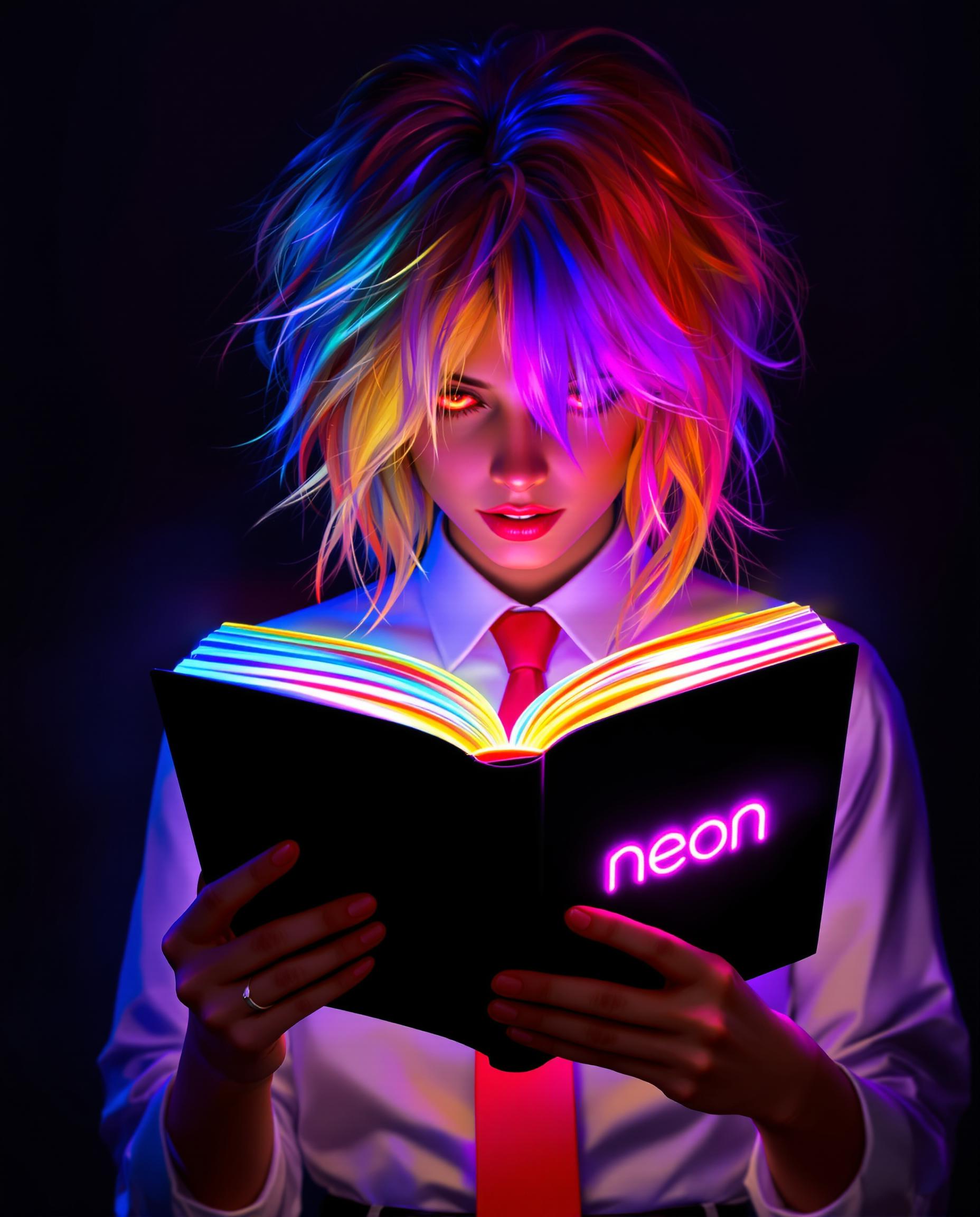
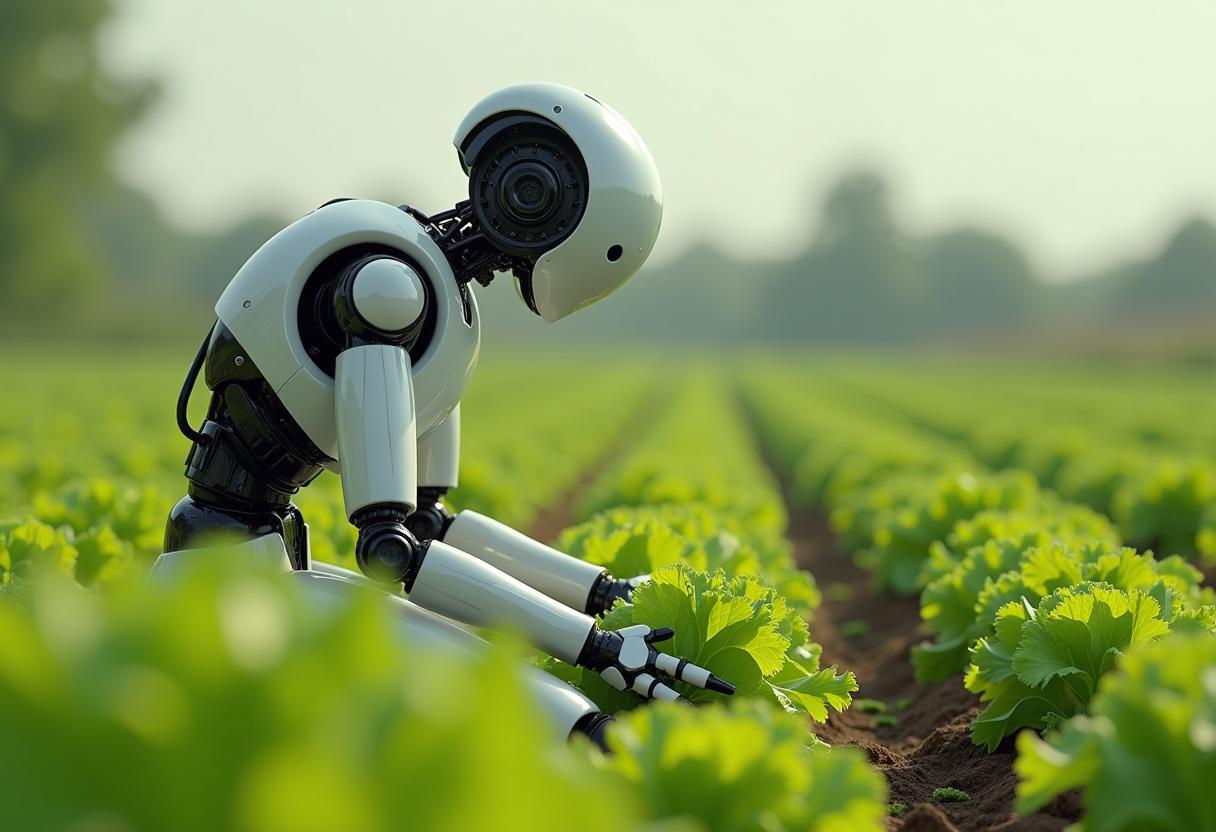


The Pixel Dojo Advantage
Discover how Kling 2.6's reference-based generation stands out from other video creation methods.
| Others | Pixel Dojo |
|---|---|
| Traditional Video Production | Eliminate the need for costly equipment and extensive production crews by generating videos directly from your references. |
| Generic AI Video Tools | Achieve higher accuracy and visual consistency by guiding the AI with specific reference materials. |
| Manual Video Editing | Save time and effort by automating the video creation process while maintaining creative control. |
Loved by Creators
See what our community says about Kling 2.6 reference-based generation
"Kling 2.6 has revolutionized our content creation process. The reference-based generation ensures our videos are consistent and aligned with our brand identity."
Alex Johnson
Marketing Director
"As a solo creator, Kling 2.6's AI video generation has been a game-changer. I can produce high-quality videos quickly without compromising on creativity."
Samantha Lee
Content Creator
Common Questions
Everything you need to know about Kling 2.6 reference-based generation AI generation
How does Kling 2.6's reference-based generation work?
Kling 2.6 utilizes your provided images or videos as references to guide the AI in generating new videos that closely match the style and content of your references.
Can I use multiple reference images in Kling 2.6?
Yes, Kling 2.6 allows you to upload multiple reference images, enabling the AI to blend elements from each to create a cohesive video.
Is Kling 2.6 suitable for professional video production?
Absolutely. Kling 2.6's high-quality output and consistency make it an excellent tool for professional video projects.
Do I need prior experience with AI to use Kling 2.6?
No, Kling 2.6 is designed with an intuitive interface that makes it accessible to users of all experience levels.
Can I edit the AI-generated videos after creation?
Yes, you can make adjustments to the generated videos to fine-tune them according to your preferences.
What file formats does Kling 2.6 support for reference materials?
Kling 2.6 supports common image formats such as JPG, PNG, and WebP for reference materials.