Kling 2.6 style boosts AI Generator
Imagine transforming your wildest ideas into breathtaking, hyper-realistic images that burst with cinematic energy and professional polish – all without a camera, studio, or design degree. With PixelDojo's Kling 2.6 style boosts, you unlock the power of advanced AI to create visuals that captivate audiences, skyrocket engagement on social media, and elevate your marketing game instantly. Whether you're crafting eye-popping ads, stunning social posts, or concept art for your next big project, Kling 2.6 style boosts deliver dynamic lighting, ultra-detailed textures, and motion-inspired depth that make static images feel alive. No more settling for flat, generic outputs – achieve Hollywood-level results in seconds using PixelDojo's Kling v2.6 Pro combined with seamless image extraction and enhancement tools. Thousands of creators rely on PixelDojo's 40+ cutting-edge AI tools, including Flux.1 Studio, Creative Upscaler, and Extract Frame, to produce content that converts viewers into customers. You get unlimited creativity, cancel anytime, and start seeing outcomes from your very first generation. Ready to boost your images to the next level?

50K+ Creators Worldwide | 4.9/5 Stars from 10K+ Reviews | 2M+ Kling-Style Images Generated | Featured in Creator Communities
Why Choose Pixel Dojo for Kling 2.6 style boosts
Professional-quality results with cutting-edge AI technology
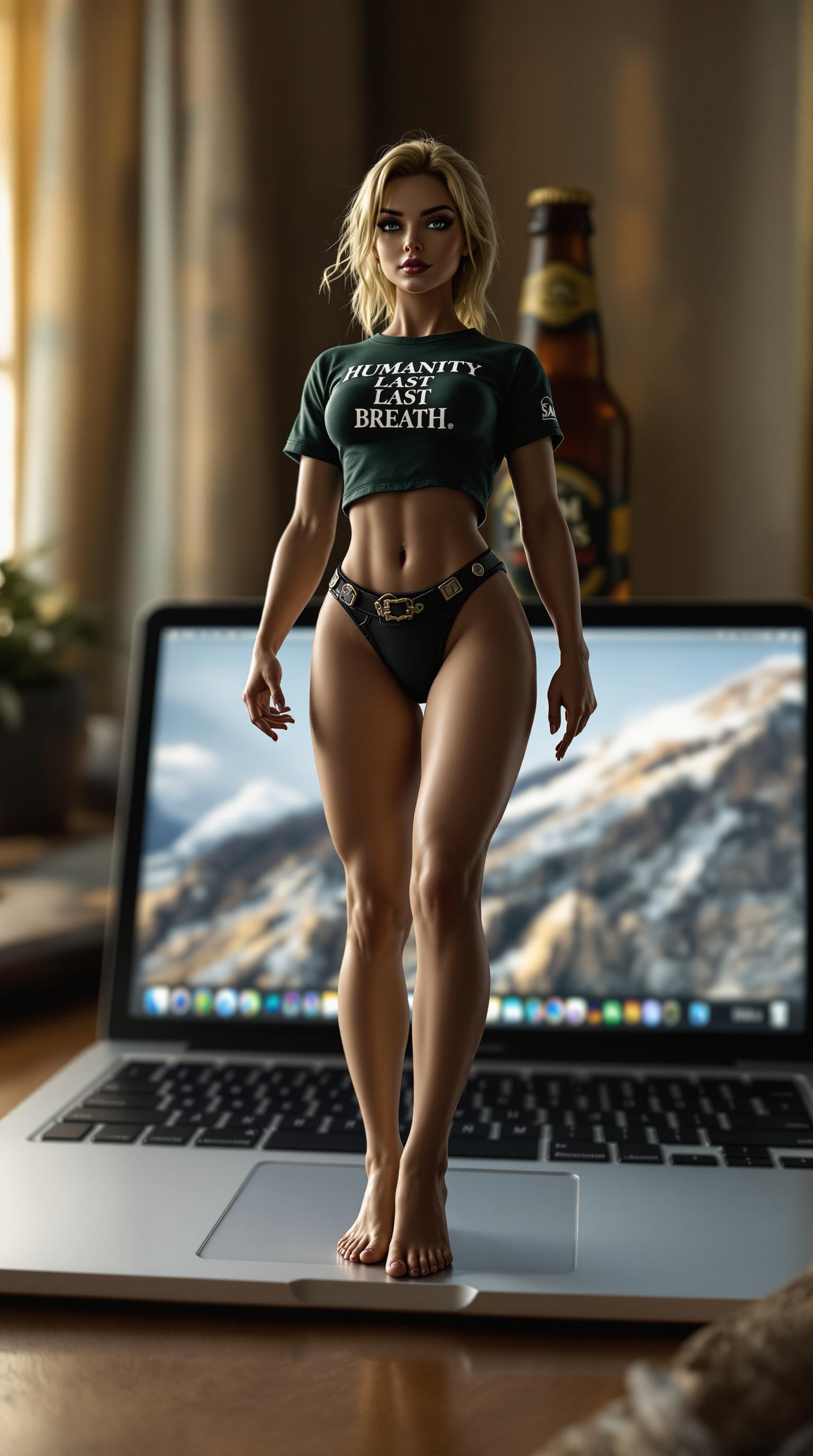
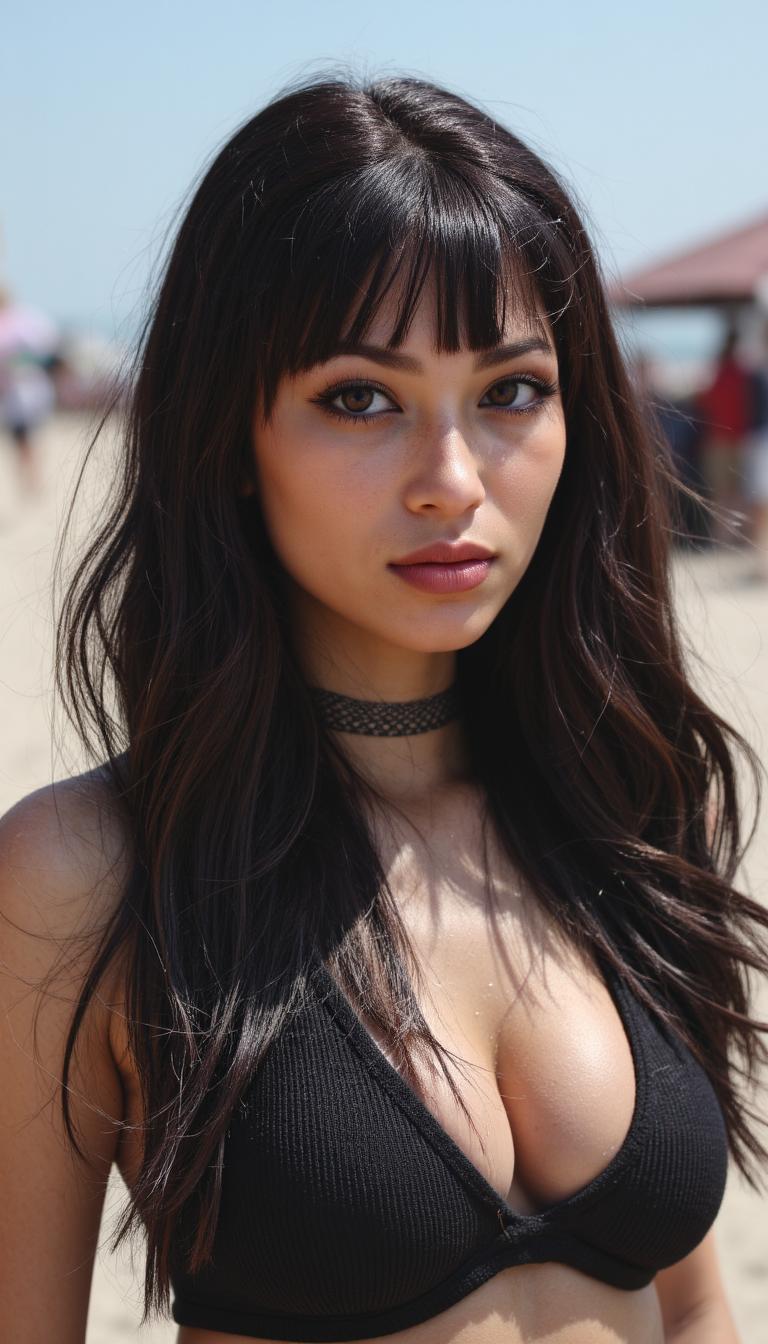
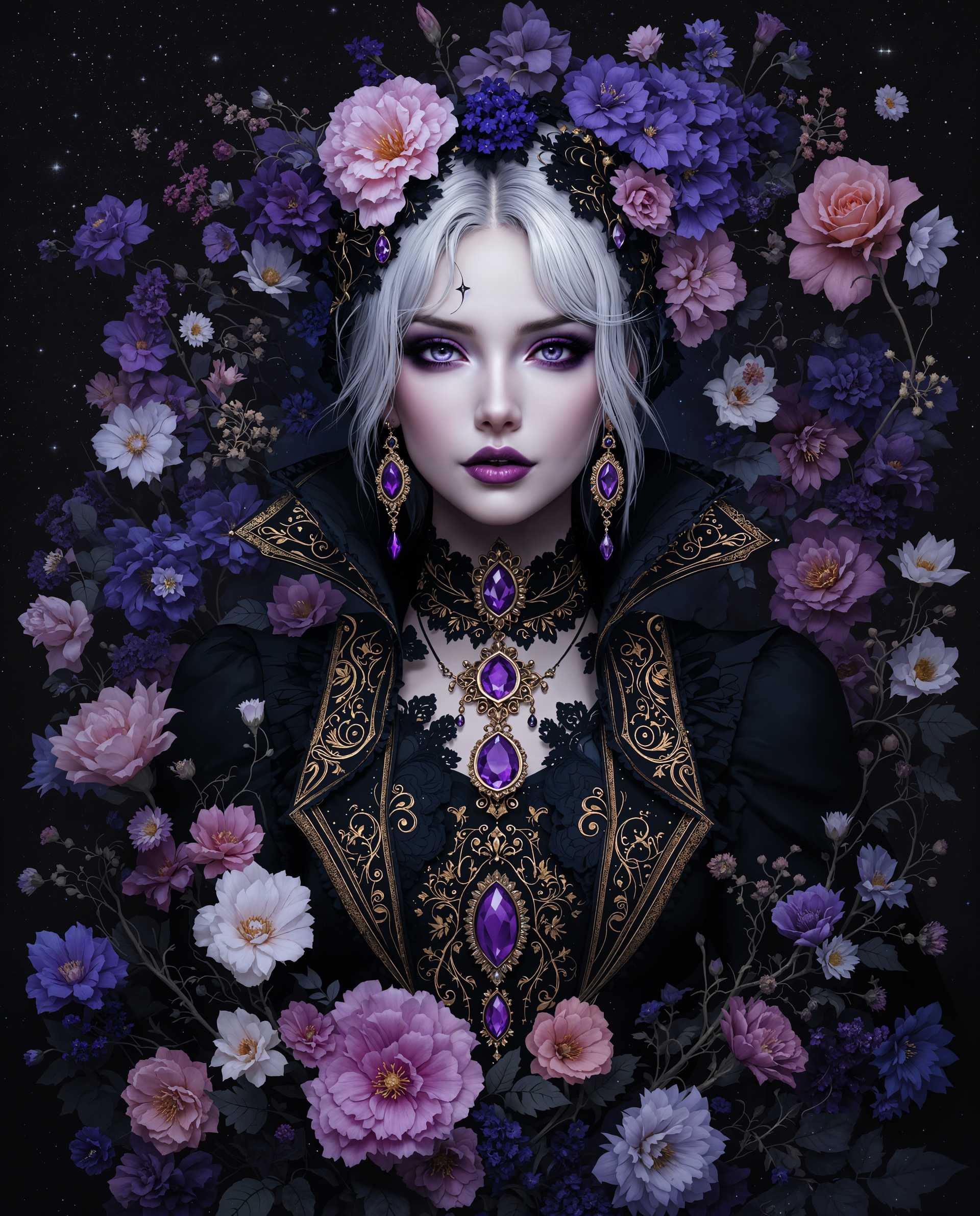
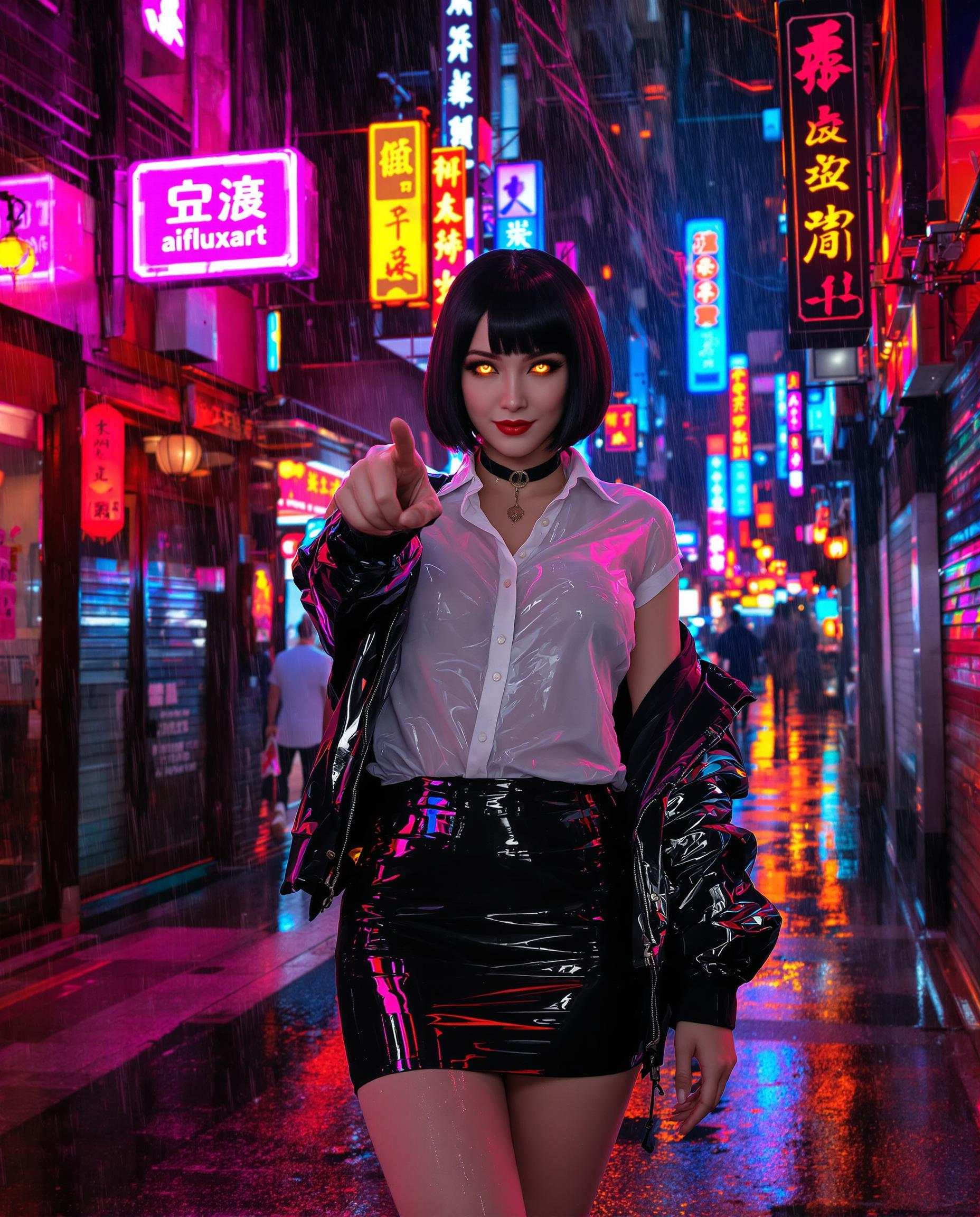
Cinematic Realism That Stuns Viewers
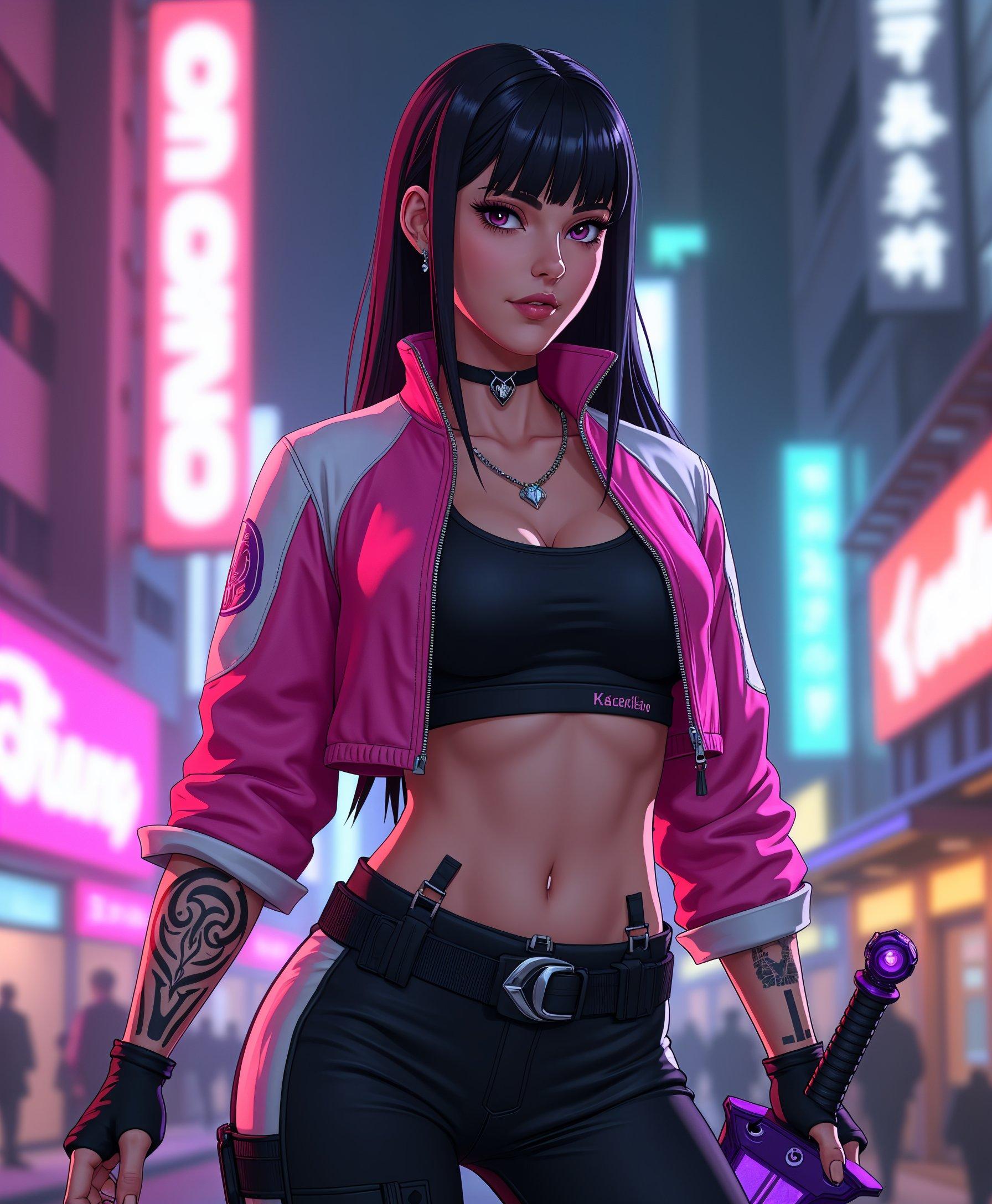
Produce hyper-detailed images with dynamic lighting and textures that mimic blockbuster films, drawing eyes and boosting shares by 3x on social platforms – perfect for ads and portfolios using Kling v2.6 Pro boosts.
Instant Dynamic Energy in Static Images
Infuse your visuals with motion blur, depth of field, and energy boosts that make images pop with life, saving you hours of manual edits while creating viral-ready content via style-optimized prompts.
Pro Results Without the Pro Price Tag
Generate commercial-grade images in under 30 seconds, bypassing expensive hires or gear, and scale your creative output effortlessly with PixelDojo's integrated tools like Extract Frame and Creative Upscaler.
How It Works
Unlock Kling 2.6 style boosts on PixelDojo in just three simple steps. Leverage Kling v2.6 Pro for video generation, then extract and enhance for flawless images – no expertise required.
Step 1: Select Kling v2.6 Pro Tool
Navigate to Create Videos on PixelDojo.ai, choose Kling v2.6 Pro, and set your aspect ratio to 16:9 for cinematic boosts. This tool excels at rendering style-enhanced visuals you can convert to images.
Step 2: Craft Your Style Boost Prompt
Enter a detailed prompt like 'A futuristic cityscape at dusk, Kling 2.6 style boost, hyper-realistic lighting, dynamic camera pan, ultra-detailed, 8k quality'. Add negatives like 'blurry, low res' for sharper results.
Step 3: Generate, Extract & Enhance
Hit generate for a short video clip, then use Extract Frame to pull the perfect image. Boost further with Creative Upscaler or Magic Lighting for print-ready perfection – download instantly.











The Pixel Dojo Advantage
Why PixelDojo outperforms other options for Kling 2.6 style boost image generation
| Others | Pixel Dojo |
|---|---|
| Traditional stock photography | Ditch costly shoots and limited libraries – create unlimited custom, boosted images tailored to your brand in seconds with full ownership. |
| Generic AI tools | Go beyond basic outputs with Kling v2.6 Pro's specialized style boosts, integrated editing like Inpainting and Background Remover for pro refinements. |
| Manual photo editing | Skip Photoshop marathons – automate cinematic boosts, upscaling, and frame extraction to deliver polished results 10x faster. |
Loved by Creators
See what our community says about Kling 2.6 style boosts
"Kling 2.6 style boosts on PixelDojo turned my flat concepts into viral social reels. Engagement doubled overnight!"
Sarah M.
Social Media Manager
"Effortless hyper-realistic images for my ads using Kling v2.6 Pro and Extract Frame. Saved thousands on designers!"
Mike R.
Marketing Director
Common Questions
Everything you need to know about Kling 2.6 style boosts AI generation
What are Kling 2.6 style boosts for AI image generation?
Kling 2.6 style boosts are advanced prompting techniques and AI enhancements in PixelDojo's Kling v2.6 Pro that amplify image quality with hyper-realism, dynamic lighting, and cinematic depth. Generate short videos then extract frames via Extract Frame for static images that outperform standard gens – ideal for pro visuals without extra effort.
How do I create hyper-realistic Kling 2.6 AI images on PixelDojo?
Use Kling v2.6 Pro under Create Videos: input prompts with 'Kling 2.6 style boost, ultra detailed, motion enhanced', generate, then Extract Frame and apply Creative Upscaler or Magic Lighting. Access 40+ tools like Flux.1 Studio for hybrid workflows, all in your browser.
What are the best Kling 2.6 style boost prompts for AI images?
Top prompts include: 'Epic landscape, Kling 2.6 boost, volumetric lighting, 8k, sharp focus' or 'Portrait of warrior, Kling style hyper realism, dynamic pose, god rays'. Pair with PixelDojo's Image Analyzer for refinements and negatives like 'distorted, artifacts' for flawless results.
Can I use Kling 2.6 style boosts for commercial AI images?
Absolutely – PixelDojo grants full commercial rights to all outputs from Kling v2.6 Pro, Extract Frame, and enhancers like Style Transfer. Creators use them for ads, NFTs, and prints, with unlimited generations on subscriptions.
How does PixelDojo's Kling 2.6 compare to other AI image generators?
PixelDojo stands out with seamless Kling v2.6 Pro integration, video-to-image pipelines via Extract Frame, and boosters like Inpainting with LoRAs. Get consistent, boosted quality faster than fragmented tools, plus Developer API for scaling.
What PixelDojo tools enhance Kling 2.6 style boost images?
Combine Kling v2.6 Pro with Edit Images tools: Background Remover for clean comps, Creative Upscaler for 4K+, Image to Image for iterations, and Portrait Upscaler for faces. Full suite including Flux.2 Studio ensures versatile, high-converting visuals.