kling v3 automatic scene coverage AI Generator
Imagine bringing your creative visions to life as cinematic videos without the need for complex editing or filming. With Kling V3's automatic scene coverage, you can effortlessly transform text descriptions or images into professional-quality videos. Whether you're a marketer aiming to produce engaging content, a filmmaker exploring new storytelling methods, or a content creator seeking to captivate your audience, Kling V3 empowers you to achieve stunning results with minimal effort.

Join over 15 million users worldwide who have embraced Kling V3 for their video creation needs. With a 4.9/5 rating and over 500 million videos generated across 180+ countries, Kling V3 is the trusted choice for creators seeking quality and efficiency.
Why Choose Pixel Dojo for kling v3 automatic scene coverage
Professional-quality results with cutting-edge AI technology
Effortless Cinematic Storytelling
Automatically generate multi-shot sequences with dynamic camera angles and transitions, bringing your narratives to life without manual editing.
Consistent Character Representation
Maintain character consistency across multiple scenes, ensuring your protagonist's appearance remains uniform throughout your video.
Integrated Audio-Visual Sync
Generate synchronized audio and visuals simultaneously, creating immersive videos with perfectly matched soundtracks and dialogue.
How It Works
Creating cinematic videos with Kling V3 is a straightforward process that involves three simple steps:
Step 1: Define Your Scene
Start by entering a detailed text description of your desired scene or upload a reference image. This input serves as the foundation for your video.
Step 2: Customize Motion and Audio
Utilize Kling V3's motion control features to specify camera movements, pacing, and shot structure. Additionally, integrate audio elements to enhance the storytelling experience.
Step 3: Generate and Download
Click 'Generate' to produce your video. Kling V3 will process your inputs and create a high-quality cinematic video ready for download and sharing.
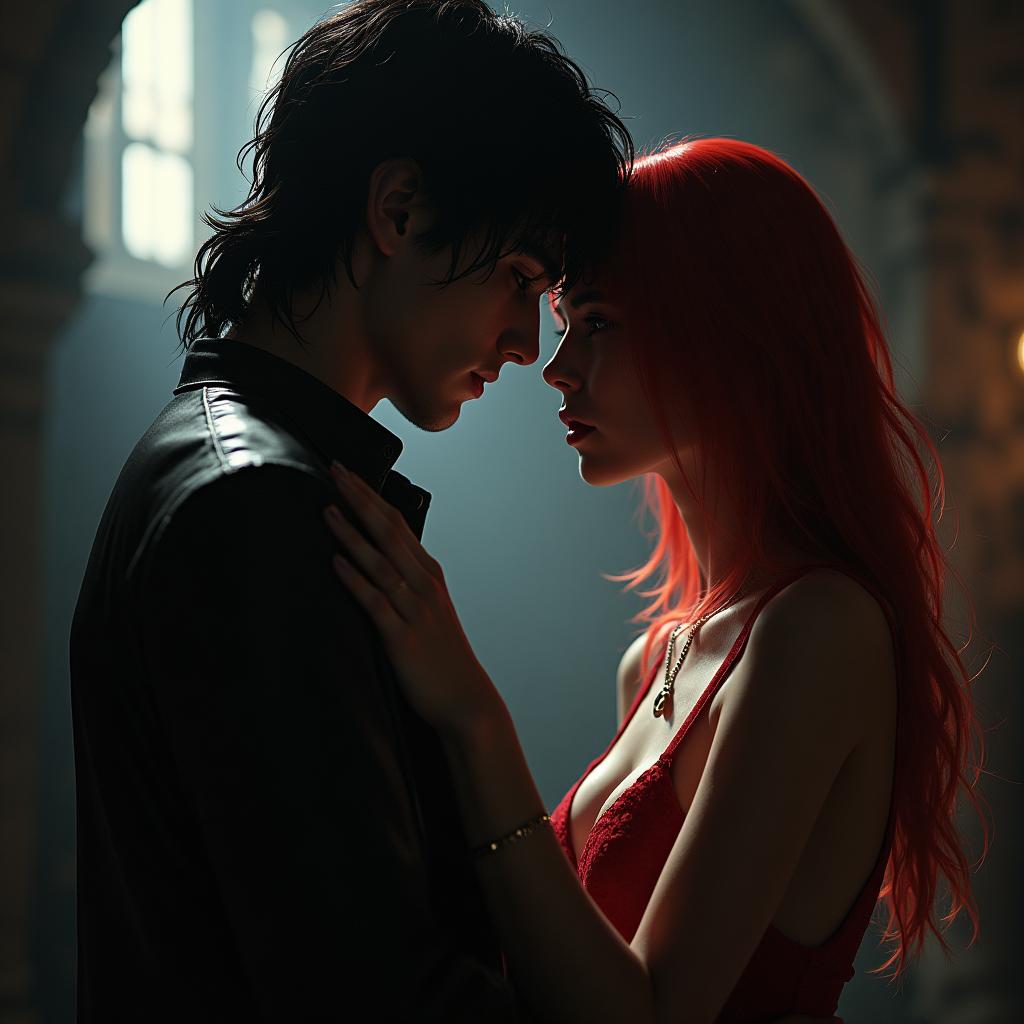


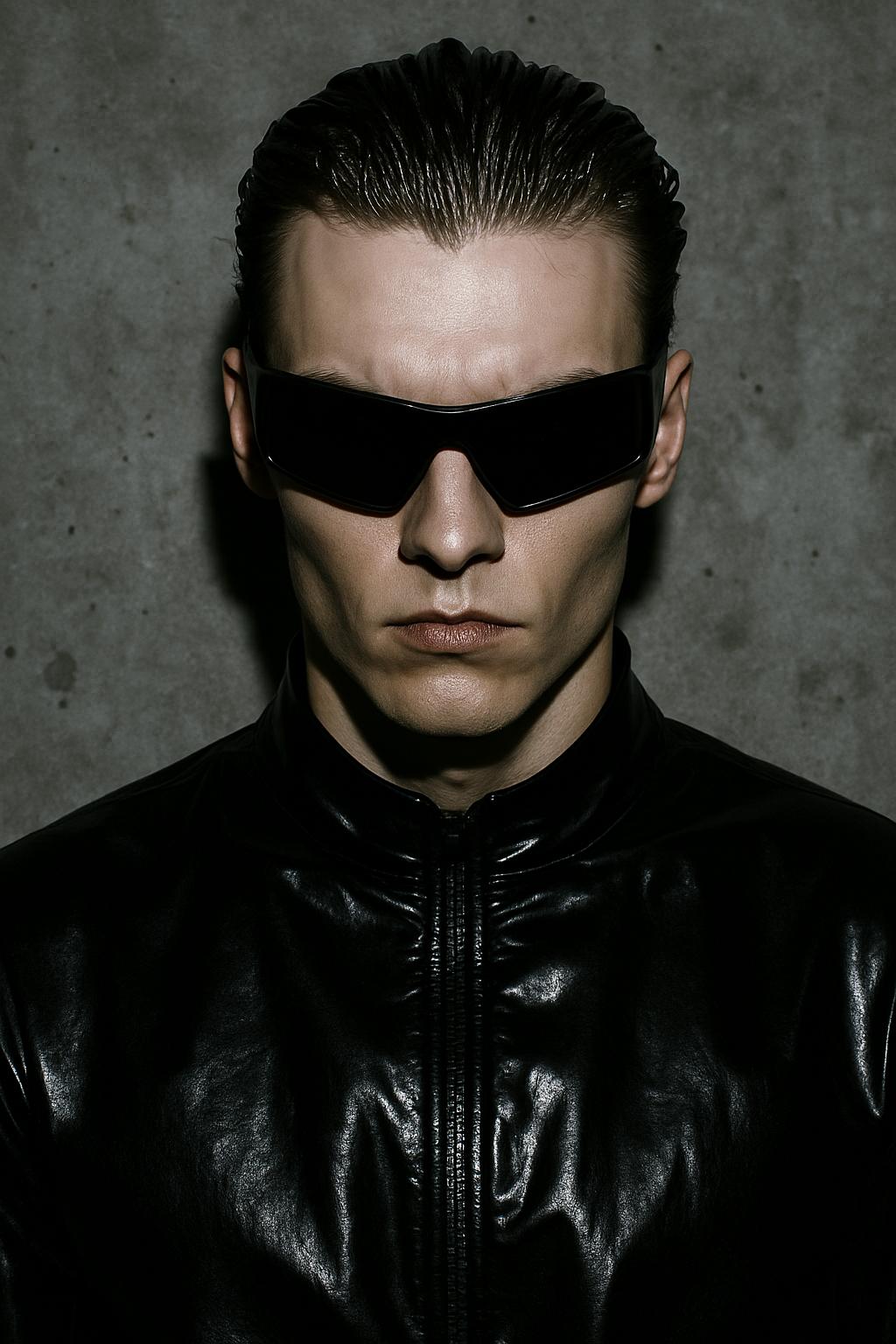


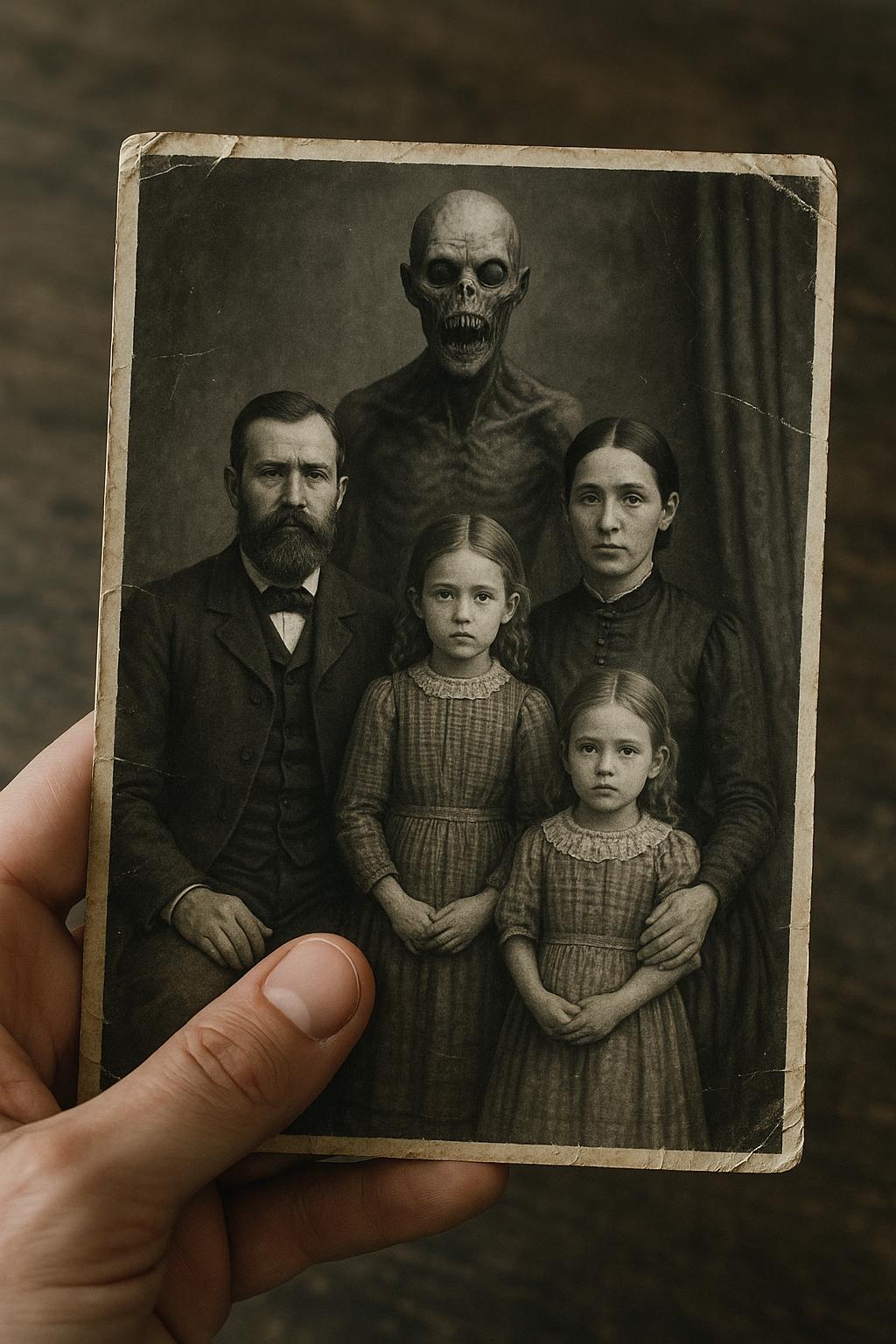

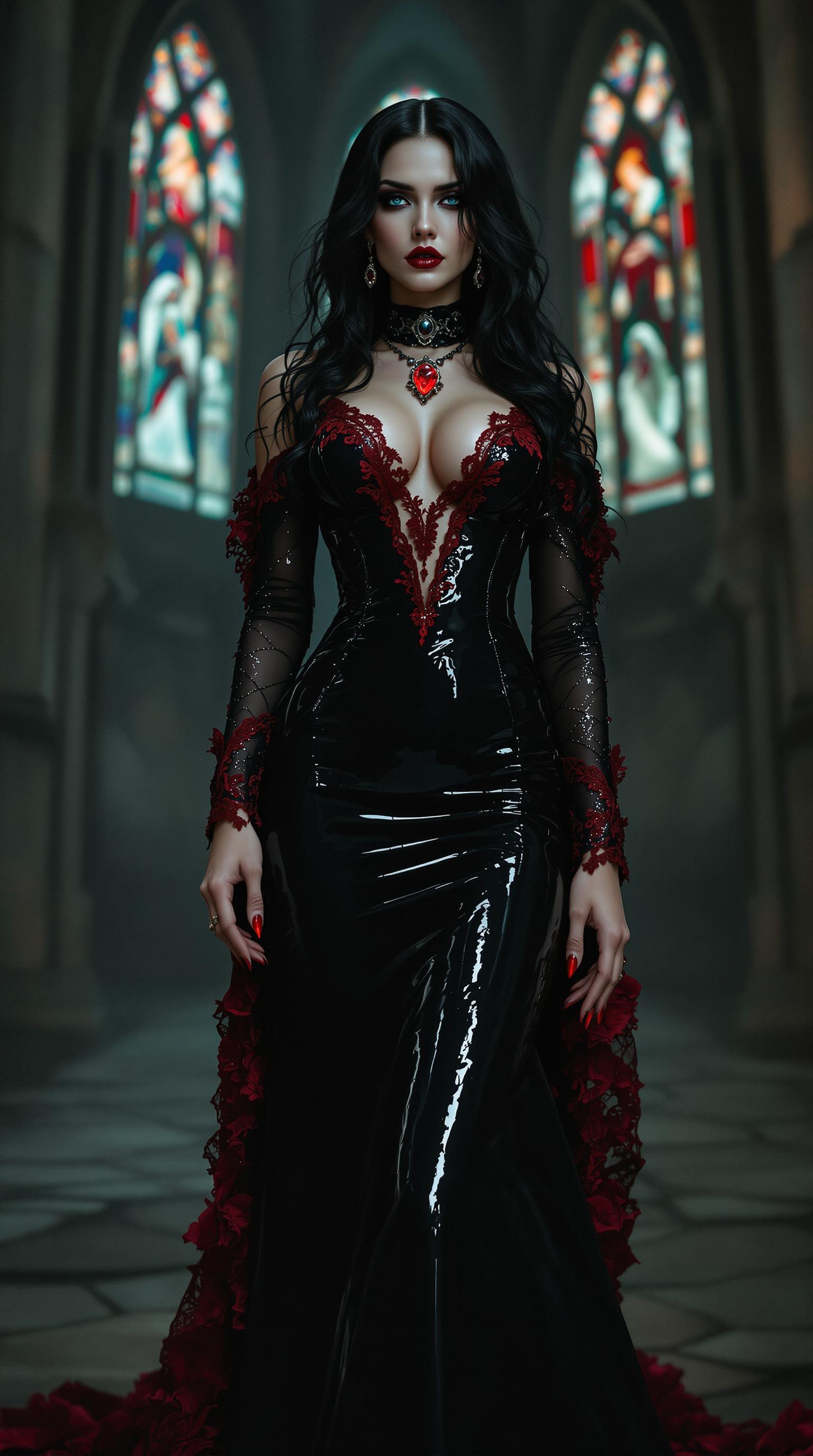


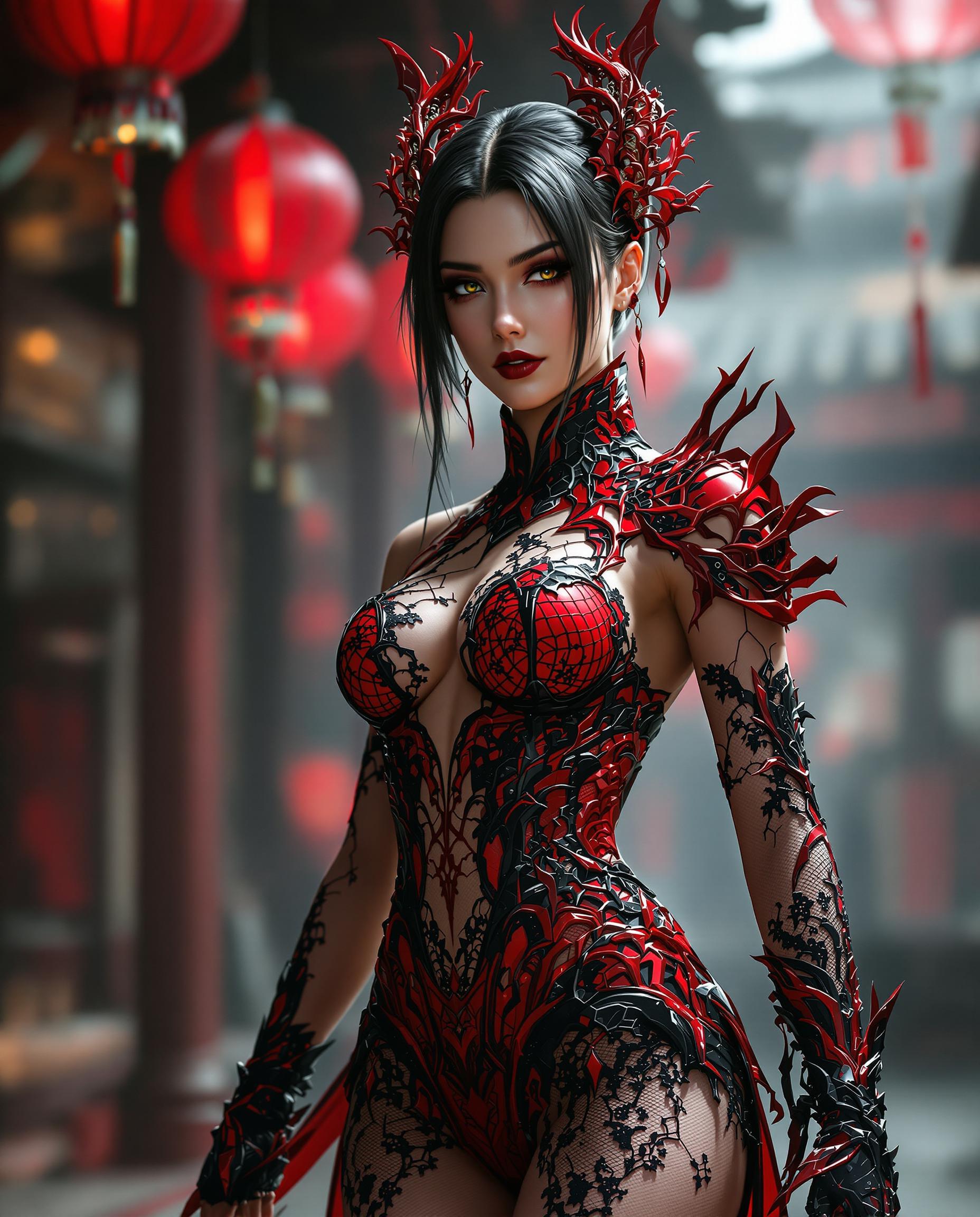

The Pixel Dojo Advantage
Why Kling V3 outperforms other options for cinematic video generation:
| Others | Pixel Dojo |
|---|---|
| Traditional Video Production | Eliminates the need for expensive equipment and extensive editing, reducing production time and costs. |
| Generic AI Video Tools | Offers advanced features like multi-shot control and native audio integration, providing a more comprehensive solution. |
| Manual Storyboarding | Automates the storyboarding process, allowing for rapid iteration and experimentation with different narratives. |
Loved by Creators
See what our community says about kling v3 automatic scene coverage
"Kling V3 has revolutionized our content creation process. The automatic scene coverage feature allows us to produce high-quality videos in a fraction of the time."
Alex Johnson
Marketing Director
"As an independent filmmaker, Kling V3's AI tools have enabled me to bring my stories to life without the need for a large crew or budget."
Maria Lopez
Independent Filmmaker
Common Questions
Everything you need to know about kling v3 automatic scene coverage AI generation
How does Kling V3's automatic scene coverage enhance video creation?
Kling V3's automatic scene coverage interprets your input to generate multi-shot sequences with dynamic camera angles and transitions, streamlining the video creation process and eliminating the need for manual editing.
Can I maintain character consistency across different scenes?
Yes, Kling V3 ensures consistent character representation throughout your video, preserving the visual identity of your characters across multiple scenes.
Does Kling V3 support audio integration?
Absolutely. Kling V3 generates synchronized audio and visuals simultaneously, allowing you to create immersive videos with perfectly matched soundtracks and dialogue.
Is Kling V3 suitable for professional video production?
Yes, Kling V3 offers features like native 4K output and advanced motion control, making it suitable for professional-grade video production.
How long does it take to generate a video with Kling V3?
The generation time varies based on the complexity of the video, but Kling V3 is designed to produce high-quality videos efficiently, often within minutes.
Can I use Kling V3 for commercial projects?
Yes, Kling V3 offers commercial usage rights with its premium subscription plans, allowing you to monetize the videos you create.