kling v3 multi image reference AI Generator
Creating consistent and high-quality images is essential for professionals in design, marketing, and content creation. With Kling V3's multi-image reference feature, you can generate cohesive AI images that maintain visual consistency across various scenes and styles. This powerful tool allows you to upload multiple reference images, enabling the AI to analyze and integrate diverse elements, resulting in seamless and professional-quality outputs.
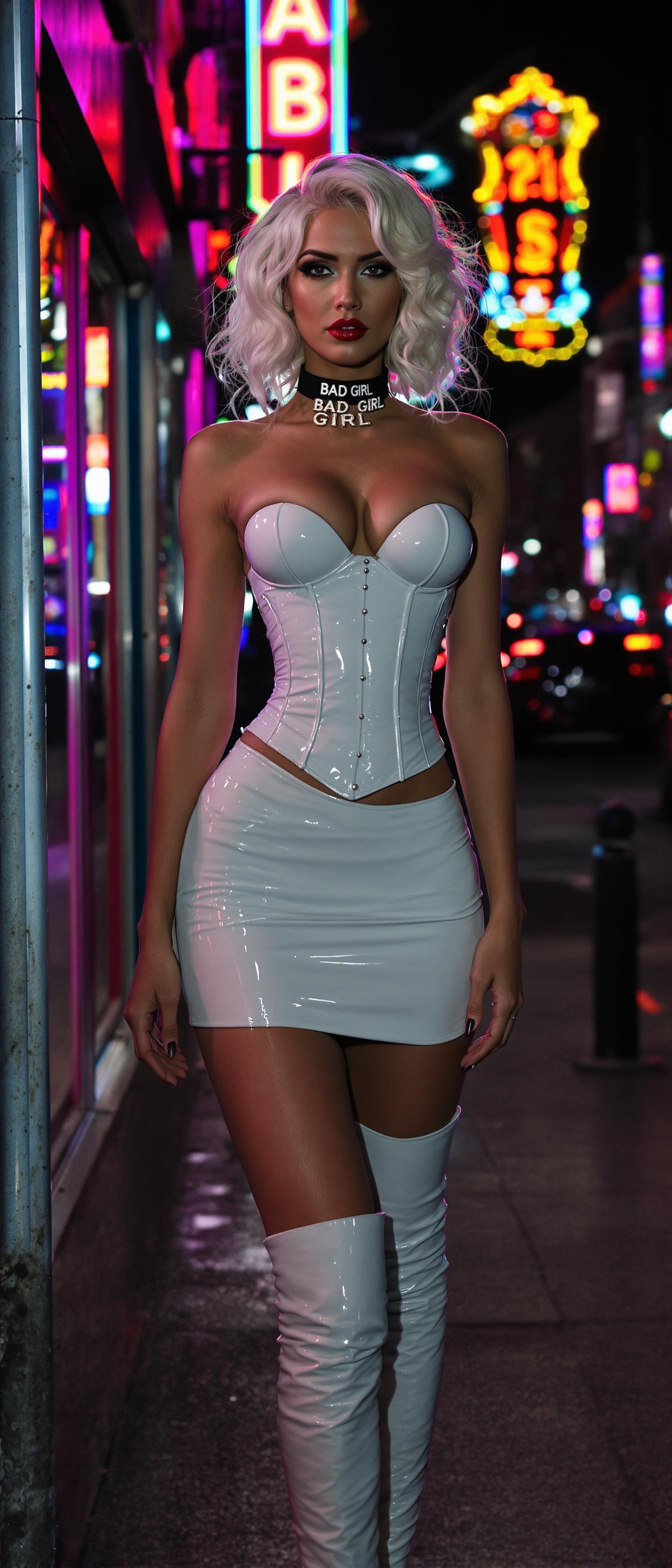
Join over 100,000 creators worldwide who trust Kling V3 for their AI image generation needs. With a 4.9/5 satisfaction rating and over 500 million images generated, Kling V3 is the go-to platform for professionals seeking consistency and quality.
Why Choose Pixel Dojo for kling v3 multi image reference
Professional-quality results with cutting-edge AI technology
Maintain Visual Consistency
Ensure your characters and objects appear uniform across multiple images, enhancing brand identity and storytelling.
Save Time and Effort
Generate cohesive images without manual editing, streamlining your creative workflow and boosting productivity.
Enhance Creative Control
Combine various visual elements from multiple references to craft unique and imaginative scenarios tailored to your vision.
How It Works
Creating consistent AI-generated images with Kling V3's multi-image reference feature is straightforward. Follow these steps to bring your creative vision to life:
Step 1: Choose Your Tool
Access the Kling V3 platform and select the 'Multi-Image Reference' feature to begin your image generation process.
Step 2: Upload Reference Images
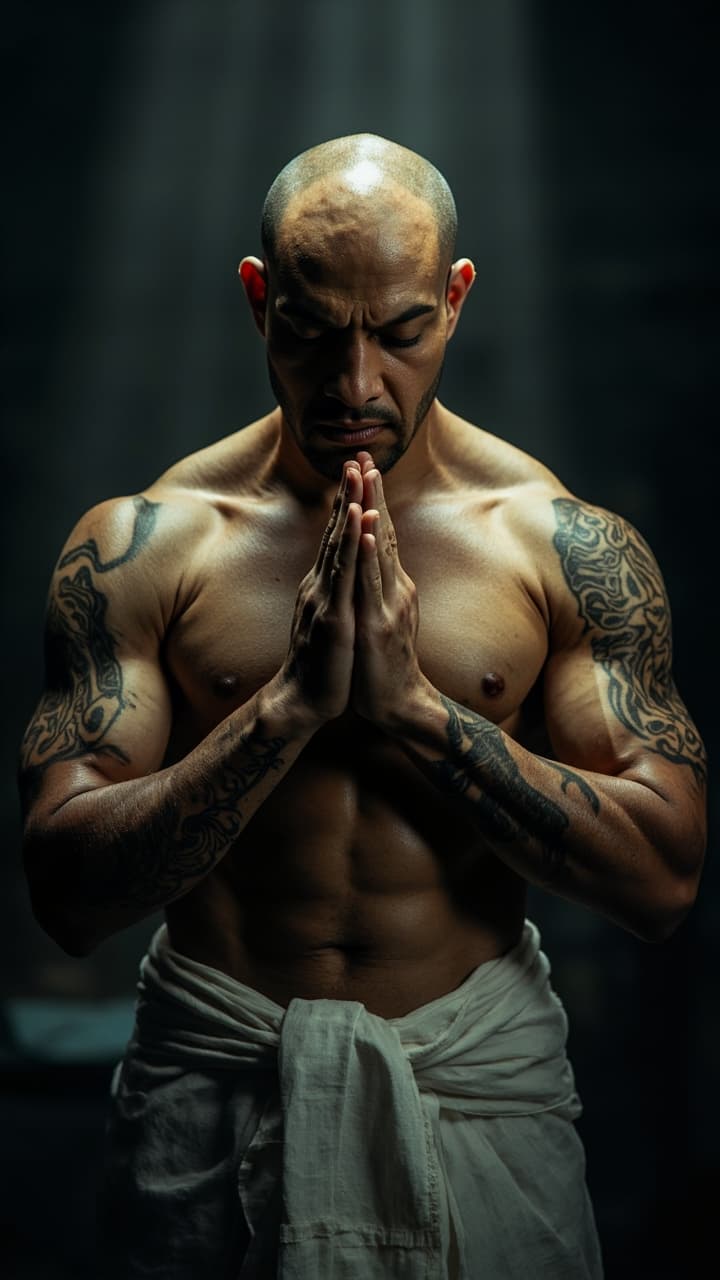
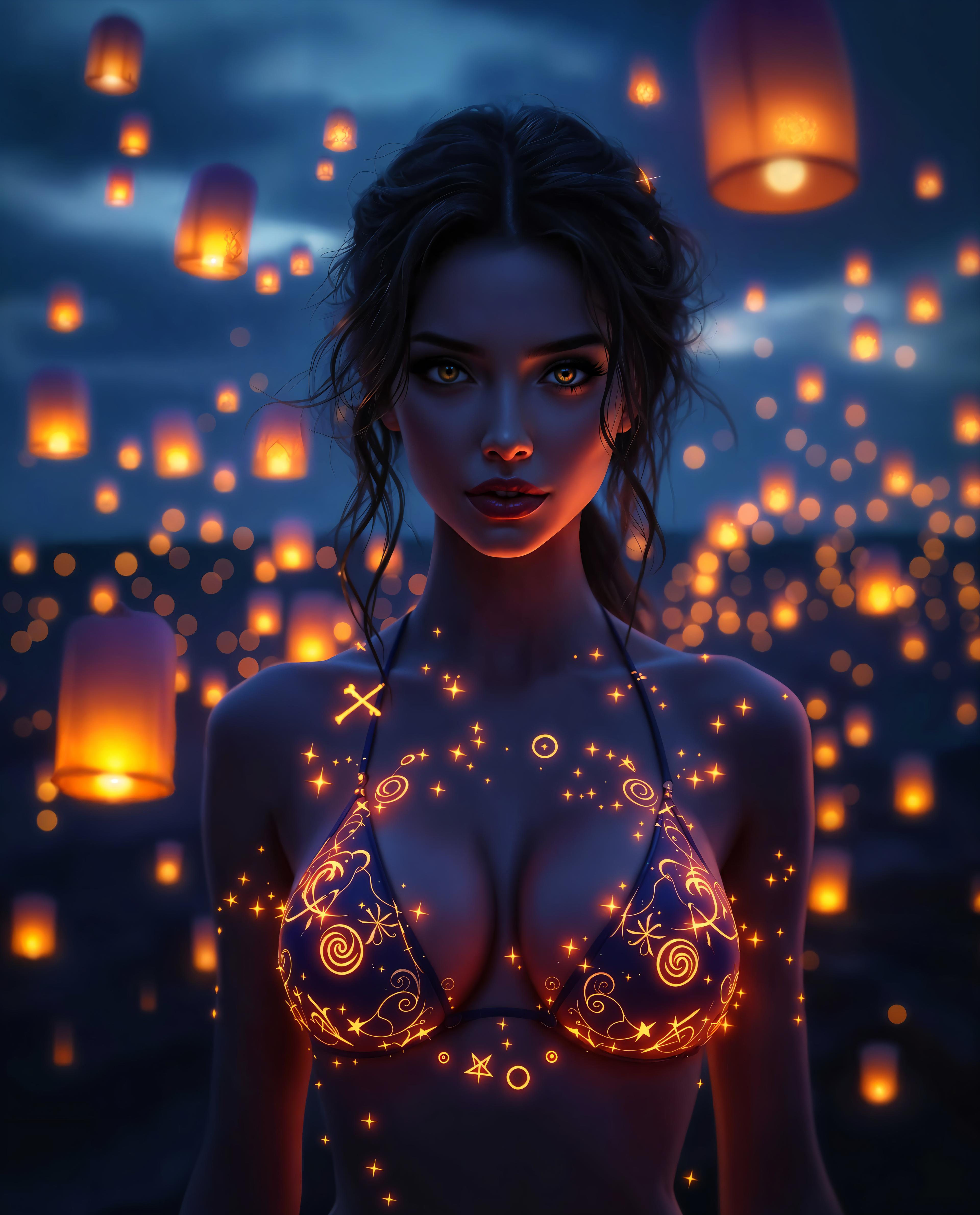
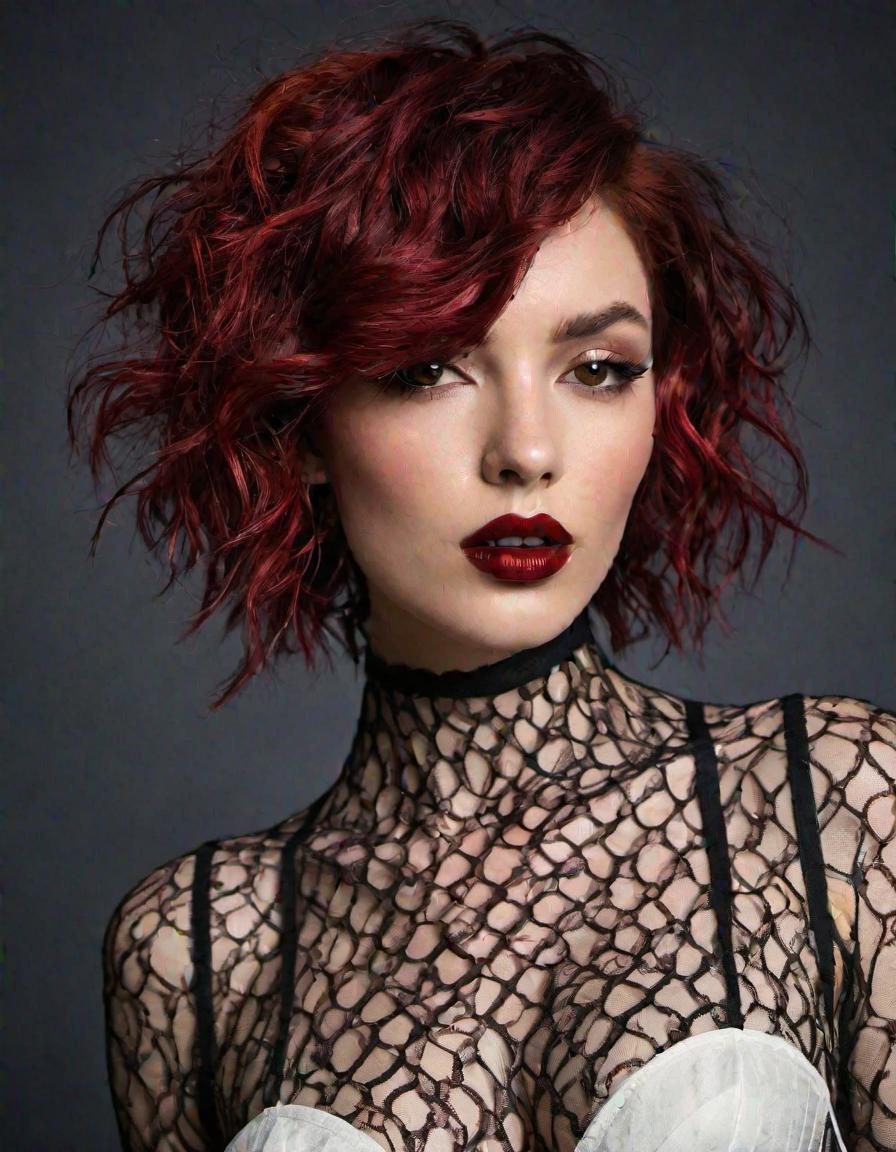
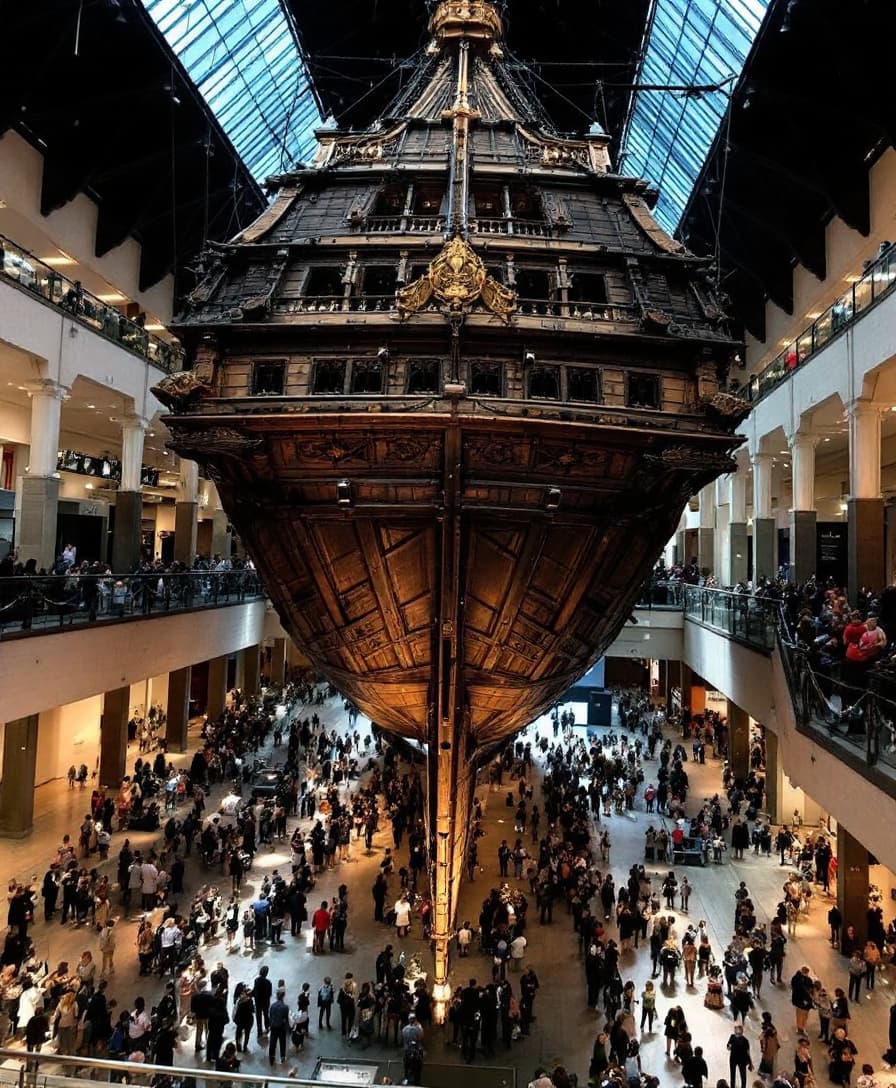
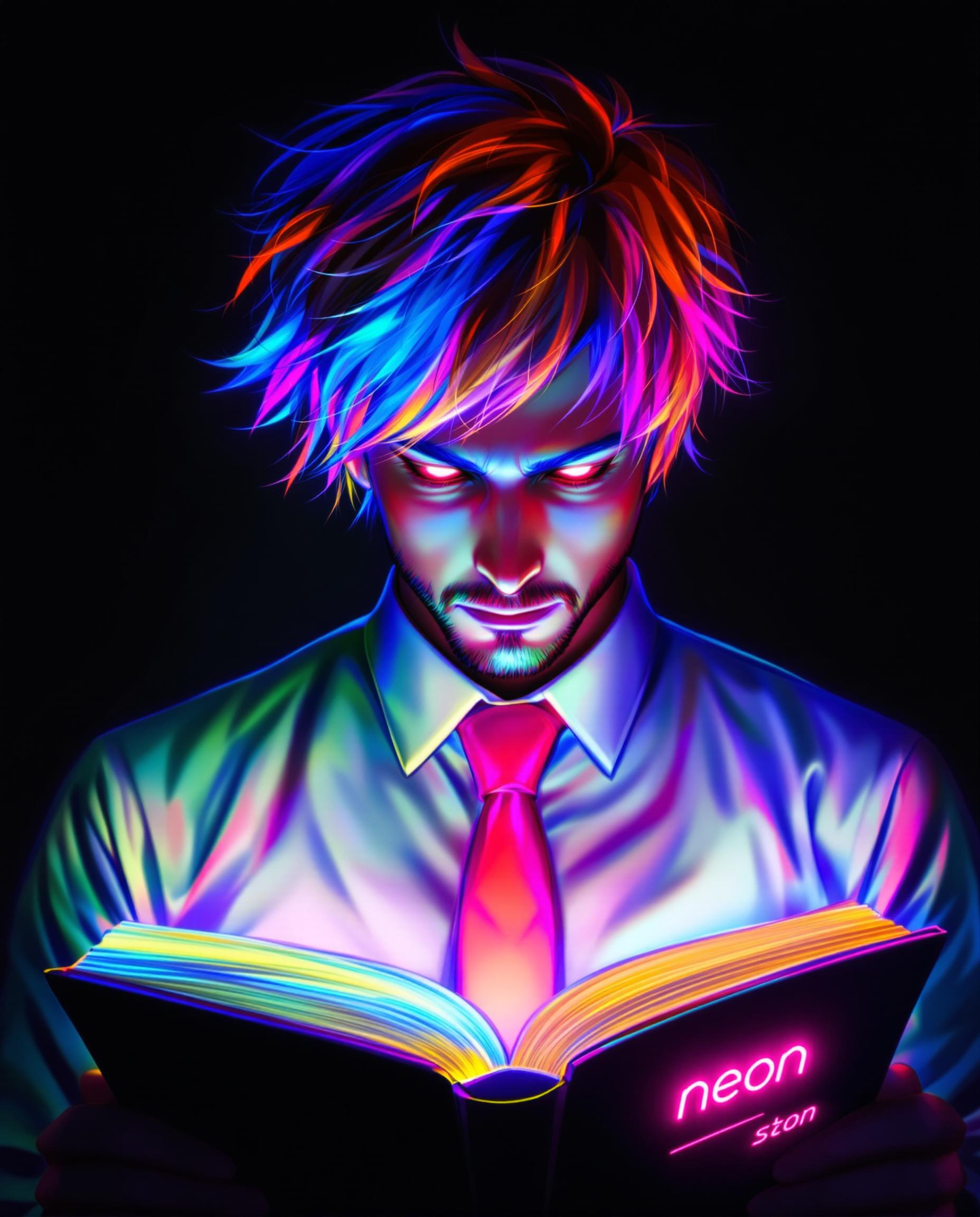
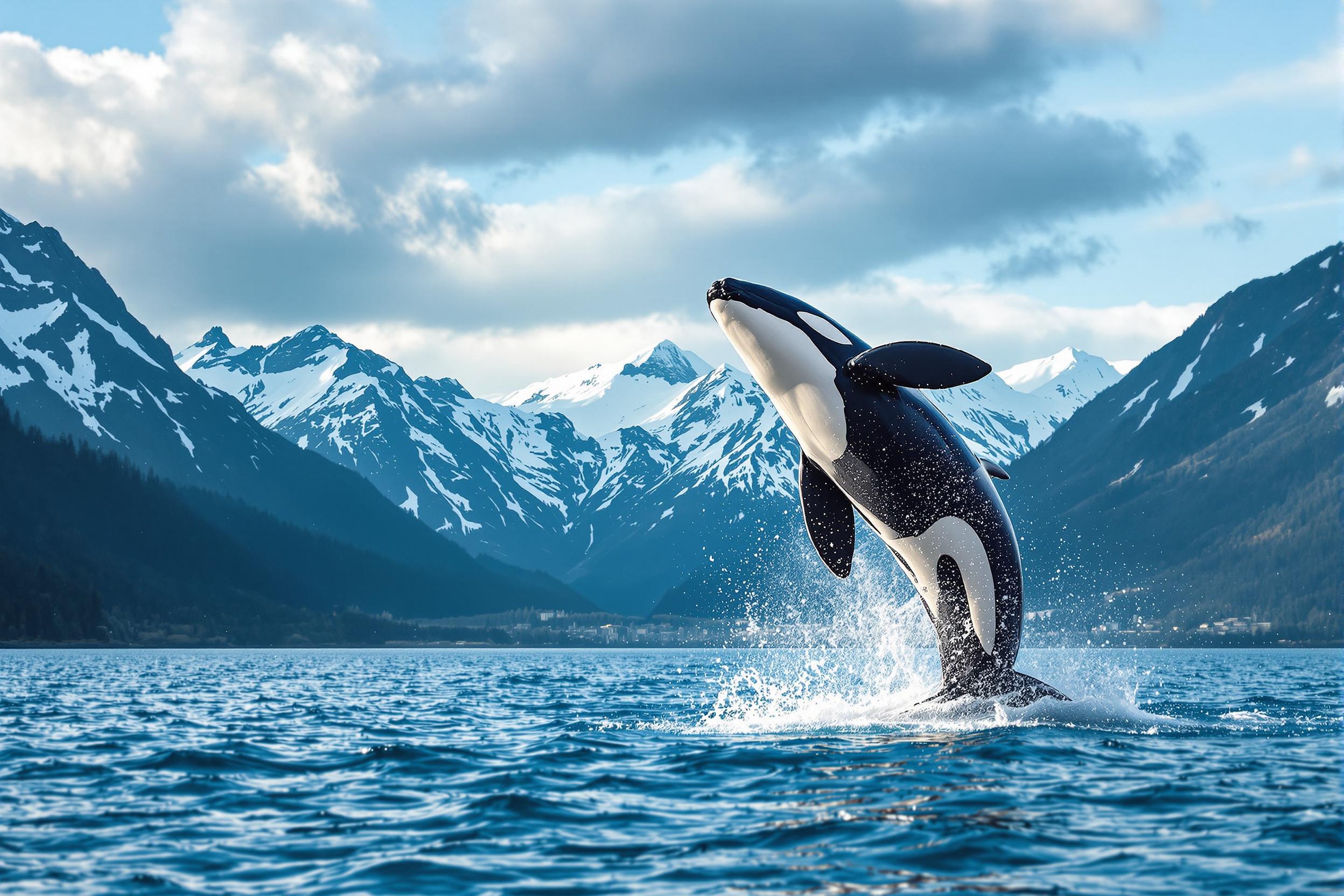
Upload up to 10 reference images that represent the elements you want to include in your final image. These can be characters, objects, or scenes.
Step 3: Enter Your Prompt
Provide a detailed text description of the scene or concept you wish to create. Be specific to guide the AI effectively.
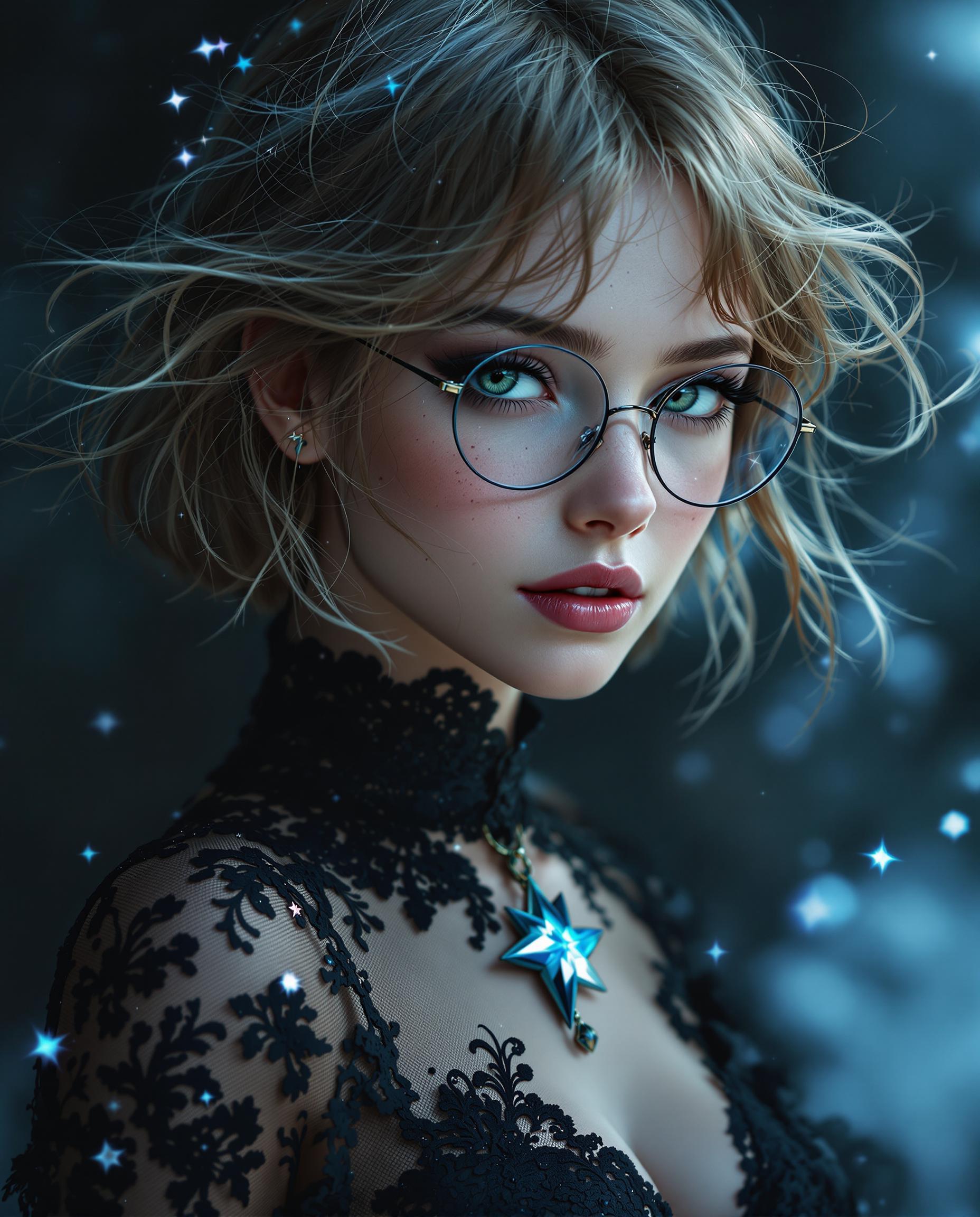
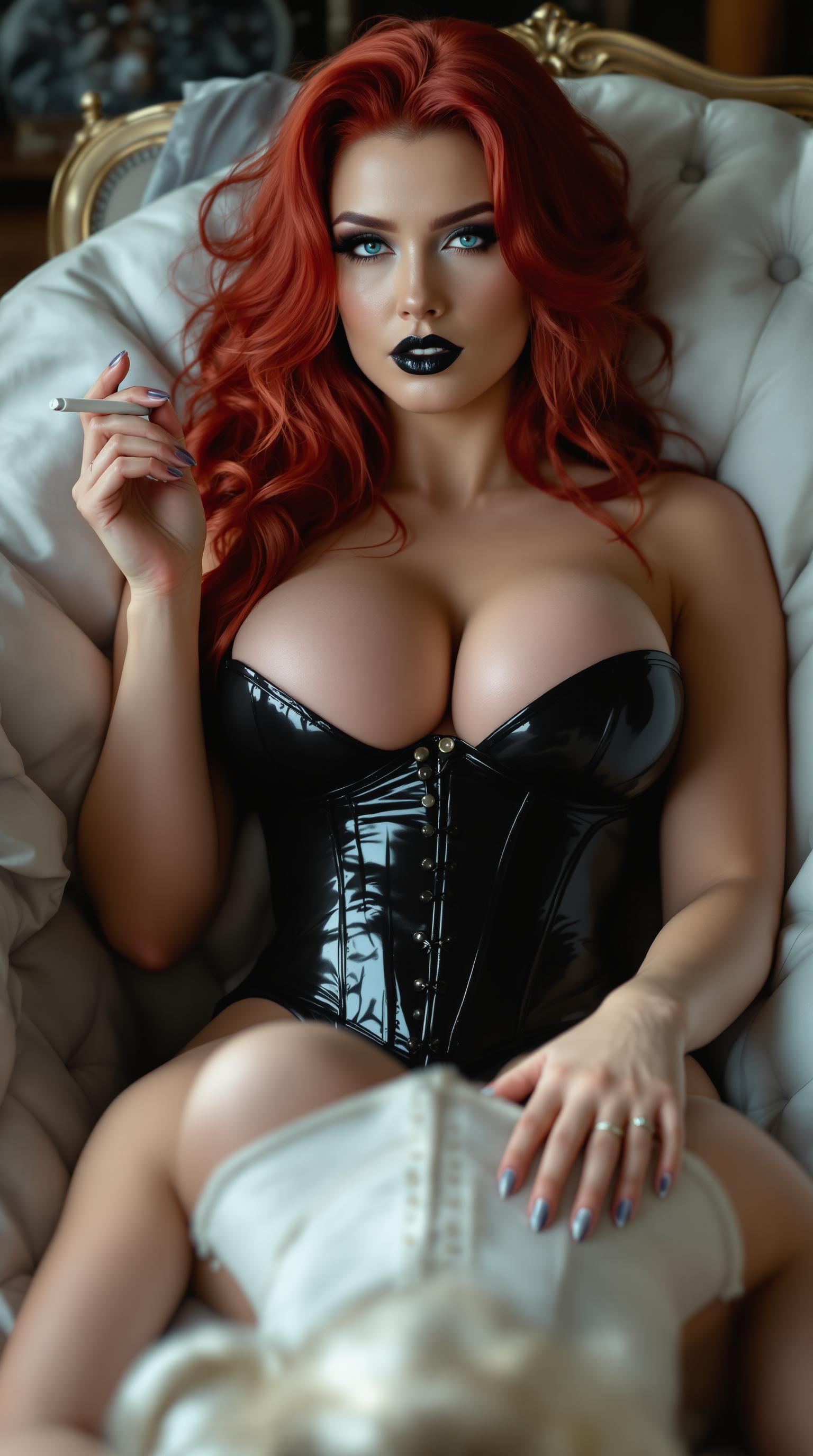
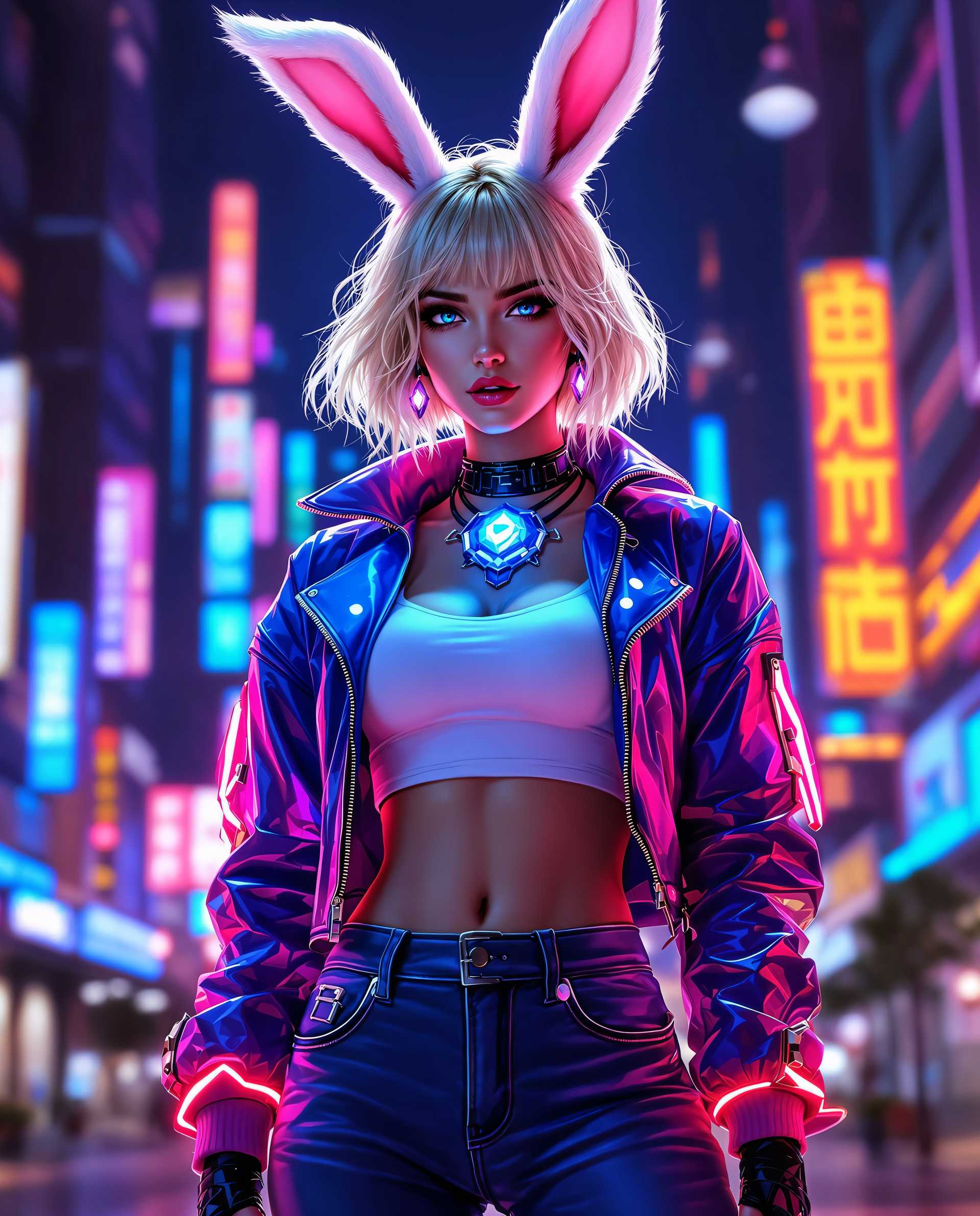
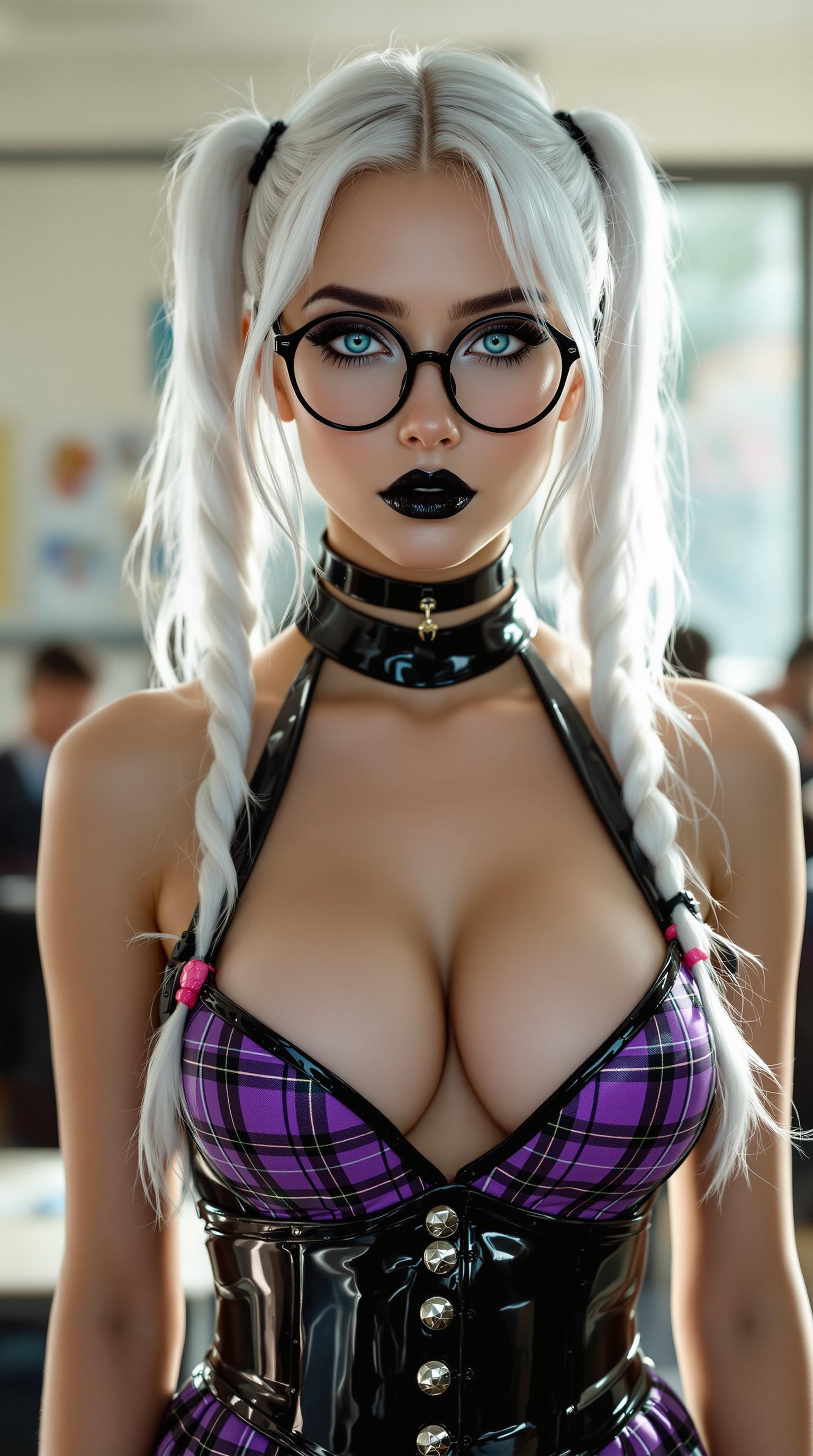
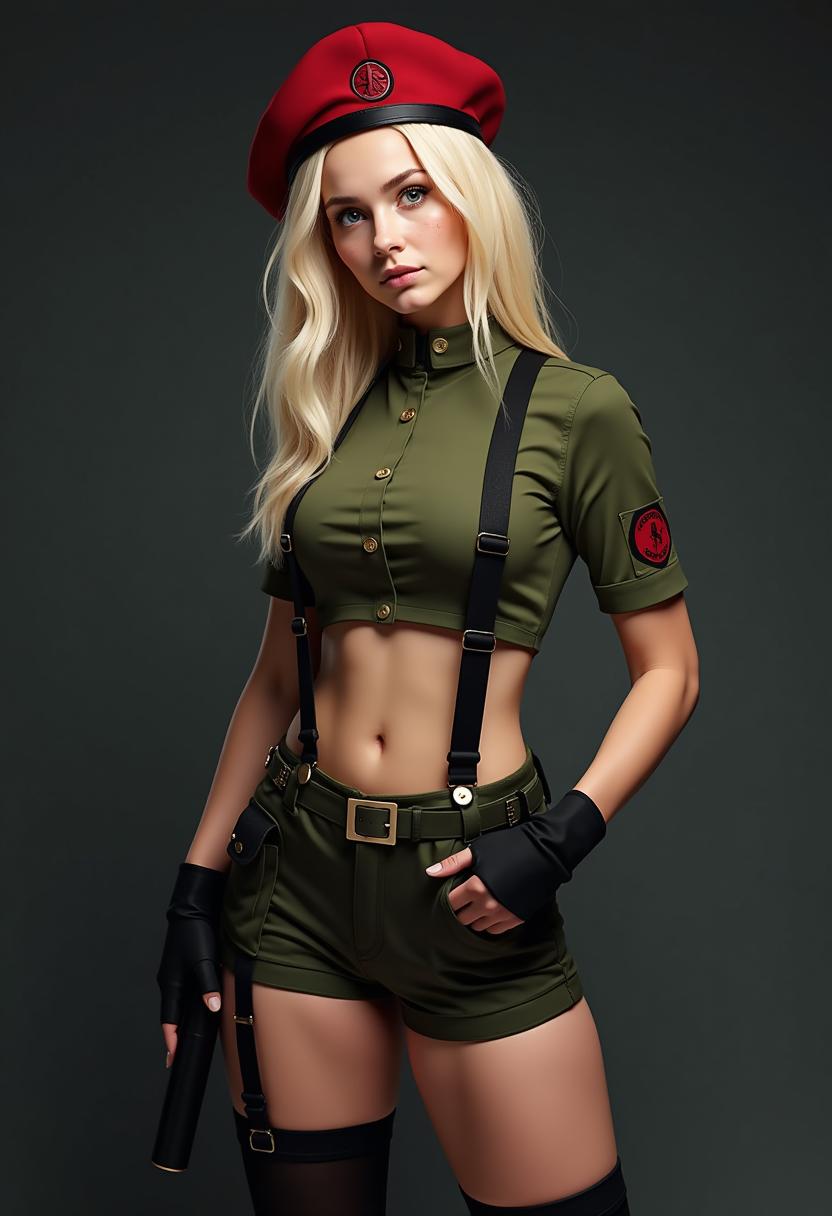
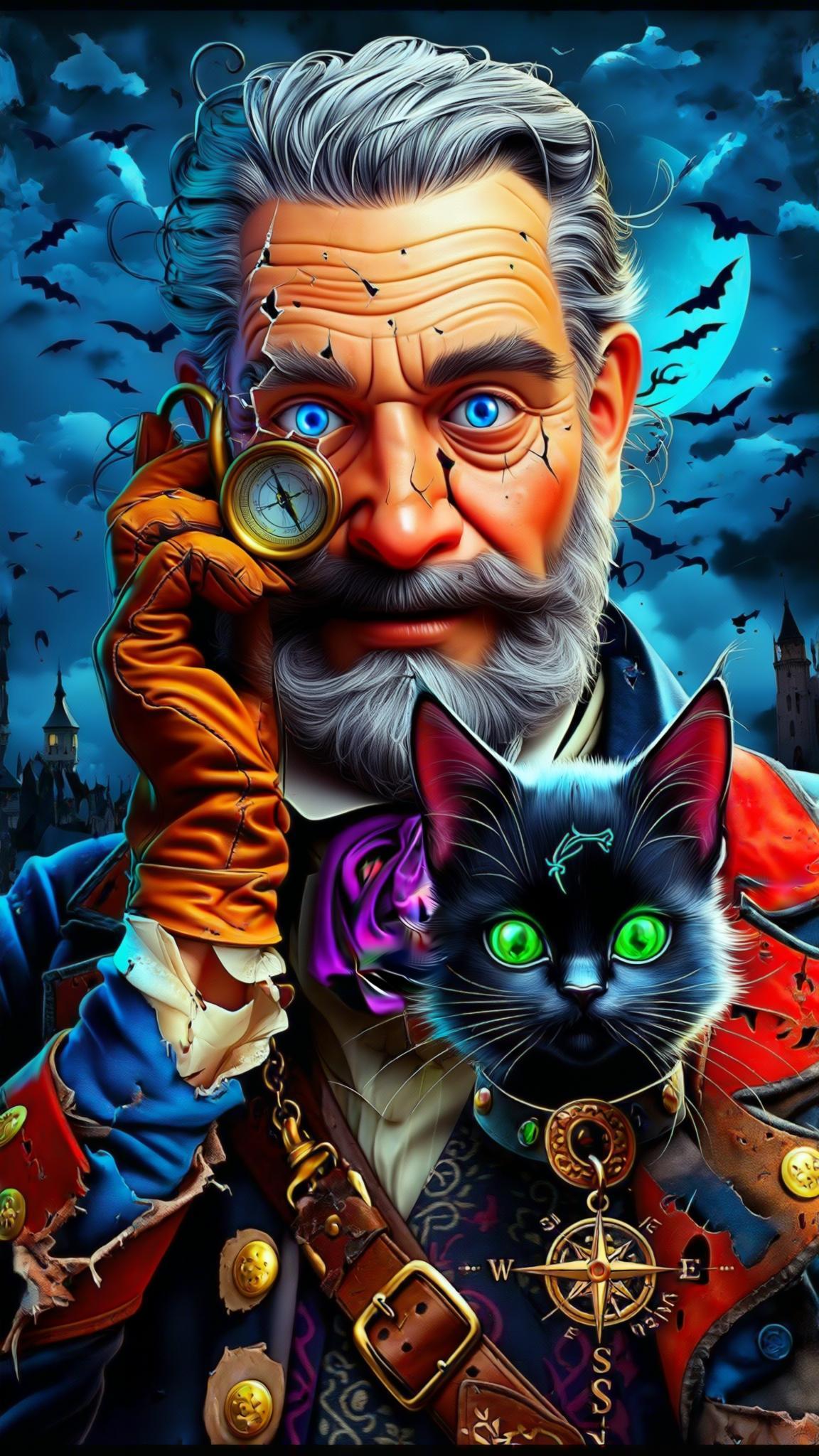
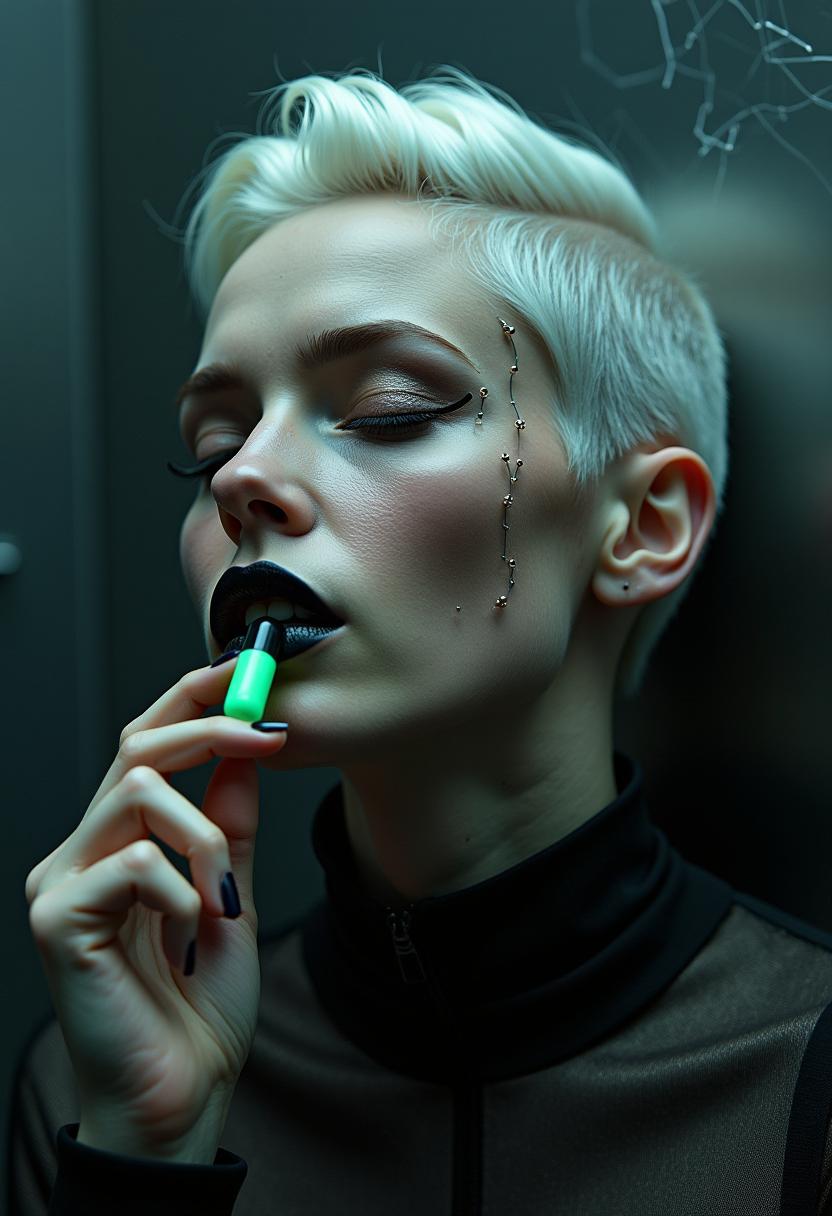
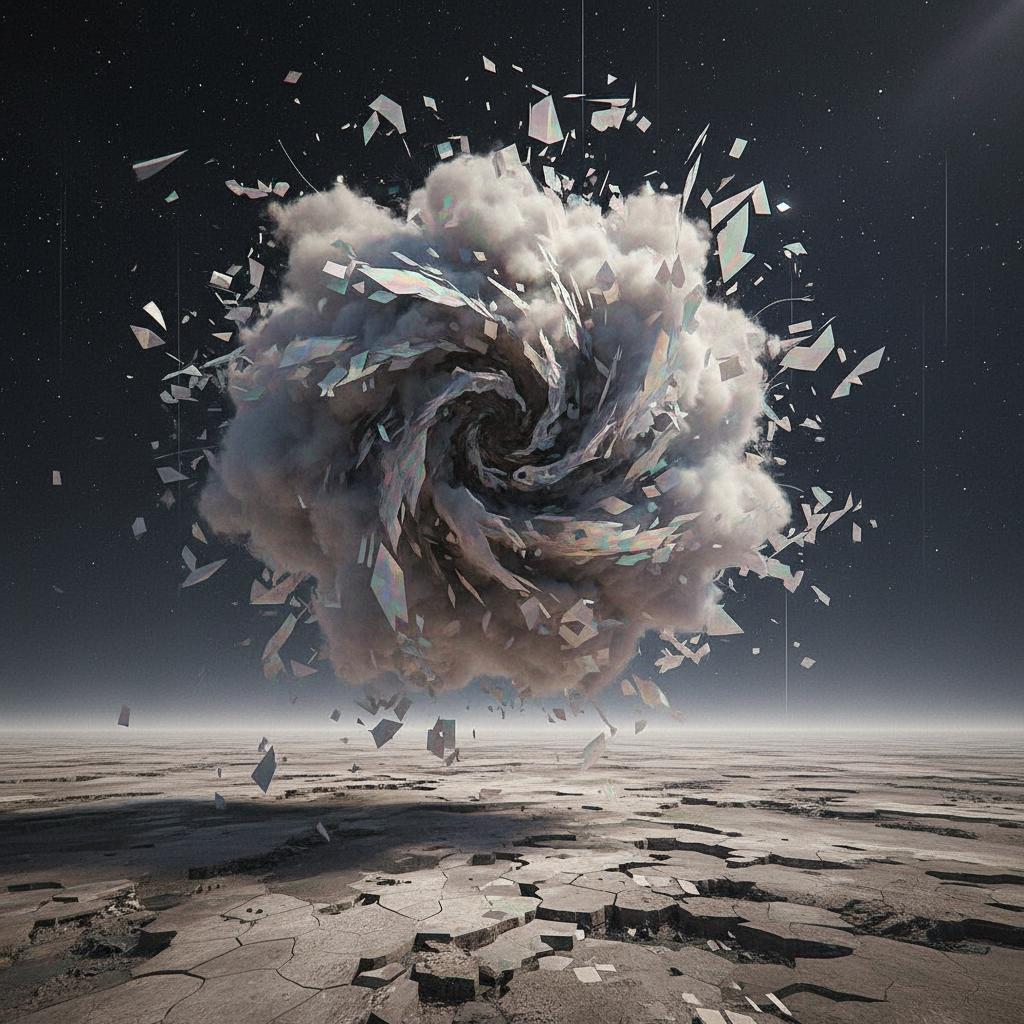
The Pixel Dojo Advantage
Why Kling V3's Multi-Image Reference Feature Stands Out
| Others | Pixel Dojo |
|---|---|
| Traditional Image Editing | Eliminates the need for manual adjustments, saving time and ensuring consistency. |
| Single-Image AI Generators | Utilizes multiple references to create more accurate and cohesive images. |
| Manual Photo Shoots | Reduces costs and logistical challenges associated with organizing photo sessions. |
Loved by Creators
See what our community says about kling v3 multi image reference
"Kling V3's multi-image reference feature has revolutionized our content creation process. We can now produce consistent and high-quality images in a fraction of the time."
Alex Johnson
Creative Director
"As a marketer, maintaining brand consistency is crucial. Kling V3 allows us to generate images that align perfectly with our brand identity."
Samantha Lee
Marketing Manager
Common Questions
Everything you need to know about kling v3 multi image reference AI generation
How does Kling V3's multi-image reference feature ensure visual consistency?
By analyzing and integrating elements from multiple reference images, Kling V3 maintains uniformity in characters, objects, and styles across generated images.
Can I use Kling V3 for commercial projects?
Yes, Kling V3 allows commercial use of generated images, making it suitable for marketing materials, advertisements, and more.
What file formats are supported for reference images?
Kling V3 supports JPEG, PNG, and WEBP formats for reference images, with a maximum size of 10MB per image.
Is there a limit to the number of images I can generate?
While there is no strict limit, the number of images you can generate may depend on your subscription plan and available credits.
How long does it take to generate an image?
Image generation typically takes a few seconds, but processing time may vary based on the complexity of your prompt and the number of reference images used.
Can I edit the generated images within Kling V3?
Yes, Kling V3 offers editing tools that allow you to refine and adjust generated images to meet your specific requirements.