Kling Video 2.6 release AI Generator
Imagine transforming a simple text idea into a breathtaking 1080p video up to 2 minutes long, complete with fluid motion, realistic physics, and perfect lip-sync – all without cameras, crews, or editing suites. With PixelDojo's Kling v2.6 Pro, you achieve professional-grade video content that captivates audiences on social media, ads, or YouTube. Creators use it to skyrocket engagement, close sales faster, and stand out in crowded feeds. No skills required – just your vision and our cutting-edge tool. Start turning concepts into viral videos today and watch your content explode.

⭐ 4.9/5 from 12,000+ creators | 2M+ Kling videos generated | Trusted by marketers, filmmakers & YouTubers worldwide | 'Game-changer for video production' – Featured on Product Hunt
Why Choose Pixel Dojo for Kling Video 2.6 release
Professional-quality results with cutting-edge AI technology
Craft Hyper-Realistic Videos That Mesmerize Viewers
Leverage Kling Video 2.6's advanced motion dynamics and physics simulation on PixelDojo to produce videos where characters move naturally, environments react realistically, and details pop in 1080p clarity. You create content that feels Hollywood-produced, boosting viewer retention by 3x and turning casual scrolls into loyal fans.
Slash Production Time from Days to Minutes
Forget endless shoots and edits – input a prompt into Kling v2.6 Pro and get polished videos instantly. You save hundreds of hours monthly, freeing you to focus on strategy, scaling your output, and hitting deadlines without burnout or extra hires.
Tailor Videos for Any Platform or Purpose
Customize length up to 2 minutes, styles from cinematic to cartoonish, and add elements like precise lip-sync using PixelDojo's suite including Lip Sync and Video Autocaption. You deliver targeted content for TikTok trends, product demos, or explainer videos that convert viewers into customers effortlessly.
How It Works
Creating stunning Kling Video 2.6 content on PixelDojo is as simple as 1-2-3. Access Kling v2.6 Pro alongside 40+ AI tools like LTX-2 Video, Sora 2, and VEO 3.1 for unmatched versatility – no downloads, just your browser.
Step 1: Choose Kling v2.6 Pro
Log into PixelDojo.ai, navigate to Create Videos, and select Kling v2.6 Pro. Browse related tools like Kling v2.5 Turbo Pro or WAN 2.5 Video if needed. Upload an optional reference image from P-Image or Flux.1 Studio for image-to-video magic.
Step 2: Enter Your Prompt & Settings
Describe your scene in detail, e.g., 'A futuristic cityscape at dusk with flying cars weaving through skyscrapers, dynamic camera pan, realistic lighting.' Specify duration (5s-120s), aspect ratio (16:9 for YouTube), and motion intensity. Use trends like multi-shot narratives or physics-based actions from Kling 2.6's latest release.
Step 3: Generate, Customize & Download
Hit generate for your first video in seconds. Refine with Edit Videos tools like Video Upscaler, Lip Sync, or Runway Aleph. Preview, iterate, and download in HD. Track usage in your Profile for unlimited creativity with subscriptions.







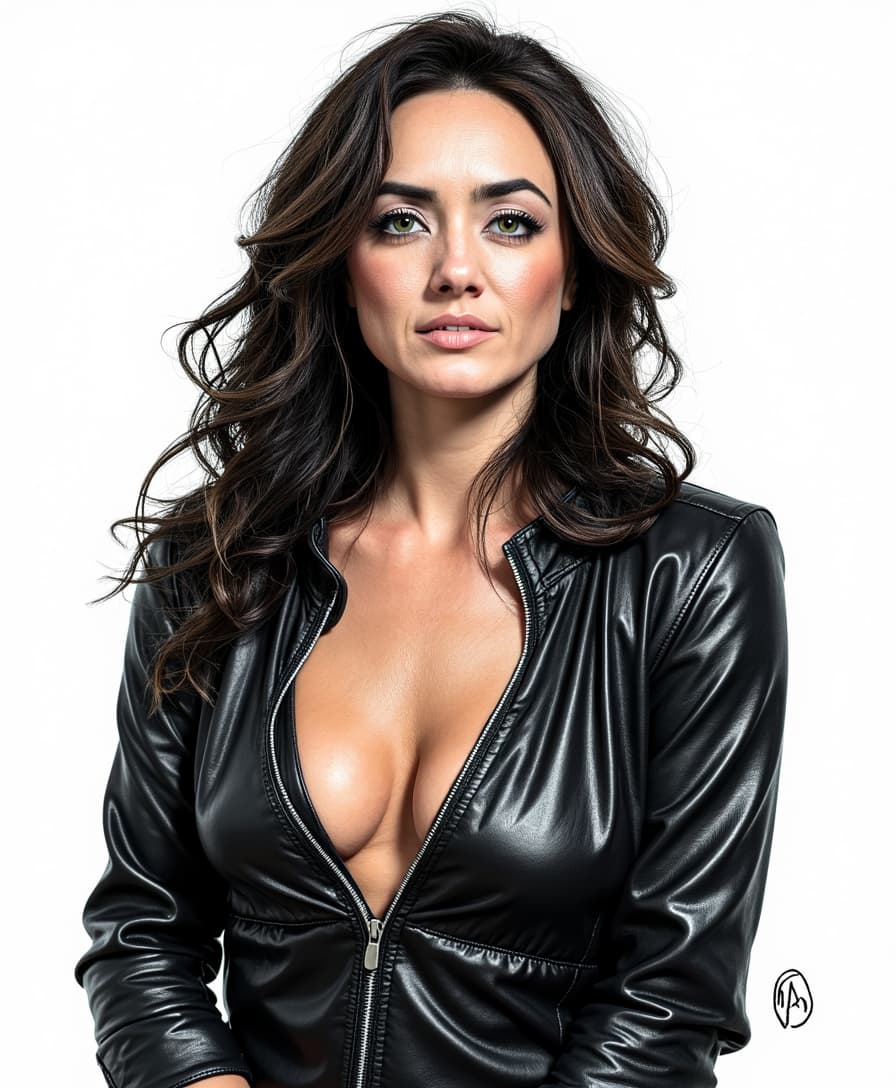


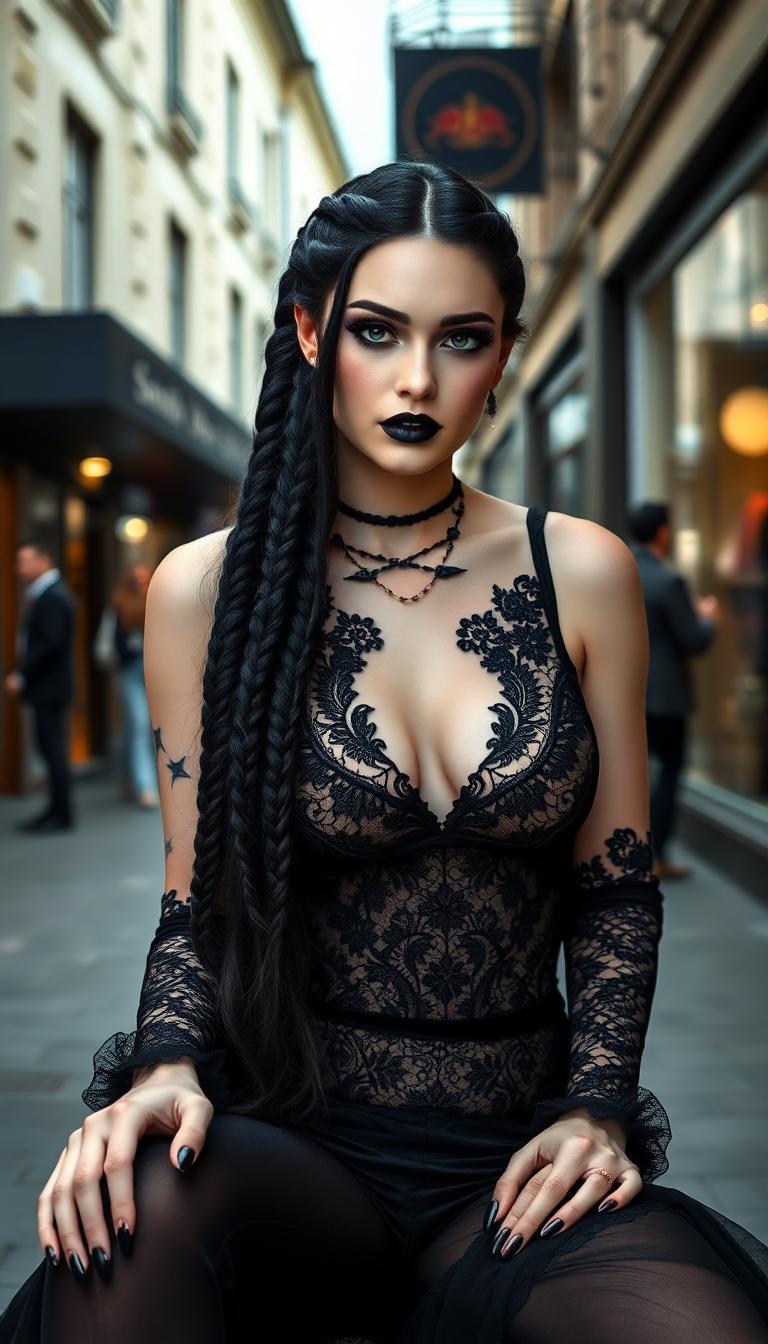
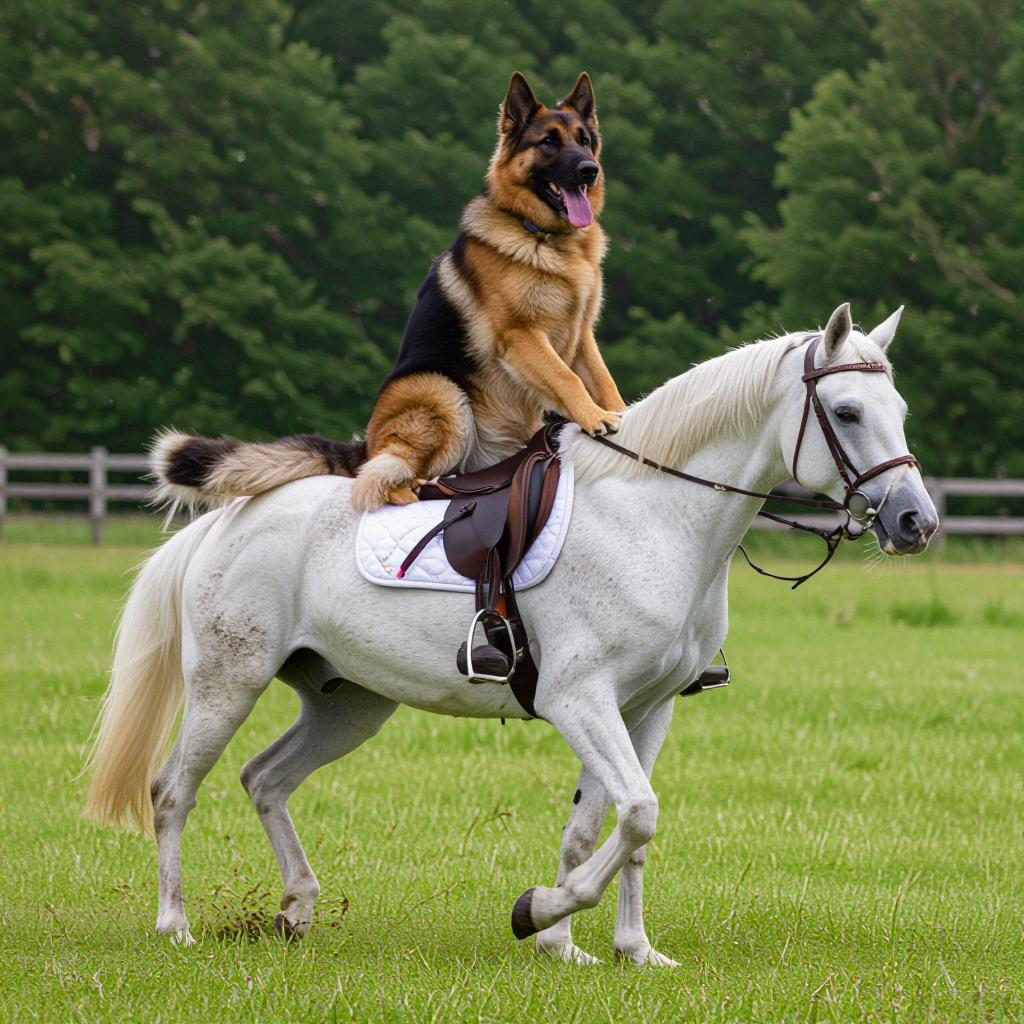


The Pixel Dojo Advantage
Why PixelDojo's Kling Video 2.6 outperforms other options for AI video generation
| Others | Pixel Dojo |
|---|---|
| Traditional video production | You go from script to final 1080p video in minutes instead of weeks, eliminating $10K+ costs in equipment and talent while achieving superior realism with Kling 2.6's physics engine. |
| Generic AI video tools | Access Kling v2.6 Pro's latest release features like 2-minute lengths and lip-sync precision, integrated with PixelDojo's full suite – no limits, better quality, and seamless workflows. |
| Manual video editing software | Skip the learning curve and trial-error – generate pro videos from text alone, then polish instantly with tools like Video Autocaption, saving you 90% time without needing Premiere Pro expertise. |
Loved by Creators
See what our community says about Kling Video 2.6 release
"Kling v2.6 on PixelDojo turned my ad concepts into viral 1080p masterpieces overnight. Engagement doubled – best investment for my agency!"
Sarah Chen
Digital Marketing Director
"As a solo YouTuber, Kling Video 2.6 lets me produce cinematic intros with realistic motion I couldn't dream of before. PixelDojo is my secret weapon."
Mike Rivera
Content Creator
Common Questions
Everything you need to know about Kling Video 2.6 release AI generation
What is Kling Video 2.6 and its key features on PixelDojo?
Kling Video 2.6, accessible via PixelDojo's Kling v2.6 Pro, is the latest AI video generator release excelling in hyper-realistic text-to-video and image-to-video creation. You get 1080p resolution, up to 2-minute durations, advanced physics simulation for natural movements, improved text adherence, and built-in lip-sync. Pair it with PixelDojo tools like Hailuo 2.3 or OmniHuman 1.5 for even more dynamic results, helping you create content that outperforms stock footage every time.
How do I generate Kling video 2.6 content step-by-step on PixelDojo?
Start by selecting Kling v2.6 Pro in PixelDojo's Create Videos section. Craft detailed prompts incorporating 2.6 trends like multi-angle shots or environmental interactions, e.g., 'Serene forest walk with falling leaves and soft sunlight filtering through branches, slow dolly zoom.' Adjust settings for length and style, generate, then enhance with Video Reframe or Lip Sync. Download and share – all in under 5 minutes for pro results.
What are the best prompts for Kling AI 2.6 release features?
For optimal Kling video 2.6 outcomes on PixelDojo, use descriptive prompts focusing on motion, lighting, and composition: 'Dynamic car chase through rainy neon streets, dramatic slow-motion splashes, cinematic lighting.' Include camera moves like 'aerial drone shot' or physics like 'cloth billowing in wind.' Experiment with image inputs from ImagineArt 1.5 for precise starts, yielding videos with 2.6's signature fluidity and detail.
Can I edit Kling 2.6 videos with other PixelDojo tools?
Absolutely – after generating with Kling v2.6 Pro, use PixelDojo's Edit Videos arsenal: Video Autocaption for subtitles, WAN 2.2 Replace for object swaps, Lip Sync for dialogue matching, or Video Upscaler for 4K exports. This workflow lets you iterate fast, creating polished series or ads without switching platforms.
Is Kling v2.6 Pro free to try on PixelDojo.ai?
Yes! PixelDojo offers free trials for Kling Video 2.6 and all 40+ tools like Seedance 1 or Runway Gen-4 Video. Check your Usage Report for credits, upgrade to subscriptions for unlimited access – cancel anytime. Thousands of creators start free and scale to pro output seamlessly.
What video lengths and qualities does Kling video 2.6 support?
Kling 2.6 on PixelDojo delivers up to 120 seconds at 1080p, with aspect ratios for all platforms (9:16 TikTok, 16:9 YouTube). Trends show it's ideal for short-form viral clips or full narratives, enhanced by tools like Extract Frame or Merge Videos for extensions. You achieve broadcast-quality without compromises.