kling video 3.0 multi image references AI Generator
In the realm of AI-driven video creation, maintaining character consistency across scenes has been a formidable challenge. With Kling Video 3.0's multi-image reference feature, you can now ensure that your characters retain their unique attributes throughout your videos, resulting in more cohesive and professional storytelling.
Join over 100,000 creators worldwide who trust Kling Video 3.0 for their AI video generation needs. With a 4.9/5 satisfaction rating and 99.9% uptime, our platform is designed to deliver exceptional results consistently.
Why Choose Pixel Dojo for kling video 3.0 multi image references
Professional-quality results with cutting-edge AI technology
Achieve Unparalleled Character Consistency
By utilizing multiple reference images, ensure your characters maintain their distinct features across various scenes, enhancing narrative coherence.
Streamline Your Creative Workflow
Integrate text-to-video, image-to-video, and editing capabilities within a unified platform, reducing the need for multiple tools and simplifying your process.
Produce High-Quality, Professional Videos
Generate 15-second cinematic sequences with native audio, lifelike motion, and precise control, elevating the quality of your content.
How It Works
Creating consistent AI-generated videos with Kling Video 3.0's multi-image reference feature is straightforward. Follow these steps to bring your vision to life:
Step 1: Upload Multiple Reference Images
Select and upload several images of your character from different angles to provide the AI with comprehensive visual data.
Step 2: Input Your Video Description
Enter a detailed text prompt describing the scene, actions, and context you wish to generate, ensuring clarity for optimal results.
Step 3: Generate and Review Your Video
Click 'Generate' to produce your video. Review the output and make any necessary adjustments to refine your final product.



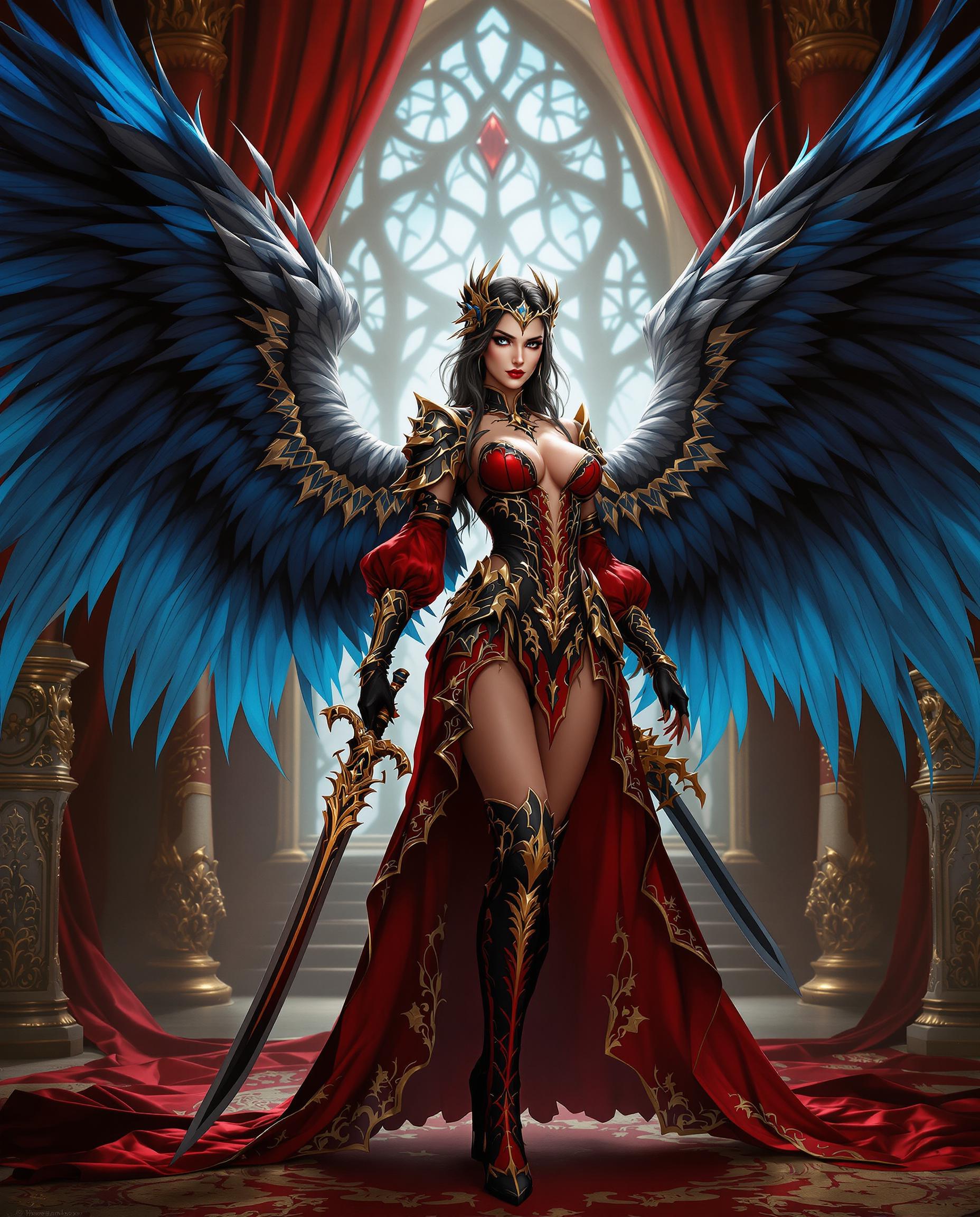
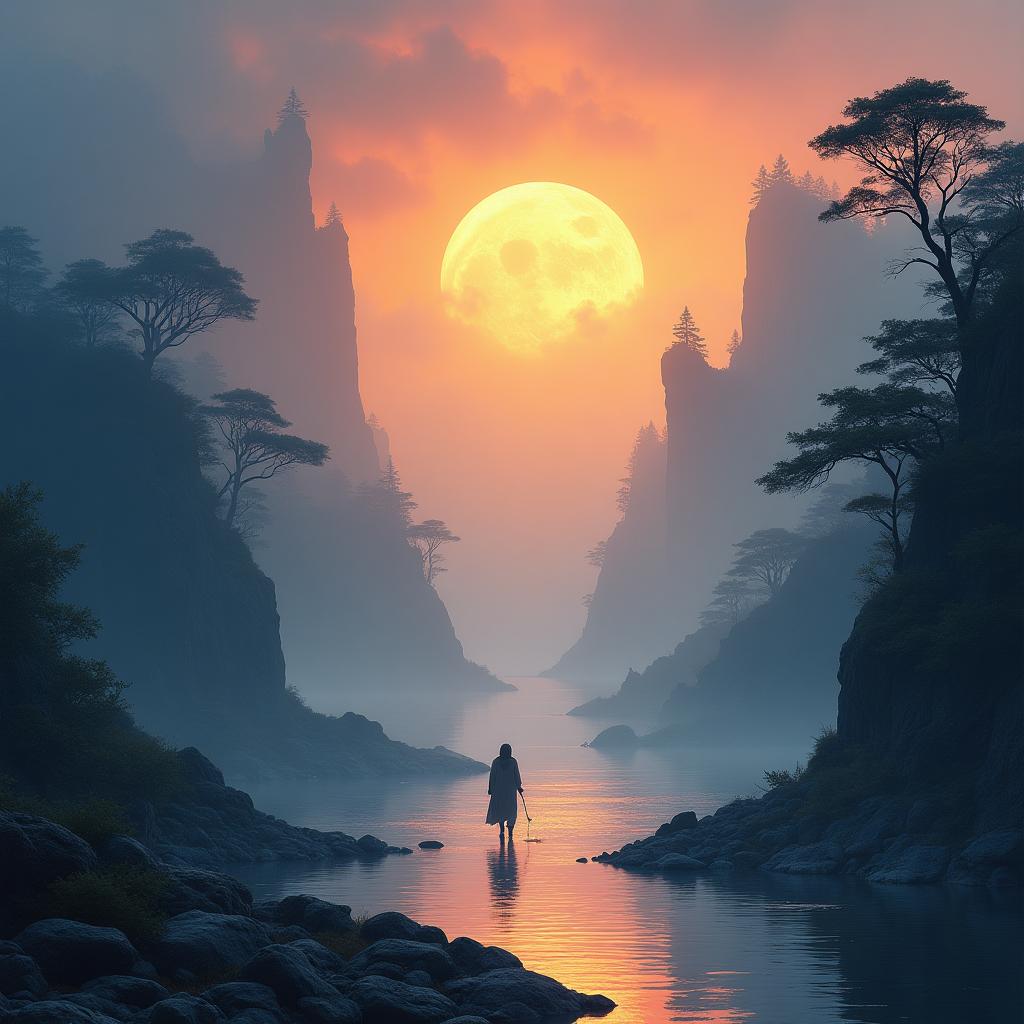
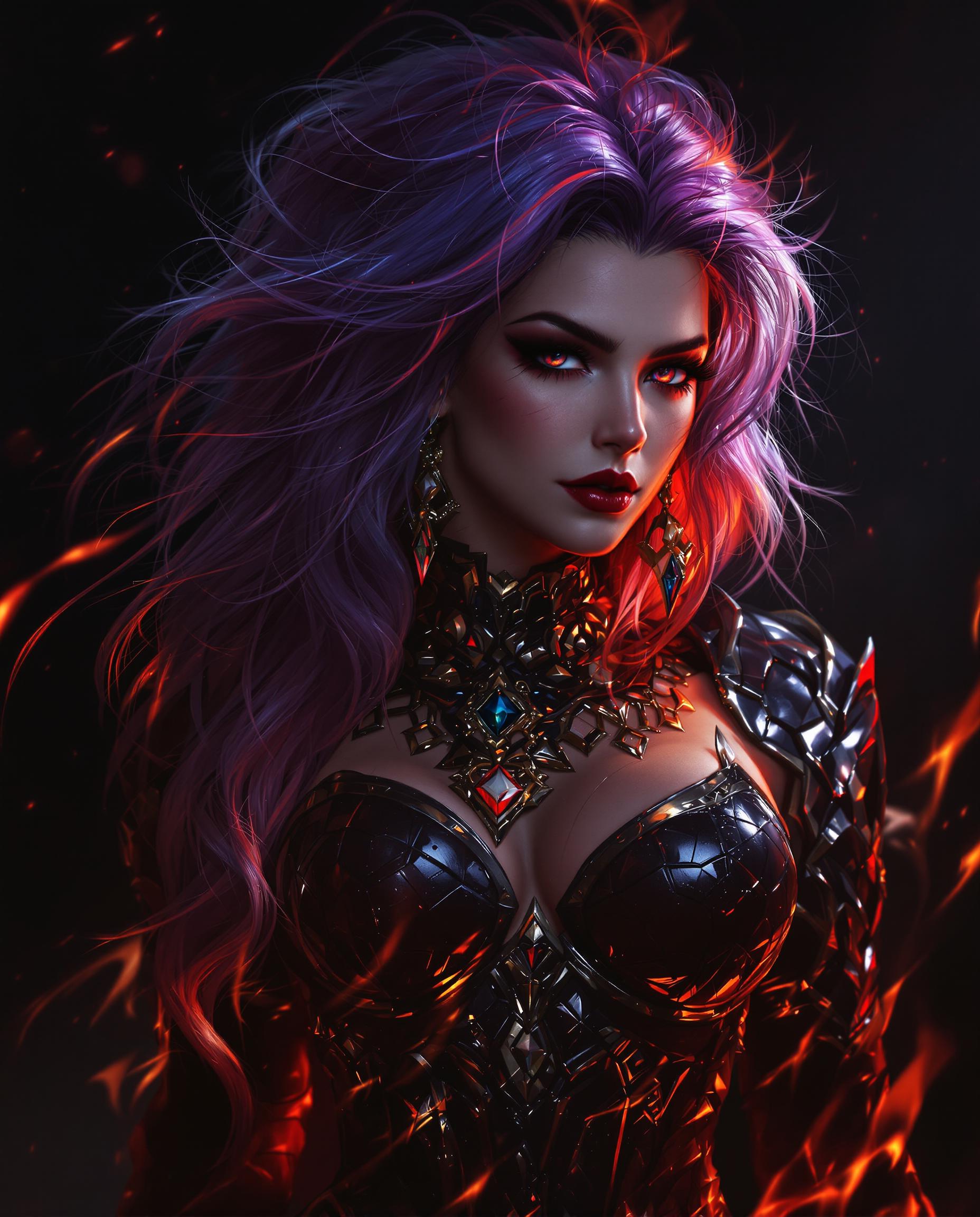
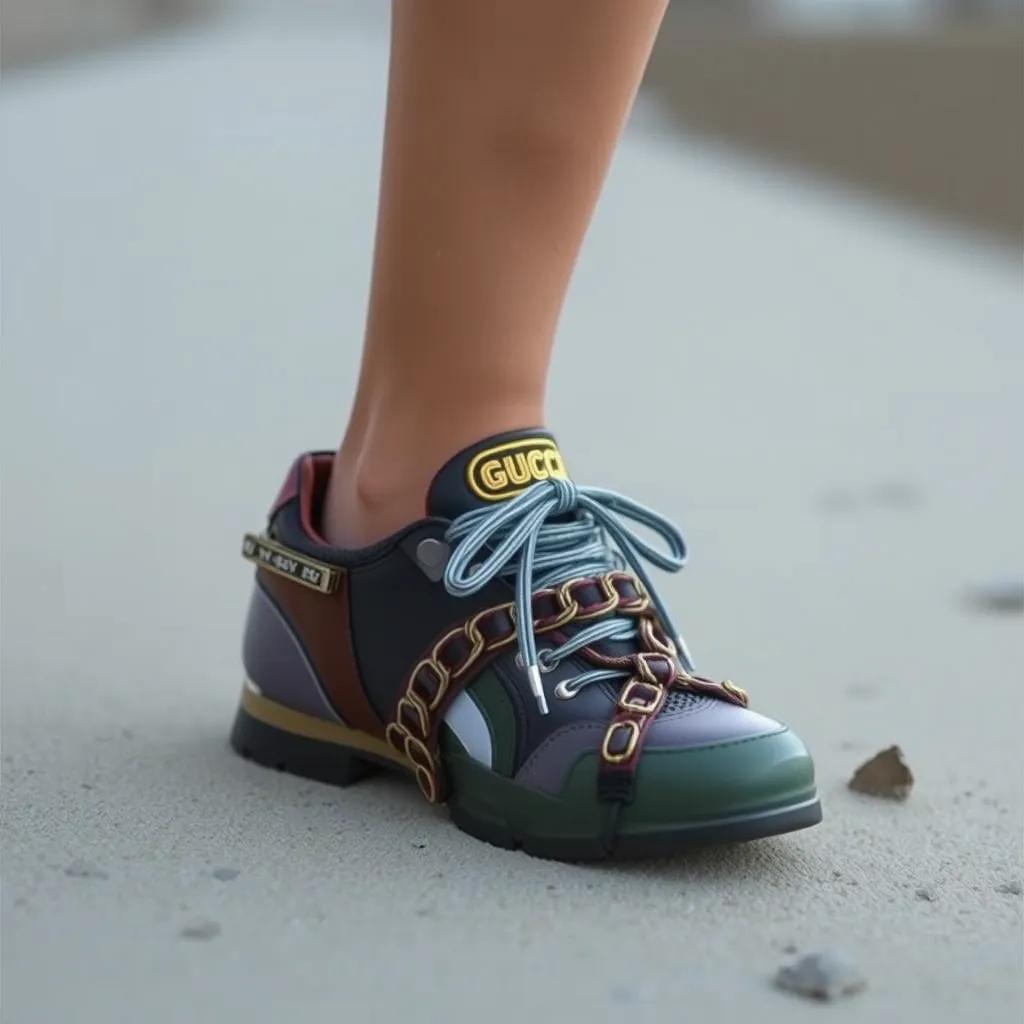
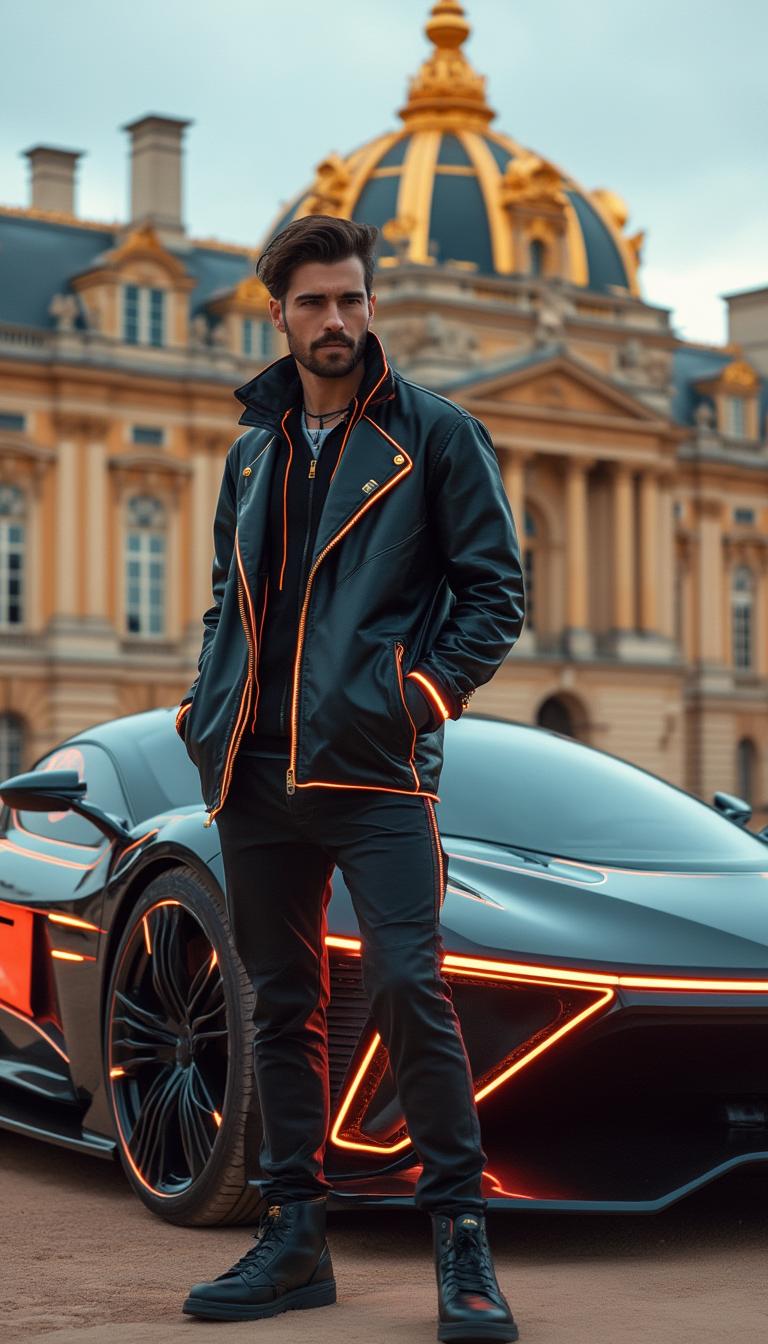

The Pixel Dojo Advantage
Why Kling Video 3.0 Outperforms Other AI Video Generation Tools
| Others | Pixel Dojo |
|---|---|
| Traditional Video Production | Eliminate the need for costly equipment and extensive production teams by generating high-quality videos directly from your descriptions. |
| Generic AI Video Tools | Achieve superior character consistency and narrative coherence with our advanced multi-image reference feature. |
| Manual Video Editing | Save time and effort by automating the video creation process while maintaining creative control and precision. |
Loved by Creators
See what our community says about kling video 3.0 multi image references
"Kling Video 3.0's multi-image reference feature has revolutionized my content creation process. My characters now appear consistently across all scenes, enhancing the storytelling experience."
Alex Johnson
Independent Filmmaker
"As a marketer, maintaining brand consistency is crucial. Kling Video 3.0 allows me to create engaging videos with uniform character representation, strengthening our brand identity."
Samantha Lee
Marketing Director
Common Questions
Everything you need to know about kling video 3.0 multi image references AI generation
How does Kling Video 3.0 ensure character consistency in AI-generated videos?
By allowing users to upload multiple reference images, Kling Video 3.0 analyzes and integrates these visuals to maintain consistent character features across various scenes.
Can I use Kling Video 3.0 for commercial video production?
Yes, Kling Video 3.0 provides commercial usage rights, enabling you to produce professional videos for advertising, social media, and other commercial purposes.
What is the maximum duration of videos I can create with Kling Video 3.0?
Kling Video 3.0 supports native video generation up to 15 seconds, ideal for creating concise and impactful content.
Does Kling Video 3.0 generate audio along with the video?
Yes, Kling Video 3.0 generates native synchronized audio, including voiceovers, dialogues, and sound effects, eliminating the need for post-production audio work.
Is Kling Video 3.0 suitable for beginners?
Absolutely. Kling Video 3.0 features a user-friendly interface and straightforward workflow, making it accessible for creators of all experience levels.
How long does it take to generate a video with Kling Video 3.0?
Video generation times vary based on complexity but typically range from 30 to 120 seconds, allowing for rapid content creation.