kling video 3.0 omni video uploads AI Generator
Bring your creative visions to life with Kling Video 3.0 Omni, the cutting-edge AI video generation tool that empowers you to produce cinematic-quality videos effortlessly. Whether you're a filmmaker, content creator, or marketer, Kling Video 3.0 Omni enables you to generate stunning videos from text prompts or images, complete with realistic motion and synchronized audio.
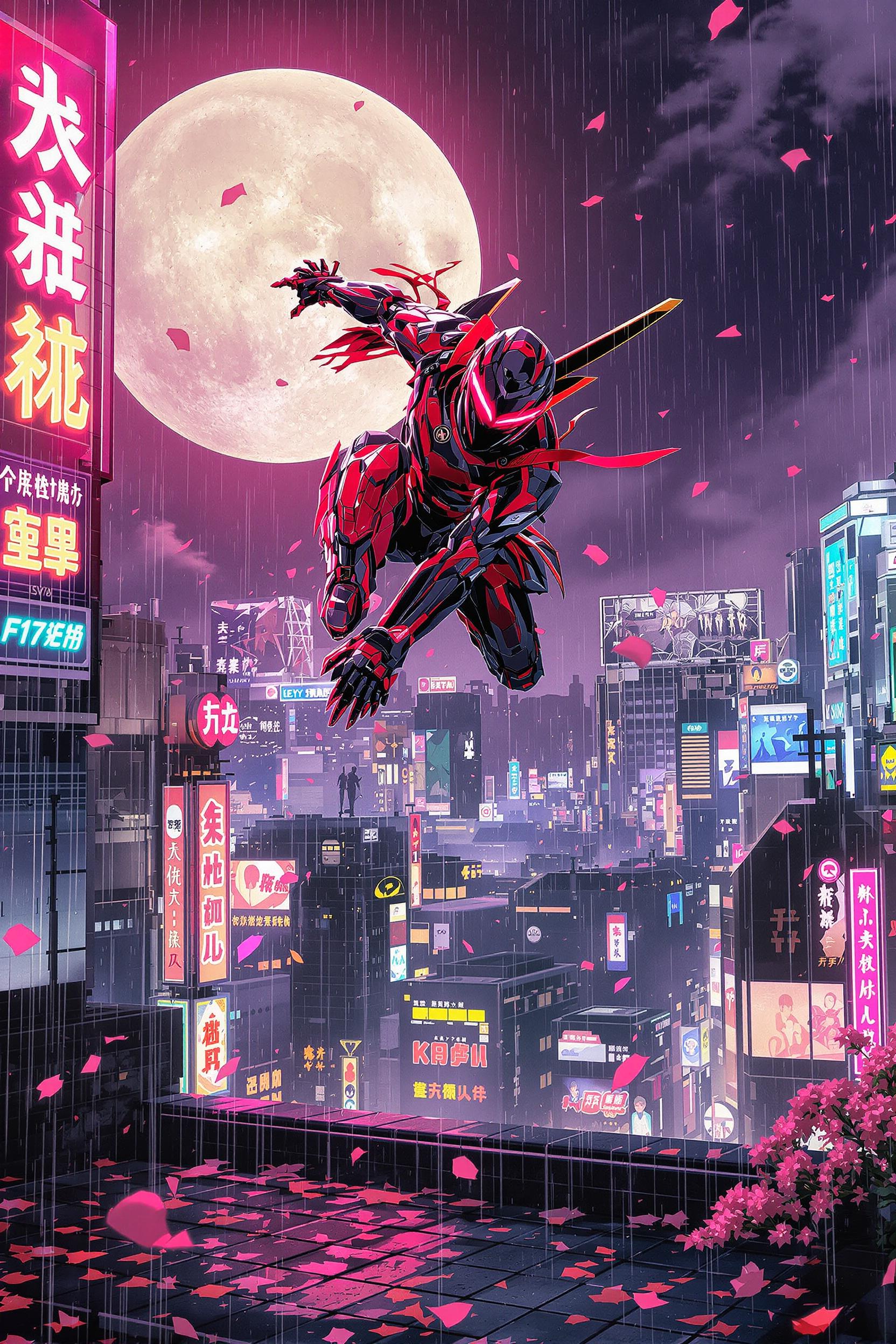
Join over 100,000 creators who have generated more than 500 million videos using Kling Video 3.0 Omni. With a 4.9/5 satisfaction rating, our platform is trusted by professionals worldwide.
Why Choose Pixel Dojo for kling video 3.0 omni video uploads
Professional-quality results with cutting-edge AI technology
Effortless Cinematic Video Creation
Generate high-quality videos from simple text prompts or images, eliminating the need for complex editing software.
Realistic Motion and Physics
Utilize advanced AI to produce videos with lifelike movement and physics, enhancing viewer engagement.
Seamless Audio Synchronization
Create videos with perfectly synchronized audio, including voiceovers and sound effects, without additional post-production.
How It Works
Creating cinematic AI videos with Kling Video 3.0 Omni is a straightforward process:
Step 1: Choose Your Input
Select whether to start with a text prompt or upload an image to guide your video creation.
Step 2: Customize Video Settings
Define the video duration, aspect ratio, and style to match your creative vision.
Step 3: Generate and Download
Click 'Generate' to create your video. Once processed, download the high-quality output ready for use.


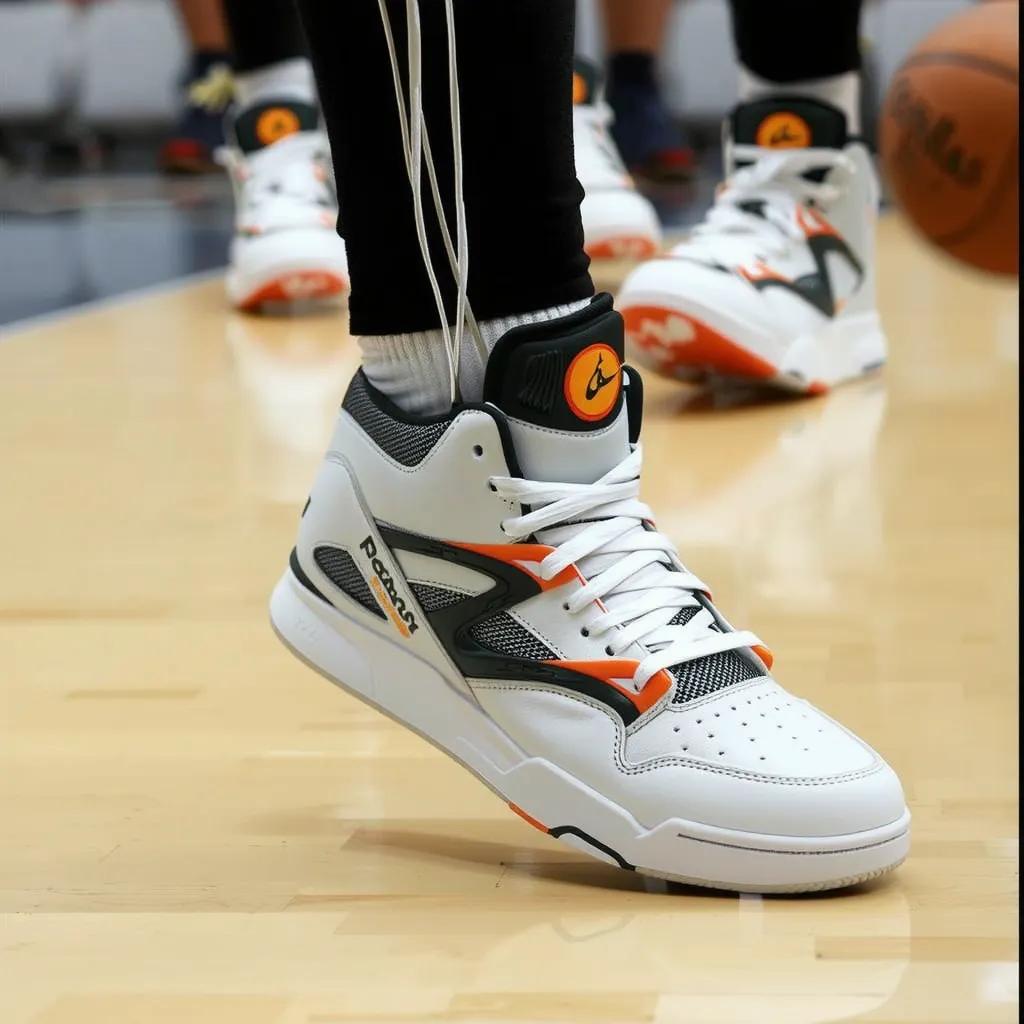

![Kira-Lux-Flux, Clarissa Virginia [looks like Vampirella], a blend of Artgerm and Rubens style [very detailed painting in the tradition of Hudson River School], beauty victorian hair, clad in a stunning victorian dress, looking at you, against a dramatic landscape of Hereafter bathed in the magic glow of twilight, stunning Hereafter landscape, victorian villa, forrest, Dream-View, Lake, backlighting, soft shadows, vibrant skyline, intricate fabric textures, hyper-detailed, golden hour ambiance, ultra realistic, wow effect](https://cdn.pixeldojo.ai/cdn-cgi/image/f=auto,q=75,w=3840/pixeldojo/generated-images/1746472584454-446esl8ml.png)







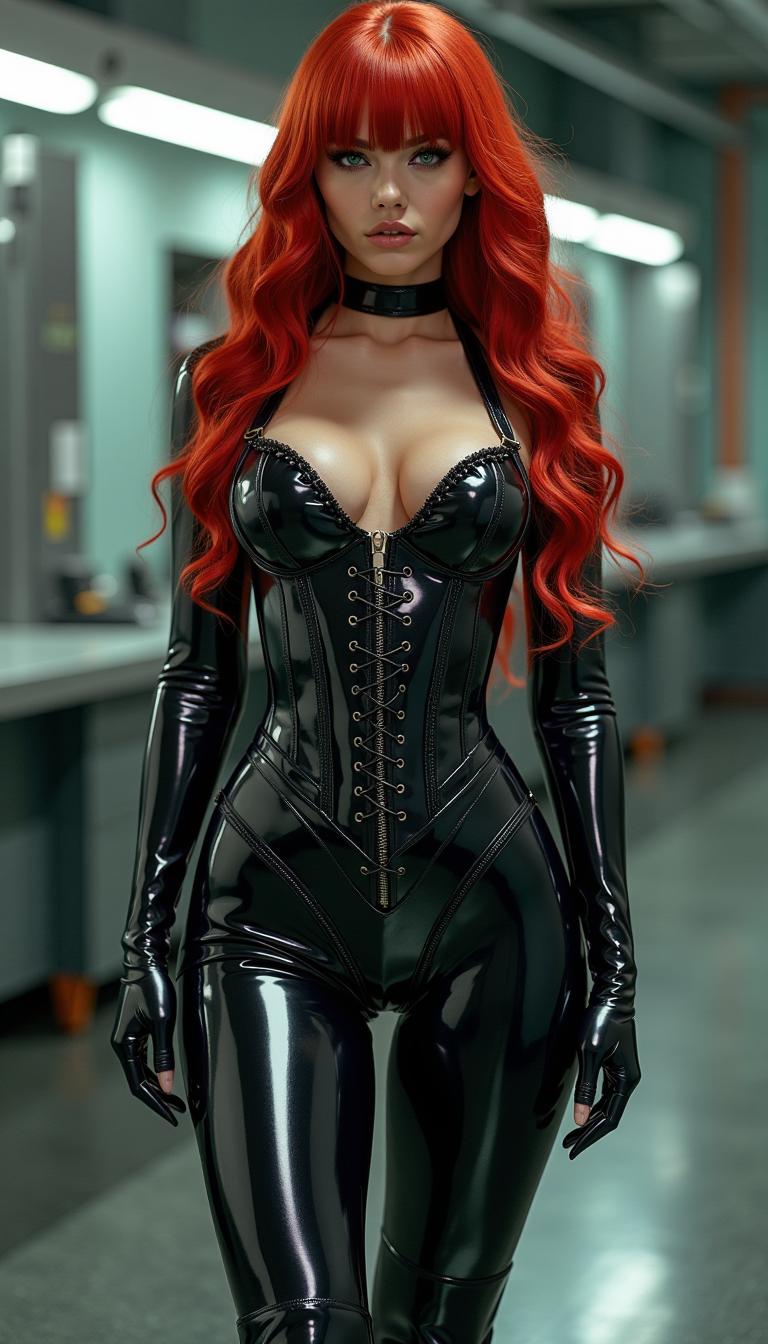
The Pixel Dojo Advantage
Why Kling Video 3.0 Omni stands out in AI video generation:
| Others | Pixel Dojo |
|---|---|
| Traditional Video Production | Eliminates the need for expensive equipment and extensive editing, reducing production time and costs. |
| Generic AI Video Tools | Offers advanced motion control and physics simulation for more realistic and engaging videos. |
| Manual Video Editing | Automates complex editing tasks, allowing creators to focus on storytelling and creativity. |
Loved by Creators
See what our community says about kling video 3.0 omni video uploads
"Kling Video 3.0 Omni has revolutionized our content creation process, enabling us to produce high-quality videos in a fraction of the time."
Alex Johnson
Content Creator
"The realistic motion and audio synchronization capabilities of Kling Video 3.0 Omni have elevated our marketing videos to a new level."
Samantha Lee
Marketing Director
Common Questions
Everything you need to know about kling video 3.0 omni video uploads AI generation
How does Kling Video 3.0 Omni generate videos from text prompts?
Kling Video 3.0 Omni utilizes advanced AI algorithms to interpret your text prompts and generate corresponding video content with realistic motion and synchronized audio.
Can I use Kling Video 3.0 Omni for commercial projects?
Yes, Kling Video 3.0 Omni provides full commercial rights, allowing you to use the generated videos for advertising, film production, and other commercial purposes.
What video resolutions are supported by Kling Video 3.0 Omni?
Kling Video 3.0 Omni supports high-definition outputs, including 1080p and 4K resolutions, ensuring your videos meet professional standards.
Is there a limit to the length of videos I can create?
Kling Video 3.0 Omni allows you to generate videos up to 15 seconds in length, suitable for various applications such as social media content and short films.
Do I need prior video editing experience to use Kling Video 3.0 Omni?
No, Kling Video 3.0 Omni is designed to be user-friendly, enabling individuals without prior video editing experience to create professional-quality videos effortlessly.
How long does it take to generate a video with Kling Video 3.0 Omni?
The generation time varies depending on the complexity of the video, but most videos are ready within a few minutes, allowing for efficient content creation.