linkedin headshots AI Generator
Your LinkedIn profile is often the first impression you make in the professional world. A polished, professional headshot can significantly enhance your credibility and attract more opportunities. With PixelDojo's advanced AI tools, you can create stunning LinkedIn headshots in minutes, without the need for expensive photoshoots or complex editing software.

Join thousands of professionals who have elevated their LinkedIn profiles using PixelDojo's AI technology. Our users report increased profile views and connection requests after updating their headshots.
Why Choose Pixel Dojo for linkedin headshots
Professional-quality results with cutting-edge AI technology
Instant Professionalism
Generate studio-quality headshots that convey confidence and competence, enhancing your professional image instantly.
Cost-Effective Solution
Avoid the high costs of traditional photography sessions by creating your headshots affordably with AI.
Time-Saving Convenience
Produce high-quality headshots in minutes, allowing you to focus on your career without scheduling photoshoots.
How It Works
Creating your LinkedIn headshot with PixelDojo is simple and efficient. Follow these steps to achieve a professional result:
Step 1: Upload Your Photos
Select and upload a few clear, well-lit photos of yourself. Ensure the images have neutral backgrounds and showcase your face prominently.
Step 2: Choose Your Style
Utilize PixelDojo's tools like Flux Studio or Imagen 4 to select the desired style and background that best represents your professional persona.
Step 3: Generate and Download
Let the AI process your inputs to generate a variety of headshots. Review the options, select your favorites, and download them for immediate use.






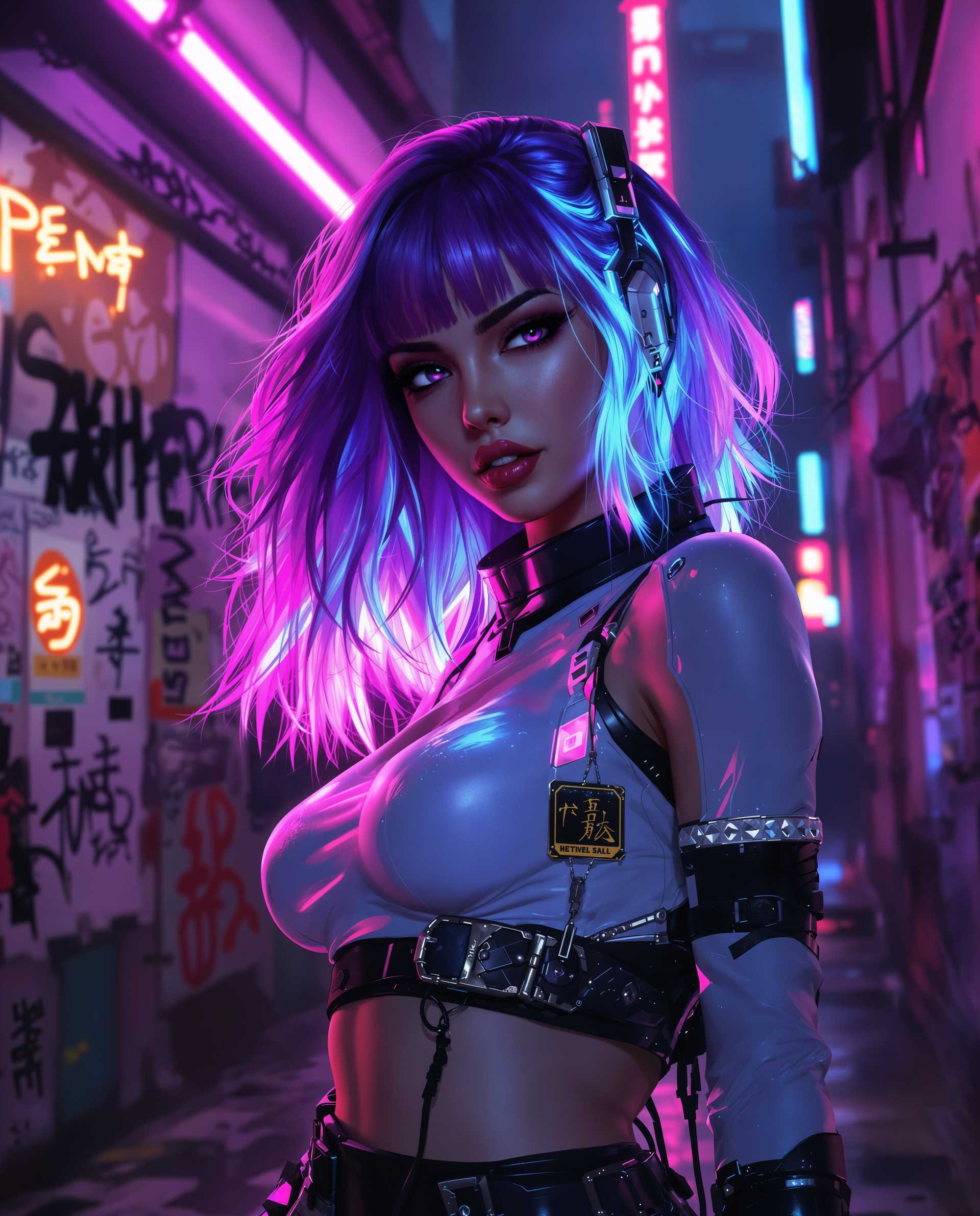
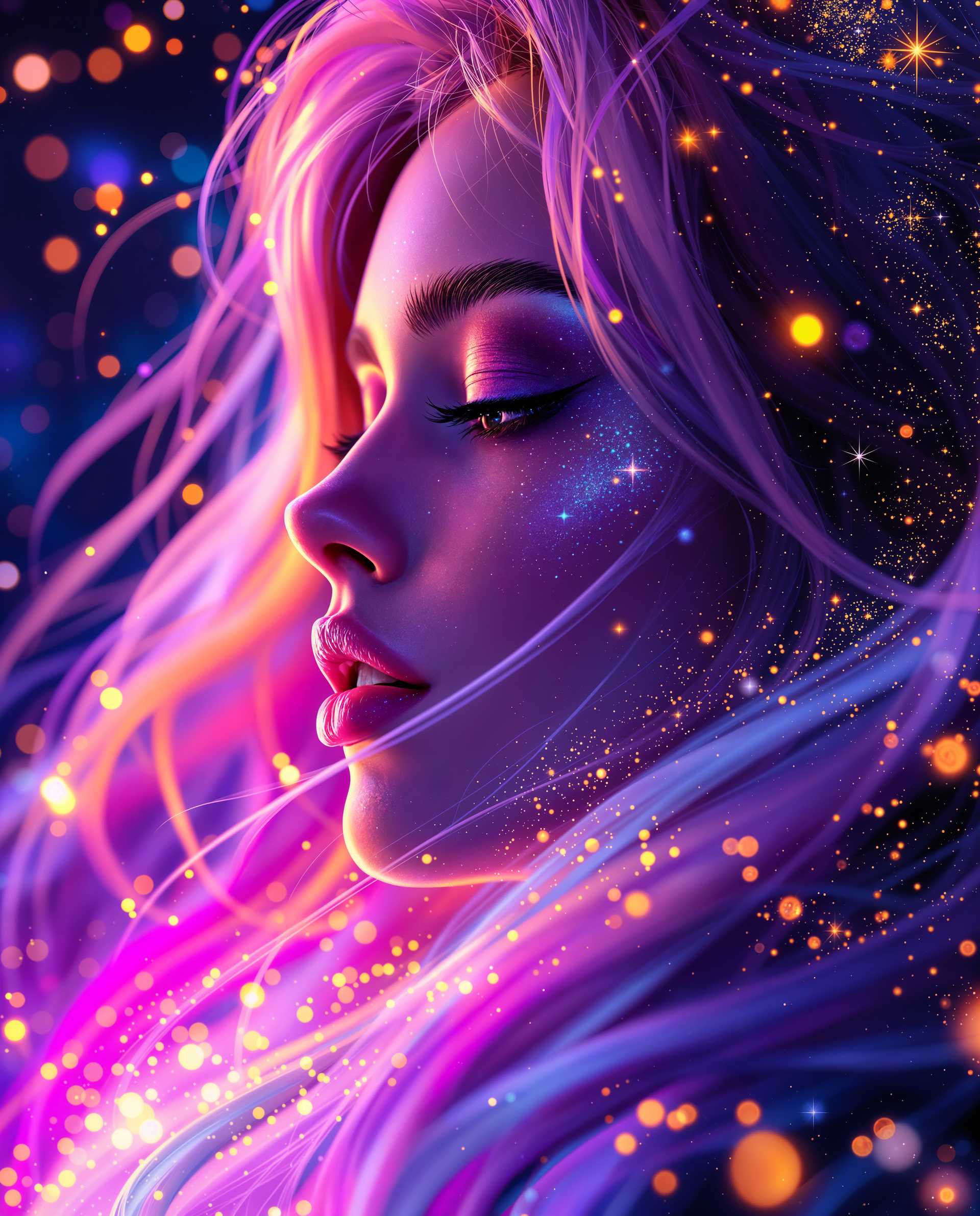
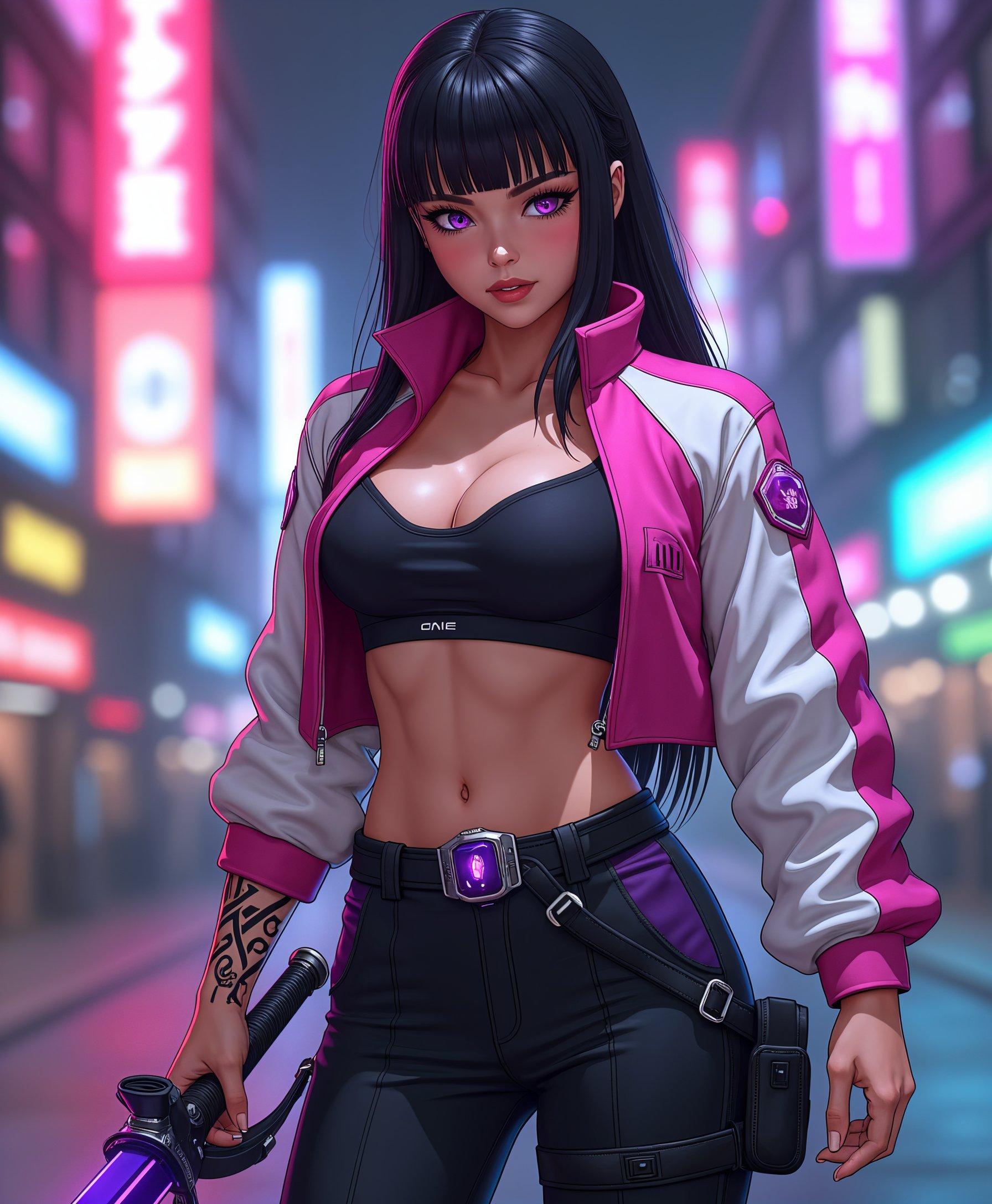
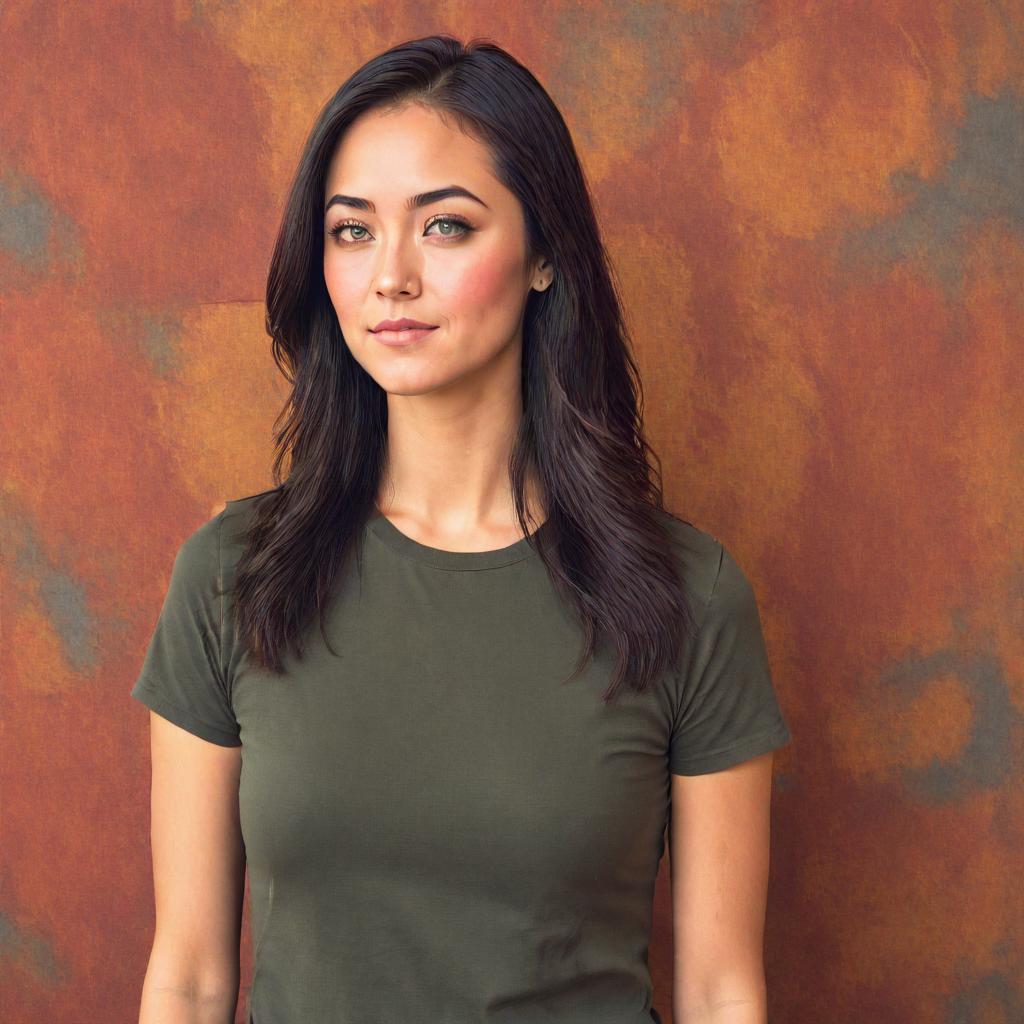


The Pixel Dojo Advantage
Discover how PixelDojo stands out in creating LinkedIn headshots compared to other methods:
| Others | Pixel Dojo |
|---|---|
| Traditional Photography Sessions | Save time and money by generating headshots instantly without scheduling costly photoshoots. |
| Generic AI Tools | Benefit from specialized tools designed specifically for professional headshots, ensuring optimal results. |
| Manual Photo Editing | Eliminate the need for complex editing software and skills; our AI handles the enhancements seamlessly. |
Loved by Creators
See what our community says about linkedin headshots
"PixelDojo transformed my LinkedIn profile with a professional headshot that took minutes to create. I've received numerous compliments and connection requests since updating my photo."
Jane Doe
Marketing Manager
"As a freelancer, I needed a polished headshot without the hassle of a photoshoot. PixelDojo delivered exactly what I needed, quickly and affordably."
John Smith
Freelance Designer
Common Questions
Everything you need to know about linkedin headshots AI generation
How can I create a professional LinkedIn headshot using AI?
With PixelDojo, you can upload your photos, select your preferred style using tools like Flux Studio or Imagen 4, and generate high-quality headshots in minutes.
What are the benefits of using AI for LinkedIn headshots?
AI-generated headshots offer instant professionalism, cost savings, and time efficiency, allowing you to enhance your LinkedIn profile effortlessly.
Can I customize the background and style of my AI-generated headshot?
Yes, PixelDojo provides various tools that allow you to customize backgrounds and styles to match your professional image.
Is it necessary to have professional photos to use PixelDojo's AI tools?
No, clear and well-lit photos taken with your smartphone are sufficient for PixelDojo's AI to generate professional headshots.
How long does it take to generate a LinkedIn headshot with PixelDojo?
The process typically takes just a few minutes from uploading your photos to downloading your AI-generated headshots.
Are AI-generated headshots accepted on LinkedIn?
Yes, AI-generated headshots are widely accepted on LinkedIn, provided they maintain a professional appearance.