magic photo enhancer AI Generator
Imagine turning your ordinary photos into extraordinary masterpieces with just a few clicks. With PixelDojo's Magic Photo Enhancer, you can effortlessly elevate your images to professional quality. Whether you're looking to sharpen details, adjust lighting, or upscale resolution, our AI-powered tools make it simple and fast.
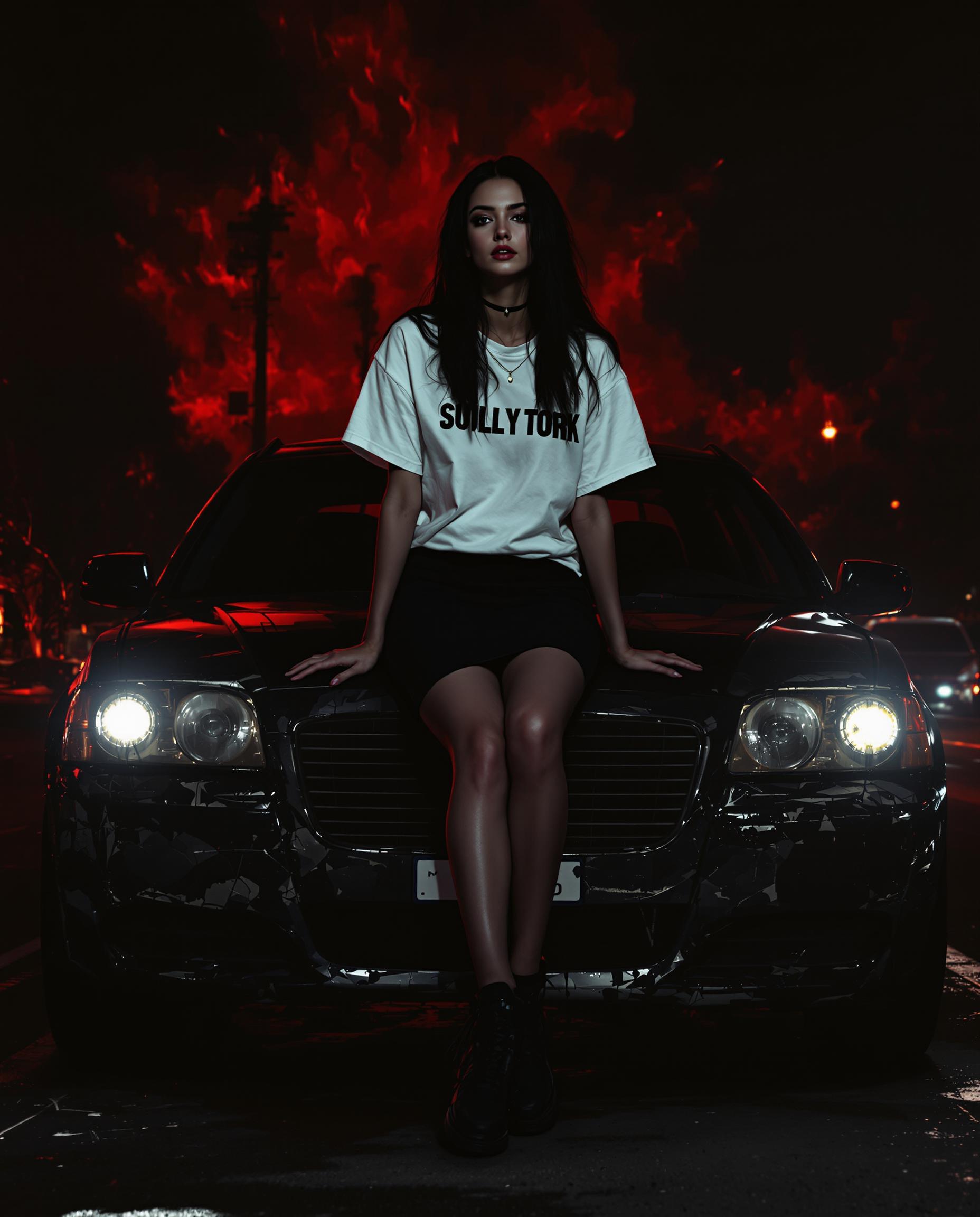
Join over 10,000 satisfied users who have transformed their photos using PixelDojo's Magic Photo Enhancer. Rated 4.9/5 based on 2,000+ reviews.
Why Choose Pixel Dojo for magic photo enhancer
Professional-quality results with cutting-edge AI technology
Achieve Professional-Quality Images
Enhance your photos to a level that rivals professional photography, making them perfect for portfolios, social media, or print.
Save Time with Instant Enhancements
Our AI-driven tools process your images in seconds, allowing you to focus on creativity rather than manual editing.
User-Friendly Interface
No technical skills required. Simply upload your photo, and our intuitive platform guides you through the enhancement process.
How It Works
Enhancing your photos with PixelDojo is a straightforward process. Follow these simple steps to transform your images:
Step 1: Upload Your Photo
Select the image you wish to enhance and upload it to our platform.
Step 2: Choose Enhancement Options
Select from a range of enhancement tools such as Magnific Upscaler for resolution, Magic Lighting for brightness adjustments, or Creative Upscaler for adding artistic effects.
Step 3: Apply Enhancements and Download
Click 'Enhance' to apply the selected enhancements. Once processing is complete, download your transformed image.
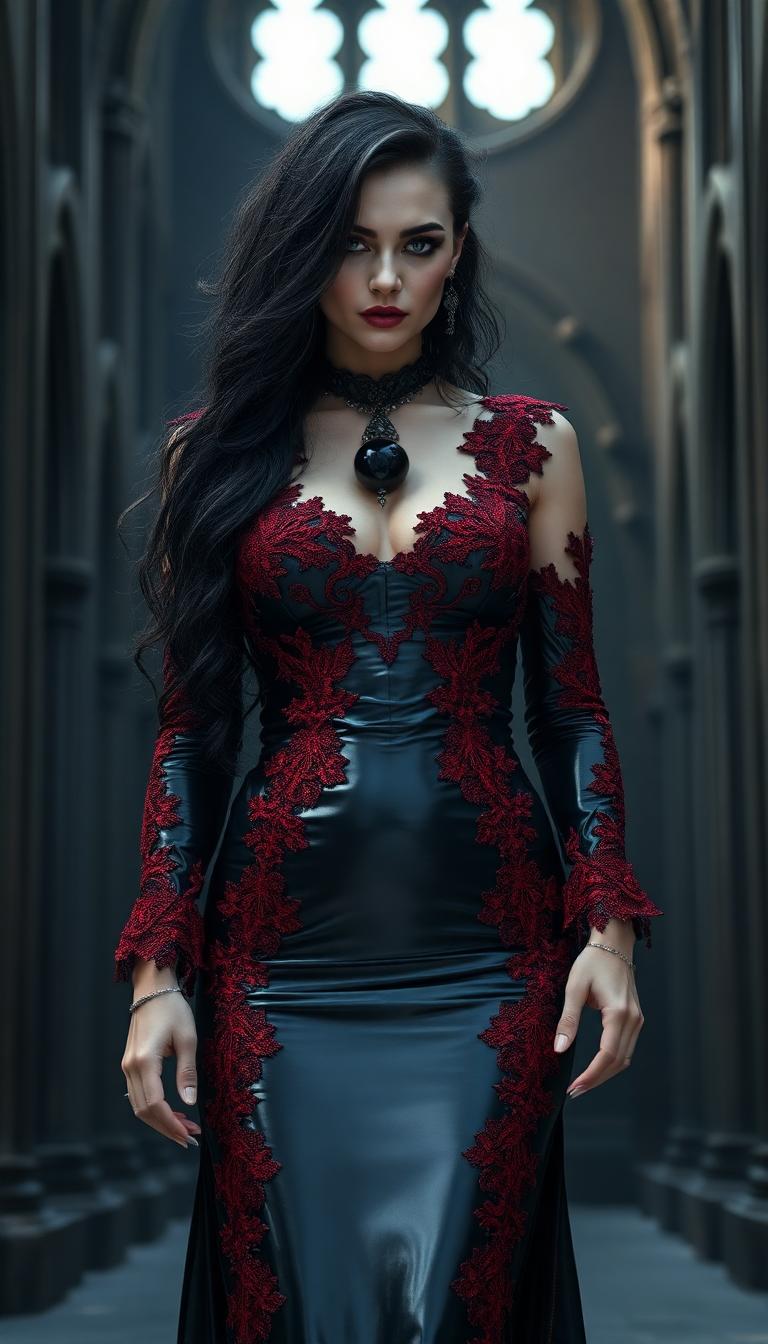
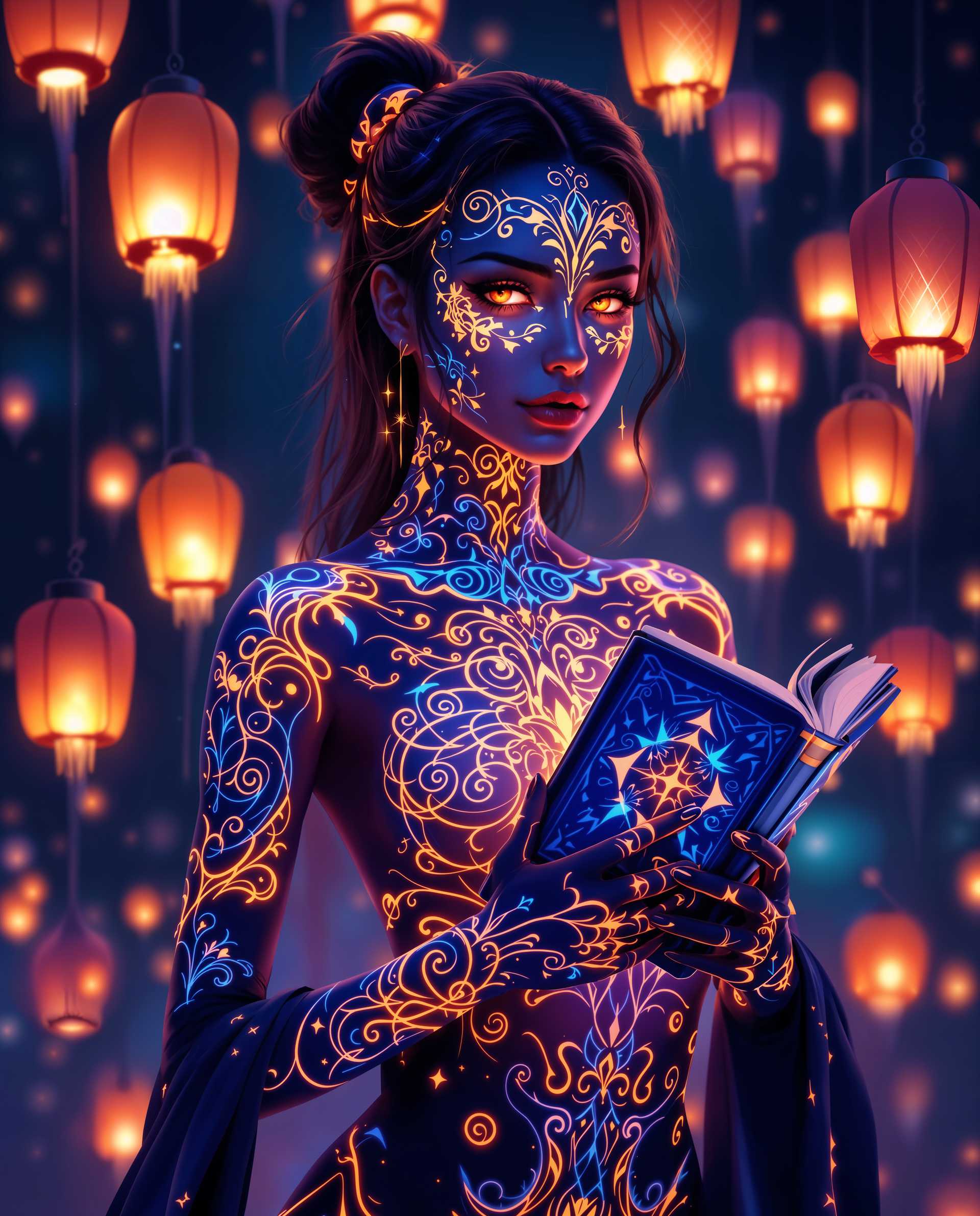
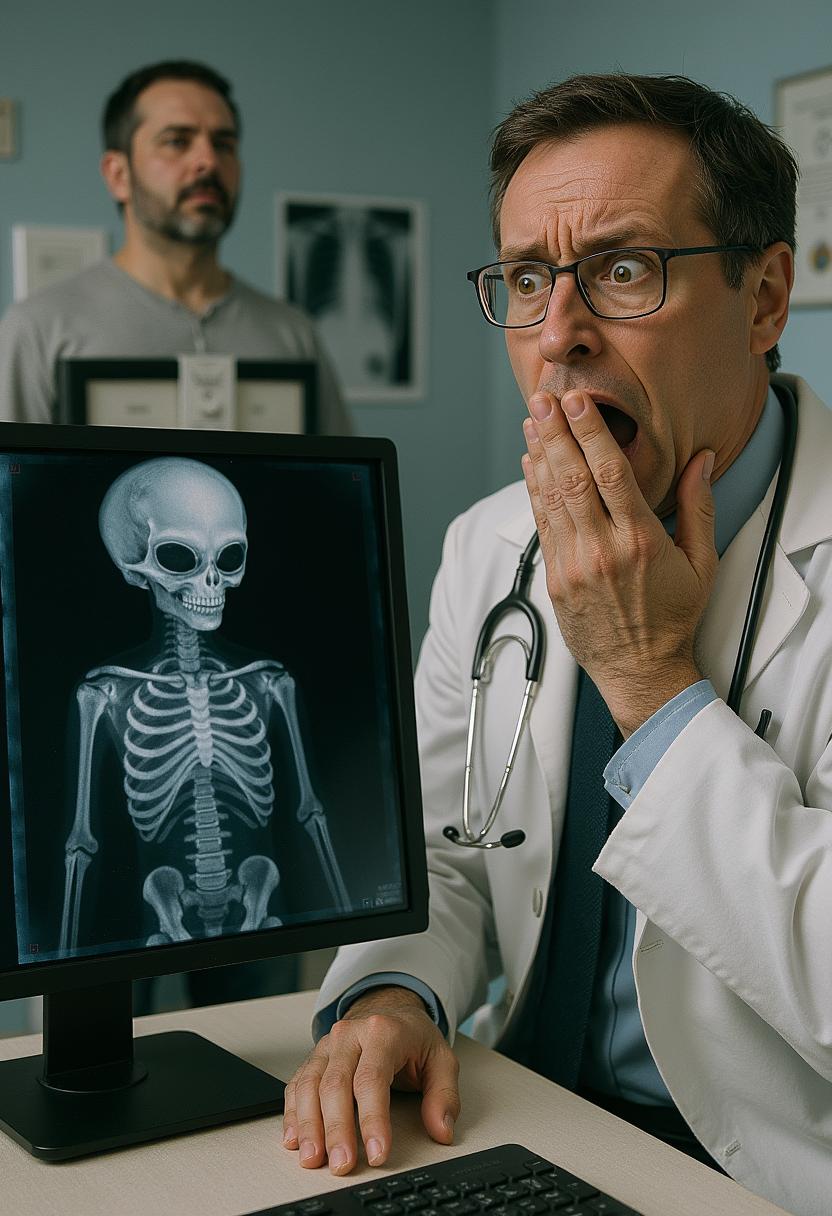
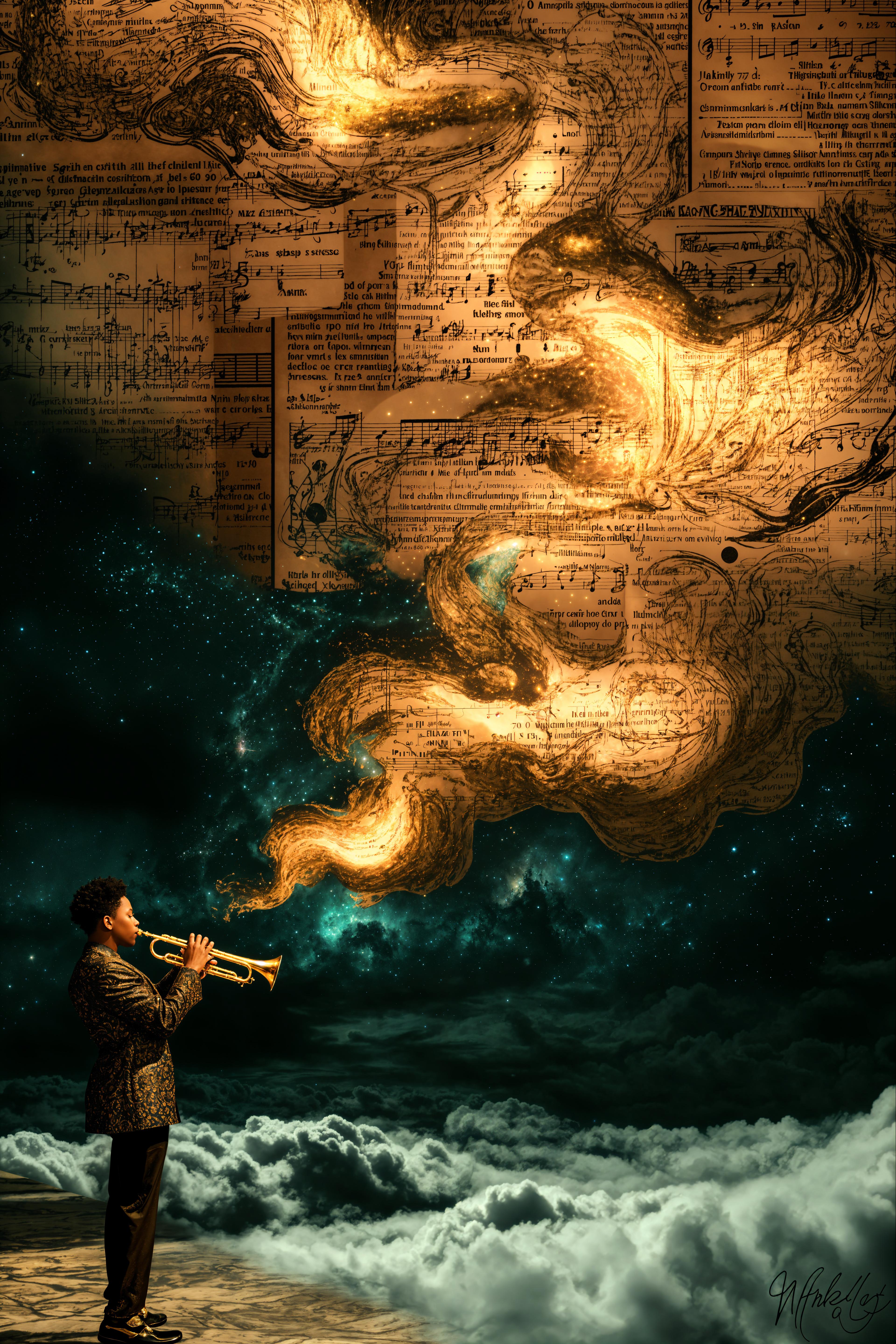


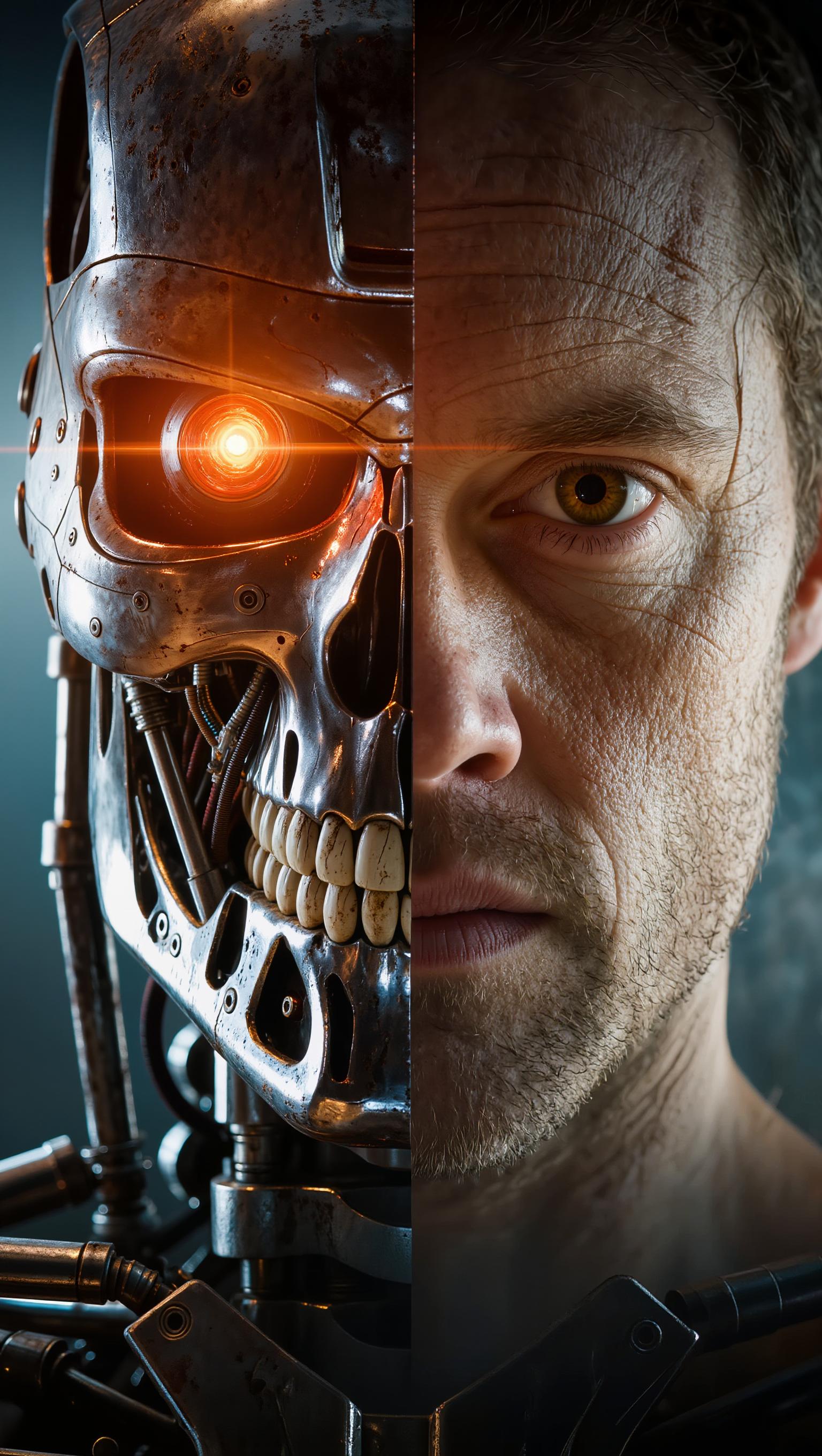
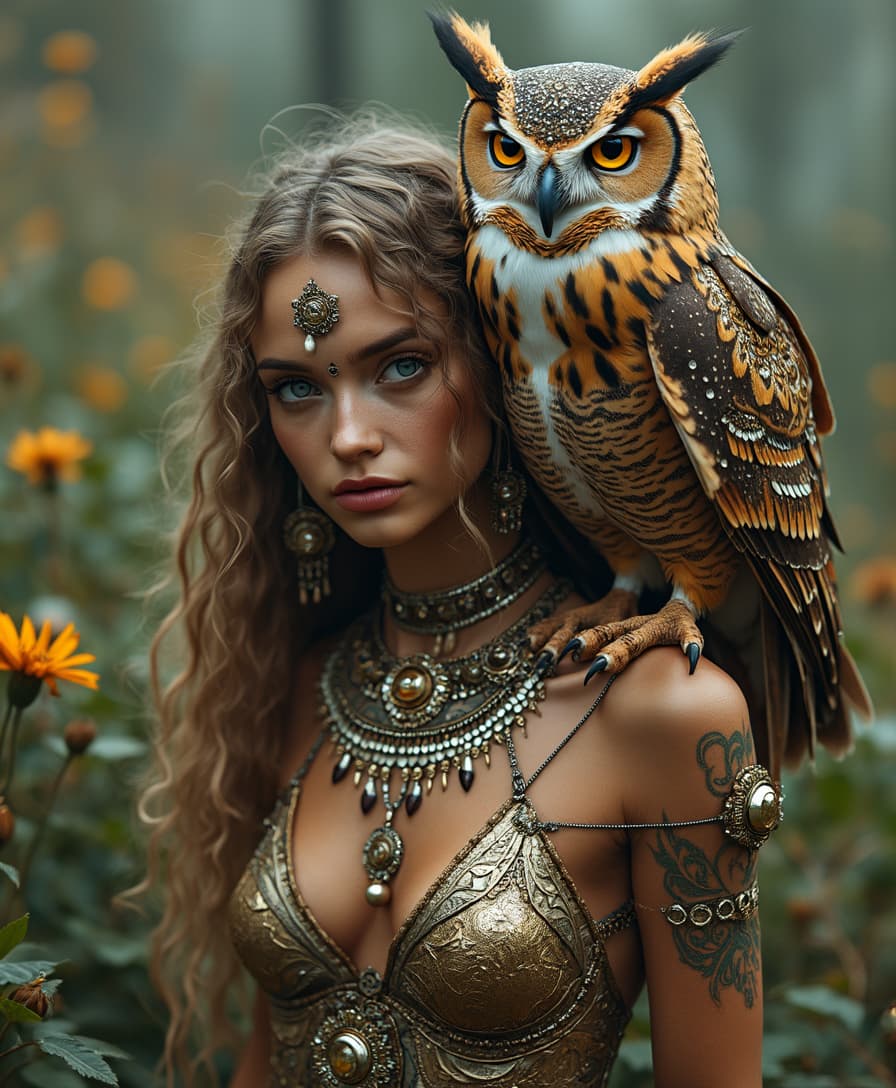
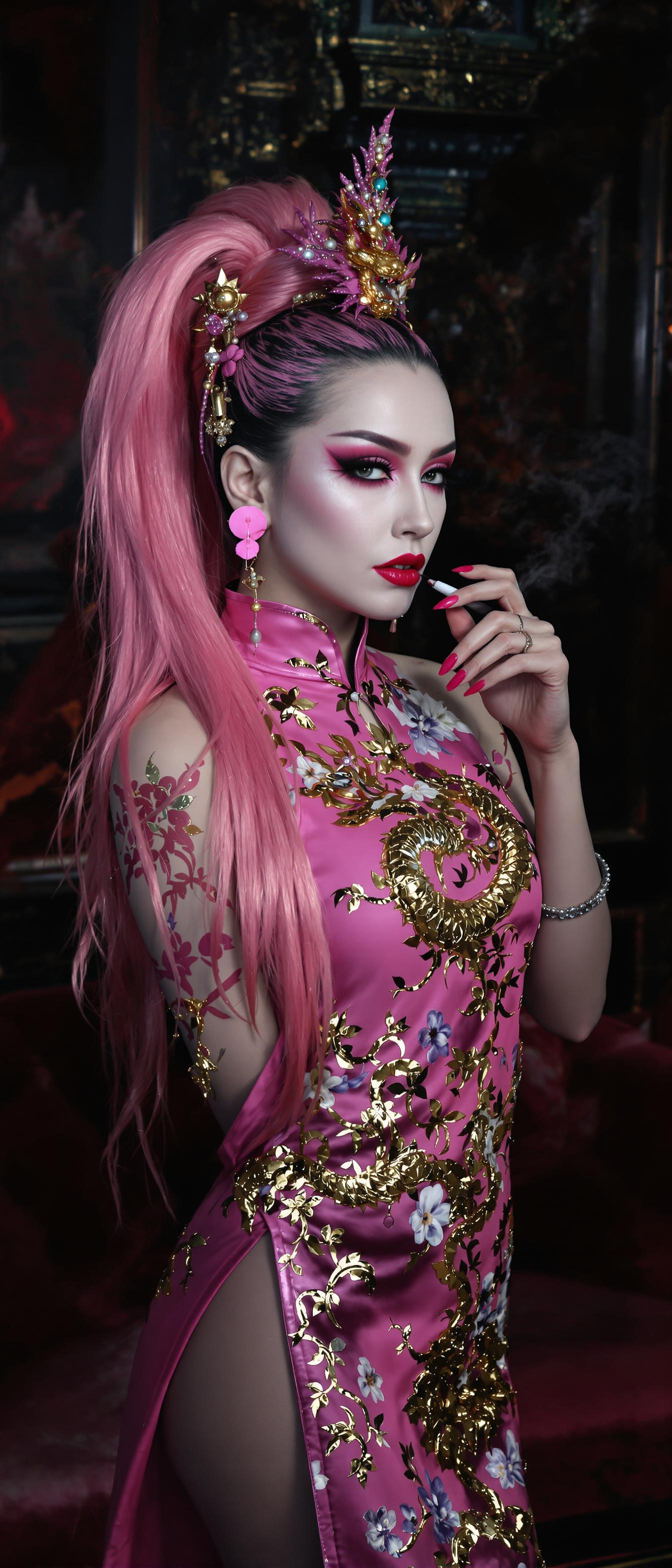

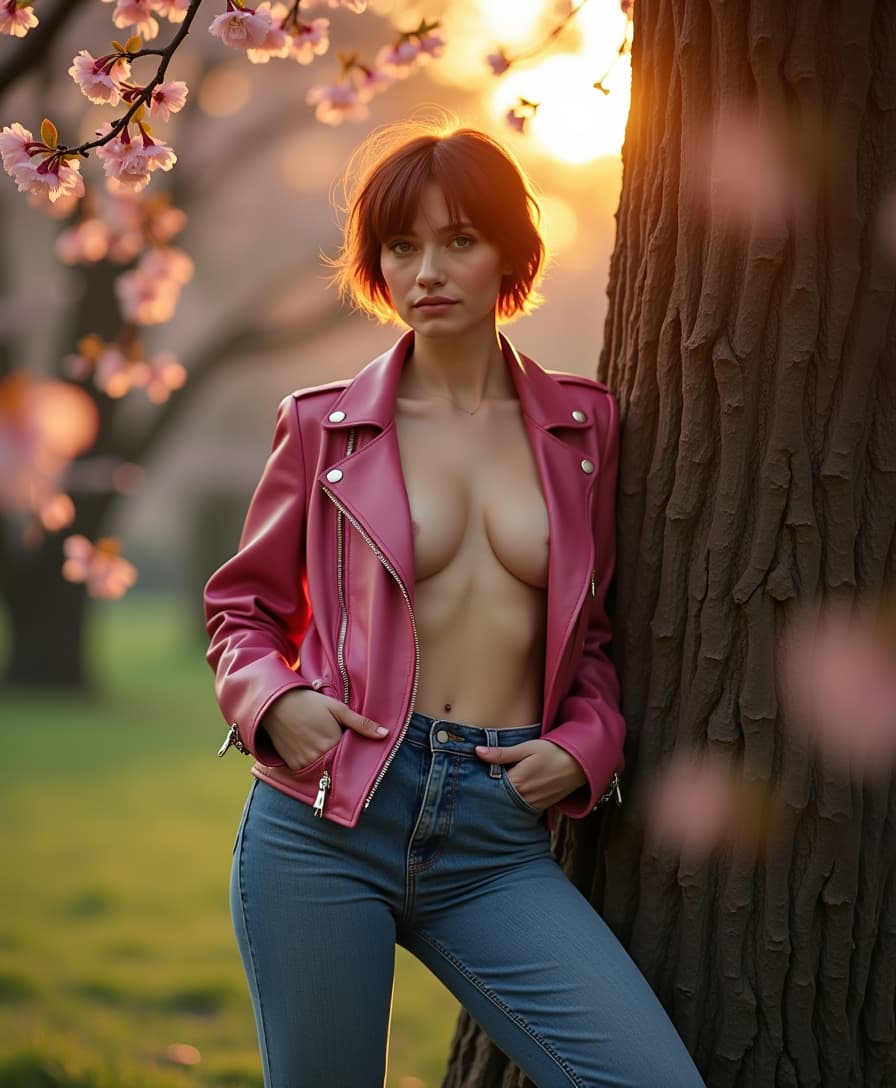

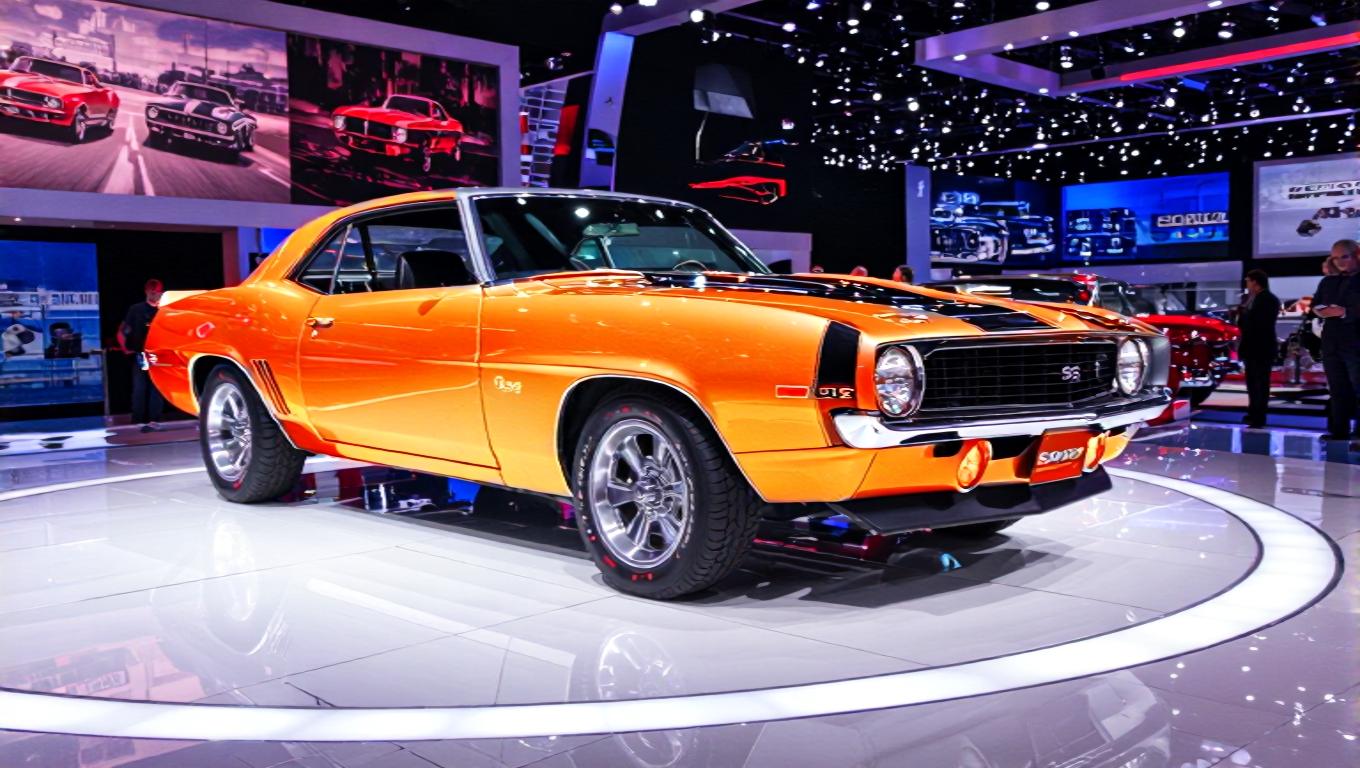
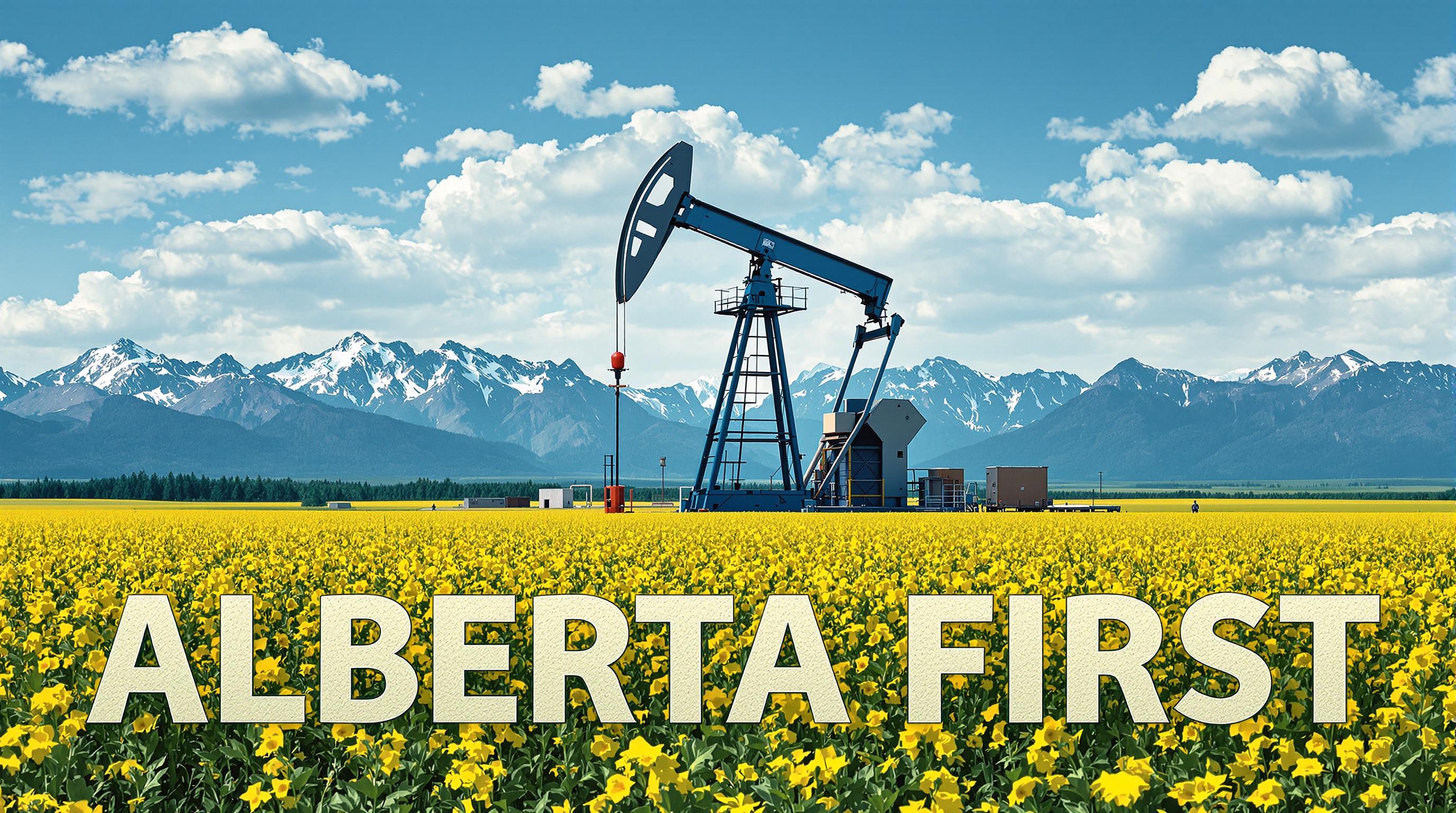
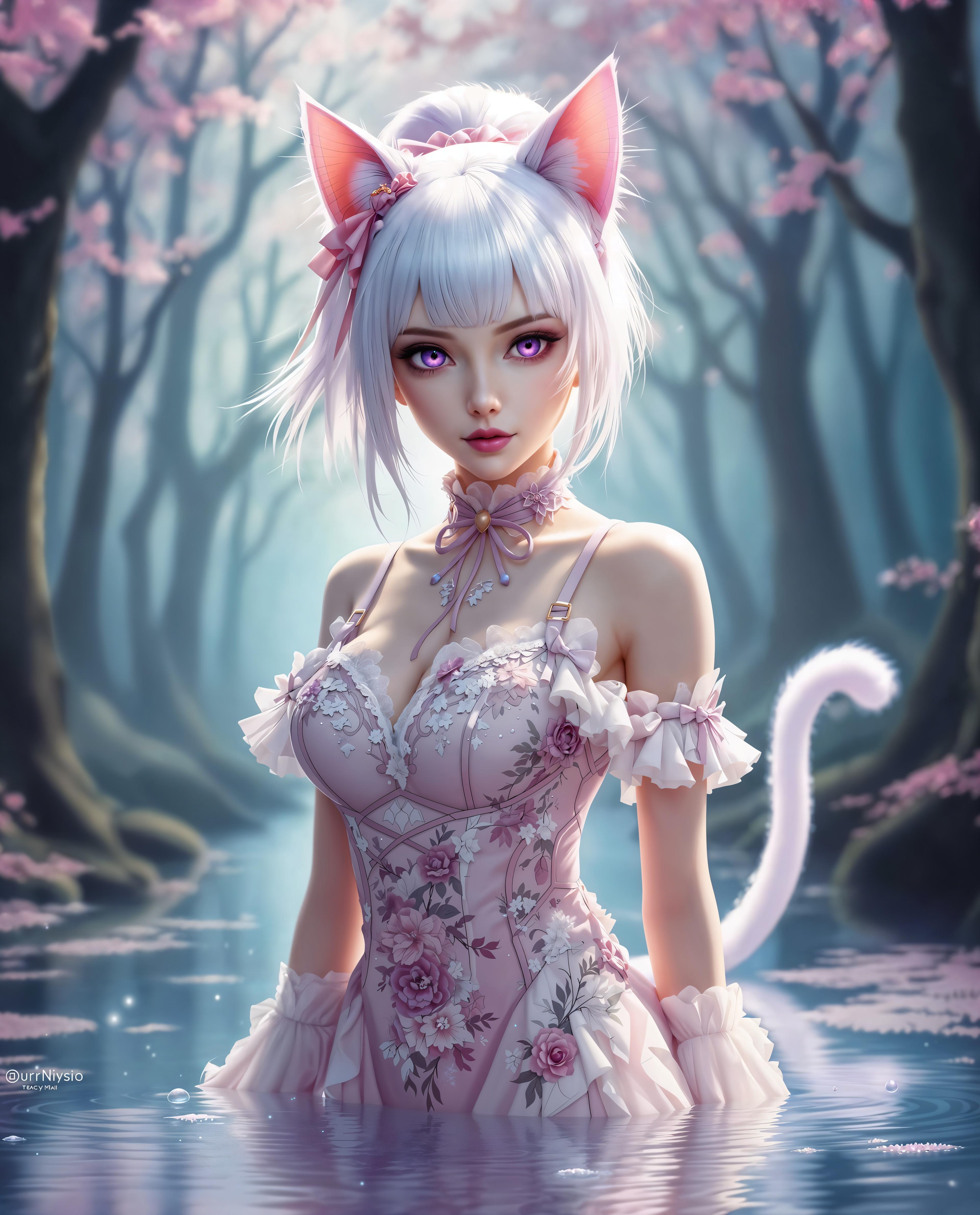
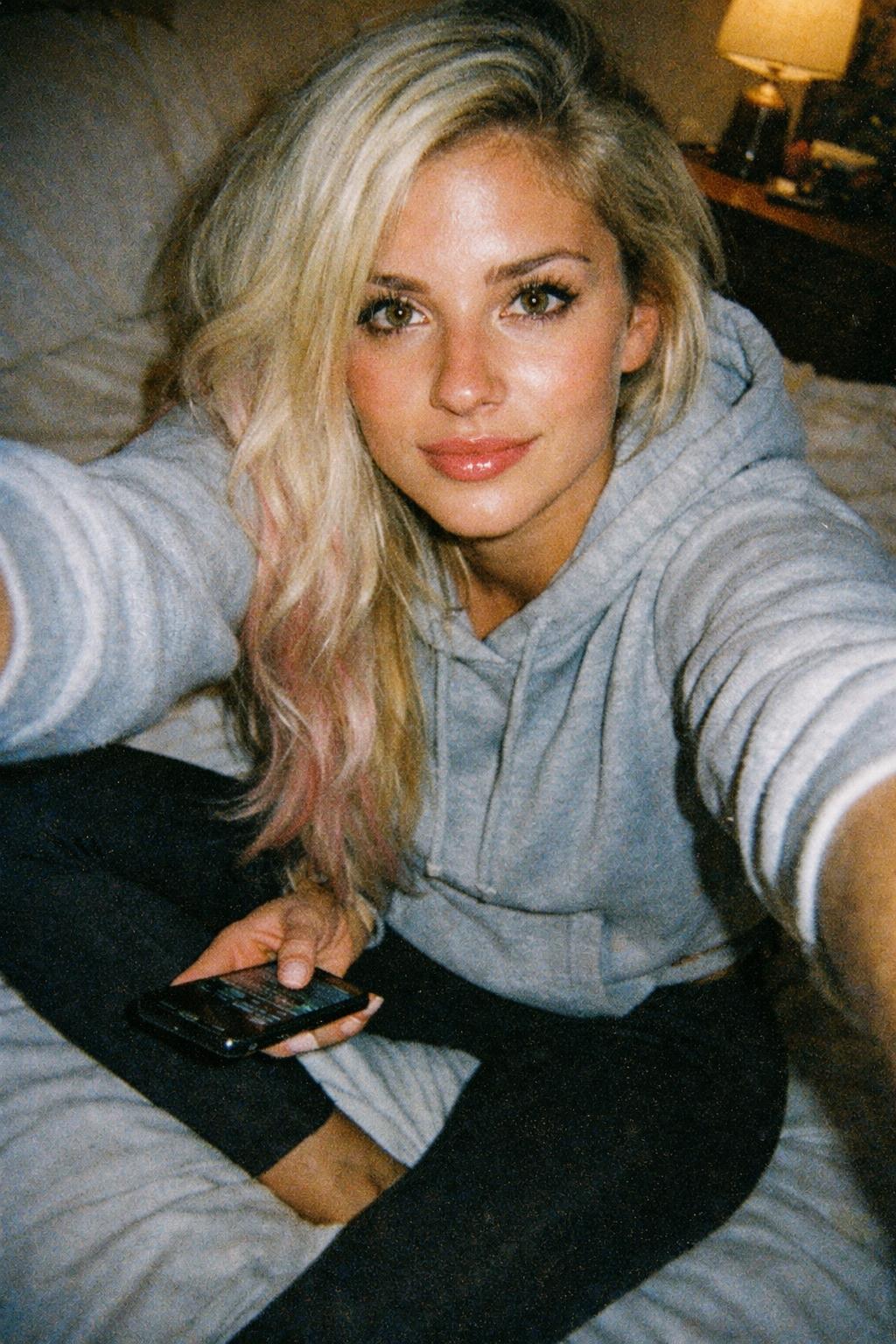
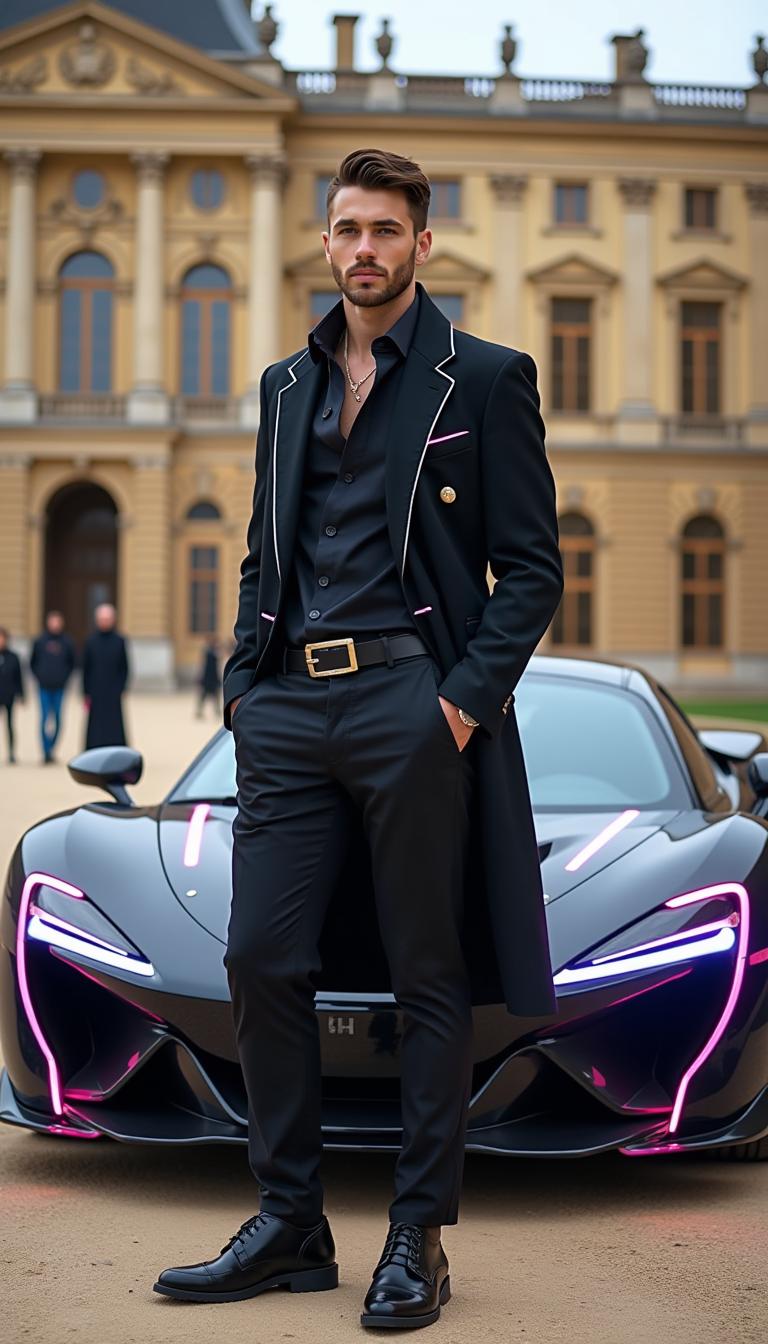
The Pixel Dojo Advantage
Why PixelDojo's Magic Photo Enhancer Stands Out
| Others | Pixel Dojo |
|---|---|
| Traditional Photo Editing Software | Eliminates the steep learning curve and time-consuming manual adjustments required by traditional software. |
| Generic AI Enhancement Tools | Offers a comprehensive suite of tools tailored for various enhancement needs, providing more control and customization. |
| Manual Photo Retouching Services | Delivers instant results without the high costs and long turnaround times associated with professional retouching services. |
Loved by Creators
See what our community says about magic photo enhancer
"PixelDojo's Magic Photo Enhancer transformed my travel photos into stunning, high-resolution images. The process was incredibly easy and fast."
Emily R.
Travel Blogger
"As a small business owner, I needed professional-looking product photos without hiring a photographer. PixelDojo made it possible with just a few clicks."
James L.
E-commerce Entrepreneur
Common Questions
Everything you need to know about magic photo enhancer AI generation
How does PixelDojo's Magic Photo Enhancer improve image quality?
Our AI-powered tools analyze your photo and apply enhancements such as upscaling resolution, adjusting lighting, and sharpening details to produce a high-quality image.
Is PixelDojo suitable for beginners?
Absolutely! Our user-friendly interface is designed for users of all skill levels. No prior photo editing experience is required.
Can I enhance multiple photos at once?
Yes, PixelDojo supports batch processing, allowing you to enhance multiple images simultaneously, saving you time and effort.
What file formats does PixelDojo support?
We support a wide range of image formats, including JPEG, PNG, and TIFF, ensuring compatibility with your files.
Is there a limit to the image size I can upload?
PixelDojo can handle high-resolution images up to 50MB in size, accommodating most photography needs.
Can I revert to the original image after enhancement?
Yes, your original image remains unchanged. You can compare the enhanced version with the original and choose the one you prefer.